Screenshot appears after consentScreenshot appears after consentScreenshot appears after consentScreenshot appears after consentScreenshot appears after consentScreenshot appears after consentScreenshot appears after consentScreenshot appears after consentScreenshot appears after consentScreenshot appears after consent
Summary
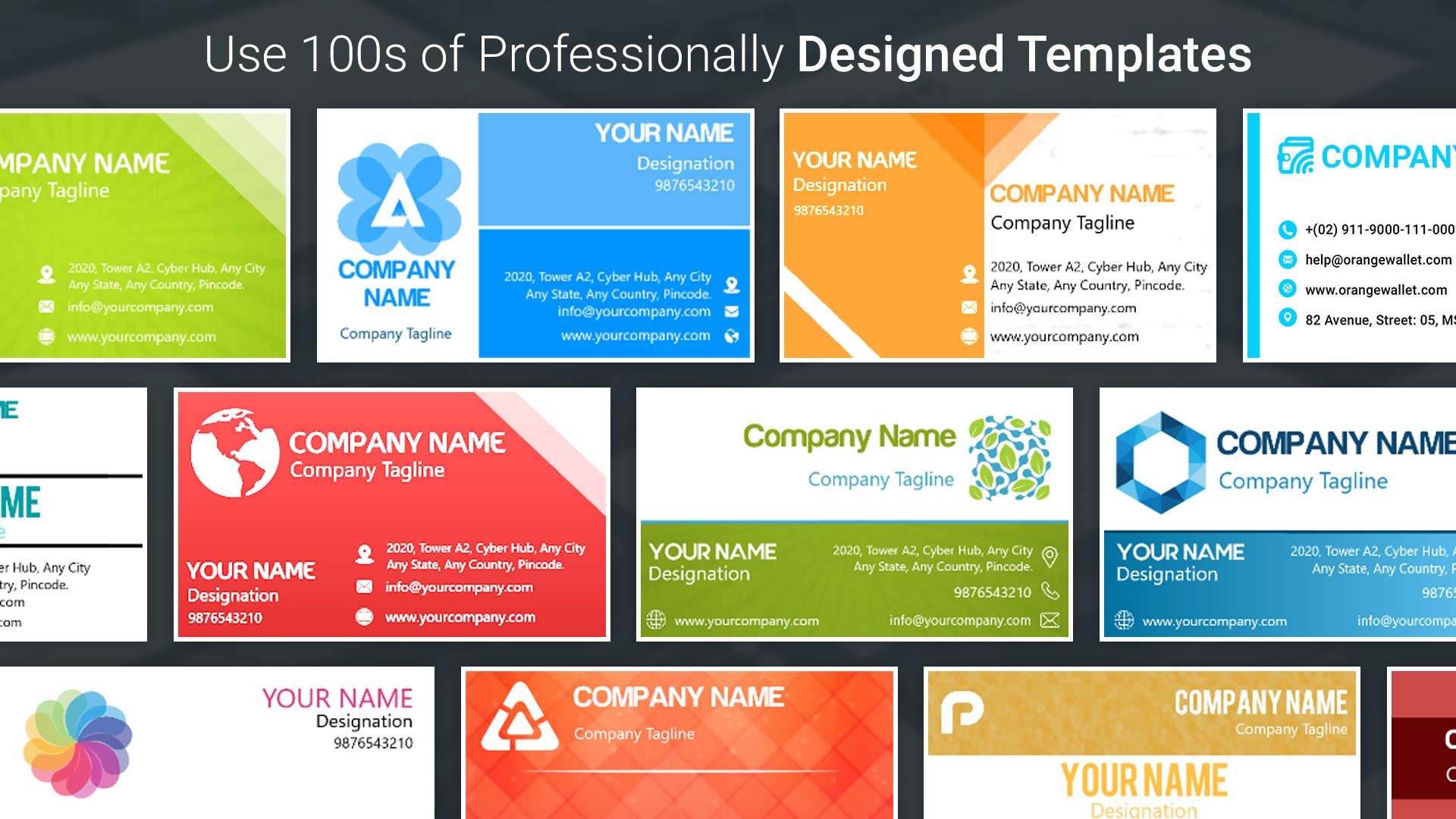
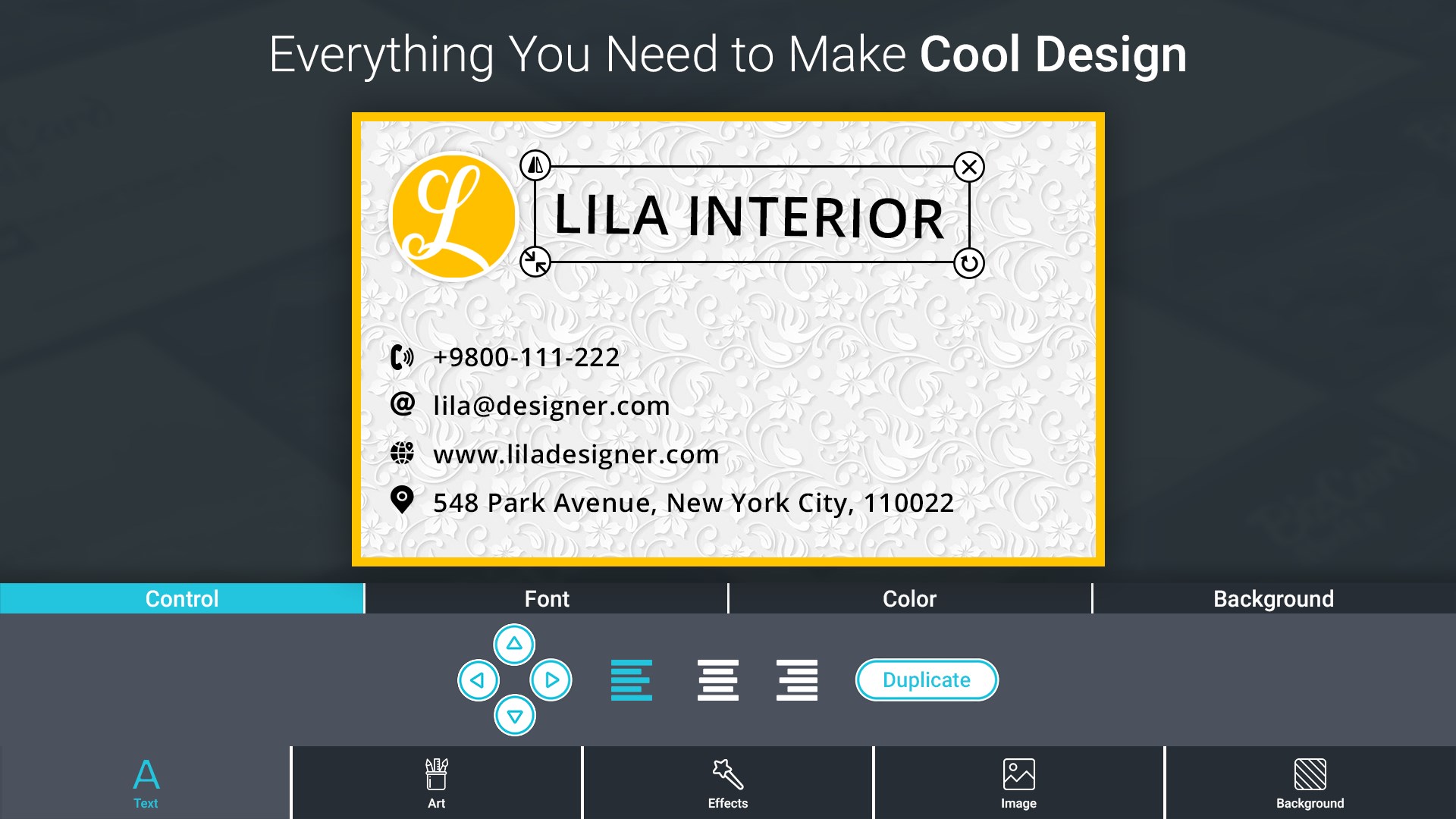
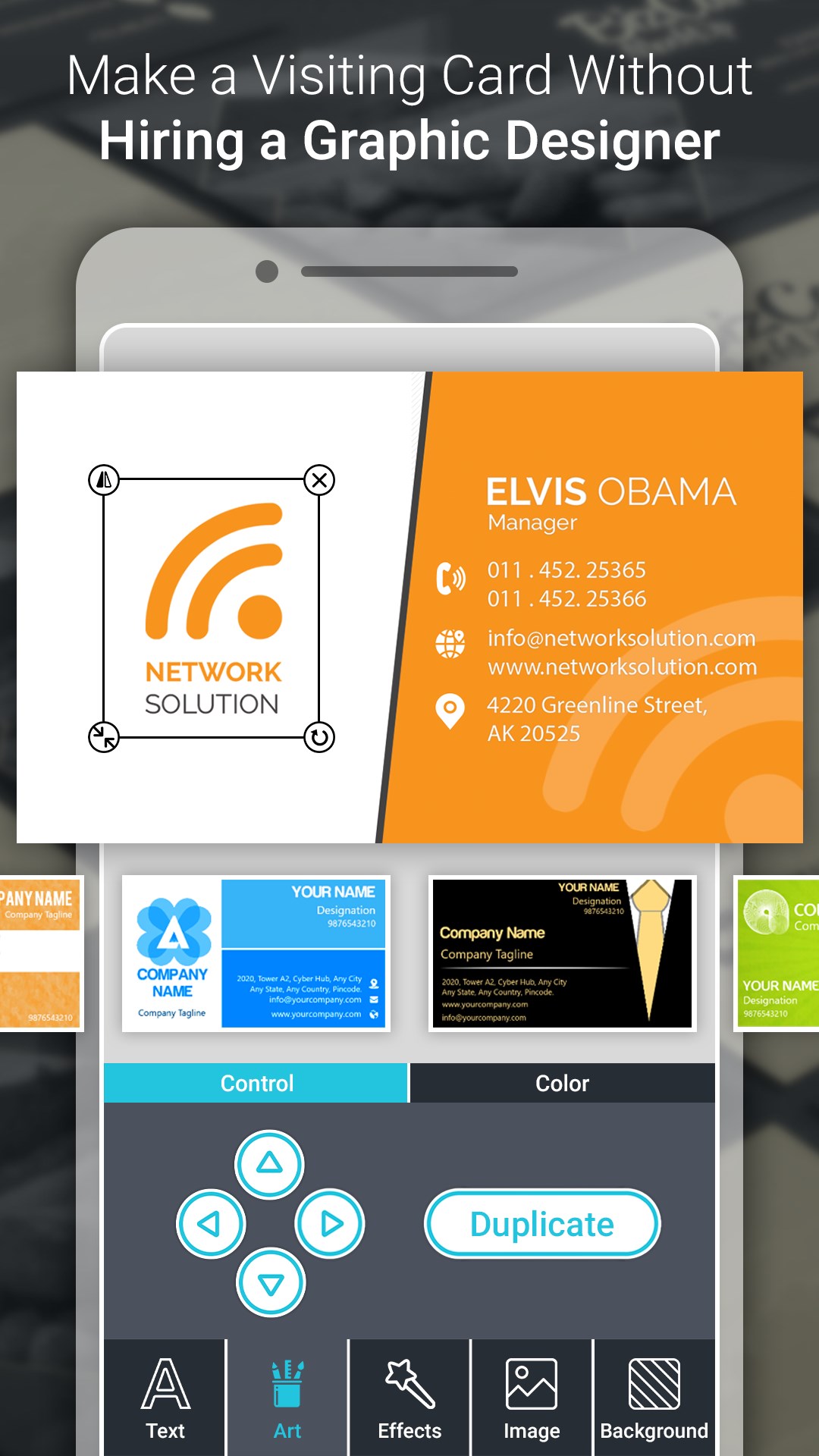
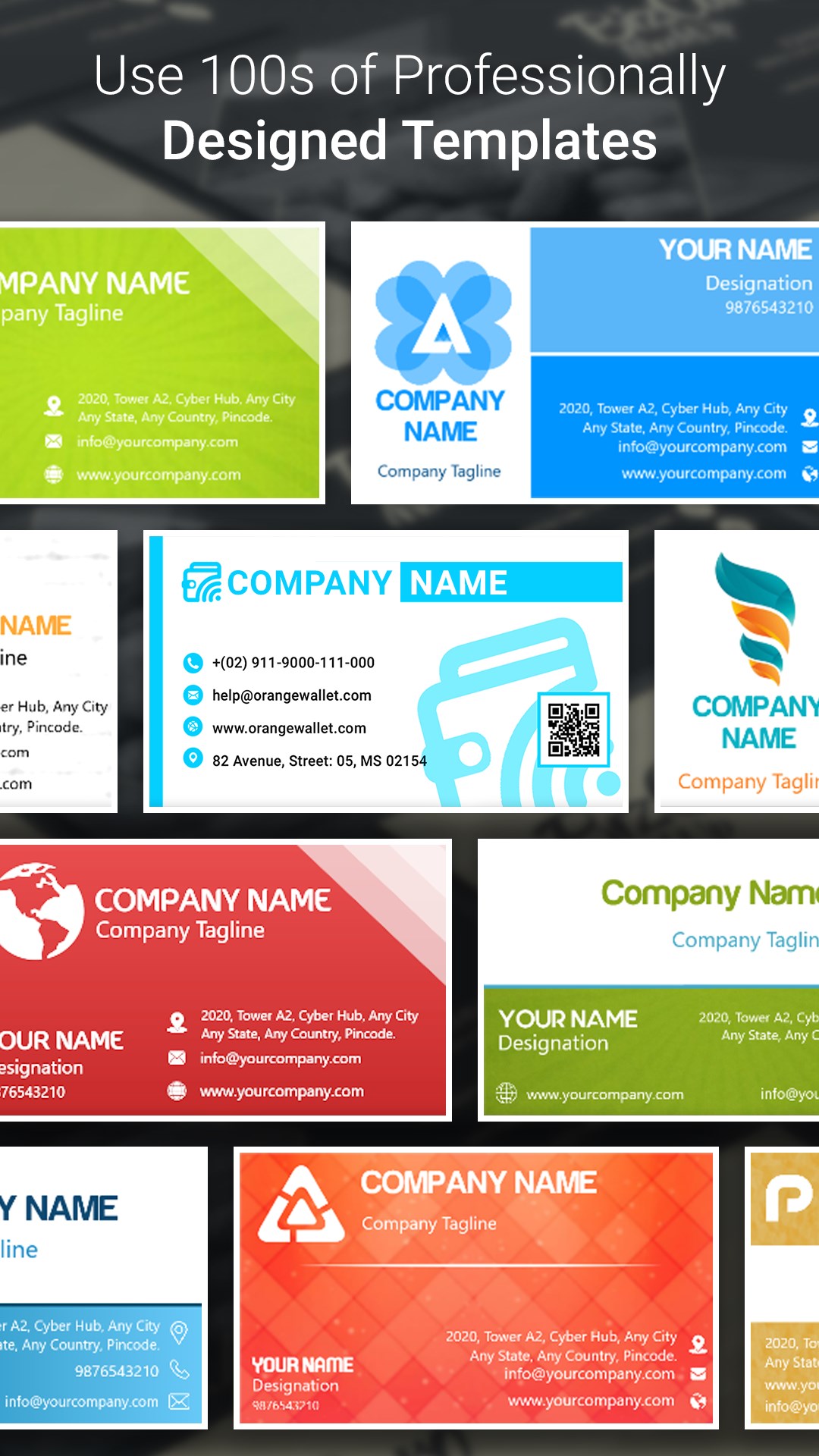
Business Card Maker And Designer is a design app for creating digital business cards. It offers ready-made professional templates that can be filled in with personal details for quick results, or a from-scratch mode for building a card with custom text, stickers and backgrounds, supporting both standard and vertical formats. A built-in collection of stickers, backgrounds, colors, effects and multiple fonts allows further customization of color, opacity and rotation. Finished cards can be saved as editable drafts or images and shared through social media, making them usable as a digital identity or e-card for business networking.
Show the developer's original descriptionHide the original description
Want to create your own Business Card?
If yes, then this is the app for you.
Create your own business card in just few seconds, just enter your details and choose from multiple business card created.
To establish yourself as a professional, your identity is essential. A Visiting/Business Card is a unique marketing strategy used to promote the business in the market. Create your own business card in seconds using beautiful and professional design templates.
Business Card Maker also have the Key feature of Logo Maker, Poster Maker and Flyer Designer & Thumbnail Maker app.
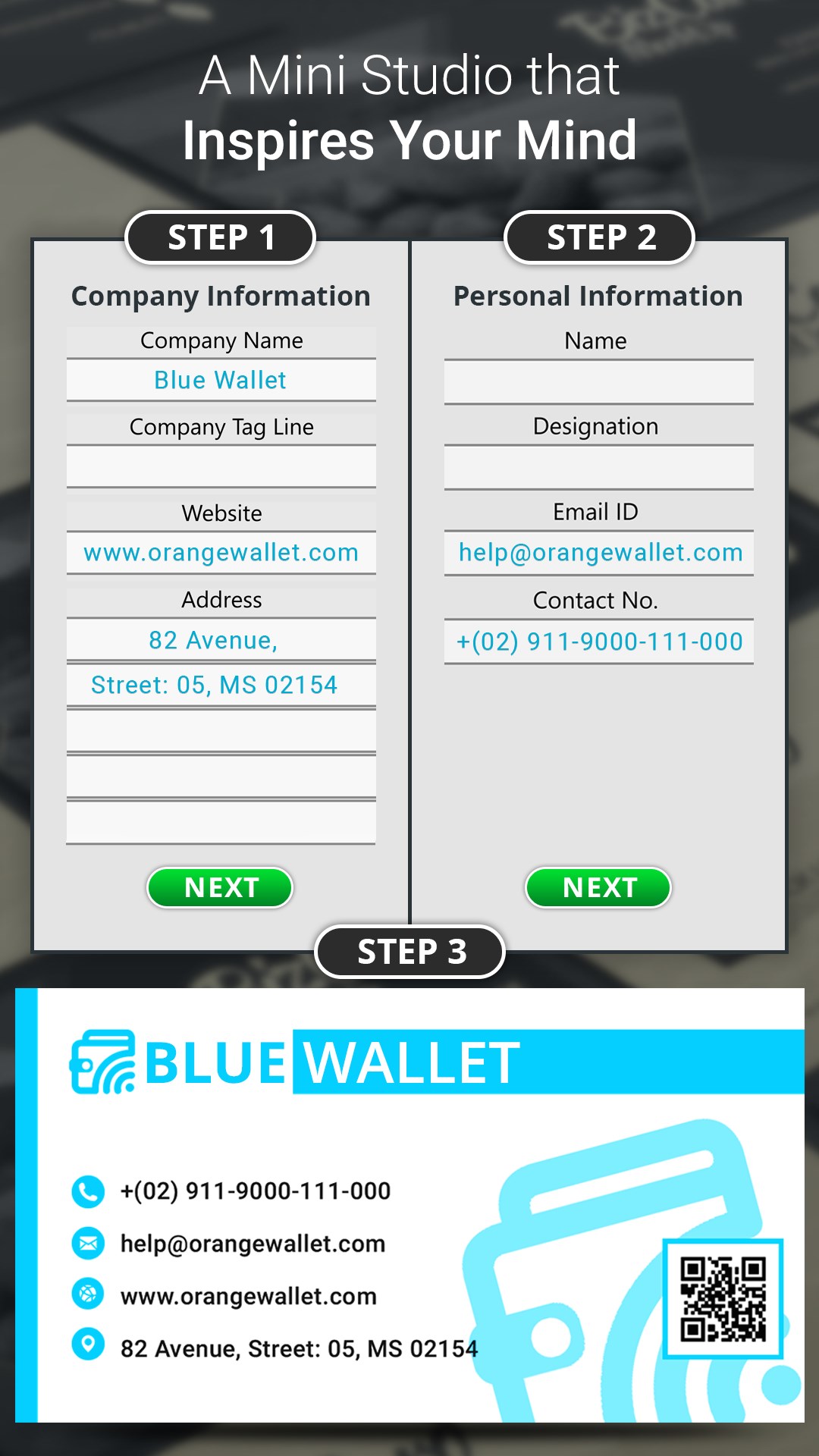
Business Card Maker creates professional digital business card for your business. You can create your business card using Designer or you can create your business card from scratch according to your need.
Business Card Maker is :-
- A simple application which makes your business card in few seconds.
- A mini studio that inspires and enhance your creativity.
- An evaluate vision for your brand.
Business Card Maker Features :-
- Create business card easily using designer.
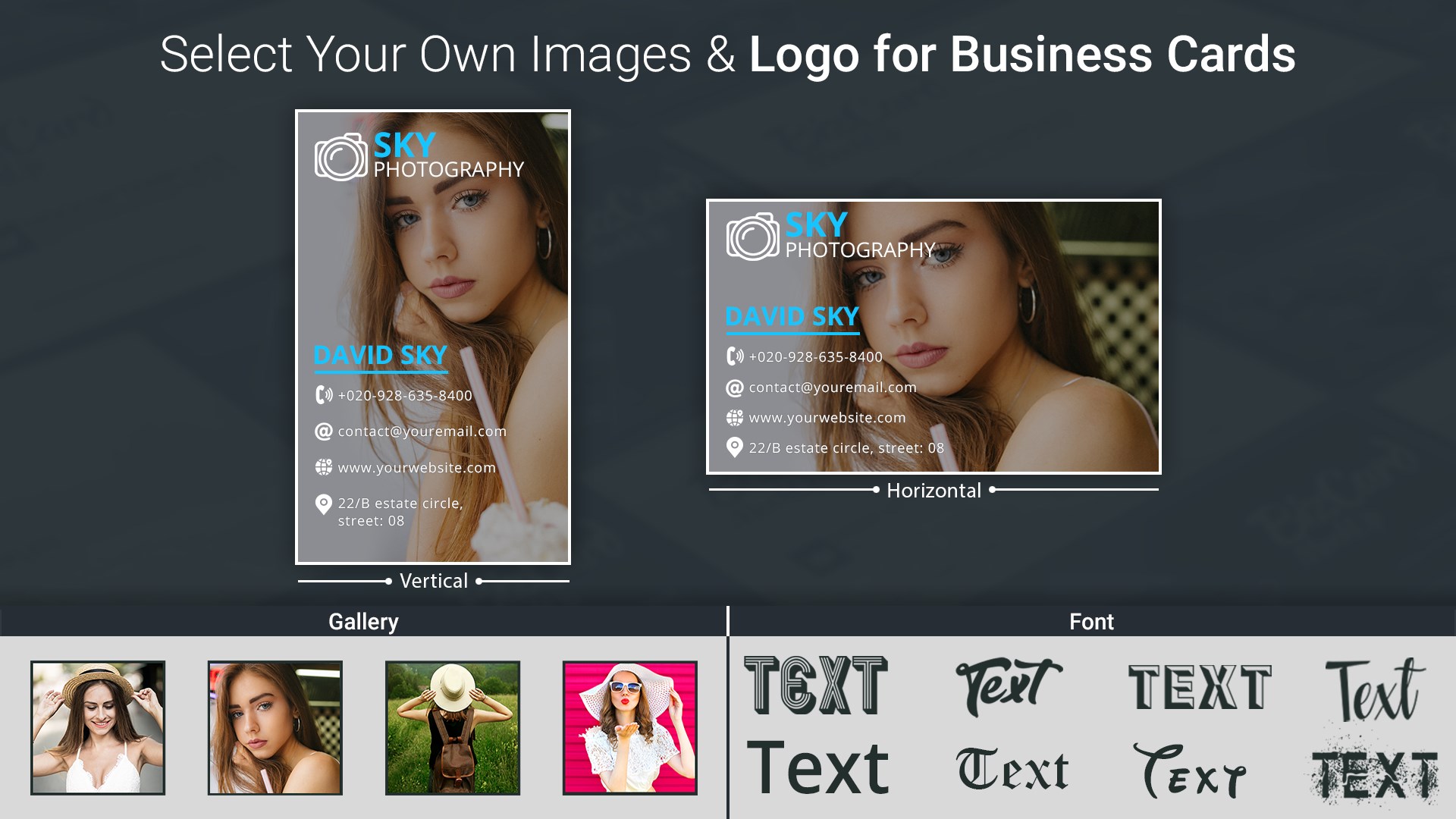
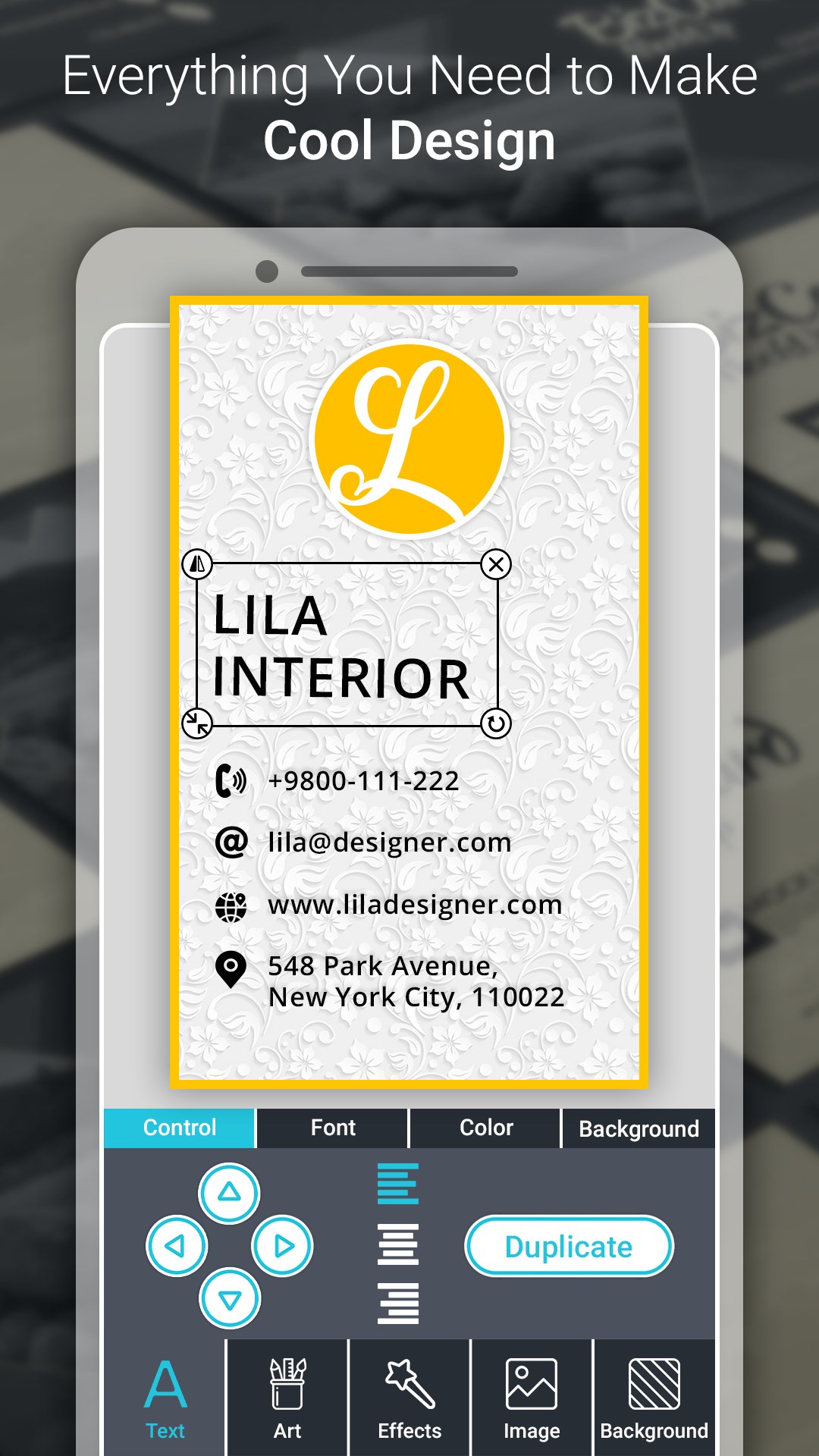
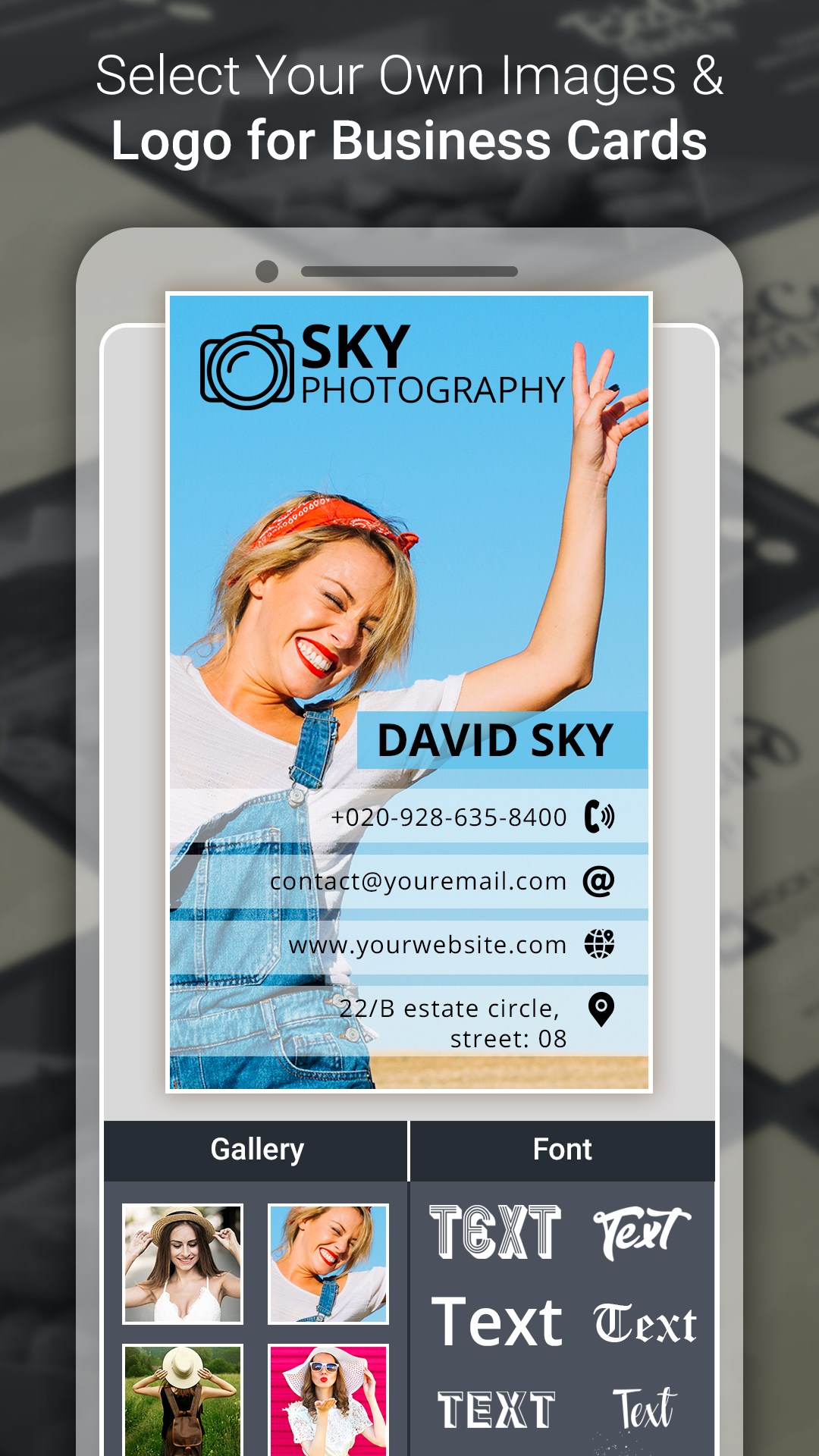
- Create standard and vertical card.
- Built-in sticker collection, backgrounds, colors and other effects.
- Provide multiple elegant fonts.
- Save and Share businesscard Using social Media.
2 type of business cards you can create :-
- Standard Card
- Vertical Card
How it works :- Business Card Maker can be used in two ways -
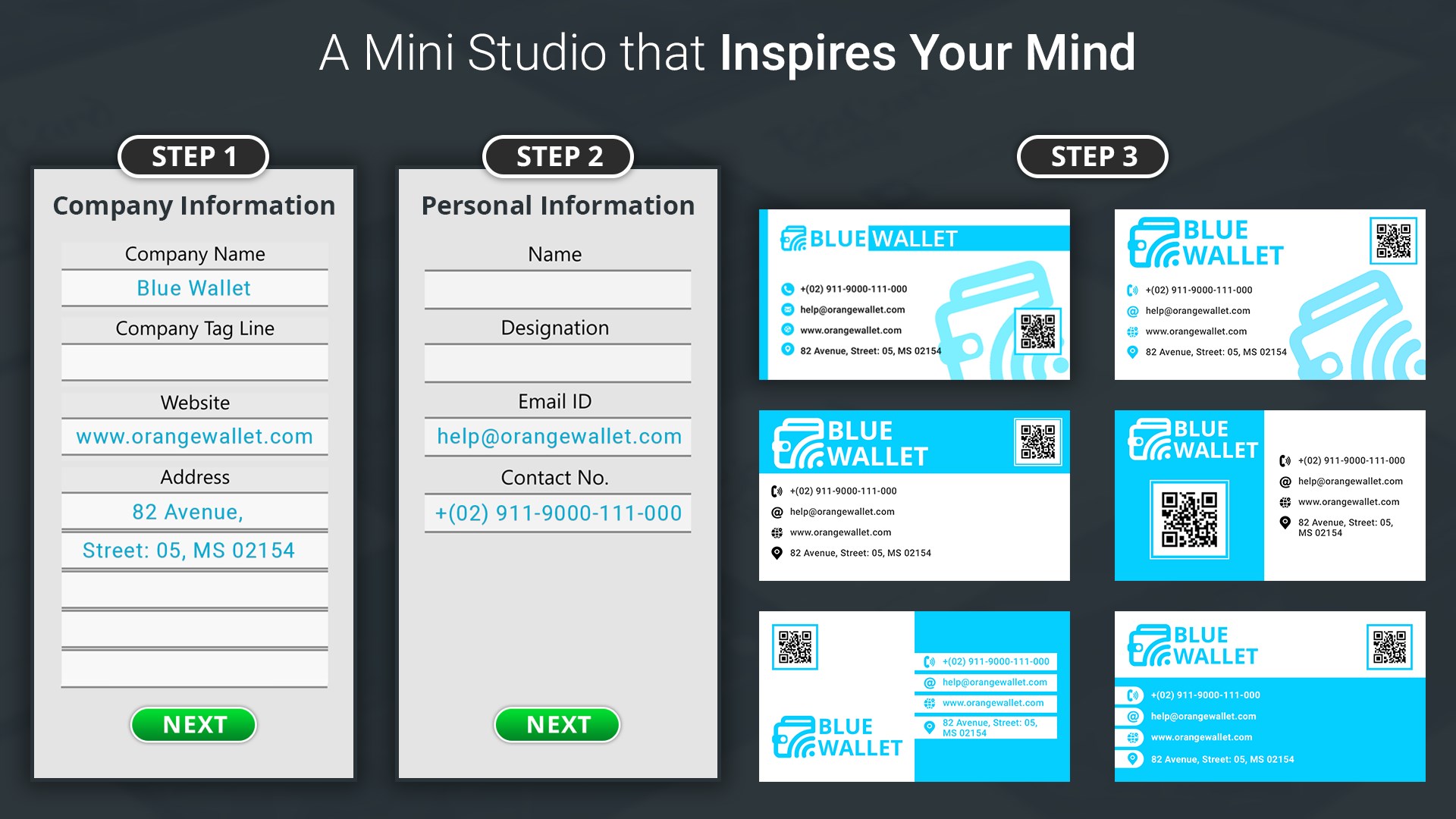
1. Create Business Card using Designer: (Fast & Easy to use)
- Just Enter your details and get multiple business card in few seconds.
- You can further edit your selected business card if you want.
- Save as Design (lets you re-edit) and as Image.
- Share your business card on social media.
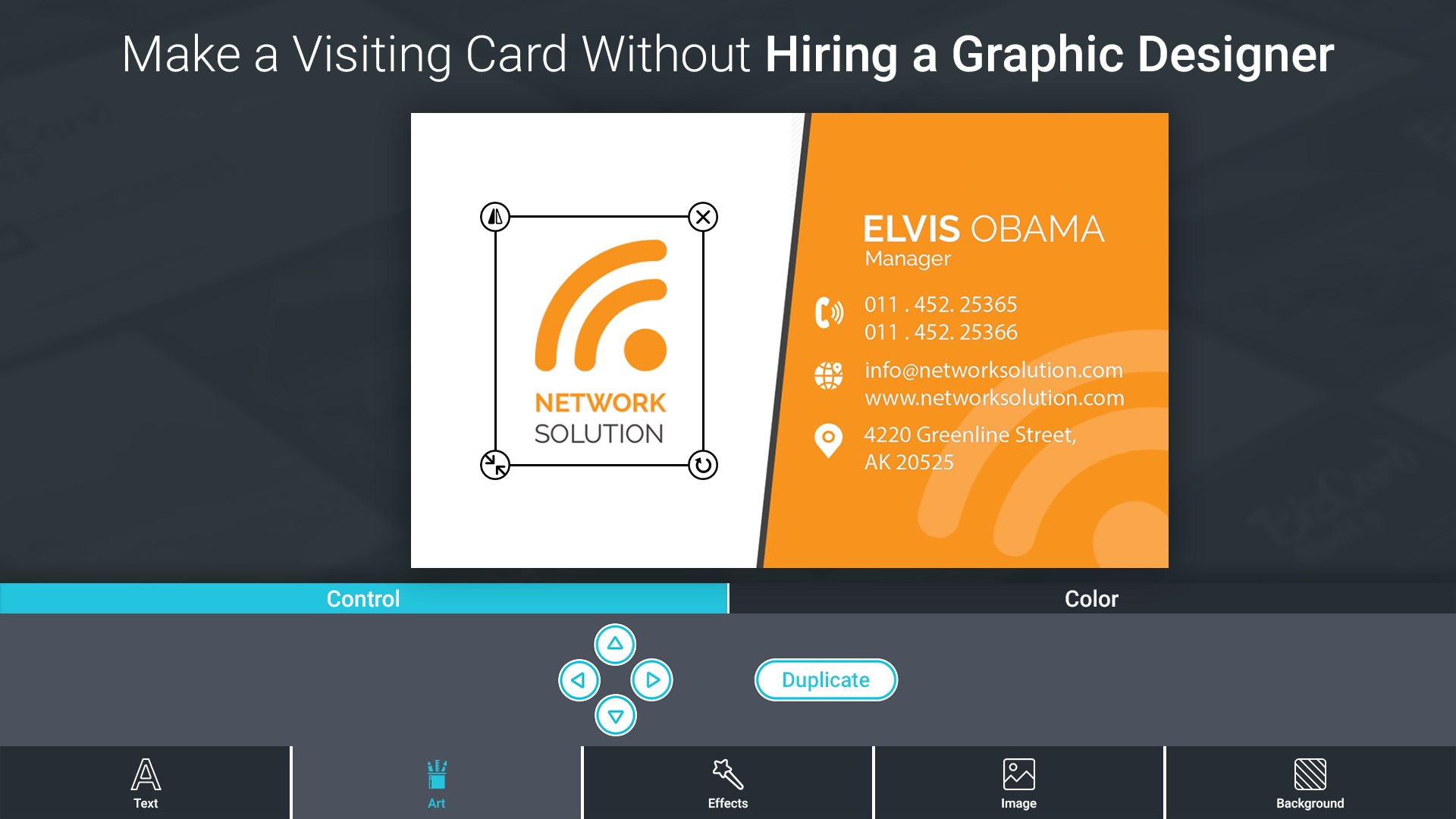
2. Create Business Card from Scratch: (Convert own Idea into Card)
- Choose Business Card Style(Standard or Vertical)
- Add Text, Stickers & Background
- Apply color, Opacity, fonts, rotation, and other effects.
- Save as Design (lets you re-edit) and as Image.
- Share your business card on social media.
This app can help you to create a digital business card for your business networks. You can also use them as your digital identity and e-card.
Try this amazing app for free and share your feedback & suggestion with us and let us know how we can further improve.
Technical details about Business Card Maker And Designer
Play Store URL for "Business Card Maker And Designer"
If there is a version of this app for iOS/Mac or Windows we don't know about, paste the store link here — we'll auto-detect the store.
How to find the URL:1. Open the app in its store. 2.In the App Store app: tap the Share icon → “Copy Link”. In the browser: copy the URL from the address bar — it contains apps.apple.com/…/id… or apps.microsoft.com/detail/…. 3. Paste it here.
Paste the original link from the Apple App Store or Microsoft Store. We fetch all details automatically.
How to find the URL:
1. Open the app in its store. 2.In the App Store app: tap the Share icon → “Copy Link”. In the browser: copy the URL from the address bar — it contains apps.apple.com/…/id… or apps.microsoft.com/detail/…. 3. Paste it here.
Android apps can only be listed by their developer.


 Logo Maker - Logo Creator & Logo Designer
Design logos and brand identity quickly
 Z Mobile : Poster Maker
Design posters, flyers and ads with templates
 Design Lab: Logo Graphic Maker
Create designs with templates, photos and graphics
 PCA : Poster Maker
Create posters, flyers and ads with templates and fonts
 Phototastic Collage
Create photo collages with templates, frames and stickers
 Ai Business Name Generator App
AI generates business names and business card designs