






Screenshot appears after consentScreenshot appears after consentScreenshot appears after consentScreenshot appears after consentScreenshot appears after consentScreenshot appears after consentScreenshot appears after consentScreenshot appears after consentScreenshot appears after consentScreenshot appears after consentScreenshot appears after consentScreenshot appears after consentScreenshot appears after consentScreenshot appears after consentScreenshot appears after consentScreenshot appears after consentScreenshot appears after consentScreenshot appears after consentScreenshot appears after consentScreenshot appears after consent
Summary
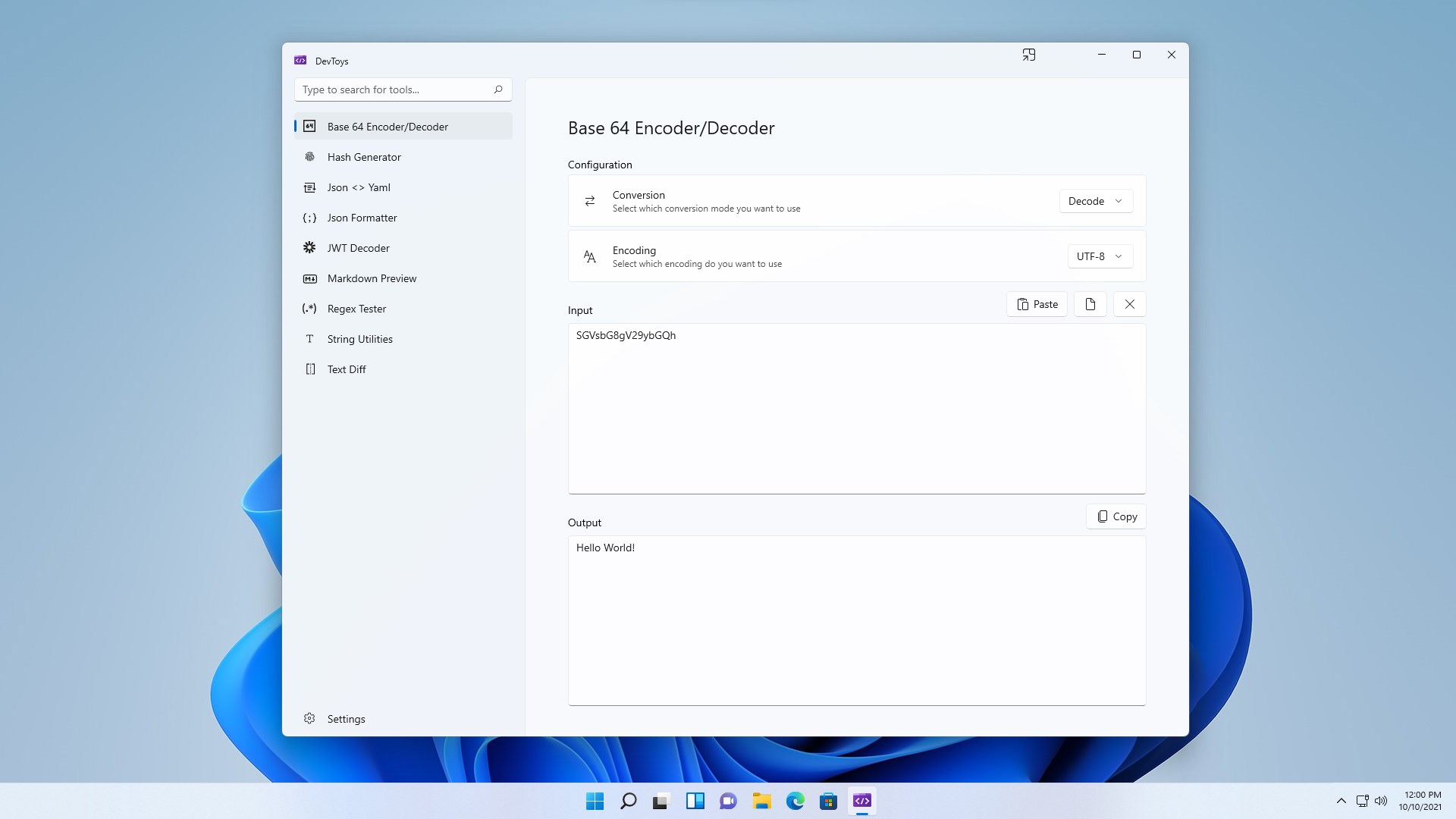
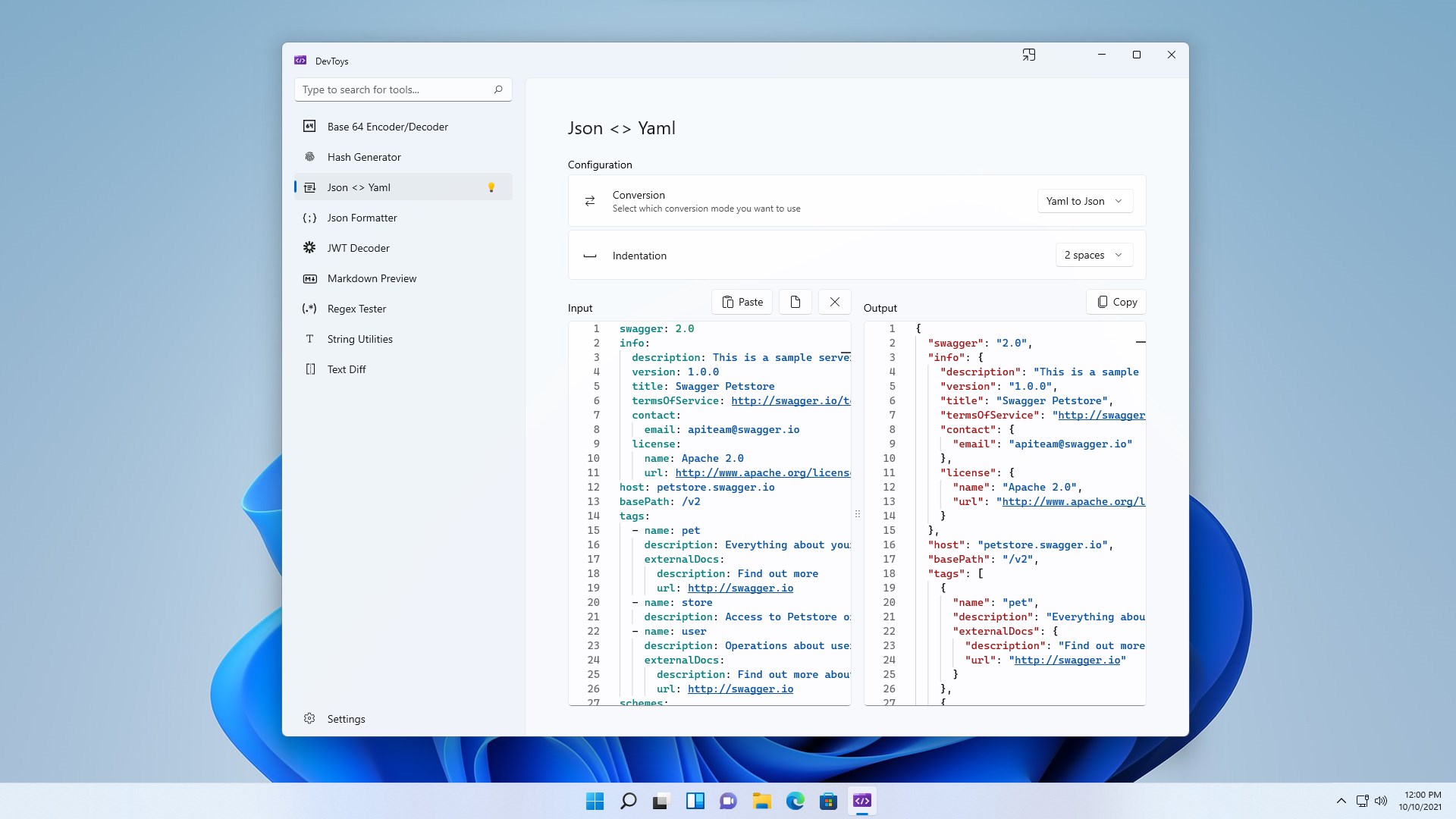
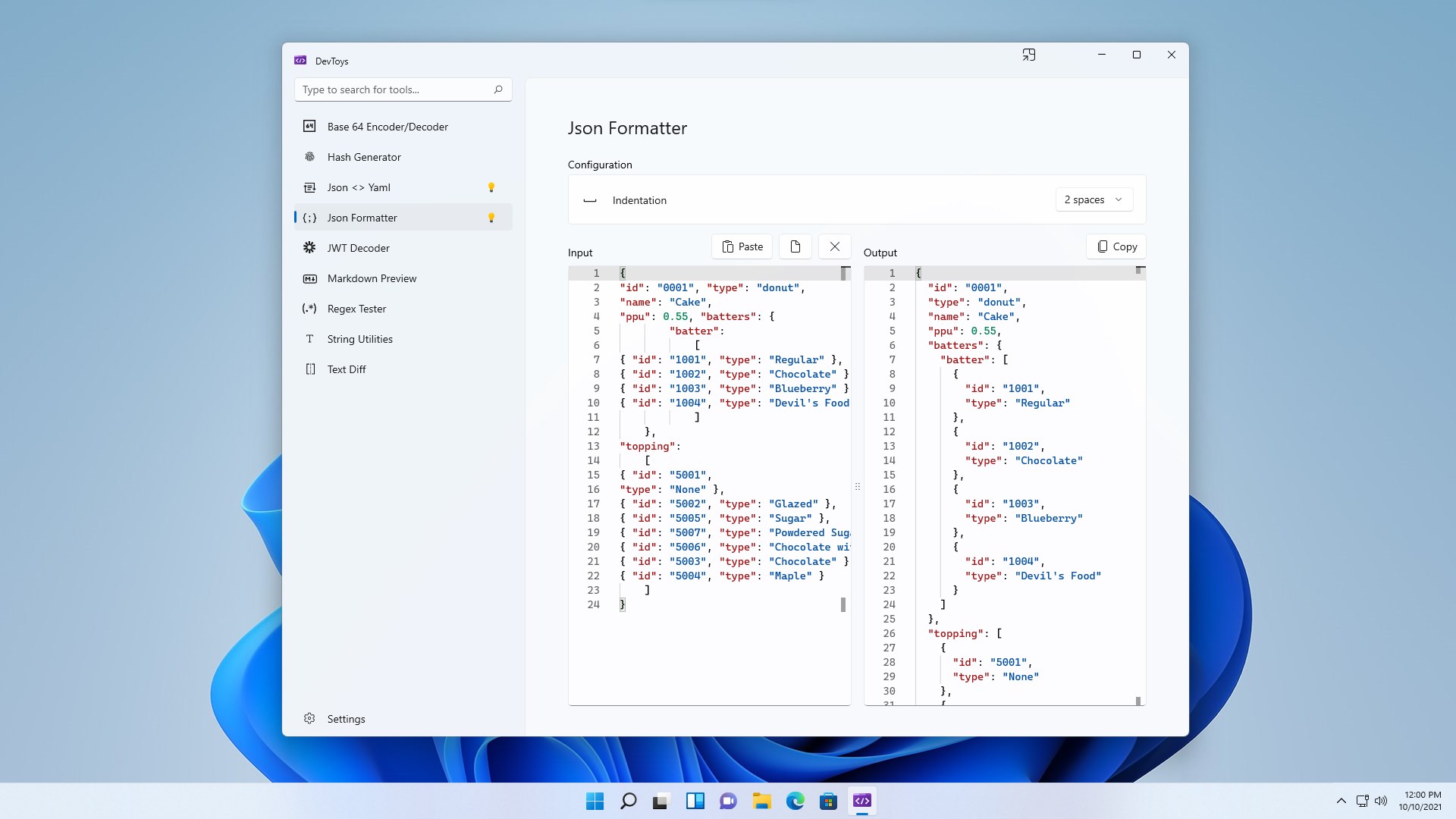
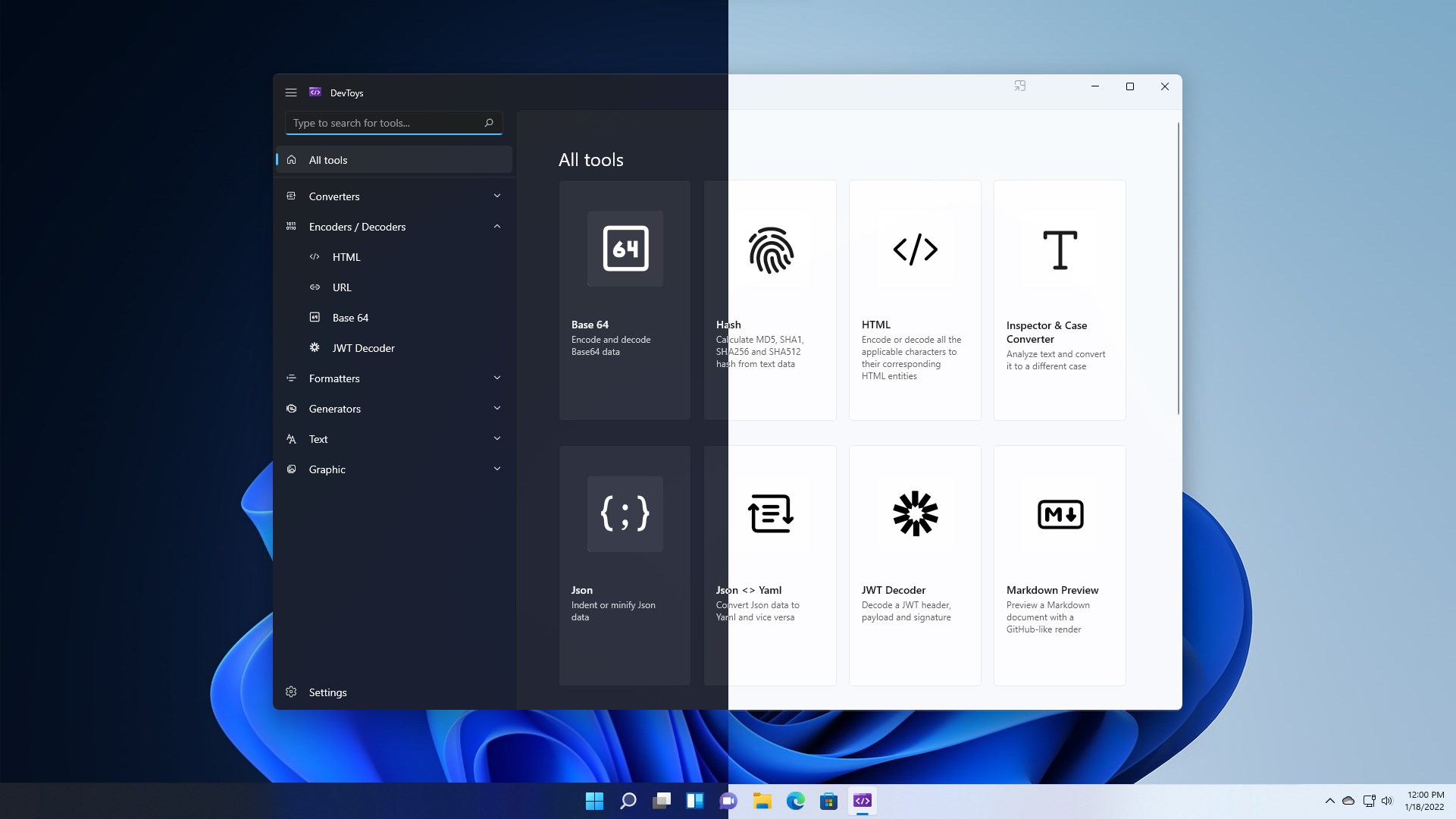
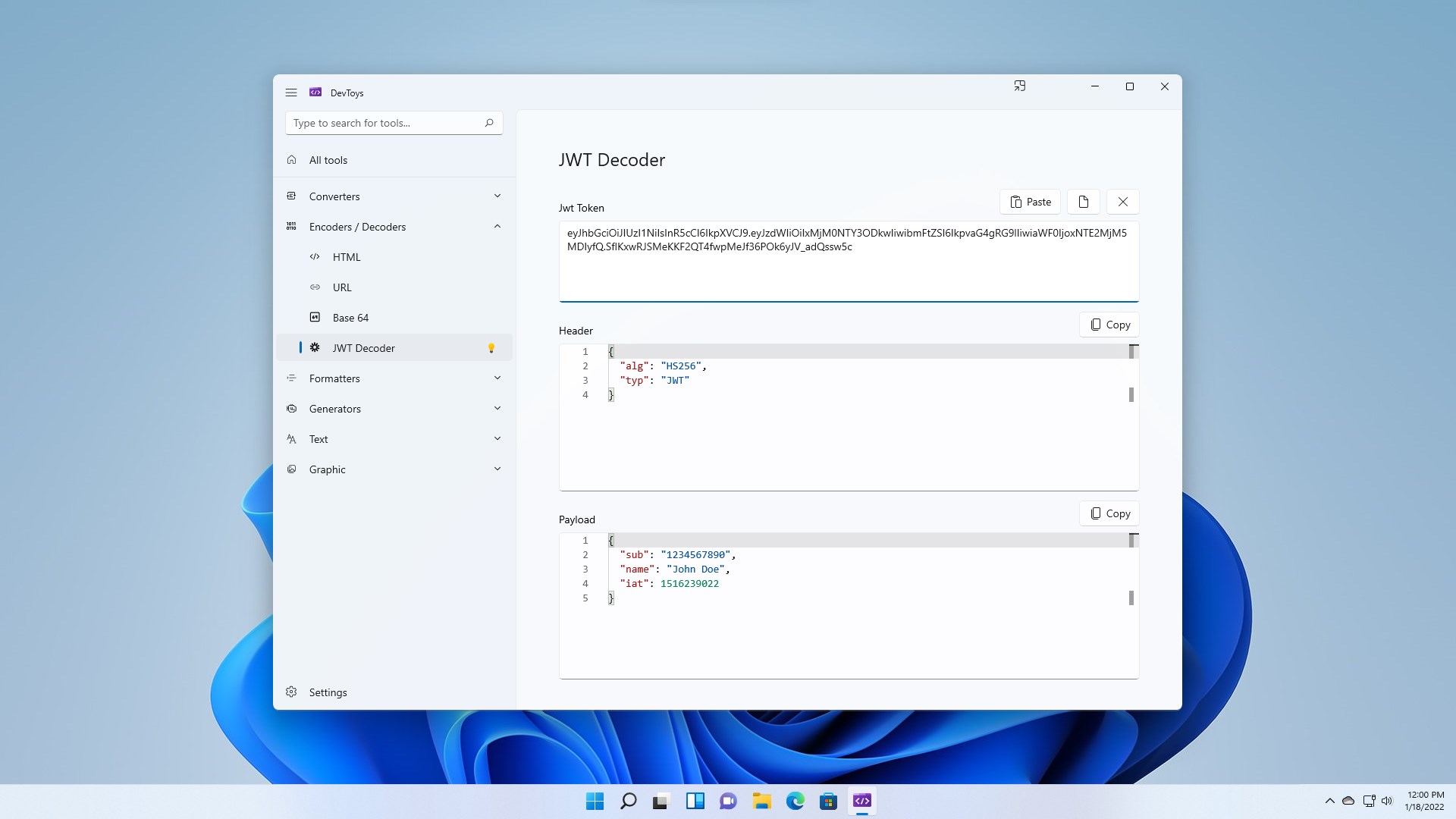
DevToys is a developer toolbox that bundles many small everyday tools in one place. It offers converters for JSON, YAML, timestamps, number bases and CRON expressions, along with encoders and decoders for JWT, HTML, URL, Base64 and GZip. It includes formatters for JSON, SQL and XML, generators for hashes, UUIDs, Lorem Ipsum text and checksums, and text tools such as a regex tester, text comparer, XML validator and Markdown preview. Graphic tools cover color picking, contrast and color blindness simulation, plus image compression and conversion. A Smart Detection feature identifies the best tool for data copied to the clipboard.
Show the developer's original descriptionHide the original description
An Open-Source Swiss Army knife for developers.
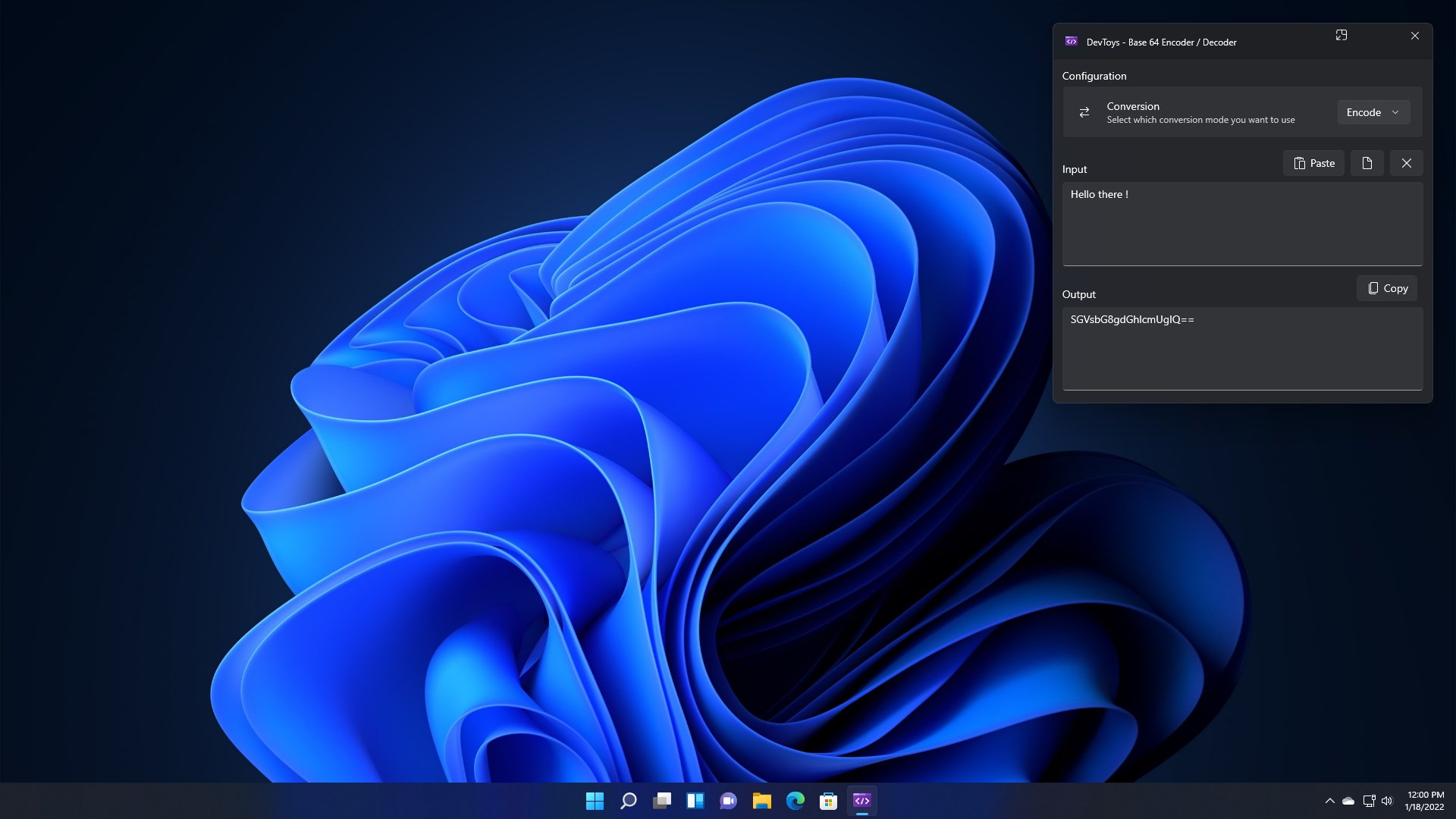
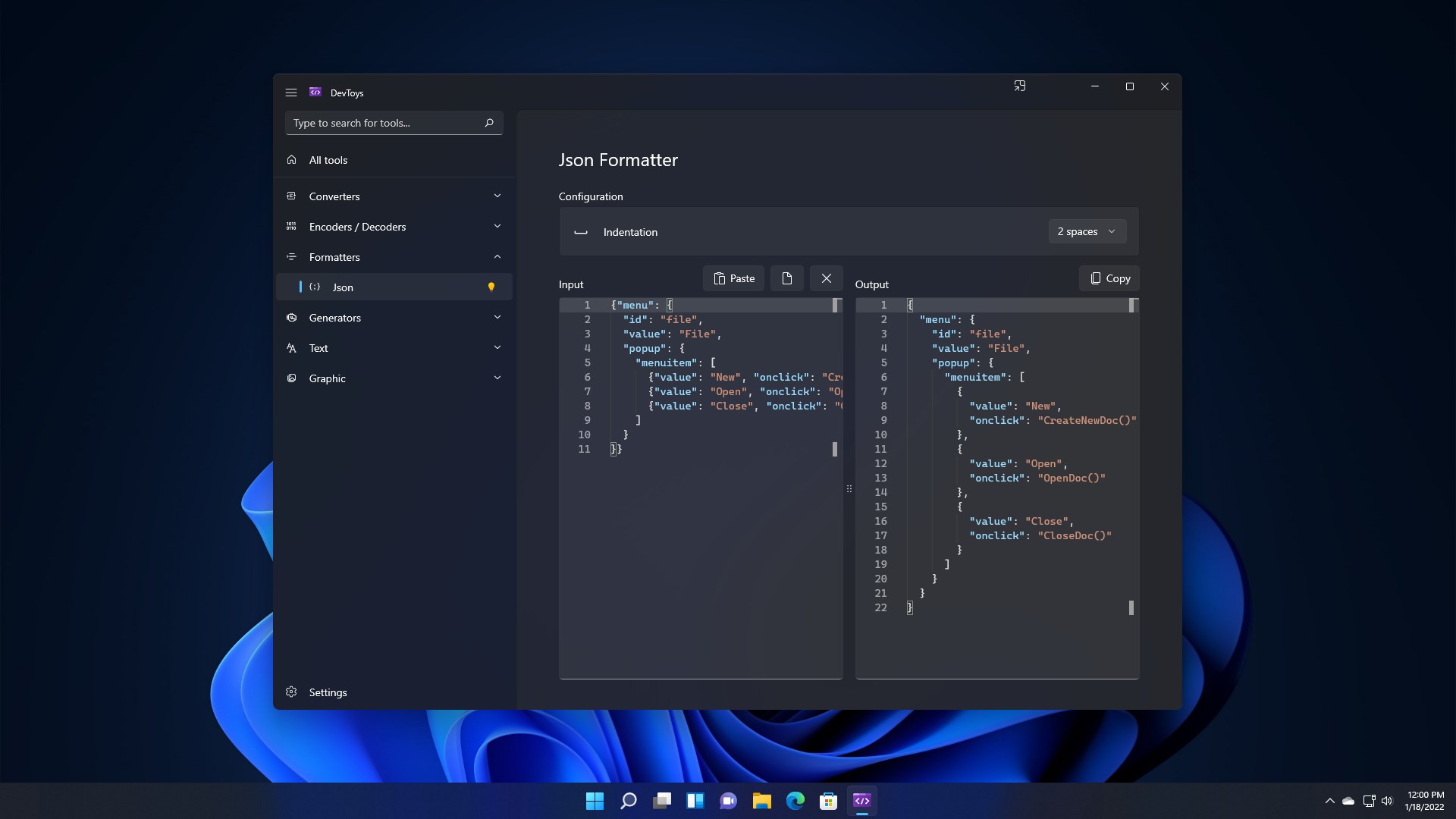
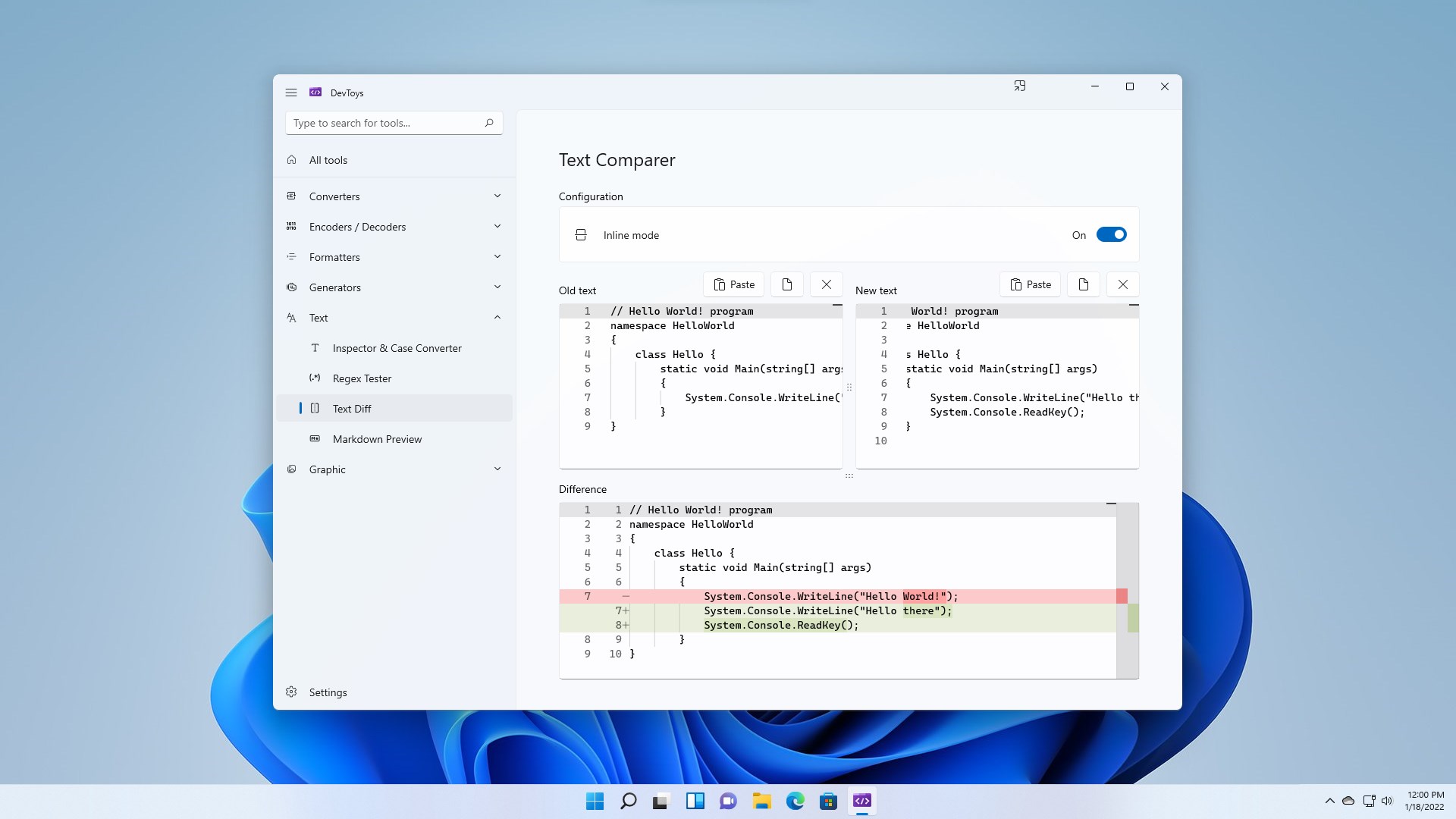
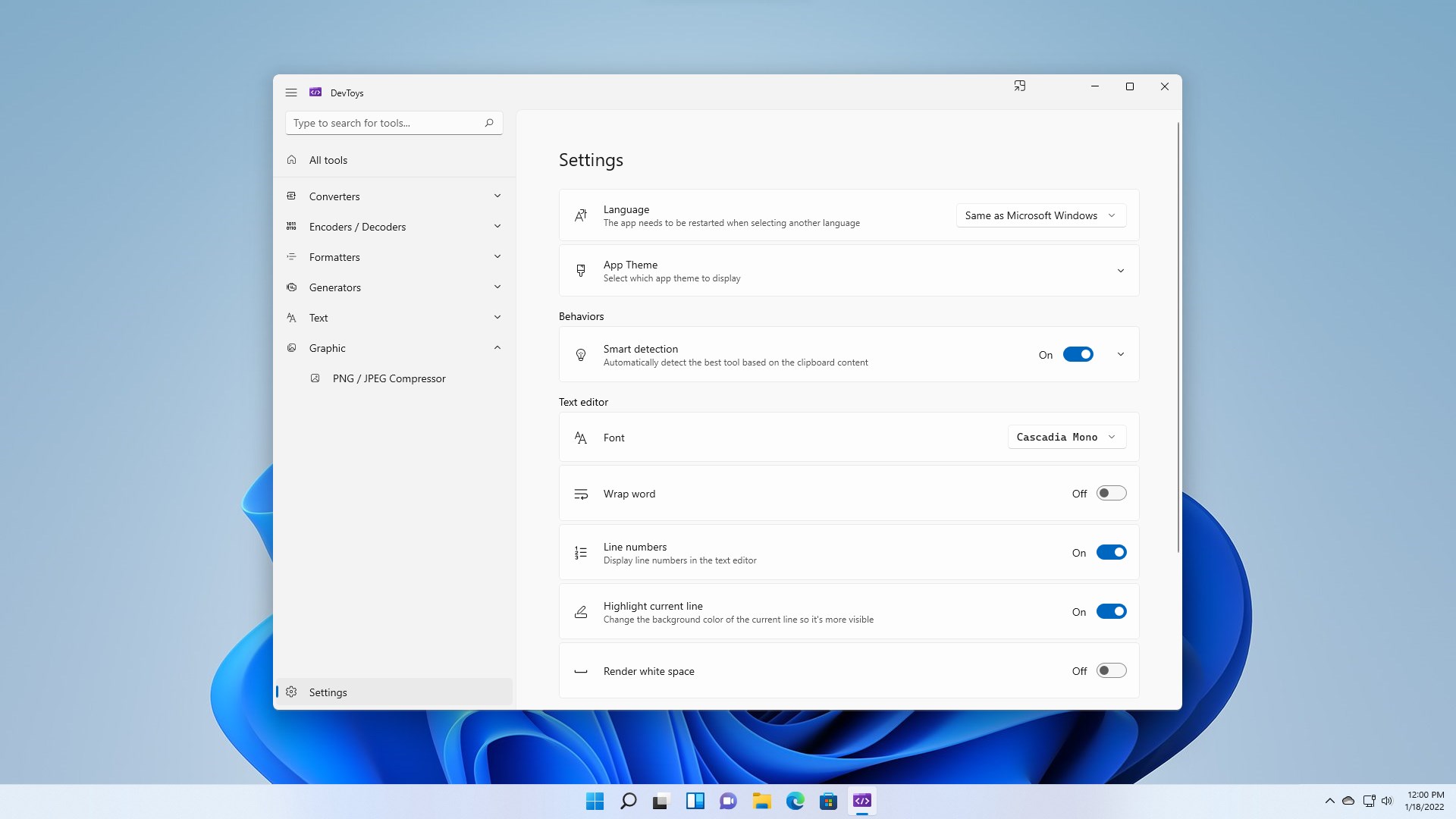
DevToys helps in everyday tasks like formatting JSON, comparing text, testing RegExp. No need to use many untruthful websites to do simple tasks with your data. With Smart Detection, DevToys is able to detect the best tool that can treat the data you copied in the clipboard of your Windows. Compact overlay lets you keep the app in small and on top of other windows. Multiple instances of the app can be used at once.
Many tools are available.
- Converters
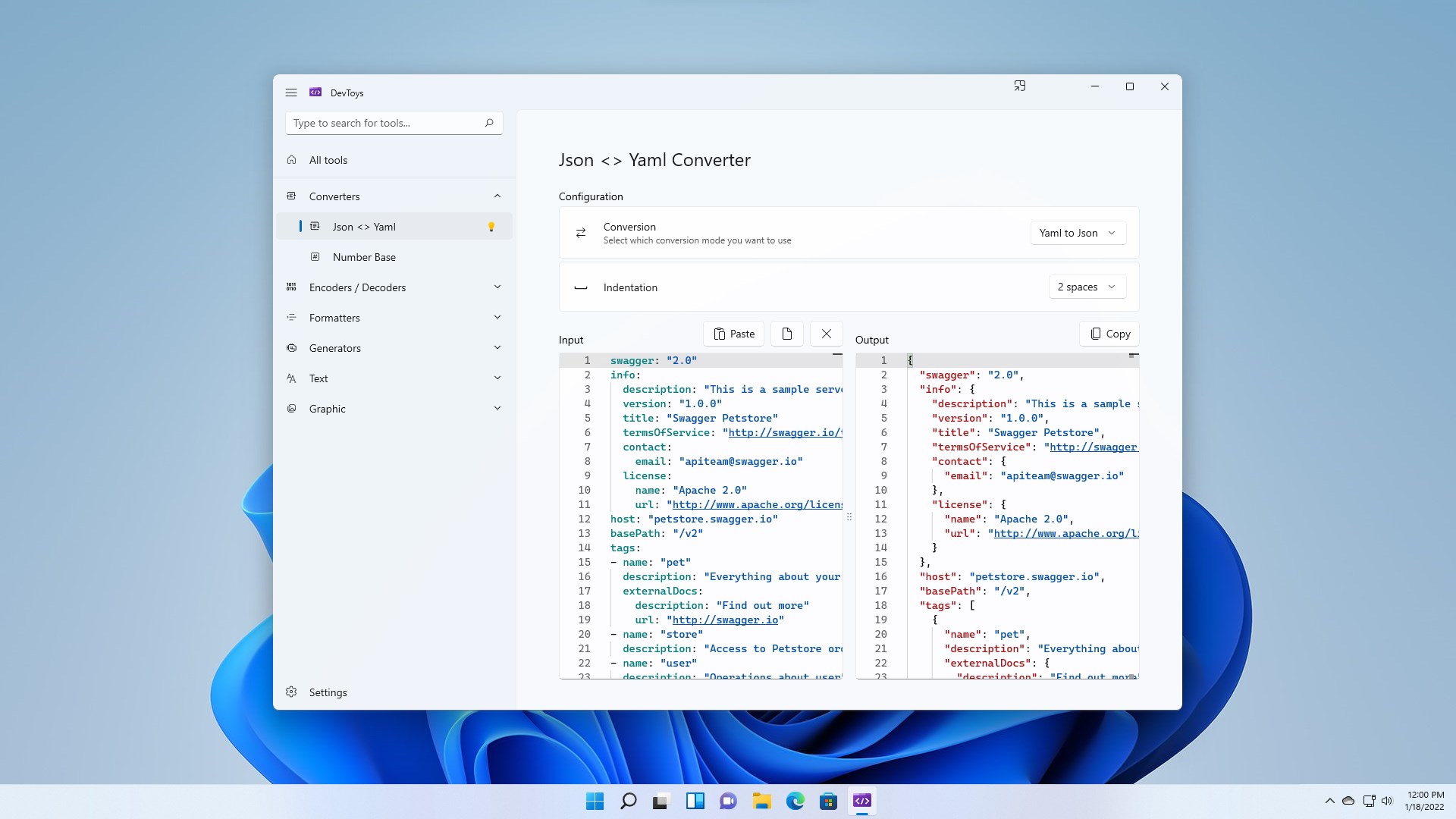
| - JSON <> YAML
| - Timestamp
| - Number Base
| - CRON Parser
- Encoders / Decoders
| - JWT
| - HTML
| - URL
| - Base64 Text & Image
| - GZip
- Formatters
| - JSON
| - SQL
| - XML
- Generators
| - Hash (MD5, SHA1, SHA256, SHA512)
| - UUID 1 and 4
| - Lorem Ipsum
| - Checksum
- Text
| - Inspector & Case Converter
| - Regex Tester
| - Text Comparer
| - XML Validator
| - Markdown Preview
- Graphic
| - Color Blindness Simulator
| - Color Picker & Contrast
| - PNG / JPEG Compressor
| - Image Converter
... and more are coming!
If there is a version of this app for iOS/Mac or Windows we don't know about, paste the store link here — we'll auto-detect the store.
How to find the URL:1. Open the app in its store. 2.In the App Store app: tap the Share icon → “Copy Link”. In the browser: copy the URL from the address bar — it contains apps.apple.com/…/id… or apps.microsoft.com/detail/…. 3. Paste it here.
Paste the original link from the Apple App Store or Microsoft Store. We fetch all details automatically.
How to find the URL:
1. Open the app in its store. 2.In the App Store app: tap the Share icon → “Copy Link”. In the browser: copy the URL from the address bar — it contains apps.apple.com/…/id… or apps.microsoft.com/detail/…. 3. Paste it here.
Android apps can only be listed by their developer.