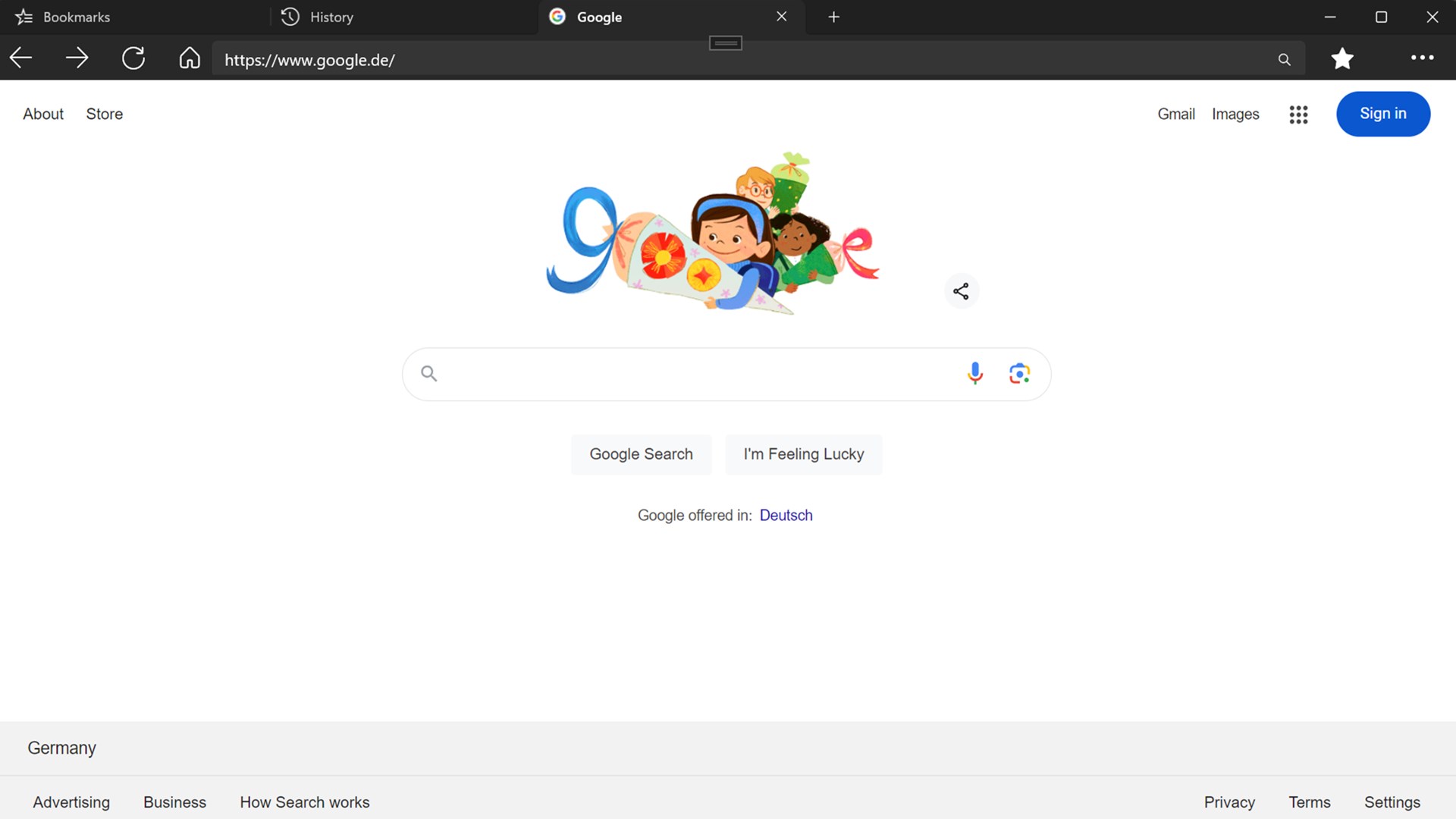
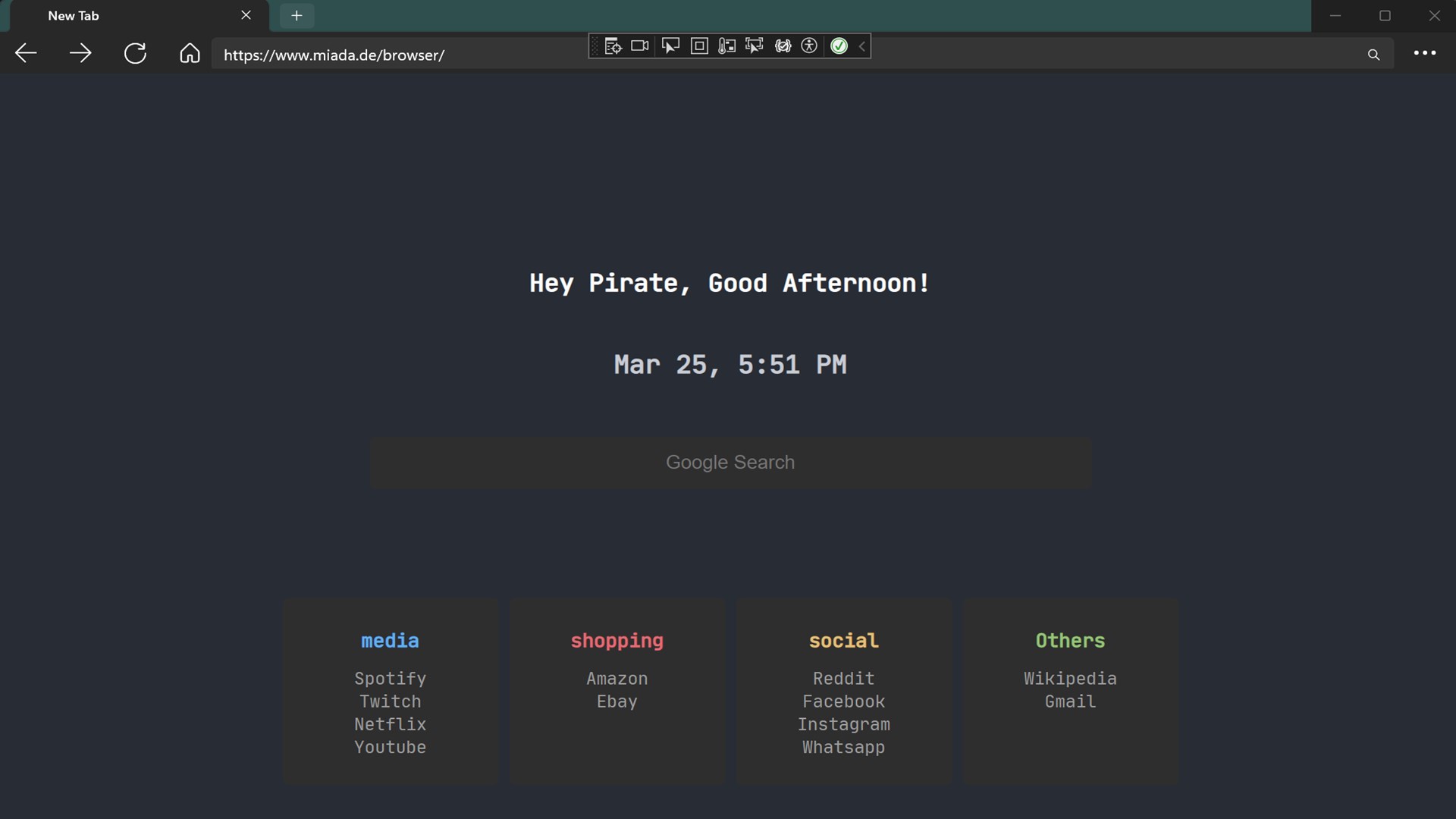
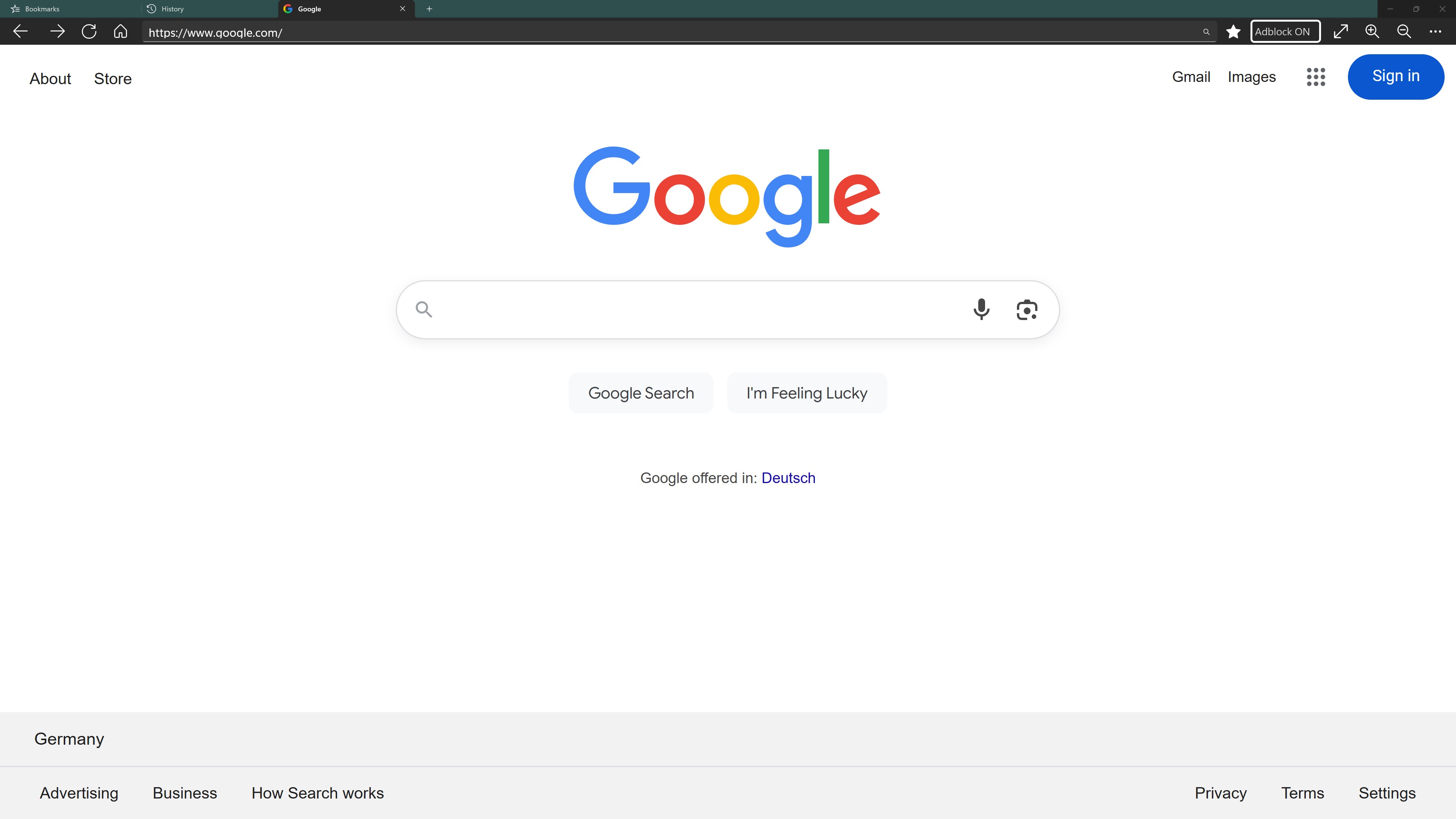
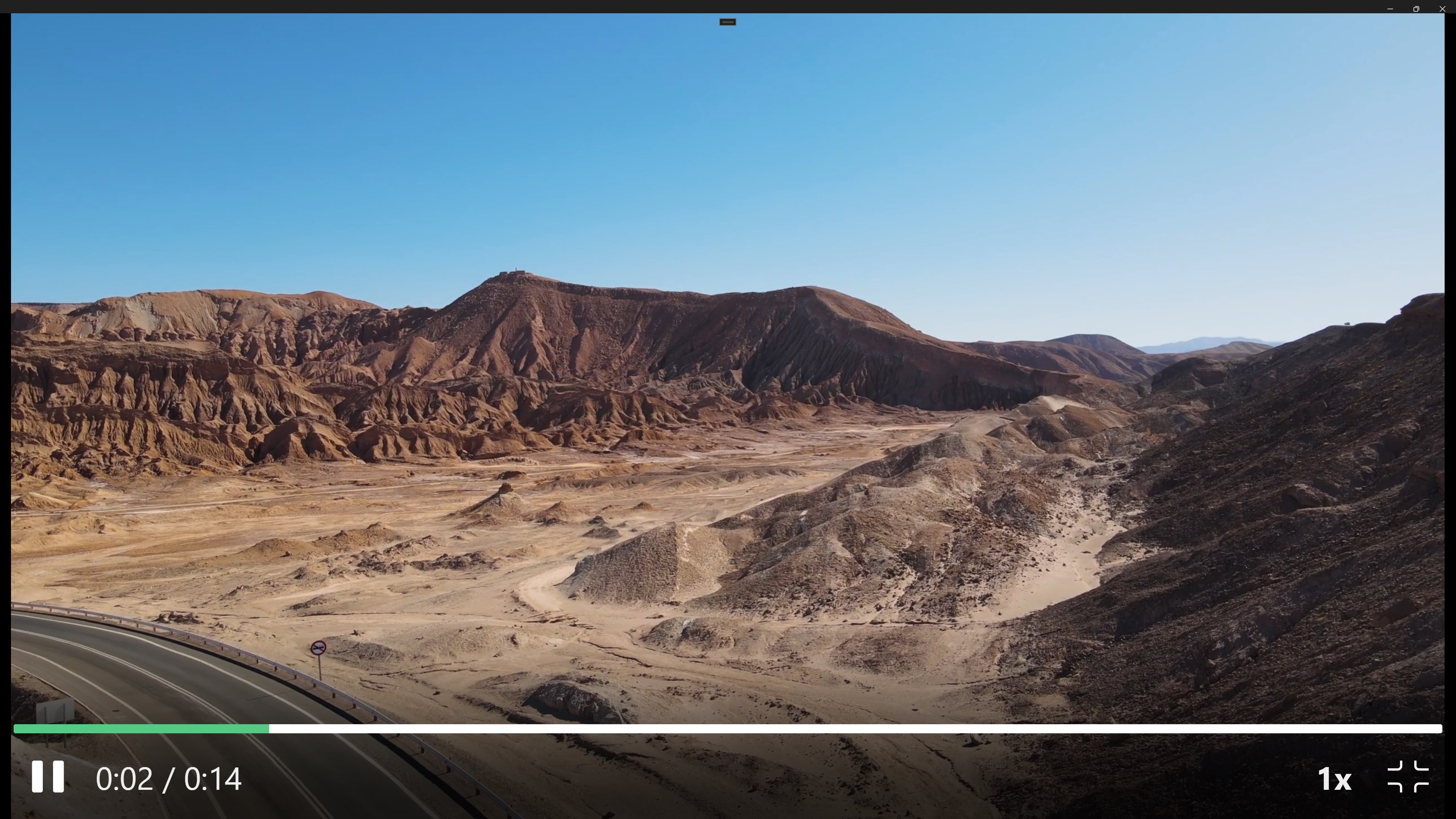


Screenshot appears after consentScreenshot appears after consentScreenshot appears after consentScreenshot appears after consentScreenshot appears after consentScreenshot appears after consentScreenshot appears after consentScreenshot appears after consent
Summary
Fast Internet Browser is a web browser designed for fast and smooth access to the internet. It offers an optional ad blocker to reduce intrusive advertising and an optional private mode for more privacy while browsing. Users can customize their startpage for a personalized experience and browse with multiple tabs at once for true multitasking. Favorite websites can be saved and organized for quick access. Files can be downloaded and saved directly from the web on PC. Some features may require a subscription.
Show the developer's original descriptionHide the original description
Step into a faster, cleaner, and more enjoyable way to explore the web. Internet Webbrowser is built to be the browser you actually want to use every day – simple, powerful, and designed for pure convenience.
Why choose this Webbrowser?
🌐 Fast and seamless access to the Internet
🛡️ Optional Ad Blocker to reduce intrusive or annoying ads
🔒 Optional Private Mode for more privacy while browsing
🏠 Optional startpage customization to personalize your browsing experience
📥 Download and save files directly from the web (PC only)
🗂️ Multi-tab browsing for true multitasking
⭐ Save and organize your favorite websites
🎨 Clean, modern design that feels natural and easy
🔎 Perfect for streaming, shopping, reading, and staying connected on the web
Whether you call it a Webbrowser or just your browser – this app makes the Internet effortless. Enjoy fast loading times, fewer distractions, and more control over how you experience the web.
📥 Download Internet Webbrowser now and enjoy fast, simple browsing tailored to your needs.
Some features may require a subscription.
Due to platform restrictions, the download function is only available on PC and not on Xbox.
If there is a version of this app for iOS/Mac or Windows we don't know about, paste the store link here — we'll auto-detect the store.
How to find the URL:1. Open the app in its store. 2.In the App Store app: tap the Share icon → “Copy Link”. In the browser: copy the URL from the address bar — it contains apps.apple.com/…/id… or apps.microsoft.com/detail/…. 3. Paste it here.
Paste the original link from the Apple App Store or Microsoft Store. We fetch all details automatically.
How to find the URL:
1. Open the app in its store. 2.In the App Store app: tap the Share icon → “Copy Link”. In the browser: copy the URL from the address bar — it contains apps.apple.com/…/id… or apps.microsoft.com/detail/…. 3. Paste it here.
Android apps can only be listed by their developer.