







Screenshot appears after consentScreenshot appears after consentScreenshot appears after consentScreenshot appears after consentScreenshot appears after consentScreenshot appears after consentScreenshot appears after consentScreenshot appears after consentScreenshot appears after consentScreenshot appears after consent
Summary
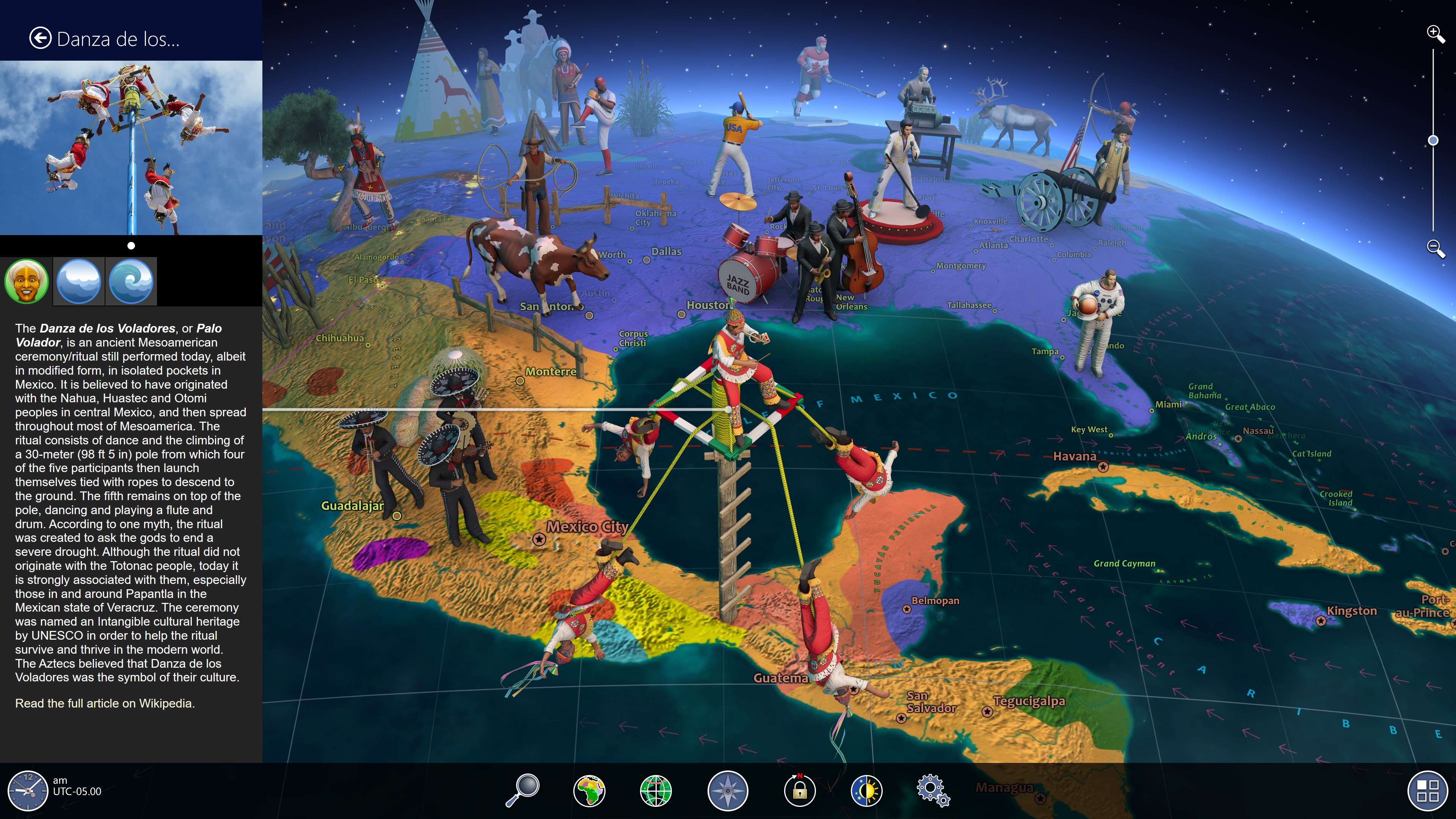
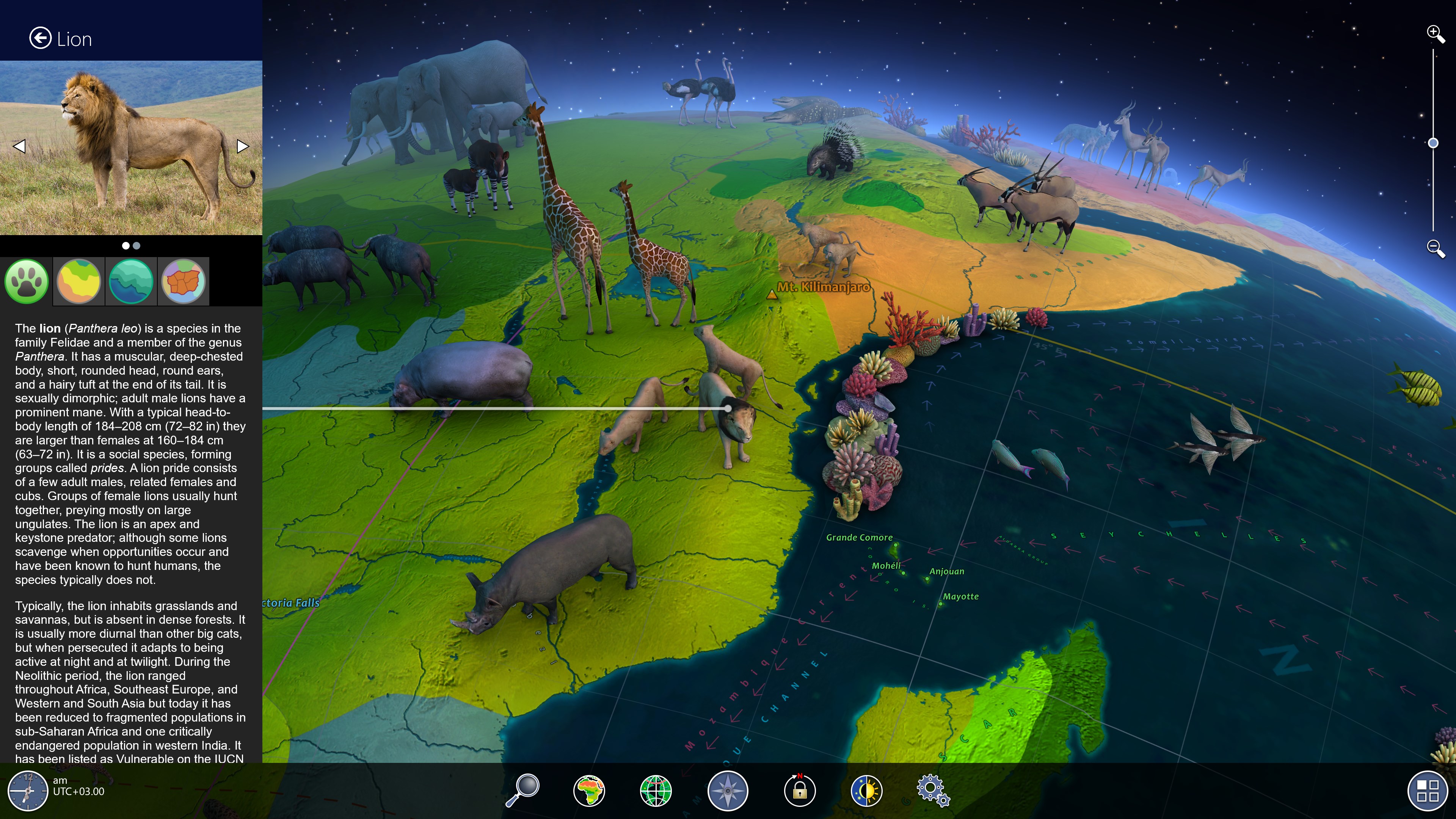
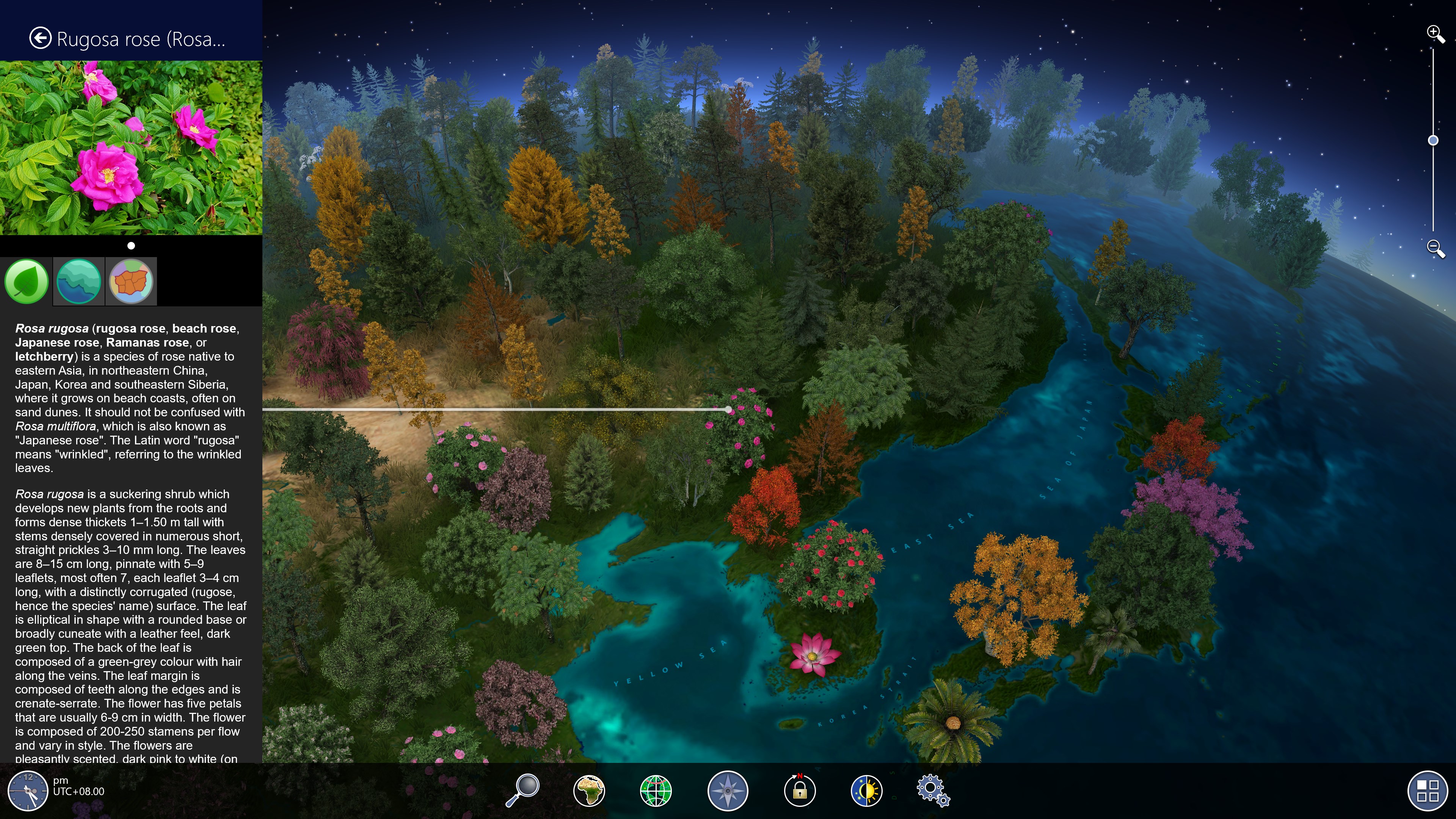
Earth 3D - World Atlas is an educational geography app offering an interactive 3D globe that presents the world through political and physical maps, a relief model, and global weather data. It includes a day and night cycle with city lights, time zones, and more than 2,600 geographic objects described in detail. Users can explore over 500 wonders of the world alongside more than 2,100 photos, and zoom in up to 15 times for closer views. Optional add-ons cover the human world, animal world, plant world, and sky maps. The app works without an internet connection, except for retrieving weather information.
Show the developer's original descriptionHide the original description
This interactive 3D globe features wonders of the world, political and physical maps, and weather. Discover a lot of fascinating facts and useful information about our planet! Original and colorful graphics, user-friendly interface and accurate information – this is what Earth 3D - World Atlas is all about!
FEATURES:
• Relief model of the Earth
• World political and physical maps
• Day/night cycle with city lights
• Time zones
• More than 2,600 geographic objects
• More than 500 wonders of the world
• More than 2,100 photos
• Human World add-on
• Animal World add-on
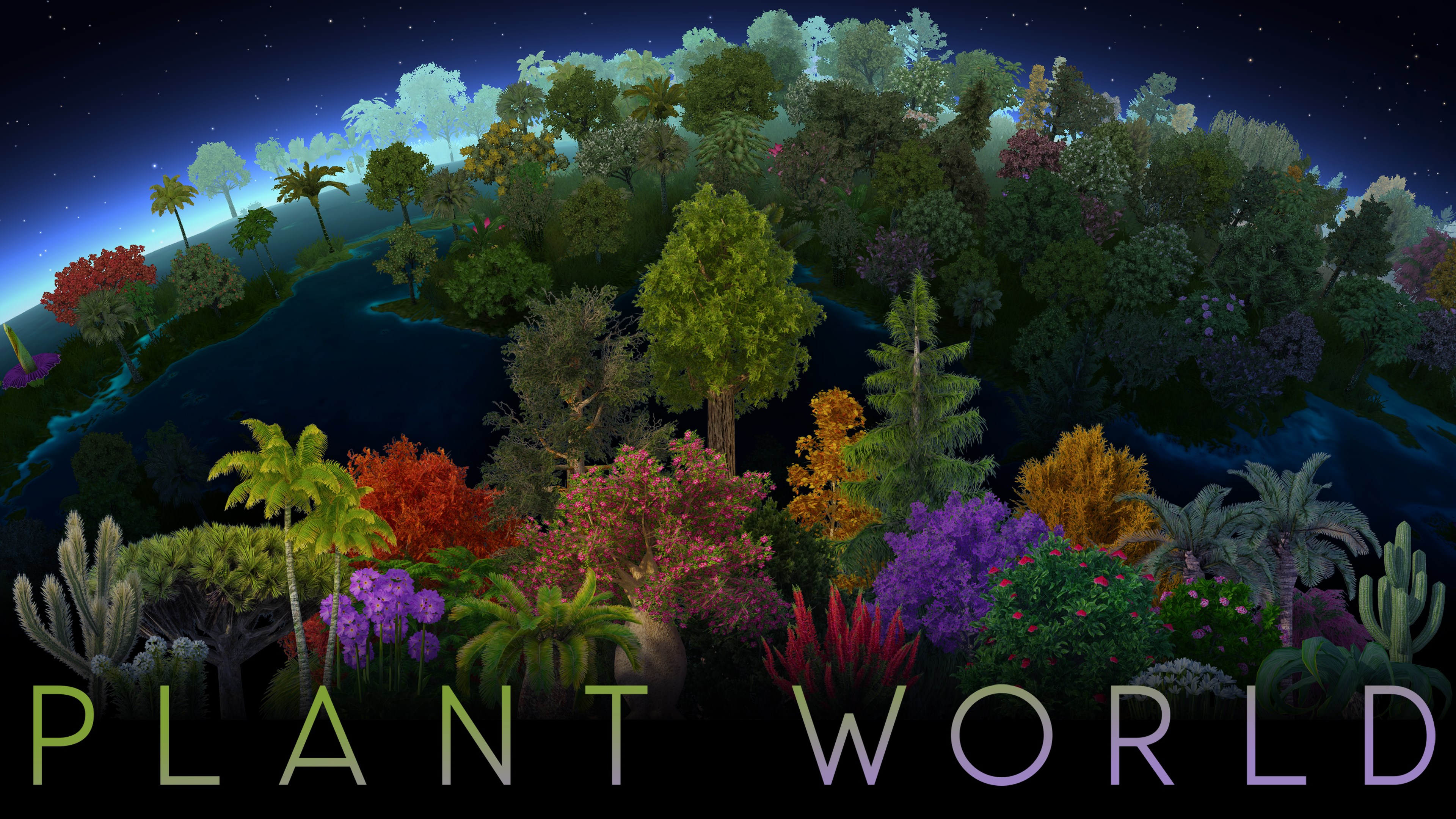
• Plant World add-on
• Sky Map add-on
• Full description of any object or point on the surface
• 15x zoom
• Global weather
• Demo mode with an original music track
• No Internet connection required (except for the weather)
And much more! New data is constantly being added, so please expect further updates!
If there is a version of this app for iOS/Mac or Windows we don't know about, paste the store link here — we'll auto-detect the store.
How to find the URL:1. Open the app in its store. 2.In the App Store app: tap the Share icon → “Copy Link”. In the browser: copy the URL from the address bar — it contains apps.apple.com/…/id… or apps.microsoft.com/detail/…. 3. Paste it here.
Paste the original link from the Apple App Store or Microsoft Store. We fetch all details automatically.
How to find the URL:
1. Open the app in its store. 2.In the App Store app: tap the Share icon → “Copy Link”. In the browser: copy the URL from the address bar — it contains apps.apple.com/…/id… or apps.microsoft.com/detail/…. 3. Paste it here.
Android apps can only be listed by their developer.