
Screenshot appears after consentScreenshot appears after consentScreenshot appears after consentScreenshot appears after consentScreenshot appears after consentScreenshot appears after consentScreenshot appears after consentScreenshot appears after consentScreenshot appears after consentScreenshot appears after consent
Summary
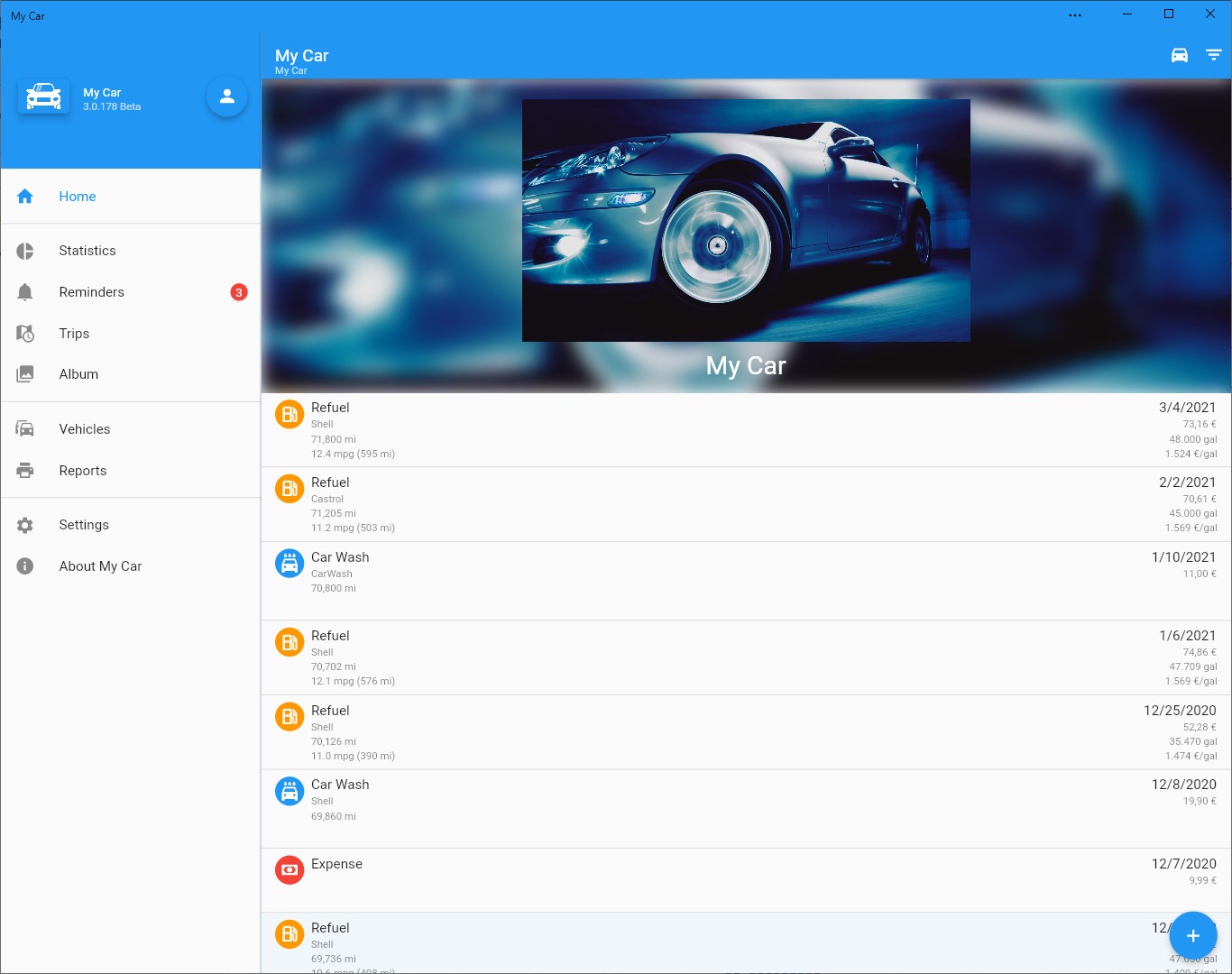
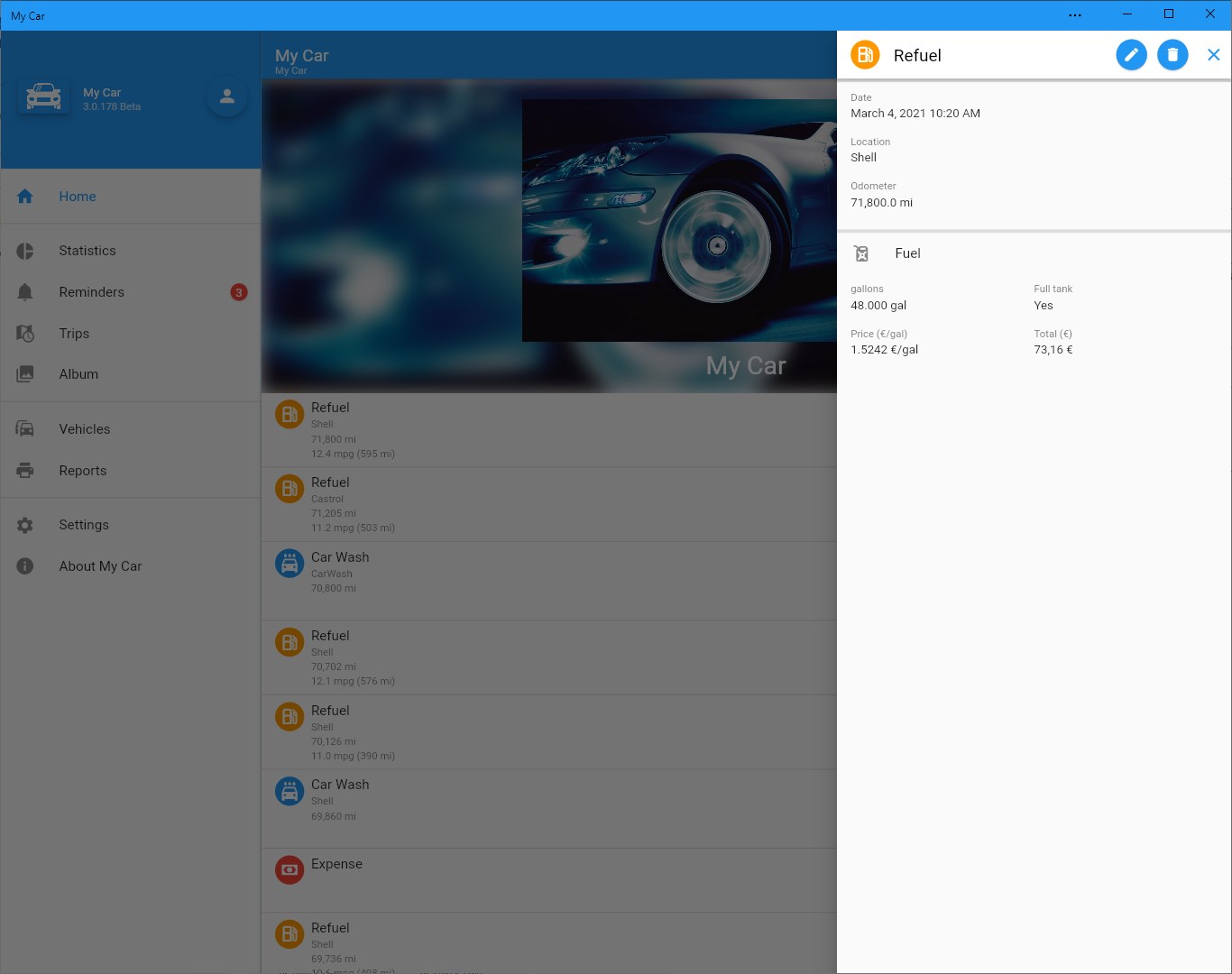
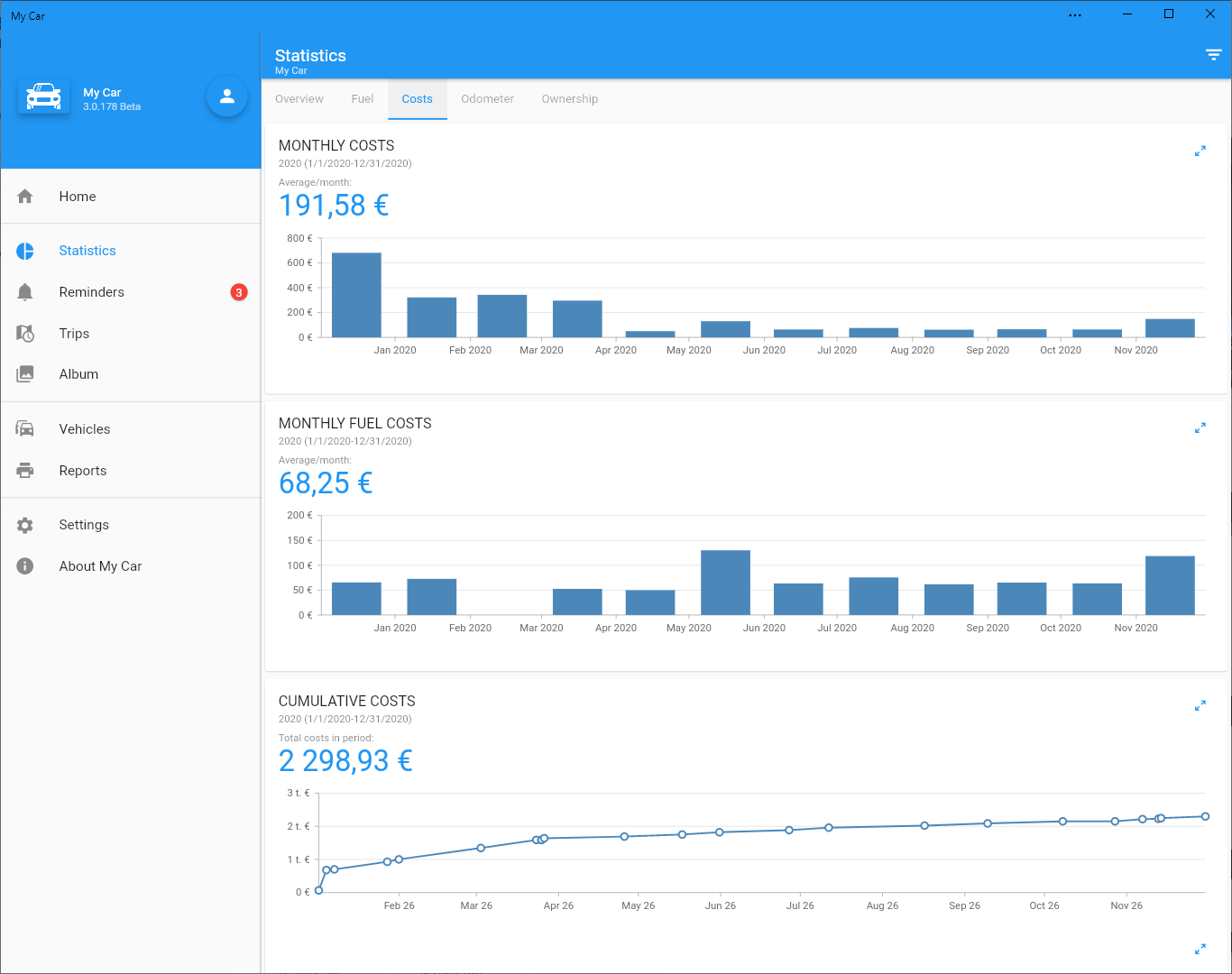
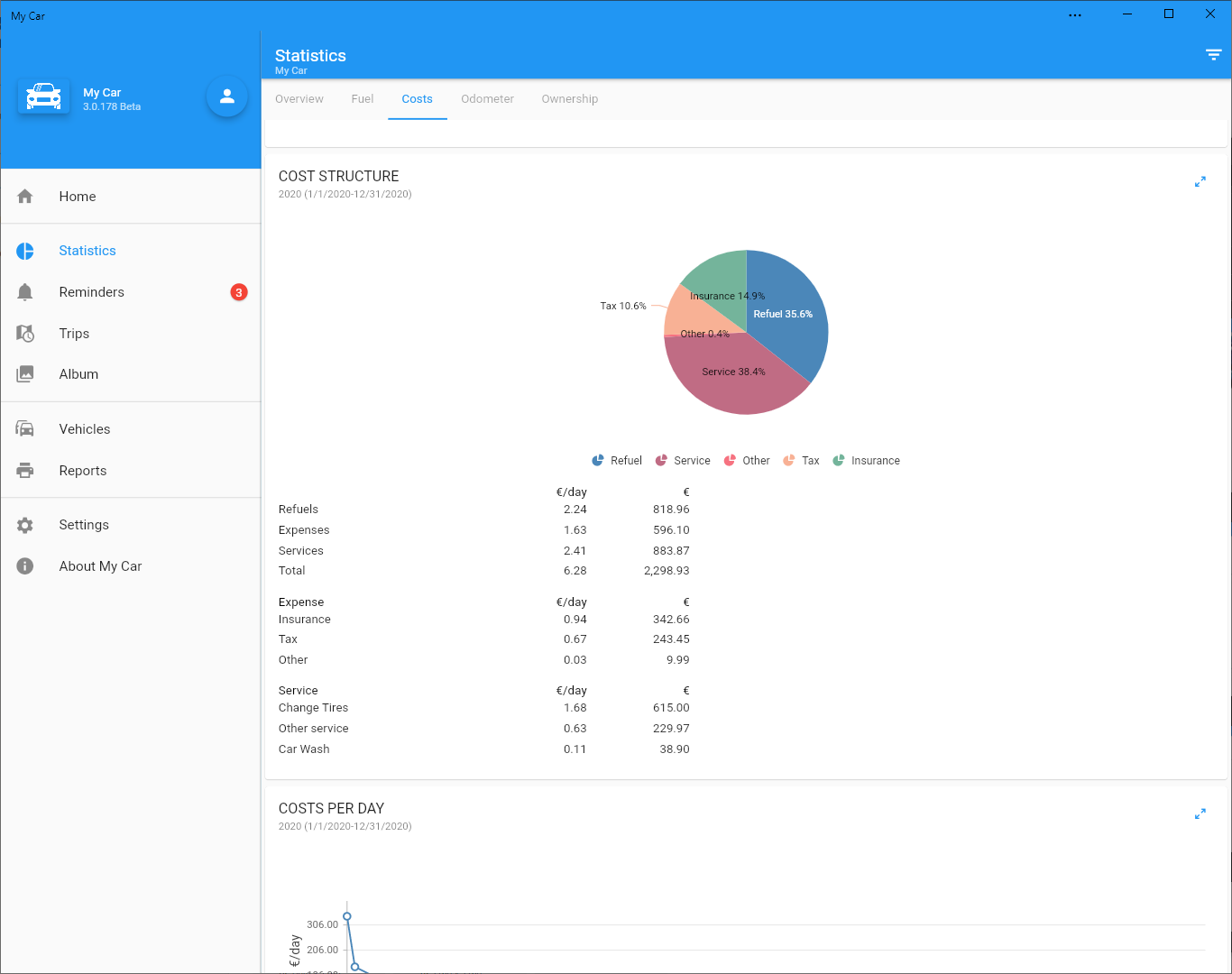
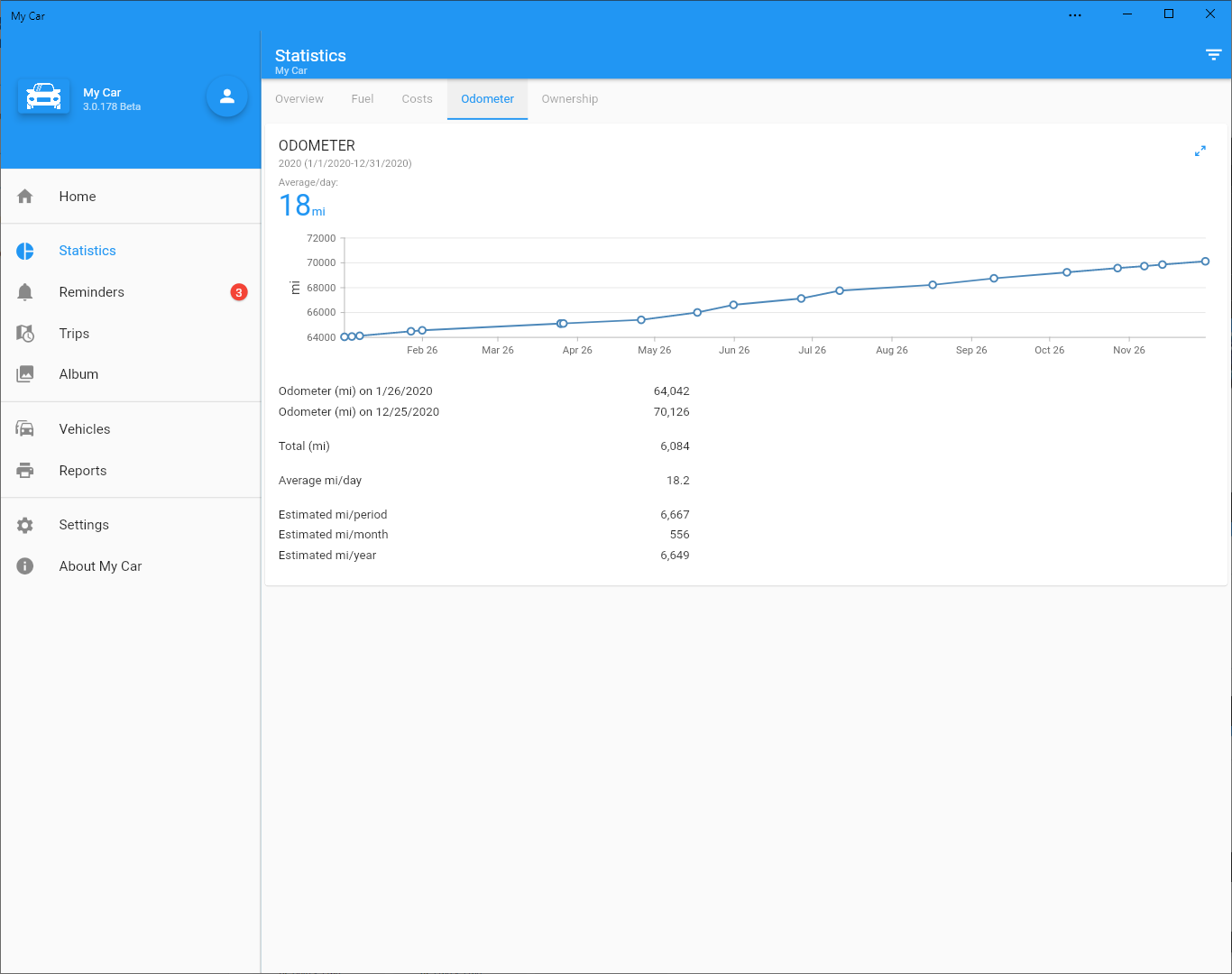
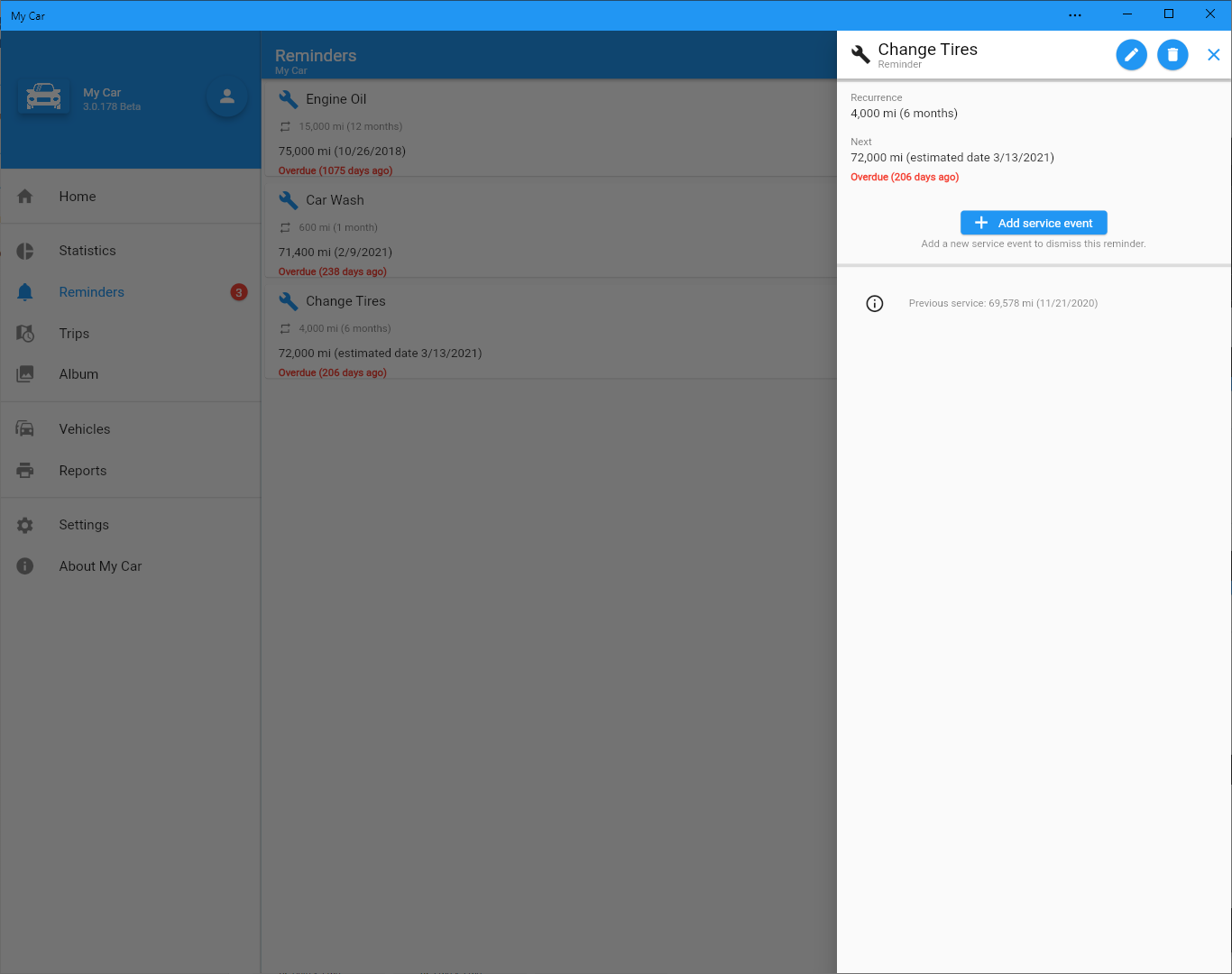
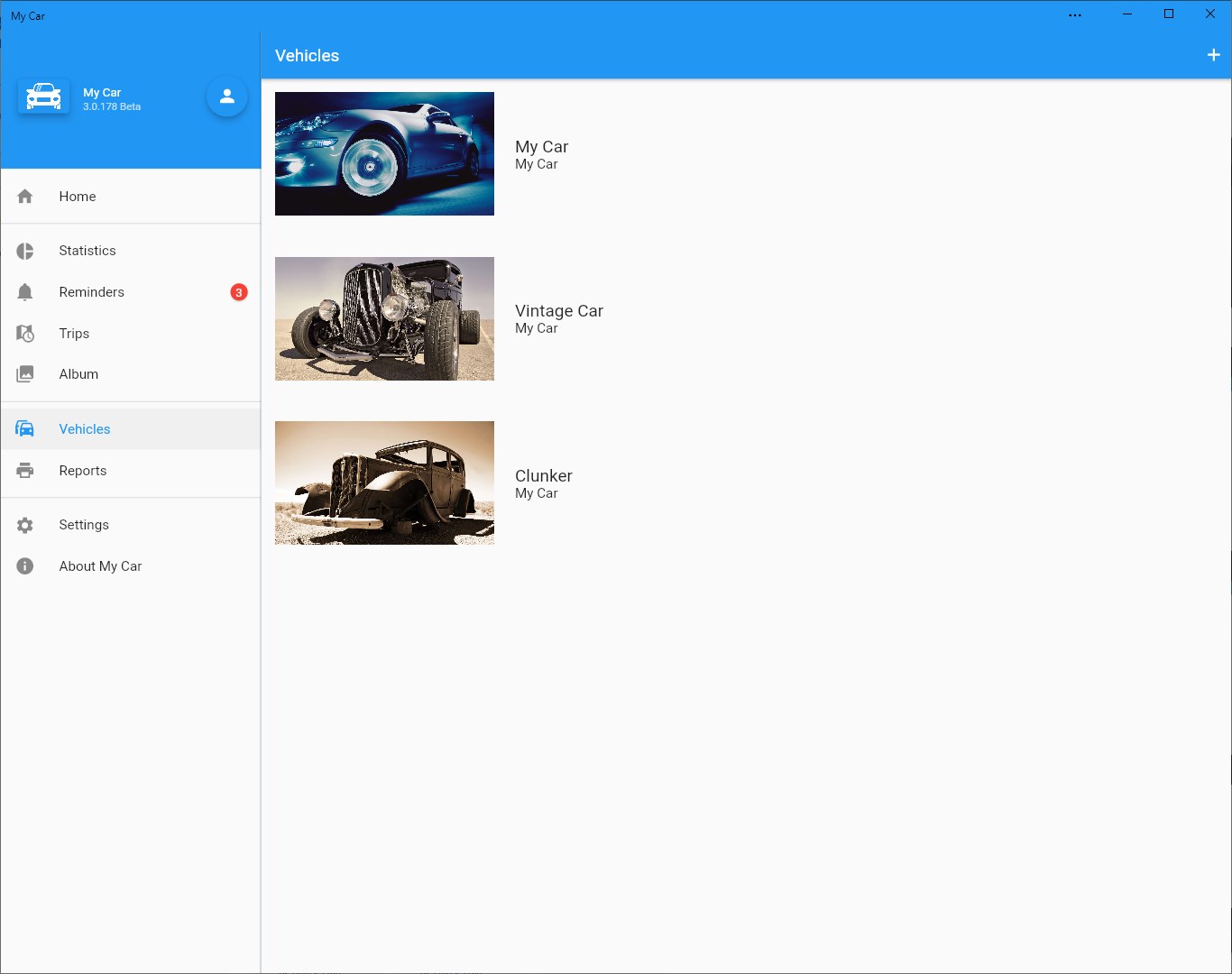
My Car is a vehicle management app for tracking all information related to a vehicle. It records costs, services and fuel efficiency, and allows notes, reminders and photos to be added to a vehicle album. Photos and documents, such as receipts, can be attached to individual events, and the event history can be searched. The app generates statistics and charts covering fuel, costs, odometer readings, fuel efficiency, fuel price and cost structure. It supports multiple vehicles, including bi-fuel vehicles, with various fuel and odometer units such as liters, gallons, kilograms, kilowatt-hours, kilometers, miles and hours.
Show the developer's original descriptionHide the original description
My Car is the best application for managing all information related to your car. Track your vehicle's costs, services and fuel efficiency, add notes and reminders, add photos to your vehicle album etc. View and analyze interesting statistics and charts related to your vehicle.
Key features:
- Keep track of vehicle's costs, services and fuel efficiency.
- Add photos to the vehicle album.
- Add notes.
- Attach photos and other documents to any event. For example attach a photo of the receipt related to the event.
- View and search event history.
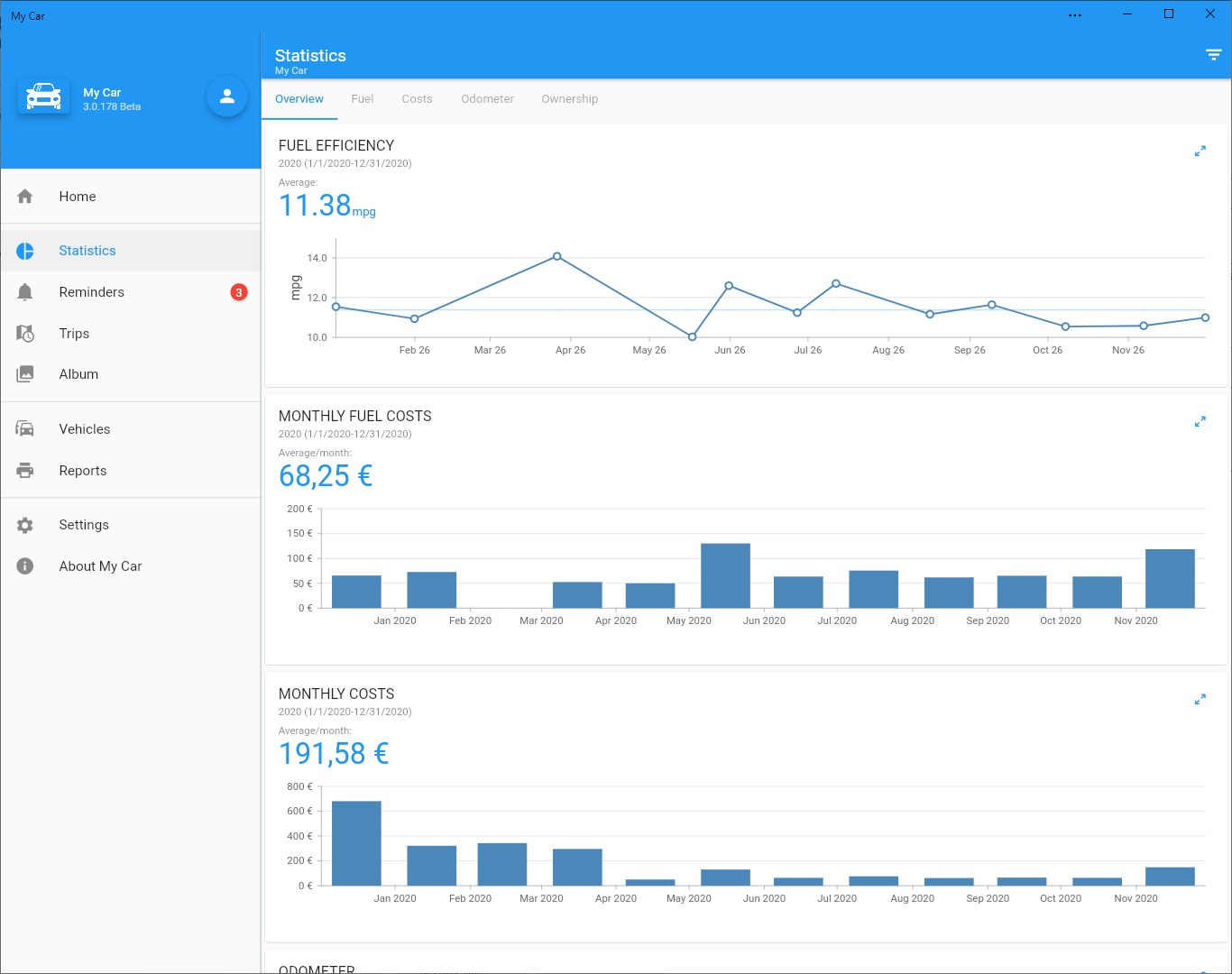
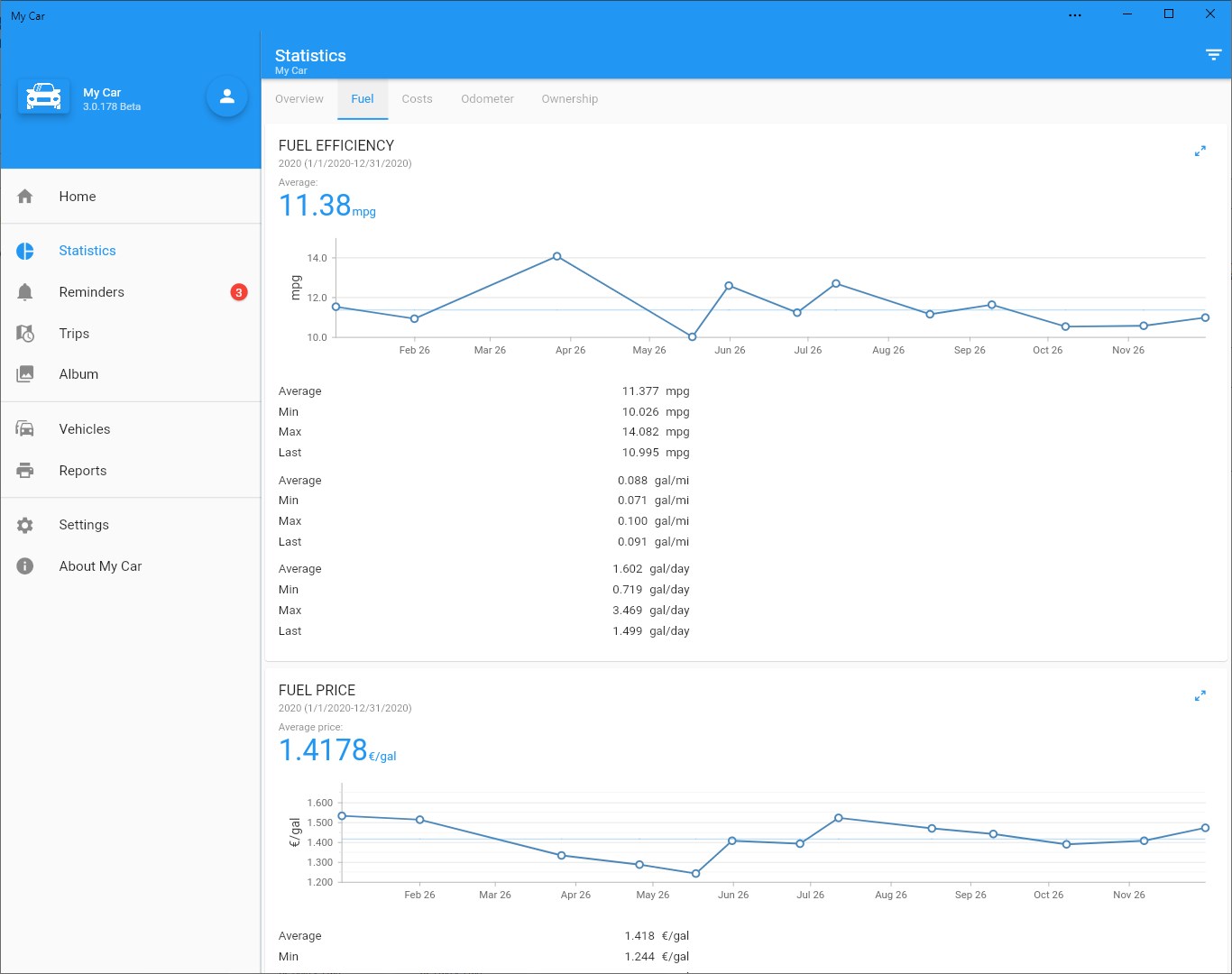
- View statistics: fuel, costs, odometer.
- View charts: fuel efficiency, odometer, fuel price, cost structure, monthly costs, monthly fuel costs, costs per odometer unit, costs per day, cumulative costs.
- Support for multiple vehicles.
- Supported fuel units: liter, gallon, kg, kWh.
- Supported odometer units: km, mile, hour.
- Support for several different fuel efficiency units including mpg, L/100 km and km/L.
- Support for bi-fuel vehicles (e.g. gasoline/CNG).
- Import data from other applications.
- Modern, clean user interface and very easy to use.
If there is a version of this app for iOS/Mac or Windows we don't know about, paste the store link here — we'll auto-detect the store.
How to find the URL:1. Open the app in its store. 2.In the App Store app: tap the Share icon → “Copy Link”. In the browser: copy the URL from the address bar — it contains apps.apple.com/…/id… or apps.microsoft.com/detail/…. 3. Paste it here.
Paste the original link from the Apple App Store or Microsoft Store. We fetch all details automatically.
How to find the URL:
1. Open the app in its store. 2.In the App Store app: tap the Share icon → “Copy Link”. In the browser: copy the URL from the address bar — it contains apps.apple.com/…/id… or apps.microsoft.com/detail/…. 3. Paste it here.
Android apps can only be listed by their developer.