Screenshot appears after consentScreenshot appears after consentScreenshot appears after consentScreenshot appears after consentScreenshot appears after consentScreenshot appears after consentScreenshot appears after consentScreenshot appears after consentScreenshot appears after consentScreenshot appears after consent
Screenshot appears after consentScreenshot appears after consentScreenshot appears after consentScreenshot appears after consentScreenshot appears after consentScreenshot appears after consentScreenshot appears after consentScreenshot appears after consentScreenshot appears after consent
Screenshot appears after consentScreenshot appears after consentScreenshot appears after consentScreenshot appears after consentScreenshot appears after consentScreenshot appears after consentScreenshot appears after consentScreenshot appears after consentScreenshot appears after consentScreenshot appears after consentScreenshot appears after consentScreenshot appears after consentScreenshot appears after consentScreenshot appears after consentScreenshot appears after consentScreenshot appears after consentScreenshot appears after consentScreenshot appears after consent
Summary
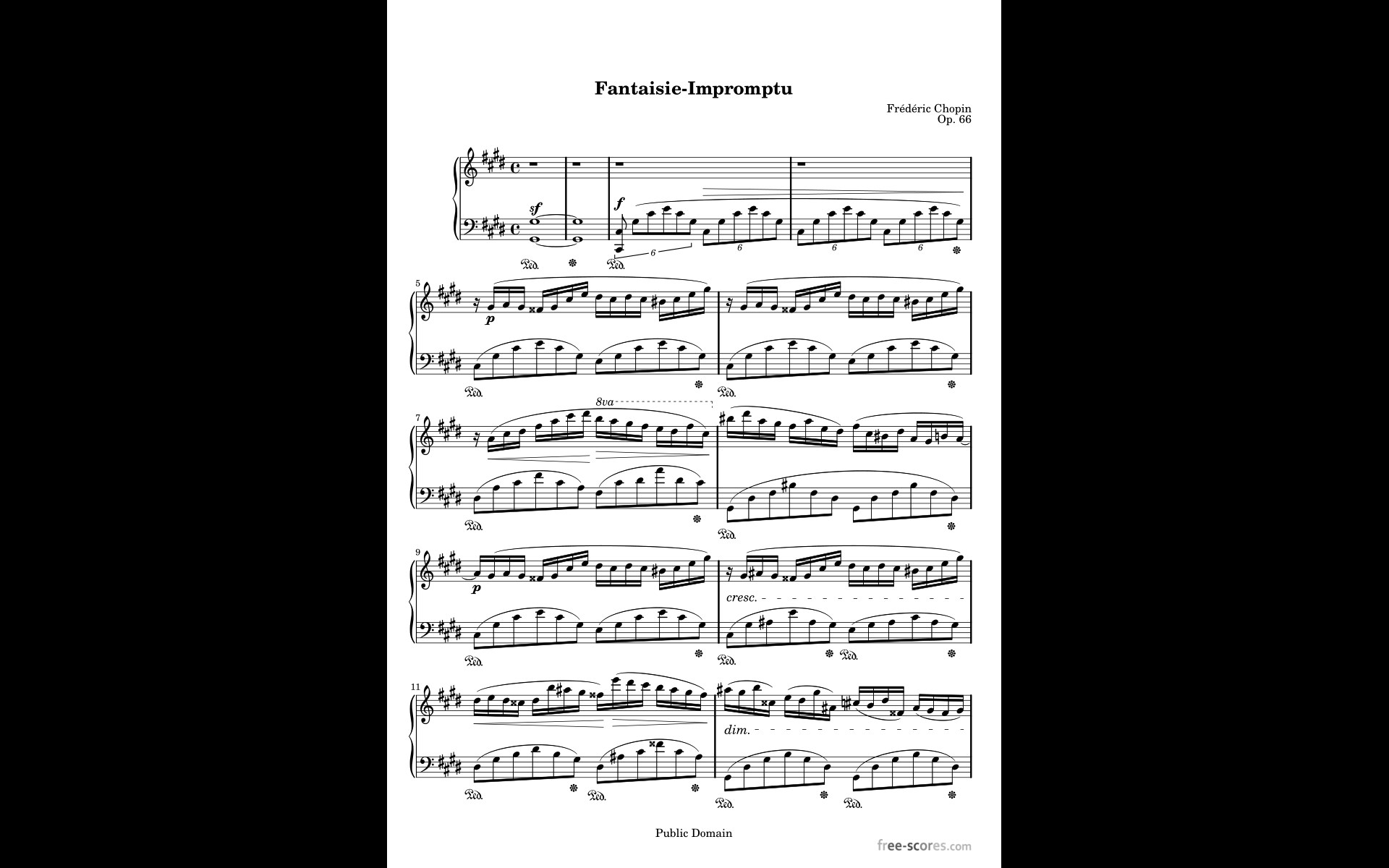
MobileSheets is a sheet music reader and library management app that lets musicians access any score in their library within seconds instead of carrying books and binders. It offers multiple viewing modes such as two pages side by side, half page turns and vertical scrolling, along with hands-free page turns using Bluetooth or USB pedals or automatic scrolling. Music can be annotated with freeform drawing, shapes, text and stamps. The app includes bookmarks and link points for repeats, and supports images, PDFs, text and ChordPro files with chord transposition and automatic margin cropping.
Show the developer's original descriptionHide the original description
MobileSheets is the ultimate sheet music reader for Windows devices. It frees you from having to lug around books and binders, and gives you the ability to access any score in your library in seconds. It also comes with a number of powerful features for musicians including:
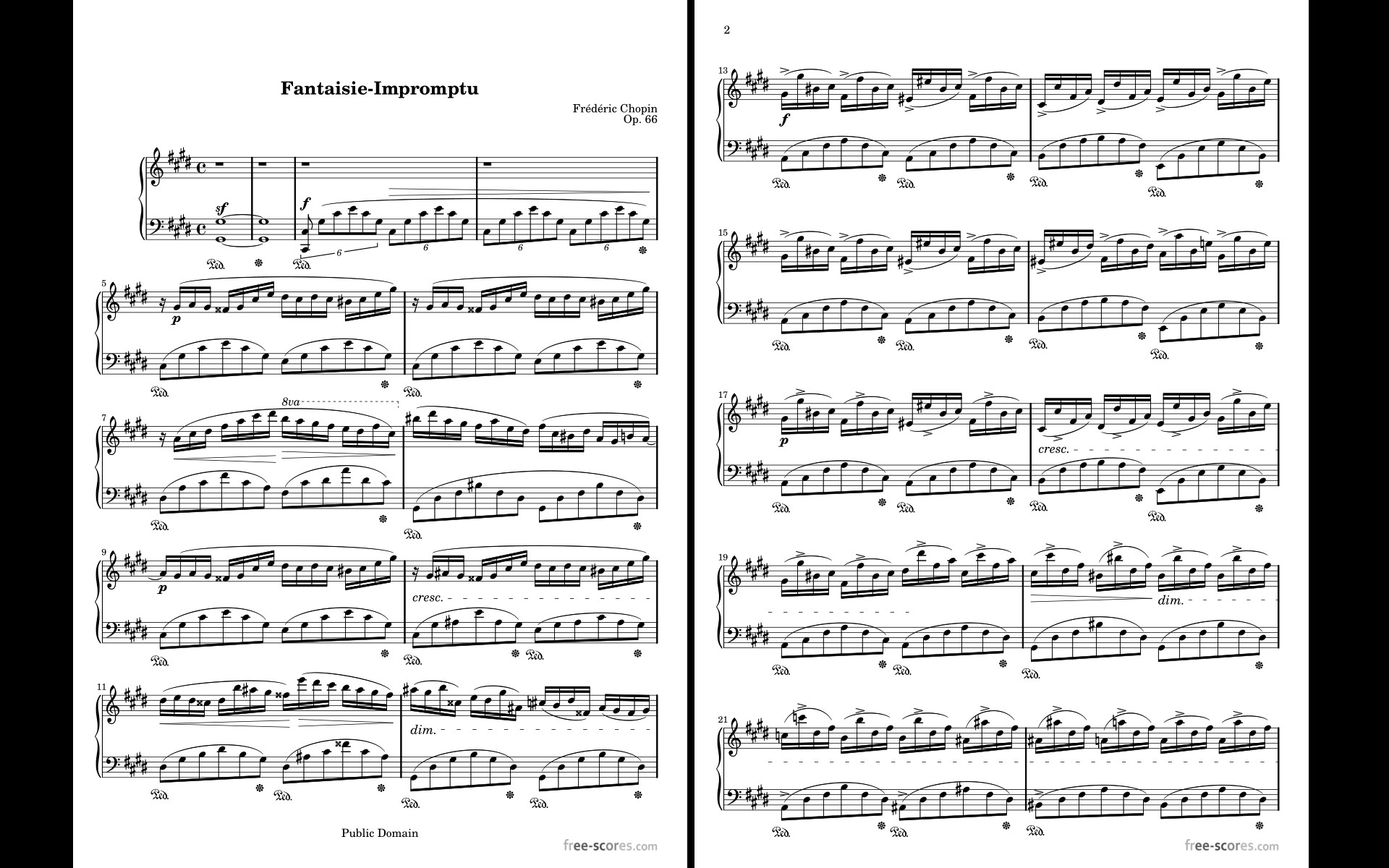
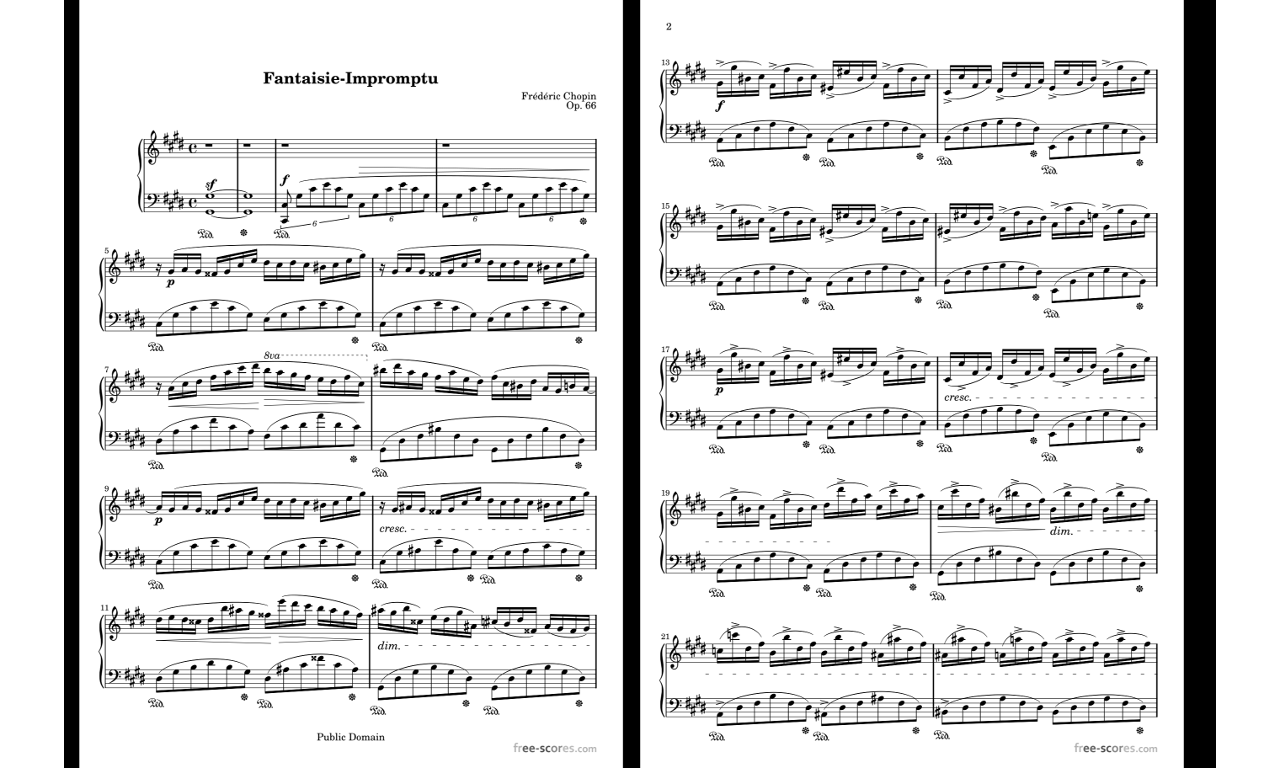
- Multiple modes of operation including two pages side-by-side, half page turns, and vertically scrolling pages.
- Hands-free page turns using any bluetooth or usb devices (including two and four pedal models), or through the automatic scrolling feature
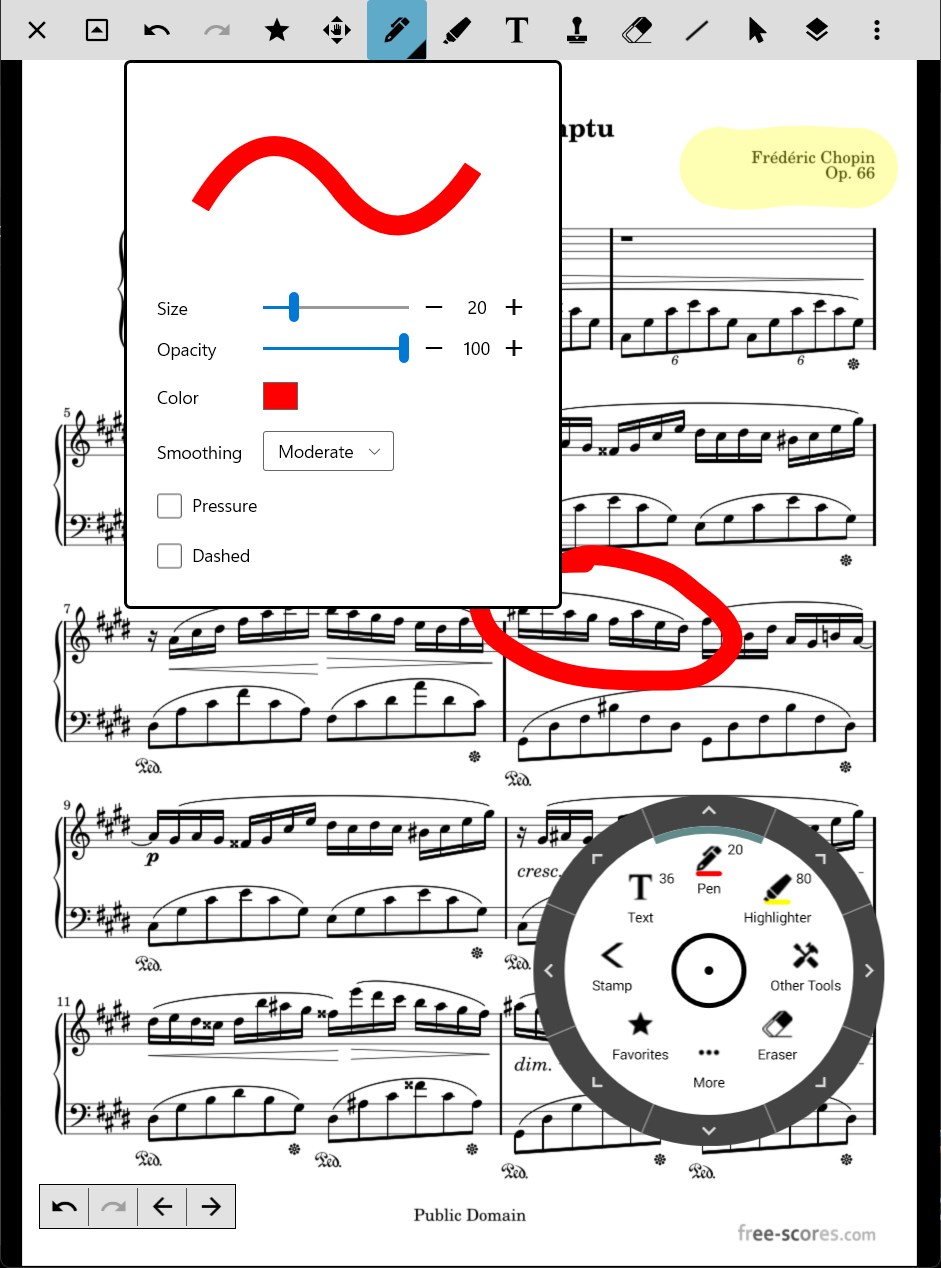
- Annotations for marking up music including support for freeform drawing, basic shapes, text and stamps
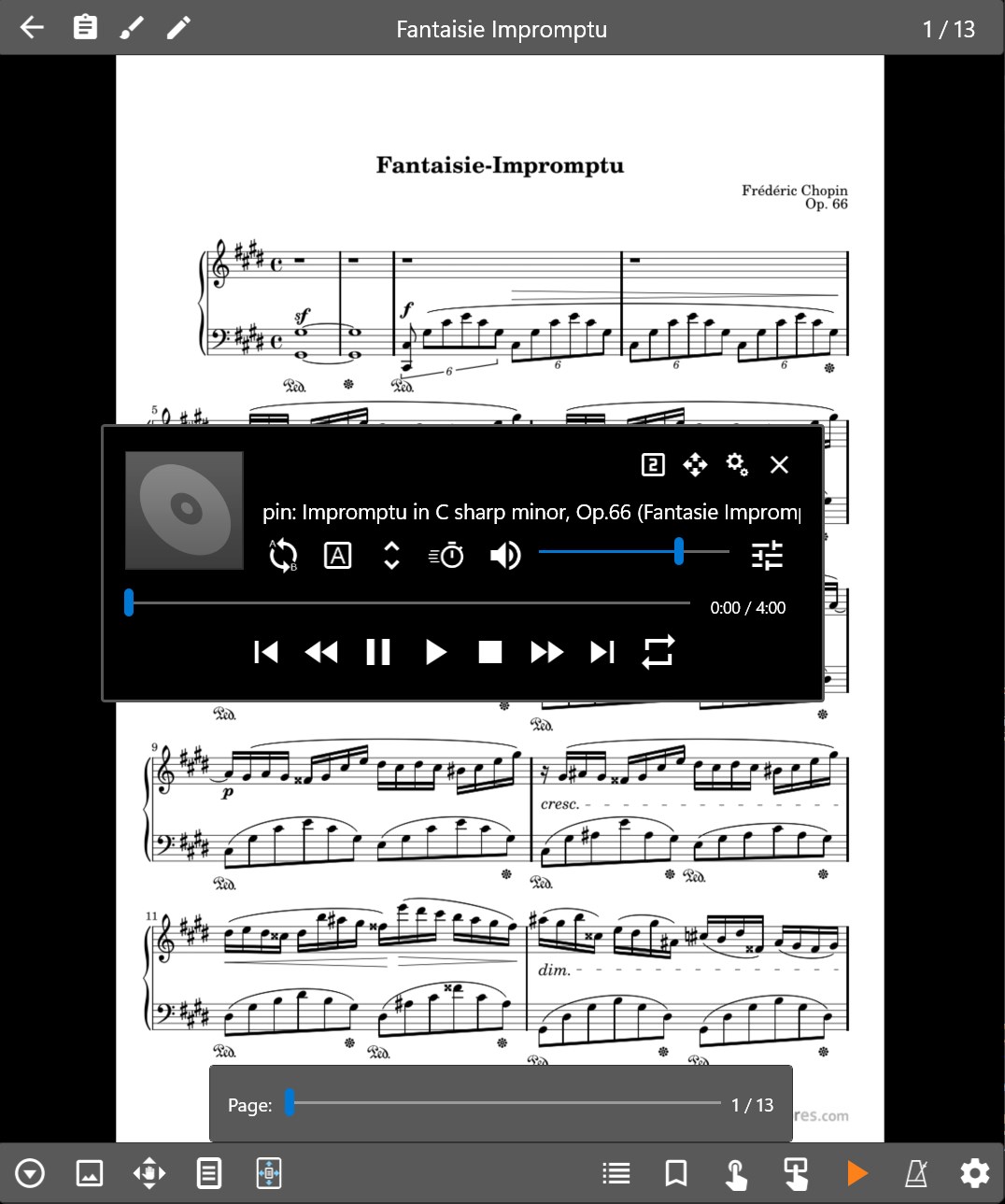
- A custom audio player for playing audio tracks with your scores. Audio player supports a-b looping and multiple sizes.
- A metronome with multiple display modes and sound effects
- Bookmarks for quick and easy access to sections in scores
- Link points for handling repeats and quickly jumping between pages
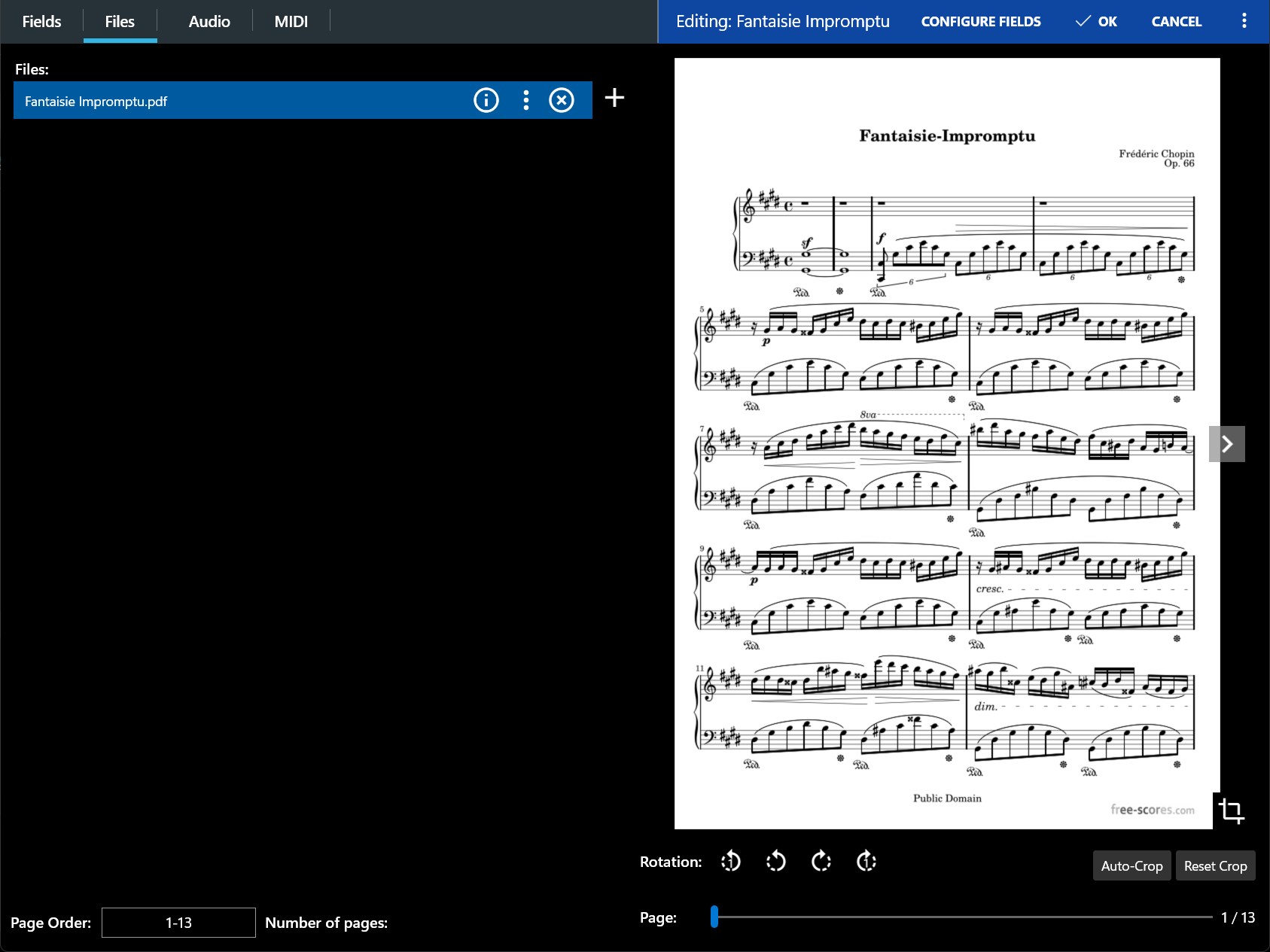
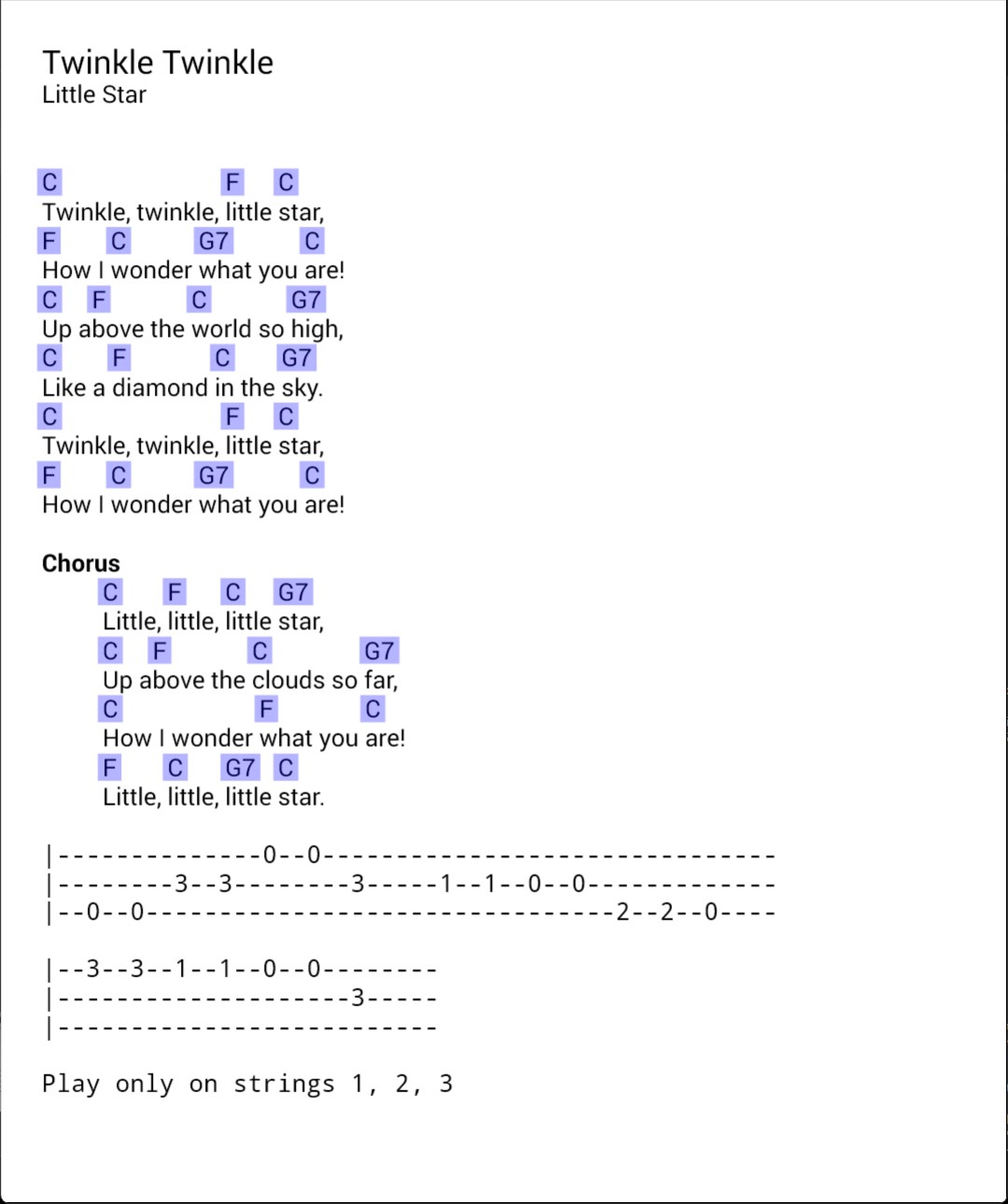
- Support for multiple file types including images, PDFs, text files and chord pro files.
- The ability to transpose chords in text and chord pro files.
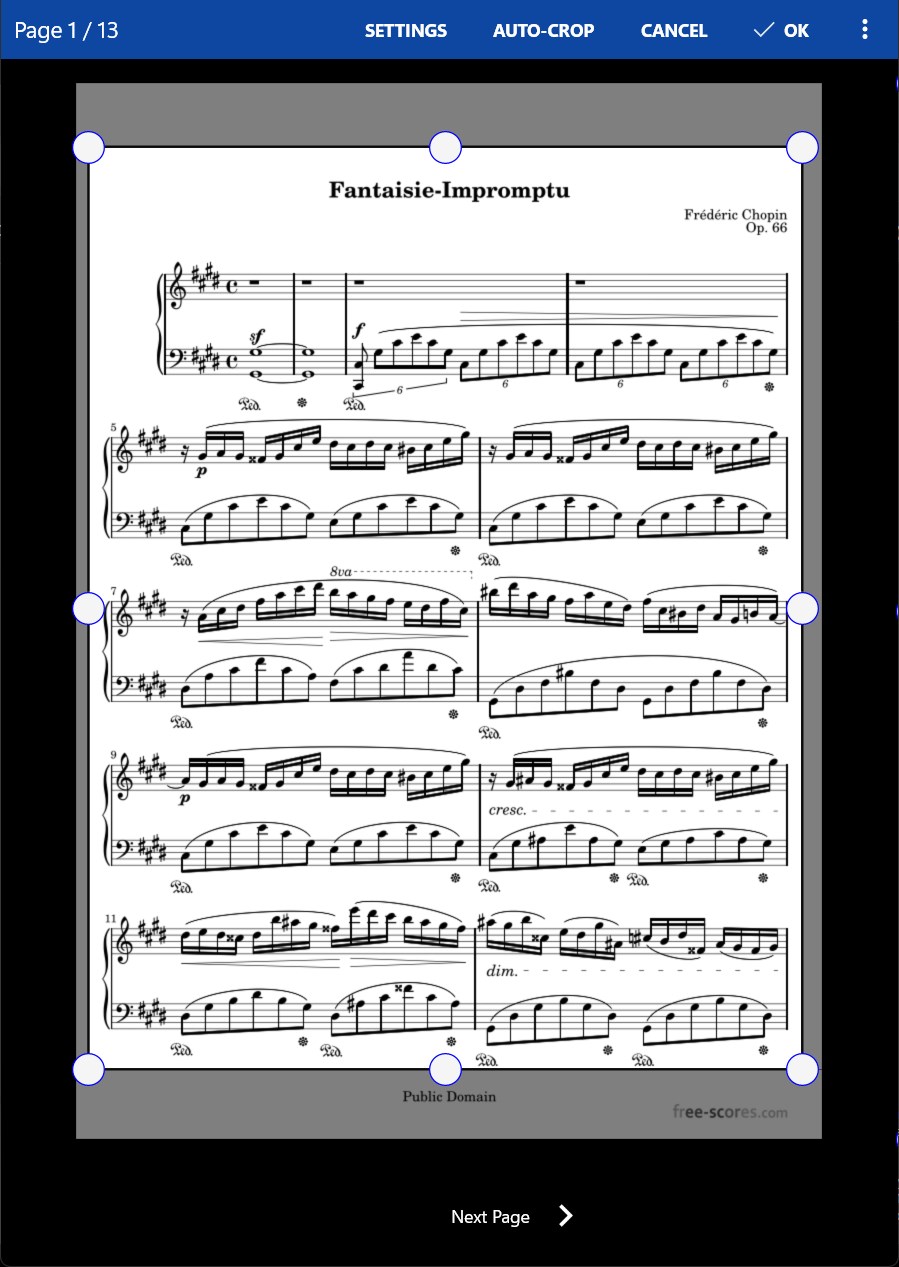
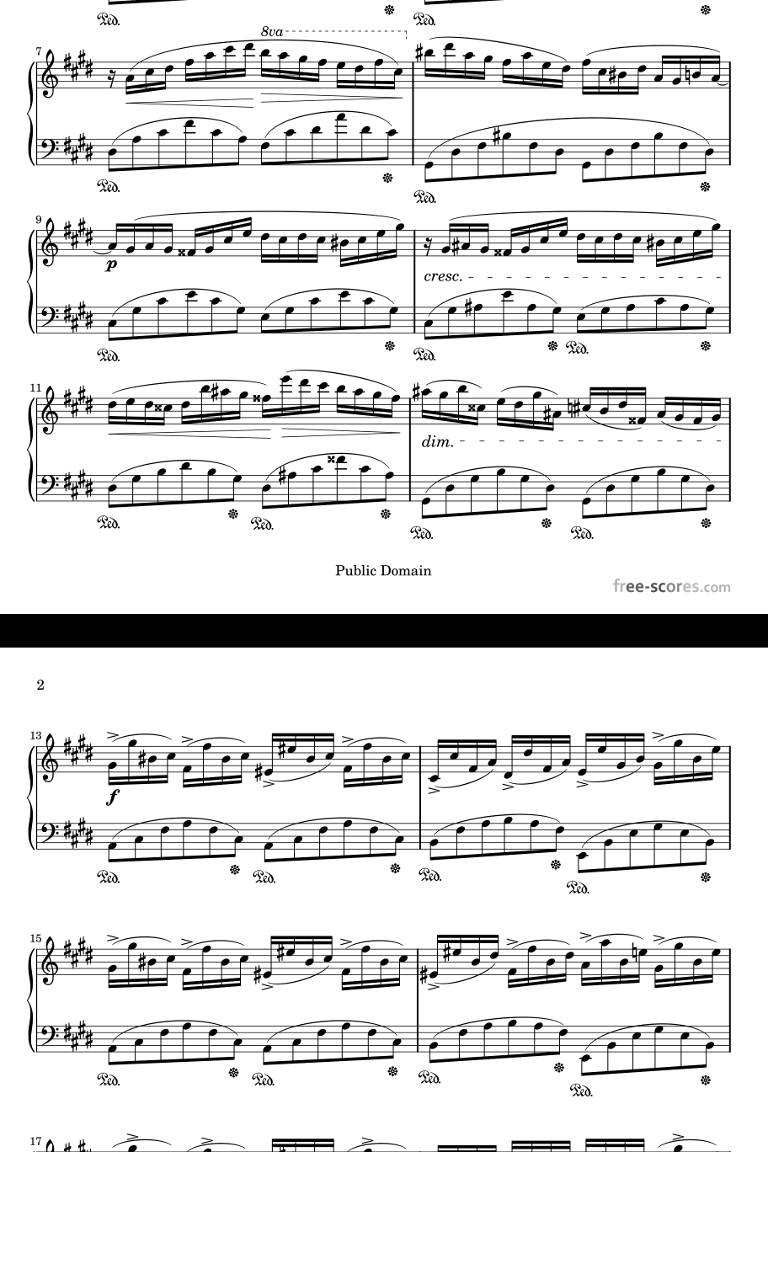
- Manual and automatic cropping to completely eliminate unnecessary margins
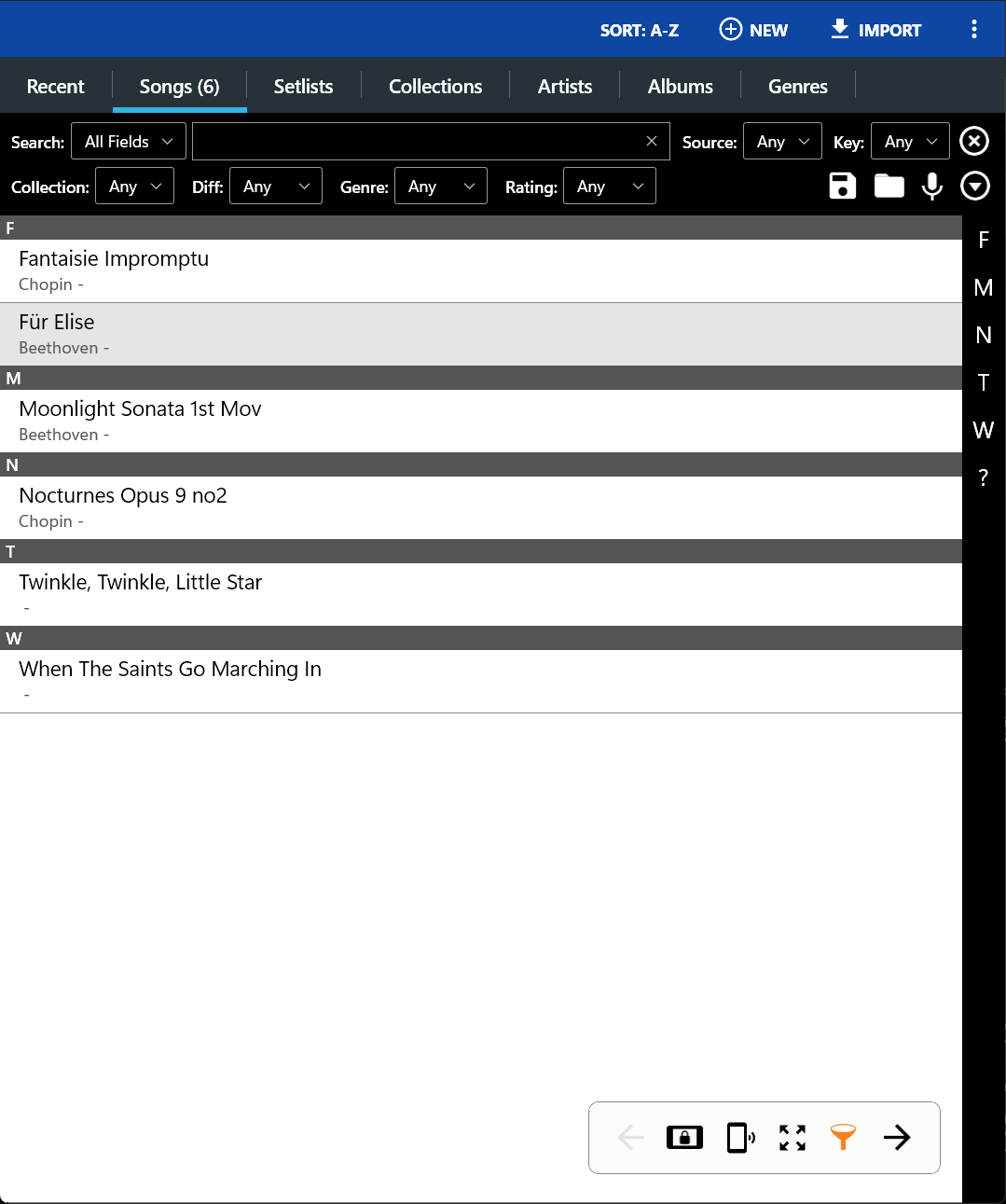
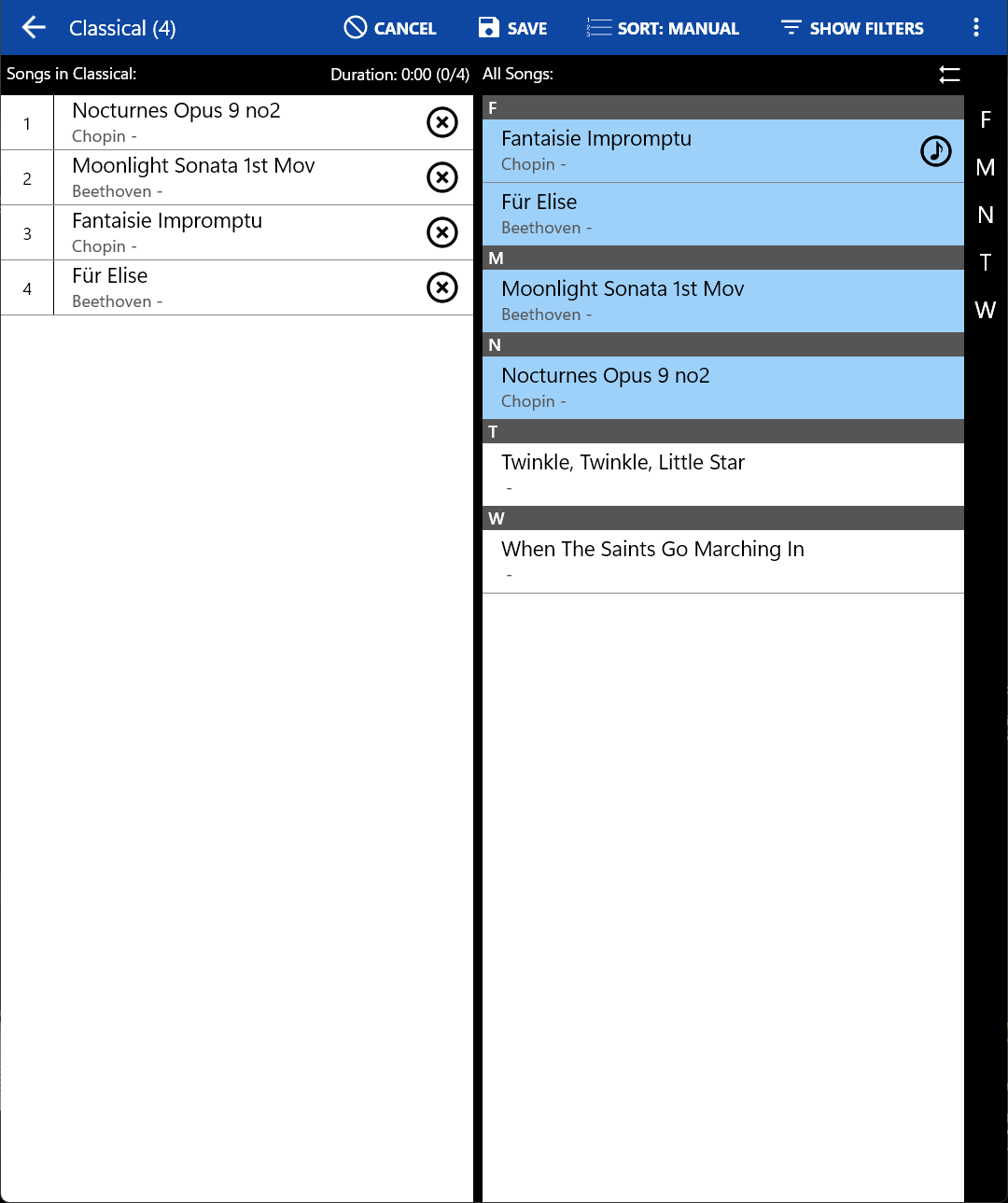
- Support for setlists and collections to efficiently group songs for playback.
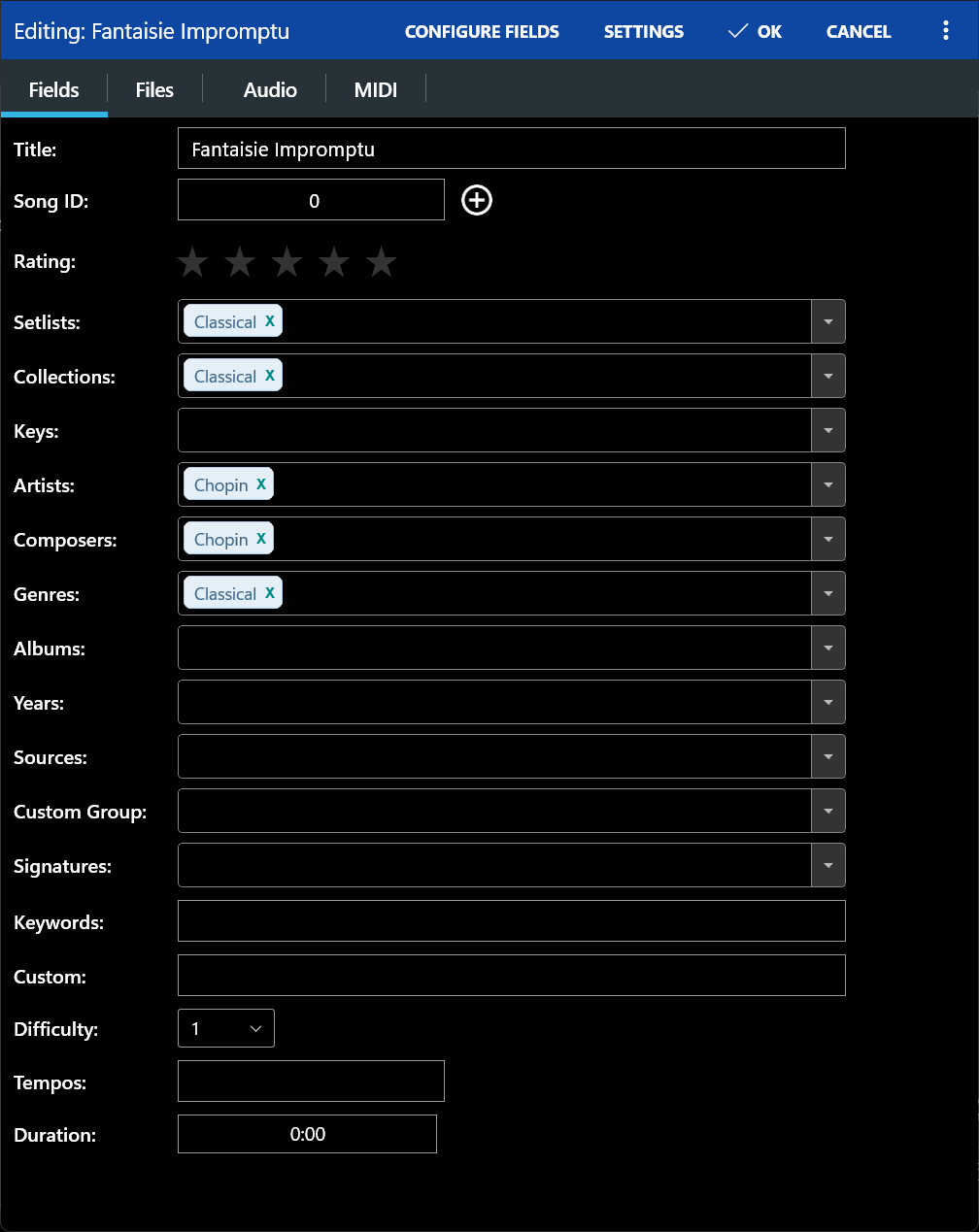
- Powerful library management features with a huge list of supported metadata fields, giving you complete control over the data in your library
Give MobileSheets a try today and experience the freedom of having all your scores just a simple tap away.
NOTE: This application does not include any sheet music - you must provide your own. A 14 day trial is available so the app can be tested before purchase.
Paste the original link from the Apple App Store or Microsoft Store. We fetch all details automatically.
How to find the URL:
1. Open the app in its store. 2.In the App Store app: tap the Share icon → “Copy Link”. In the browser: copy the URL from the address bar — it contains apps.apple.com/…/id… or apps.microsoft.com/detail/…. 3. Paste it here.
Android apps can only be listed by their developer.