
Screenshot appears after consentScreenshot appears after consentScreenshot appears after consentScreenshot appears after consentScreenshot appears after consentScreenshot appears after consentScreenshot appears after consentScreenshot appears after consentScreenshot appears after consent
Summary
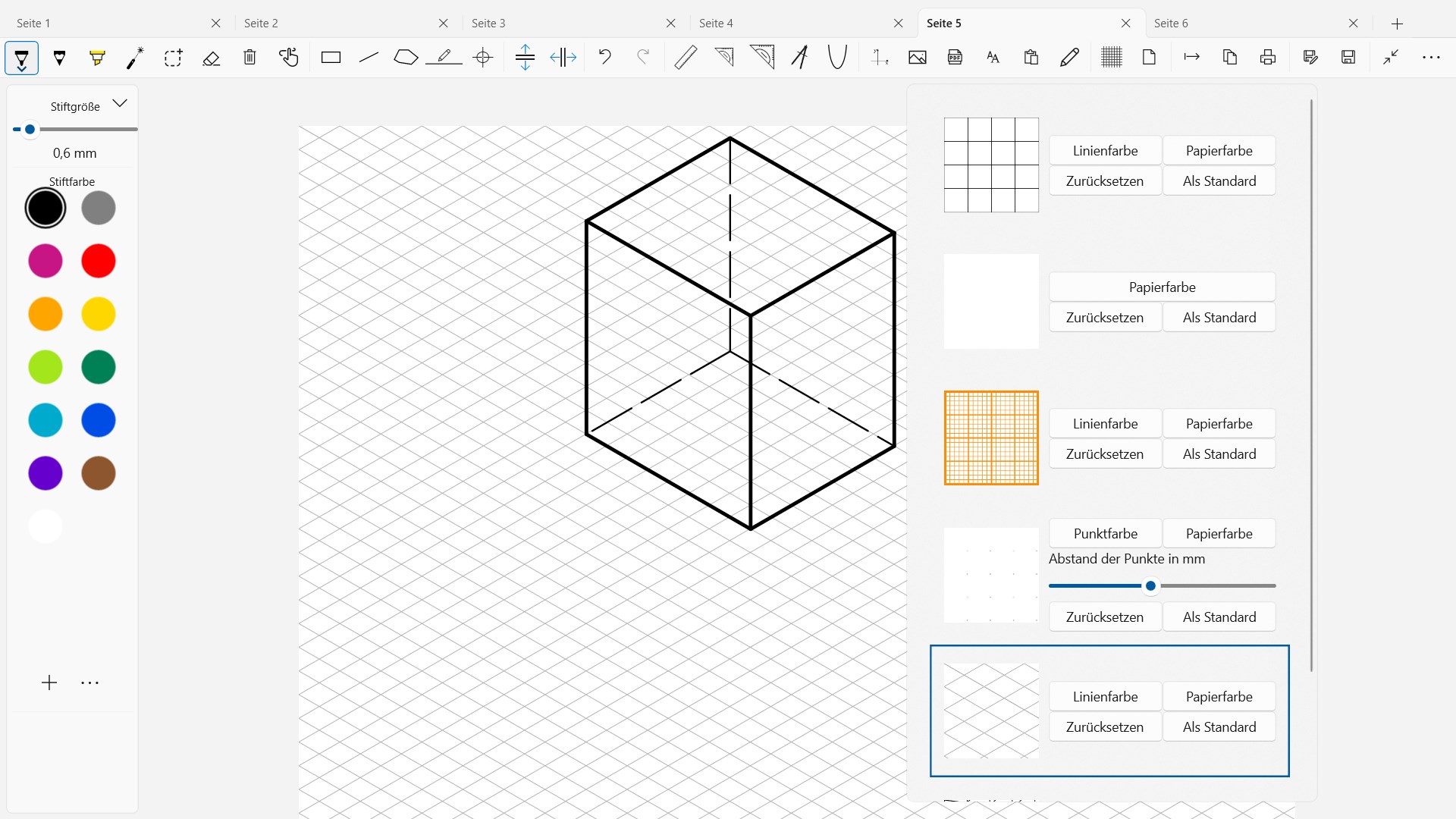
GeometrySketch is a drawing app for creating geometric drawings using virtual tools such as a protractor, compass, and ruler. It also offers shape tools for quickly generating lines, rectangles, and polygons. Worksheets and pages from textbooks or workbooks can be inserted as images or PDF files, either directly, by drag and drop, or via the clipboard, and then edited within the app. Coordinate systems can be generated and adjusted through a variety of settings. Finished documents can be printed, exported, saved, or pasted into another program via the clipboard. The app is free to try for one month and requires payment afterward.
Show the developer's original descriptionHide the original description
With GeometrySketch (subject to a fee after a one-month trial period), you can easily and intuitively create geometric drawings using a protractor, compass, and ruler. Shape tools also allow you to quickly create lines, rectangles, and polygons. Resulting documents can be printed, exported, saved, or pasted into another program via the clipboard. Worksheets, pages from textbooks or workbooks can be inserted and edited as images or PDF files directly, by drag and drop or via the clipboard. Coordinate systems can be generated and changed using a variety of setting options.
If there is a version of this app for iOS/Mac or Windows we don't know about, paste the store link here — we'll auto-detect the store.
How to find the URL:1. Open the app in its store. 2.In the App Store app: tap the Share icon → “Copy Link”. In the browser: copy the URL from the address bar — it contains apps.apple.com/…/id… or apps.microsoft.com/detail/…. 3. Paste it here.
Paste the original link from the Apple App Store or Microsoft Store. We fetch all details automatically.
How to find the URL:
1. Open the app in its store. 2.In the App Store app: tap the Share icon → “Copy Link”. In the browser: copy the URL from the address bar — it contains apps.apple.com/…/id… or apps.microsoft.com/detail/…. 3. Paste it here.
Android apps can only be listed by their developer.