


Screenshot appears after consentScreenshot appears after consentScreenshot appears after consentScreenshot appears after consentScreenshot appears after consent
Summary
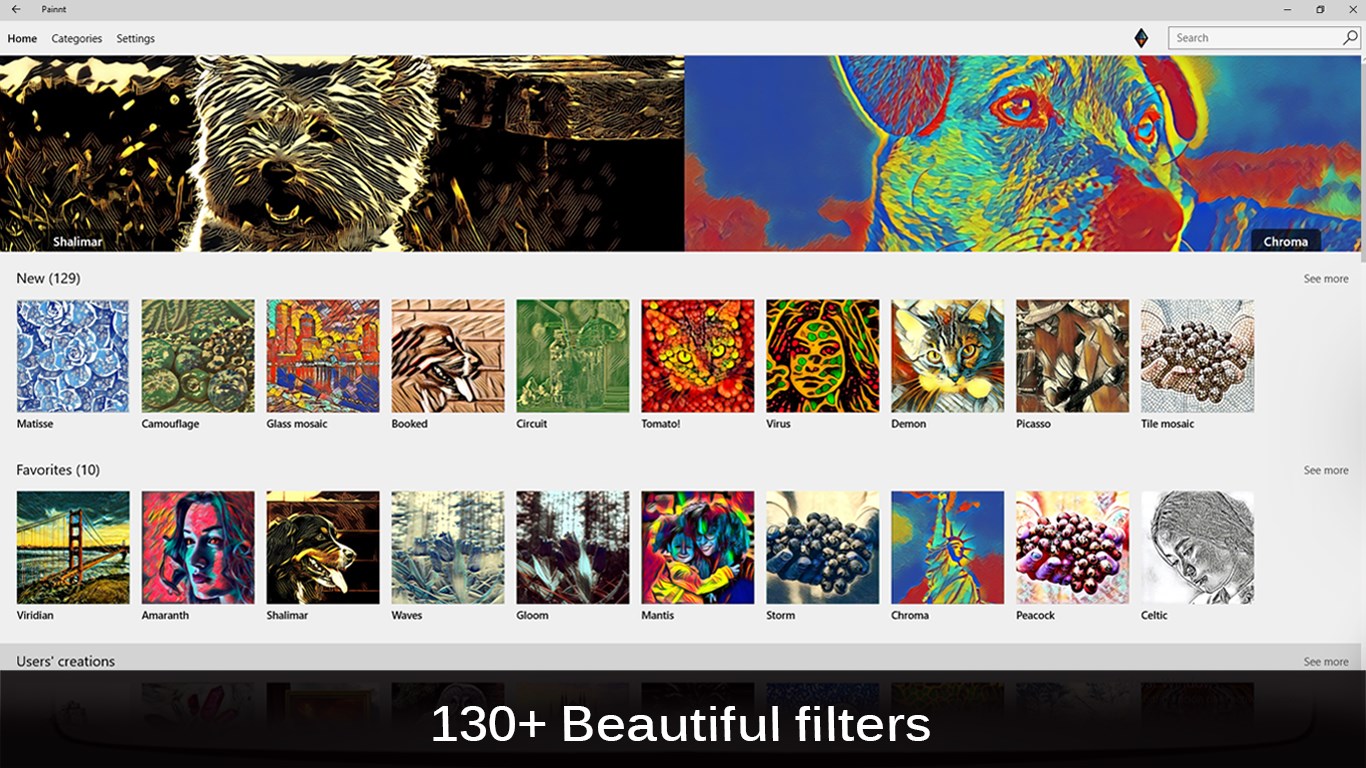
Painnt - Pro art filters is a photo editing tool that turns pictures into stylized paintings. It offers a selection of more than 170 filters spanning classical, comic book, modern, abstract and mosaic styles, with new filters added regularly. Settings can be previewed and fine-tuned to render realistic results in high resolution, and finished images can be completed with a genuine-looking frame chosen from a wide selection. Finished artwork can be saved or shared with friends and family, and users can join a community to display their work and get feedback from other artists. It is free to use, though it limits output resolution, shows ads and adds a watermark.
Show the developer's original descriptionHide the original description
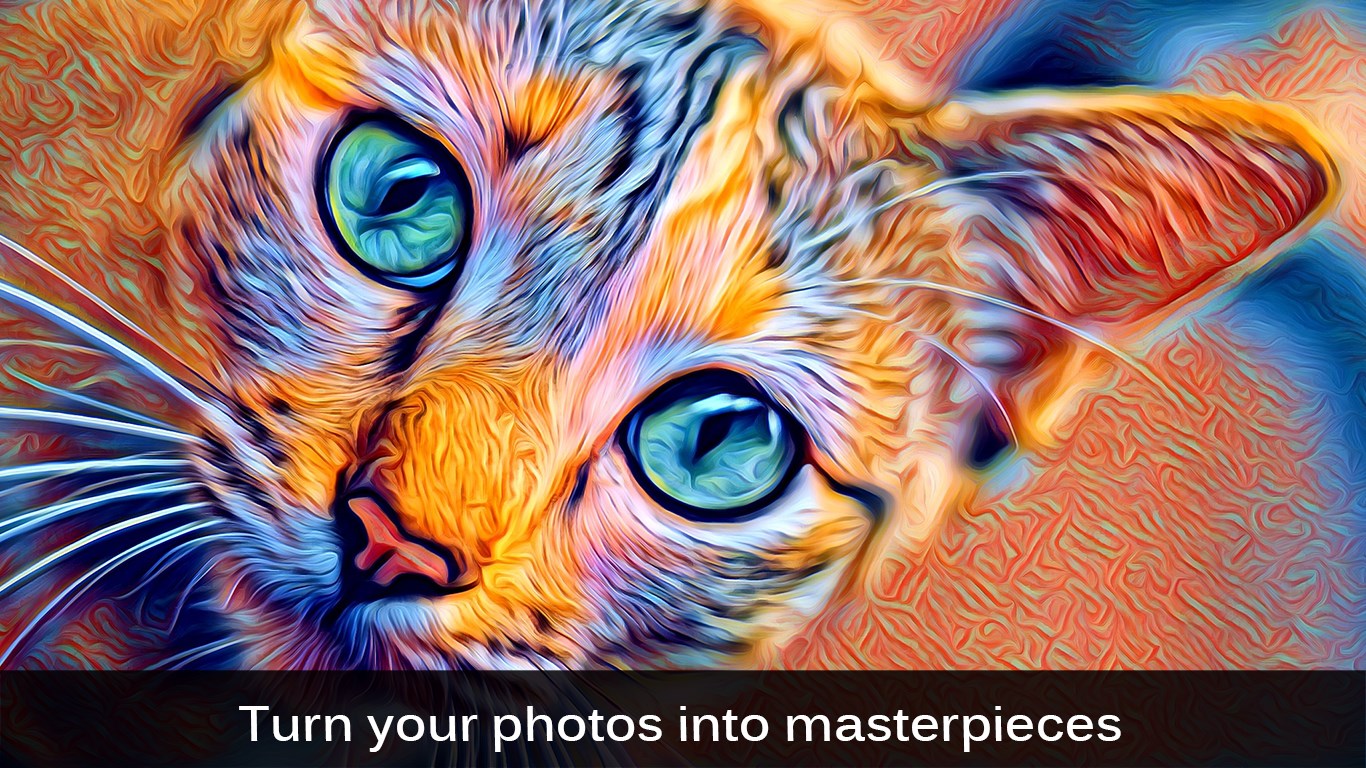
Turn your photos into masterpieces! Choose from our selection of 170+ filters, including classical, comic book, modern, abstract and mosaics. We regularly add new stunning filters to our collection.
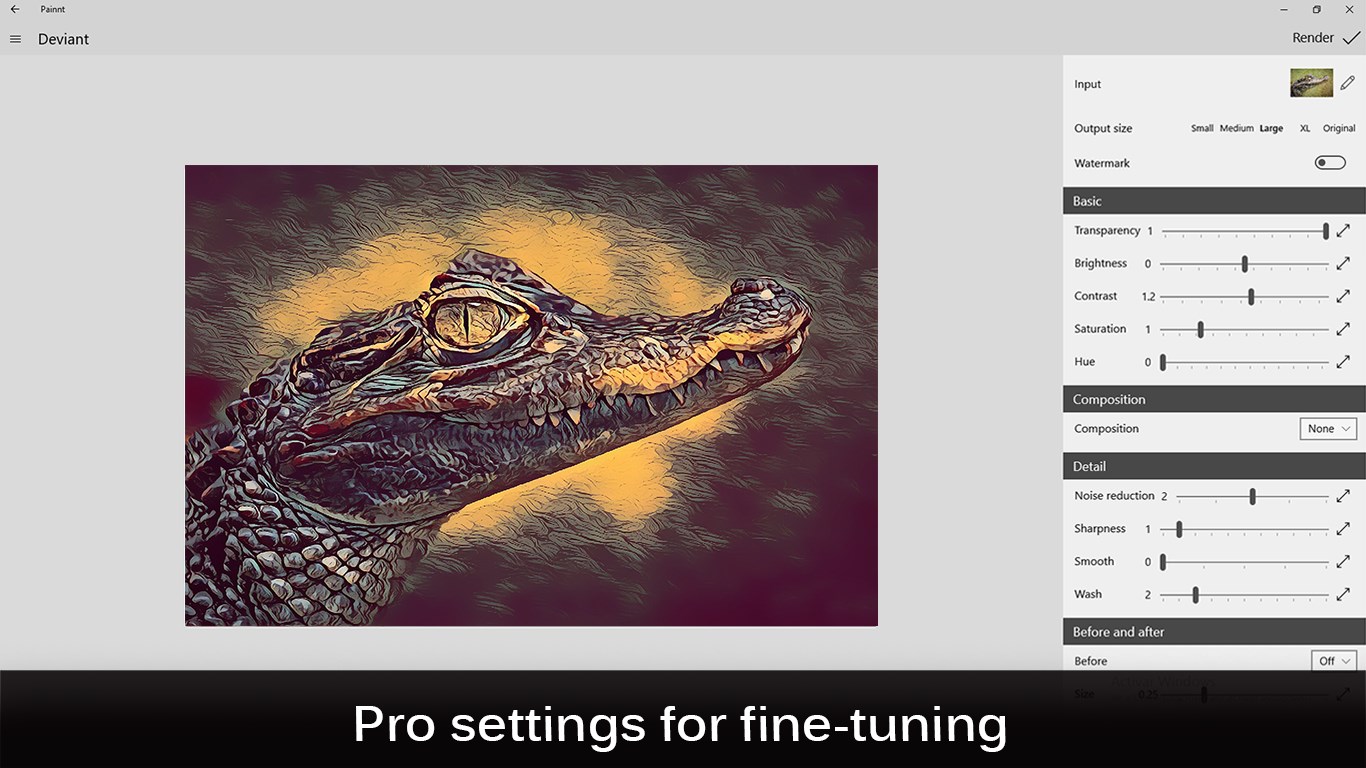
Preview and fine-tune settings for unique results, and render realistic paintings in high resolution. For a final touch, add a genuine-looking frame from our wide selection.
When you are ready to unveil your masterpiece to the world, save or share your painting with friends and family by email or social networks. Also, join our awesome community where you can display your artwork, get feedback and engage other like-minded artists.
This free app limits output resolution, has ads and adds a watermark; you can unlock the entire library, hide watermarks ands ads and enable high resolution via an in-app subscription.
Ready to unleash your inner artist? Get the app now!
If there is a version of this app for iOS/Mac or Windows we don't know about, paste the store link here — we'll auto-detect the store.
How to find the URL:1. Open the app in its store. 2.In the App Store app: tap the Share icon → “Copy Link”. In the browser: copy the URL from the address bar — it contains apps.apple.com/…/id… or apps.microsoft.com/detail/…. 3. Paste it here.
Paste the original link from the Apple App Store or Microsoft Store. We fetch all details automatically.
How to find the URL:
1. Open the app in its store. 2.In the App Store app: tap the Share icon → “Copy Link”. In the browser: copy the URL from the address bar — it contains apps.apple.com/…/id… or apps.microsoft.com/detail/…. 3. Paste it here.
Android apps can only be listed by their developer.