

Screenshot appears after consentScreenshot appears after consentScreenshot appears after consent
Summary
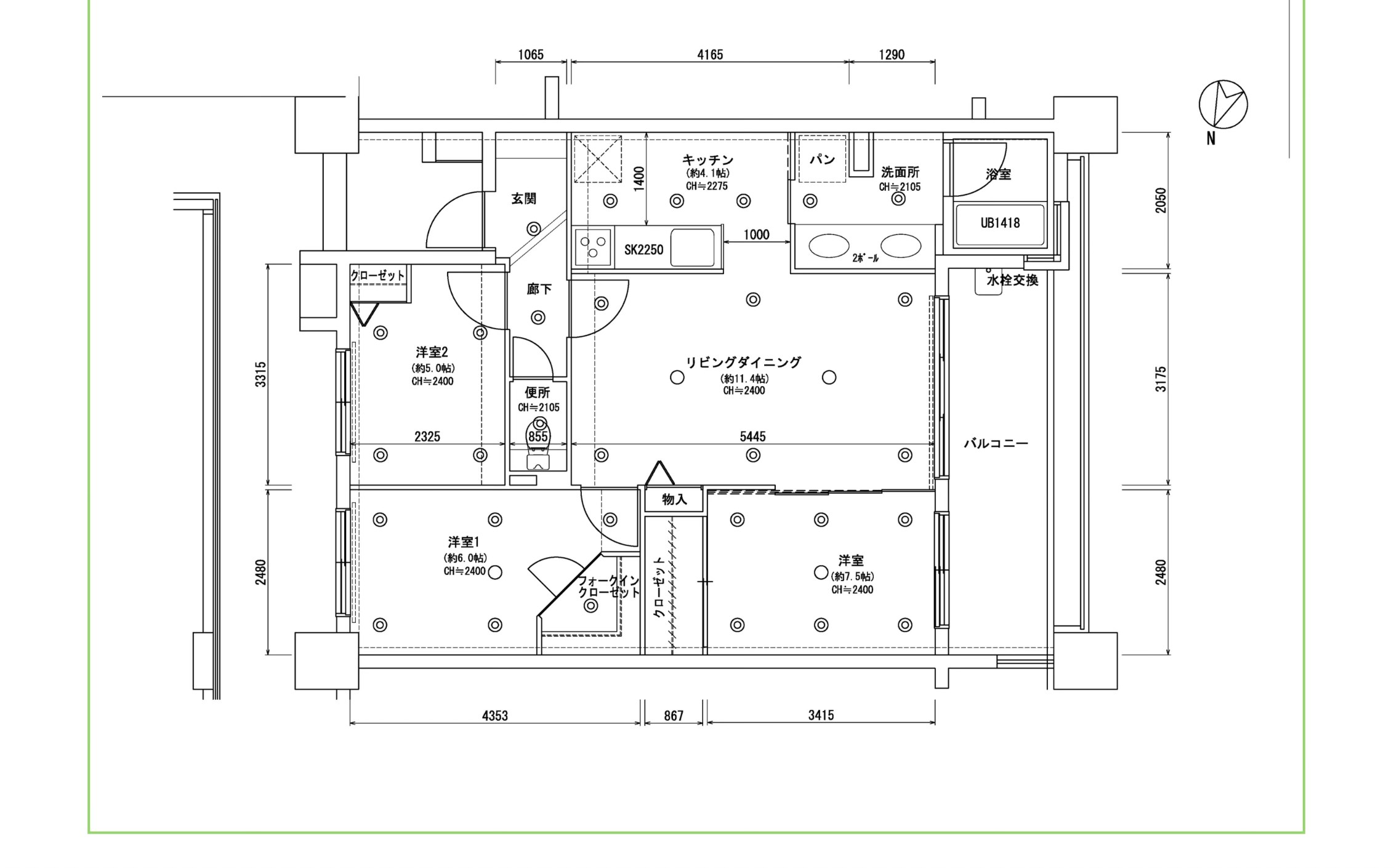
CAD Design Software is a design app for professional 2D drafting and 3D modeling. It offers precise tools for technical drawings, floor plans and schematics, along with 3D modeling capabilities for building complex shapes, structures and assemblies. Precision tools such as snapping, dimensioning and layers allow detailed control over designs. Cloud sync makes it possible to save work and access it across devices, while DWG and DXF compatibility allows import and export of industry-standard formats, suiting architecture, interior design, engineering, industrial design, and hobbyists.
Show the developer's original descriptionHide the original description
Design, Draft, and Create – All in One Powerful CAD App.
CAD Design Software is your all-in-one solution for professional-grade 2D drafting and 3D modeling. Whether you’re an architect, engineer, product designer, or student, our app delivers the tools you need to bring your ideas to life.
Key Features:
• 2D Drafting: Precise tools for technical drawings, floor plans, and schematics
• 3D Modeling: Build complex shapes, structures, and assemblies
• Precision Tools: Snapping, dimensioning, and layers for detailed control
• Cloud Sync: Save and access your work across devices
• DWG/DXF Compatibility: Seamlessly import and export industry-standard formats
• Easy UI: Clean, intuitive interface for beginners and pros alike
Perfect For:
•Architecture & Interior Design
•Mechanical & Electrical Engineering
•Industrial & Product Design
•Hobbyists, DIY, and Students
Start designing smarter. Download CAD Design Software today!
If there is a version of this app for iOS/Mac or Windows we don't know about, paste the store link here — we'll auto-detect the store.
How to find the URL:1. Open the app in its store. 2.In the App Store app: tap the Share icon → “Copy Link”. In the browser: copy the URL from the address bar — it contains apps.apple.com/…/id… or apps.microsoft.com/detail/…. 3. Paste it here.
Paste the original link from the Apple App Store or Microsoft Store. We fetch all details automatically.
How to find the URL:
1. Open the app in its store. 2.In the App Store app: tap the Share icon → “Copy Link”. In the browser: copy the URL from the address bar — it contains apps.apple.com/…/id… or apps.microsoft.com/detail/…. 3. Paste it here.
Android apps can only be listed by their developer.