
Windows HDR Calibration
Calibrate your HDR display with a custom color profile AI summary
Screenshots
Summary
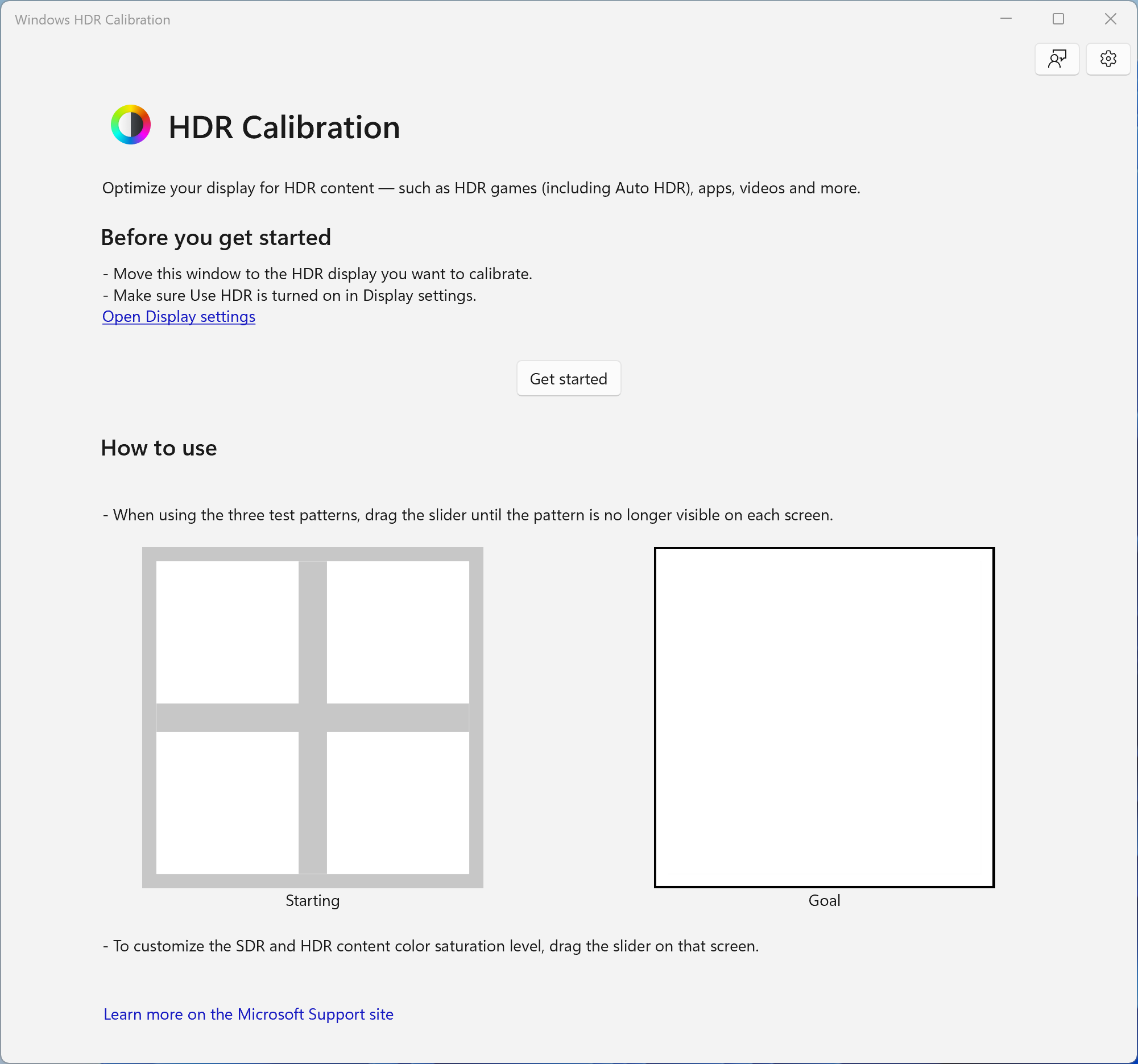
Windows HDR Calibration is a display calibration tool for optimizing HDR screens on a Windows 11 PC for HDR games, including Auto HDR, and other HDR content. It guides the user through a series of steps to set minimum and maximum brightness levels as well as color saturation level. From these settings, the app creates a new color profile tailored to the specific display.
Show the developer's original descriptionHide the original description
This app lets you calibrate your HDR display to optimize it for HDR games (including Auto HDR) and other HDR content on your Windows 11 PC. Go through a series of steps to set the minimum and maximum brightness levels, as well as color saturation level, to create a new color profile that's made for your display.
Technical details about Windows HDR Calibration
Windows HDR Calibration in the rankings
Manage app
Are you on the developer team behind Windows HDR Calibration?
Verify yourself and manage your listing on Most Voted Apps.
Verify Windows HDR Calibration for free
Verification usually takes only a few minutes.
Similar apps to Windows HDR Calibration