

Screenshot appears after consentScreenshot appears after consentScreenshot appears after consentScreenshot appears after consentScreenshot appears after consentScreenshot appears after consentScreenshot appears after consent
Summary
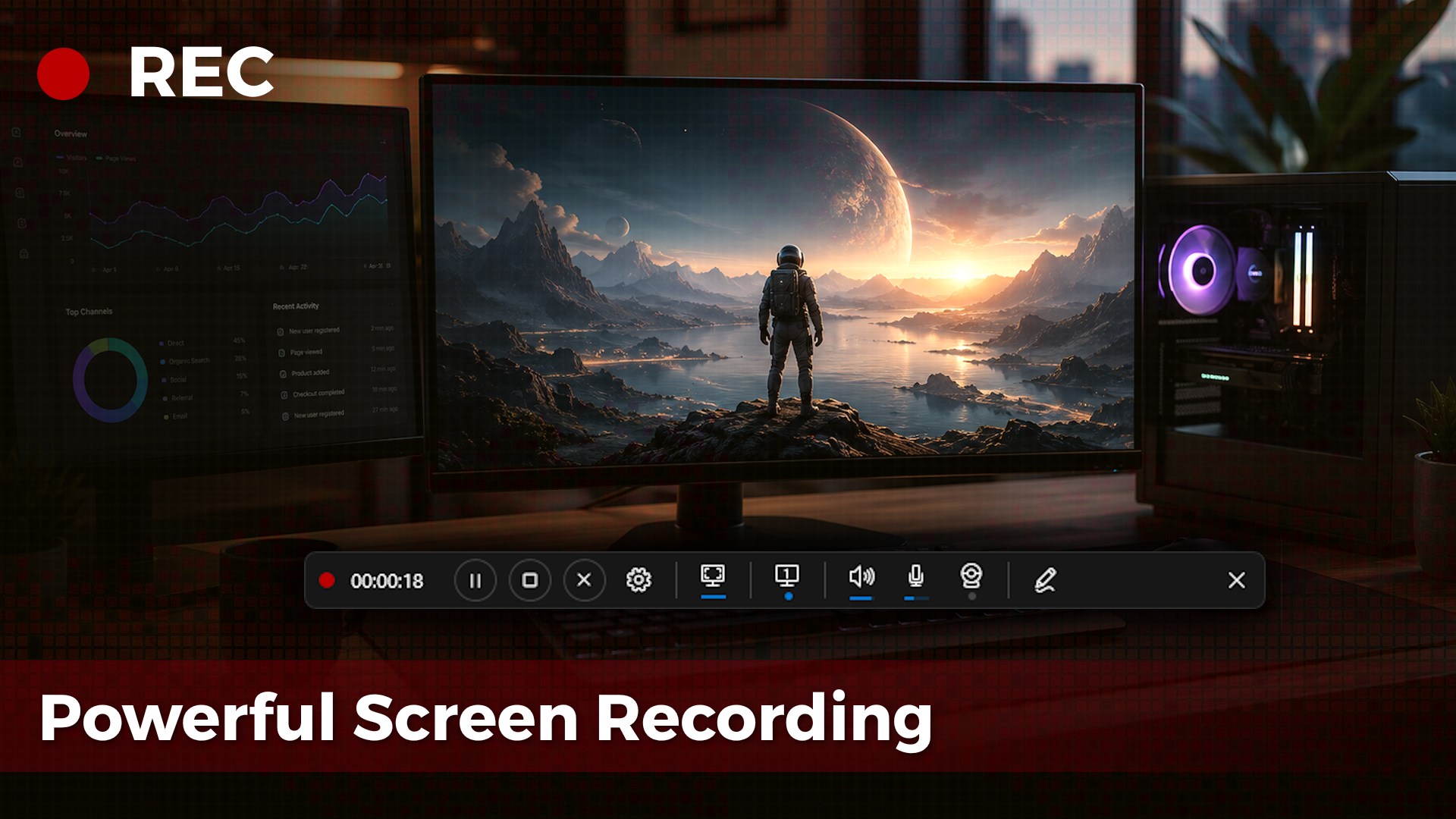
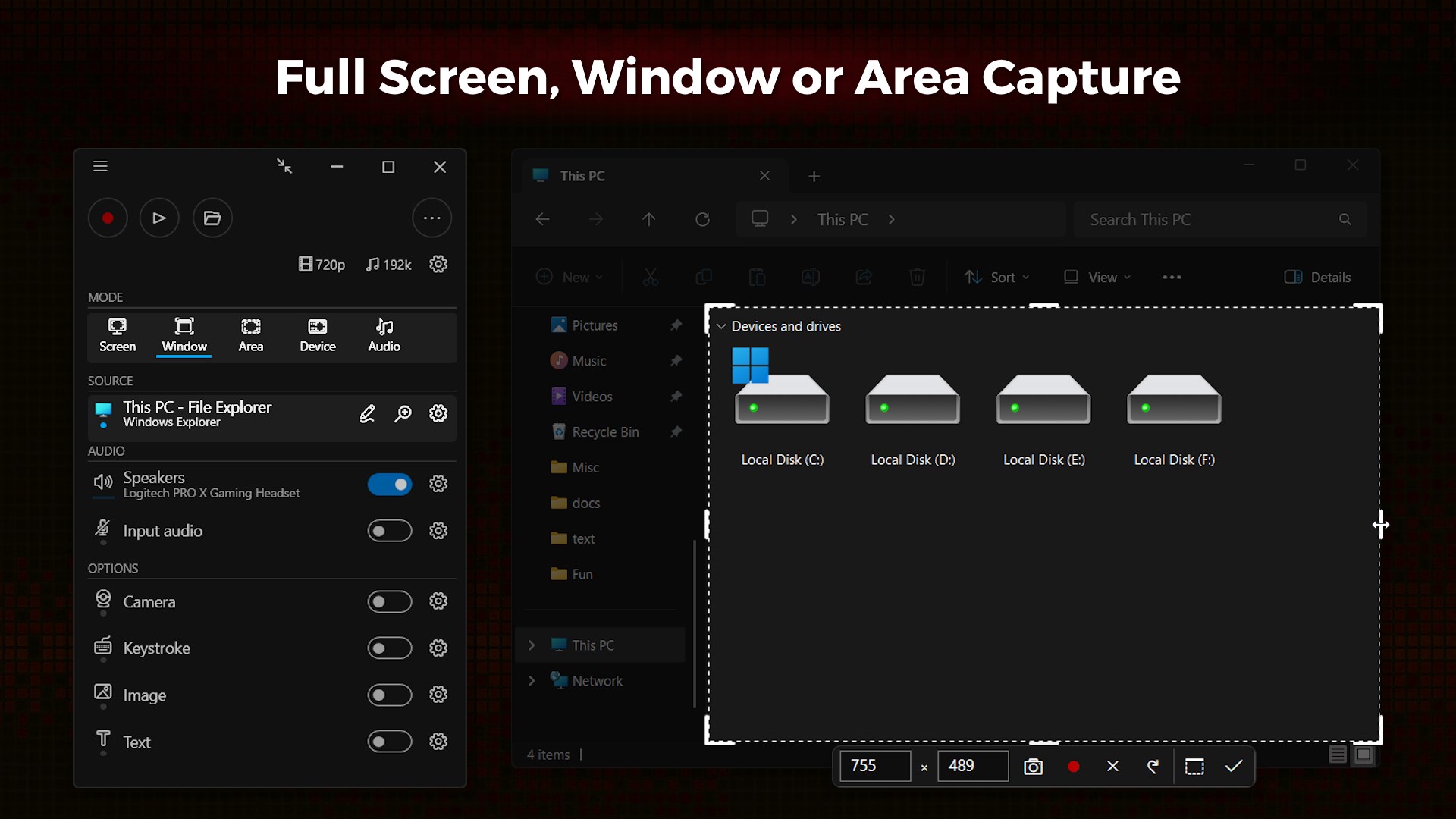
Screenbits - Screen Recorder is a screen recording tool for gameplay, tutorials and product demos. It captures screen, system audio, microphone and camera in resolutions up to 4K and 144 FPS, saving output as MP4. Recording can cover the full screen, a window or a custom area, with support for multiple displays, cursor effects and zooming during capture. The app also records webcam footage with customizable overlays and chroma key, and offers annotation tools for drawing, highlighting and adding text or keystroke visualizations. Additional controls include a live preview with move and resize options, hotkeys, and a built-in file manager.
Show the developer's original descriptionHide the original description
Screenbits — Powerful Screen Recording
Fast, flexible, and easy-to-use screen recorder for gameplay, tutorials, product demos, and more. Record your screen, system audio, microphone, and camera in high-quality HD or 4K with smooth performance.
🎥 High-Performance Video Recording
• MP4 (H.264/HEVC/AAC) output
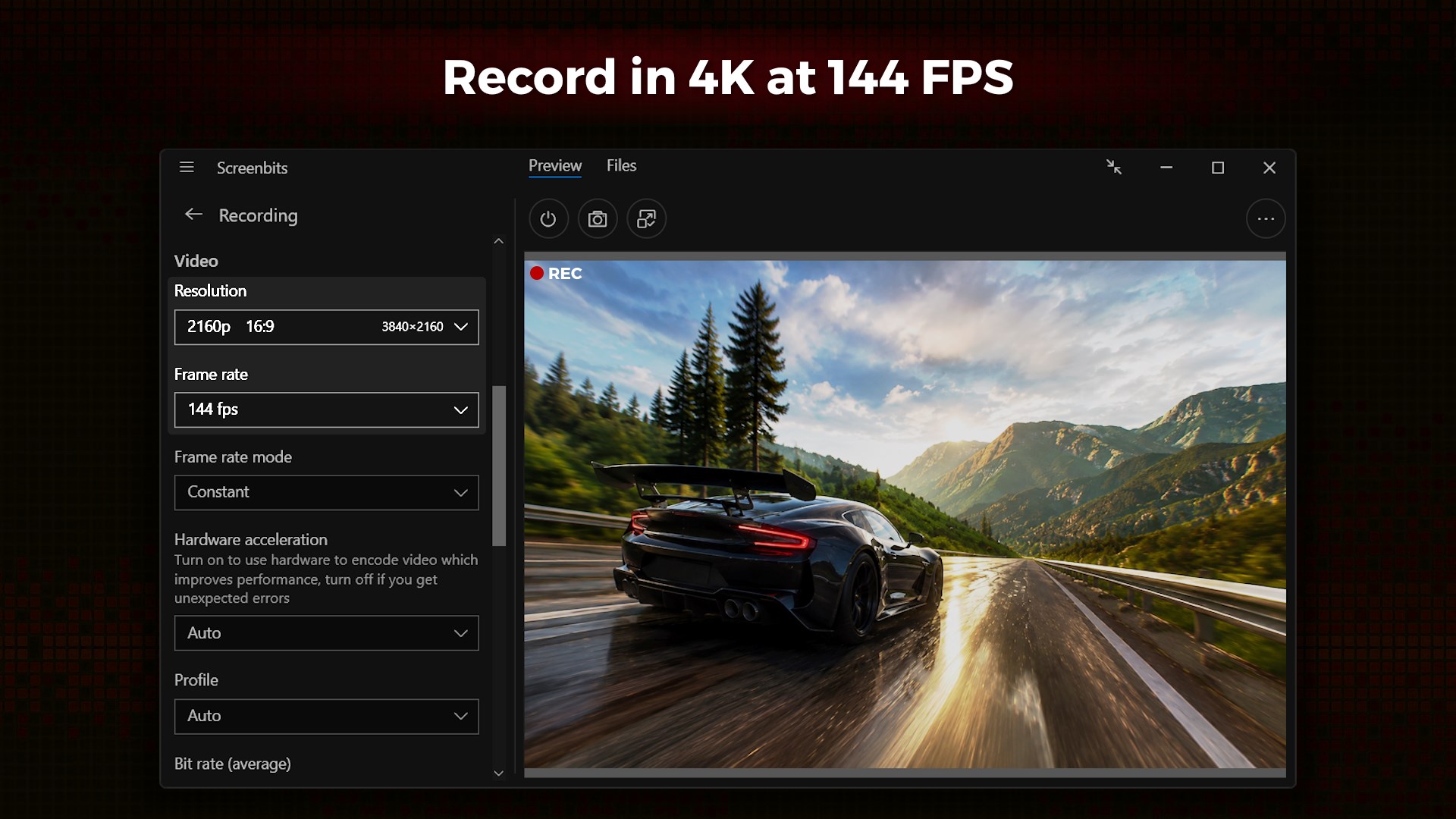
• Up to 4K resolution and 144 FPS*
• Adjustable resolution, frame rate, and quality settings
🎧 Advanced Audio Capture
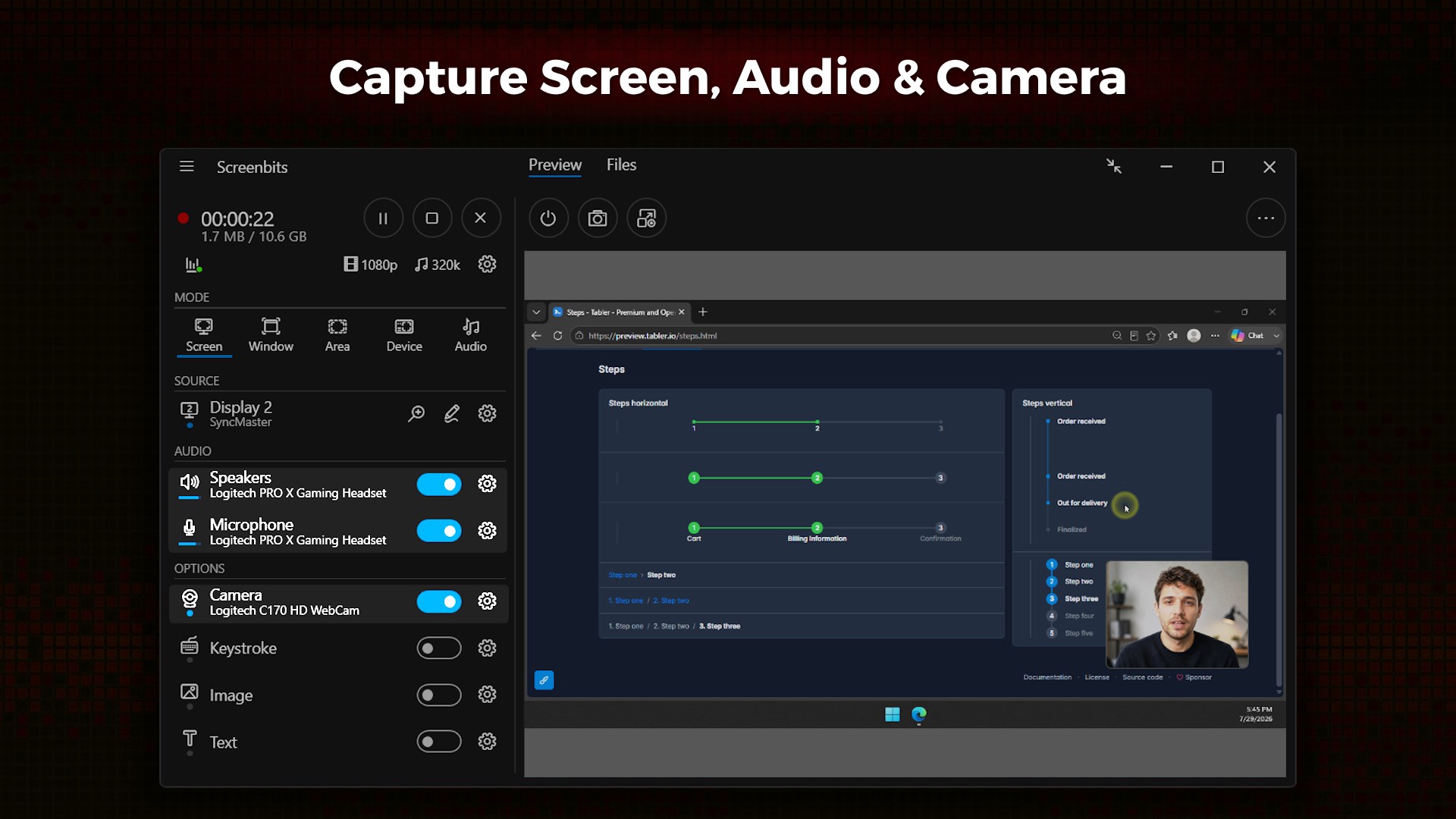
• Record system sound and microphone together or separately
• High-quality AAC audio (MP4A)
• Push-to-talk support
🖥️ Flexible Capture Modes
• Full screen, window, or custom area
• Multi-display support
• Cursor effects and highlights
• Zoom in on screen during recording
📷 Camera & Overlay
• Webcam and external device recording
• Customizable overlays with chroma key
✏️ Annotations & Effects
• Draw, highlight, and annotate
• Keystroke visualizations and custom text/images
⚙️ Smart Controls
• Live preview with move/resize controls
• Hotkeys, scheduling, and countdown
• File manager and screenshots
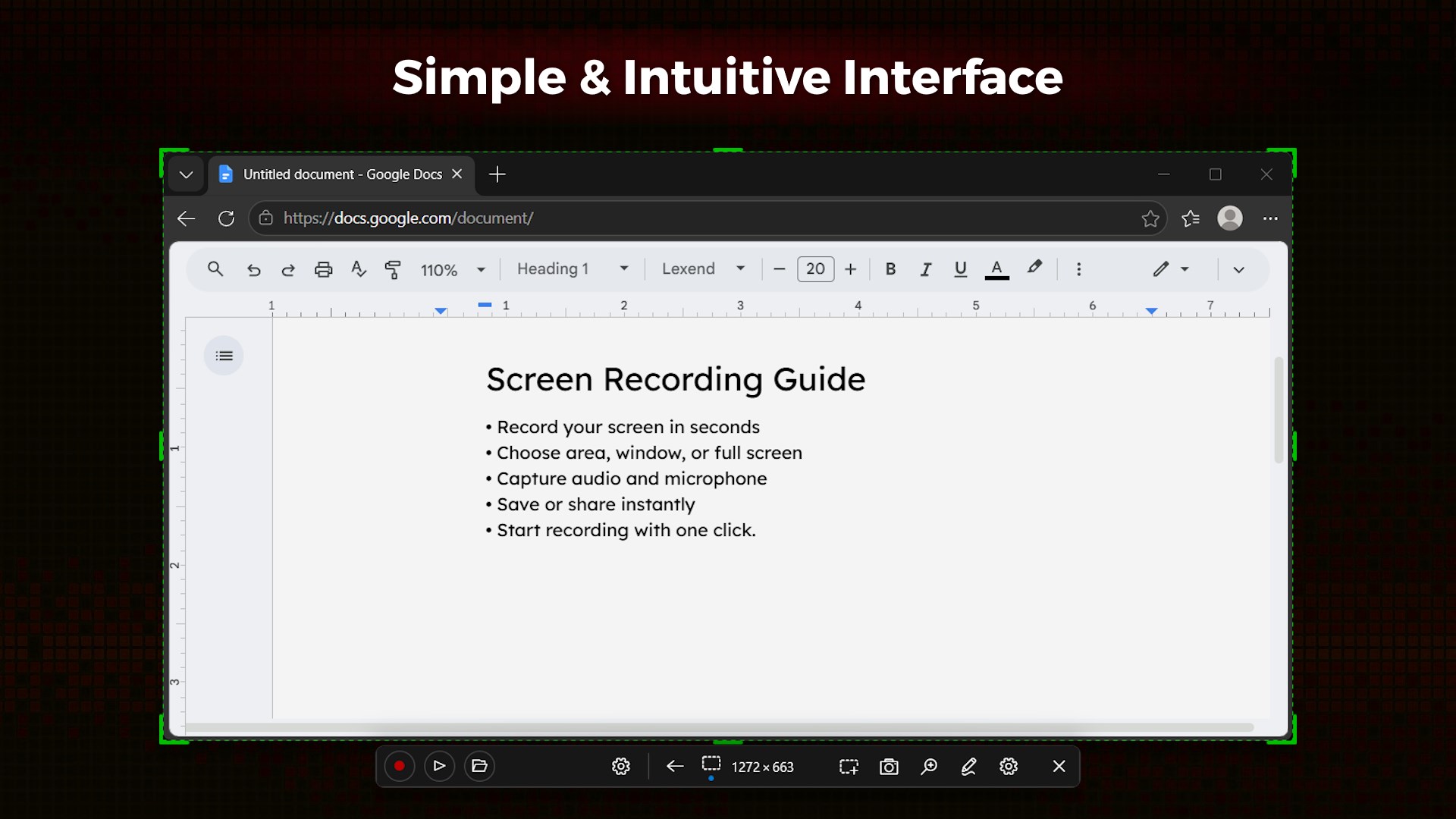
Screenbits combines powerful features with a clean, intuitive interface—perfect for beginners and professionals.
Create high-quality recordings — without the complexity.
*Features may depend on system capabilities.
If there is a version of this app for iOS/Mac or Windows we don't know about, paste the store link here — we'll auto-detect the store.
How to find the URL:1. Open the app in its store. 2.In the App Store app: tap the Share icon → “Copy Link”. In the browser: copy the URL from the address bar — it contains apps.apple.com/…/id… or apps.microsoft.com/detail/…. 3. Paste it here.
Paste the original link from the Apple App Store or Microsoft Store. We fetch all details automatically.
How to find the URL:
1. Open the app in its store. 2.In the App Store app: tap the Share icon → “Copy Link”. In the browser: copy the URL from the address bar — it contains apps.apple.com/…/id… or apps.microsoft.com/detail/…. 3. Paste it here.
Android apps can only be listed by their developer.