Termius - Modern SSH Client

SSH client for quick server connections from desktop AI summary
Rank 1945
0 Up Votes, 0 Down Votes
▲
0
▼
Screenshots
iPhone iPad Mac Windows
Screenshot 1 of Termius - Modern SSH Client on iPhoneScreenshot
appears after consent
Screenshot 2 of Termius - Modern SSH Client on iPhoneScreenshot
appears after consent
Screenshot 3 of Termius - Modern SSH Client on iPhoneScreenshot
appears after consent
Screenshot 4 of Termius - Modern SSH Client on iPhoneScreenshot
appears after consent
Screenshot 5 of Termius - Modern SSH Client on iPhoneScreenshot
appears after consent
Screenshot 6 of Termius - Modern SSH Client on iPhoneScreenshot
appears after consent
Screenshot 7 of Termius - Modern SSH Client on iPhoneScreenshot
appears after consent
Summary
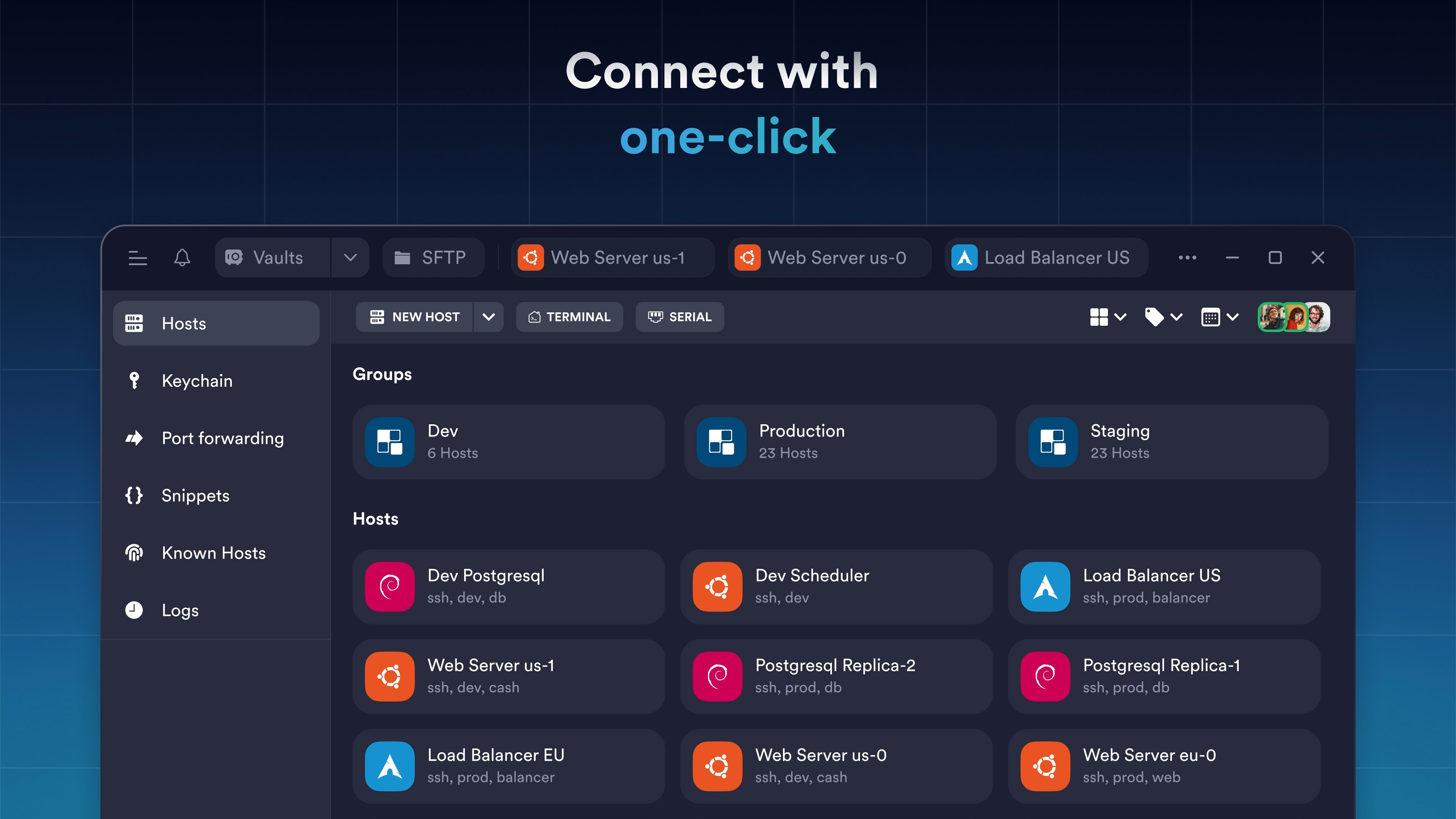
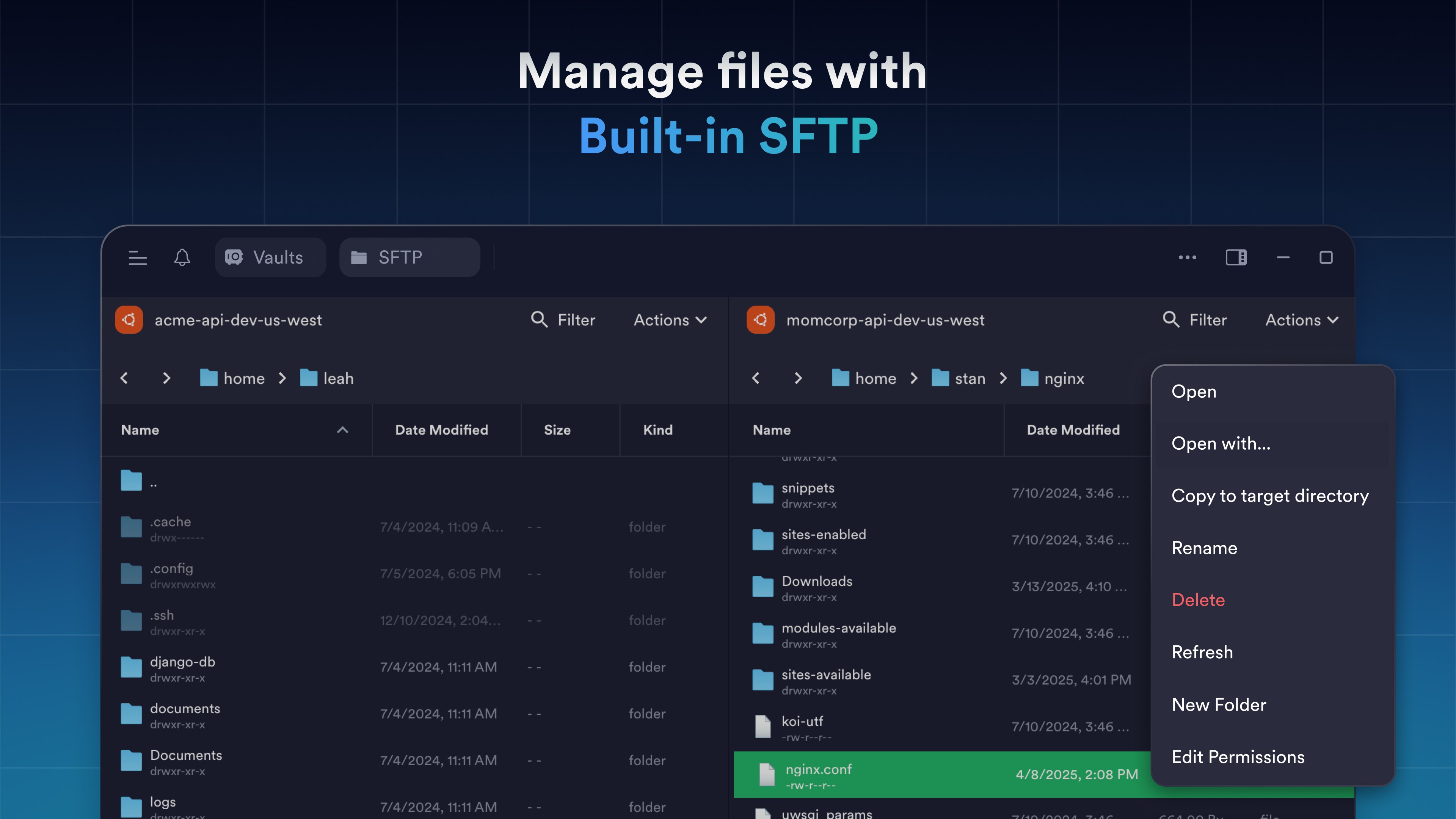
Termius - Modern SSH Client is a remote access tool for connecting to servers from mobile and desktop devices via SSH, Mosh, Telnet, Port Forwarding and SFTP with one tap, without re-entering IP addresses, ports and passwords. It supports multiple sessions through a multi-tab interface with split-view, and lets users save frequently used commands and shell scripts for quick execution along with a unified command history. Credentials can be protected with Touch ID or Face ID and two-factor authentication. A paid Pro plan adds an encrypted cloud vault for syncing settings and credentials across unlimited devices, plus proxy and jump server connections.
Show the developer's original descriptionHide the original description
Termius is a modern SSH client designed for productivity and collaboration. Connect with one click from desktop and mobile—no re-entering IP addresses, ports, and passwords. With a free Termius Starter plan, you can: · Connect from your mobile and desktop device with SSH, Mosh, Telnet, Port Forwarding, and SFTP. · Work in several sessions simultaneously with a multi-tab interface and split-view support. · Customize your terminal themes and fonts for each connection. · Save your favorite and frequently used commands and shell scripts to execute them with a tap instead of typing. · Quickly access the unified history of your terminal commands. · Get the support of ECDSA and ed25519 keys as well as a chacha20-poly1305 cipher. · Set custom environment variables. · Protect your credentials with Touch ID or Face ID and your account with two-factor authentication. · Run your saved commands on multiple sessions or servers or instantly get them autocompleted in the terminal. · Authenticate using hardware FIDO2 keys. · Ad-free. With the Termius Pro plan, you can also: · Access your connection settings and credentials from any device anytime with an encrypted cloud vault. · No limitations on the number of devices to sync. · Connect to your hardware via Serial Cable. · Connect through Proxy and jump servers. · Integrate with AWS and DigitalOcean. · Keep your keys on your machine with SSH agent forwarding. Termius reinvents the command line experience. We strive to make remote access for admins and engineers a more productive and enjoyable experience. Please review our privacy policy https://termius.com/privacy_policy.html and terms of use https://termius.com/terms_of_use.html.
Technical details about Termius
Category
Age Rating
Price
Size
232,0 MB
Last updated in Microsoft Store
2026-11-08
App Store Rating
4.2 ★
Termius in the rankings
Manage app

Are you on the developer team behind Termius?

Verify yourself and manage your listing on Most Voted Apps.
Verify Termius for free
Verification usually takes only a few minutes.
Similar apps to Termius