
Screenshot appears after consentScreenshot appears after consentScreenshot appears after consentScreenshot appears after consentScreenshot appears after consent
Summary
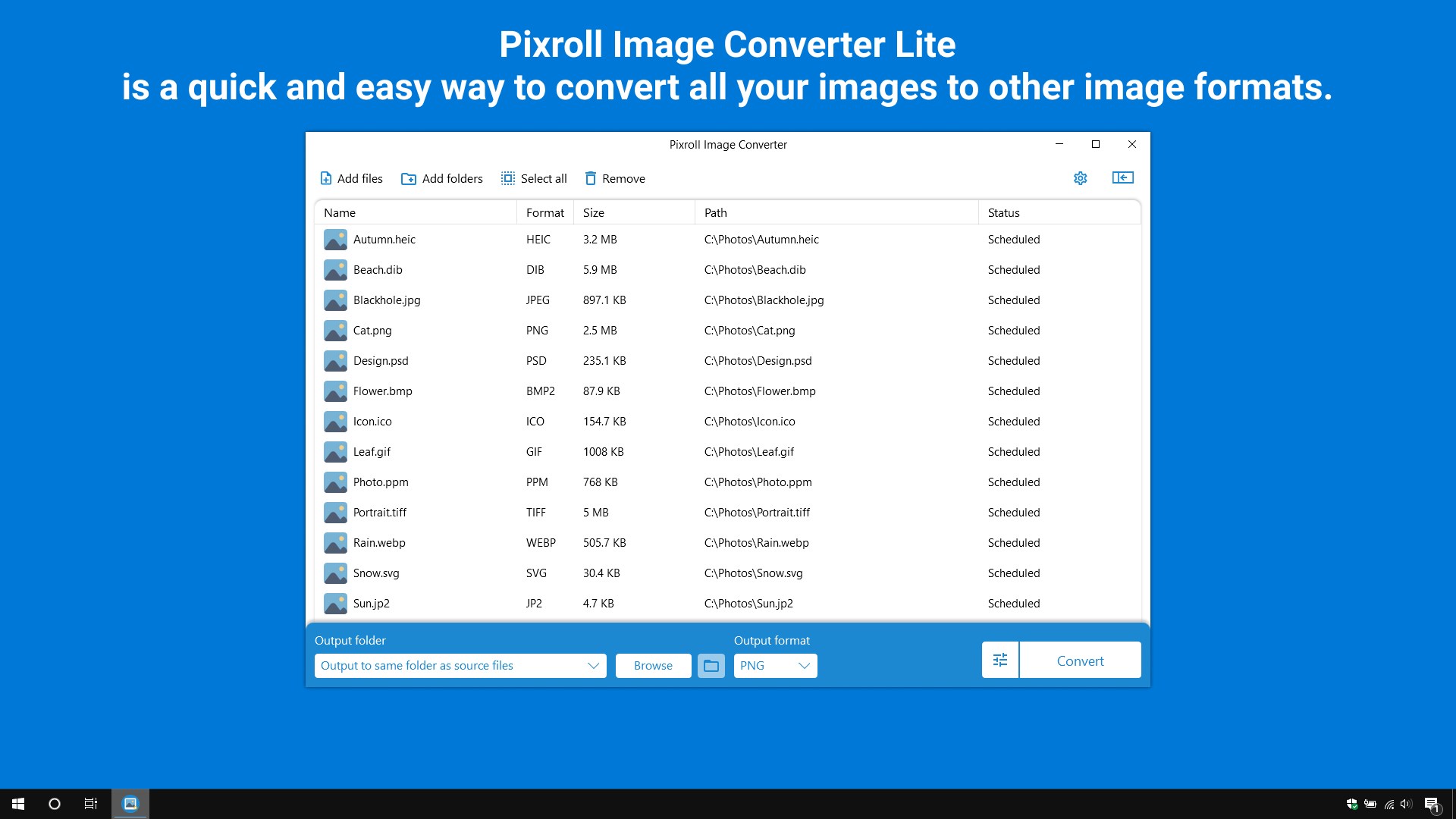
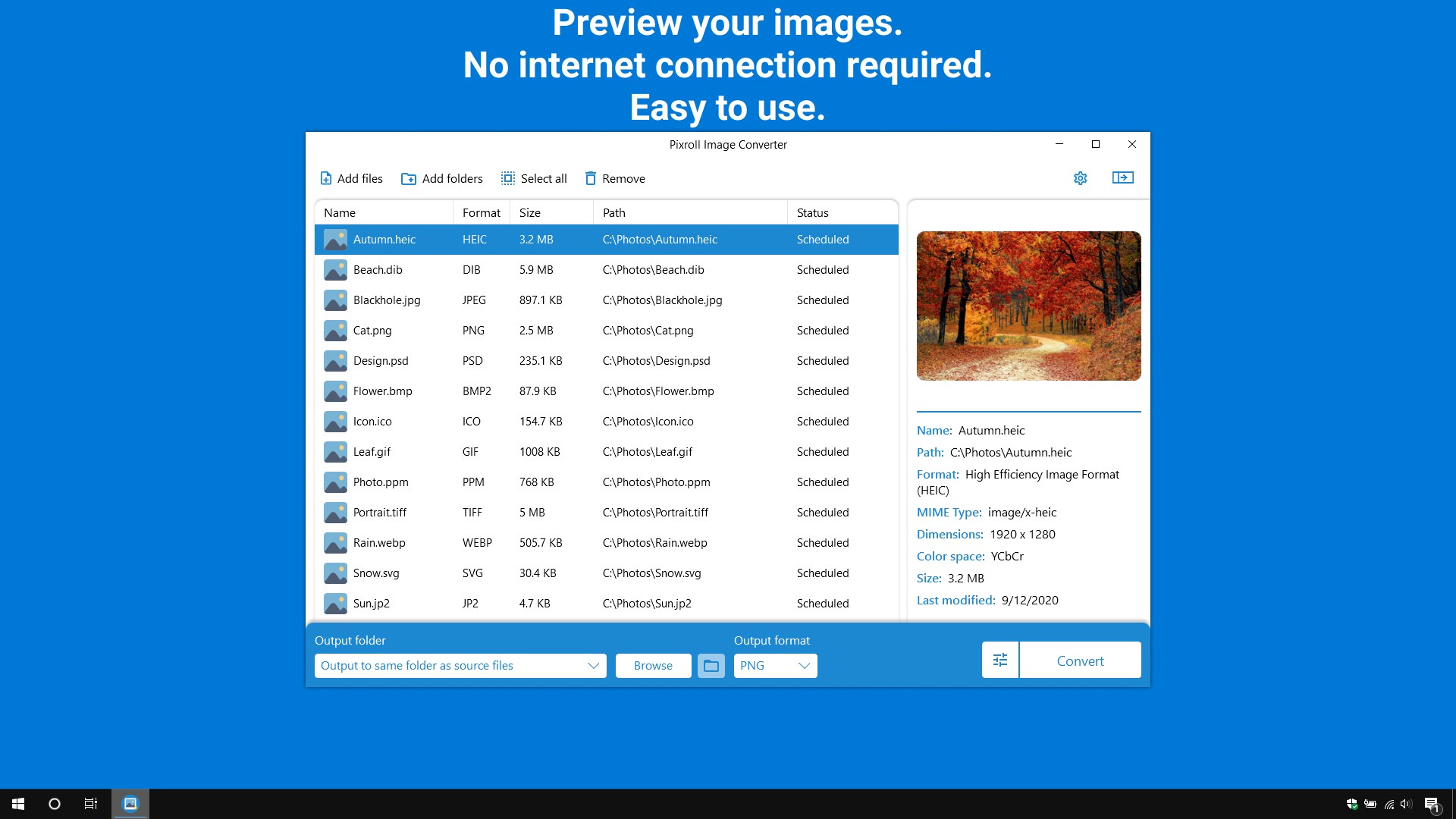
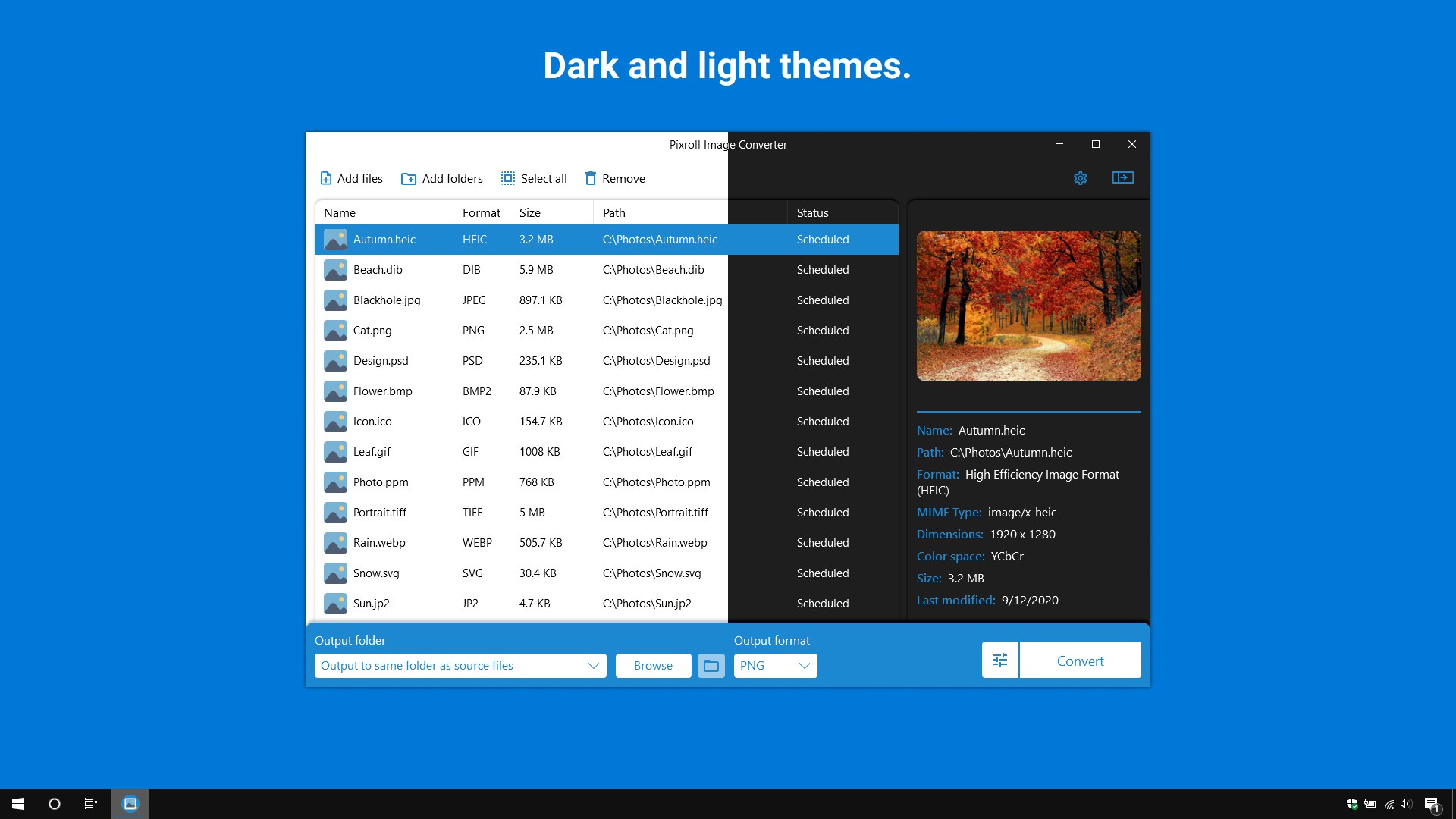
Pixroll Image Converter Lite is an image format converter supporting more than 100 formats including .heic, .jpeg, .png, .tiff, .gif and .bmp, converting them to formats such as .jpeg, .png, .tiff, .gif, .bmp, .pdf, .webp, .ico and .dib. Files can be added by drag and drop, and images can be previewed and customized during conversion, including the choice of icon layer sizes for the ico format. No internet connection is required for conversion. The app offers dark and light themes, shows ads and adds a watermark when converting images, while a full version without watermark and advertising is also available.
Show the developer's original descriptionHide the original description
Pixroll Image Converter Lite is a quick and easy way to convert all your images to other image formats. It supports most popular file formats like .heic, .jpeg, .png, .tiff, .gif, .bmp, and much more. For conversion, you do not need an internet connection, simply add files to the application, select your format and click convert!
⚠ Attention! The Pixroll Image Converter Lite application contains ads and a watermark when converting images. Full-featured work of converting images without a watermark and advertising is available in the full version.
Please note: App does not support Windows 10 S.
⭐ Features ⭐
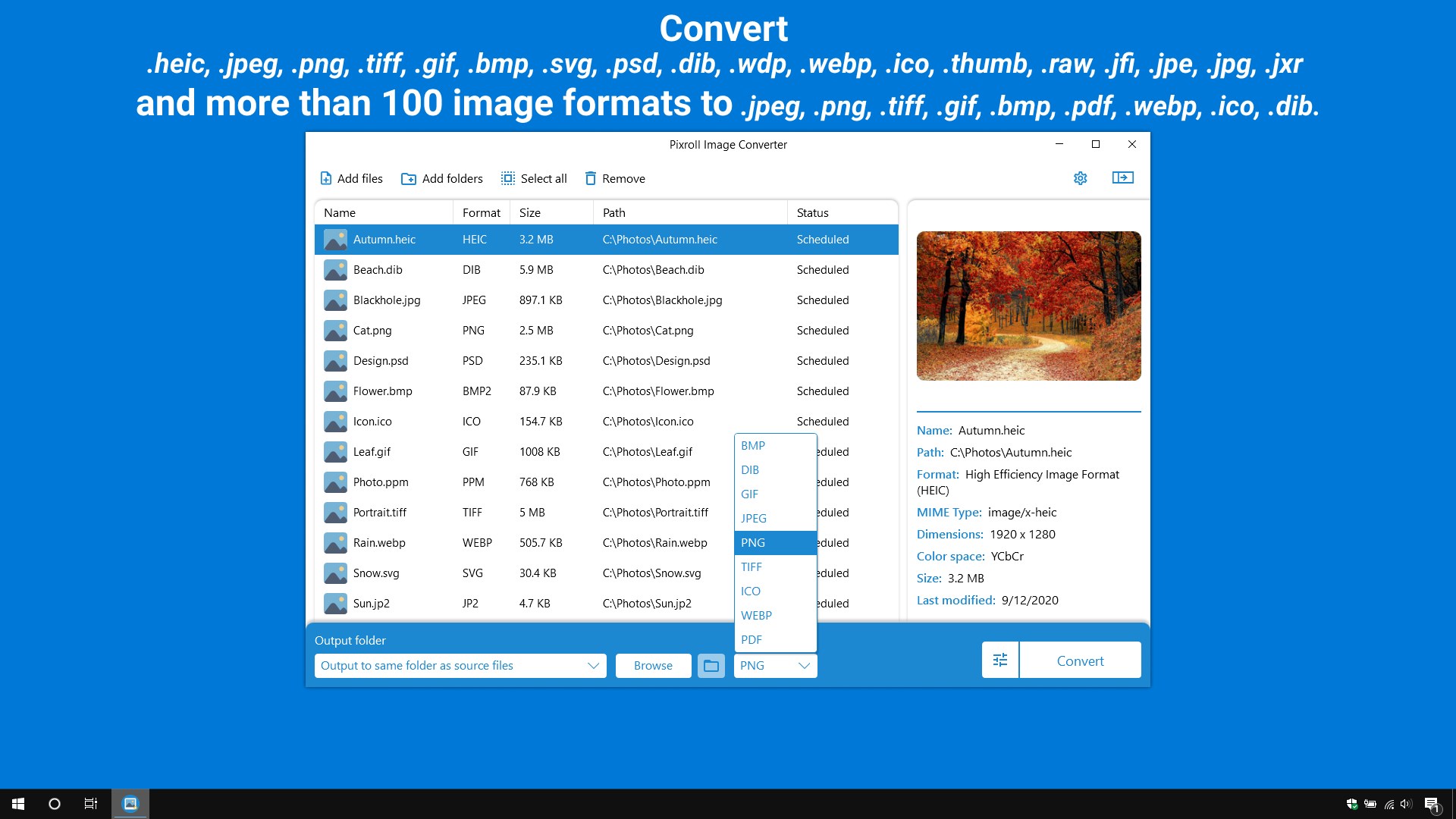
✅ Convert .heic, .jpeg, .png, .tiff, .gif, .bmp, .svg, .psd, .dib, .wdp, .webp, .ico, .thumb, .raw, .jfi, .jpe, .jpg, .jxr and more than 100 image formats to .jpeg, .png, .tiff, .gif, .bmp, .pdf, .webp, .ico, .dib.
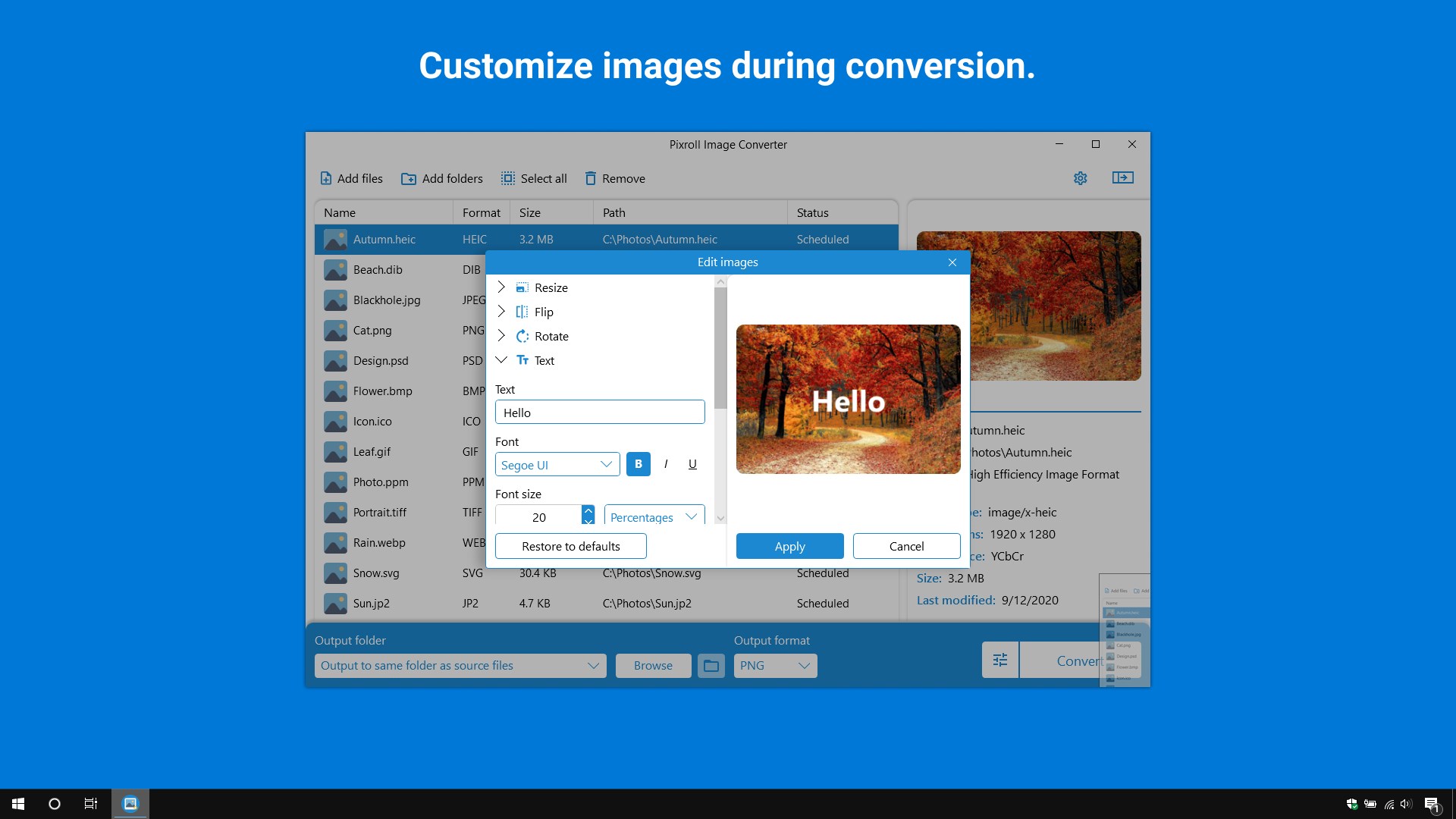
✅ Customize images during conversion.
✅ Choose icon layer sizes for ico format.
✅ Drag and drop files for convenience.
✅ Preview your images.
✅ Fast and low maintenance.
✅ No internet connection required.
✅ Easy to use.
✅ Dark and light themes.
Technical details about Pixroll Image Converter Lite
If there is a version of this app for iOS/Mac or Windows we don't know about, paste the store link here — we'll auto-detect the store.
How to find the URL:1. Open the app in its store. 2.In the App Store app: tap the Share icon → “Copy Link”. In the browser: copy the URL from the address bar — it contains apps.apple.com/…/id… or apps.microsoft.com/detail/…. 3. Paste it here.
Paste the original link from the Apple App Store or Microsoft Store. We fetch all details automatically.
How to find the URL:
1. Open the app in its store. 2.In the App Store app: tap the Share icon → “Copy Link”. In the browser: copy the URL from the address bar — it contains apps.apple.com/…/id… or apps.microsoft.com/detail/…. 3. Paste it here.
Android apps can only be listed by their developer.