
Screenshot appears after consentScreenshot appears after consentScreenshot appears after consent
Summary
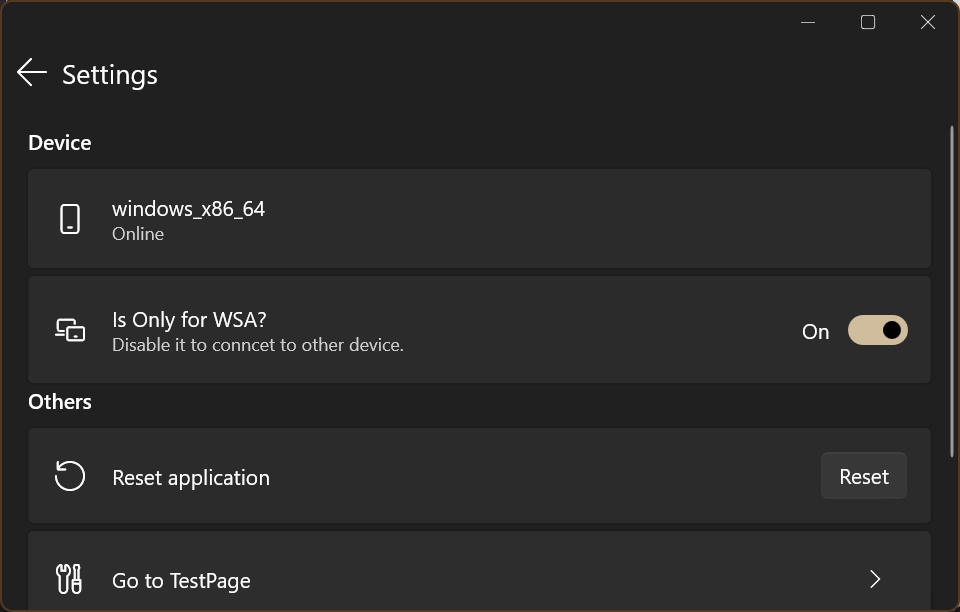
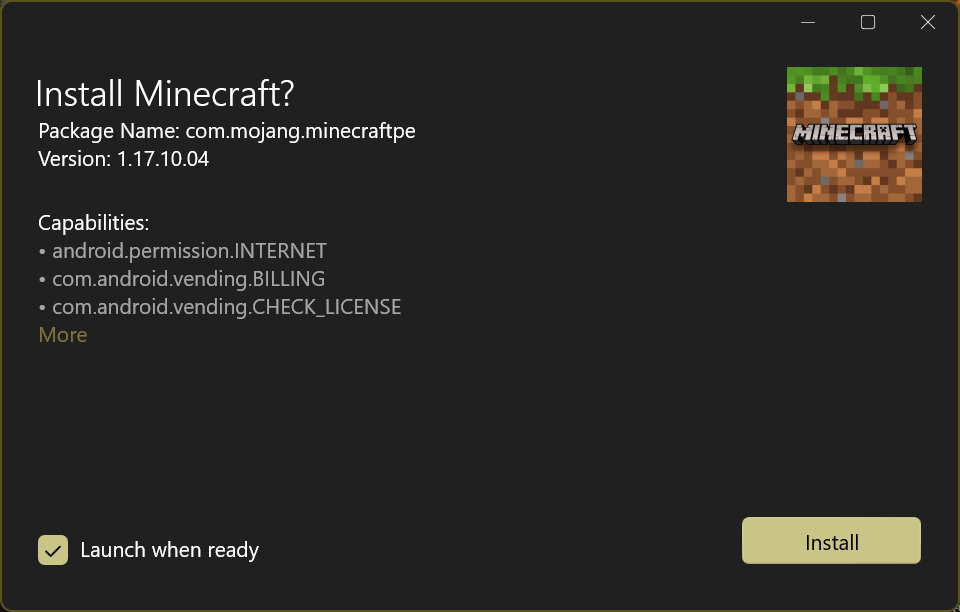
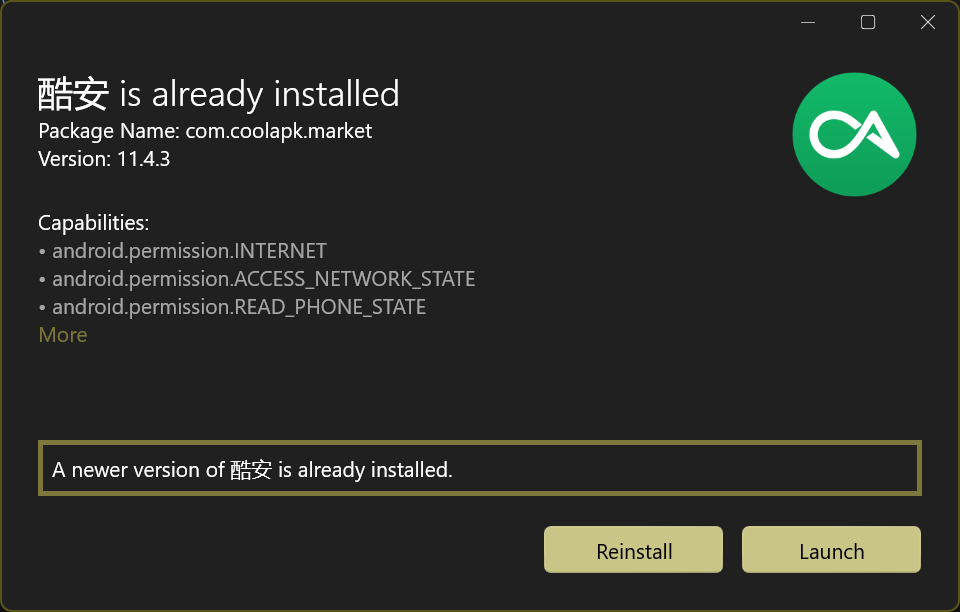
App Installer (Mobile) - WinUI 3 is a utility for sideloading Android applications on Windows 10 and 11 through environments such as WSA or Anbox. It allows an app package to be installed by double-clicking it, without running Android Debug Bridge manually. The app displays package information including the app name, package name, version, display logo, and the capabilities requested by the app. It is designed to be used directly without additional setup.
Show the developer's original descriptionHide the original description
Android™ App Installer for Windows 10/11 makes sideloading Android applications easy for WSA, Anbox, etc.: Just double-click the app package, and you won't have to run Android Debug Bridge manually to install apps.
App Installer presents the package information like app name, app package name, version, display logo, and the capabilities requested by the app. This application can be used directly without any effort.
Play Store URL for "App Installer (Mobile) - WinUI 3"
If there is a version of this app for iOS/Mac or Windows we don't know about, paste the store link here — we'll auto-detect the store.
How to find the URL:1. Open the app in its store. 2.In the App Store app: tap the Share icon → “Copy Link”. In the browser: copy the URL from the address bar — it contains apps.apple.com/…/id… or apps.microsoft.com/detail/…. 3. Paste it here.
Paste the original link from the Apple App Store or Microsoft Store. We fetch all details automatically.
How to find the URL:
1. Open the app in its store. 2.In the App Store app: tap the Share icon → “Copy Link”. In the browser: copy the URL from the address bar — it contains apps.apple.com/…/id… or apps.microsoft.com/detail/…. 3. Paste it here.
Android apps can only be listed by their developer.