Screenshot appears after consentScreenshot appears after consentScreenshot appears after consentScreenshot appears after consent
Summary
Screenshot HD is a screen capture app for Windows that lets users grab any part of their screen and edit, extract text from, or share the result within seconds. It captures full screens, windows, or selected areas, including scrolling capture for long webpages, chats, and documents, using customizable keyboard shortcuts. Screenshots can be annotated with shapes, arrows, freehand drawing, text, highlights, and mosaic blur. Built-in OCR converts screenshots, photos, or scanned documents into editable, copyable text. Finished images can be saved in a chosen format or copied straight to the clipboard for documentation, tutorials, or bug reports.
Show the developer's original descriptionHide the original description
Screenshot HD is a fast and simple screen capture and screenshot tool for Windows.
Capture any part of your screen instantly, then edit, extract text, and share your screenshots in seconds.
Whether you are capturing a website, document, video, chat,game, or tutorial, Screenshot HD helps you create clear screenshots, annotate them, and turn images into editable text with built-in OCR.
[Key Features]
Take Screenshots
• Capture full screen, window, or selected area instantly
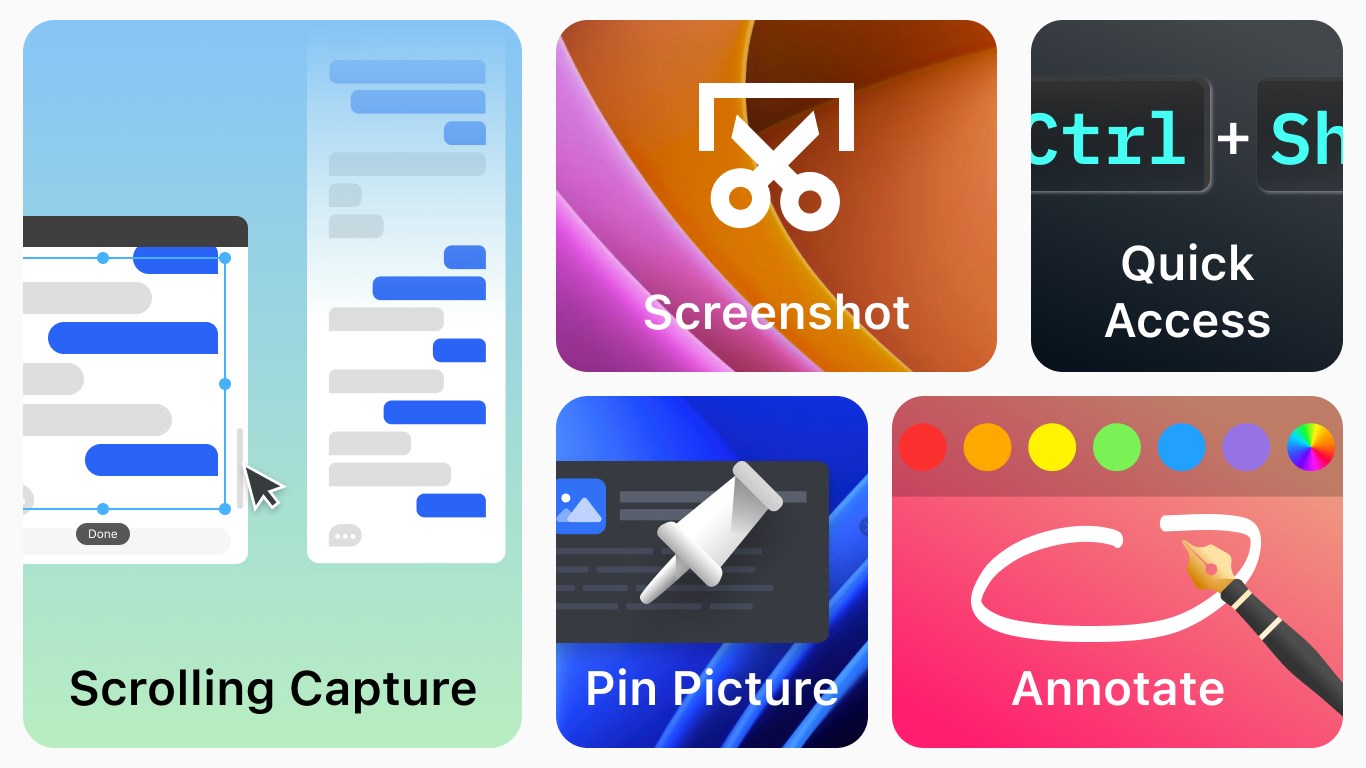
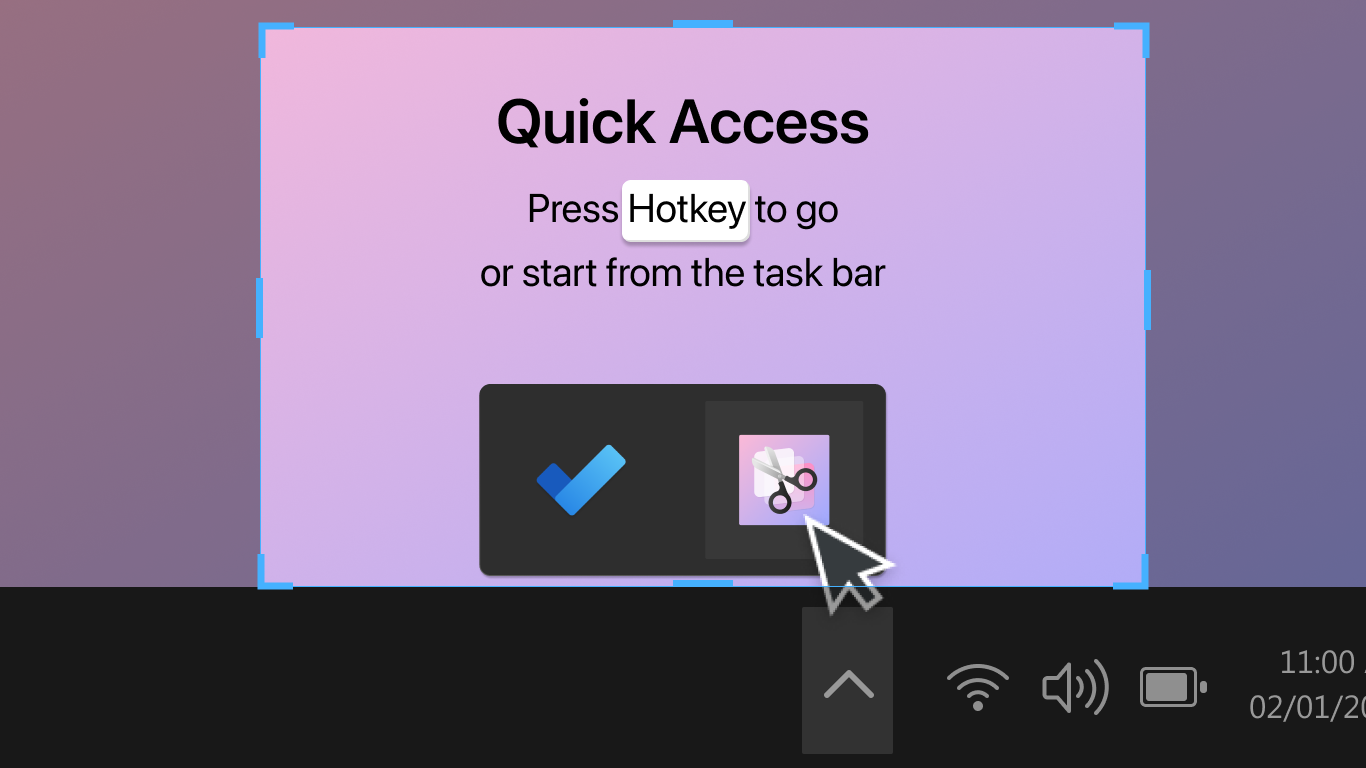
• Use customizable keyboard shortcuts to start screen capture quickly
• One-click snipping style capture
• Scrolling capture for long webpages, chats, and documents
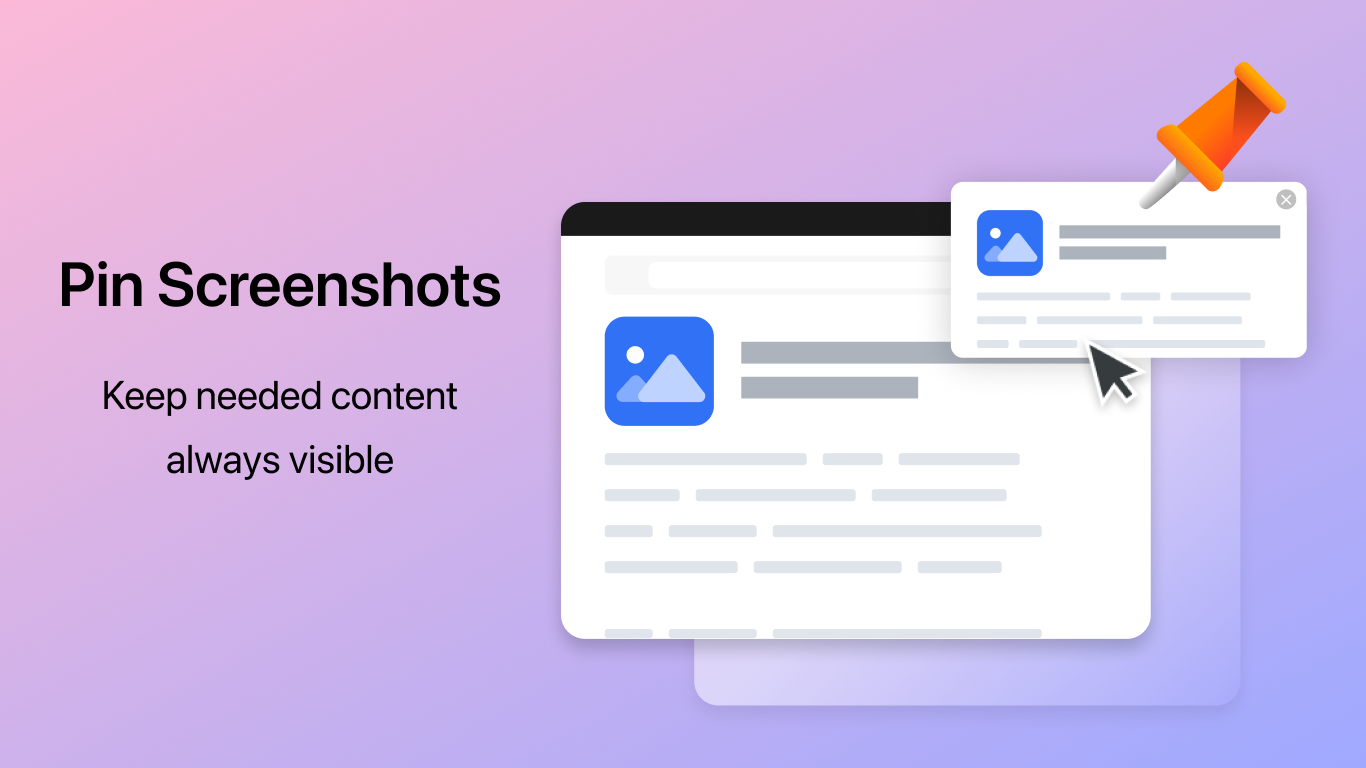
• Pin screenshots on your screen for quick reference
Edit Screenshots
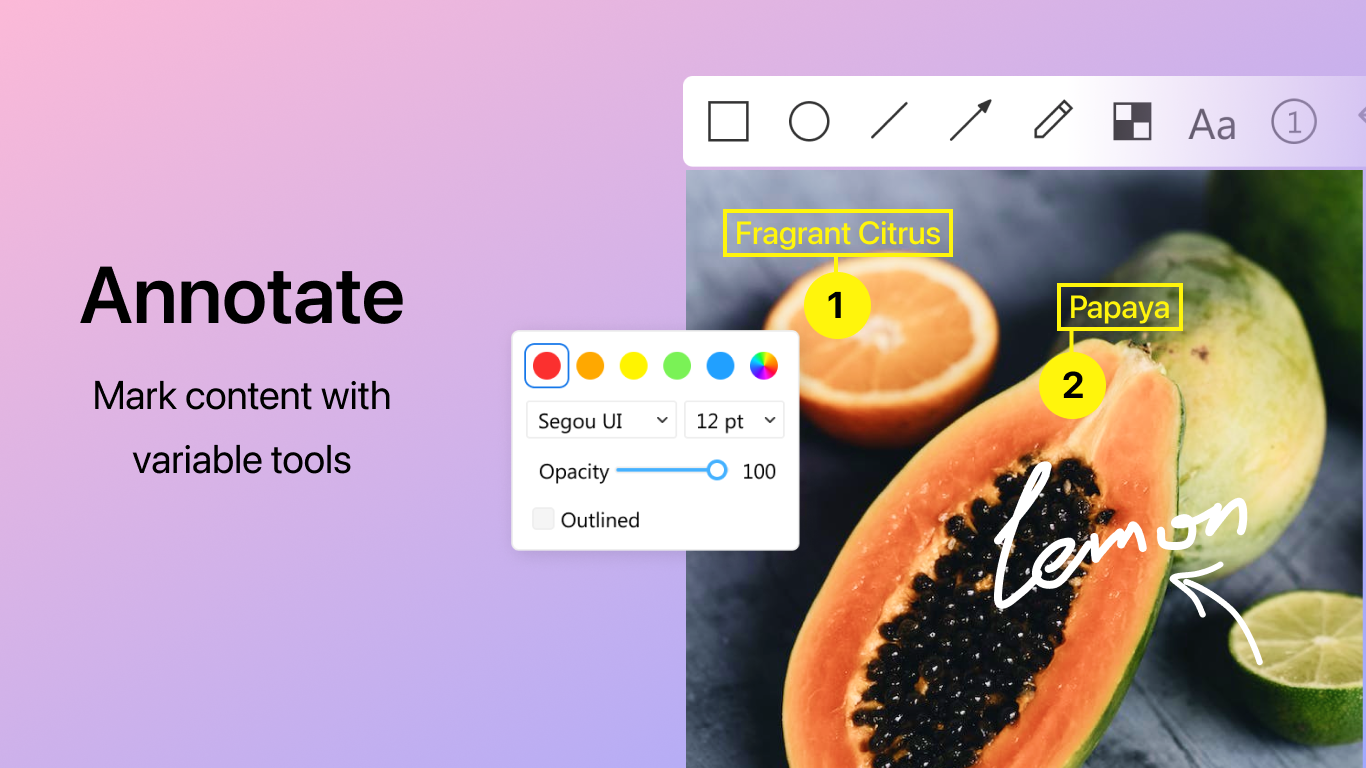
• Annotate screenshots with rectangles, circles, lines, and arrows
• Customize shapes including size, color, fill, stroke thickness, and opacity
• Draw freely on screenshots to explain ideas quickly
• Add text, highlights, and mosaic blur to hide sensitive information
• Insert step numbers and explanations for tutorials or guides
• Undo edits easily while working
• Assign shortcut keys to editing tools for faster workflow
OCR – Extract Text from Images
• Built-in OCR text recognition
• Copy text from screenshots and images instantly
• Convert image to text from screenshots, photos, or scanned documents
• Perfect for notes, documents, receipts, and screenshots containing text
Save & Share
• Save screenshots in your preferred file format and location
• Copy screenshots directly to the clipboard for quick sharing
• Ideal for documentation, tutorials, bug reports, study notes, and daily work
[Premium: In-App Purchases]
• Unlimited screenshots
• No watermark
• More annotation and editing tools
• Capture screenshots at higher resolution
Subscription plan: $4.99/year
Lifetime license: one-time purchase for $9.99
If there is a version of this app for iOS/Mac or Windows we don't know about, paste the store link here — we'll auto-detect the store.
How to find the URL:1. Open the app in its store. 2.In the App Store app: tap the Share icon → “Copy Link”. In the browser: copy the URL from the address bar — it contains apps.apple.com/…/id… or apps.microsoft.com/detail/…. 3. Paste it here.
Paste the original link from the Apple App Store or Microsoft Store. We fetch all details automatically.
How to find the URL:
1. Open the app in its store. 2.In the App Store app: tap the Share icon → “Copy Link”. In the browser: copy the URL from the address bar — it contains apps.apple.com/…/id… or apps.microsoft.com/detail/…. 3. Paste it here.
Android apps can only be listed by their developer.



 Screenshot - Screen Capture & OCR
Capture screenshots, recognize text and record video
 Screenshot Snipping Tool
Take, edit and share screenshots instantly
 Snipping Tool
Capture, edit and share screenshots
 PDF scanner : Scanning and OCR
Scan documents and convert to editable files with OCR
 Photo Scan : Manage PDF, OCR & QR Code
Manage PDFs, extract text from photos and scan QR codes
 SCAN ACE · PDF Scanner App
Scan, edit and manage documents with OCR