

Screenshot appears after consentScreenshot appears after consentScreenshot appears after consentScreenshot appears after consent
Summary
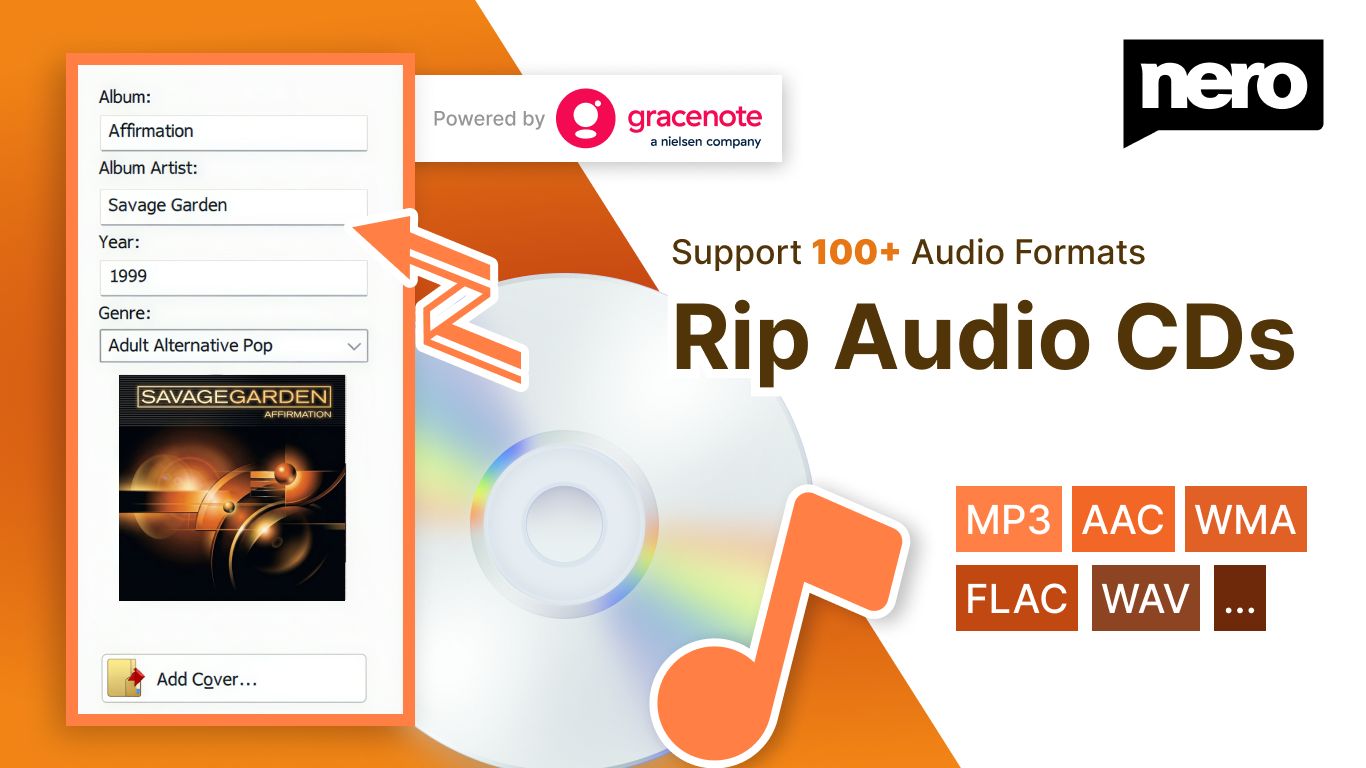
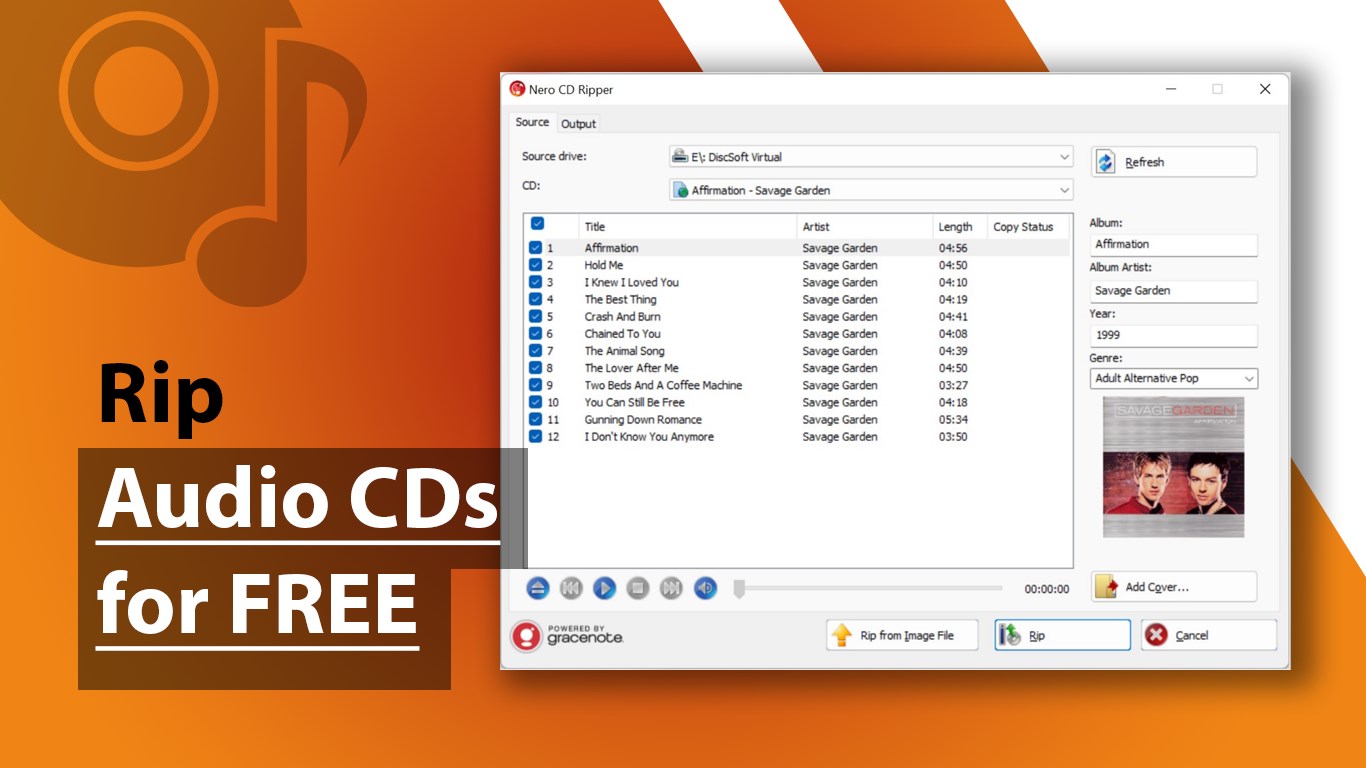
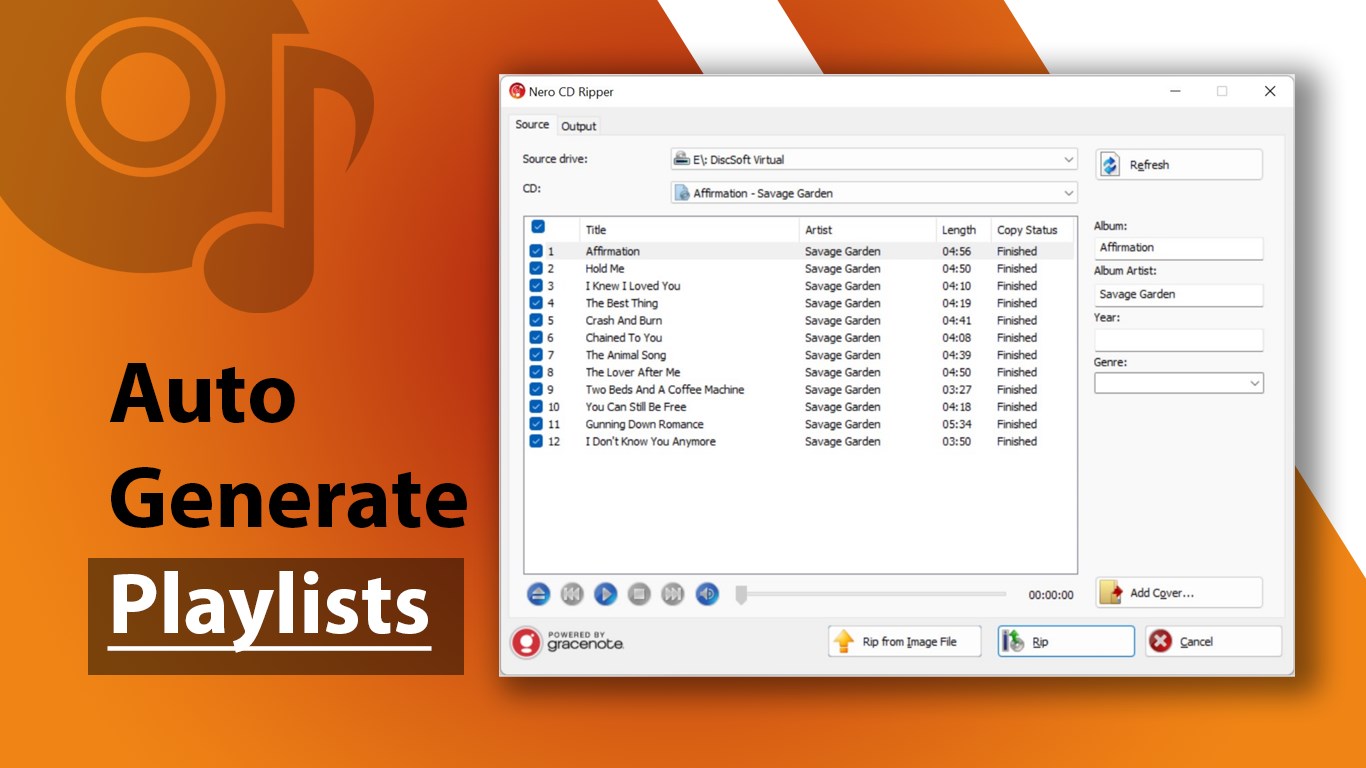
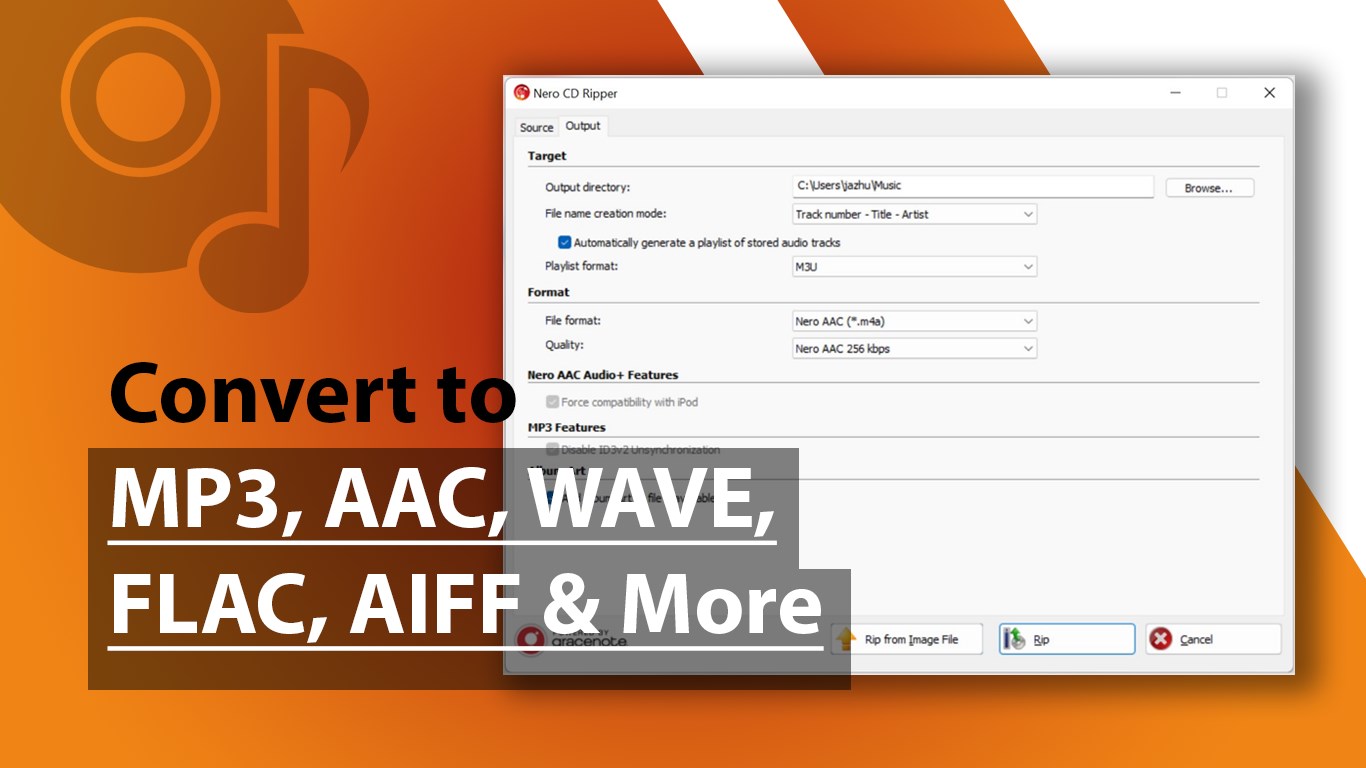
CD Ripper by Nero is a free Windows program for ripping audio CDs into digital audio files. It converts tracks to formats including MP3, AAC, WAV, FLAC, AIFF and OGG, with AAC output compatible with Apple devices. After a CD is inserted, it automatically retrieves album covers, artist names, track titles and album information from Gracenote, saving this data to the resulting audio files and generating playlists automatically. It can also rip tracks directly from Nero NRG audio CD image files. Some of these features require a subscription. Reading methods are designed to reduce jitter and preserve audio fidelity, building on Nero's disc technology.
Show the developer's original descriptionHide the original description
Nero CD Ripper is a free audio CD ripping software for Windows that helps you digitize your music with accurate album covers, reliable metadata, and high-quality audio extraction.
After inserting a CD, Nero CD Ripper automatically retrieves album artwork, artist, track titles, and album information from Gracenote, so your music library looks complete and well organized.*
Built on decades of Nero Burning ROM disc technology, Nero CD Ripper uses refined CD reading methods designed to reduce read-time jitter and preserve high-fidelity audio quality during extraction.
If you have Audio CD image files in Nero’s NRG format, you can also rip tracks directly from these image files.*
Key Features:
- Rip audio CDs to digital audio files
- Automatically retrieve album covers and metadata from Gracenote*
- Convert audio CDs to MP3, AAC, WAV, FLAC, AIFF, and OGG formats
- Save audio information to audio files
- Generate playlists automatically
- Convert to Apple-compatible AAC
- Rip audio tracks directly from NRG Audio CD image files*
* Subscription required for selected features.
If there is a version of this app for iOS/Mac or Windows we don't know about, paste the store link here — we'll auto-detect the store.
How to find the URL:1. Open the app in its store. 2.In the App Store app: tap the Share icon → “Copy Link”. In the browser: copy the URL from the address bar — it contains apps.apple.com/…/id… or apps.microsoft.com/detail/…. 3. Paste it here.
Paste the original link from the Apple App Store or Microsoft Store. We fetch all details automatically.
How to find the URL:
1. Open the app in its store. 2.In the App Store app: tap the Share icon → “Copy Link”. In the browser: copy the URL from the address bar — it contains apps.apple.com/…/id… or apps.microsoft.com/detail/…. 3. Paste it here.
Android apps can only be listed by their developer.