


Ubuntu
Linux environment in Windows with Bash, Git and dev tools AI summary
Screenshots
Summary
Ubuntu is a complete Linux terminal environment that runs on Windows through Windows Subsystem for Linux. It provides command line utilities such as bash, ssh, git, apt, npm and pip for developing cross-platform applications and managing IT infrastructure. It supports Docker container management with improved performance and startup times, and offers GPU acceleration for AI and machine learning workloads through NVIDIA CUDA. It enables a consistent workflow between development and deployment when Ubuntu is also used in the cloud. Ubuntu Long Term Support releases receive five years of security patching.
Show the developer's original descriptionHide the original description
Install a complete Ubuntu terminal environment in minutes with Windows Subsystem for Linux (WSL). Develop cross-platform applications, improve your data science or web development workflows and manage IT infrastructure without leaving Windows.
Key features:
- Efficient command line utilities including bash, ssh, git, apt, npm, pip and many more
- Manage Docker containers with improved performance and startup times
- Leverage GPU acceleration for AI/ML workloads with NVIDIA CUDA
- A consistent development to deployment workflow when using Ubuntu in the cloud
- 5 years of security patching with Ubuntu Long Term Support (LTS) releases
Ubuntu currently provides the 26.04.1 LTS release. When new LTS versions are released, Ubuntu can be upgraded once the first point release is available. This can be done from the command line by using:
sudo do-release-upgrade
Installation tips:
- Search for "Turn Windows features on or off" in the Windows search bar and ensure that "Windows Subsystem for Linux" is turned on before restarting your machine.
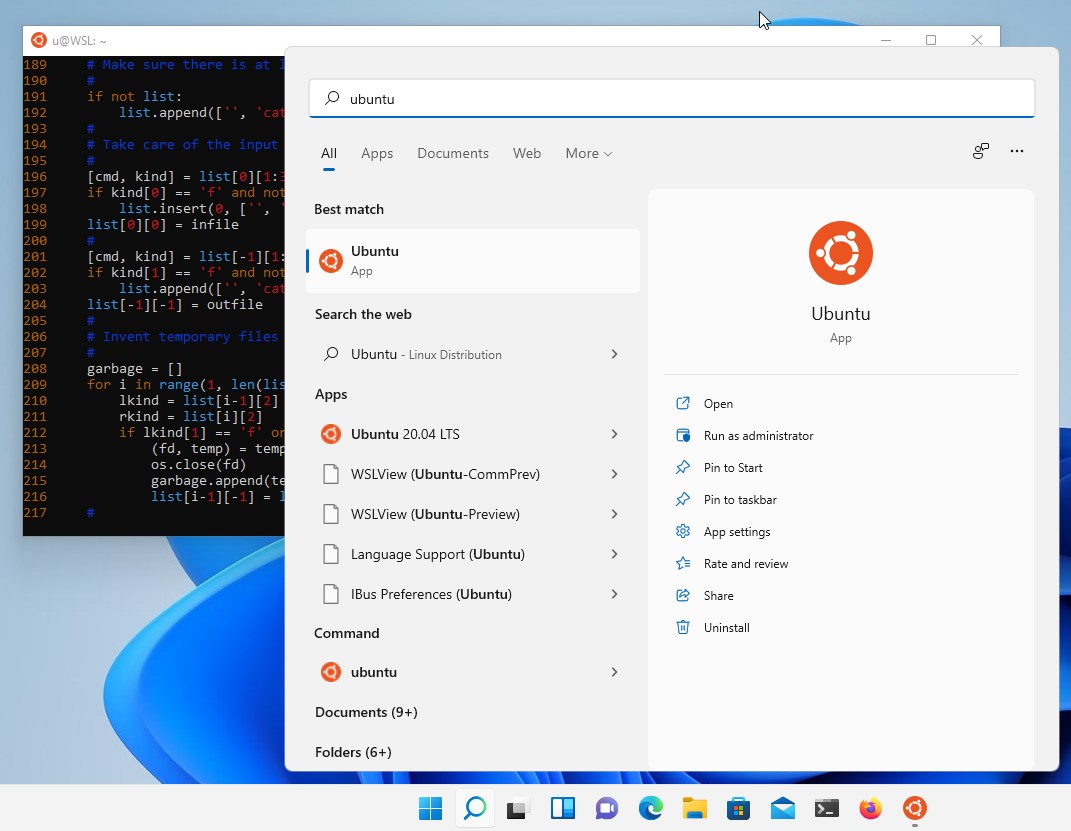
- To launch, use "ubuntu" on the command-line prompt or Windows Terminal, or click on the Ubuntu tile in the Start Menu.
For more information about Ubuntu WSL and how Canonical supports developers please visit:
https://ubuntu.com/wsl
Technical details about Ubuntu
Ubuntu in the rankings
Manage app
Are you on the developer team behind Ubuntu?
Verify yourself and manage your listing on Most Voted Apps.
Verify Ubuntu for free
Verification usually takes only a few minutes.
Similar apps to Ubuntu
 Visual Studio Community
Integrated development environment for Windows, web, mobile
 Debian
 Linux environment for Windows Subsystem for Linux
 Visual Studio Code
Code editor for web, desktop and mobile development
 Visual Studio Code - Insiders
Lightweight code editor with Git integration and extensions
 Kali Linux
Run Kali Linux as a WSL distribution on Windows
 Kate
Text editor for programmers with LSP, Git and terminal