Screenshot appears after consentScreenshot appears after consentScreenshot appears after consentScreenshot appears after consentScreenshot appears after consentScreenshot appears after consentScreenshot appears after consentScreenshot appears after consentScreenshot appears after consent
Summary
Maps Pro is a mapping app offering directions, street view, geolocation, points of interest, offline maps and a search engine. It opens files in formats such as KML, KMZ, GPX and GeoJSON, and records journeys as GPX tracks. Offline maps let users search streets, view points of interest and get spoken directions with re-routing without an internet connection. Map appearance can be customized with over 20 styles and providers, including overlays like traffic, hiking routes and truck restrictions. Location is detected via IP address, GPS or Bluetooth GPS, with nearby points of interest shown across more than 80 categories with reviews.
Show the developer's original descriptionHide the original description
Maps Pro is the most advanced mapping application on the Windows Store. Directions, Street View, geolocation, Points of Interest, offline maps and a powerful search engine in one application, available worldwide.
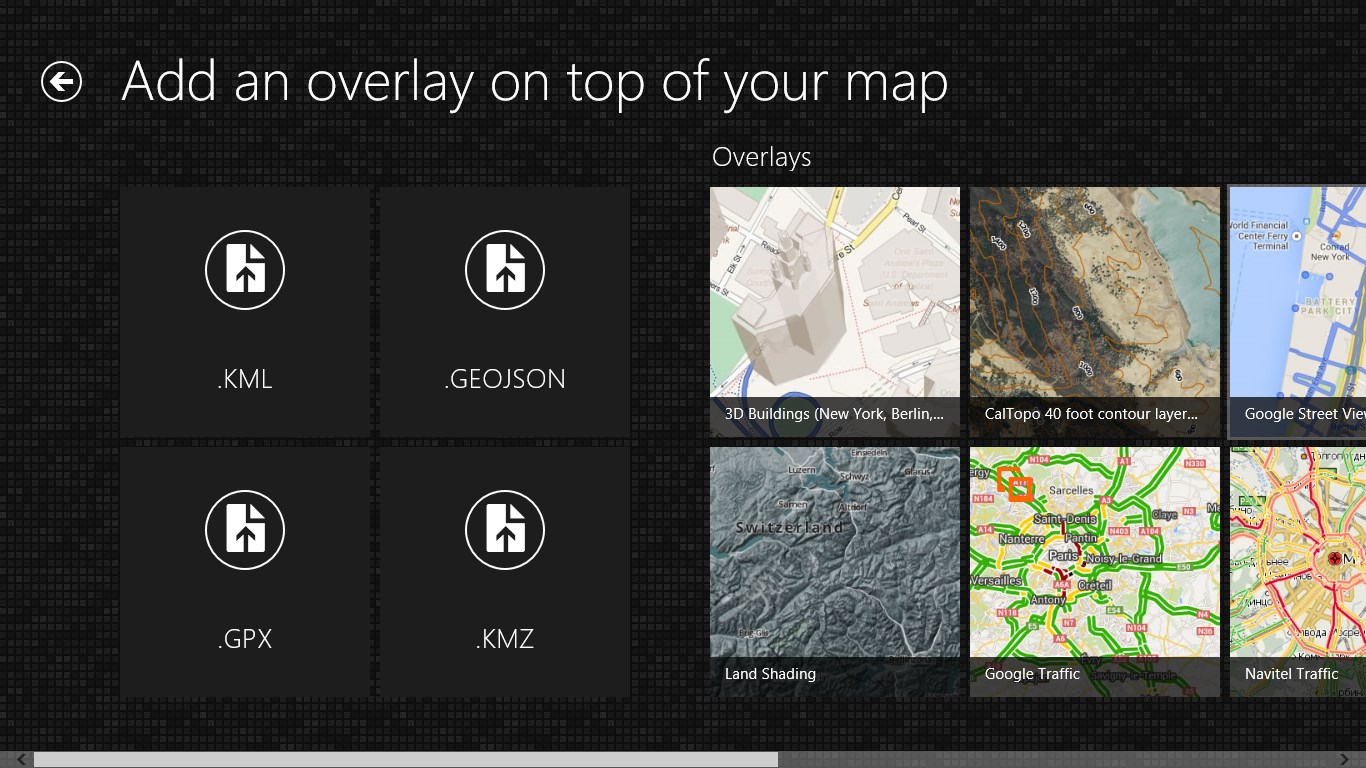
Add your own files: Maps Pro can open your CSV, KML, KMZ, GPX, GeoPDF and GeoJSON files and allows you to record your journey as a GPX file (tracks).
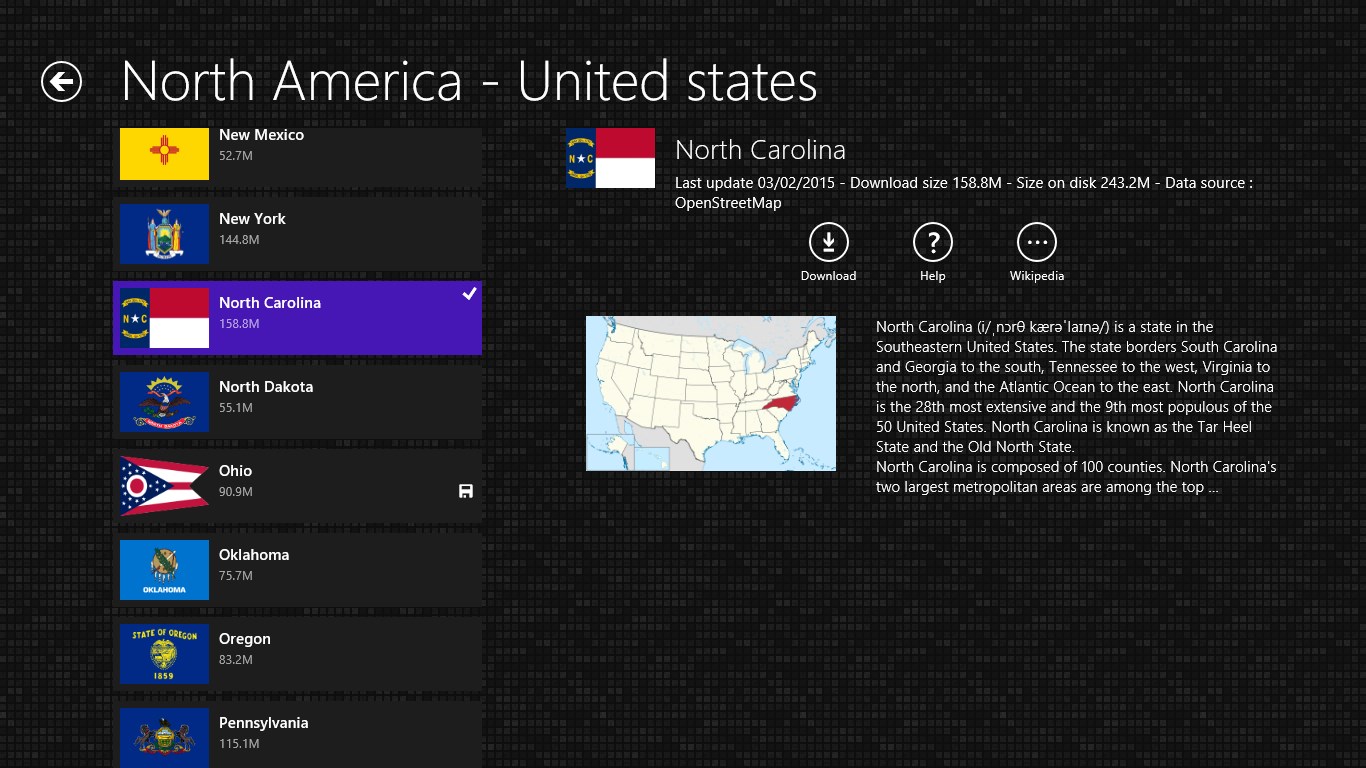
Offline Maps: Maps Pro uses the latest technology to display vector maps while you are offline. Download the data for a country and you will be able to search for a street, display Points Of Interest and get directions with text-to-speech and re-routing whilst offline.
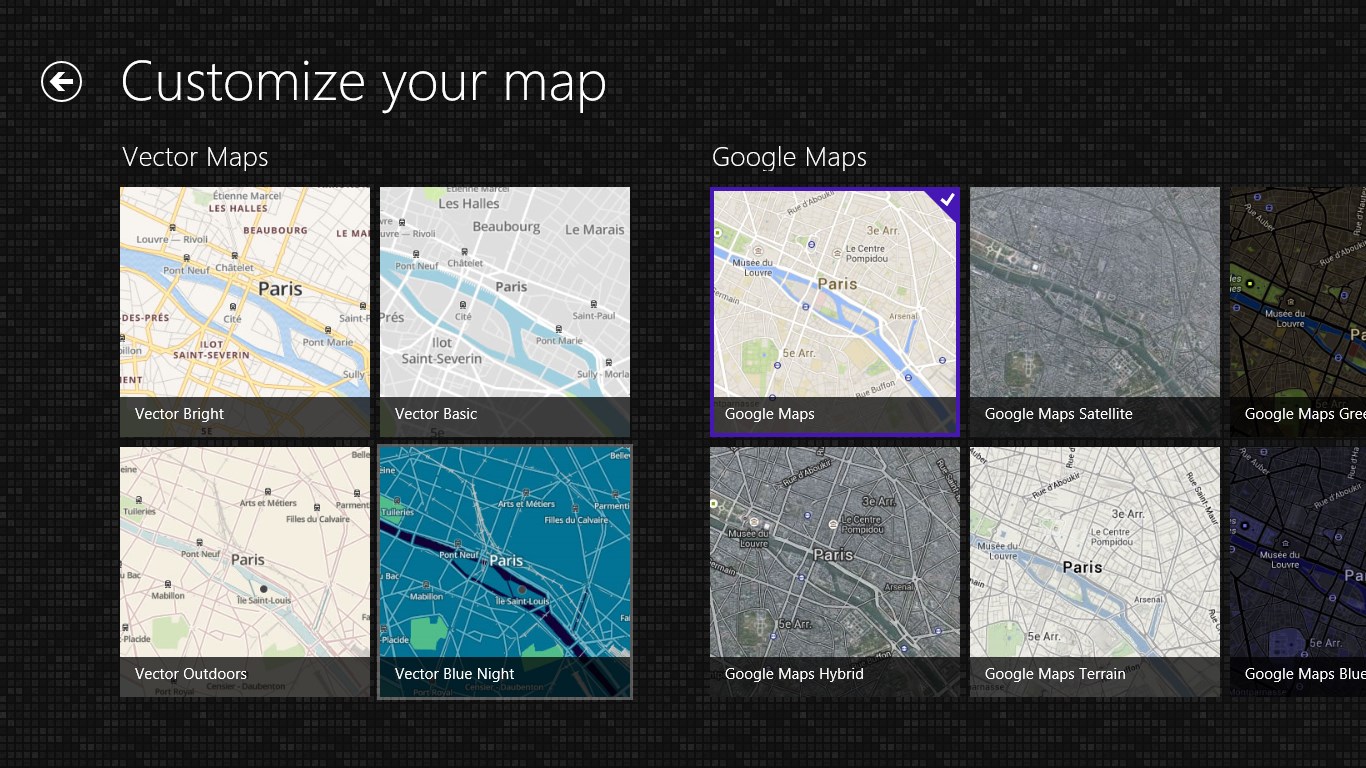
Create beautiful maps: Maps Pro allows you to change the style of your map, choosing from over 20 different styles and providers including Nokia, ESRI, MapBox, Stamen, OpenStreetMap ( OSM ) and Bing Maps. Create custom maps by adding overlays such as Google Traffic, hiking routes (including USGS topo maps) or truck restrictions.
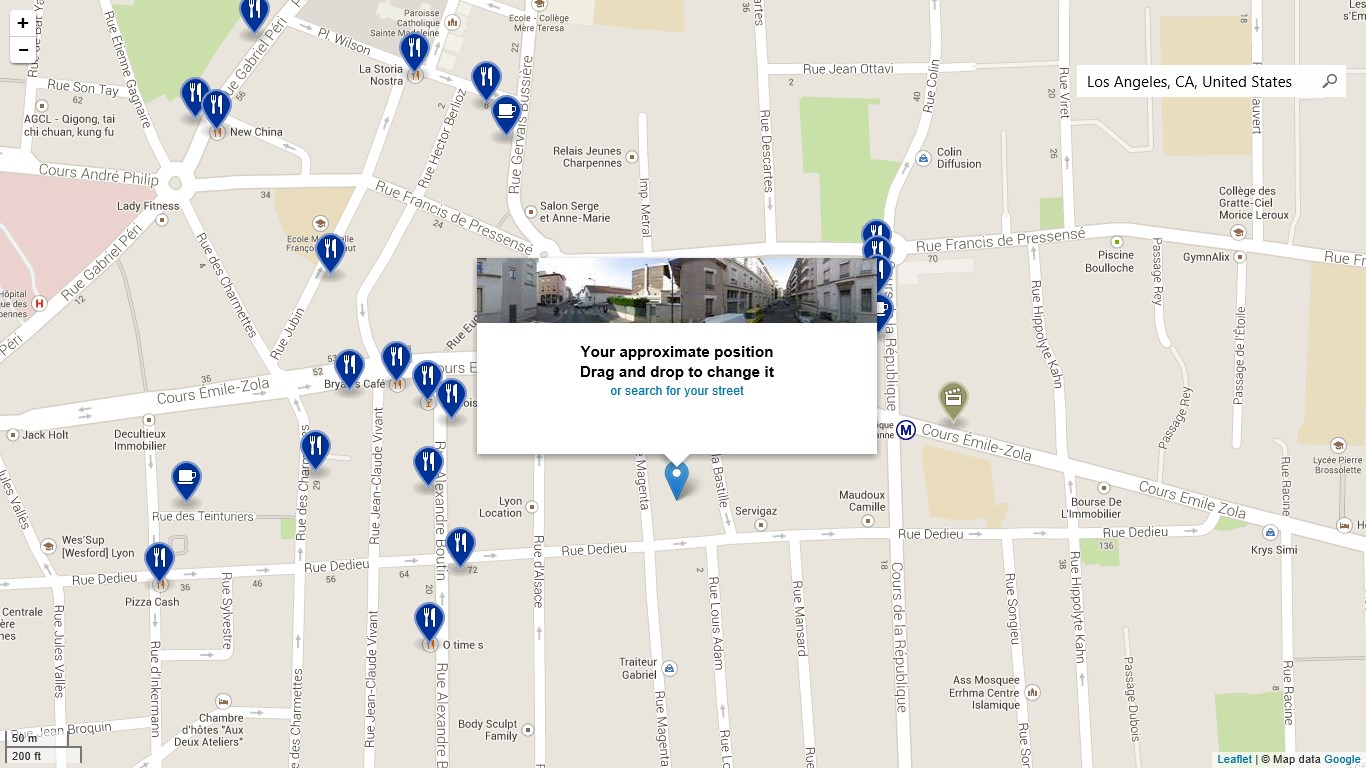
Geolocation: your location is automatically detected by Maps Pro depending on your IP address (desktop computer), GPS (tablet) or Bluetooth GPS. Maps Pro is now the only Windows Store application compatible with external Bluetooth GPS!
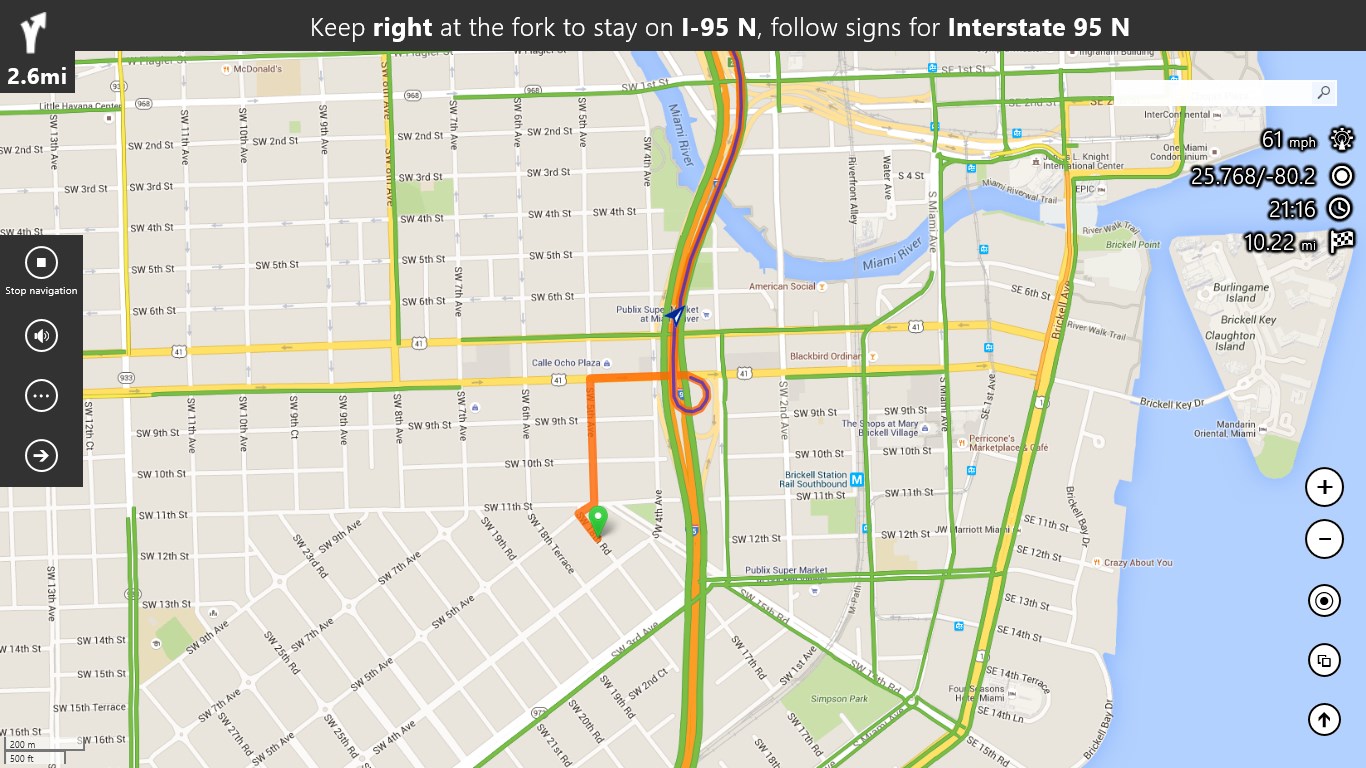
Directions: Maps Pro helps you find your way with its powerful directions engine. Get directions from an address, your geolocation or coordinates and get driving instructions (with voice) using text-to-speech and automatic re-routing if you miss a turn. With offline maps available, Maps Pro will also guide you without needing an Internet connection.
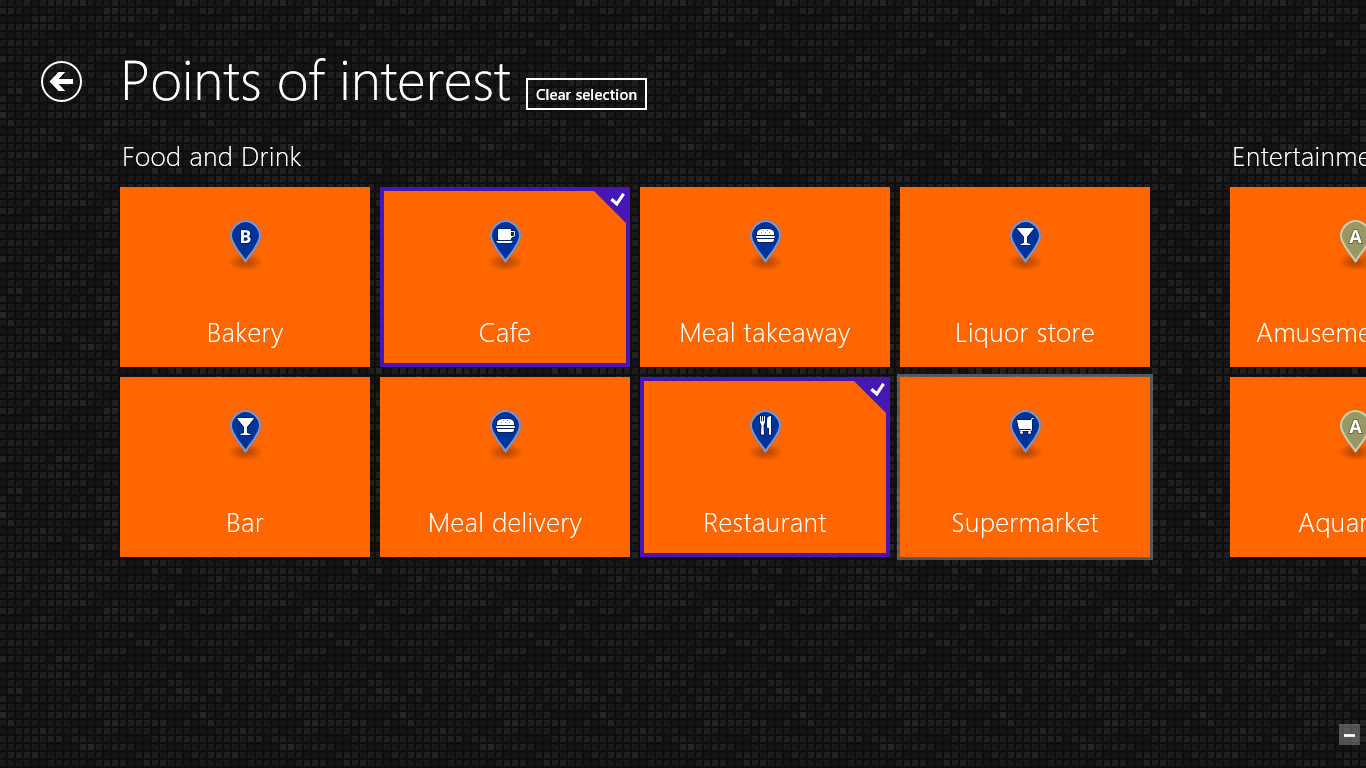
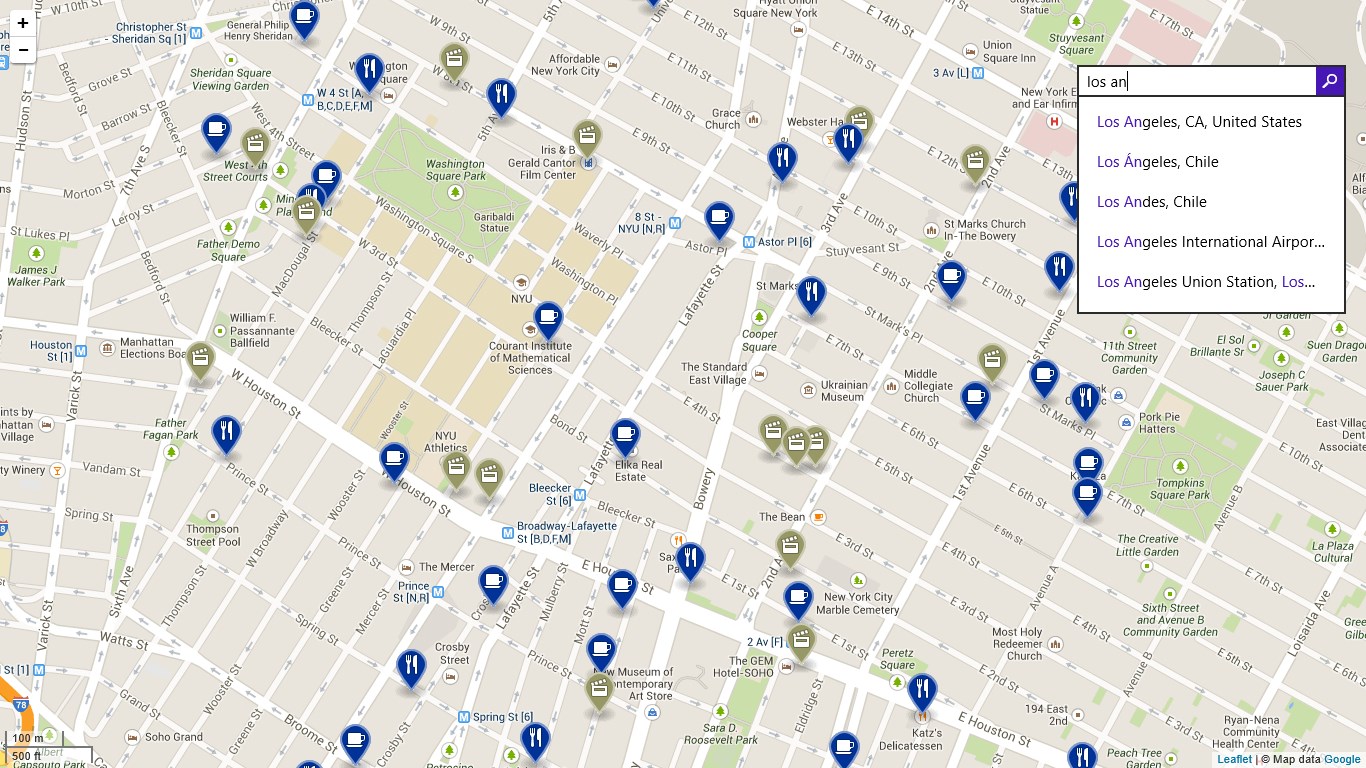
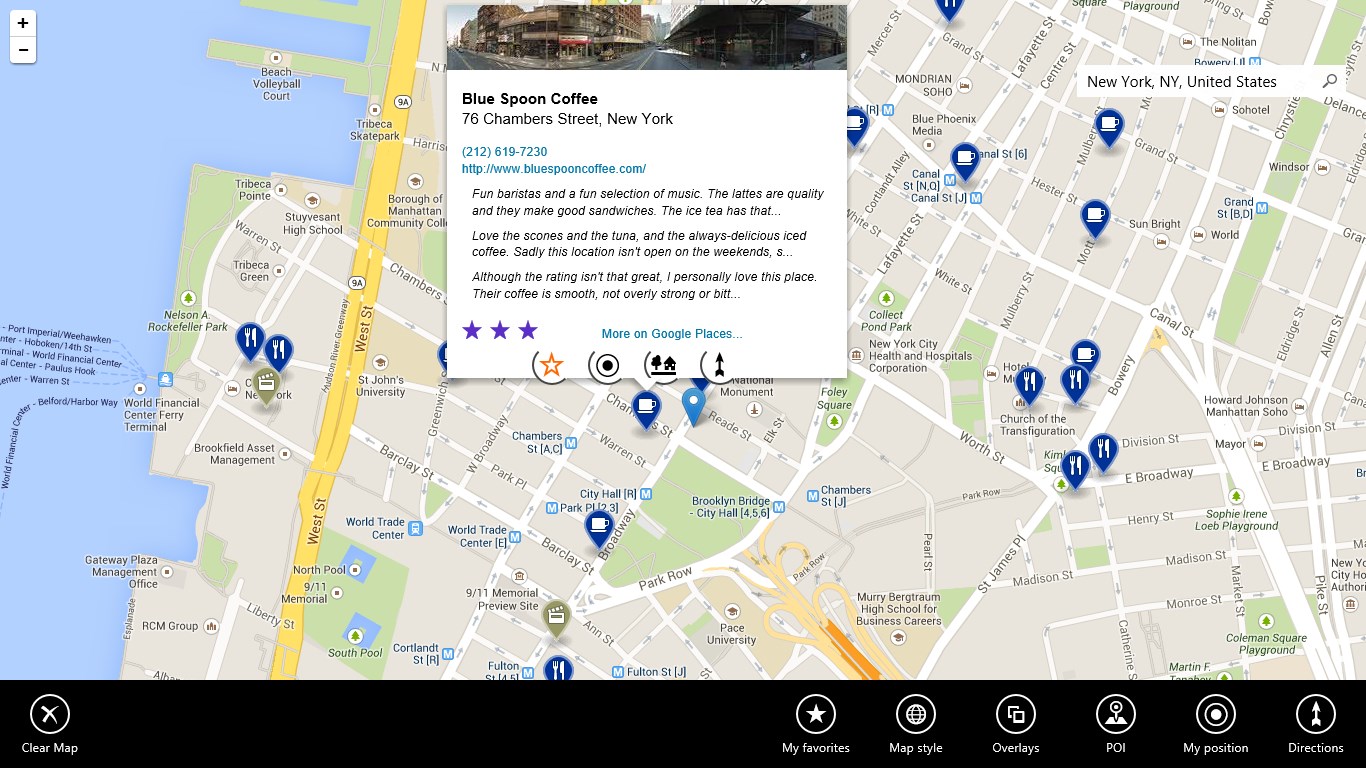
Points of Interest: Display points of interest (POI) such as restaurants, cinemas, bars, etc. from 80+ categories, with reviews and details.
Choose your data provider: OpenStreetMap (OSM) or Baidu (China).
Maps Pro is the best replacement for Microsoft Street and Trips, now discontinued by Microsoft.
Maps Pro is used by thousands of users all over the world: hiking in Germany, preparing rally tracks in Sweden, visualizing real estate projects in South Africa, planning camping trips in the UK, trekking in Mongolia, and driving around the USA in a RV are just a few examples of how Maps Pro has been used.
Try Maps Pro for free for 7 days !
Note : The application is no longer compatible with Windows 8/8.1 due to an issue with the Windows Store
If there is a version of this app for iOS/Mac or Windows we don't know about, paste the store link here — we'll auto-detect the store.
How to find the URL:1. Open the app in its store. 2.In the App Store app: tap the Share icon → “Copy Link”. In the browser: copy the URL from the address bar — it contains apps.apple.com/…/id… or apps.microsoft.com/detail/…. 3. Paste it here.
Paste the original link from the Apple App Store or Microsoft Store. We fetch all details automatically.
How to find the URL:
1. Open the app in its store. 2.In the App Store app: tap the Share icon → “Copy Link”. In the browser: copy the URL from the address bar — it contains apps.apple.com/…/id… or apps.microsoft.com/detail/…. 3. Paste it here.
Android apps can only be listed by their developer.




 GPS Route Finder : Maps Navigation and Directions
GPS navigation with offline maps and route planning
 CoMaps
Offline maps and navigation based on OpenStreetMap data
 MapFactor GPS Navigation
GPS navigation with free offline maps and monthly updates
 Google Maps
Navigation, route planning and place search with live
 HERE WeGo Maps & Navigation
Navigation on foot, public transit or car with offline maps
 GPS Routes Finder
GPS navigation with live tracking and nearby places search