
Screenshot appears after consentScreenshot appears after consentScreenshot appears after consentScreenshot appears after consentScreenshot appears after consentScreenshot appears after consent
Summary
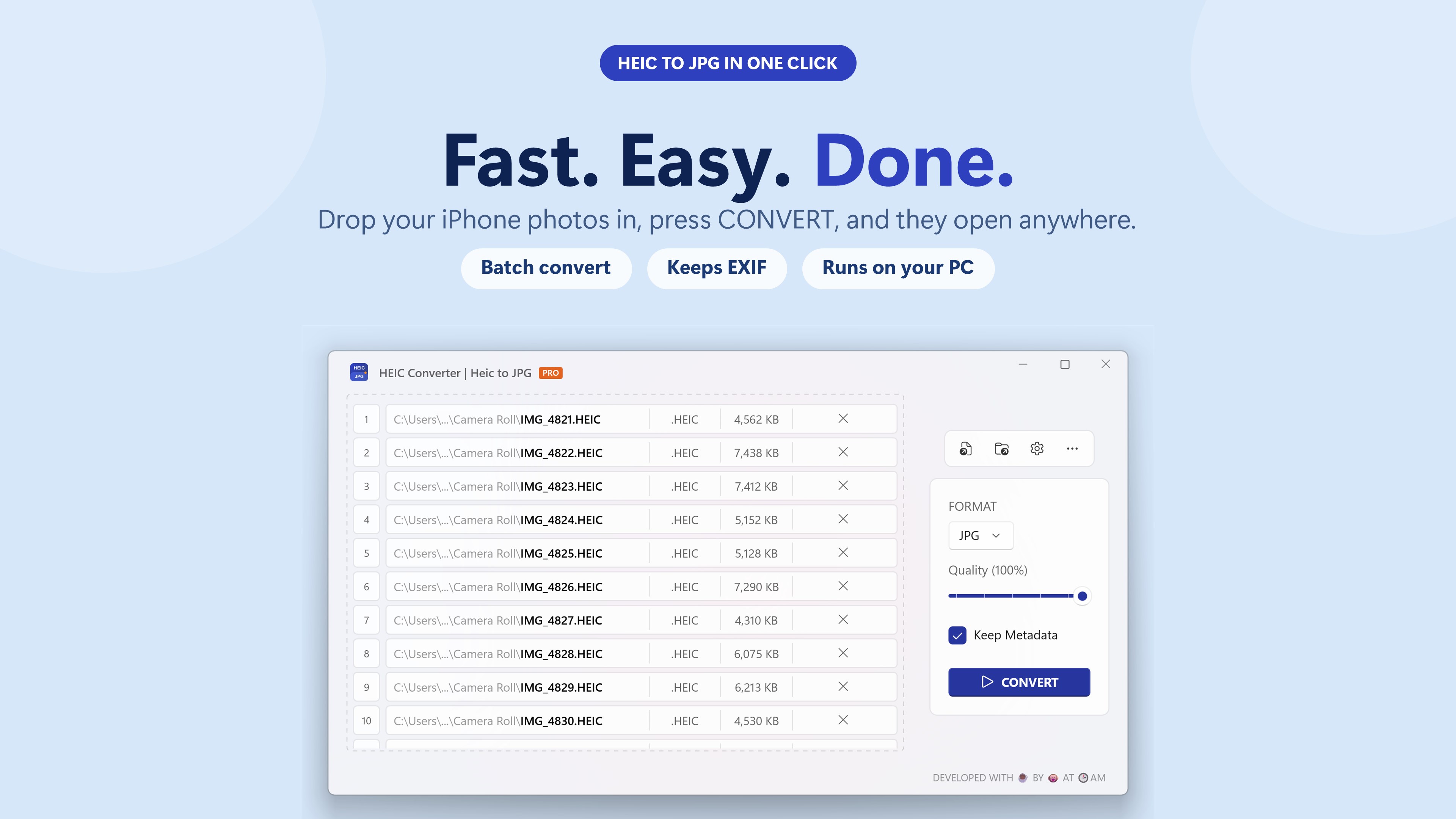
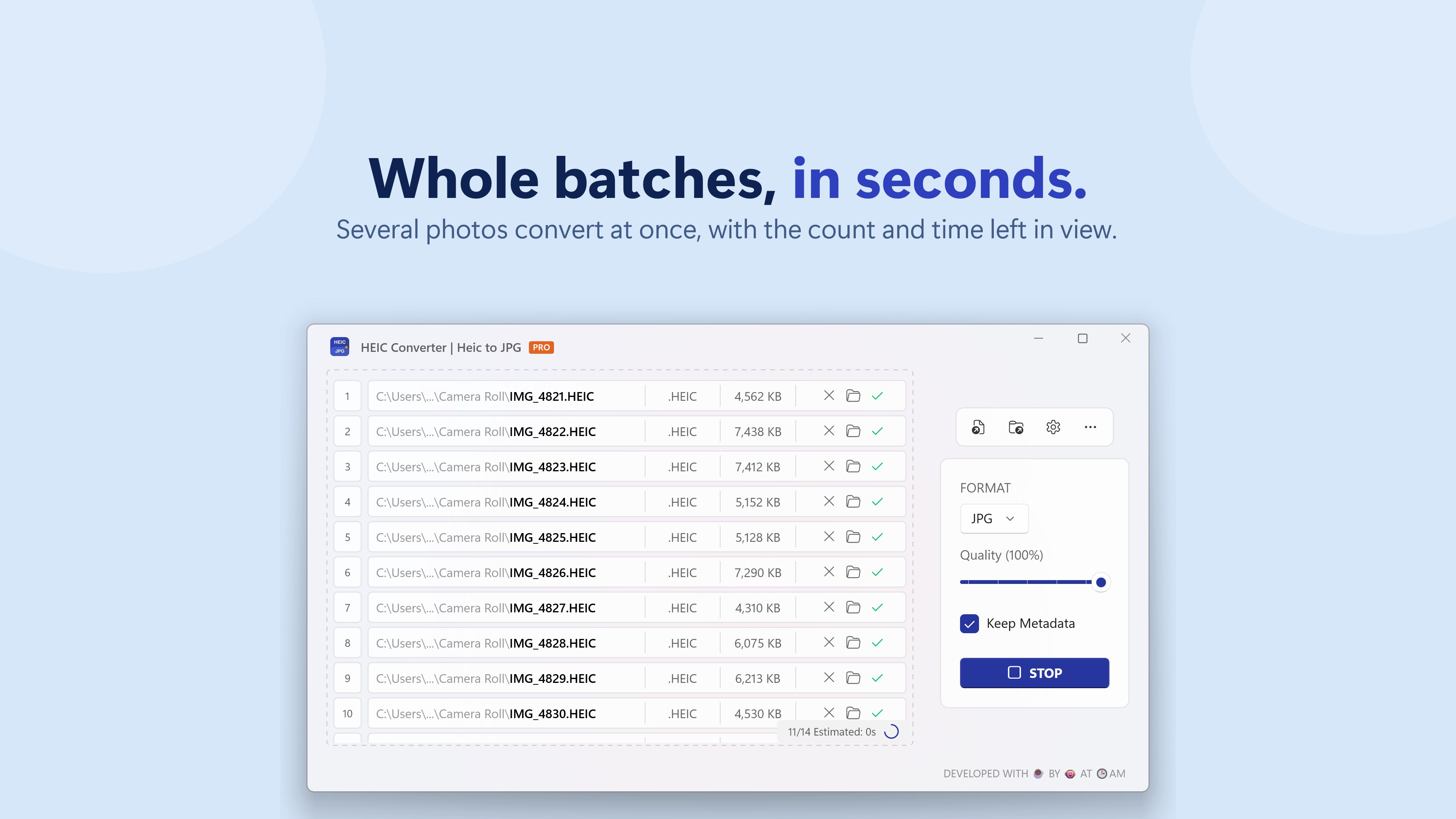
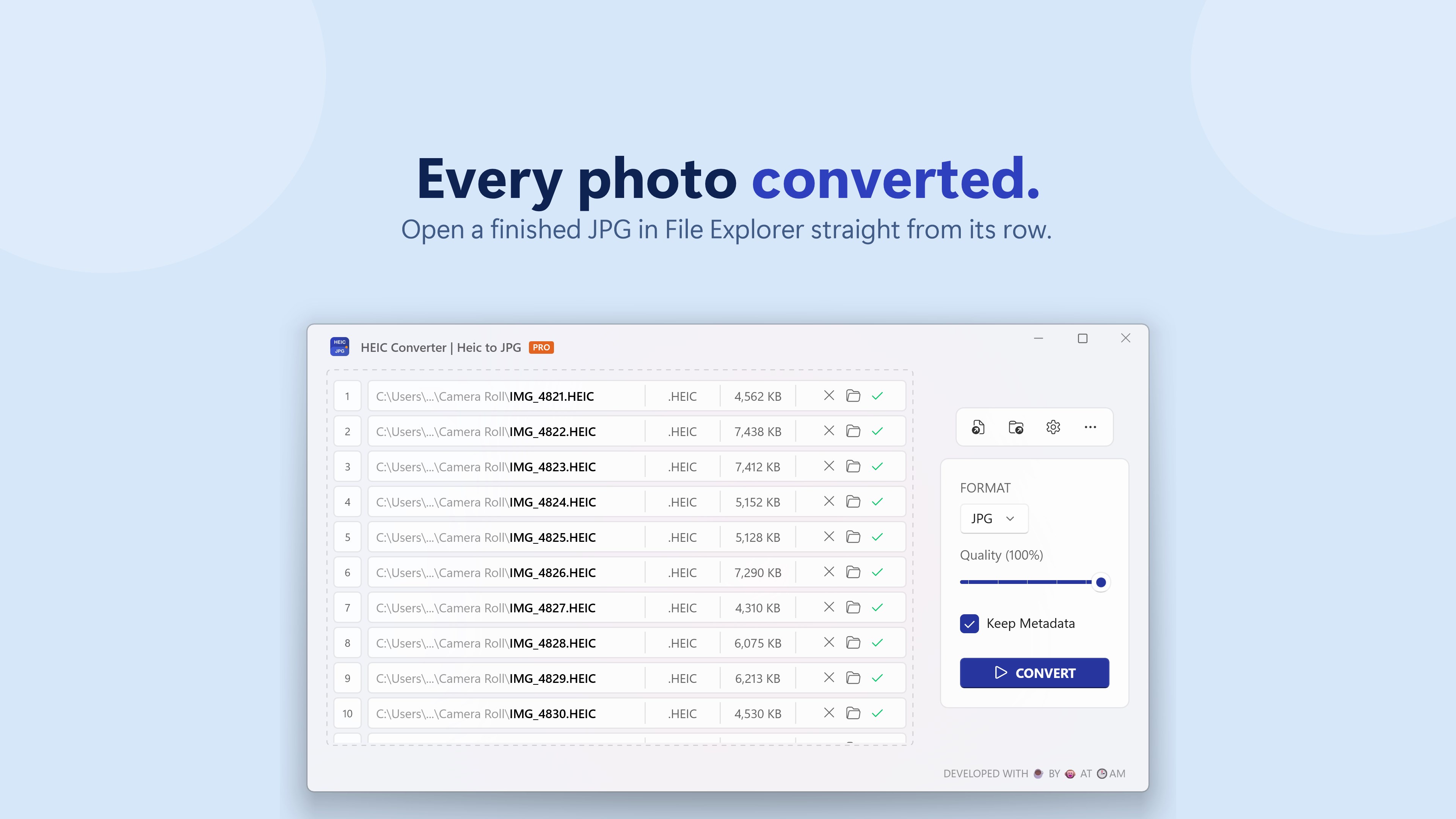
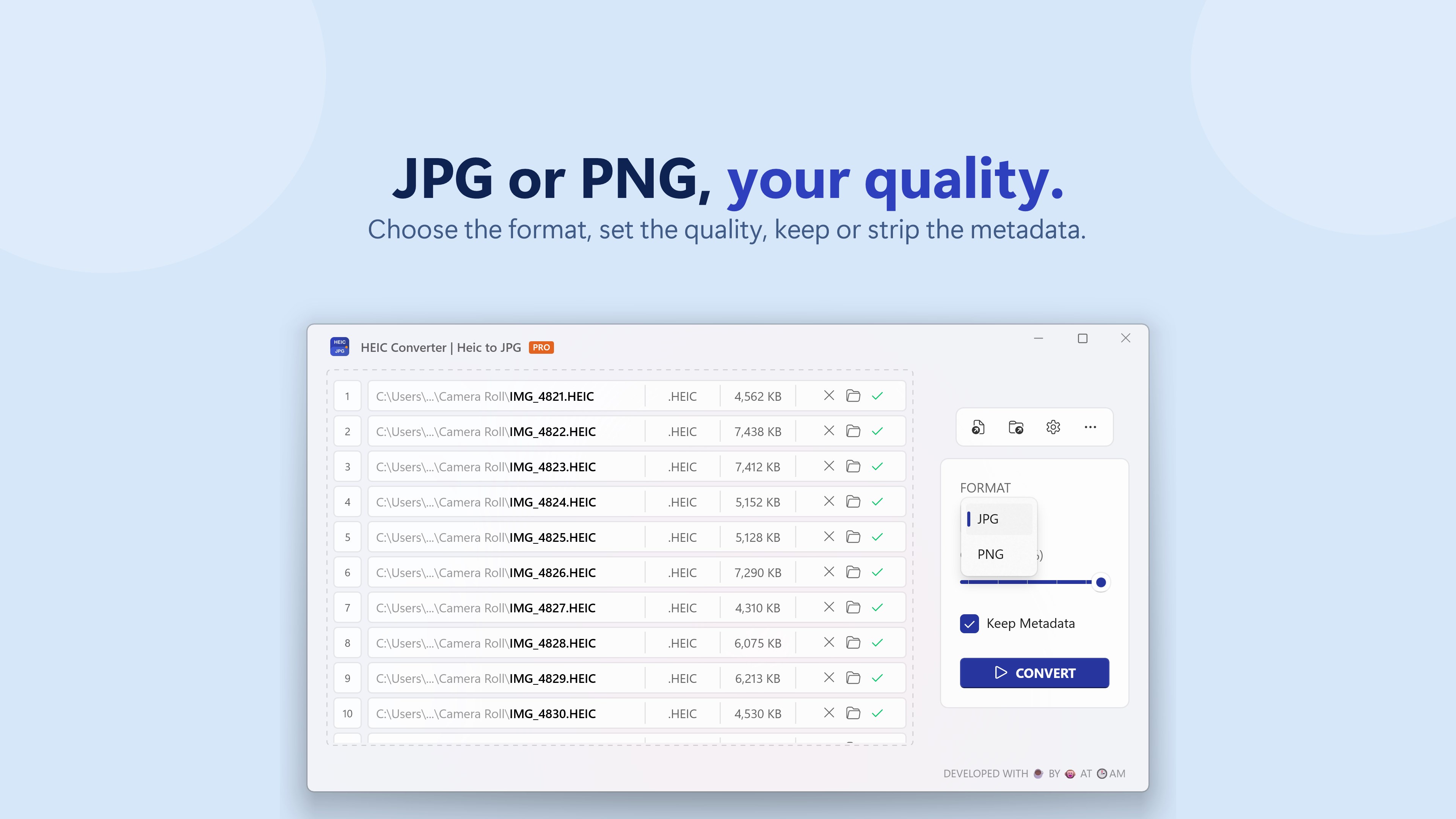
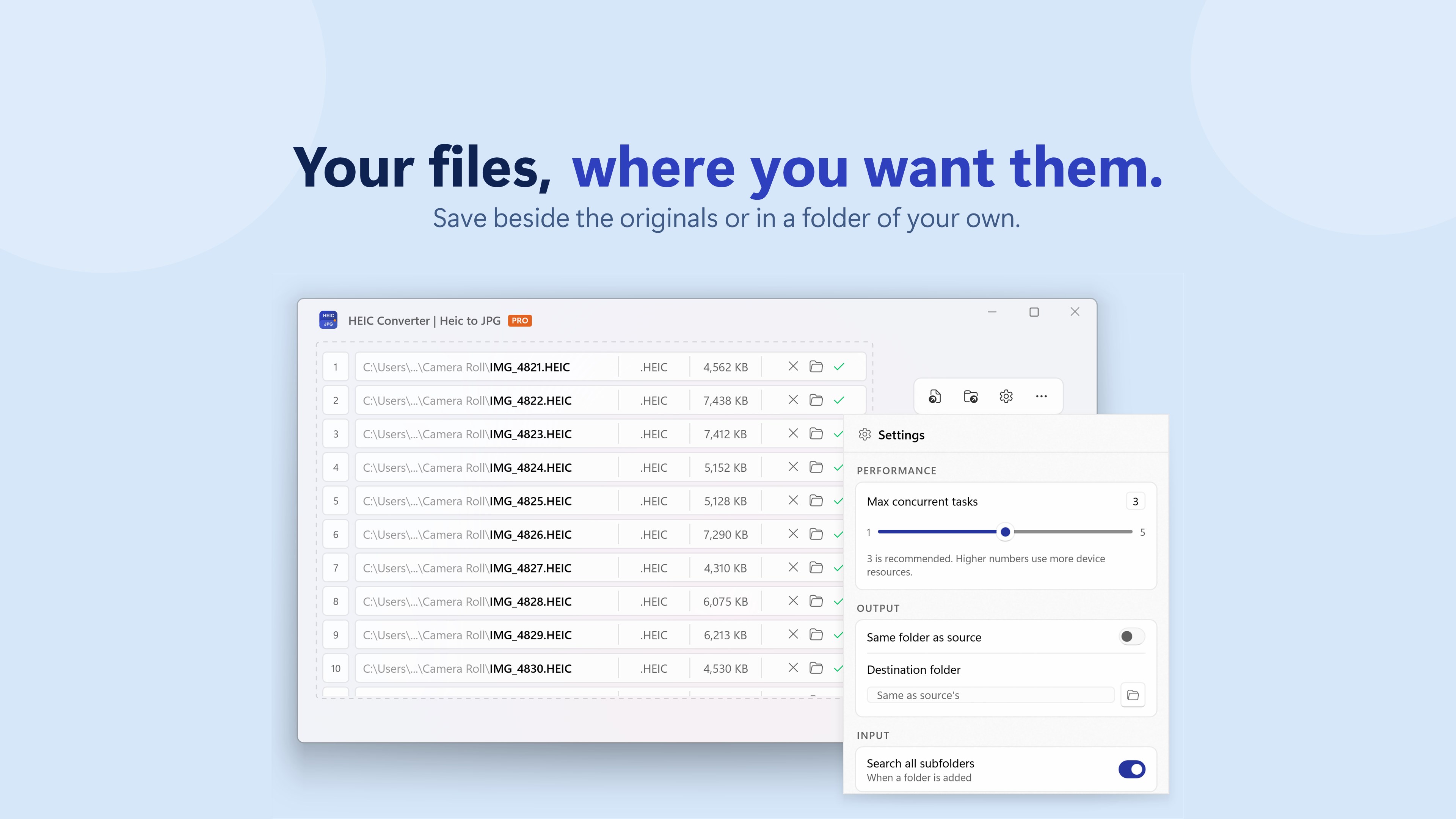
HEIC Converter | Heic to JPG is a conversion tool that converts HEIC photos from iPhone or Android into JPG or PNG images that work on any device, website or app. Photos can be added by drag and drop or by selecting a whole folder, with a quality slider and choice between JPG and PNG. EXIF data such as dates, camera info and location is preserved, and the app handles multi-image and spatial HEIC files from newer iPhones. Multiple photos can be converted at once, and every conversion runs locally on the device, with nothing uploaded or stored on a server. The free version converts up to three photos per run, while Pro removes this limit.
Show the developer's original descriptionHide the original description
Convert HEIC to JPG with ease — fast, simple, and built for exactly that.
Drag and drop your photos, press CONVERT, and you're done.
HEIC Converter turns your iPhone, Android photos into JPG or PNG images that work
on every device, website and app you use. No setup, no accounts, no
options to figure out first — the defaults are already right.
• Drag and drop, or pick a whole folder
• Save as JPG or PNG, with a quality slider when you want it
• Keeps your EXIF — dates, camera info and location come along
• Handles multi-image and spatial HEIC files from newer iPhones
• Converts many photos at once, in parallel
YOUR PHOTOS NEVER LEAVE YOUR PC
Every conversion runs locally on your own machine. Nothing is uploaded,
nothing is stored on a server, and the app works with no internet
connection at all.
FREE AND PRO
Free converts 3 photos per run — the same quality, the same formats, the
same features. Pro removes the batch limit so you can convert a whole
folder in one press. That's the only difference, and future Pro features
are included at no extra cost.
If there is a version of this app for iOS/Mac or Windows we don't know about, paste the store link here — we'll auto-detect the store.
How to find the URL:1. Open the app in its store. 2.In the App Store app: tap the Share icon → “Copy Link”. In the browser: copy the URL from the address bar — it contains apps.apple.com/…/id… or apps.microsoft.com/detail/…. 3. Paste it here.
Paste the original link from the Apple App Store or Microsoft Store. We fetch all details automatically.
How to find the URL:
1. Open the app in its store. 2.In the App Store app: tap the Share icon → “Copy Link”. In the browser: copy the URL from the address bar — it contains apps.apple.com/…/id… or apps.microsoft.com/detail/…. 3. Paste it here.
Android apps can only be listed by their developer.