Screenshot appears after consentScreenshot appears after consentScreenshot appears after consentScreenshot appears after consentScreenshot appears after consent
Summary
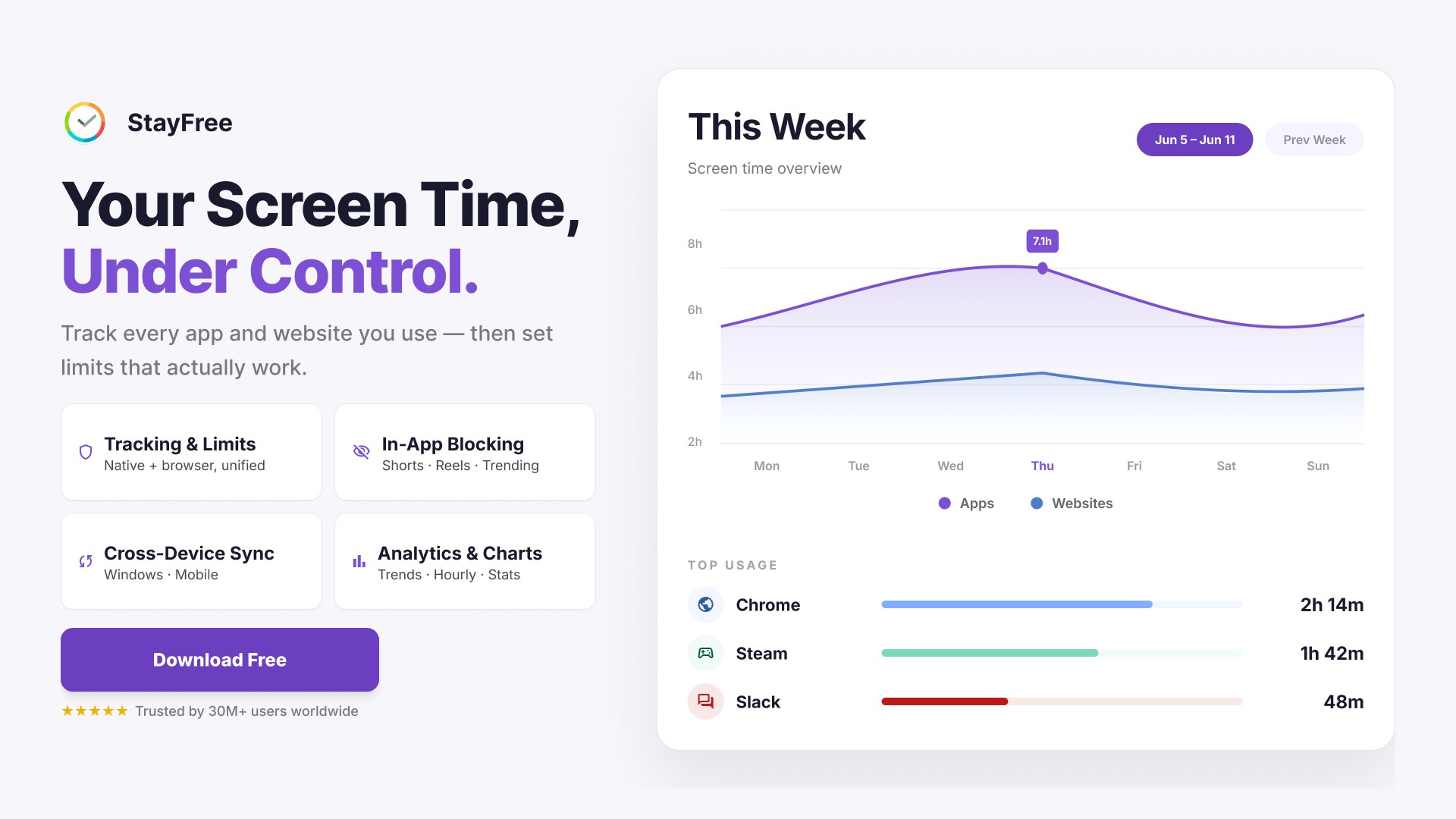
StayFree - Usage Tracker & App and Website Blocker is a screen time tracking app that helps users understand their digital habits and regain control of their time on desktop. It tracks time spent on apps, games, and websites, showing daily statistics and usage history. Flexible limits can block distracting apps, websites, or specific in-app features like Shorts, Reels, or Stories, applied instantly, on a schedule, or per session. Apps and websites can be grouped into categories and limited together, and a browser extension syncs website usage and limits with the desktop dashboard, extending across mobile devices as well.
Show the developer's original descriptionHide the original description
✦ What is StayFree?
StayFree is a free desktop screen time tracker, app blocker, and productivity tool that helps you understand your digital habits and take back control of your time.
Track how much time you spend on desktop apps, games, and websites, then use flexible limits to block distractions when they get in the way of focus. With the StayFree browser extension, your website usage and limits can sync into the same desktop dashboard, making StayFree your central hub for apps and websites.
✦ What makes StayFree special?
✔ Track apps, games, and websites in one place
✔ Set flexible limits that match the way you work
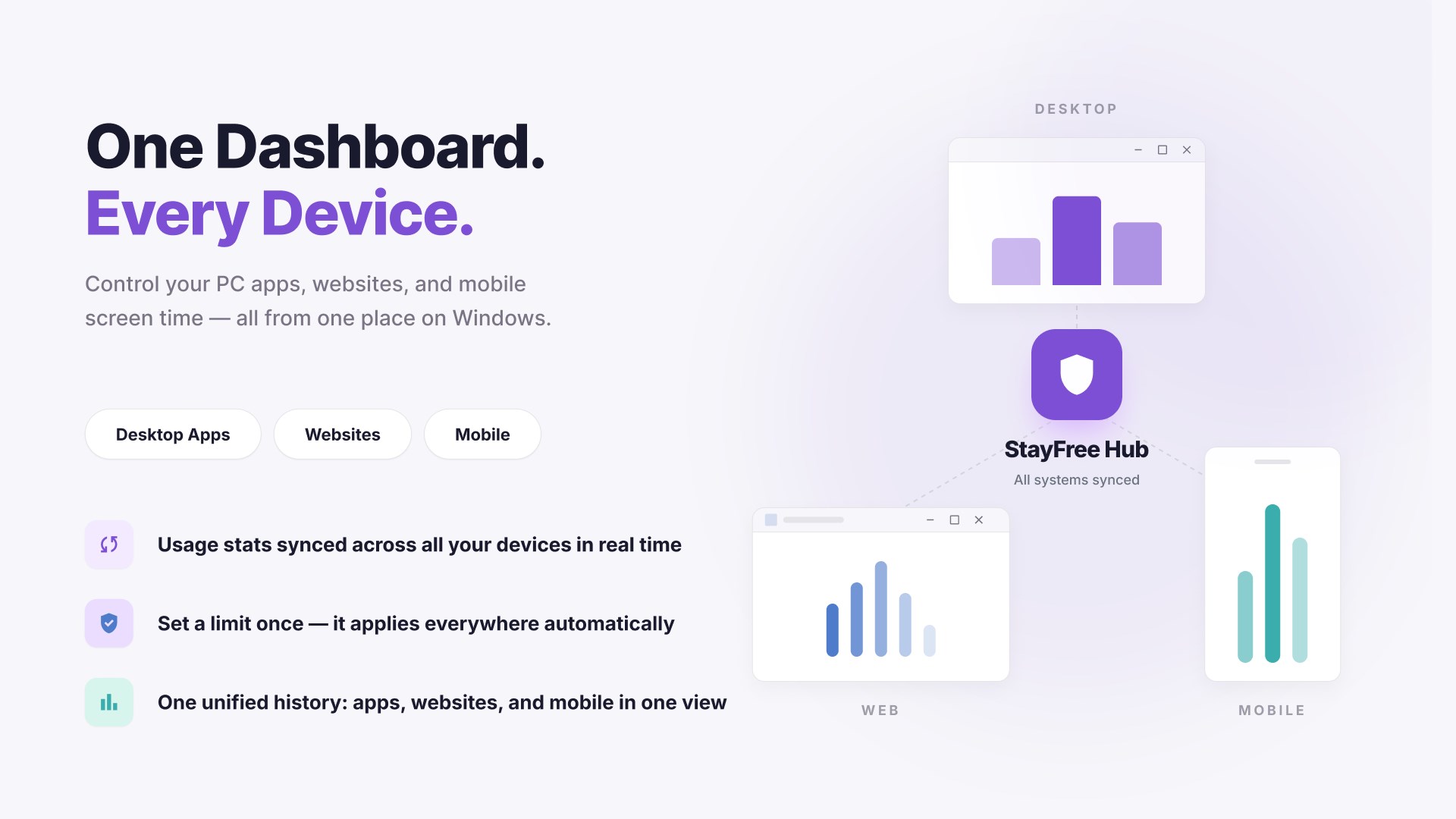
✔ Sync usage stats and limits across devices
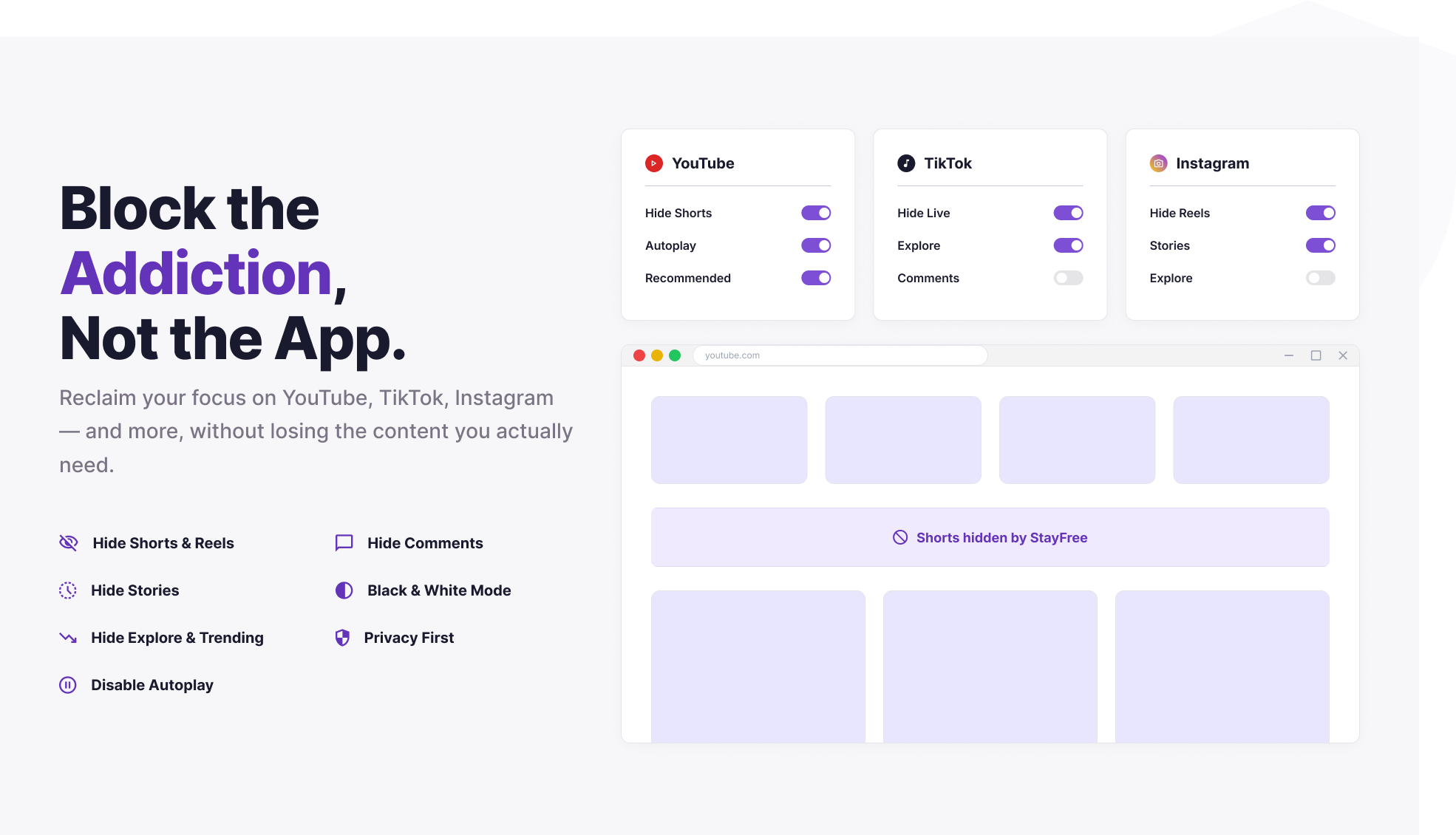
✔ Block distracting apps, websites, and addictive in-app features
✔ Fast, lightweight, and easy to use
✔ Friendly and responsive support team
StayFree helps you:
📵 Reduce screen time
🎮 Track and control gaming habits
🌐 Understand website usage
🛡 Block distracting apps and websites
🔋 Stay focused while working or studying
📈 Build healthier digital habits
😌 Improve self-control
💯 Boost productivity
🤳 Unplug more often
👪 Spend more time with family, friends, or yourself
💪 Take back your time with digital detox
✦ Key Features:
★ App and website usage tracking
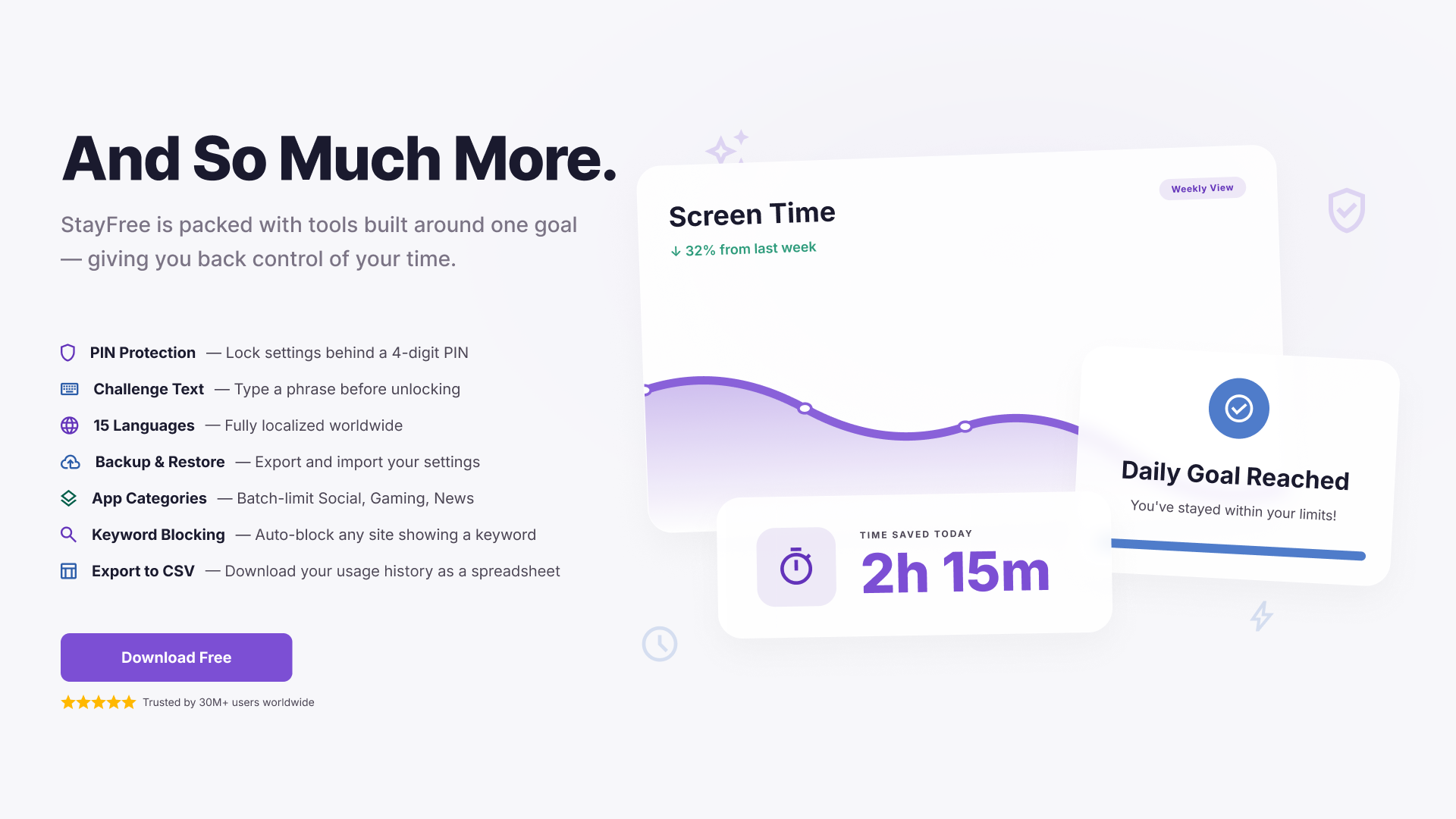
See where your time goes with clear daily stats, charts, and usage history.
★ App blocking and website limits
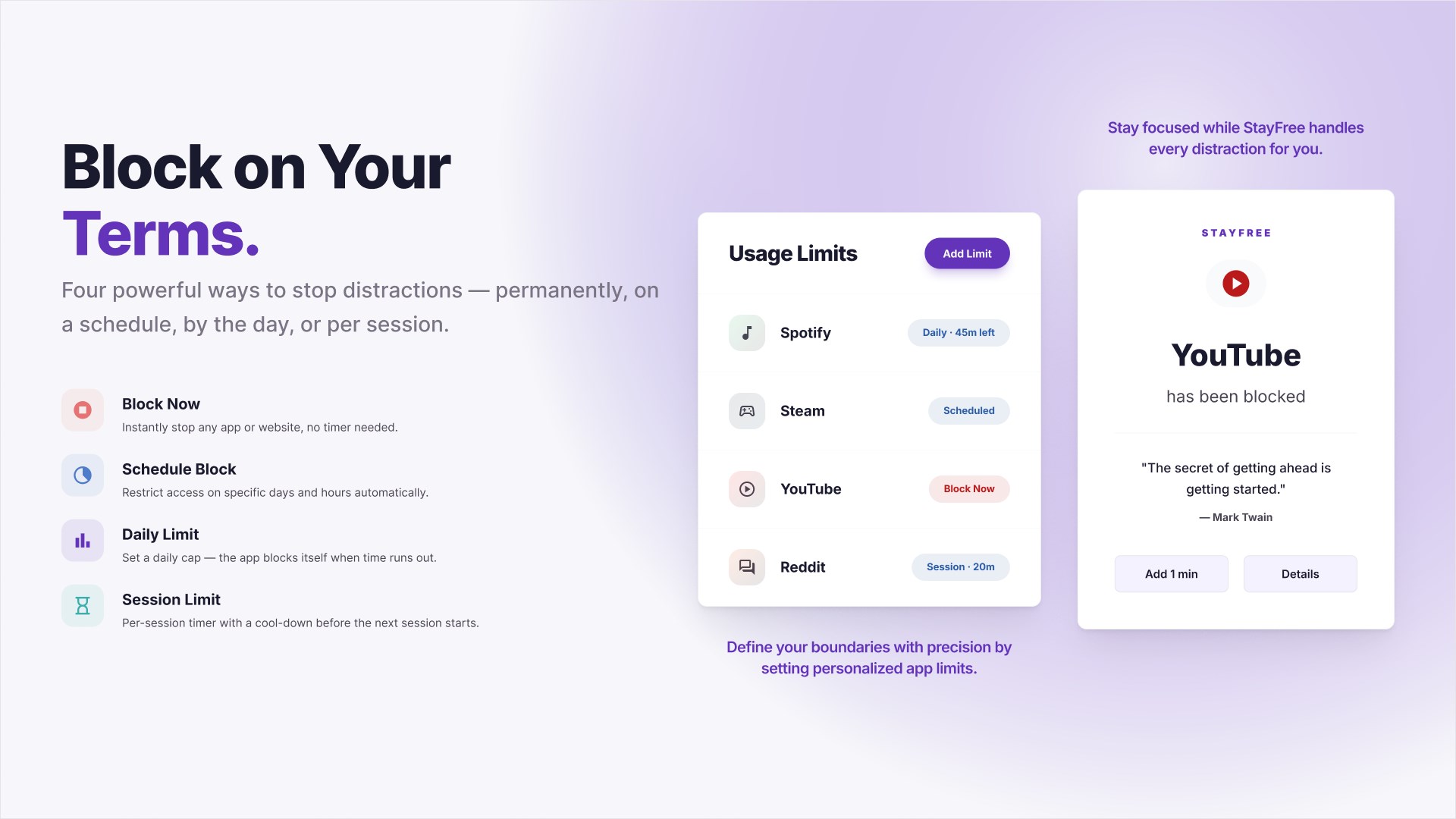
Block distracting apps and websites instantly, on a schedule, after a daily limit, or per session.
★ Cross-device sync
Connect StayFree across desktop, browser, and mobile so your stats and limits stay together.
★ In-app blocking
Hide distracting parts of popular platforms, such as Shorts, Reels, stories, comments, explore feeds, and more.
★ Categories
Group apps and websites into categories like Social, Gaming, News, and Entertainment, then limit them together.
★ PIN protection
Protect important settings and limits with a PIN to prevent impulsive changes.
★ Text challenge
Add an extra moment of self-discipline before changing important settings.
★ Backup and restore
Export and import your settings so your setup stays safe.
★ Keyword blocking
Block websites based on specific keywords that appear on the page.
★ Export to CSV
Download your usage history for deeper analysis.
★ Themes and dark mode
Choose from multiple themes, including light, dark, and premium desktop themes.
★ Lightweight and fast
Runs quietly in the background without getting in your way.
✦ Your feedback matters
If StayFree helps you stay focused, reduce screen time, or build better habits, we would really appreciate your review.
Got suggestions or questions? Reach out anytime. We love hearing from users and improving StayFree with your feedback.
✦ Contact us
📩 support@stayfreeapps.com
Play Store URL for "StayFree - Usage Tracker & App and Website Blocker"
If there is a version of this app for iOS/Mac or Windows we don't know about, paste the store link here — we'll auto-detect the store.
How to find the URL:1. Open the app in its store. 2.In the App Store app: tap the Share icon → “Copy Link”. In the browser: copy the URL from the address bar — it contains apps.apple.com/…/id… or apps.microsoft.com/detail/…. 3. Paste it here.
Paste the original link from the Apple App Store or Microsoft Store. We fetch all details automatically.
How to find the URL:
1. Open the app in its store. 2.In the App Store app: tap the Share icon → “Copy Link”. In the browser: copy the URL from the address bar — it contains apps.apple.com/…/id… or apps.microsoft.com/detail/…. 3. Paste it here.
Android apps can only be listed by their developer.



 AdBlocker Ultimate Lite
Blocks ads, trackers and malware across browsers and apps
 Fast Internet Browser
Web browser with ad blocker, private mode and tabs
 Forest: Focus for Productivity
Focus timer with virtual forest and app blocker
 1Blocker: Ad Blocker
Ad and tracker blocker for Safari browsing
 Be Serious: Earn Screen Time
App lock that unlocks by completing fasting, workout
 StopTheMadness Pro
Browser extension that blocks tracking and website