Screenshot appears after consentScreenshot appears after consentScreenshot appears after consent
Summary
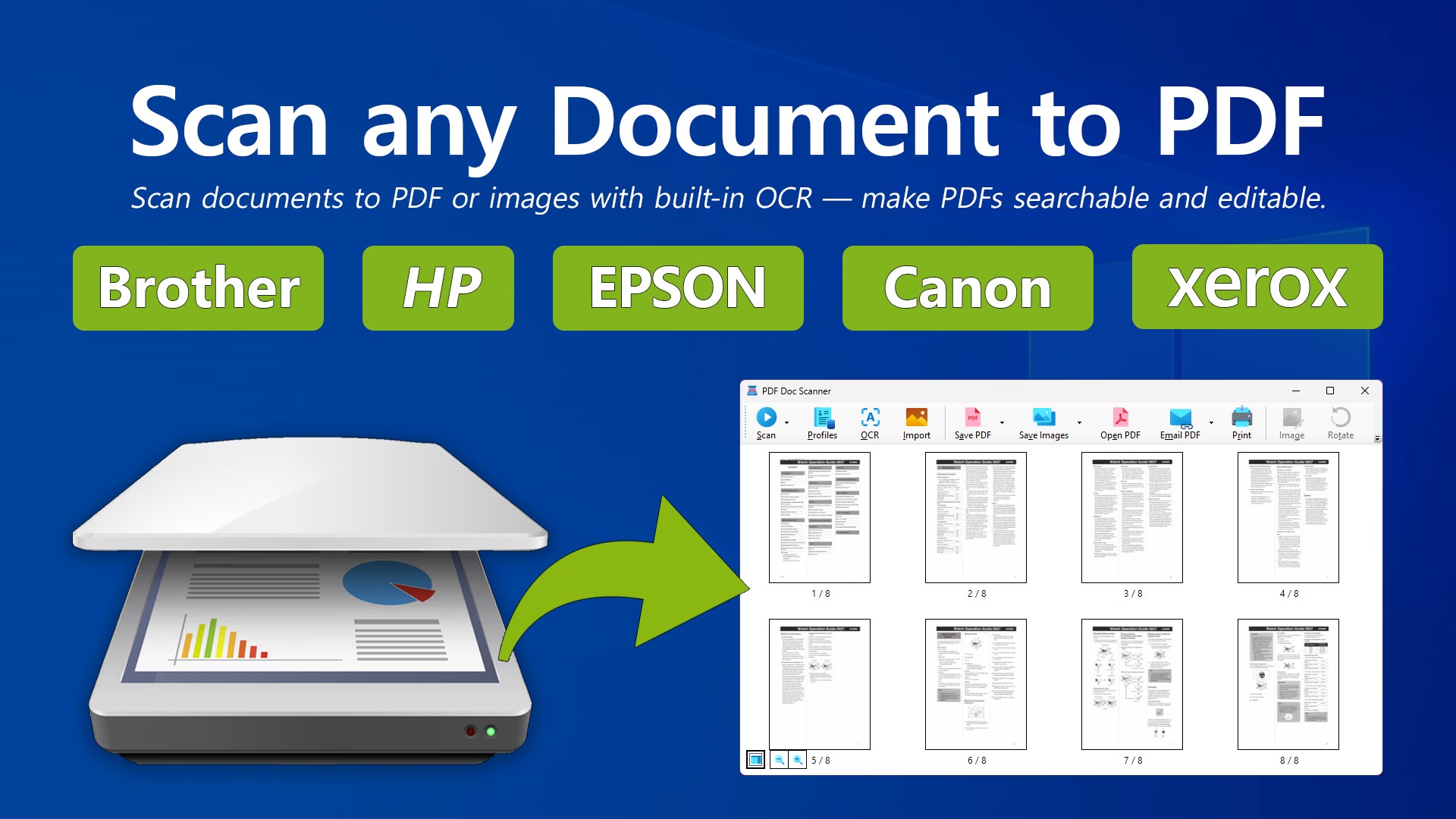
PDF Doc Scanner - Scan & Print is a Windows app for scanning paper documents into PDF files. It supports single-page and multi-page scans, covering everything from receipts and letters to full reports and booklets. Built-in OCR turns scans into searchable, editable PDFs, with English recognition included free and other languages available as a premium upgrade. Batch scanning handles multiple documents in sequence, and pages can be rotated, reordered, cropped, or deleted. Scans can be saved as PDF, JPEG, PNG, or TIFF. The app works with scanners from brands including HP, Brother, Epson, Canon, Xerox, Fujitsu, and Lexmark, covering USB, Wi-Fi, and office ADF models.
Show the developer's original descriptionHide the original description
PDF Doc Scanner is your all-in-one tool for scanning documents to PDF on Windows. Quickly turn paper into digital files that are easy to store, search, and share. With support for both single-page and multi-page scans, you can capture everything from receipts and letters to full reports and booklets. The app is designed to make scanning to PDF simple, reliable, and efficient.
Product License:
The app offers a flexible free tier with unlimited scanning for single documents and full access to English OCR text recognition. To unlock advanced capabilities—including batch scanning for multiple documents in sequence, OCR support for all other downloadable languages, and unlimited saving of your scanned documents to PDF (beyond your first three free saves)—a premium license upgrade is required.
Highlights:
• Works with HP, Brother, Epson, Xerox, and Canon scanners (plus Fujitsu, ScanSnap, and more)
• Save scans in PDF, JPEG, PNG, or TIFF formats
• Built-in OCR for searchable and editable PDFs
• Batch scanning for multiple documents in sequence
• Easy page management: rotate, reorder, crop, or delete
Broad compatibility with major scanner brands. PDF Doc Scanner is tested to work with leading devices from Brother, HP, Epson, Canon, Fujitsu, Lexmark, Xerox, and many others. Whether you’re using a USB scanner, a Wi-Fi enabled model, or an office ADF printer-scanner, the app delivers reliable results with a wide range of hardware.
Digitize and organize your paperwork with ease. From personal files and schoolwork to office records and business receipts, PDF Doc Scanner helps reduce paper clutter and keeps your documents secure in digital form. Scan, save, and share with confidence using one reliable Windows PDF scanner app.
Play Store URL for "PDF Doc Scanner - Scan & Print"
If there is a version of this app for iOS/Mac or Windows we don't know about, paste the store link here — we'll auto-detect the store.
How to find the URL:1. Open the app in its store. 2.In the App Store app: tap the Share icon → “Copy Link”. In the browser: copy the URL from the address bar — it contains apps.apple.com/…/id… or apps.microsoft.com/detail/…. 3. Paste it here.
Paste the original link from the Apple App Store or Microsoft Store. We fetch all details automatically.
How to find the URL:
1. Open the app in its store. 2.In the App Store app: tap the Share icon → “Copy Link”. In the browser: copy the URL from the address bar — it contains apps.apple.com/…/id… or apps.microsoft.com/detail/…. 3. Paste it here.
Android apps can only be listed by their developer.




 Scan Document to PDF
Scan documents and save as searchable PDF files
 PDF Document Scanner
Scan documents and create, edit multi-page PDF files
 PDF scanner : Scanning and OCR
Scan documents and convert to editable files with OCR
 Print and Scan - Document Scanner App
Scan documents and photos, save as PDF or image files
 Scanner App: PDF Scan
Scan, edit and manage documents as PDF files
 Doc Scan For Windows: Scan to PDF, Docx, Xlsx
Scan documents and convert them to PDF, Word or Excel