


Audiobook Player

Play audiobooks with position sync AI summary
Rank 602
0 Up Votes, 0 Down Votes
▲
0
▼
Audiobook Player is not available on Android and Apple — or is it? Submit URL
Screenshots
Screenshot 1 of Audiobook Player on WindowsScreenshot
appears after consent
Screenshot 2 of Audiobook Player on WindowsScreenshot
appears after consent
Screenshot 3 of Audiobook Player on WindowsScreenshot
appears after consent
Screenshot 4 of Audiobook Player on WindowsScreenshot
appears after consent
Screenshot 5 of Audiobook Player on WindowsScreenshot
appears after consent
Screenshot 6 of Audiobook Player on WindowsScreenshot
appears after consent
Screenshot 7 of Audiobook Player on WindowsScreenshot
appears after consent
Screenshot 8 of Audiobook Player on WindowsScreenshot
appears after consent
Screenshot 9 of Audiobook Player on WindowsScreenshot
appears after consent
Screenshot 10 of Audiobook Player on WindowsScreenshot
appears after consent
Screenshot 11 of Audiobook Player on WindowsScreenshot
appears after consent
Screenshot 12 of Audiobook Player on WindowsScreenshot
appears after consent
Screenshot 13 of Audiobook Player on WindowsScreenshot
appears after consent
Screenshot 14 of Audiobook Player on WindowsScreenshot
appears after consent
Screenshot 15 of Audiobook Player on WindowsScreenshot
appears after consent
Screenshot 16 of Audiobook Player on WindowsScreenshot
appears after consent
Screenshot 17 of Audiobook Player on WindowsScreenshot
appears after consent
Summary
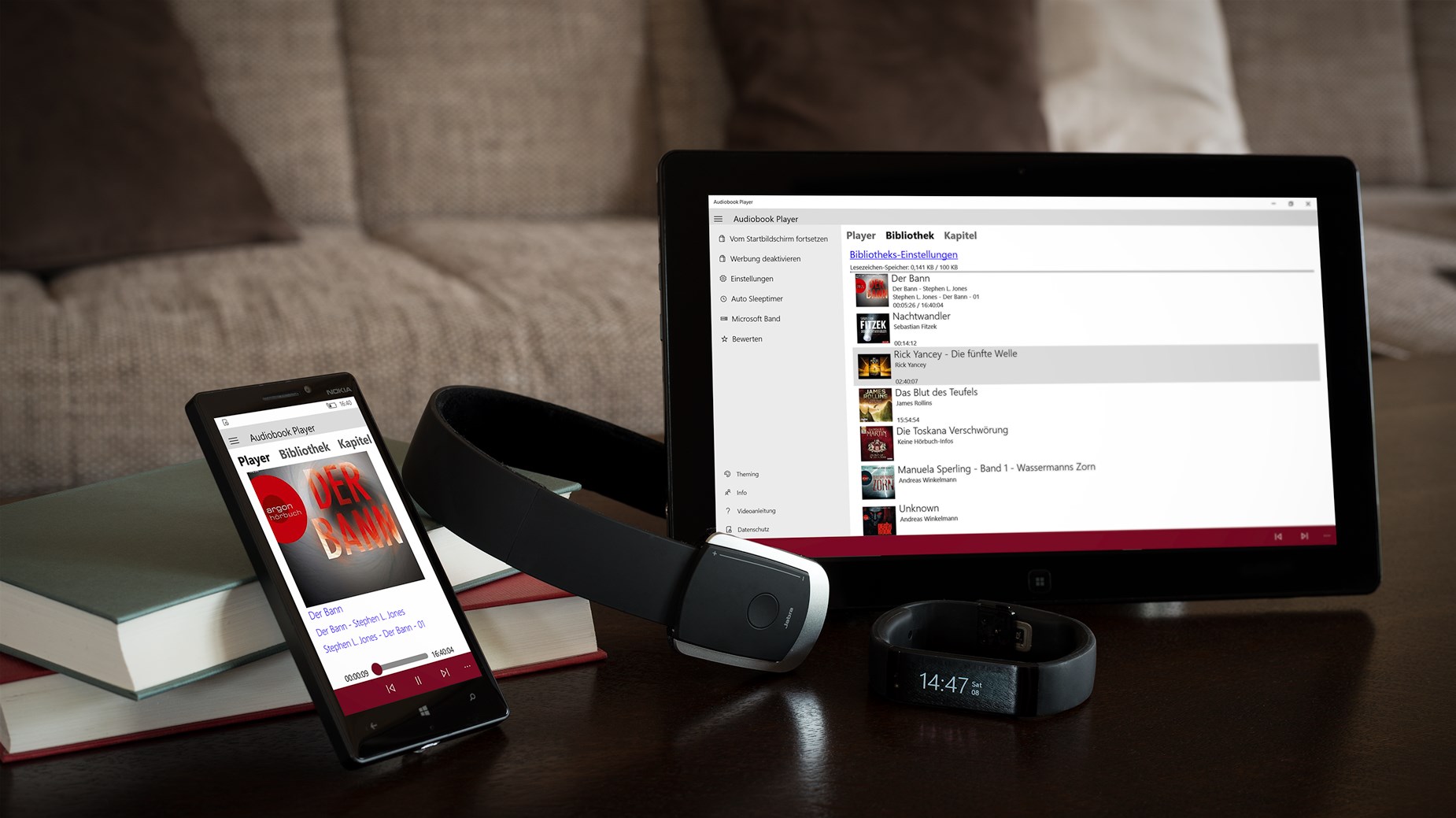
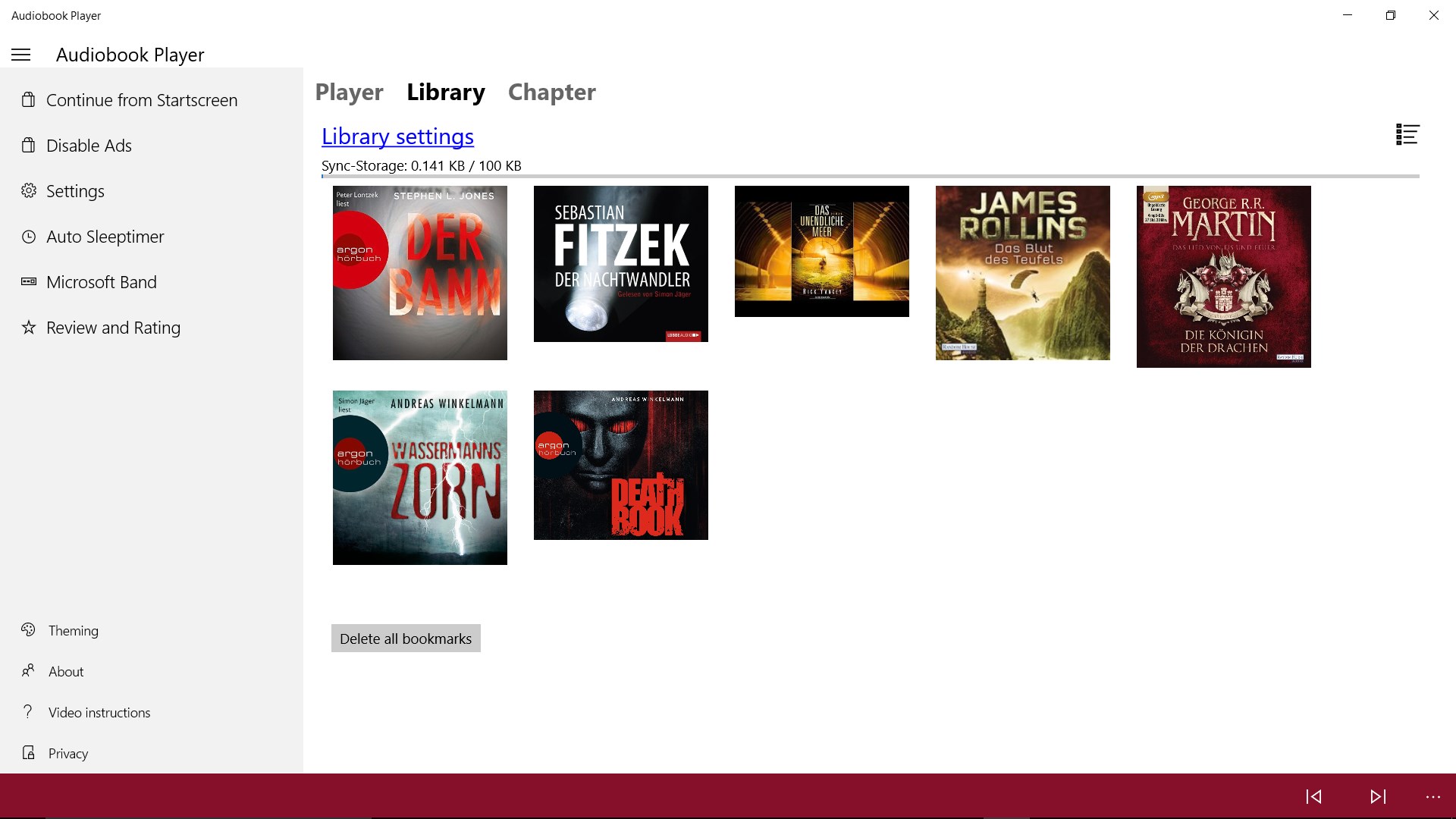
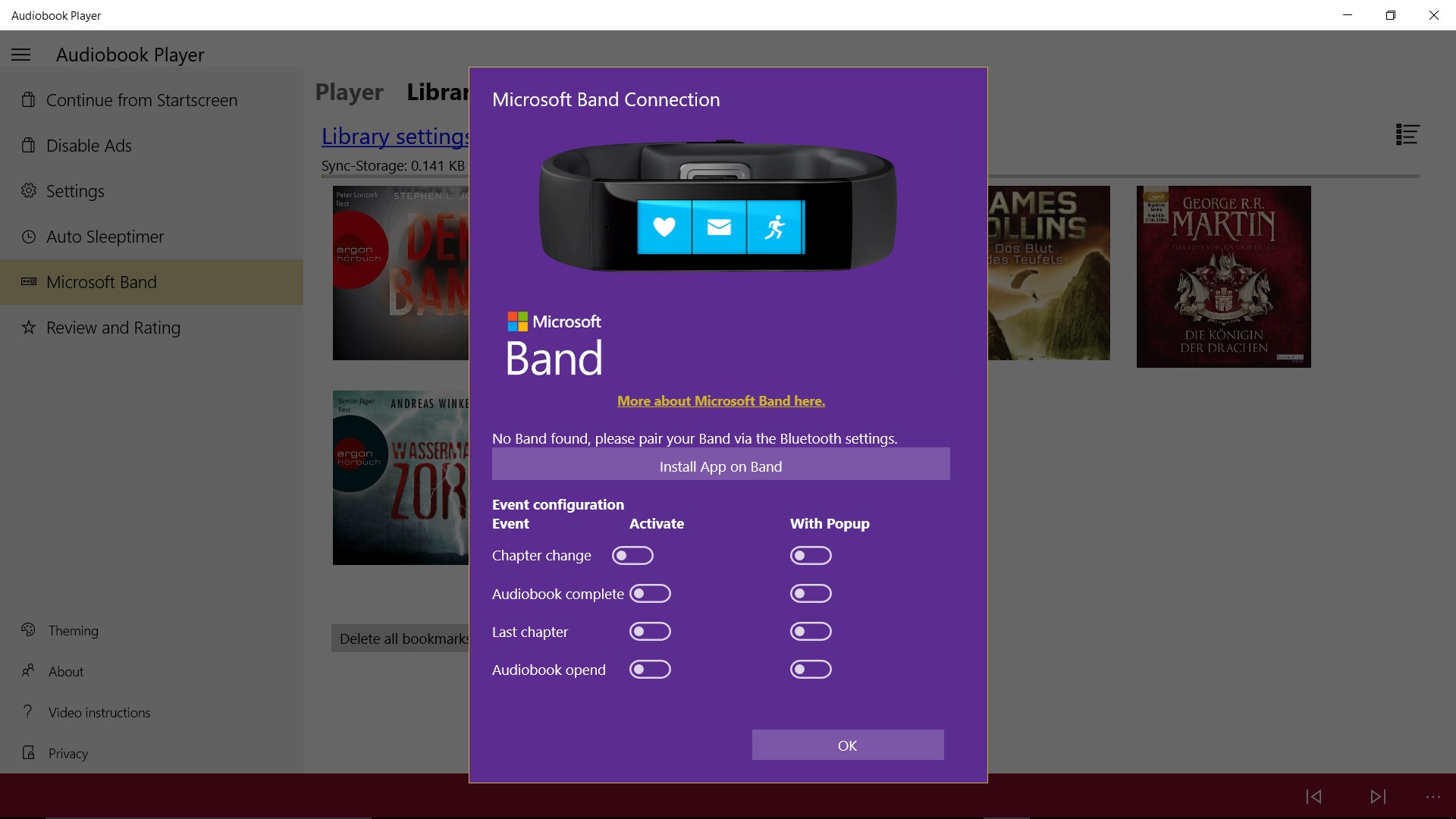
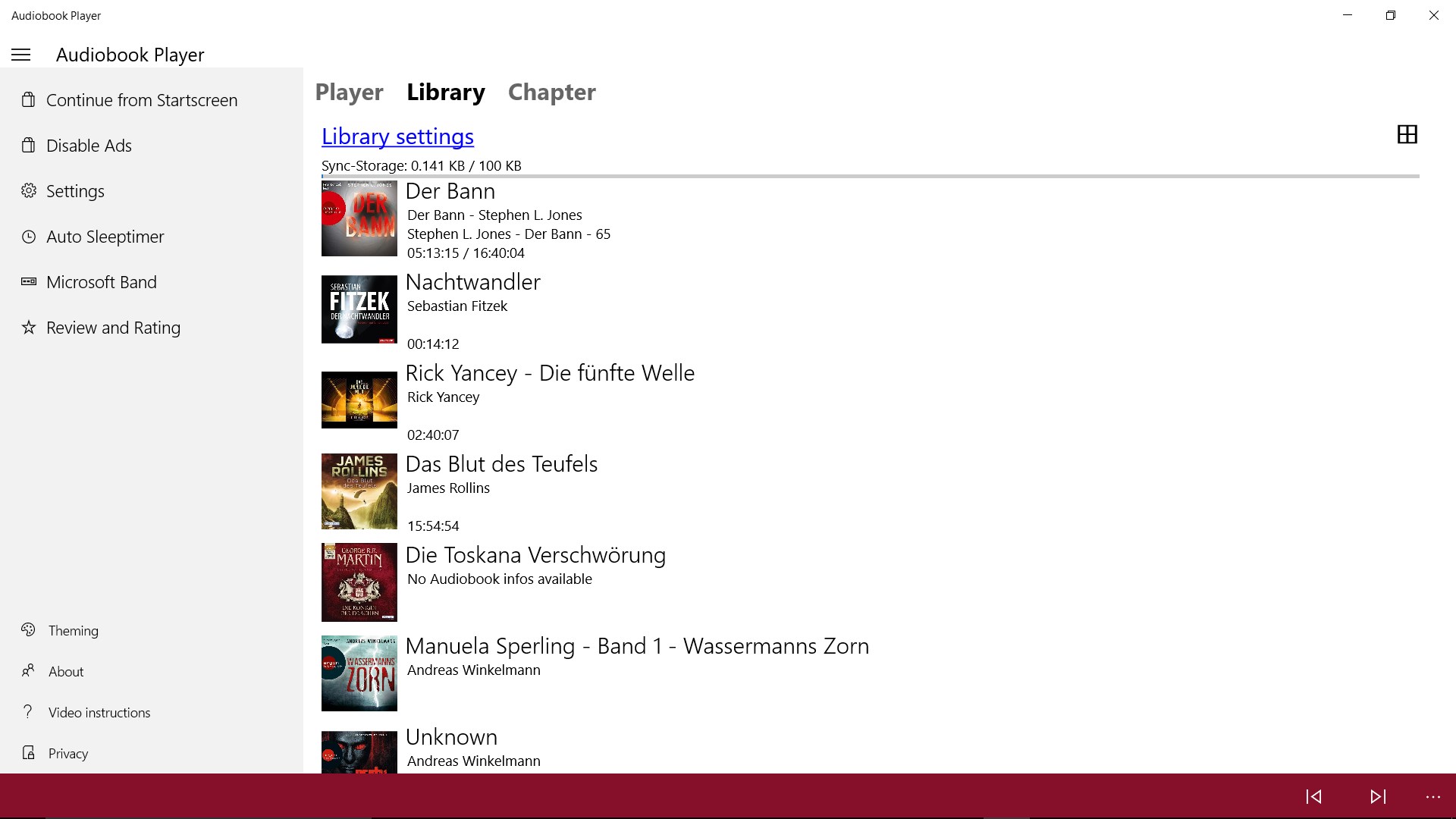
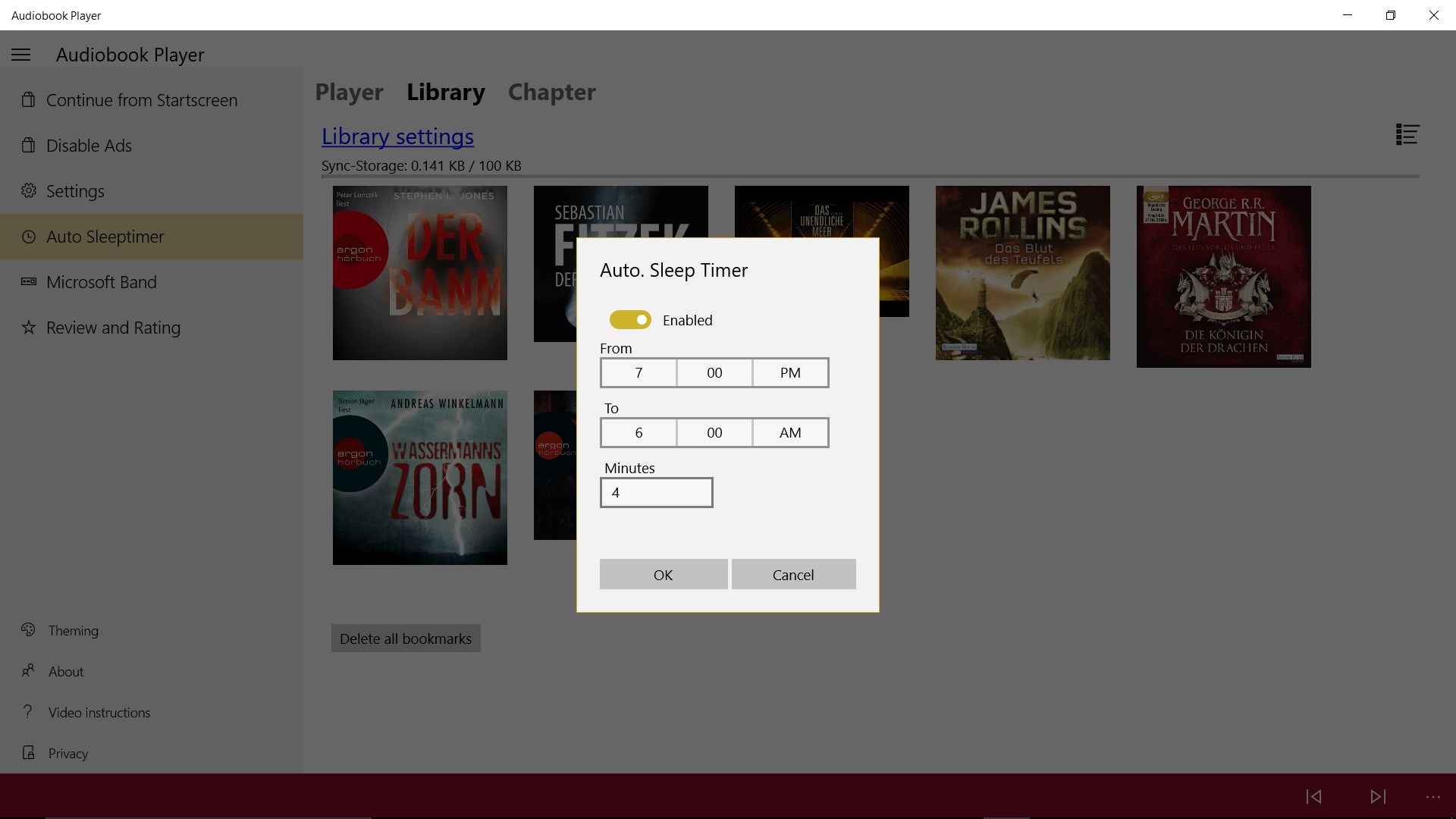
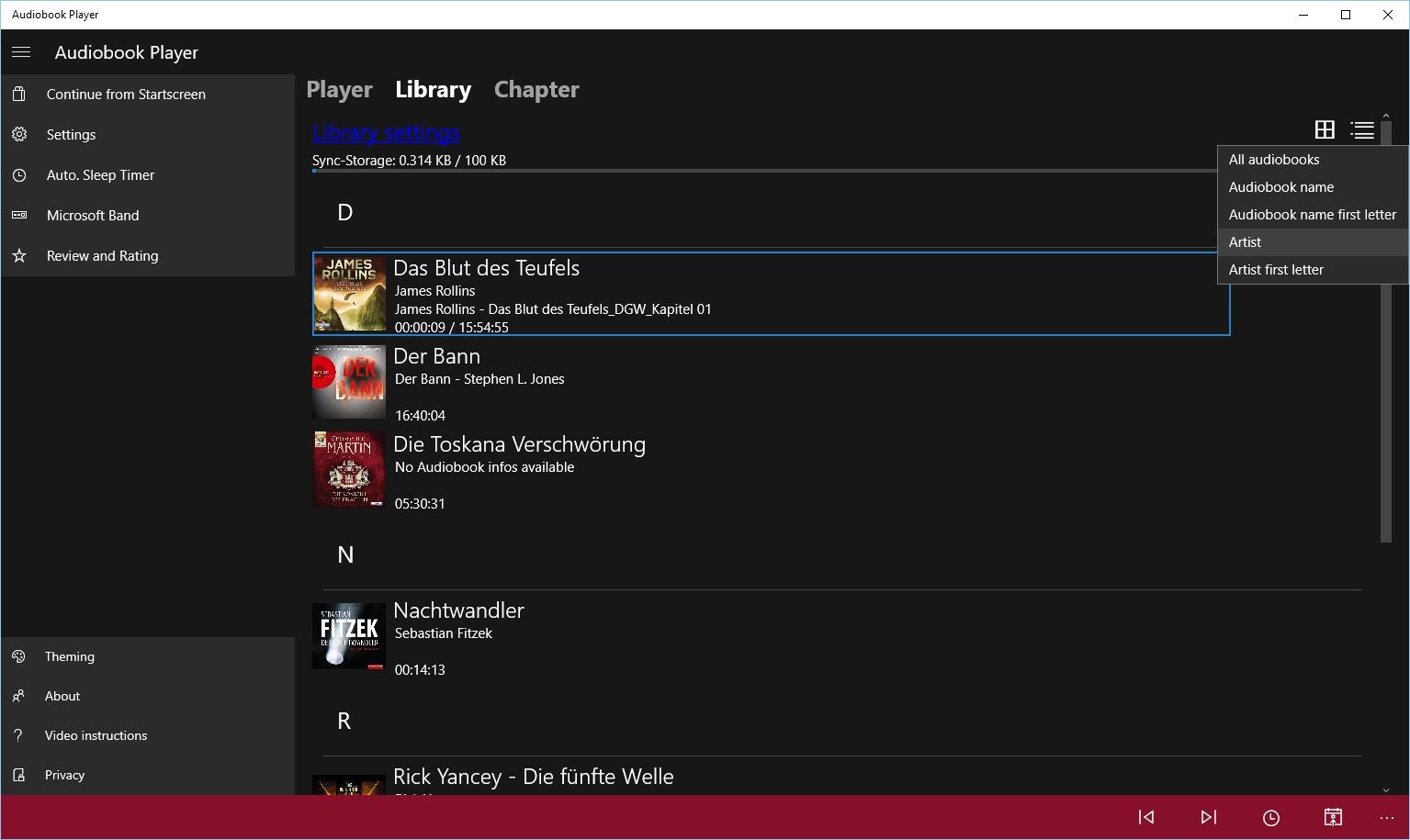
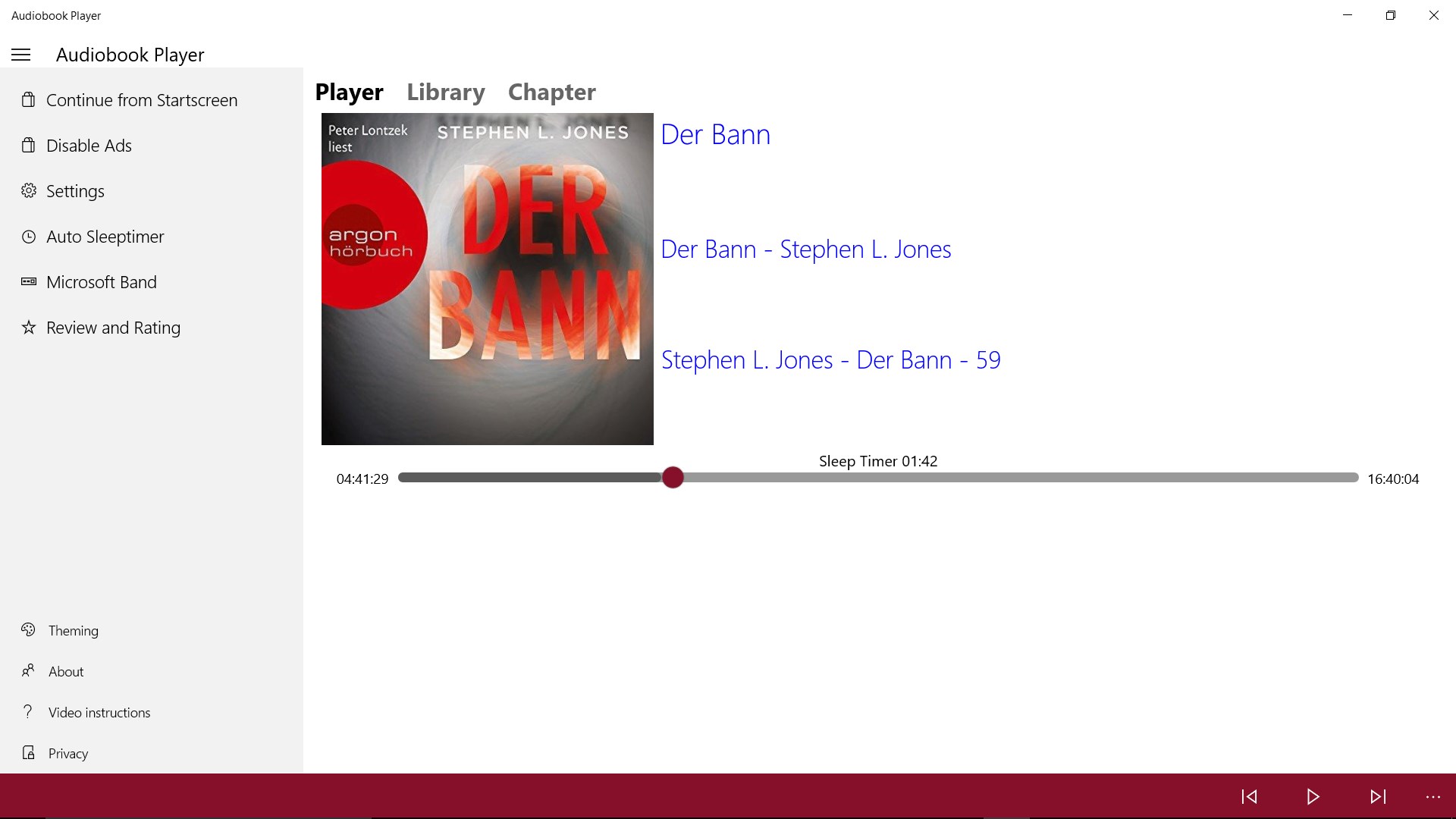
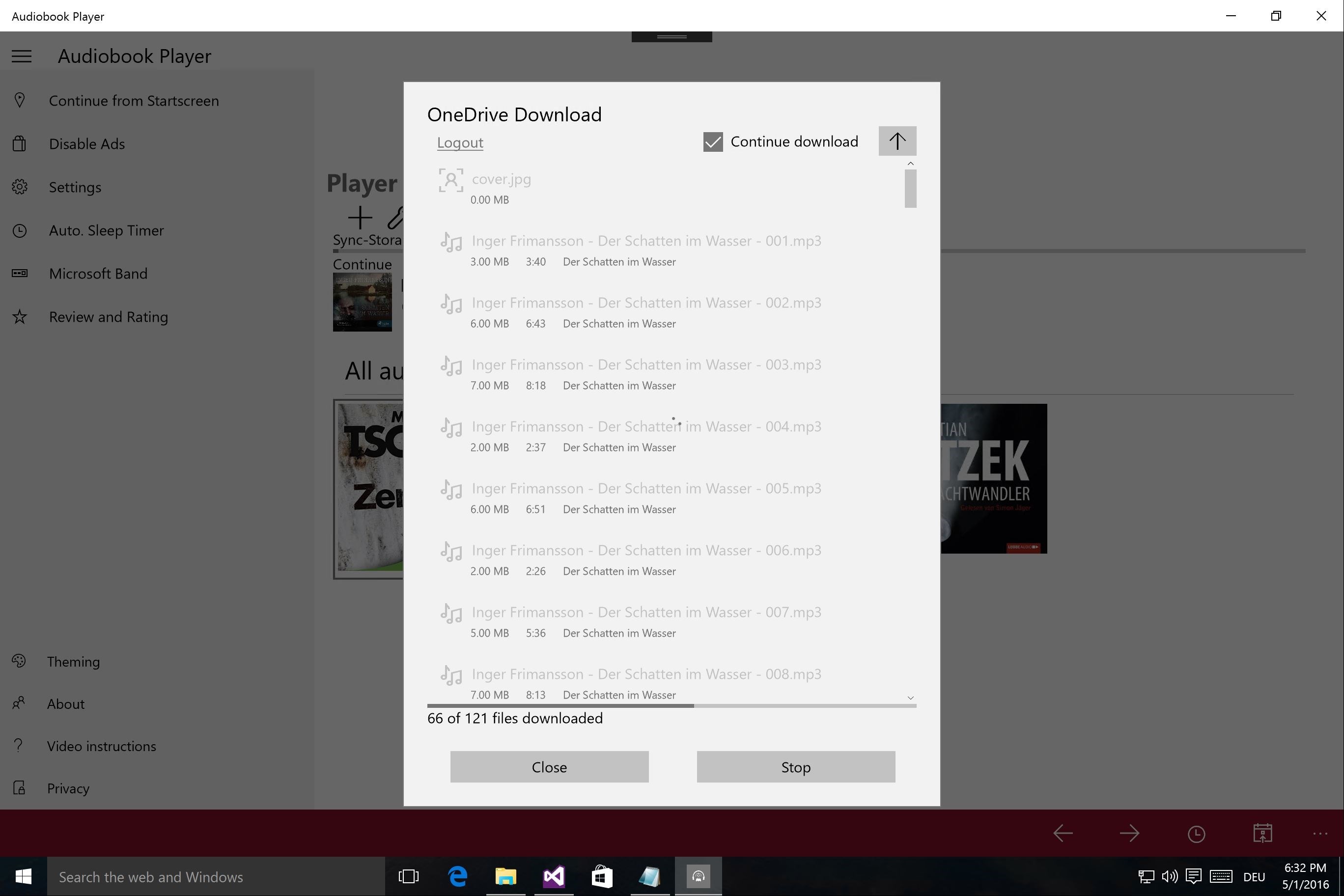
Audiobook Player is an app for playing audiobooks on Windows devices, usable on smartphone, tablet or PC. It is optimized for listening to multiple books in parallel, allowing quick switching between titles without losing the current position. It handles audiobooks made up of many small MP3 files stored in one folder without issue. Audiobooks can be played from the local device, removable storage or OneDrive. A sync function automatically keeps listening positions aligned across a user's Windows devices, enabling continuation from tablet to laptop to PC. Owners of a Microsoft Band can view playback progress directly on the device.
Show the developer's original descriptionHide the original description
Audiobook Player enables you to play audio books on your Windows device. The App is optimized to play many small audio files in one folder and saving the playback position of all your book. Audiobooks can be played from your local device, removable devices or OneDrive. If you want to use the sync function, which allows you to sync your position over all your devices, you need an internet connection. The Positions will be save on the Microsoft Server at your App settings. Watch the new intro Video: https://youtu.be/VboIQruvb8E Owner of a Microsoft Band? Then you can use it and get notifications on it. Suggestions are welcome to be reported under audiobookplayer@spettmann.net.
Technical details about Audiobook Player
Category
Age Rating
Price
Size
25,5 MB
Last updated in Microsoft Store
2026-04-01
App Store Rating
2.9 ★
Devices
Audiobook Player in the rankings
Manage app

Are you on the developer team behind Audiobook Player?

Verify yourself and manage your listing on Most Voted Apps.

Verify Audiobook Player for free
Verification usually takes only a few minutes.
Similar apps to Audiobook Player