Screenshot appears after consentScreenshot appears after consentScreenshot appears after consentScreenshot appears after consentScreenshot appears after consentScreenshot appears after consent
Summary
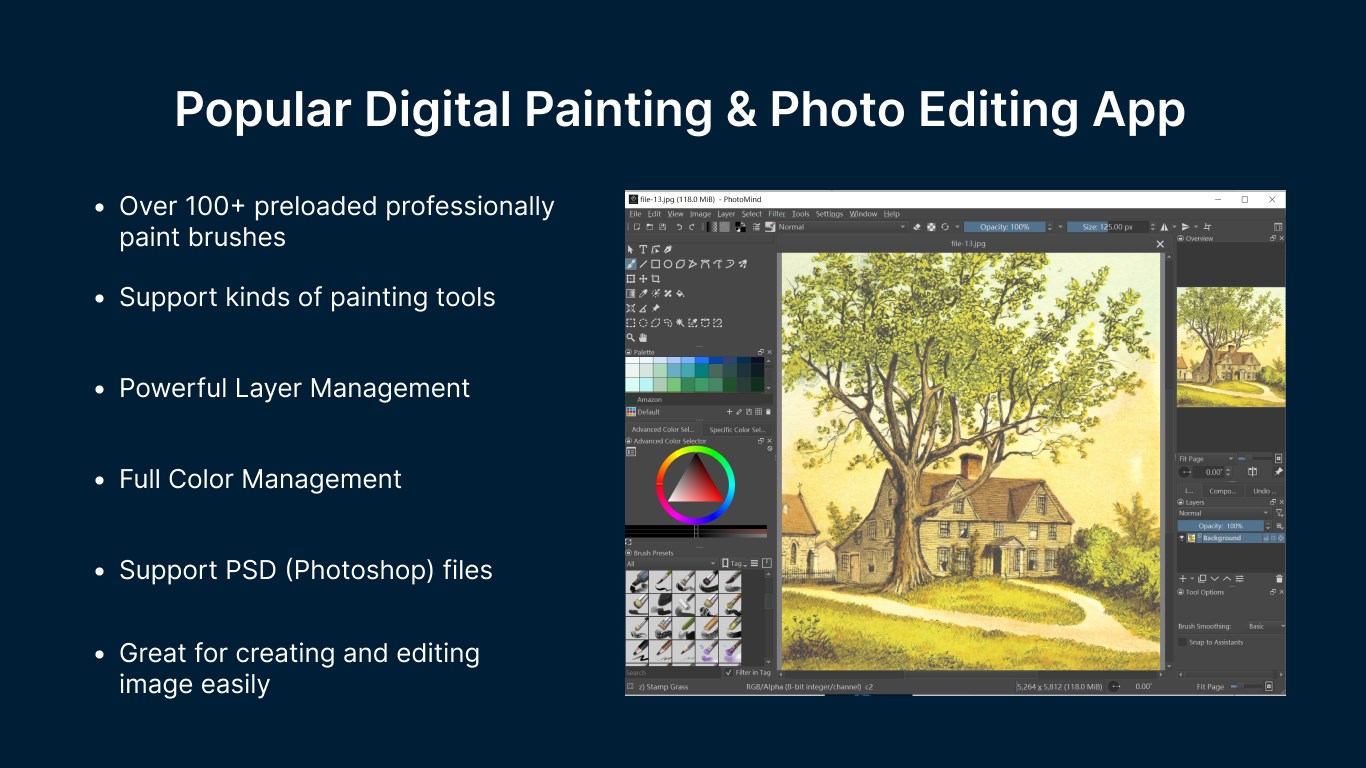
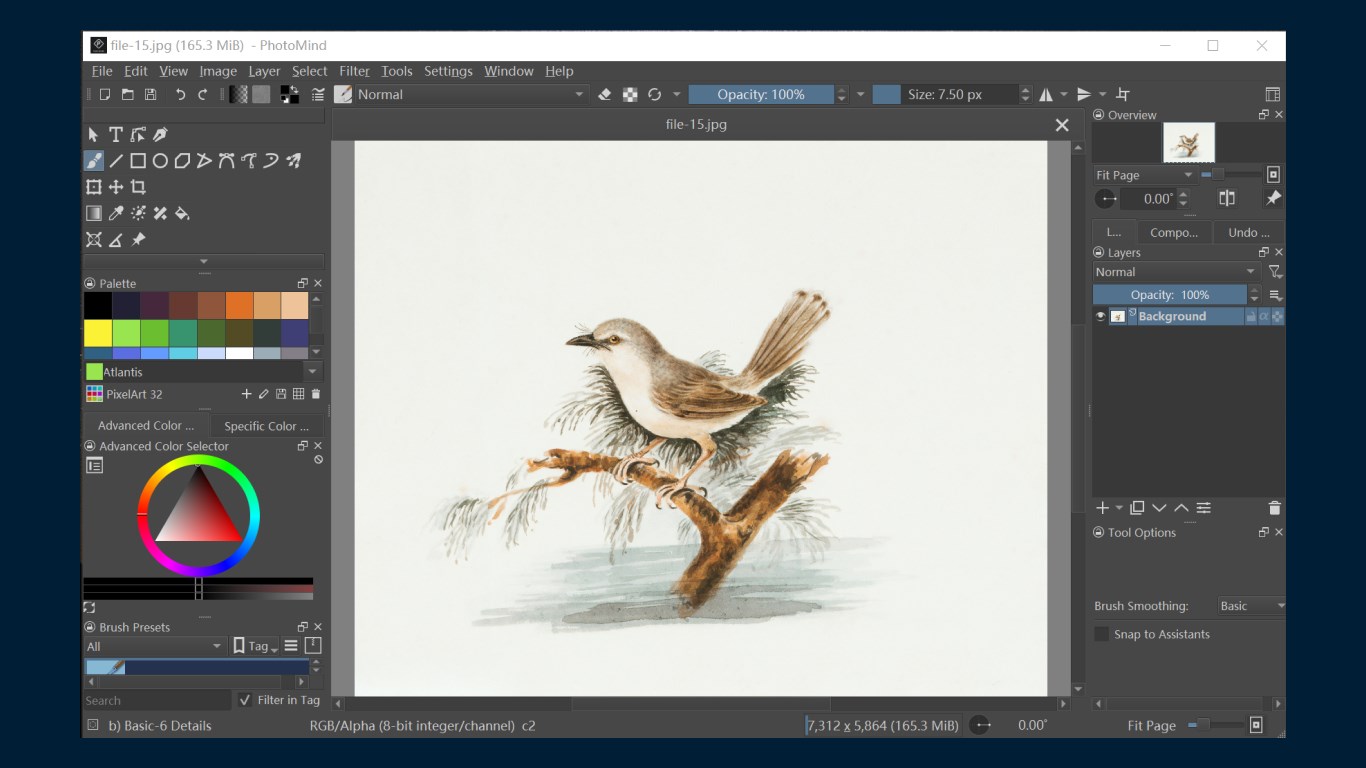
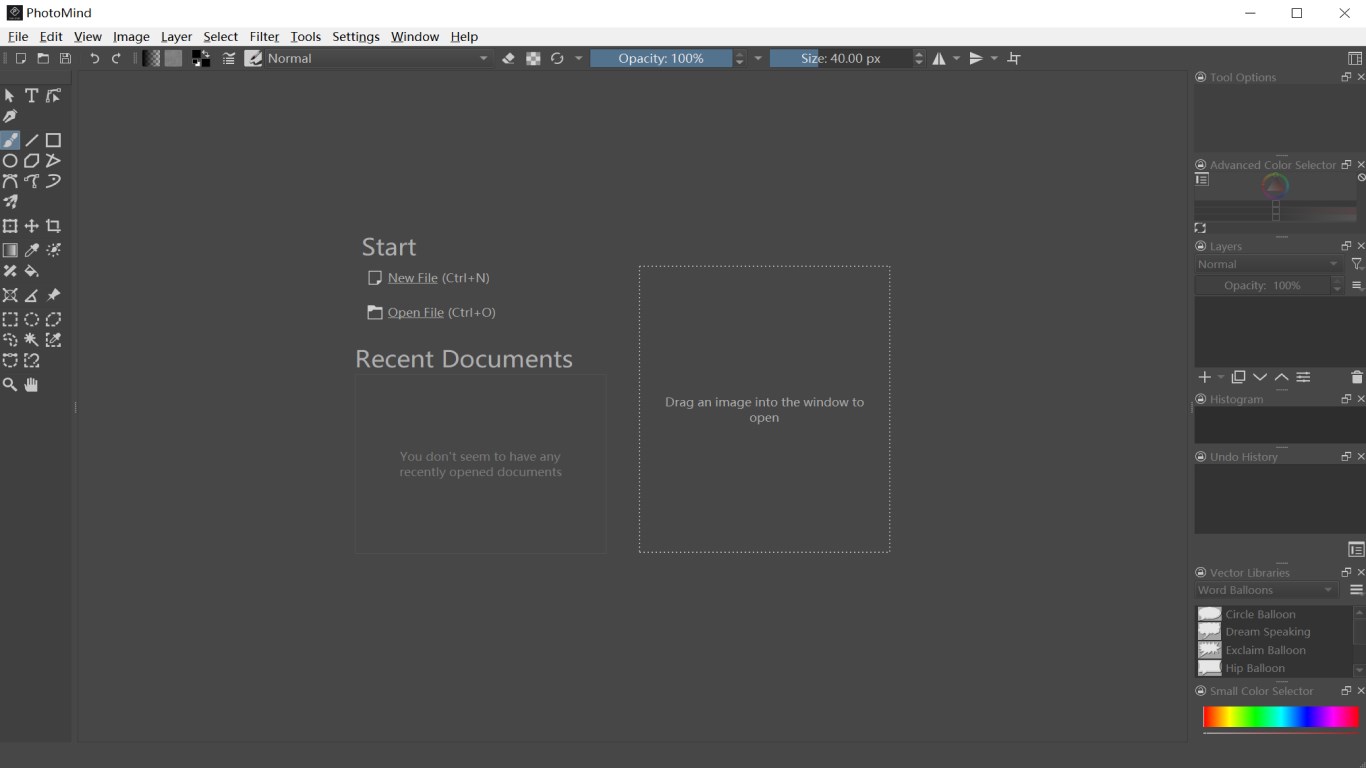
PhotoMind - FREE Photo Editor & Photo Paint is a photo editing app for creating and editing images and artwork. It offers advanced painting tools including smoothing, layering, color mixing, rendering, blending and transforming, and supports HDR editing and photo manipulation. Users can create illustrations, comics, animations or storyboards with tools like freehand brush, line, rectangle, ellipse, move, crop and zoom. Layer operations include cutting, copying, pasting, grouping, splitting and flattening. The app also allows rotating, splitting or scaling images, and supports many file formats including PSD, HEIC, PNG, SVG, TIFF, RAW and Krita files.
Show the developer's original descriptionHide the original description
PhotoMind is a full-featured digital painting application for anyone who loves to draw. It is the best alternative to Adobe Photoshop Express (PSD), GIMP, Krita on Windows 10 & Windows 11, and is also compatible with the file formats of these software.
PhotoMind is a best free digital drawing software, it helps you simple and easy to create, edit, and develop images and other art, without having to pay for software or a subscription.
PhotoMind has many advanced painting tools such as smoothing, layering, colour mixing, rendering, painting, mirroring, blending and transforming. HDR images can also be modified and photo manipulation can also be performed.
[Key Features]
• Create illustrations, comics, animations or storyboards;
• Supports a variety of painting tools, such as Freehand brush, Line, Rectangle, Ellipse, Move, Crop, Zoom, etc;
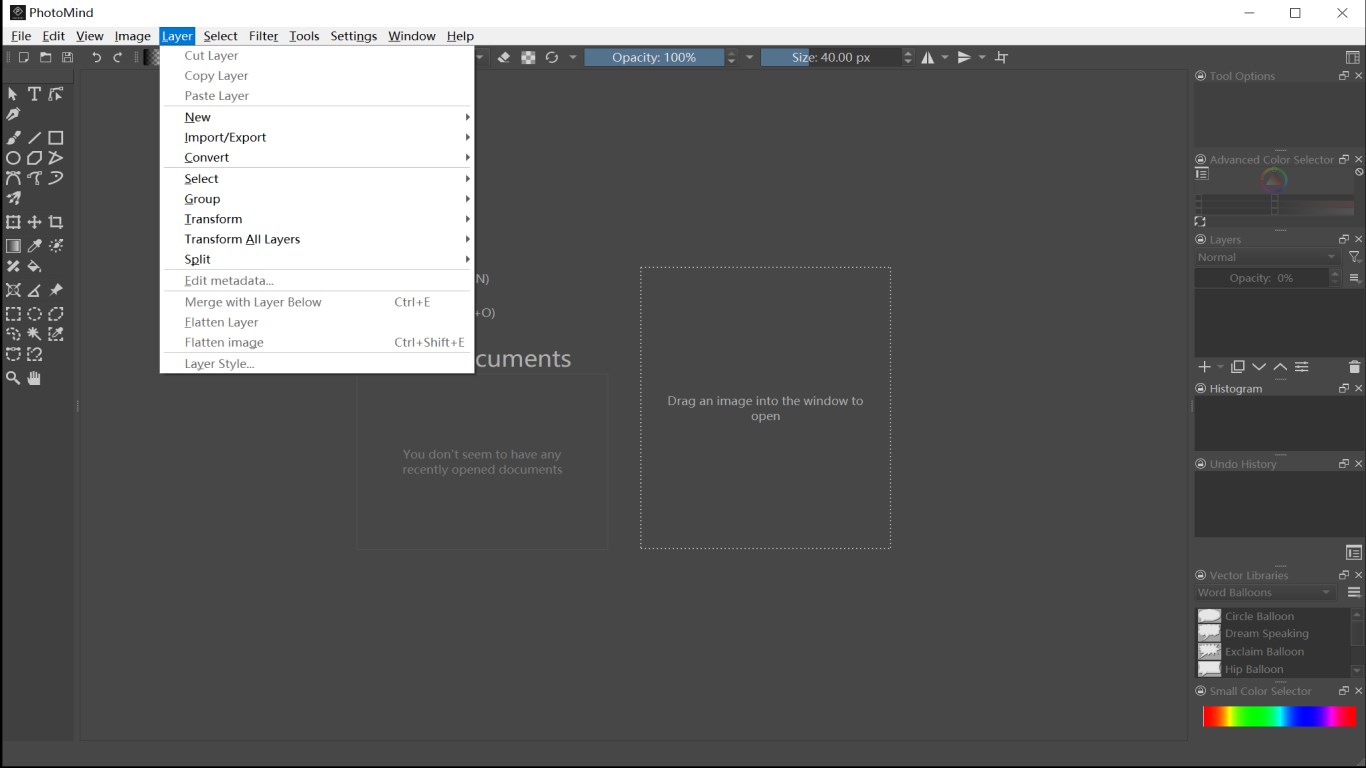
• Cut layer, copy layer, paste layer, group layers, split layer, flatten layer, etc;
• Edit metadata of image;
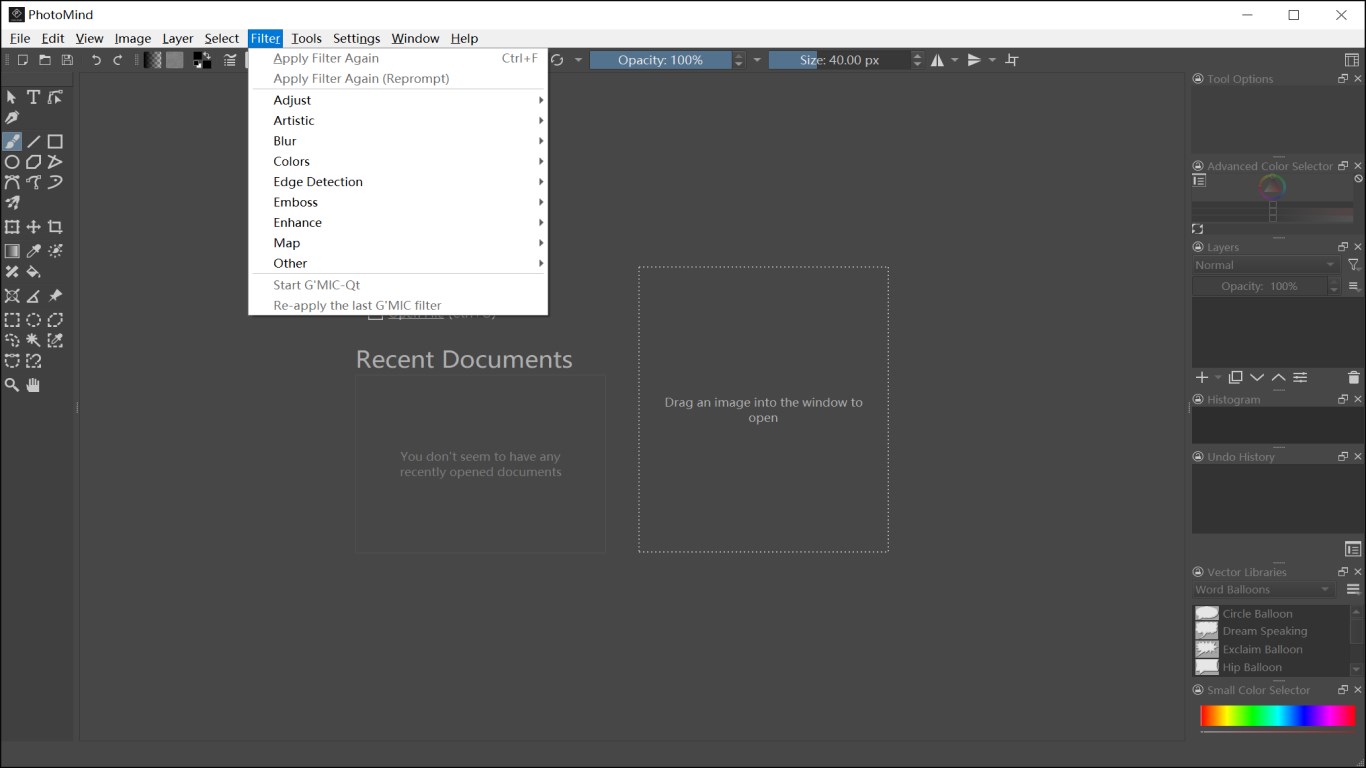
• Filter on image;
• View & edit your existing images;
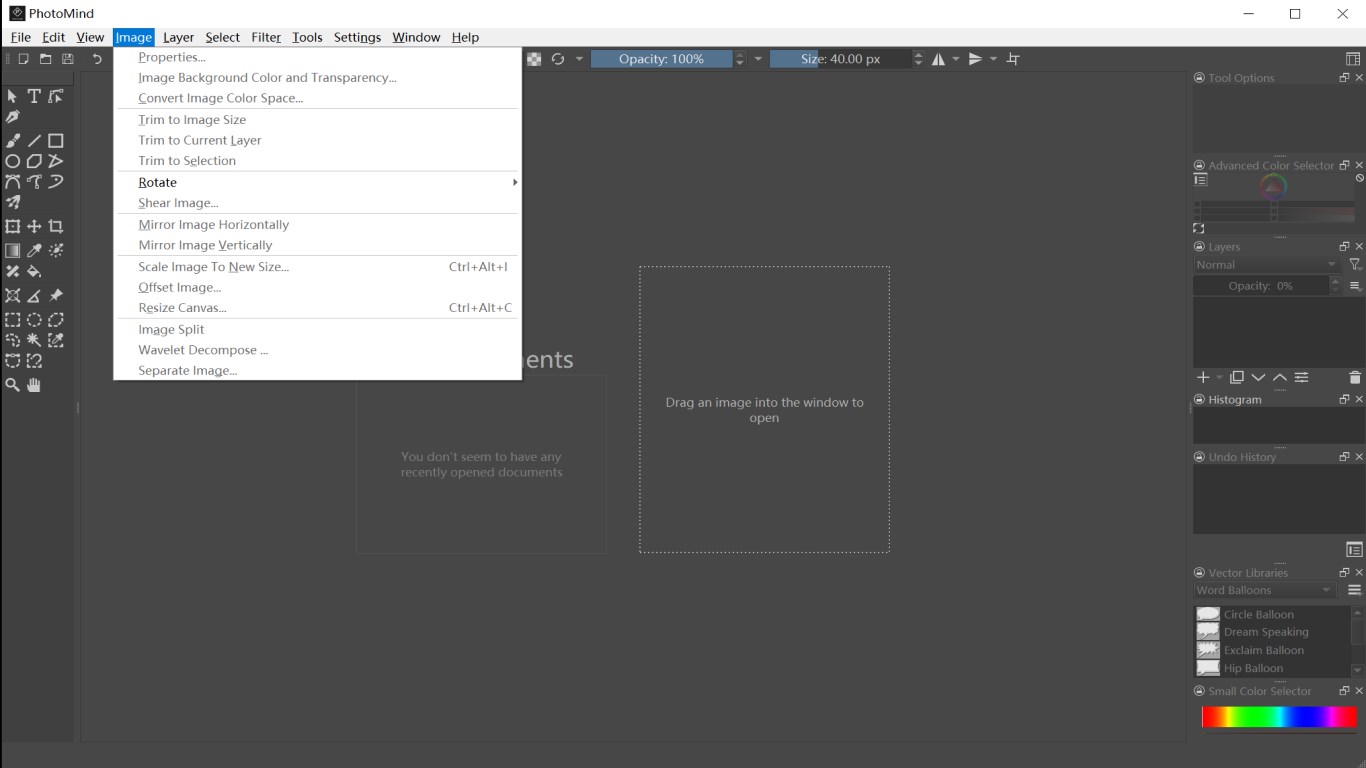
• Rotate image, split image, scale image, separate image, etc;
• Various other drawing tools and image editor tools;
PhotoMind supports the following file formats:
Adobe Photoshop Image (*.psb, *.psd)
HEIC/HEIF Image (*.heic, *.heif)
Windows BMP Image (*.bmp)
PNG Image (*.png)
SVG Image (*.svg)
Windows icon (*.ico)
JPEG Image (*.jpg, *.jpeg, *.jpe, *.jp2, *.jpx, *.jpf)
GIF image (*.gif)
TIFF image (*.tif, *.tiff)
GIMP Image (*.xcf)
GIMP Brush (*.gbr, *.vbr)
GIMP Image Hose Brush (*gih)
Camera Raw Files (*.bay, *.bmq, *.cr2, *.crw, *.cs1, *.dc2, *.dcr, *.dng, *.erf, *.fff, *.hdr, *.k25, *.kdc, *.mdc, *.mos, *.mrw, *.nef, *.orf, *.pef, *.pxn, *.raf, *.raw, *.rdc, *.sr2, *.srf, *.x3f, *.arw, *.3fr, *.cine, *.ia, *.kc2, *.mef, *.nrw, *.qtk, *.rw2, *.sti, *.rwl, *.srw)
AVIF Image (*.avif)
TGA Image (*.tga, *.icb, *.tpic, *.vda, *.vst)
R8 Heightmap (*.r8)
R16 Heightmap (*.r16)
R32 Heightmap (*.r32)
PPM Image (*.ppm)
PGM Image (*.pgm)
PBM image (*.pbm)
XBM Image (*.xbm)
XPM Image (*.xpm)
EXR Image (*.exr)
WebP Image (*.webp)
Krita document (*.kra)
Krita Archival Image Format (*.krz)
Krita Brush Preset (*.kpp)
OpenEXR (Extended) (*.exr )
OpenRaster Image (*.ora)
Play Store URL for "PhotoMind - FREE Photo Editor & Photo Paint"
If there is a version of this app for iOS/Mac or Windows we don't know about, paste the store link here — we'll auto-detect the store.
How to find the URL:1. Open the app in its store. 2.In the App Store app: tap the Share icon → “Copy Link”. In the browser: copy the URL from the address bar — it contains apps.apple.com/…/id… or apps.microsoft.com/detail/…. 3. Paste it here.
Paste the original link from the Apple App Store or Microsoft Store. We fetch all details automatically.
How to find the URL:
1. Open the app in its store. 2.In the App Store app: tap the Share icon → “Copy Link”. In the browser: copy the URL from the address bar — it contains apps.apple.com/…/id… or apps.microsoft.com/detail/…. 3. Paste it here.
Android apps can only be listed by their developer.



 Paint X - Paint, Draw and Edit
Draw and paint images with various brushes and tools
 Photo Editor Pro - PIP Camera Effects
Edit photos with frames, effects and stickers
 PIP Camera - Creative Photo Frames & Photo Editor
Edit photos with frames, filters and effects
 Photo Lab Photo Editor
Edit photos with filters, effects, text and stickers
 Picsart Photo Editor
Edit, generate and design photos and videos with AI
 Fotor - Photo Editor & Design
Edit and design photos and videos with AI tools