
WinSCP

Manage files via SFTP, FTP and other protocols AI summary
Rank 2164
0 Up Votes, 0 Down Votes
▲
0
▼
WinSCP is not available on Android and Apple — or is it? Submit URL
Screenshots
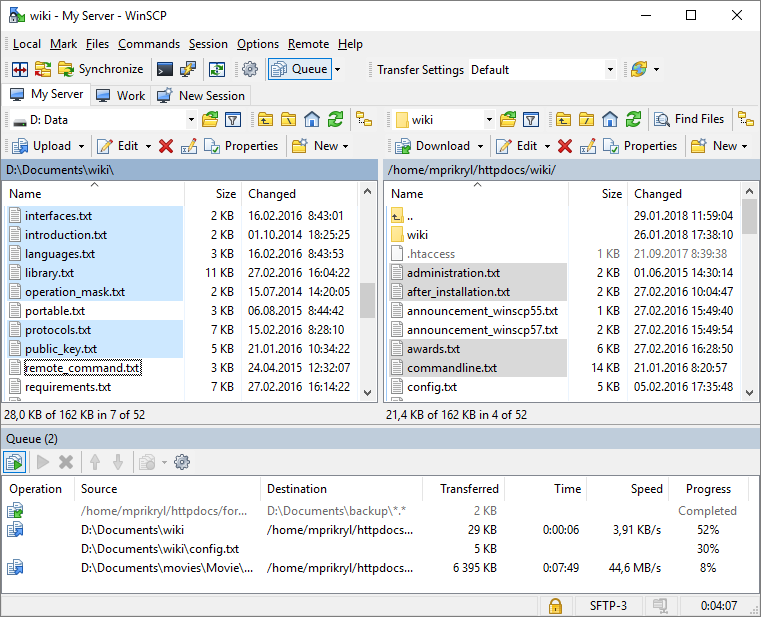
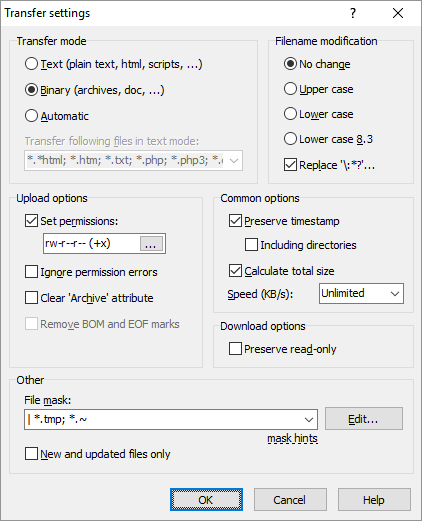
Screenshot 1 of WinSCP on WindowsScreenshot
appears after consent
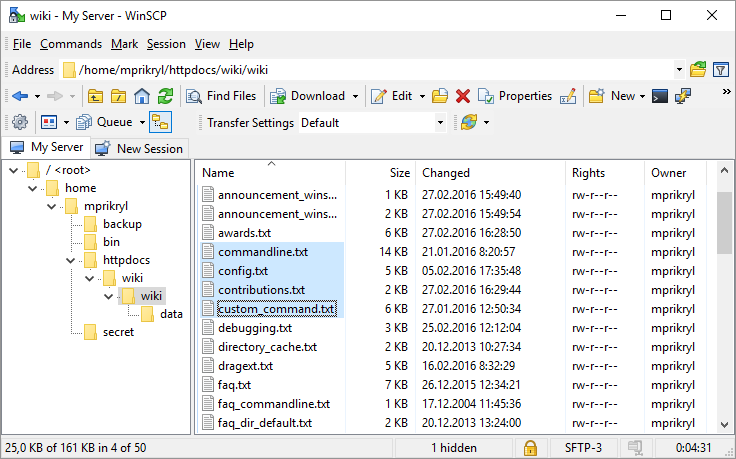
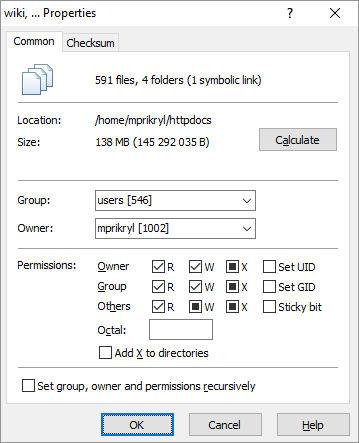
Screenshot 2 of WinSCP on WindowsScreenshot
appears after consent
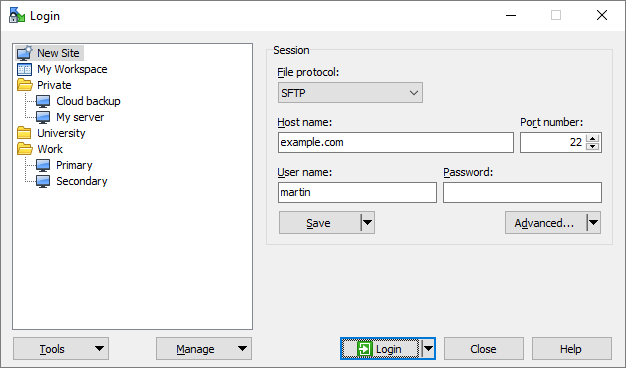
Screenshot 3 of WinSCP on WindowsScreenshot
appears after consent
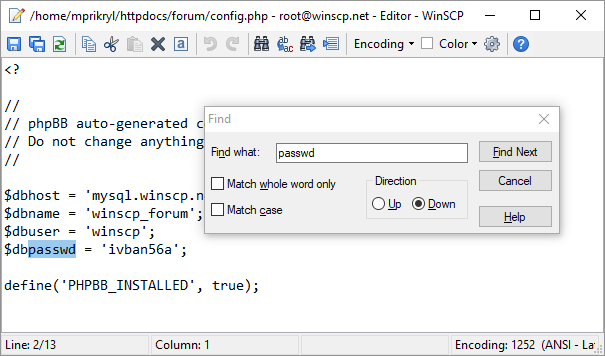
Screenshot 4 of WinSCP on WindowsScreenshot
appears after consent
Screenshot 5 of WinSCP on WindowsScreenshot
appears after consent
Screenshot 6 of WinSCP on WindowsScreenshot
appears after consent
Summary
WinSCP is a free file manager for Windows that supports SFTP, FTP, FTPS, SCP, S3, WebDAV and local-to-local file transfers. It offers a user-friendly interface along with automation options such as .NET assembly or batch file scripting. The app can also be used for file editing, directory synchronization and site management. WinSCP is open-source and well documented, and it is available in English and many other languages.
Show the developer's original descriptionHide the original description
WinSCP is a popular free file manager for Windows supporting SFTP, FTP, FTPS, SCP, S3, WebDAV and local-to-local file transfers. A powerful tool to enhance your productivity with a user-friendly interface and automation options like .NET assembly or batch file scripting. Use WinSCP also for file editing, directory synchronization and site management. WinSCP is open-source and well documented. It is available in English and many other languages. By buying official WinSCP from Microsoft Store you support WinSCP development. Thank you!
Technical details about WinSCP
Category
Age Rating
Price
Size
27,5 MB
Last updated in Microsoft Store
2026-11-11
App Store Rating
4.9 ★
Devices
WinSCP in the rankings
Manage app

Are you on the developer team behind WinSCP?

Verify yourself and manage your listing on Most Voted Apps.

Verify WinSCP for free
Verification usually takes only a few minutes.
Similar apps to WinSCP