

Screenshot appears after consentScreenshot appears after consent
Summary
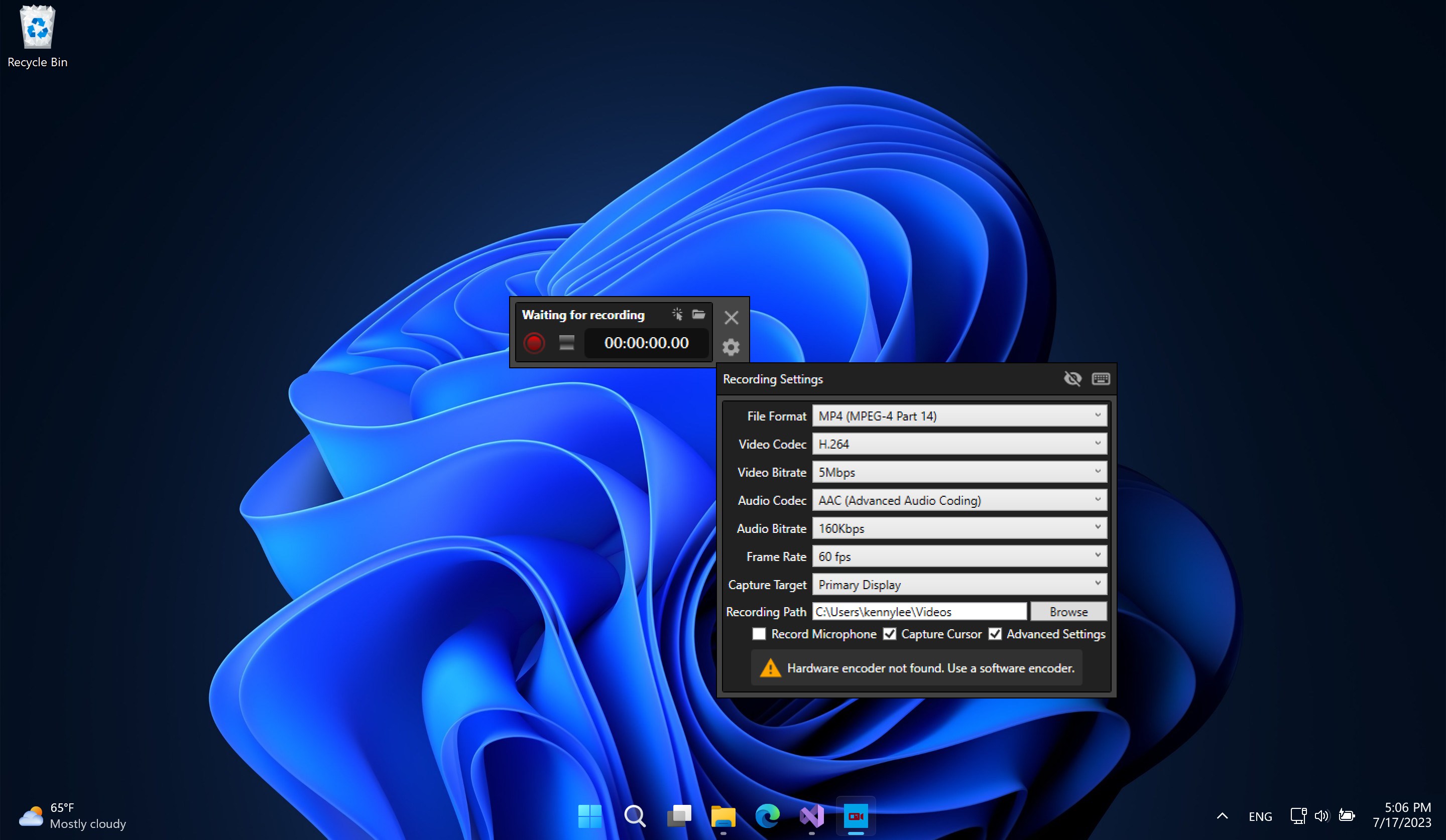
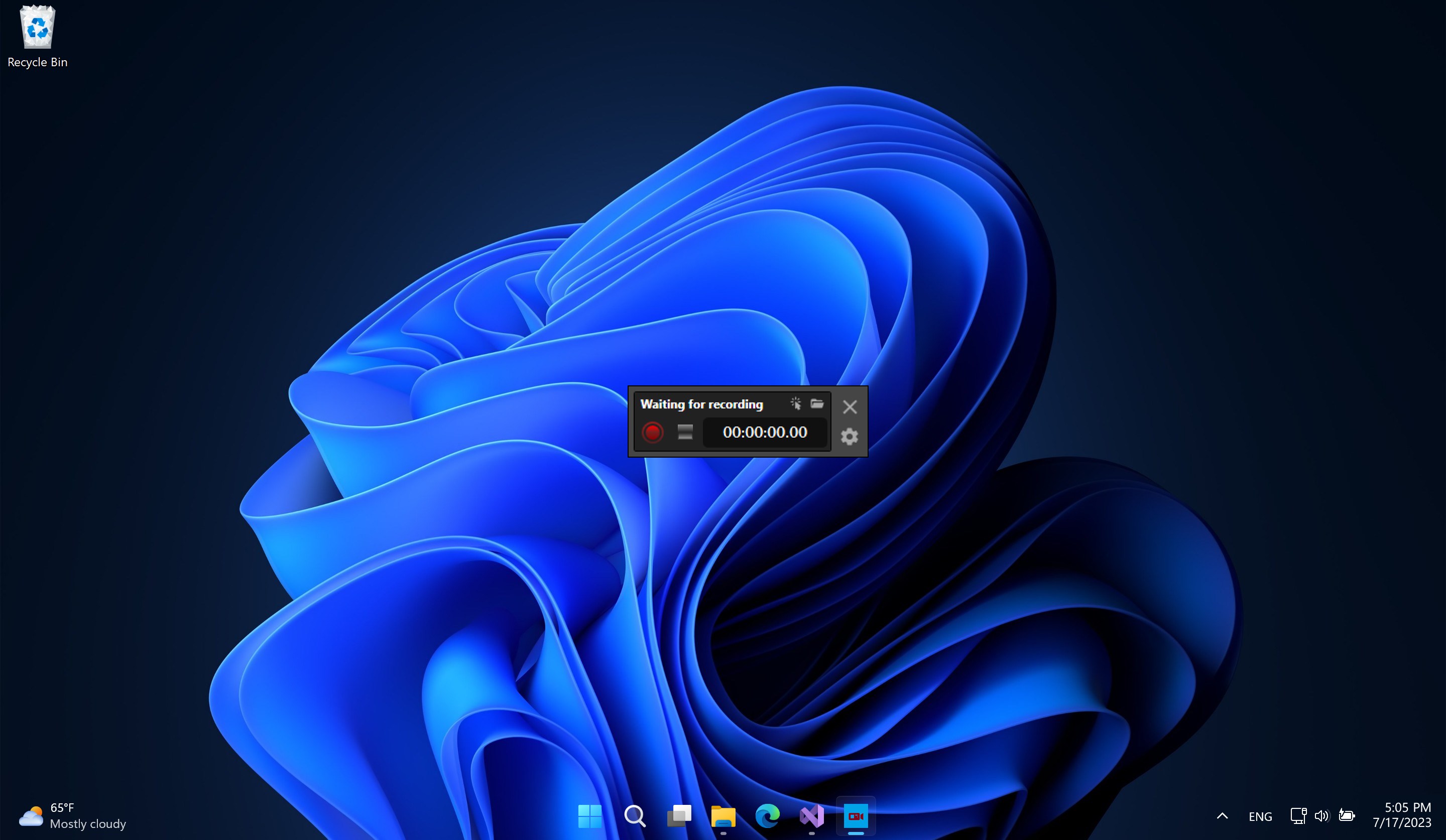
Screen Recorder - App is a screen recorder for capturing screen and audio, including online videos, games, presentations and slideshows. It can record synchronized audio using the device's microphone and can display screen touchpoints in the recorded video. Recording resolution, frame rate and bitrate can all be selected before capturing, giving users control over the quality and size of their recordings.
Show the developer's original descriptionHide the original description
This application is an easy-to-use screen recording software. The screen recorder supports screen and audio recording, and supports recording online videos, games, ppts, slideshows, etc. You can also record synchronized audio with the device's microphone, display screen touchpoints in recorded video, and choose recording resolution, frame rate, and bit rate.
SRC : https://1drv.ms/f/s!Ajh2htxmHT4jgy10hEd3hAAhRwD2?e=yYlLp7
If there is a version of this app for iOS/Mac or Windows we don't know about, paste the store link here — we'll auto-detect the store.
How to find the URL:1. Open the app in its store. 2.In the App Store app: tap the Share icon → “Copy Link”. In the browser: copy the URL from the address bar — it contains apps.apple.com/…/id… or apps.microsoft.com/detail/…. 3. Paste it here.
Paste the original link from the Apple App Store or Microsoft Store. We fetch all details automatically.
How to find the URL:
1. Open the app in its store. 2.In the App Store app: tap the Share icon → “Copy Link”. In the browser: copy the URL from the address bar — it contains apps.apple.com/…/id… or apps.microsoft.com/detail/…. 3. Paste it here.
Android apps can only be listed by their developer.