


Screenshot appears after consentScreenshot appears after consentScreenshot appears after consentScreenshot appears after consentScreenshot appears after consentScreenshot appears after consentScreenshot appears after consentScreenshot appears after consentScreenshot appears after consentScreenshot appears after consentScreenshot appears after consentScreenshot appears after consentScreenshot appears after consent
Summary
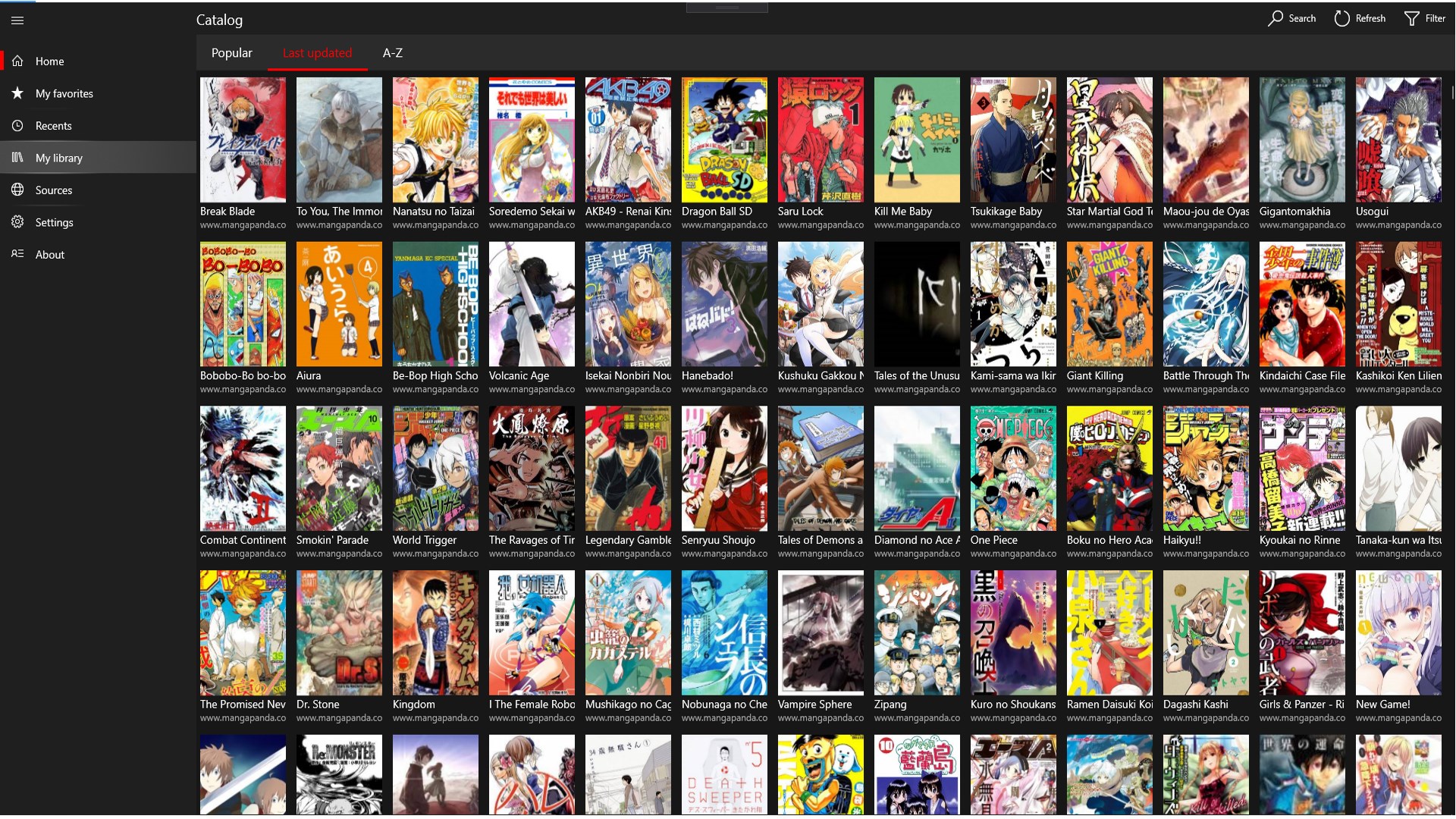
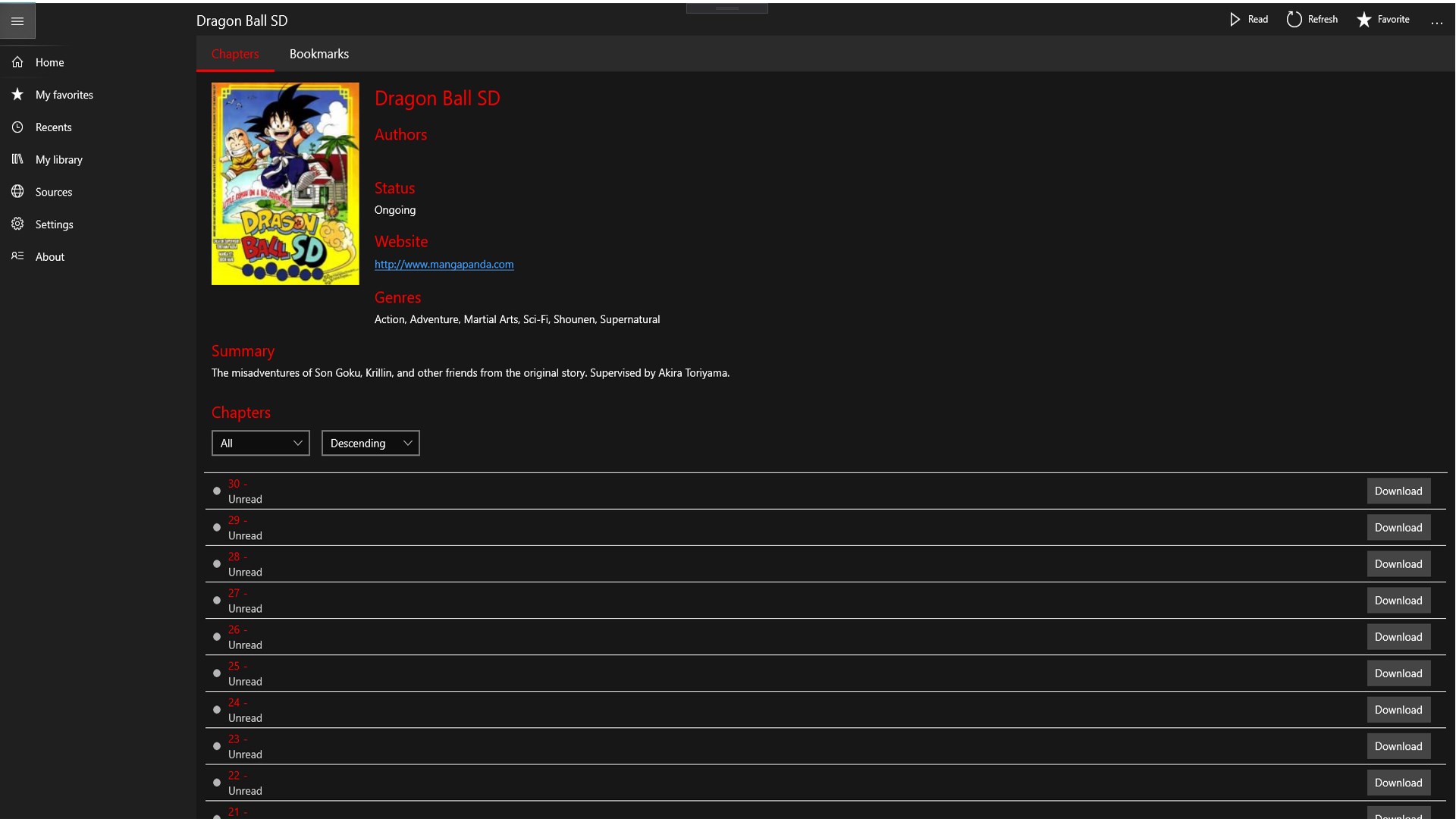
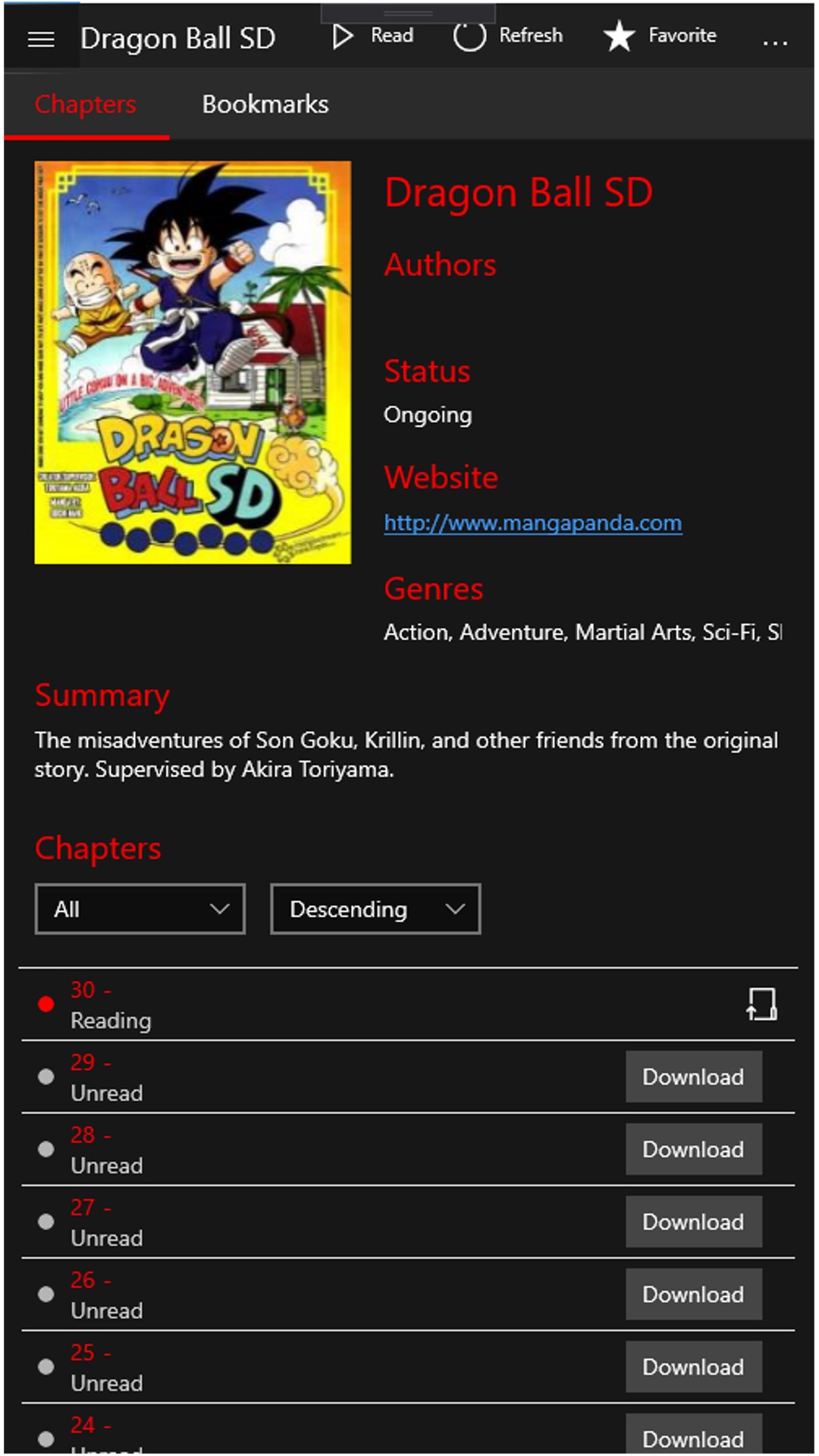
Manga Pixie is a manga reader app for Windows offering access to over 15,000 titles from multiple manga sources. It includes fast search with genre filtering, a favorites feature that synchronizes across devices, and the option to save manga for offline reading, with completed titles removable automatically. A full-screen viewer supports immersive reading, and toast notifications alert readers to new chapters of their favorite manga. The touch-friendly design suits navigation on touchscreen devices.
Show the developer's original descriptionHide the original description
Discover the ultimate manga reading experience with Manga Pixie - a fast, user-friendly manga reader app for Windows! With over 15,000 titles to choose from, you'll never run out of options. Enjoy a seamless experience with quick and simple navigation, instant search, customizable reading settings, and much more.
Some of the top features of Manga Pixie include:
- Multiple manga sources for endless reading options
- Easy-to-use favorites feature
- Fast search and filtering options
- Search by genre
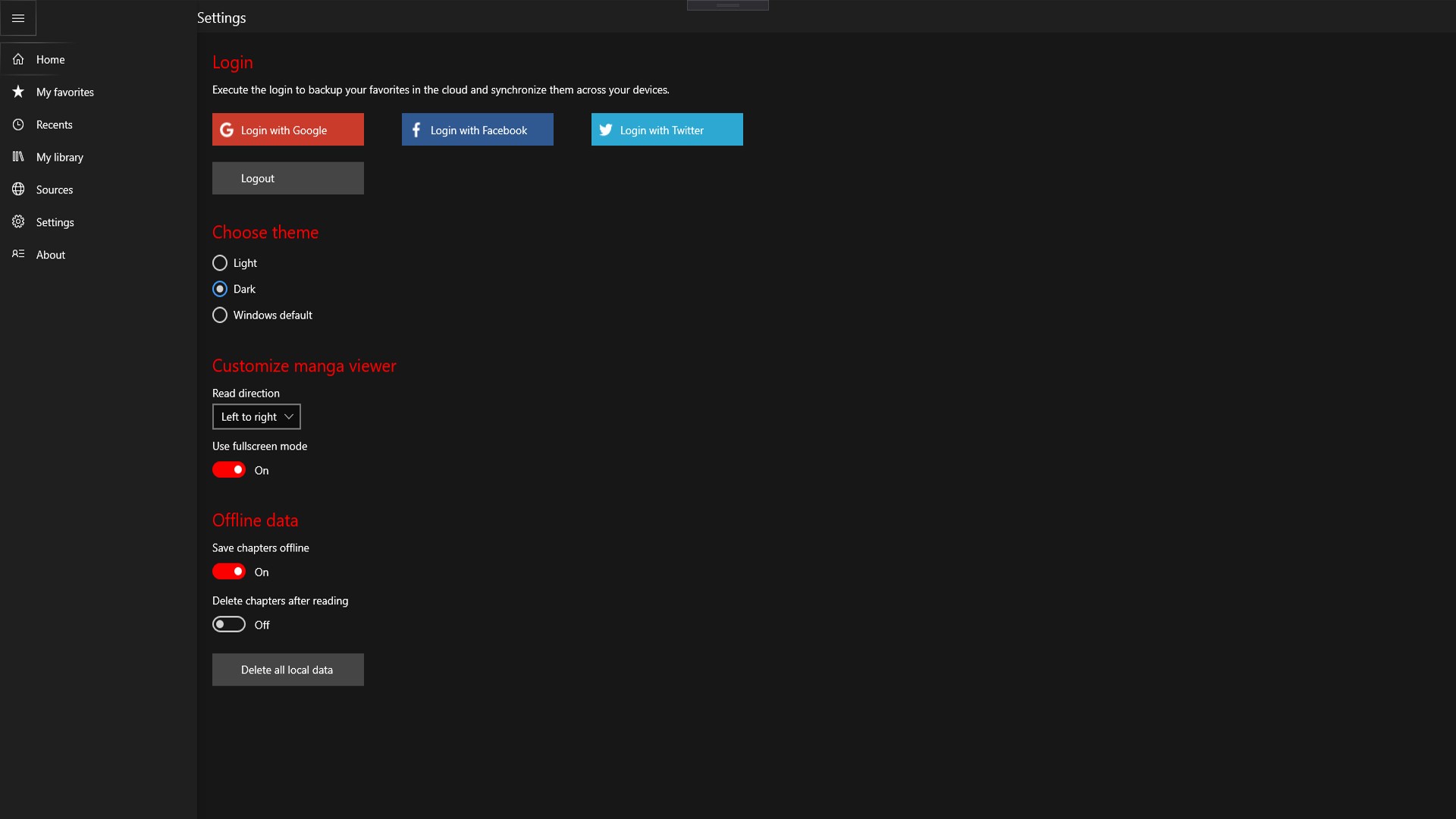
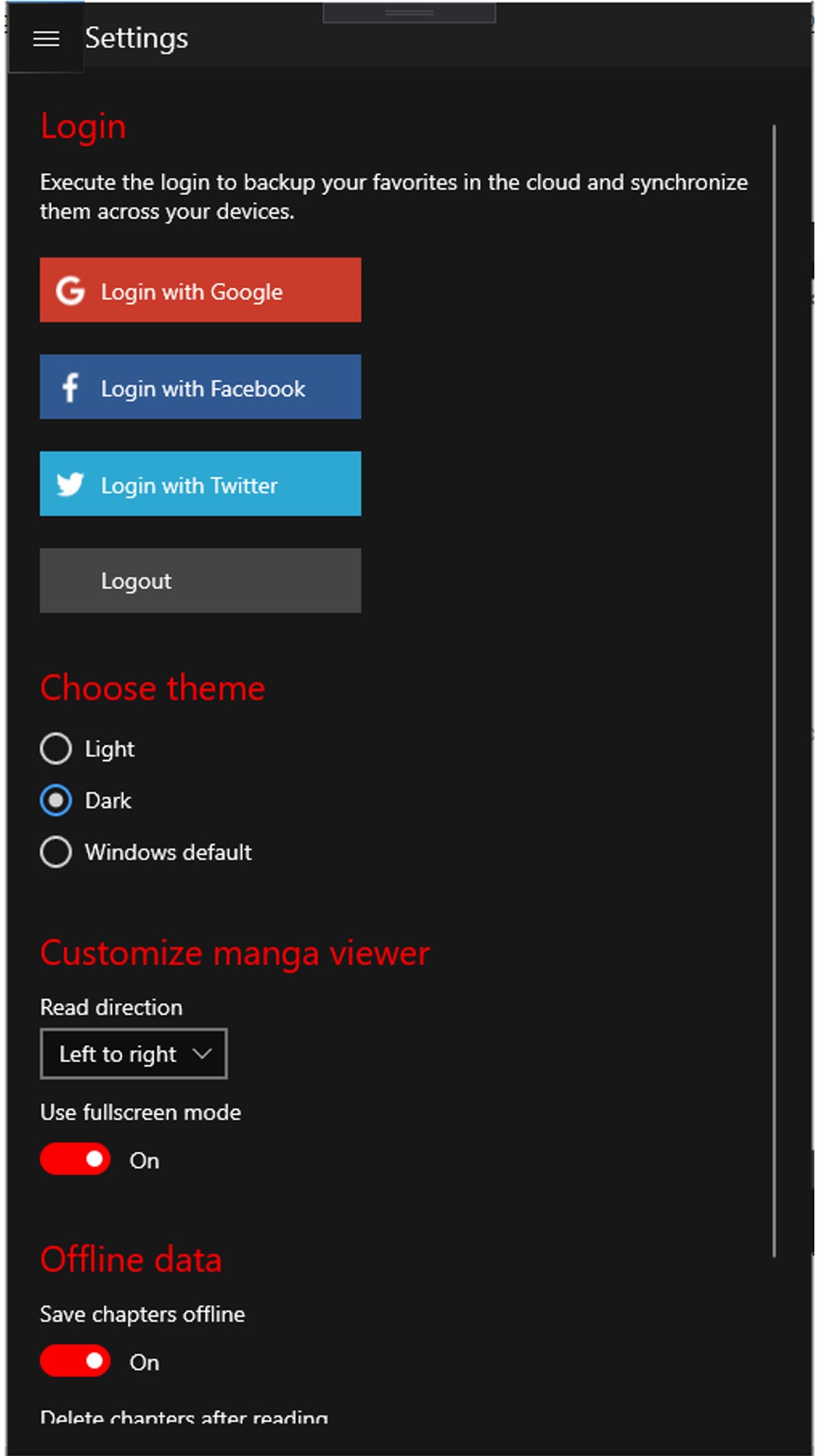
- Save manga for offline reading
- Automatically delete manga after you've finished reading
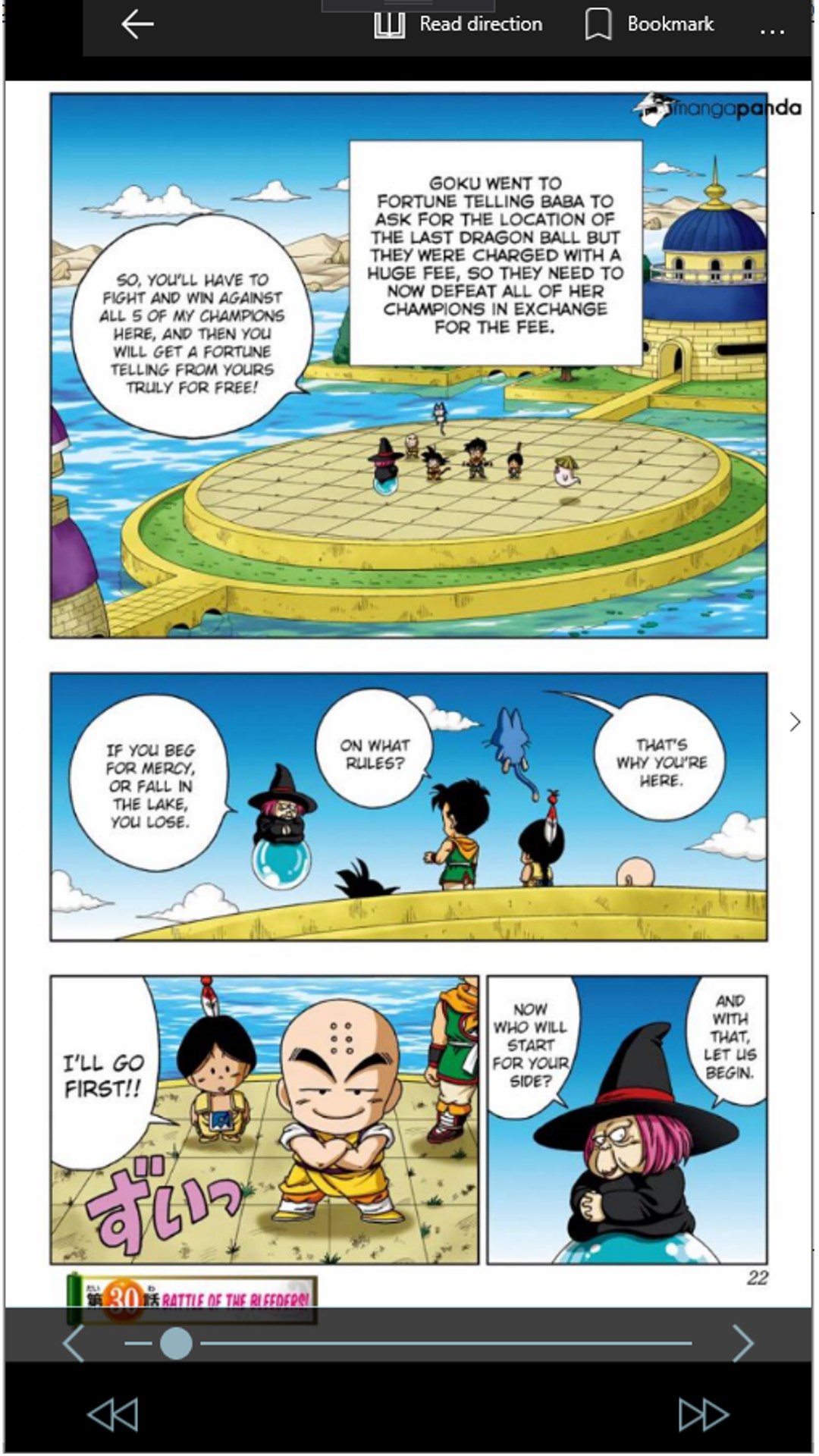
- Full-screen manga viewer for an immersive experience
- Synchronize your favorites across devices
- Toast notifications for new chapters on your favorite manga
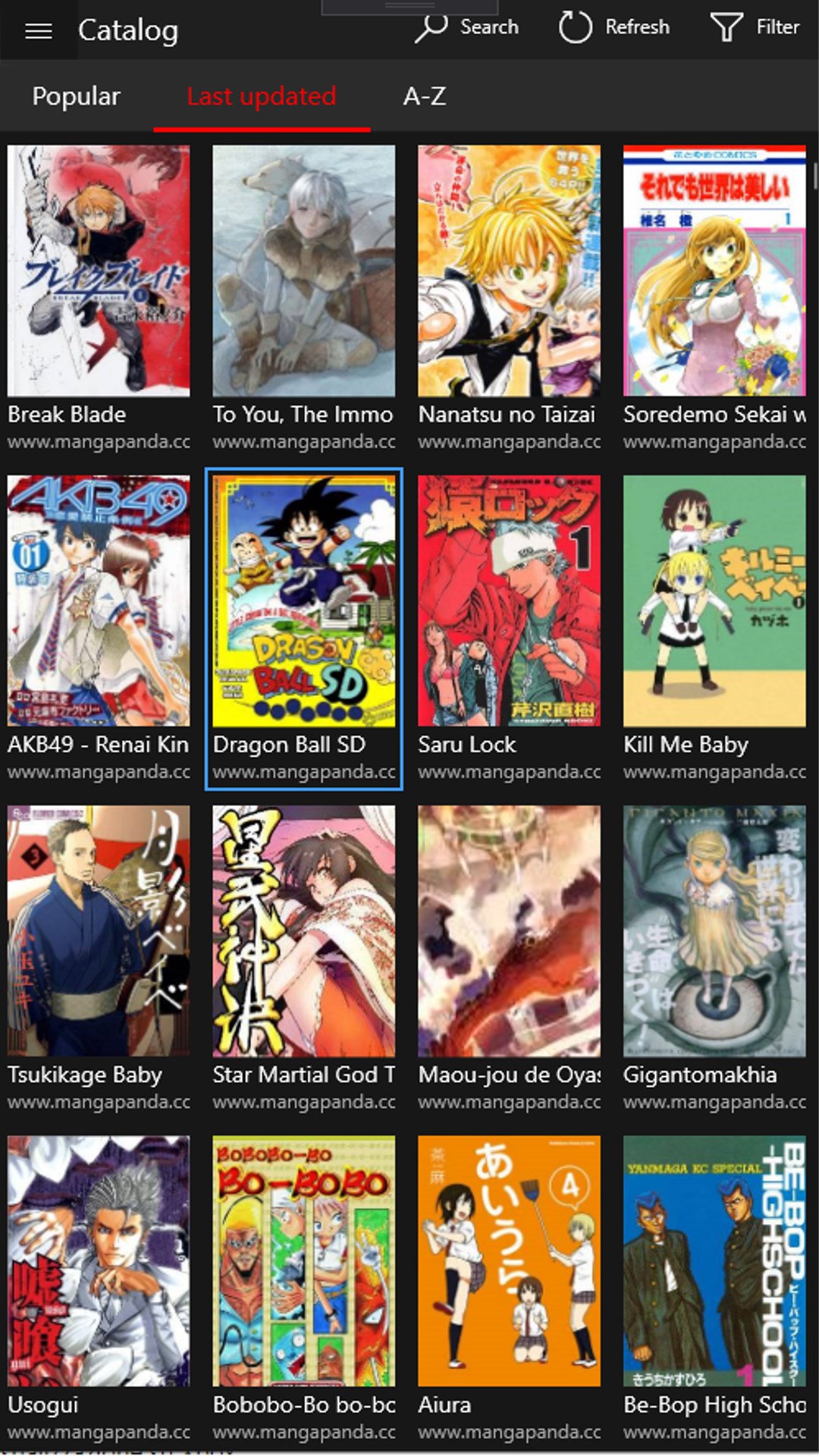
- Touch-friendly design for a comfortable reading experience
Don't miss out on the best manga reading app out there! Try Manga Pixie today.
If there is a version of this app for iOS/Mac or Windows we don't know about, paste the store link here — we'll auto-detect the store.
How to find the URL:1. Open the app in its store. 2.In the App Store app: tap the Share icon → “Copy Link”. In the browser: copy the URL from the address bar — it contains apps.apple.com/…/id… or apps.microsoft.com/detail/…. 3. Paste it here.
Paste the original link from the Apple App Store or Microsoft Store. We fetch all details automatically.
How to find the URL:
1. Open the app in its store. 2.In the App Store app: tap the Share icon → “Copy Link”. In the browser: copy the URL from the address bar — it contains apps.apple.com/…/id… or apps.microsoft.com/detail/…. 3. Paste it here.
Android apps can only be listed by their developer.