
Screenshot appears after consentScreenshot appears after consentScreenshot appears after consentScreenshot appears after consentScreenshot appears after consentScreenshot appears after consentScreenshot appears after consentScreenshot appears after consentScreenshot appears after consentScreenshot appears after consent
Summary
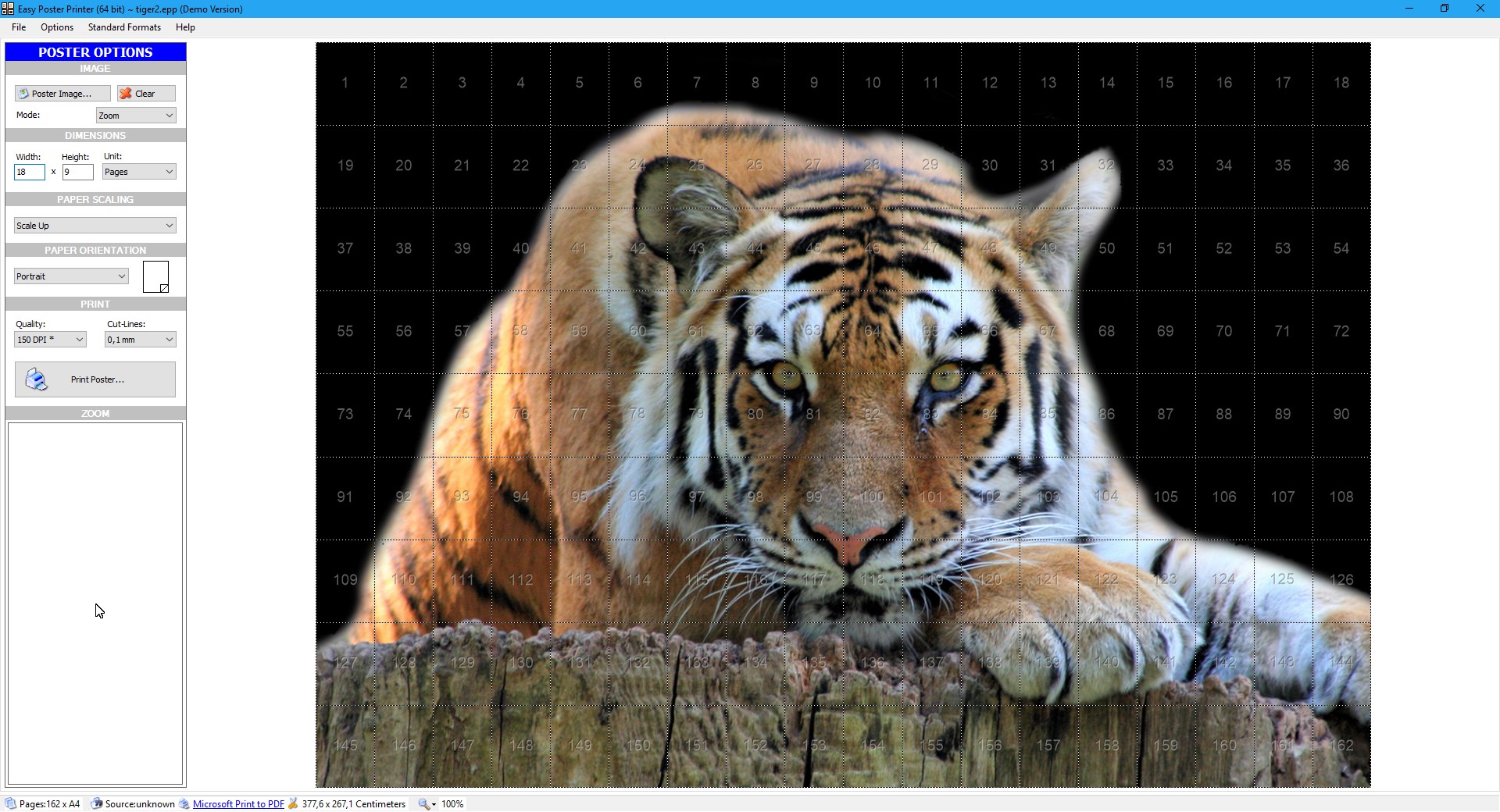
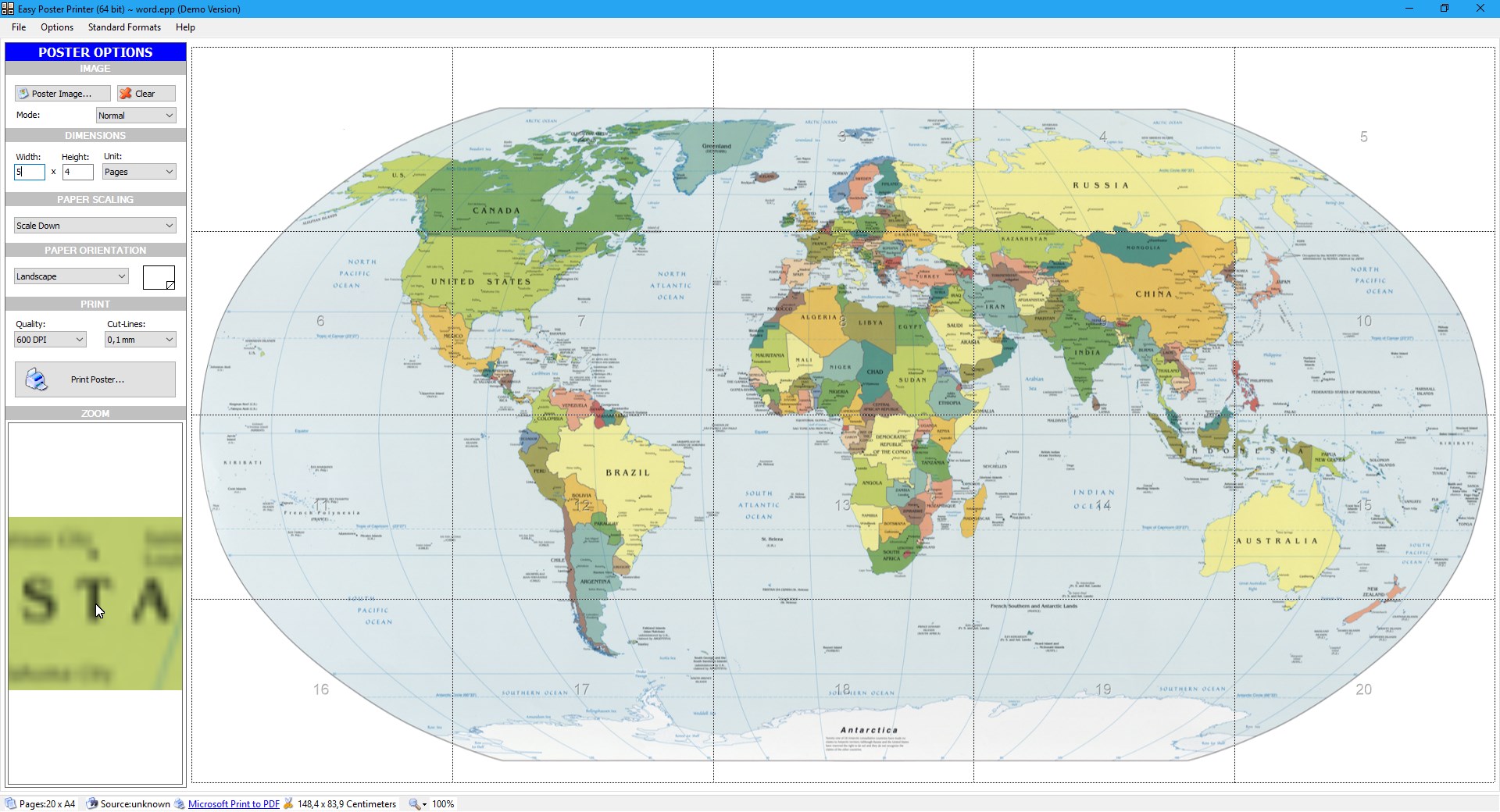
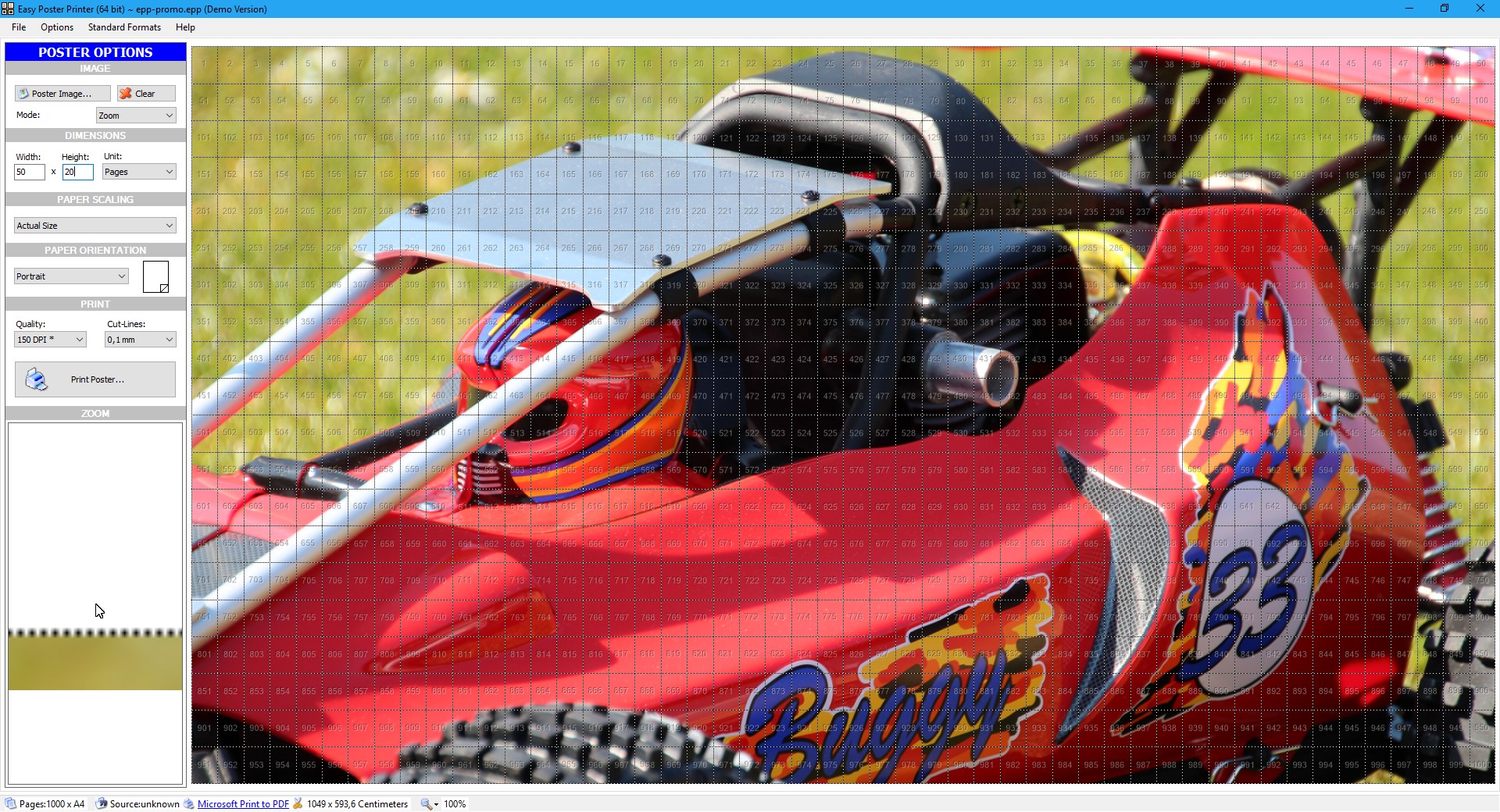
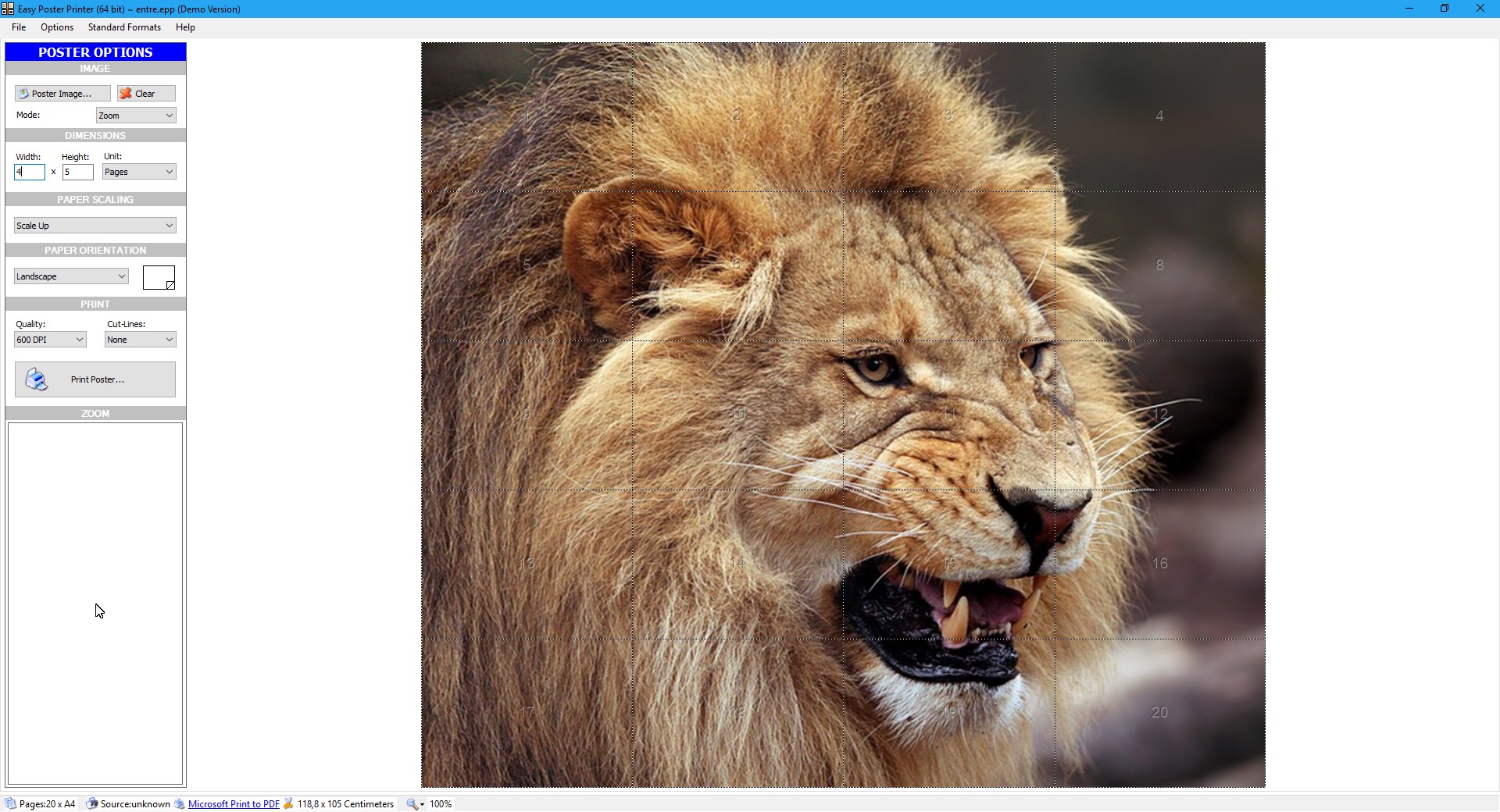
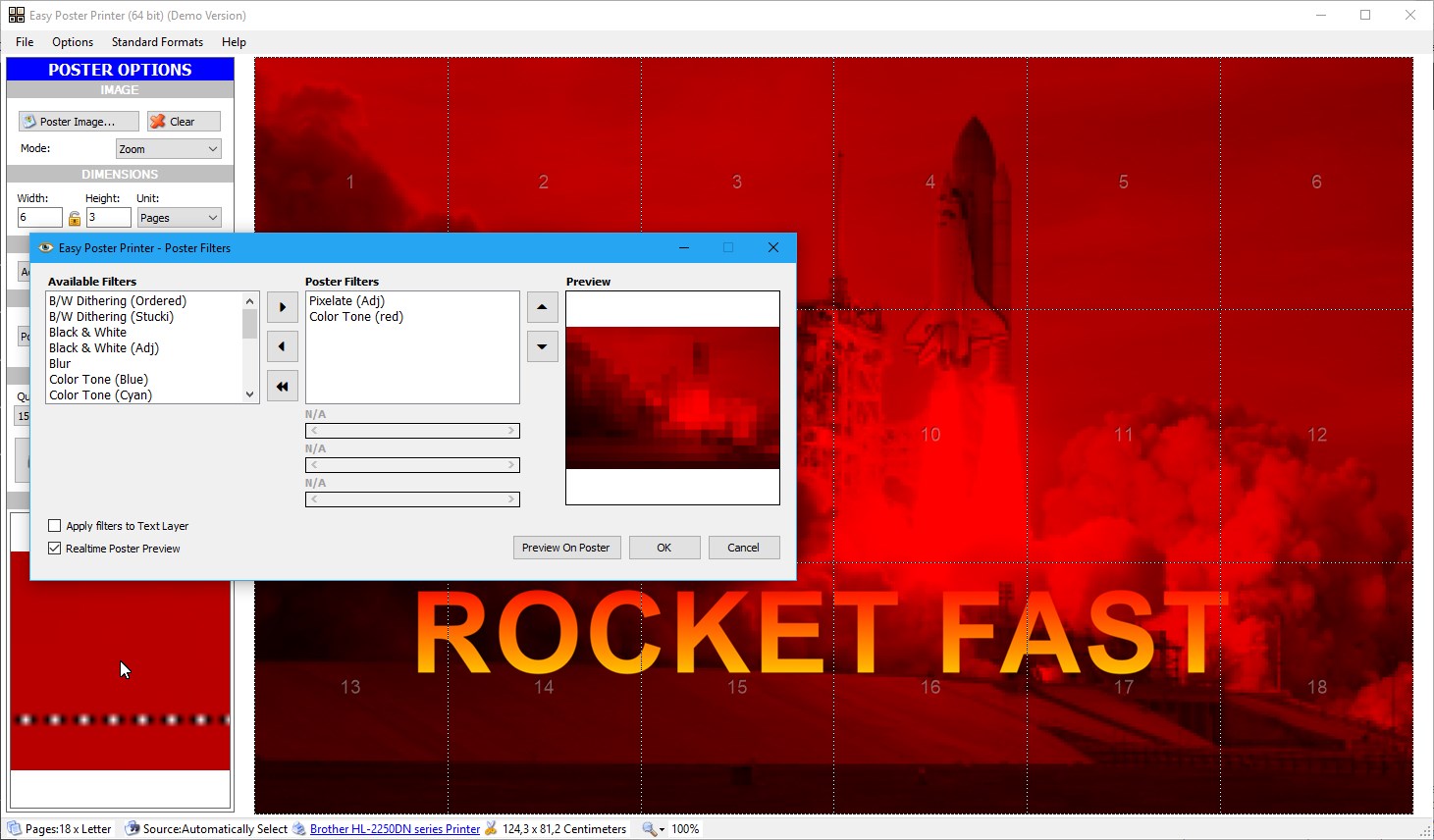
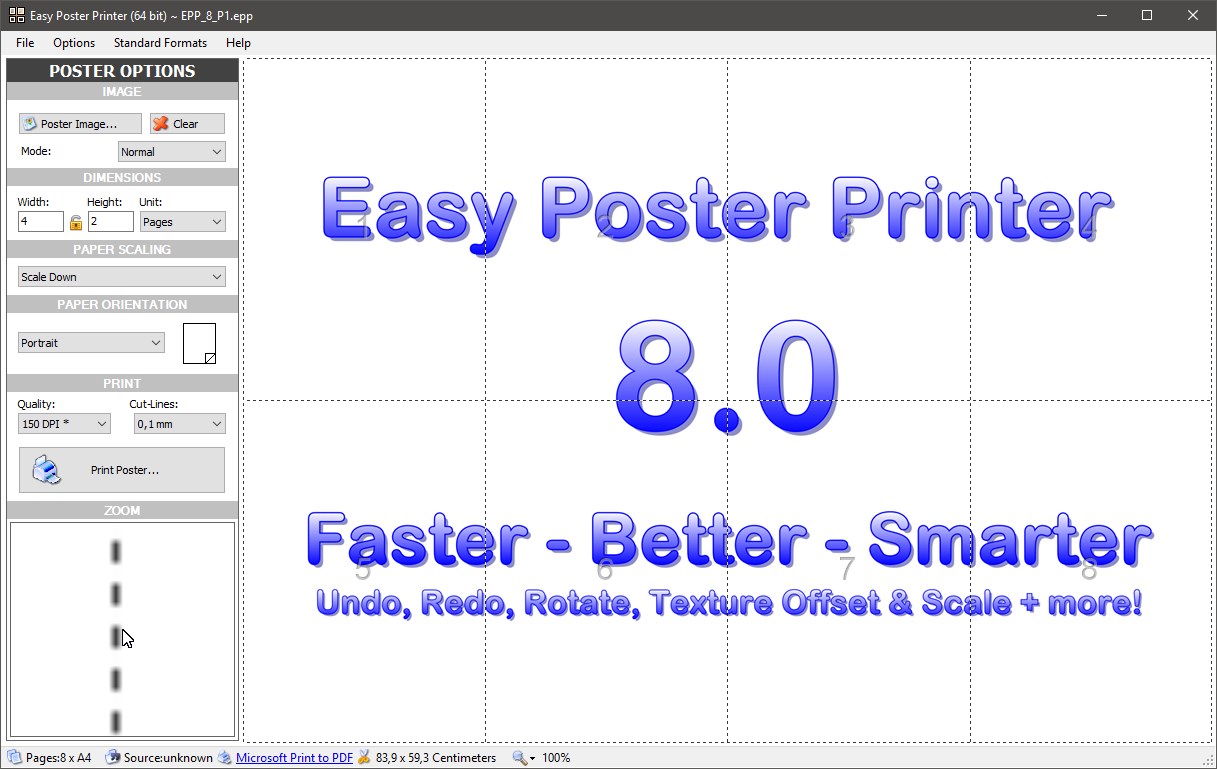
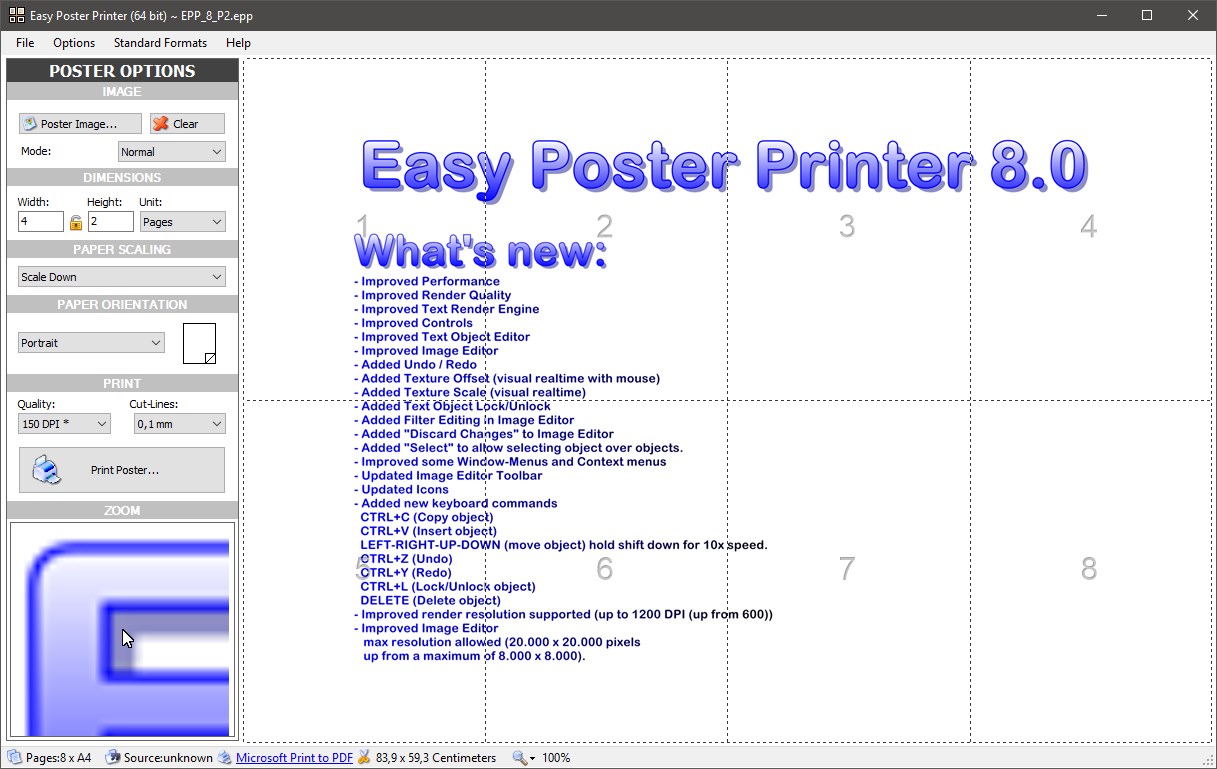
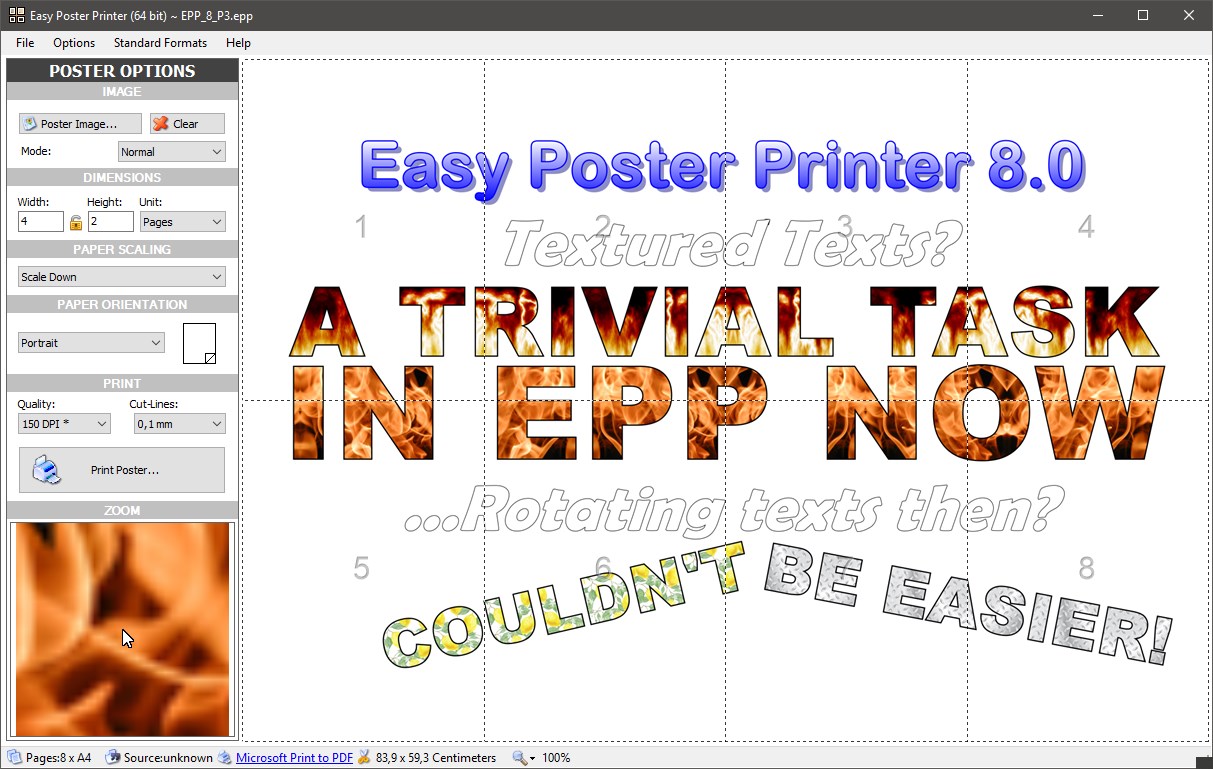
Easy Poster Printer is a tool for creating posters of any size up to 20 by 20 meters using a regular printer. It allows inserting a photo and adding custom text to the poster. It lets the size of the poster and the paper format for the printer be chosen freely. The finished poster images can also be exported for use with other print software. The app supports ten built-in languages.
Show the developer's original descriptionHide the original description
Easy Poster Printer is an easy to use application for creating posters (in any size up to 20 x 20 meters) using a regular printer.
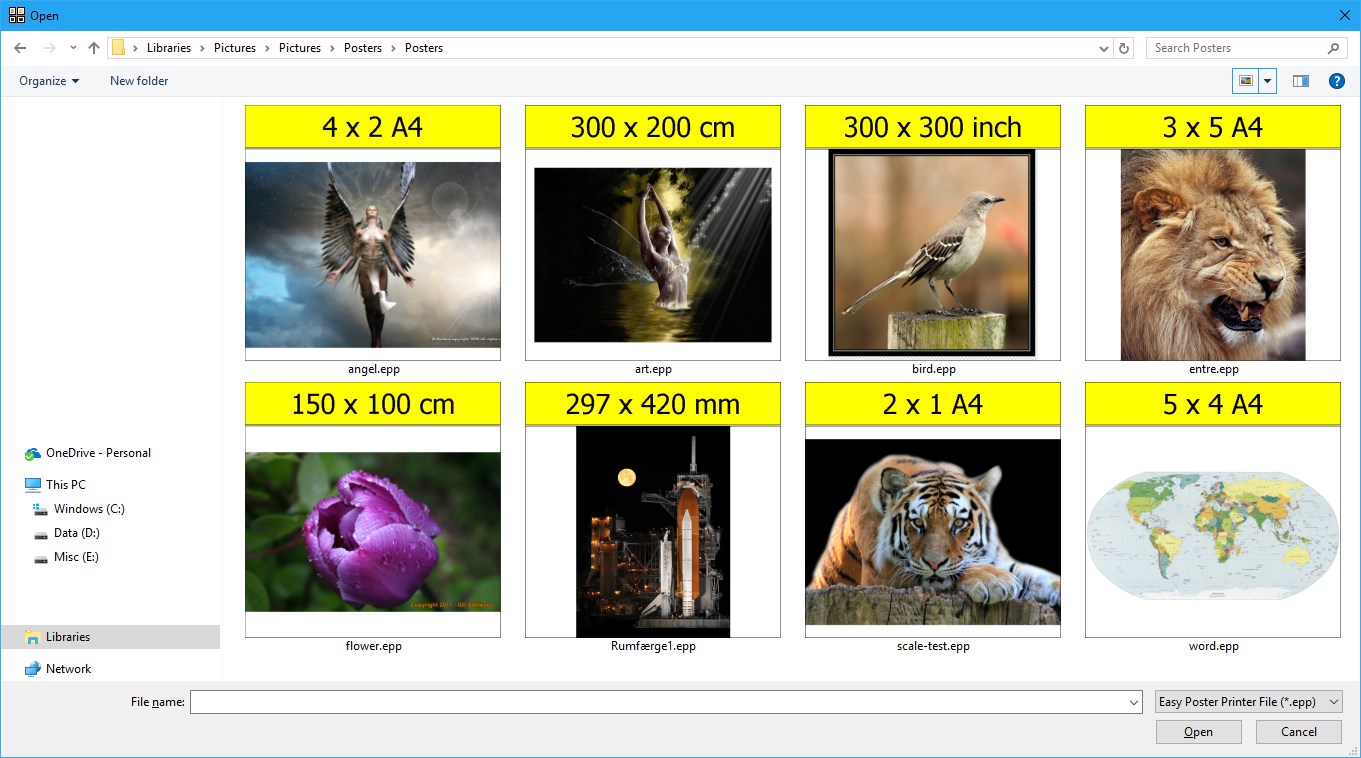
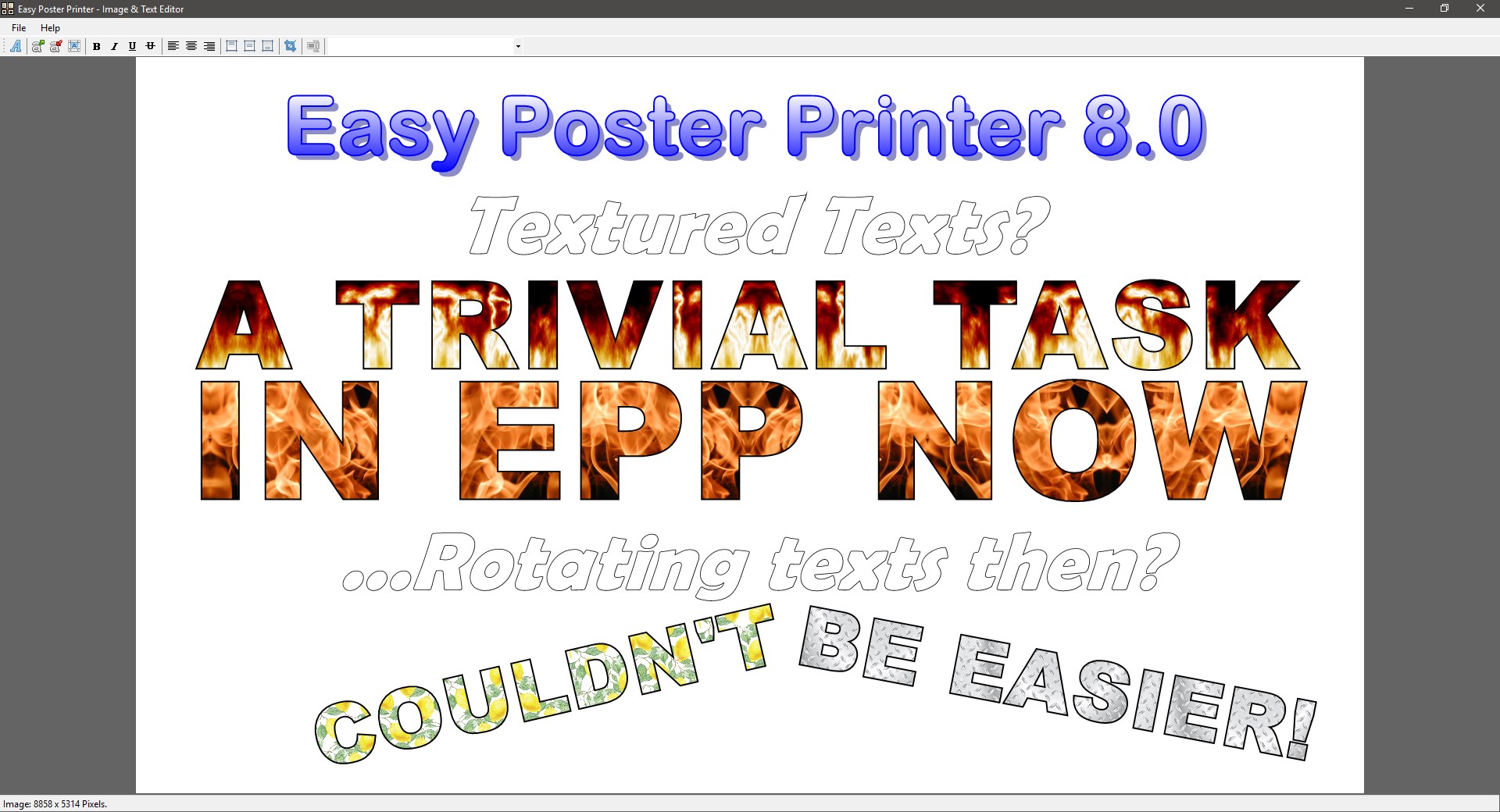
With Easy Poster Printer its easy to insert a photo and write custom text, decide the size of the poster, paper format (for the printer) and even export the poster images and use your favorite print software.
Easy Poster Printer comes with support for 10 build in languages:
English, Danish, Italian, Portuguese (Brazil), Traditional Chinese, Dutch, Russian, German, Arabic, Español and French.
If there is a version of this app for iOS/Mac or Windows we don't know about, paste the store link here — we'll auto-detect the store.
How to find the URL:1. Open the app in its store. 2.In the App Store app: tap the Share icon → “Copy Link”. In the browser: copy the URL from the address bar — it contains apps.apple.com/…/id… or apps.microsoft.com/detail/…. 3. Paste it here.
Paste the original link from the Apple App Store or Microsoft Store. We fetch all details automatically.
How to find the URL:
1. Open the app in its store. 2.In the App Store app: tap the Share icon → “Copy Link”. In the browser: copy the URL from the address bar — it contains apps.apple.com/…/id… or apps.microsoft.com/detail/…. 3. Paste it here.
Android apps can only be listed by their developer.