
Screenshot appears after consentScreenshot appears after consentScreenshot appears after consentScreenshot appears after consentScreenshot appears after consent
Summary
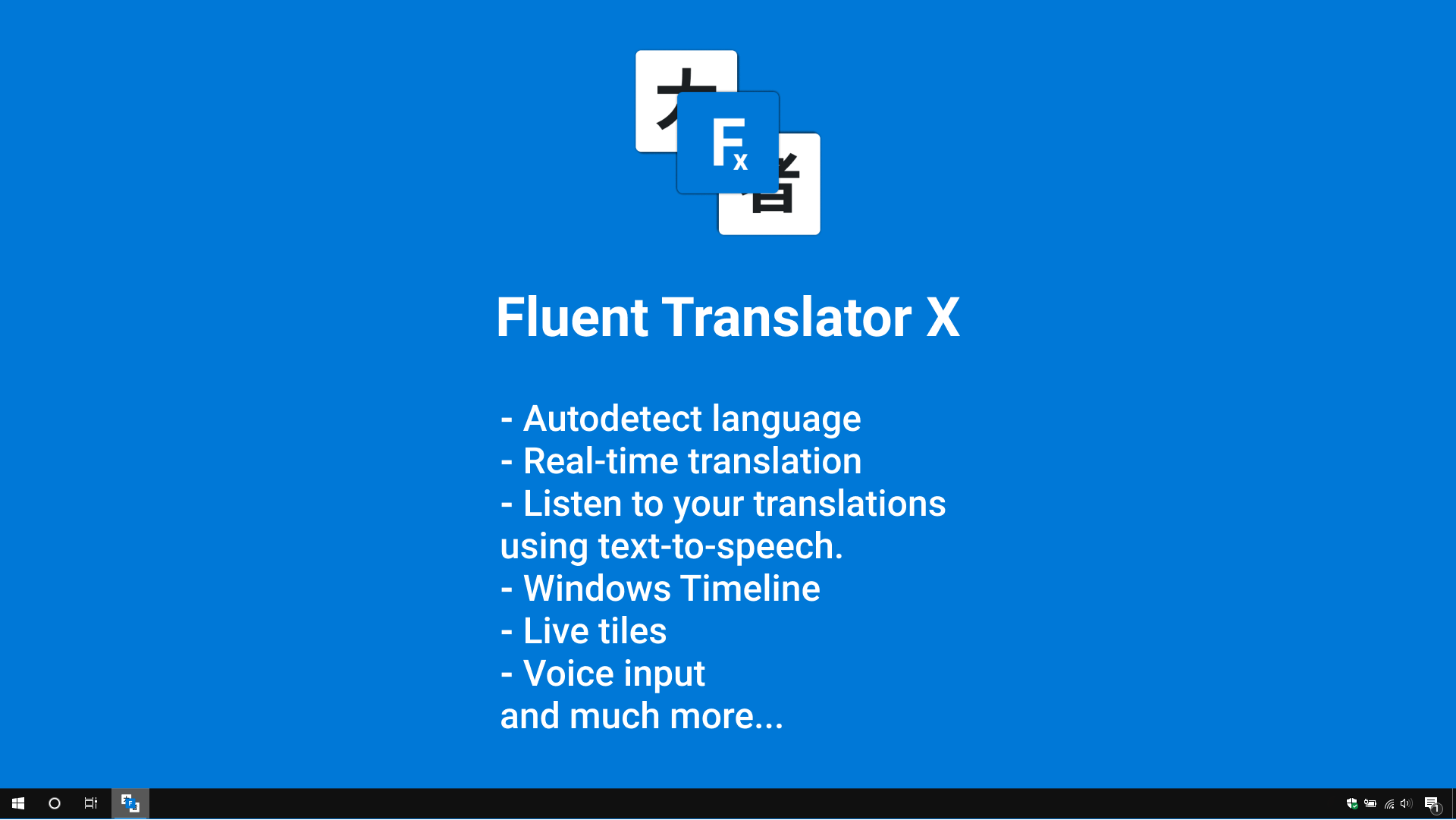
Fluent Translator X is a translation assistant that translates words, phrases and text between more than 150 languages and dialects. It stores translation history for offline use and can read translations aloud through text-to-speech. It offers voice input, real-time translation and automatic language detection, along with synonyms, definitions and examples. Dark and light themes are available. The free version limits translation to a small number of words, while the pro version removes ads and offers unlimited translation.
Show the developer's original descriptionHide the original description
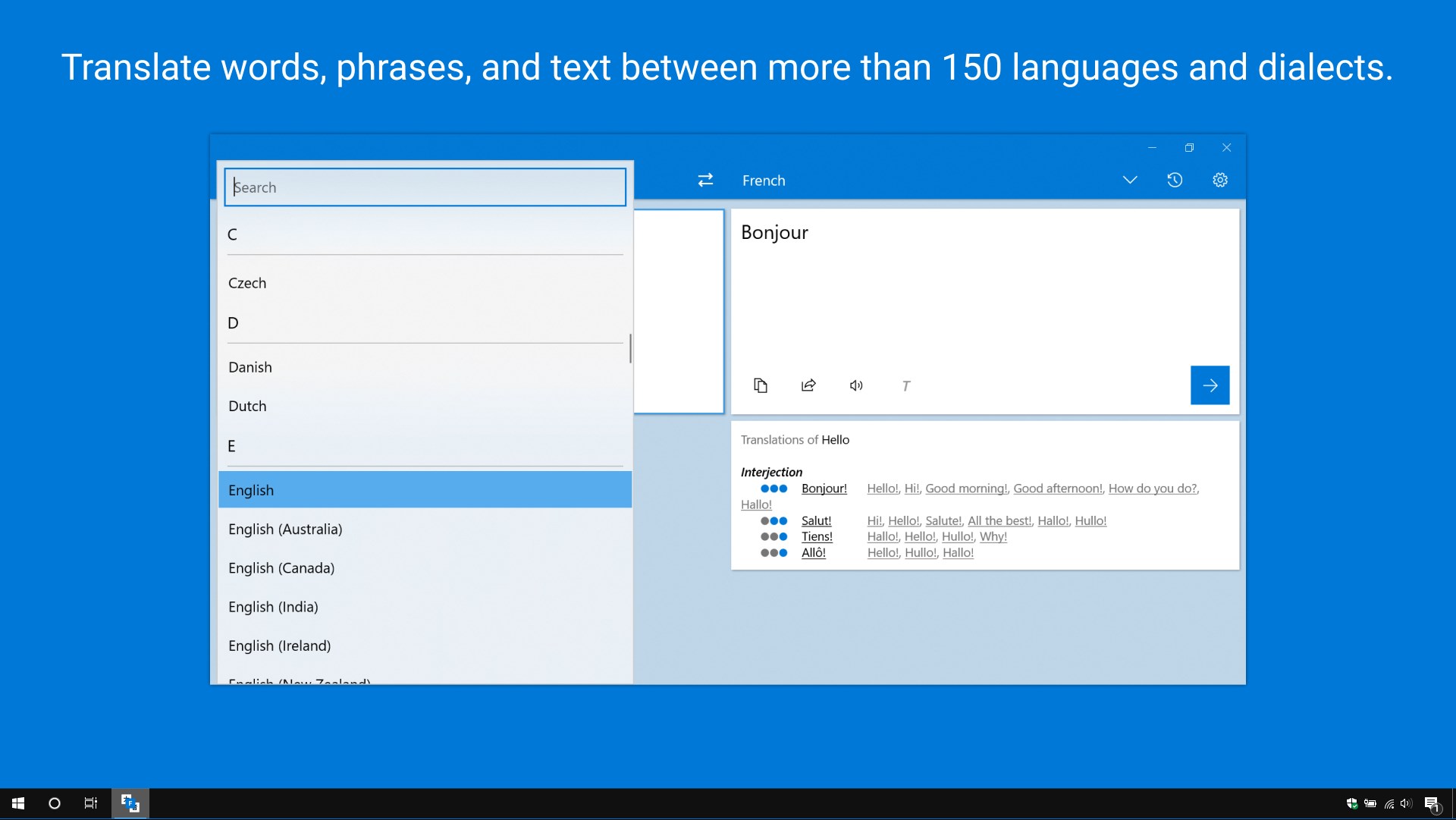
Fluent Translator X is your assistant in the world of translations. Translate words, phrases, and text between more than 150 languages and dialects.
⚠ Attention! A free version has limited translation up to 10 words. Unlimited translation and no ads available in the pro version.
🌟 Features 🌟
✔ Translate words, phrases, and text between more than 150 languages and dialects.
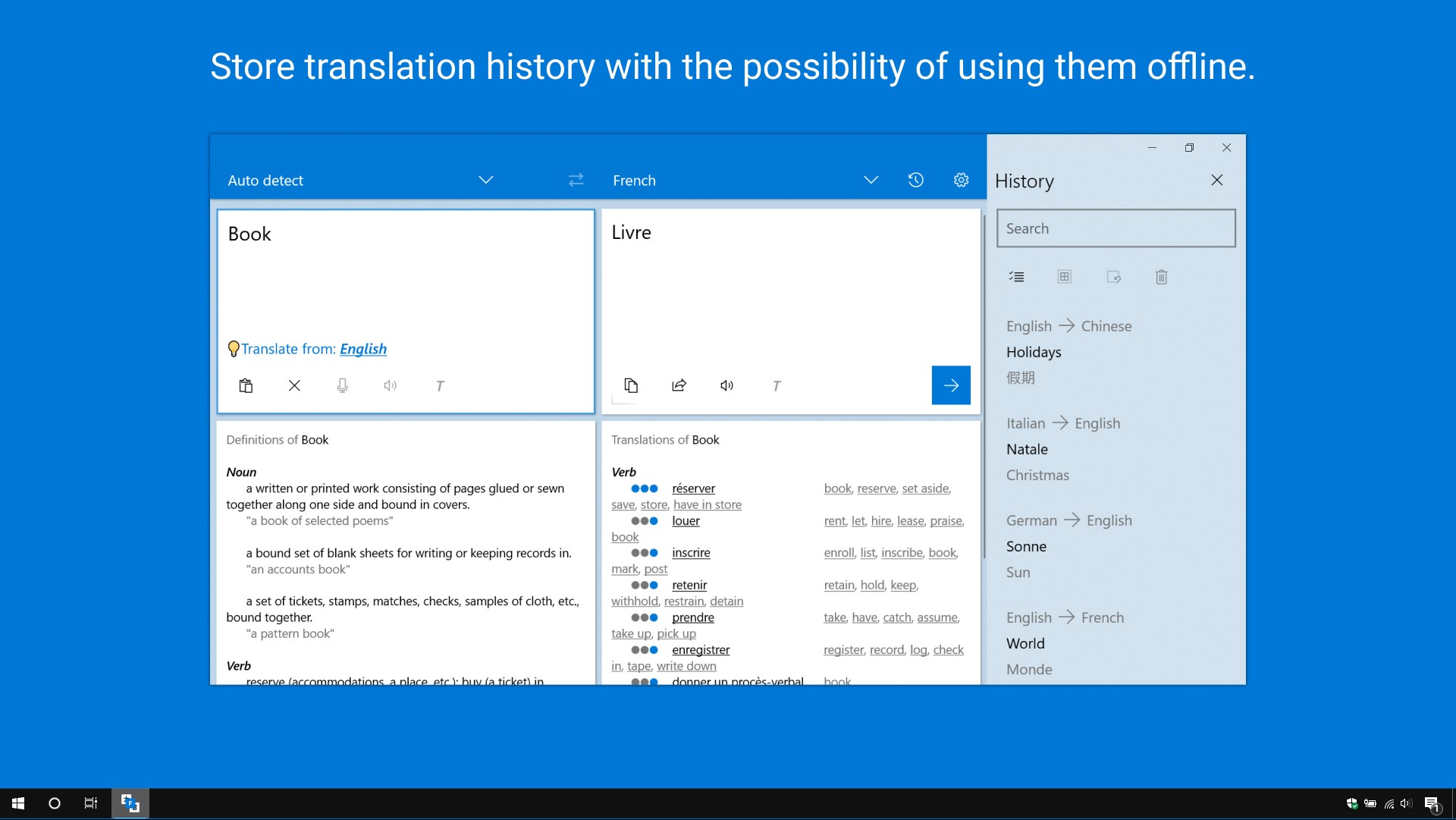
✔ Store translation history with the possibility of using them offline.
✔ Listen to your translations using text-to-speech.
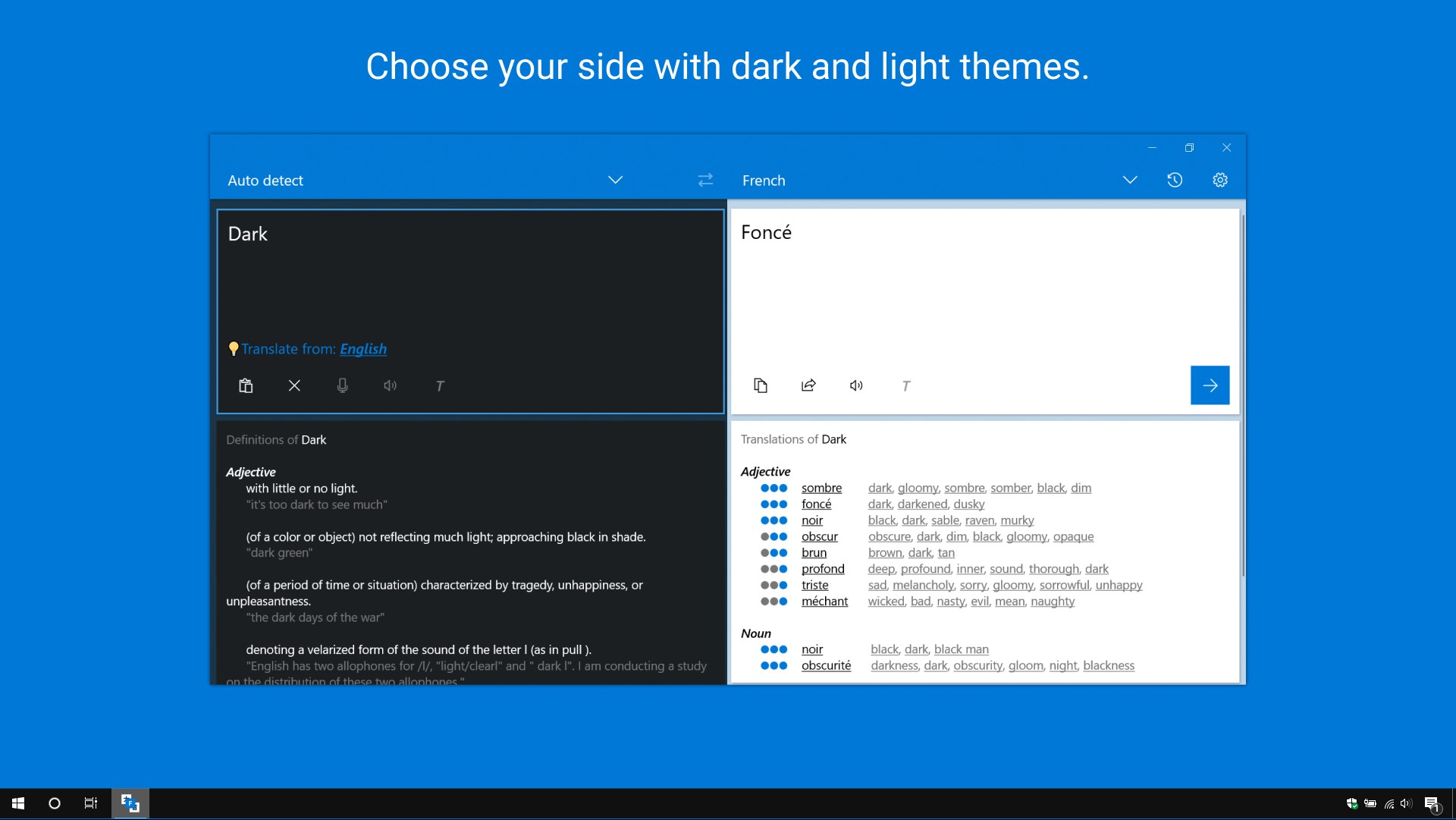
✔ Choose your side with dark and light themes.
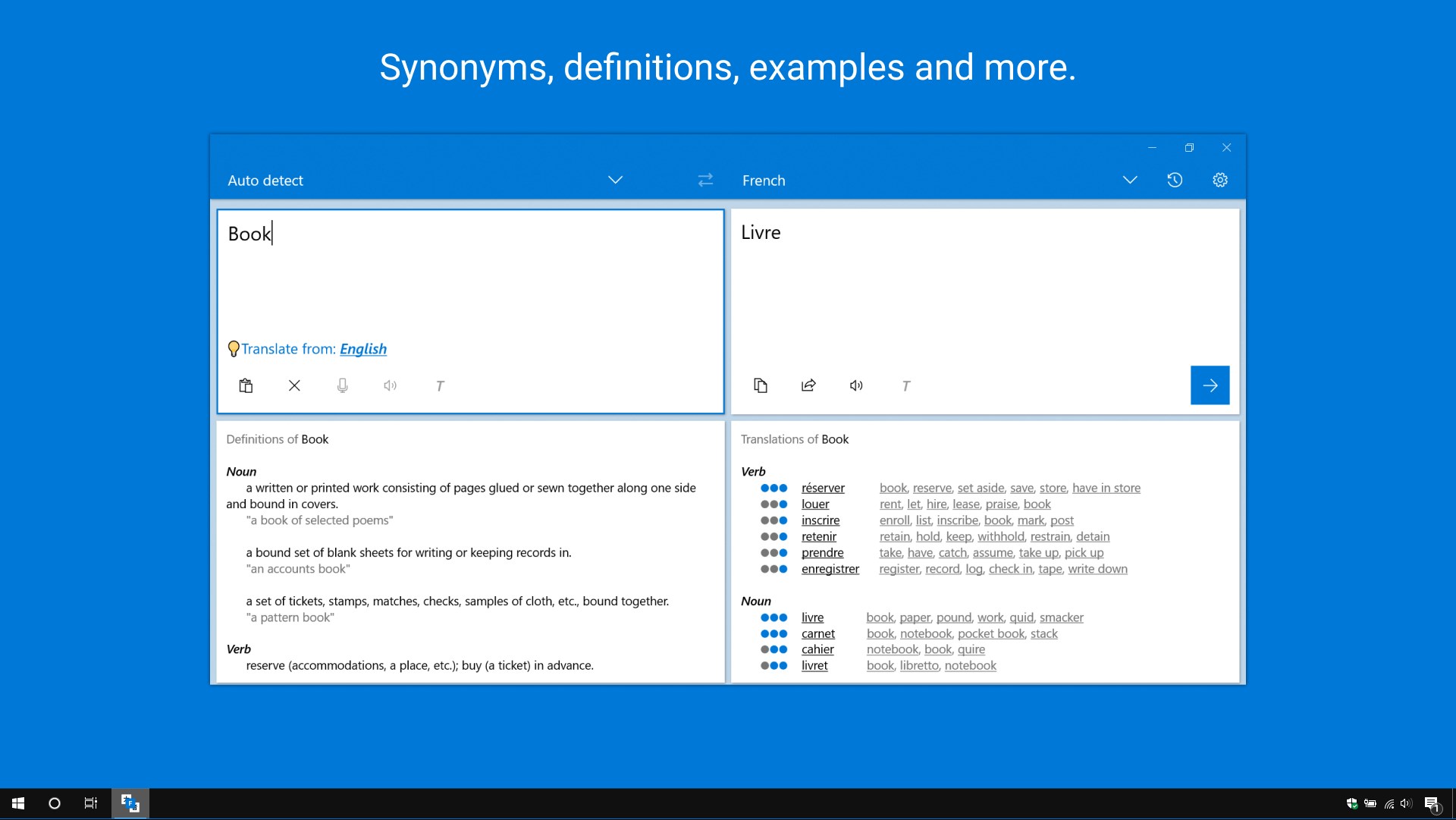
✔ Synonyms, definitions, examples and more.
✔ Voice input.
✔ Real-time translation.
✔ Autodetect language.
✔ Windows Timeline.
✔ Live tiles.
If there is a version of this app for iOS/Mac or Windows we don't know about, paste the store link here — we'll auto-detect the store.
How to find the URL:1. Open the app in its store. 2.In the App Store app: tap the Share icon → “Copy Link”. In the browser: copy the URL from the address bar — it contains apps.apple.com/…/id… or apps.microsoft.com/detail/…. 3. Paste it here.
Paste the original link from the Apple App Store or Microsoft Store. We fetch all details automatically.
How to find the URL:
1. Open the app in its store. 2.In the App Store app: tap the Share icon → “Copy Link”. In the browser: copy the URL from the address bar — it contains apps.apple.com/…/id… or apps.microsoft.com/detail/…. 3. Paste it here.
Android apps can only be listed by their developer.