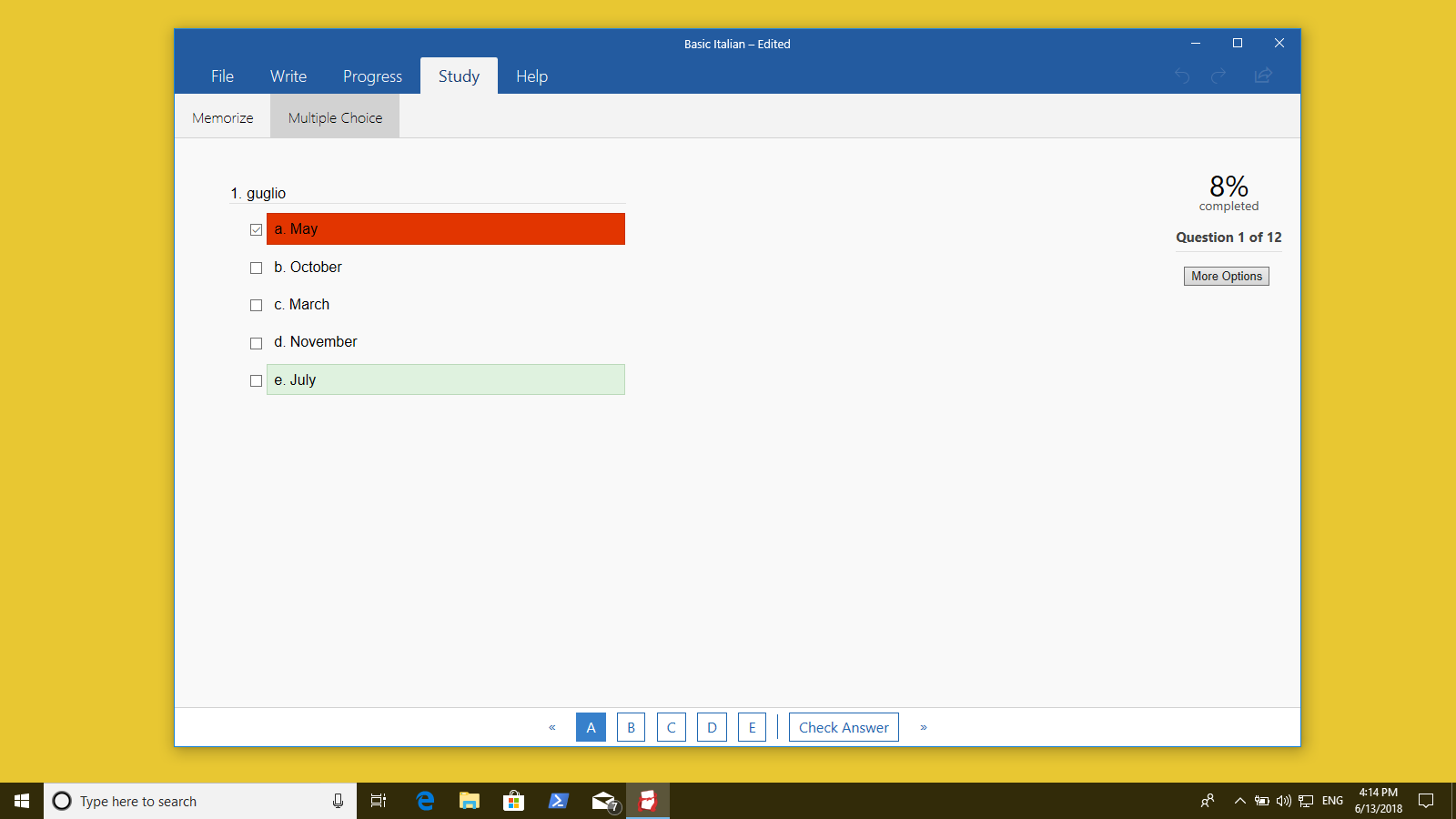

Screenshot appears after consentScreenshot appears after consentScreenshot appears after consentScreenshot appears after consentScreenshot appears after consent
Summary
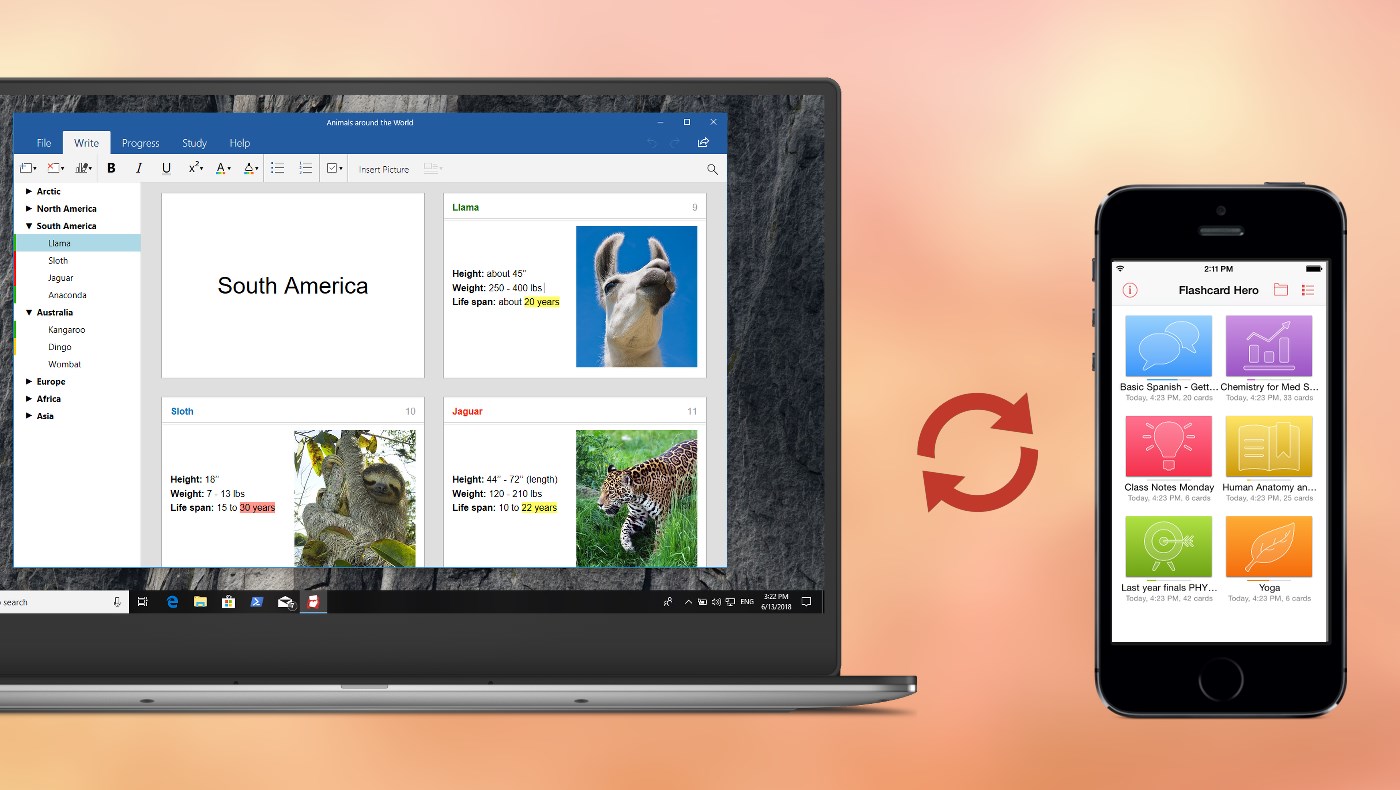
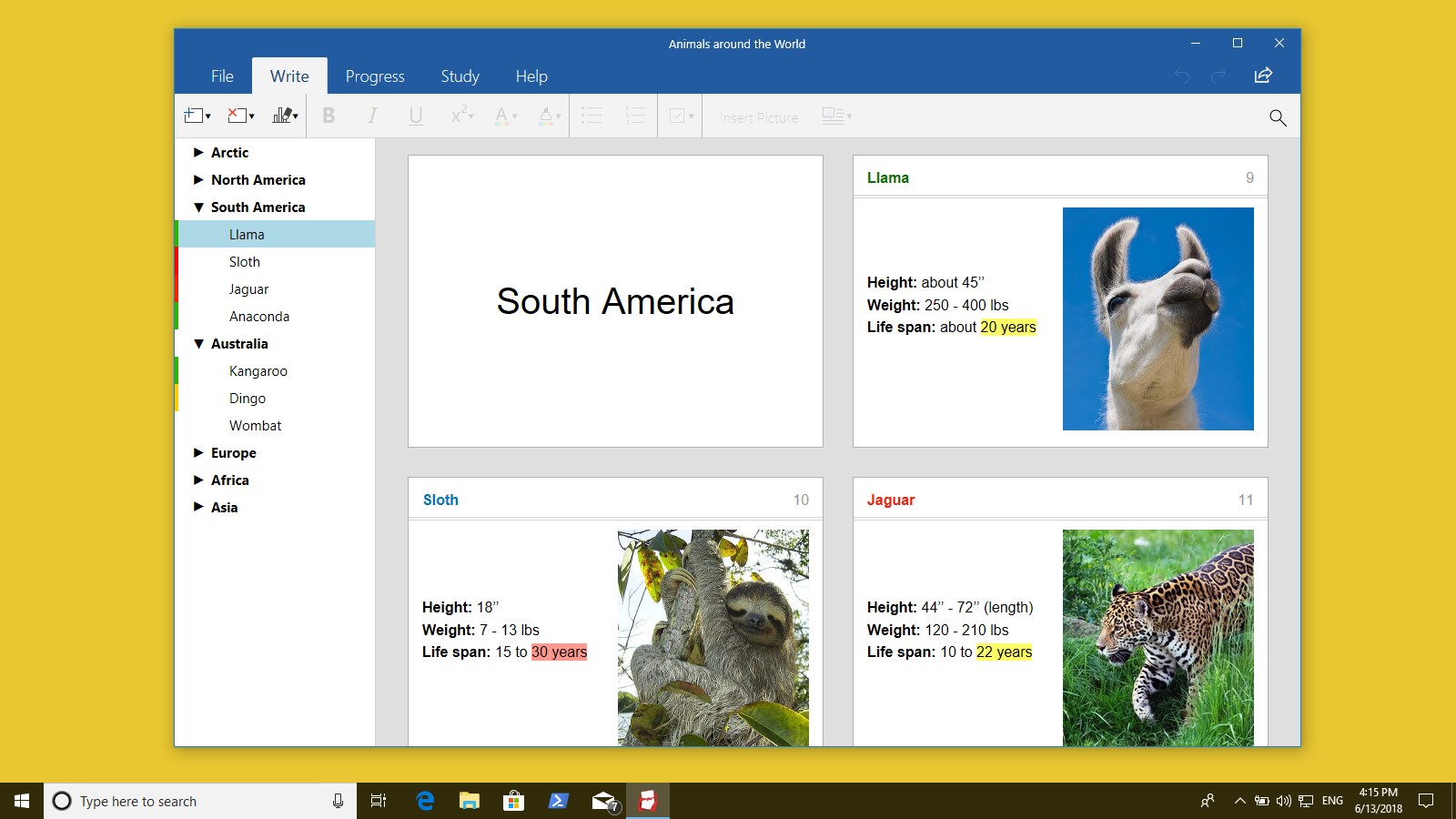
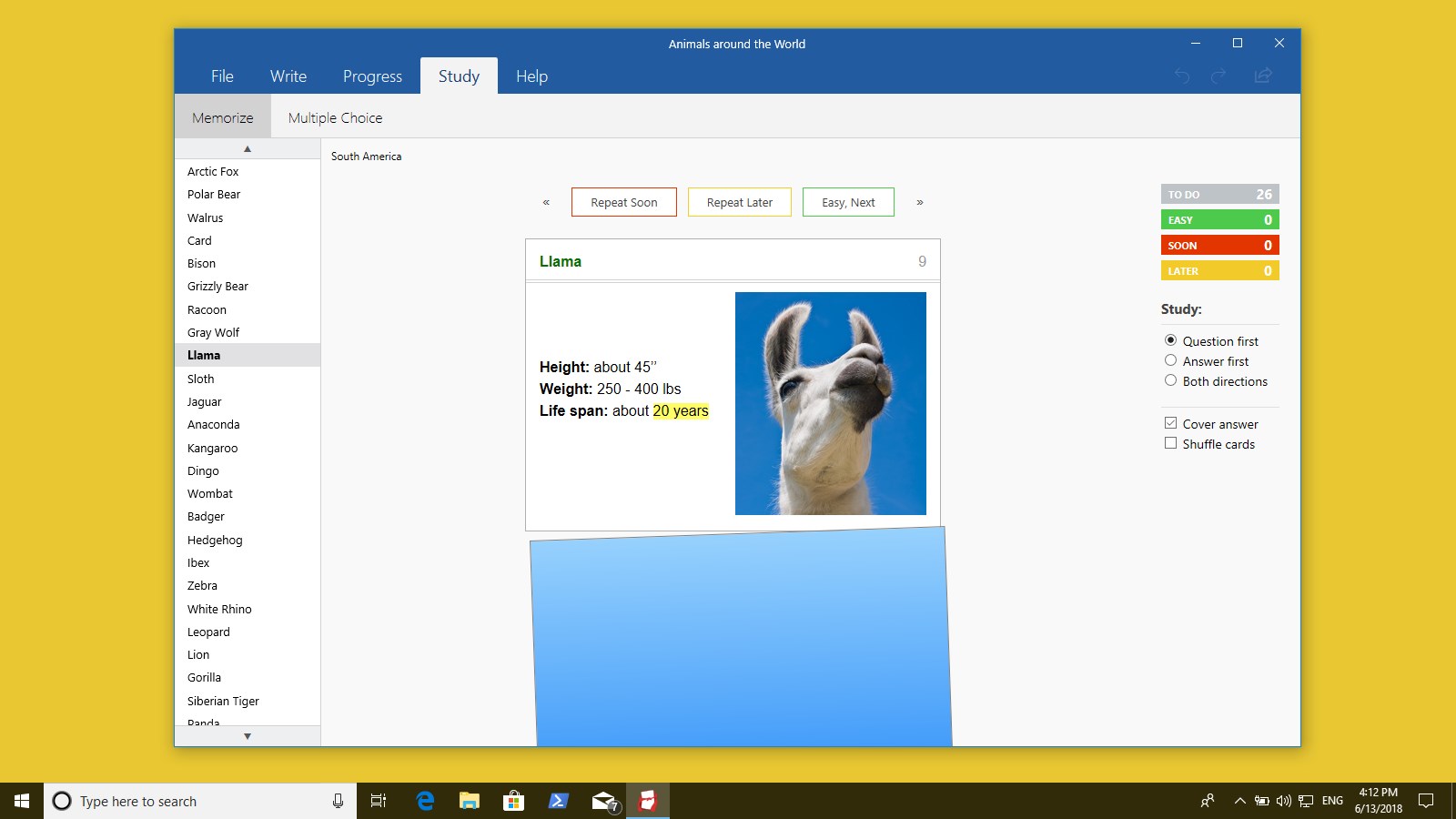
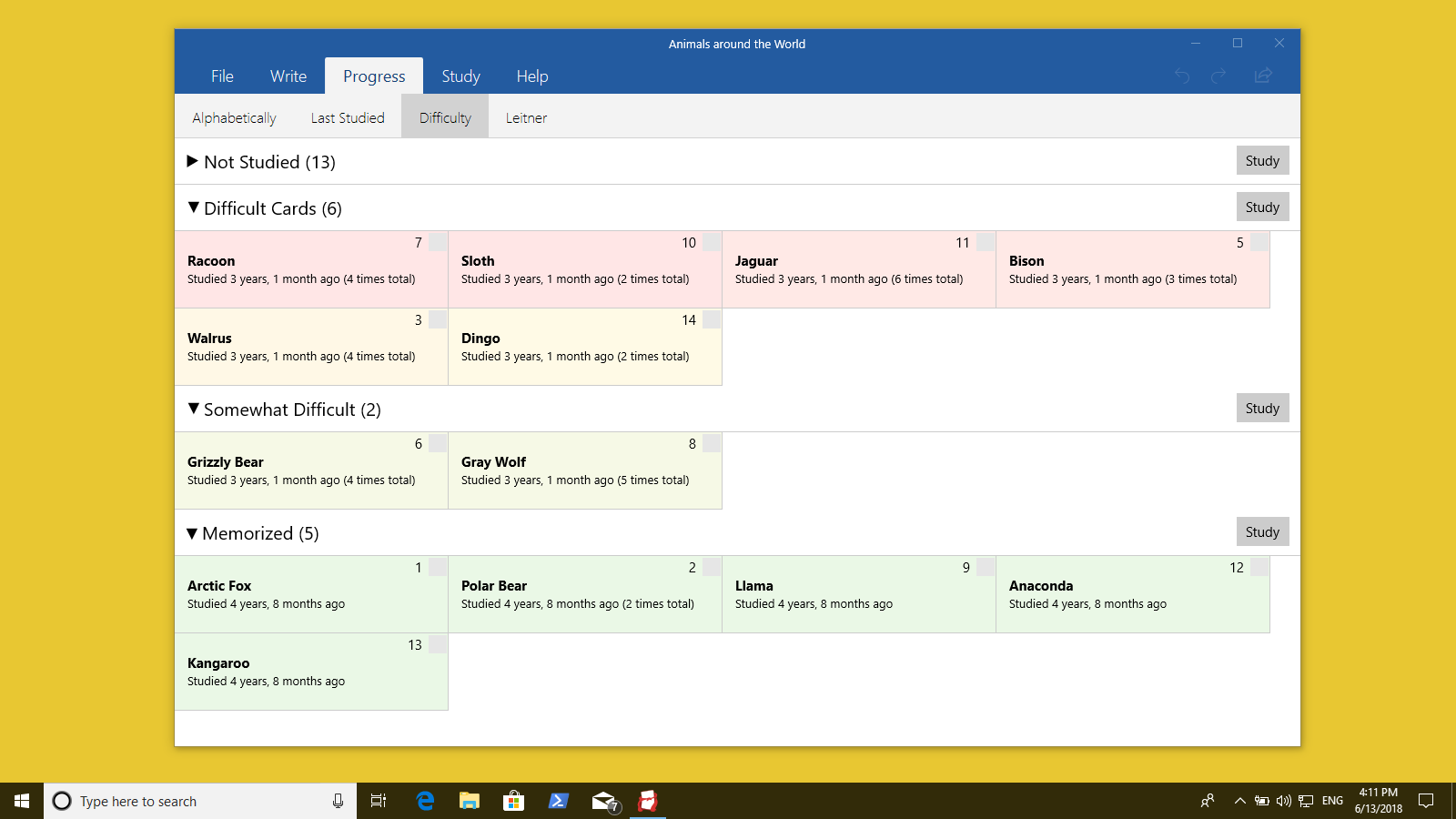
Flashcard Hero is a flashcard app for studying and test preparation. It tracks which cards you've already learned, letting you focus on what's not yet known. Cards support text, lists, and formatting like bold, italic, underline and color highlights, expanding automatically as you add more, so class notes can become study cards later. Flashcards sync across iPhone, iPad and Mac via iCloud, and decks made by others can be opened and edited thanks to a compatible file format. It offers a two-week free trial, after which it stays free with limited features or can be fully unlocked with a pro upgrade.
Show the developer's original descriptionHide the original description
Make your own flash cards and take the pressure out of test preparation. Flashcard Hero keeps track of what facts you already know so you save time and focus on what you don’t know.
FREE TRIAL AVAILABLE
Download and try the app for free. A free, two-week trial is available from within the app so that you can try all features. After the trial expires you can continue to use the app for free to study your decks and decks made by others or unlock all features with the pro upgrade.
Video tutorials and examples how to use the app are available here:
http://flashcardhero.com/windows/user-guide/
We made Flashcard Hero for those of you who want to fit more than a few words on each card. You can add images, lists, and use text formatting to structure your content. Cards even expand as you add more text so you can take notes during class and turn them into study cards later.
Sync your flashcards with the Flashcard Hero iPhone/iPad¹ and Mac app with iCloud Drive (which is available for Windows).
Share and collaborate: The file format is compatible with the Flashcard Hero Mac and iOS apps so you can open and edit decks made by others.
__
¹ The Flashcard Hero iOS/macOS apps are a separate purchase.
If there is a version of this app for iOS/Mac or Windows we don't know about, paste the store link here — we'll auto-detect the store.
How to find the URL:1. Open the app in its store. 2.In the App Store app: tap the Share icon → “Copy Link”. In the browser: copy the URL from the address bar — it contains apps.apple.com/…/id… or apps.microsoft.com/detail/…. 3. Paste it here.
Paste the original link from the Apple App Store or Microsoft Store. We fetch all details automatically.
How to find the URL:
1. Open the app in its store. 2.In the App Store app: tap the Share icon → “Copy Link”. In the browser: copy the URL from the address bar — it contains apps.apple.com/…/id… or apps.microsoft.com/detail/…. 3. Paste it here.
Android apps can only be listed by their developer.