Screenshot appears after consentScreenshot appears after consentScreenshot appears after consentScreenshot appears after consentScreenshot appears after consentScreenshot appears after consentScreenshot appears after consentScreenshot appears after consent
Summary
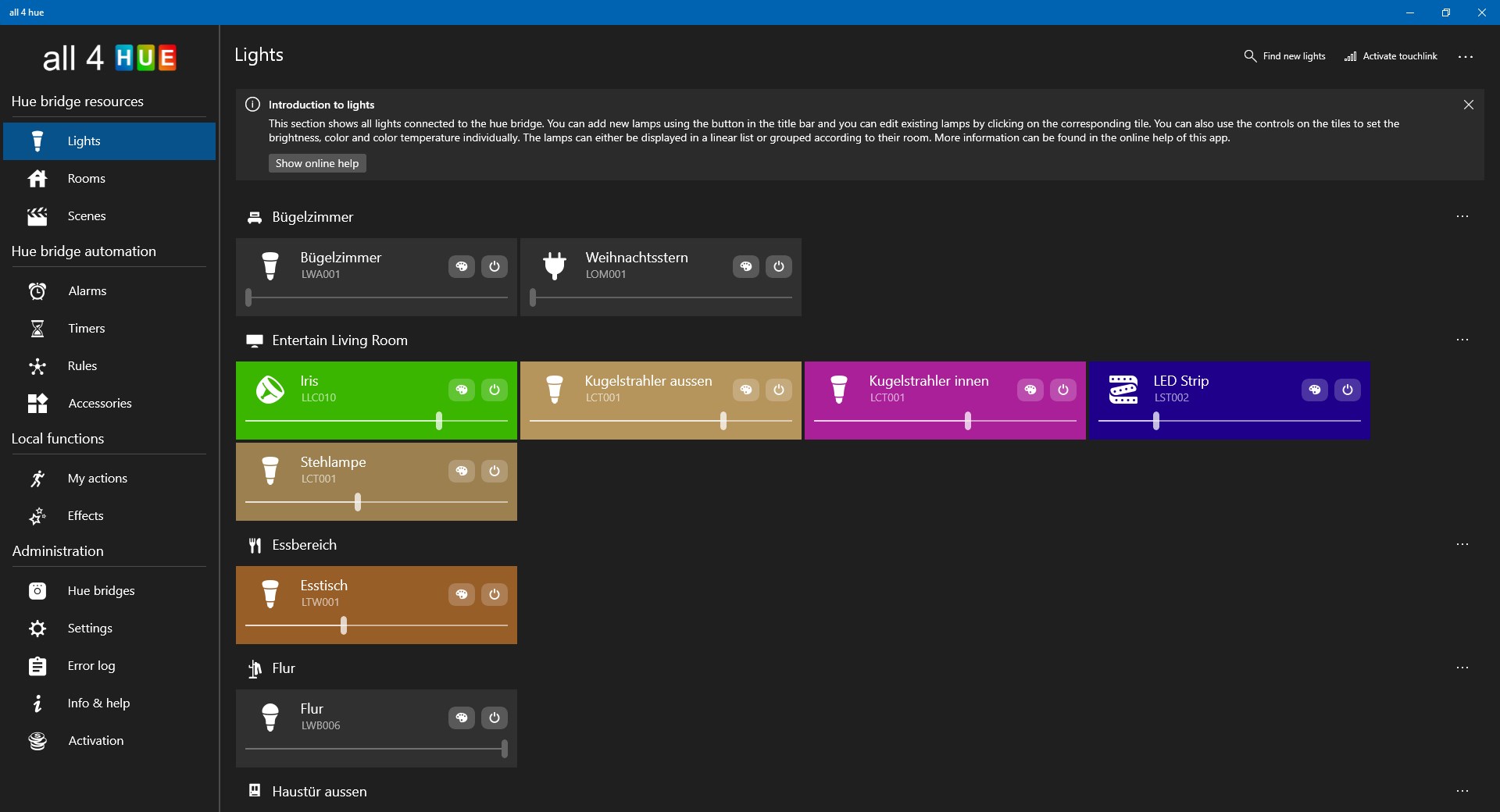
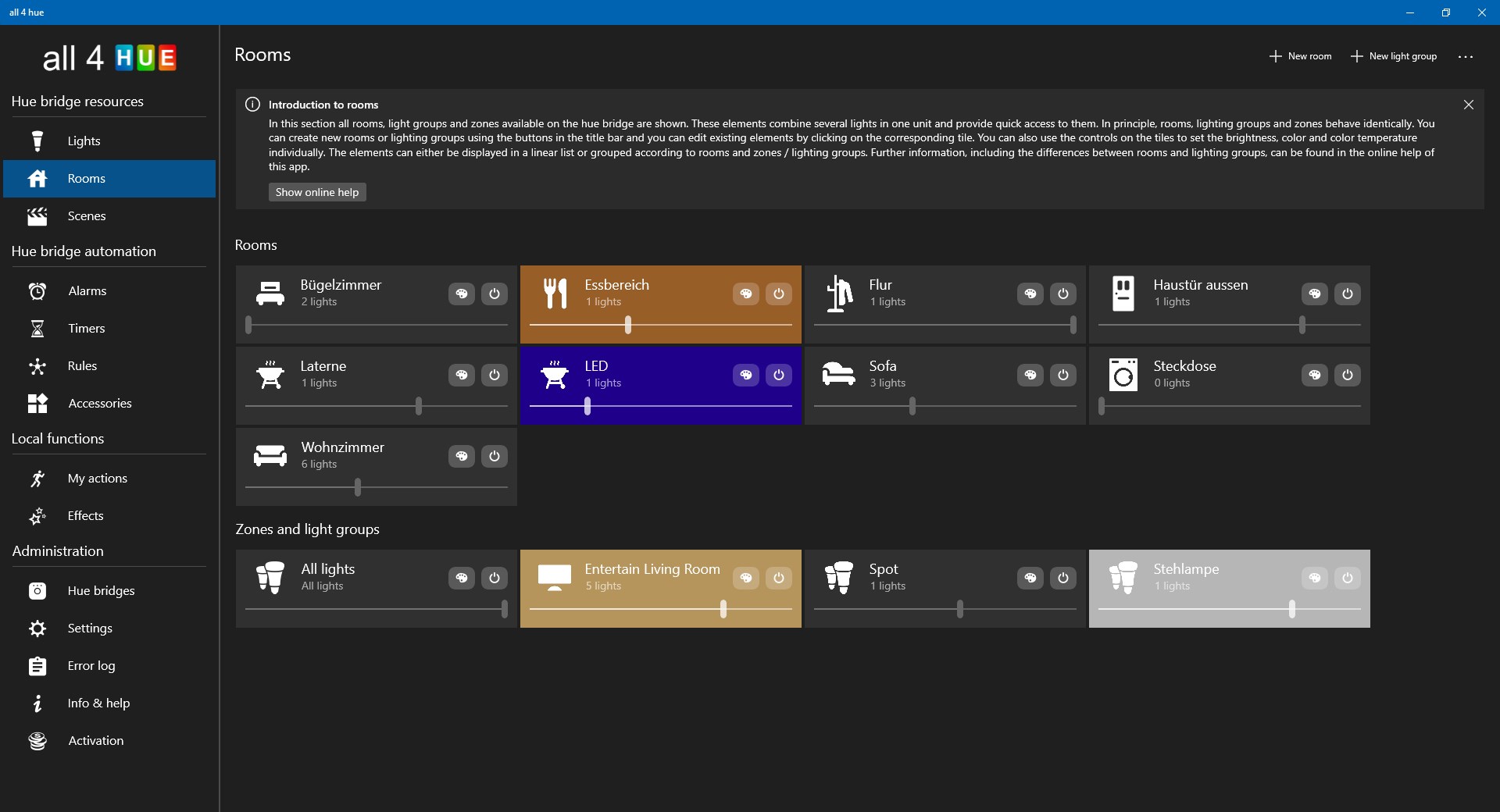
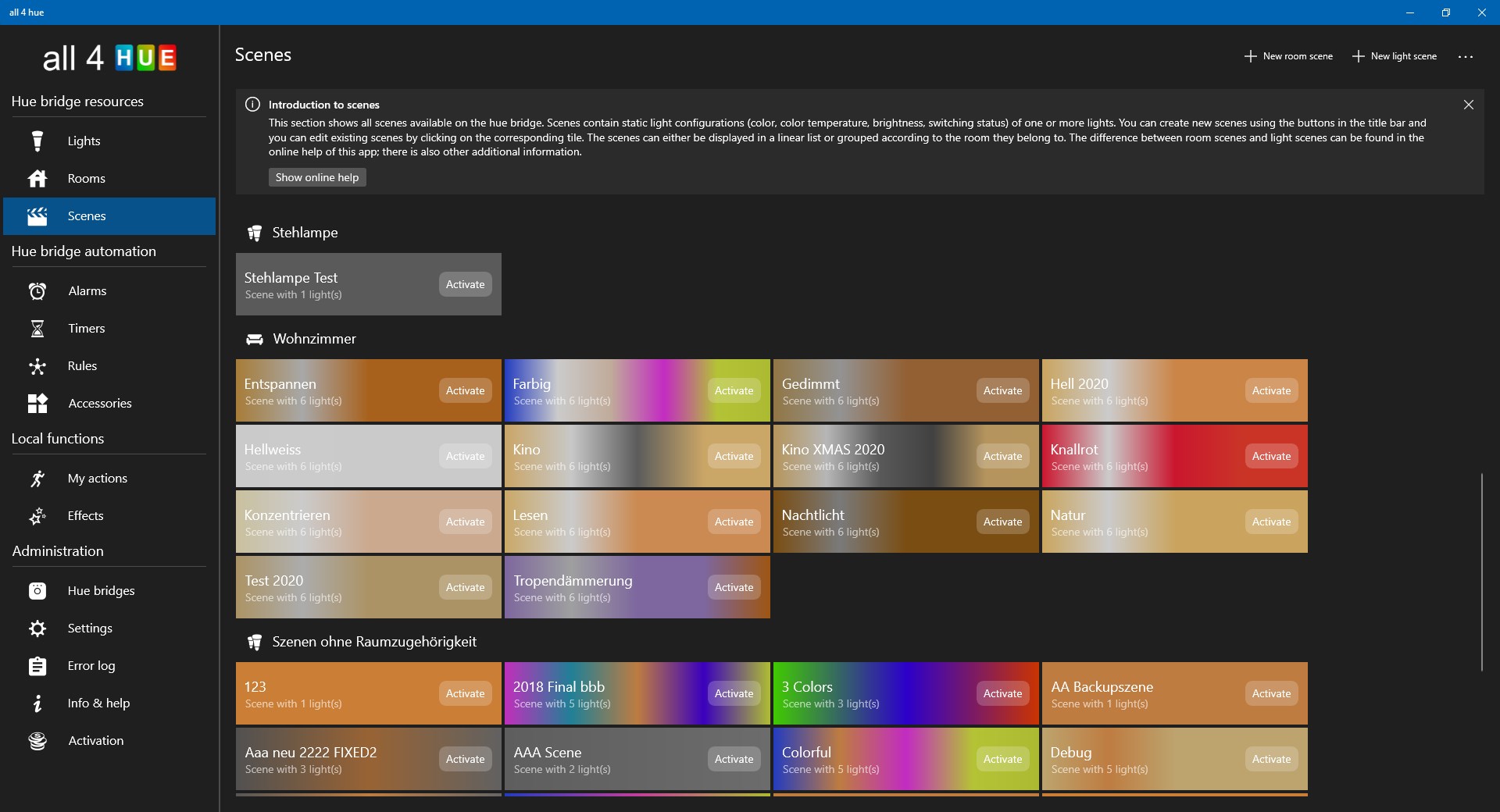
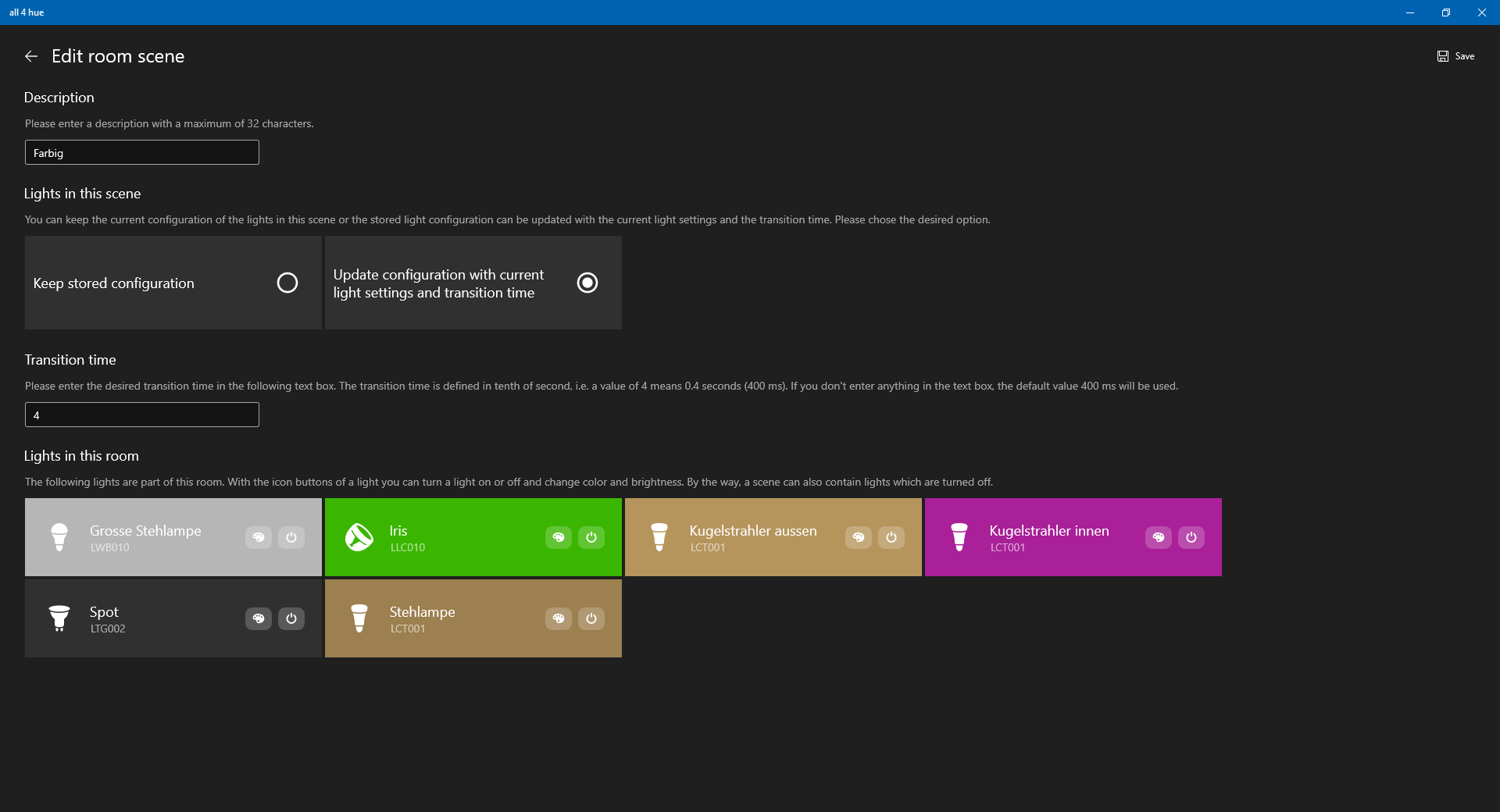
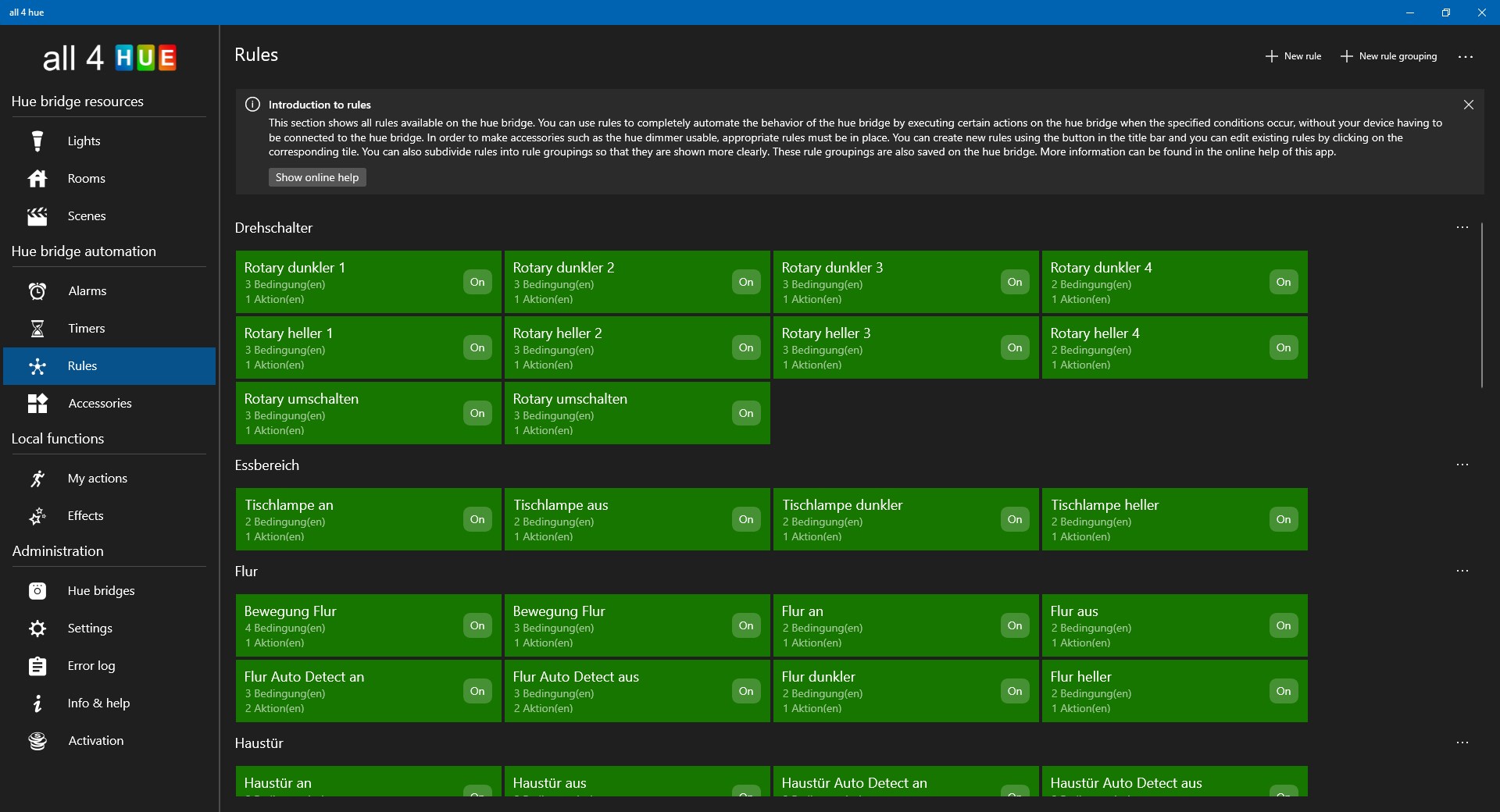
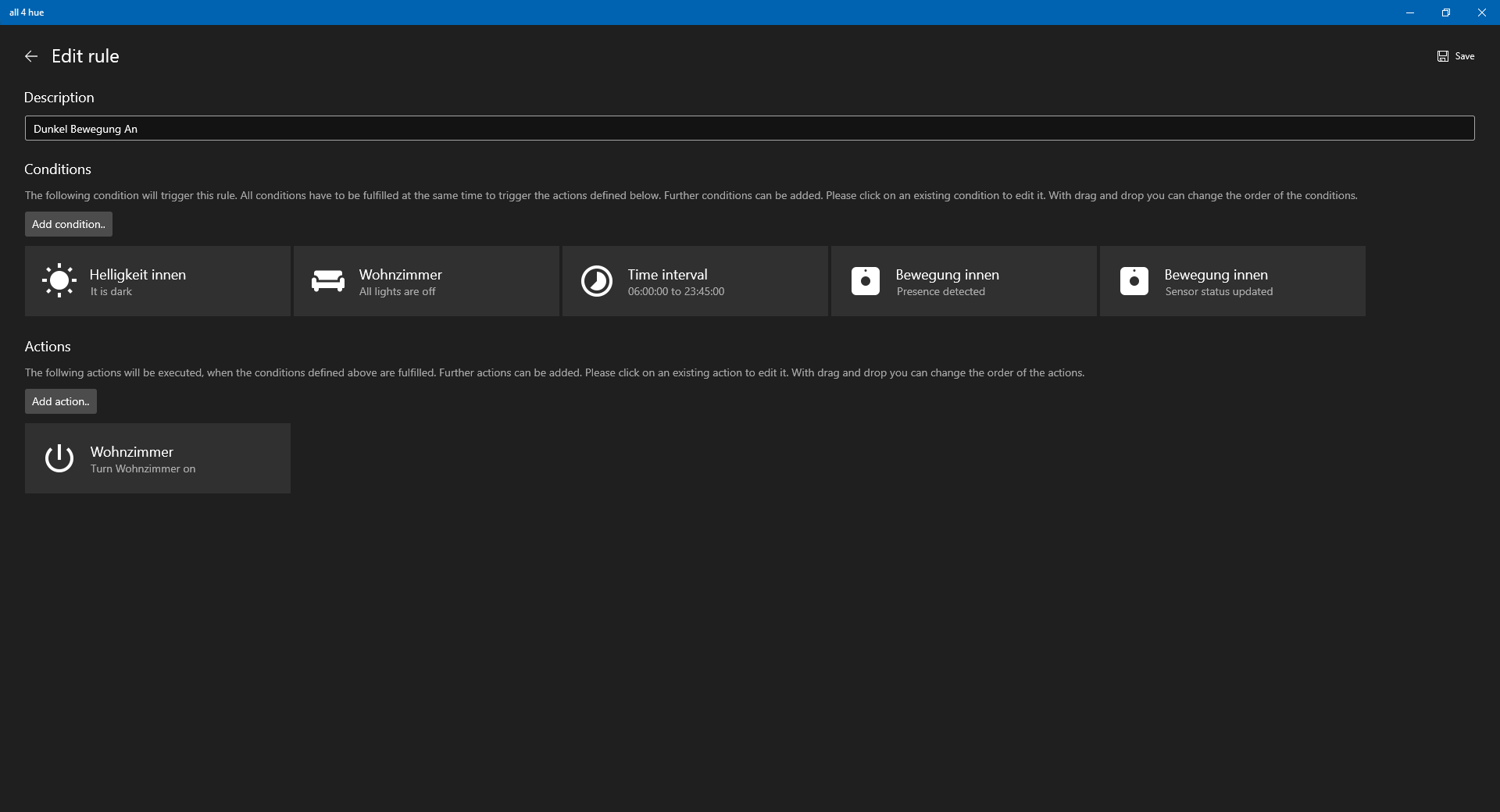
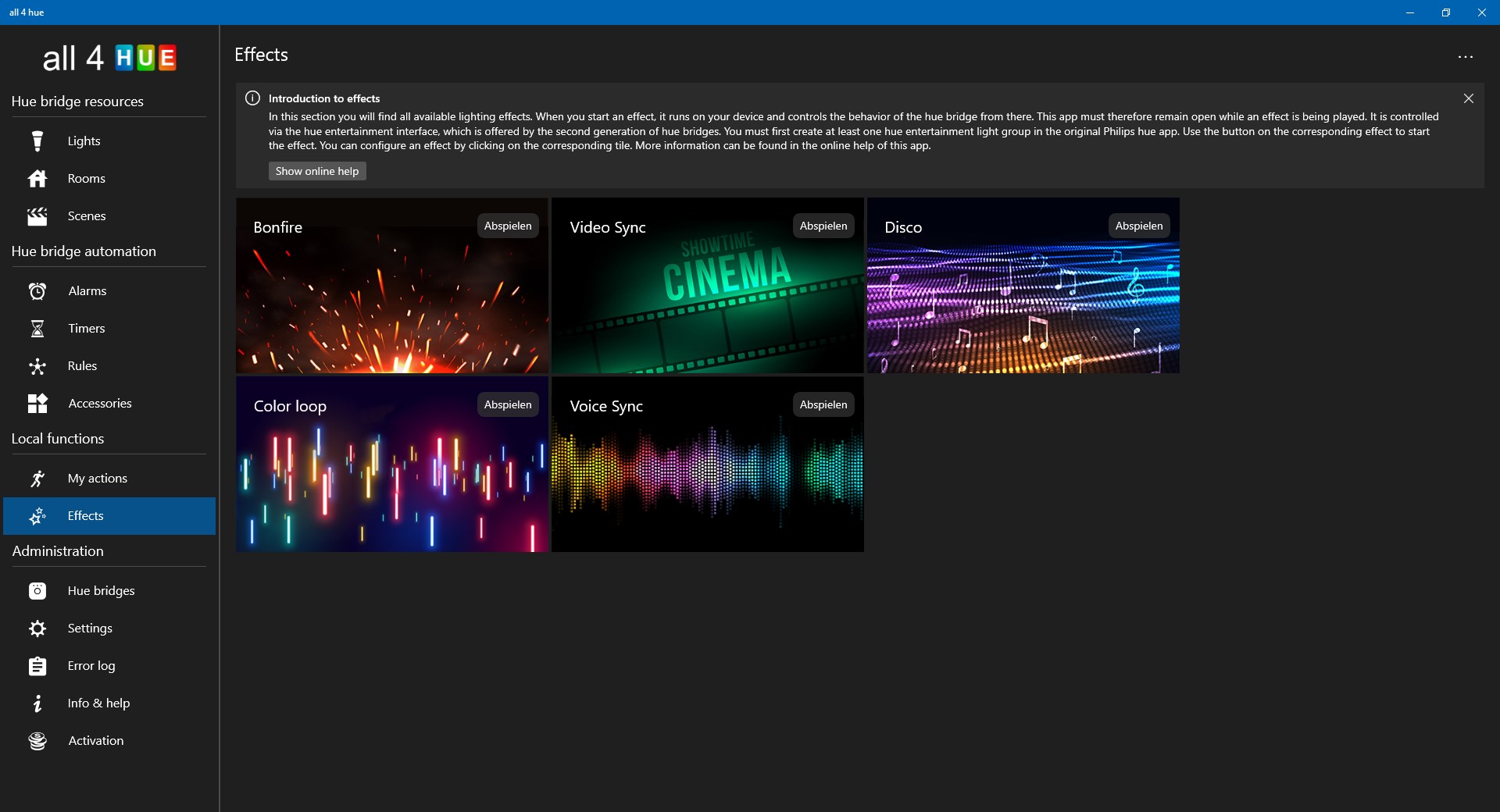
all 4 hue for Philips Hue is a control app for Philips Hue lighting systems, available for iOS, Android and Windows 10. It allows direct control of the Hue Bridge and supports comprehensive automation through groups, scenes, timers, alarms and rules, working together with available Philips Hue devices such as switches and sensors. The app also includes lighting effects based on the Hue Entertainment interface. With an upgrade, all4hue can manage up to five Hue Bridges. A free, time-unlimited trial version is available with some feature restrictions, and the app can only be used within the local network.
Show the developer's original descriptionHide the original description
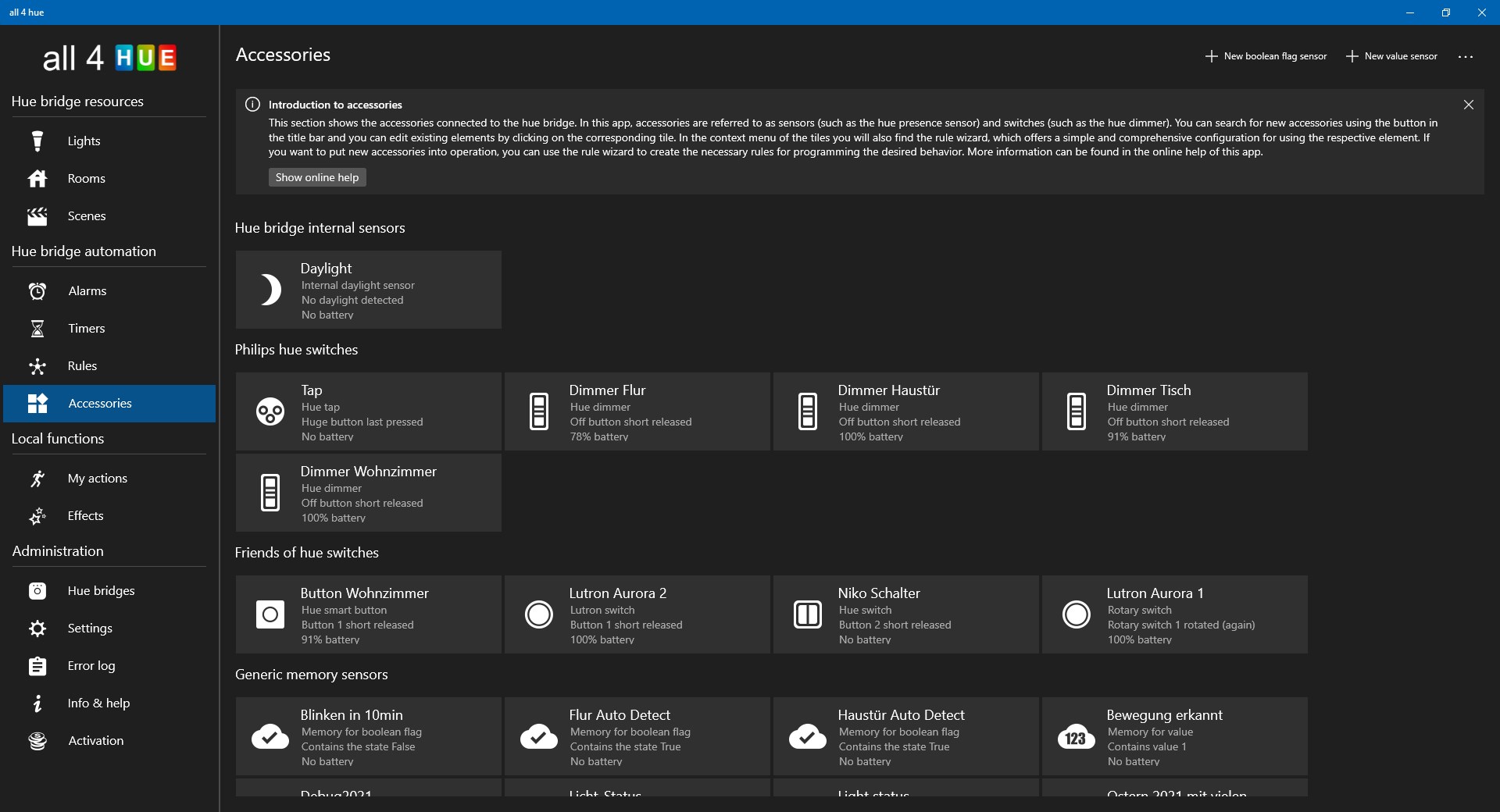
"all 4 hue" is the most sophisticated app for Philips Hue and is now also available for Windows 10 in addition to iOS and Android. This app offers a lot more options than competing apps and, in addition to direct control of the Hue Bridge, is ideally suited for the comprehensive automation of the Hue Bridge via groups, scenes, timers, alarms and rules in combination with all available Philips Hue devices such as switches and sensors. The app also includes various spectacular lighting effects based on the Hue Entertainment interface. With a corresponding upgrade, all4hue can be used with up to 5 hue bridges.
The free trial version has no time limit and can be used, among other things, to check whether the desired features are included in the app. There are some restrictions in the trial version, which are pointed out in the appropriate place in the app. This app is available in German and English.
This app can only be used within the local network, as Philips does not allow third-party apps to access the Hue Bridge from outside the local network without contractual provisions. The development team for this app is currently in contact with Philips to clarify the contract details so that remote access can eventually be made available in the future.
Please do not hesitate to join the community available at http://community.all4hue.com.
If you have suggestions or technical problems, the author would be happy to receive an email instead of a bad rating. Ratings with 1 star without giving a reason or comment do not help to improve the app. Many Thanks!
If there is a version of this app for iOS/Mac or Windows we don't know about, paste the store link here — we'll auto-detect the store.
How to find the URL:1. Open the app in its store. 2.In the App Store app: tap the Share icon → “Copy Link”. In the browser: copy the URL from the address bar — it contains apps.apple.com/…/id… or apps.microsoft.com/detail/…. 3. Paste it here.
Paste the original link from the Apple App Store or Microsoft Store. We fetch all details automatically.
How to find the URL:
1. Open the app in its store. 2.In the App Store app: tap the Share icon → “Copy Link”. In the browser: copy the URL from the address bar — it contains apps.apple.com/…/id… or apps.microsoft.com/detail/…. 3. Paste it here.
Android apps can only be listed by their developer.




 Huetro for Hue
Control Philips Hue lights and create scenes
 Lighter for Philips Hue , Nanoleaf, Razer Chroma
Control smart lighting for Philips Hue and Nanoleaf
 Eve for Matter & HomeKit
Control Matter and HomeKit devices with scenes
 SmartThings
Control smart home devices from multiple brands anywhere
 Home Connect App
Control and monitor smart home appliances remotely
 IFTTT.ai: Automation made easy
Automate tasks across apps and smart devices