Screenshot appears after consentScreenshot appears after consentScreenshot appears after consentScreenshot appears after consentScreenshot appears after consentScreenshot appears after consentScreenshot appears after consentScreenshot appears after consentScreenshot appears after consentScreenshot appears after consentScreenshot appears after consent
Summary
PIP Camera - Creative Photo Frames & Photo Editor is a photo editing app that creates picture-in-picture collages using layered photo frames and filters. It lets photos be combined with backgrounds like glass, hand, camera or board frames for a picture-in-picture effect, and offers artistic filters that turn ordinary photos into art-style images. Magazine-style templates provide decorative layouts for selfies. Built-in retouching tools include beautifying functions, stickers, text overlays and mosaic editing. A photo focus feature creates DSLR-style background blur by selecting a focus area, with adjustable blur intensity and radius for a natural depth effect.
Show the developer's original descriptionHide the original description
Stand out from the crowd by uploading amazing pictures created by PIP Camera - Creative Photo Frames & Photo Editor on social media. Get More Likes!!!
PIP Camera - Creative Photo Frames & Photo Editor is a pic-in-pic (Picture In Picture) maker with powerful photo overlays, amazing Filter Effects and cute stickers.
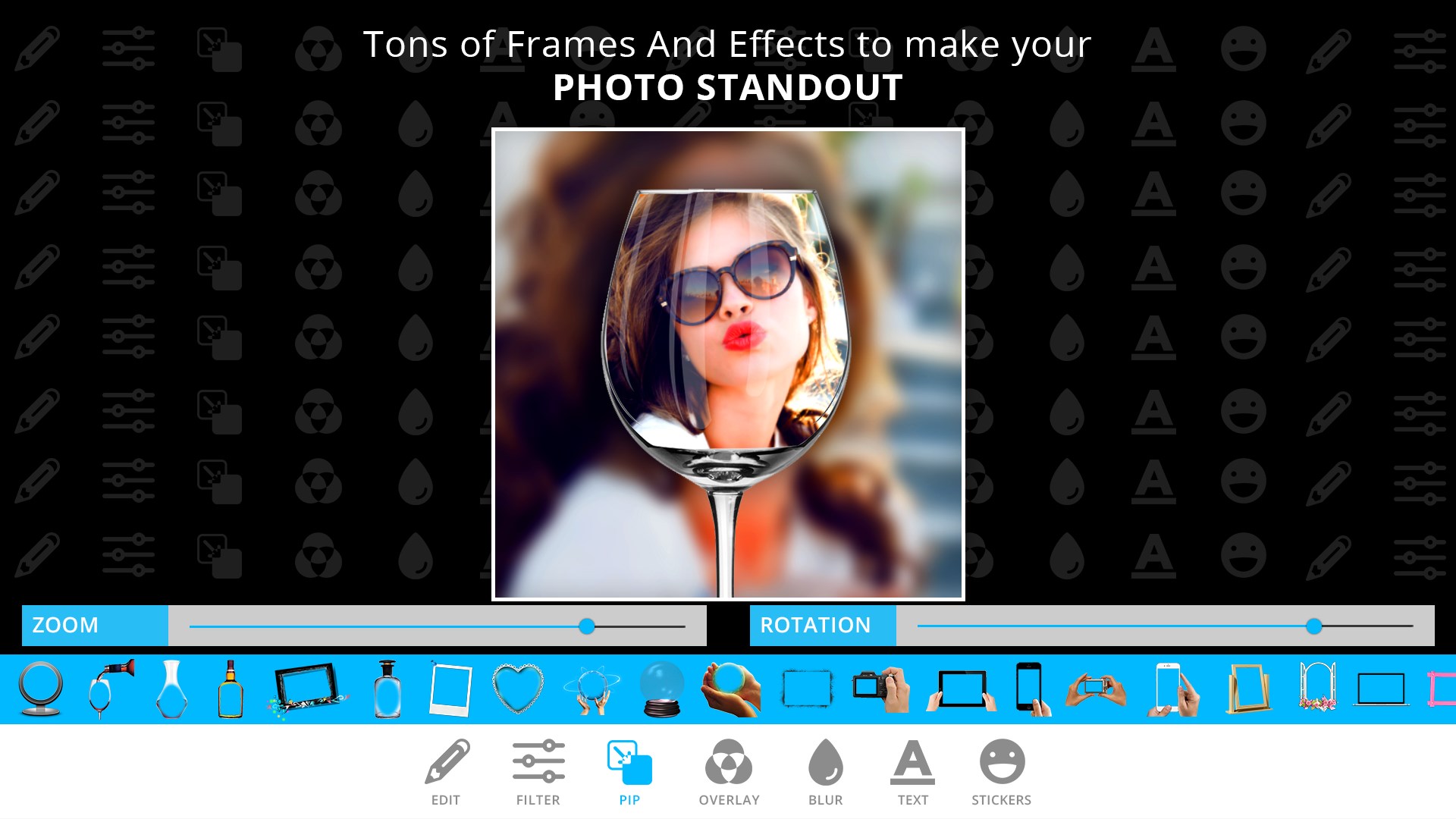
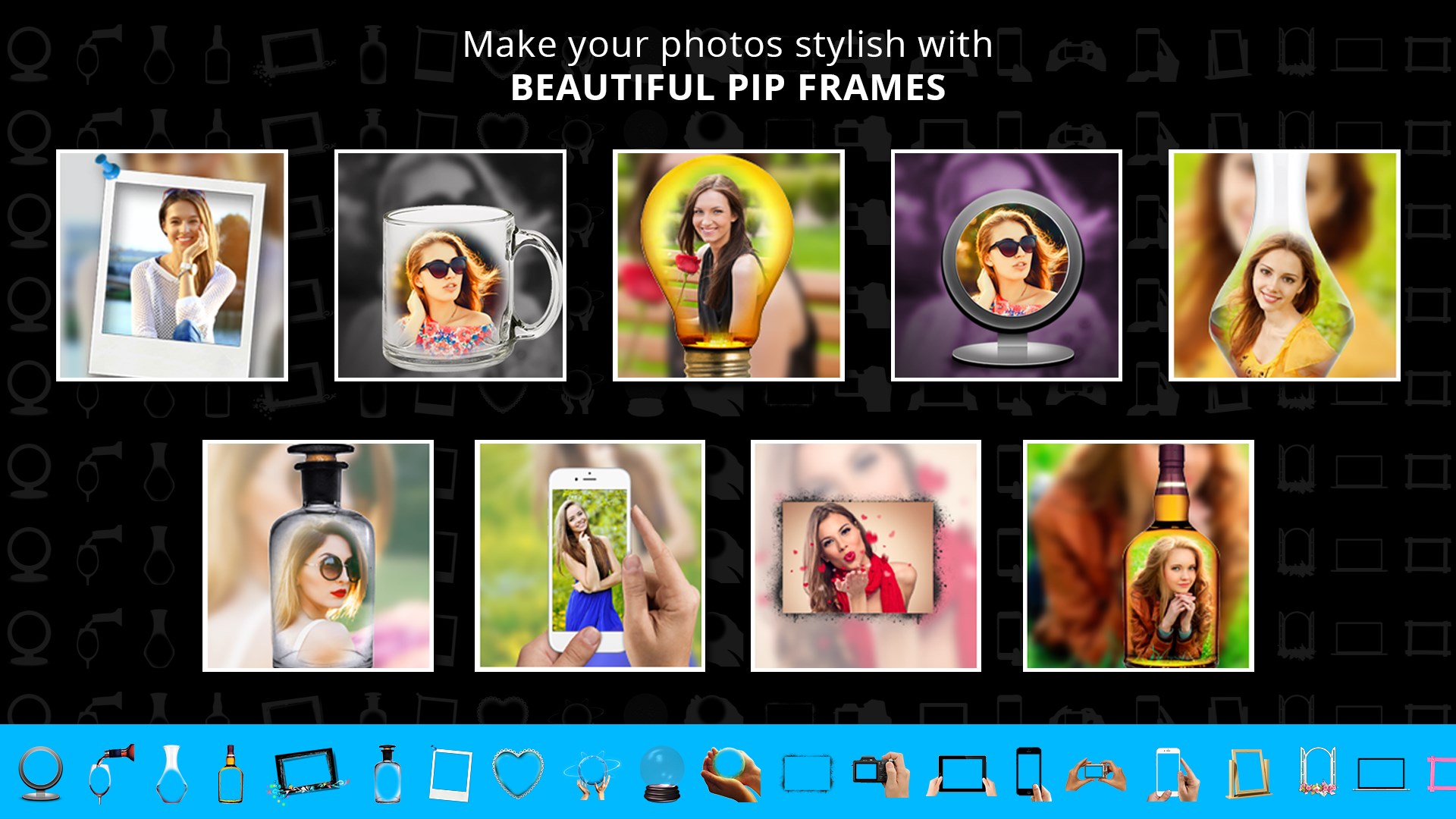
PIP Camera allows you to combine blurred photos with photo in glass, hand, camera, board and many more handcrafted frames to create the perfect picture-in-picture effect.
Popular Functions:
PIP Style(Picture in picture)——Totally new selfie experience: Thousands of millions of people are using it on Social Media.
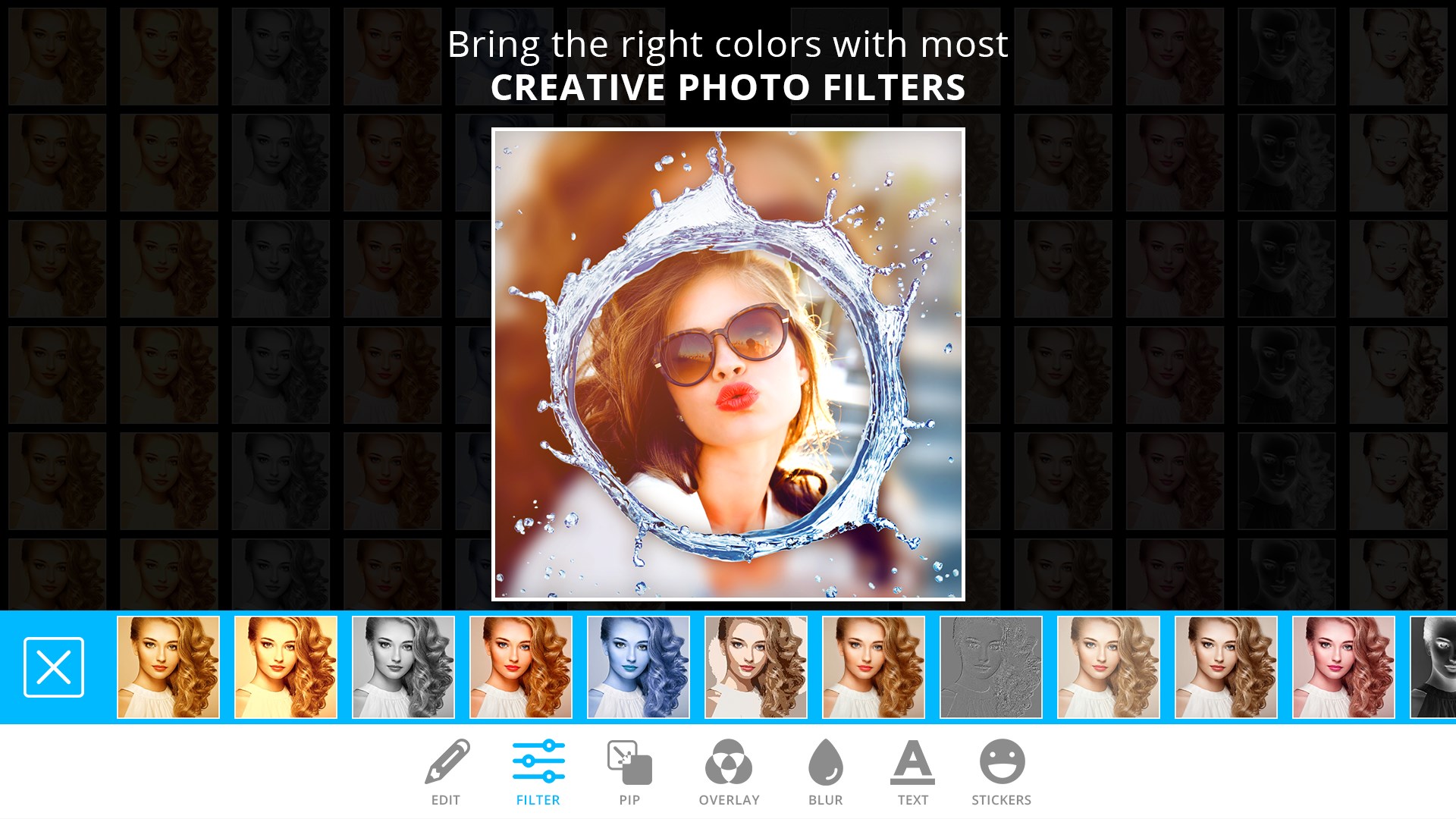
Artistic Filters —— In special, we have magical artistic filters. Change ordinary photos to art photos in a second: Totally new artistic filters are all here.
* Magazine Style —— Once use, selfies will be level up: Extremely beautiful templates make your photos pictures different.
Create wonderful picture by using multiple incredible frames and effects. Just select a picture and adjust that picture on multiple frames. The picture will also appear partially on background. After using frame you can apply effects on background or foreground individually or on both.
Main Features:
PIP Camera:
PIP Style Photo Collage
Crystal Bottle Pattern, Frames Series, Simple Style, Cartoon Style……All photo collages are especially for you. Share it to on social media in one tap, see what your friends gonna say!
Magazine Style Photo Collage
You have gotten creativity, what you need now is artistic style. Magazine Style can fulfil your Movie Star dream.
PIP Camera
PIP Camera makes your selfie pictures more beautiful and attractive.
HD Beautifying
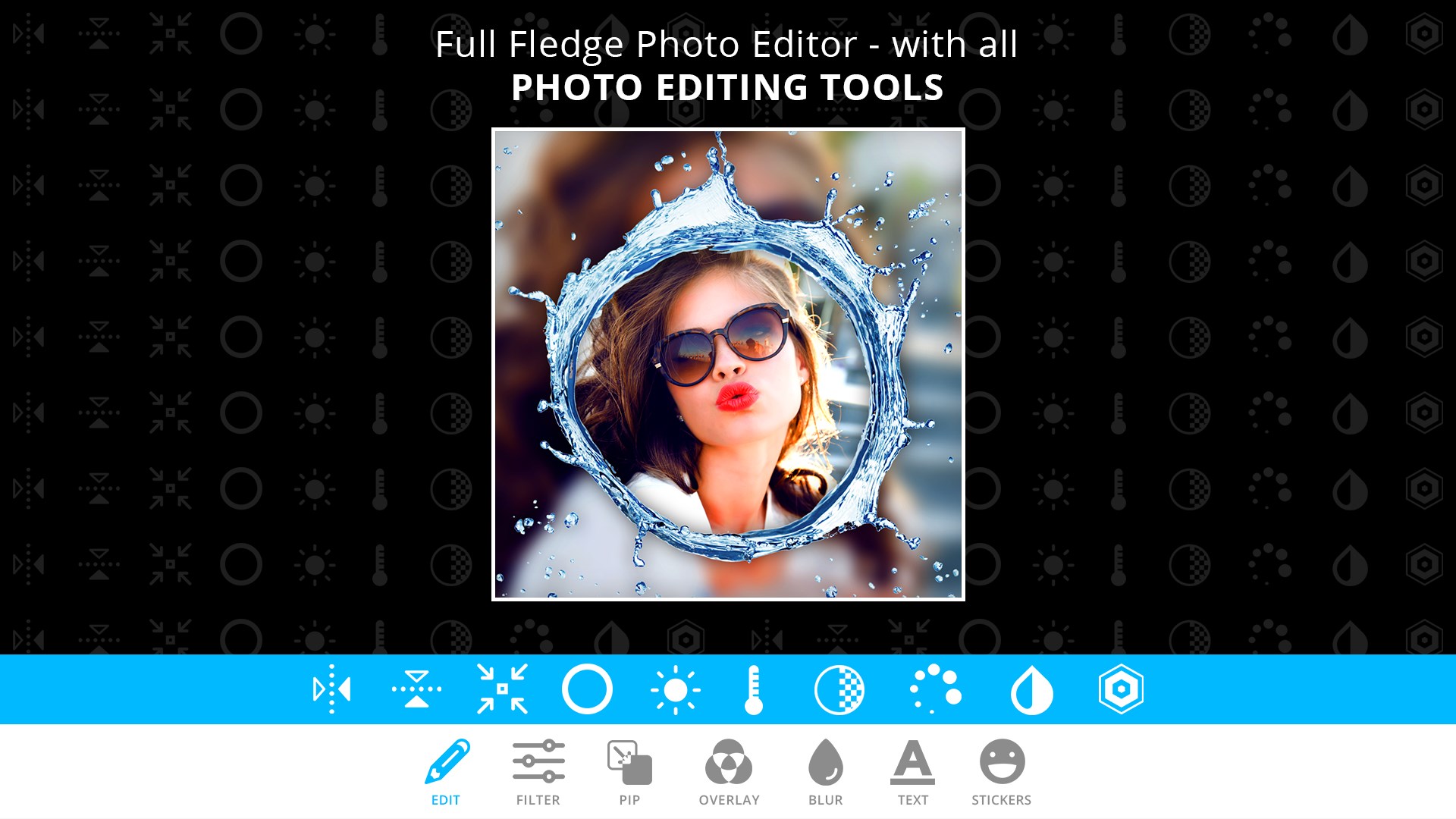
Except taking photos and making photo collages, PIP Camera is also a powerful photo retouching app. Built-in professional photo/ picture retouching function, mysterious filters, fun sticker sets, text adding, photo/ picture editing, mosaic, professional editing and so on.
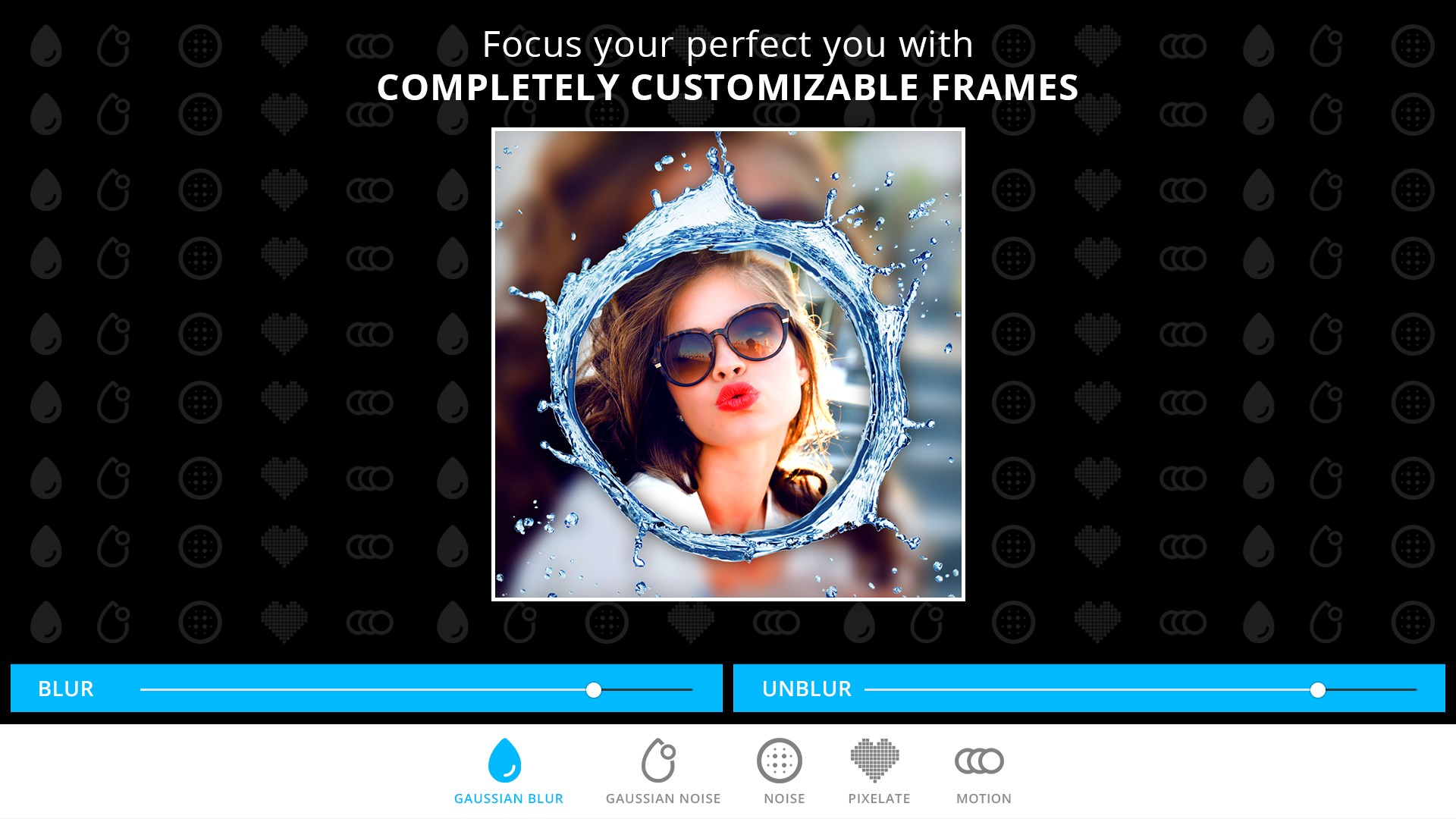
Photo Focus (Blur Effect): PIP Camera comes with an addition features to create After Focus and Blur Effects
- Create DSLR-style background blurred photo by simply selecting focus area.
- Various Blur effects offer you to create the most natural and realistic focus photo.
- Background blur effect gives a photo the realistic look between the edge of the background and the focus area.
- Select the area of focus with just one click on that area and increase/decrease the radius of focus with slider bar.
- Adjustable blur intensity for amazing focus effect.
Play Store URL for "PIP Camera - Creative Photo Frames & Photo Editor"
If there is a version of this app for iOS/Mac or Windows we don't know about, paste the store link here — we'll auto-detect the store.
How to find the URL:1. Open the app in its store. 2.In the App Store app: tap the Share icon → “Copy Link”. In the browser: copy the URL from the address bar — it contains apps.apple.com/…/id… or apps.microsoft.com/detail/…. 3. Paste it here.
Paste the original link from the Apple App Store or Microsoft Store. We fetch all details automatically.
How to find the URL:
1. Open the app in its store. 2.In the App Store app: tap the Share icon → “Copy Link”. In the browser: copy the URL from the address bar — it contains apps.apple.com/…/id… or apps.microsoft.com/detail/…. 3. Paste it here.
Android apps can only be listed by their developer.





 PIP Camera Effects
Design photos with frames, effects and filters
 Photo Editor Pro - PIP Camera Effects
Edit photos with frames, effects and stickers
 Photo Blender : Photo Editor
Blend photos creatively with effects, overlays and frames
 Photo Lab Photo Editor
Edit photos with filters, effects, text and stickers
 FotoRus -Camera & Photo Editor
Edit, enhance and stylize photos with effects
 Face Camera Snappy Photo Filters
Edit photos with filters, stickers, text and effects