

Notepad Editor

Text editor with syntax highlighting for code and markup AI summary
Rank 1495
0 Up Votes, 0 Down Votes
▲
0
▼
Notepad Editor is not available on Android and Apple — or is it? Submit URL
Screenshots
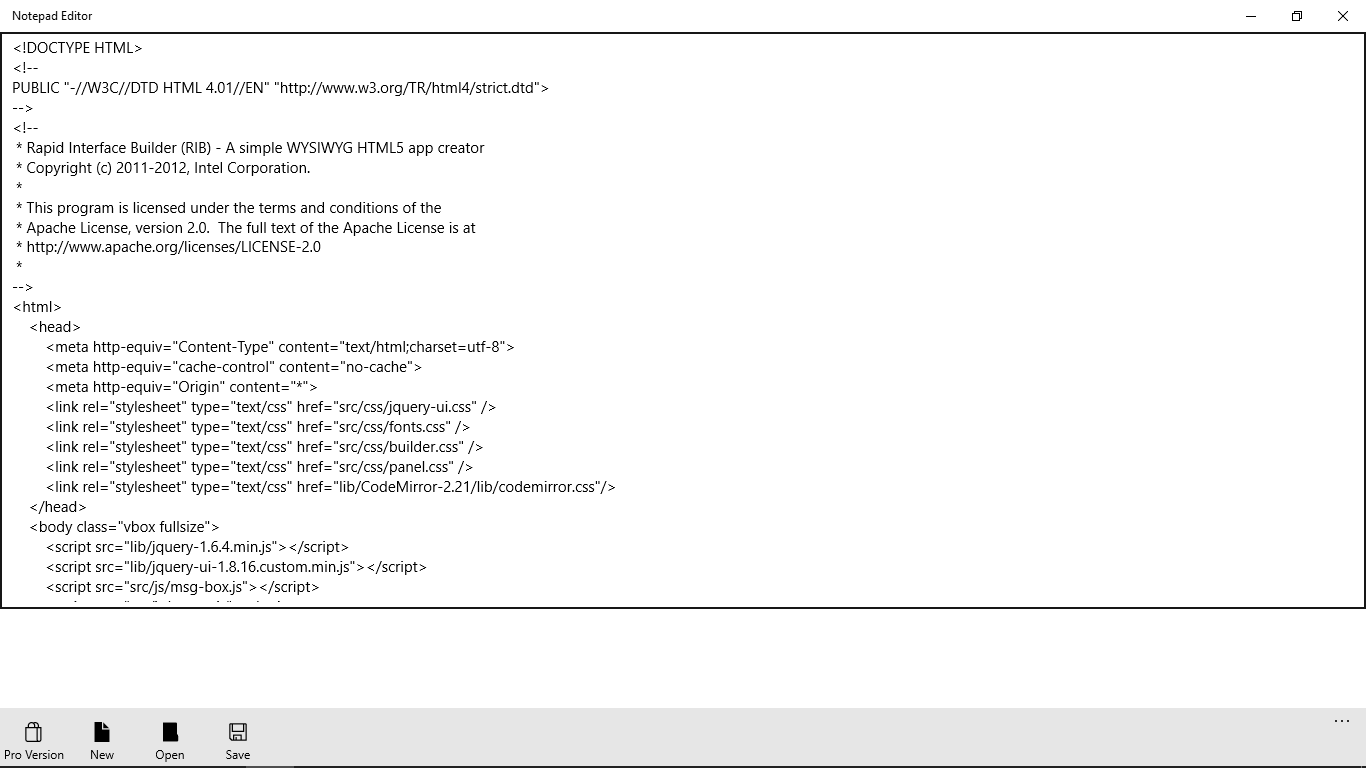
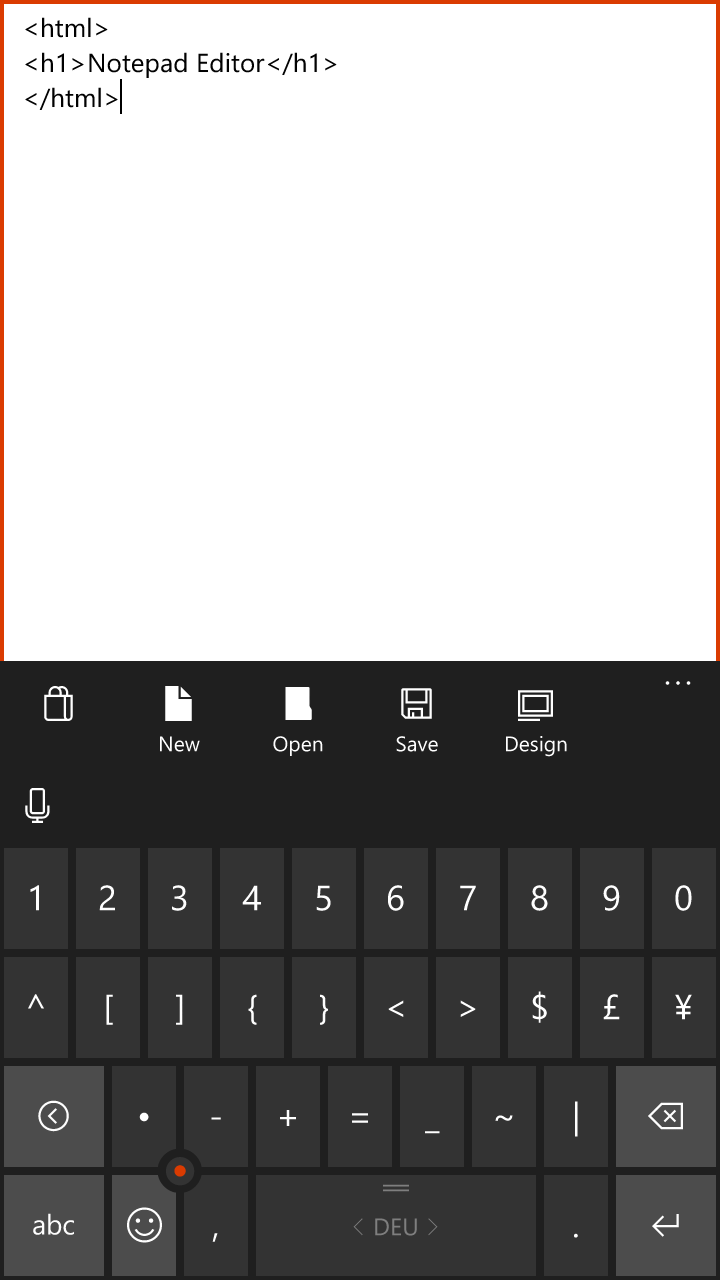
Screenshot 1 of Notepad Editor on WindowsScreenshot
appears after consent
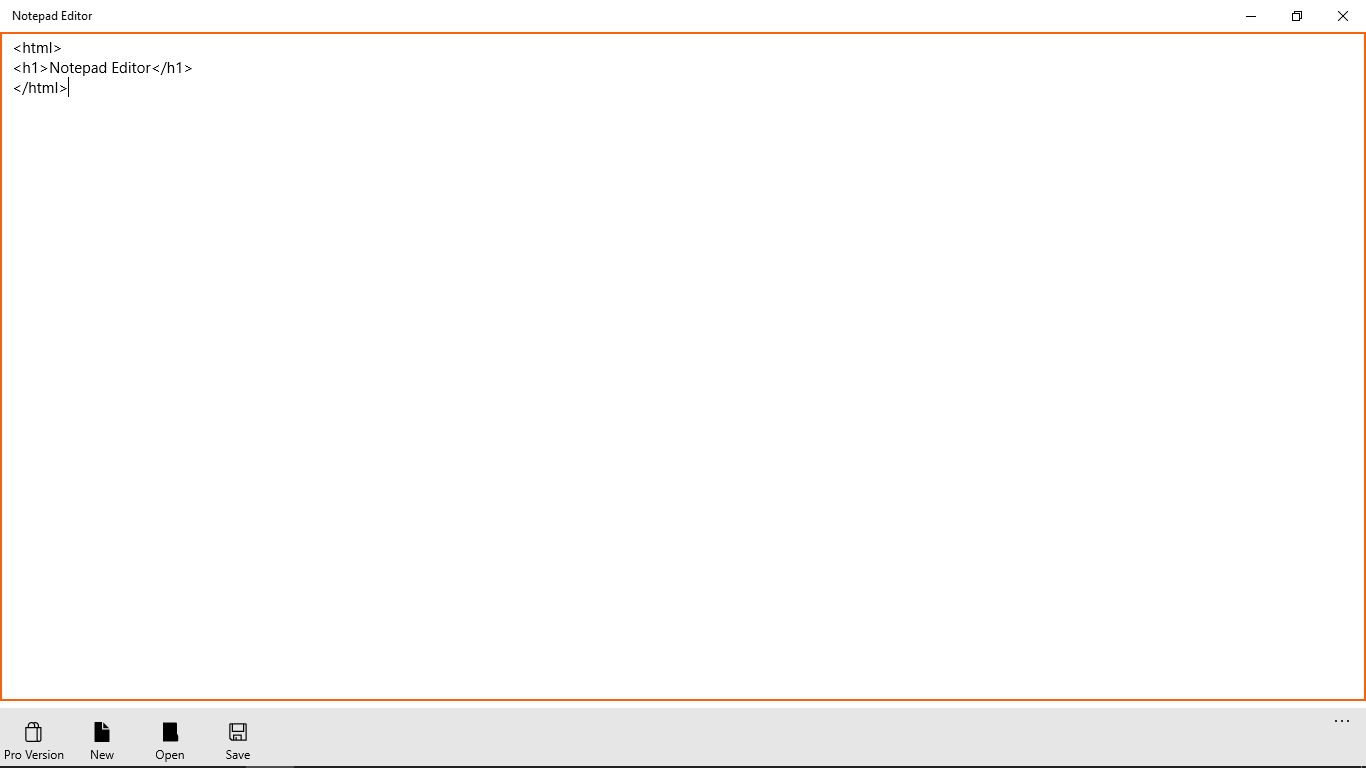
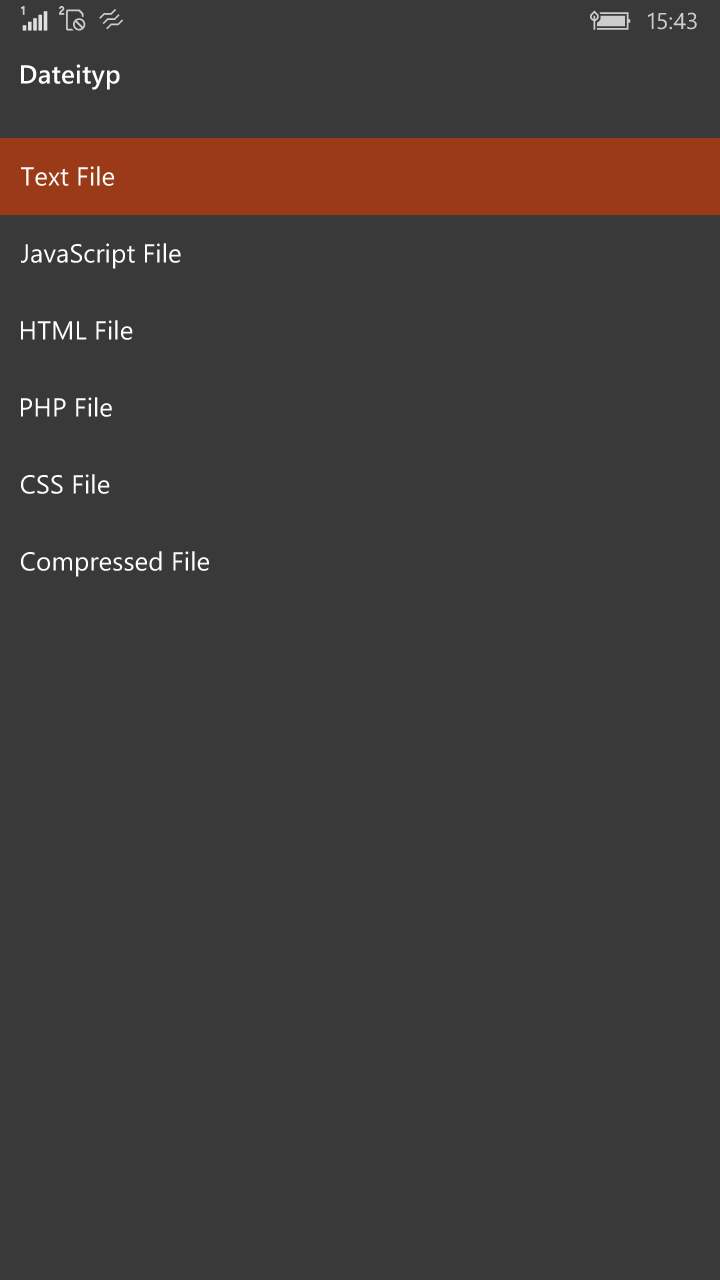
Screenshot 2 of Notepad Editor on WindowsScreenshot
appears after consent
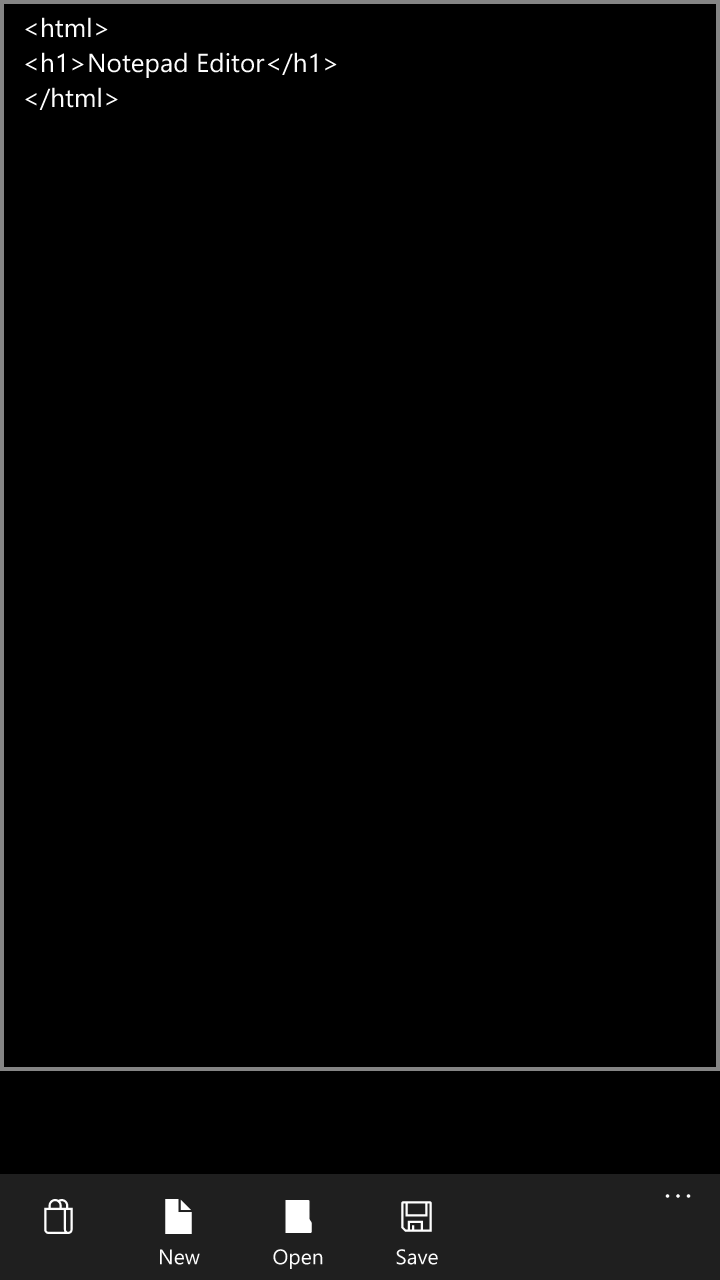
Screenshot 3 of Notepad Editor on WindowsScreenshot
appears after consent
Screenshot 4 of Notepad Editor on WindowsScreenshot
appears after consent
Screenshot 5 of Notepad Editor on WindowsScreenshot
appears after consent
Screenshot 6 of Notepad Editor on WindowsScreenshot
appears after consent
Screenshot 7 of Notepad Editor on WindowsScreenshot
appears after consent
Summary
Notepad Editor is a multifunctional text editor for editing several file types, including Batch, C-Sharp, Cascading Style Sheets, HTML, PHP, Python, plain text, XML and XAML files. Files can be saved directly on a Windows 10 or Windows 10 Mobile device and edited or used immediately within a project, such as a web page or a Python project.
Show the developer's original descriptionHide the original description
Notepad Editor is a multifunctional text editor with which you can easily edit Batch | .bat , C-Sharp | .cs , Cascading Style Sheets | .css , Hypertext Markup Language | .html , Hypertext Preprocessor | .php , Python | .py , Text | .txt , Extensible Markup Language | .xml & Extensible Application Markup Language | .xaml Your files on your Windows 10 or 10 Windows Mobile device save and edit or use them immediately in your project. Such as e.g. Web pages or Python projects.
Technical details about Notepad Editor
Category
Age Rating
Price
Size
7,6 MB
Last updated in Microsoft Store
2026-05-13
App Store Rating
3.9 ★
Devices
Notepad Editor in the rankings
Manage app

Are you on the developer team behind Notepad Editor?

Verify yourself and manage your listing on Most Voted Apps.
Verify Notepad Editor for free
Verification usually takes only a few minutes.
Similar apps to Notepad Editor