Screenshot appears after consentScreenshot appears after consentScreenshot appears after consentScreenshot appears after consentScreenshot appears after consent
Summary
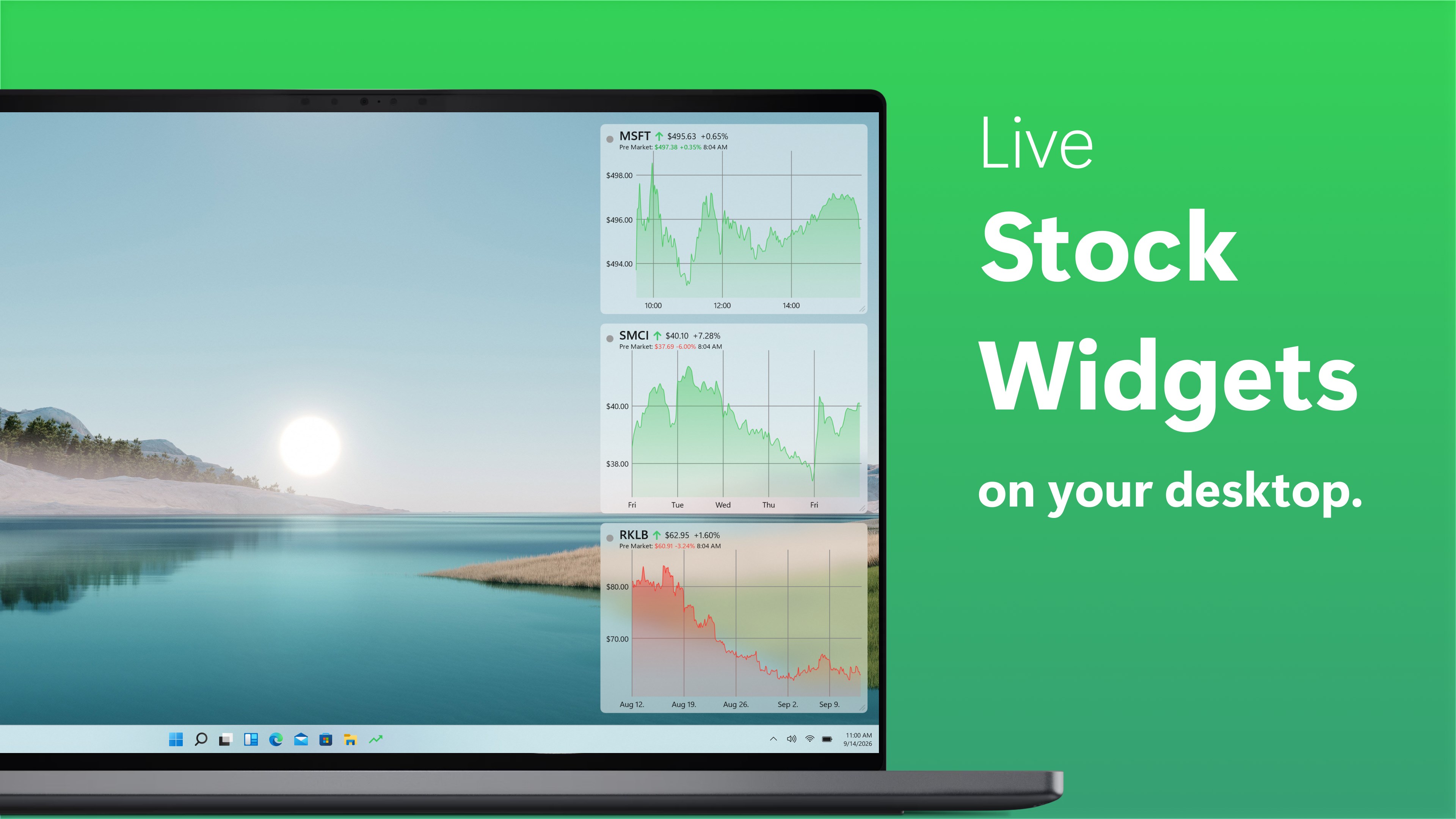
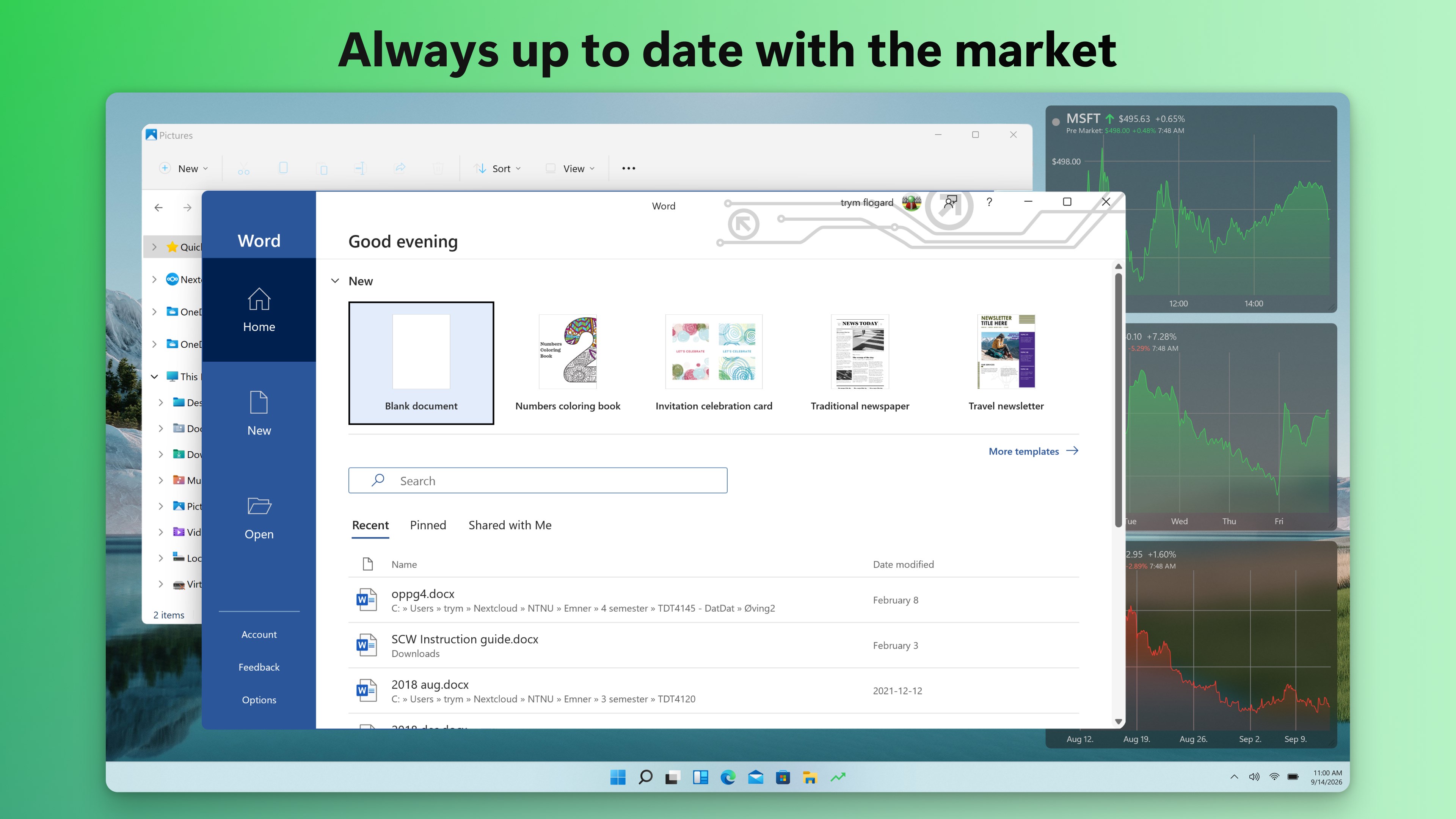
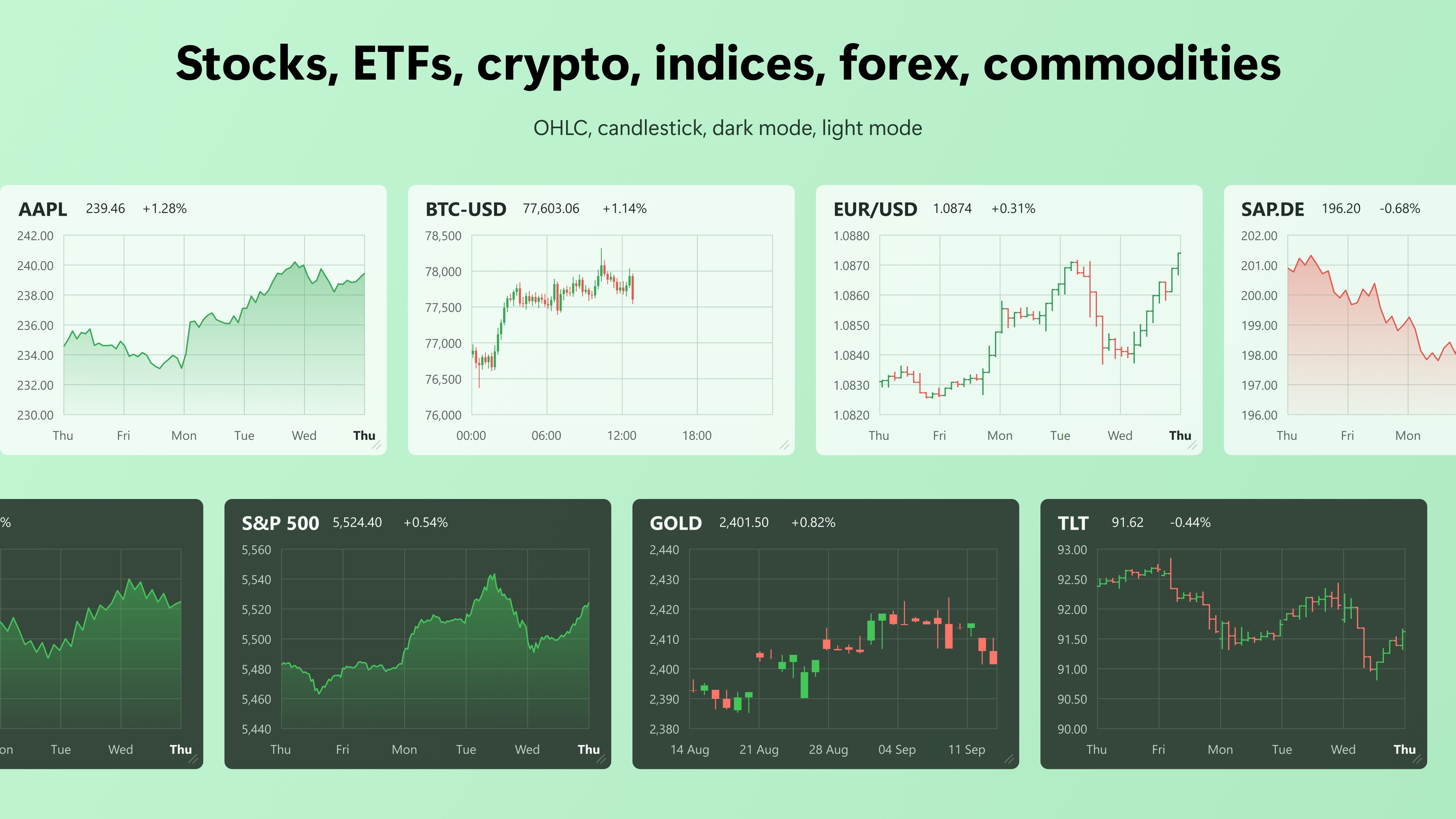
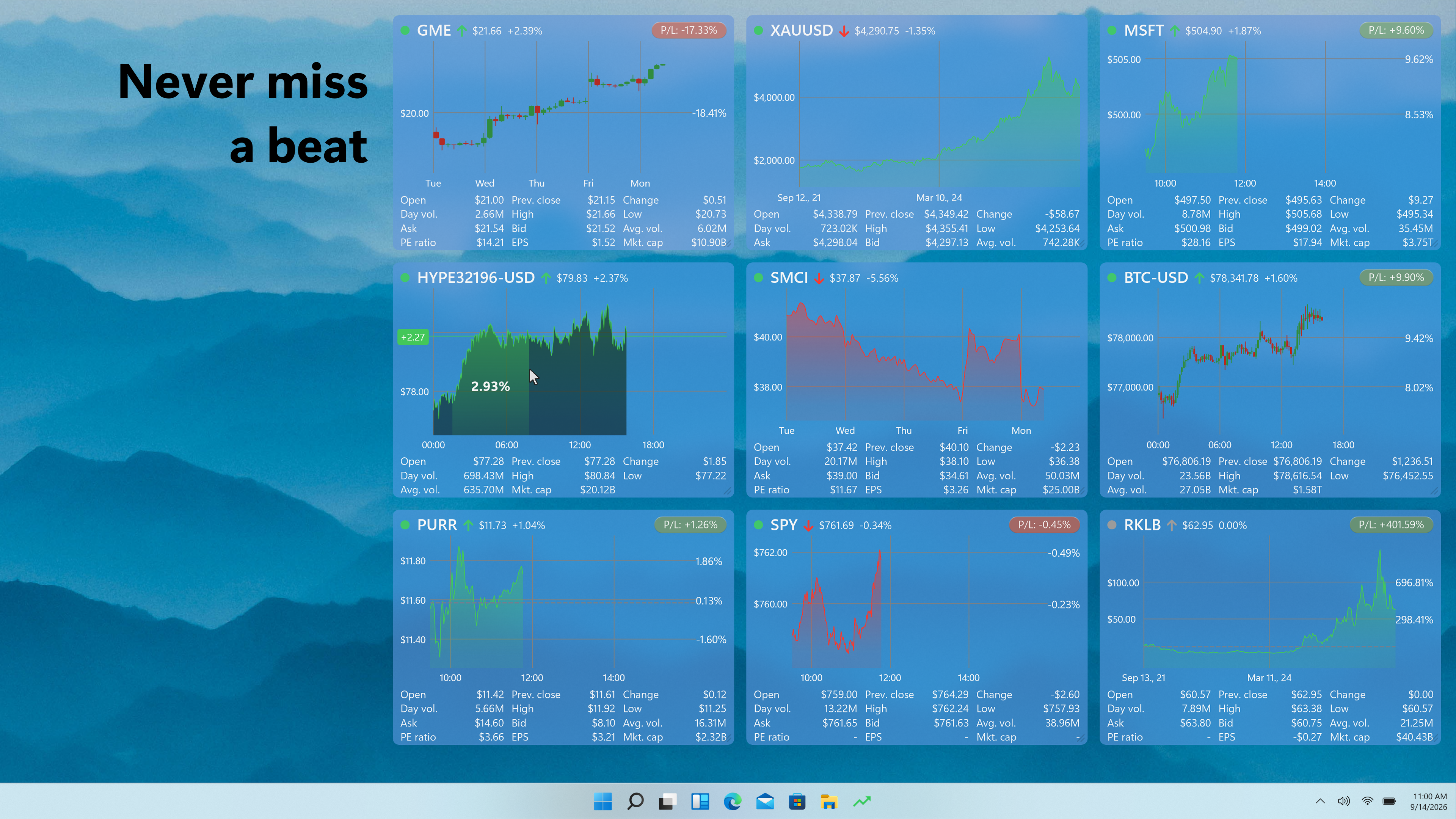
Swish Finance: Stock Widget is a desktop tool for monitoring stocks and other instruments in real time. It displays live charts for stocks, cryptocurrencies, ETFs, indices, currencies and more, drawing data from exchanges such as Nasdaq, NYSE and Euronext. Widgets can be resized, repositioned across monitors and customized in font size, color and transparency, with alignment tools for desktop arrangement. Users can choose custom time ranges and set alerts when an instrument crosses a defined price threshold. A free version offers limited widgets and instruments, while Swish Pro unlocks unlimited widgets, full asset coverage, extended time ranges and advanced chart types.
Show the developer's original descriptionHide the original description
Keep track of your stocks and financial instruments straight from your desktop — all in real time. Fully configurable, supports up to 3 stock widgets for free, plus 1 cryptocurrency, ETF, index, currency, future, benchmark, and more for free.
Simple, efficient, and functional — a better way to track your portfolio.
FREE features:
• 3 stock charts from Nasdaq, NYSE, Euronext, and many more for free.
• Resize and place your widgets where you want, on any monitor.
• Change the font size, text color and transparency. Legible anywhere.
• Set your desired time-range from your watchlist or by right clicking the widget. Up to 1 month free.
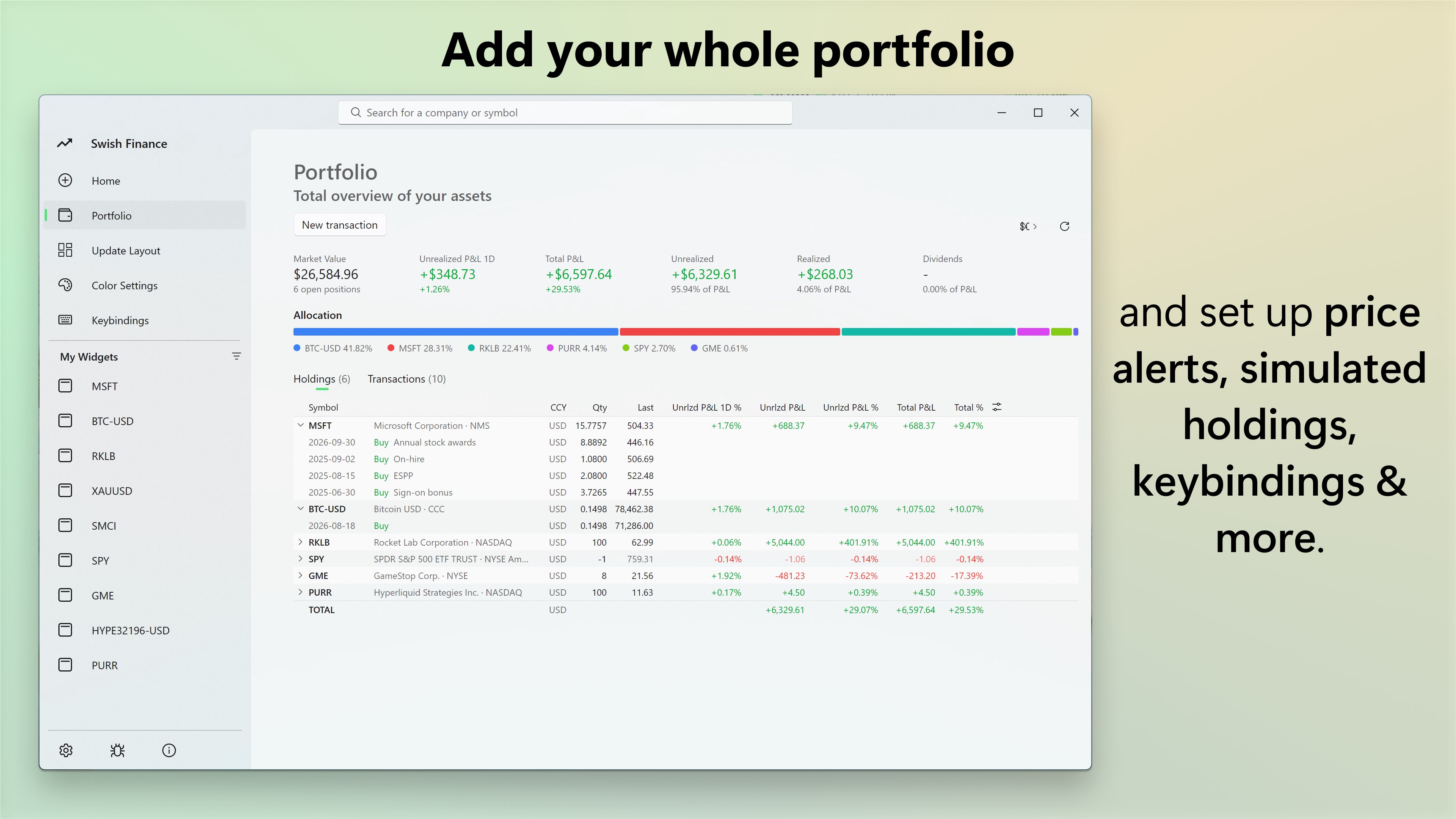
• Add simulated holdings. See your profits and losses in real-time.
• Use built-in alignment tools to arrange the widgets on your desktop.
• Get the info you need and nothing more. Hide the chart body for maximum productivity.
• Highly efficient. Low CPU and RAM usage. Designed to work on all Windows PCs.
• Frequent updates with added functionality.
• Supports Windows 11 Fluent UI aesthetic.
• Modern, feature rich, all-in-one for personal finance.
• Energy efficient for maximizing your battery when you’re on the go.
Swish PRO is an optional in-app purchase as Premium, which provides the following features:
• Unlimited number of widgets / quotes / tickers / instruments.
• Full access to cryptocurrencies, ETFs, futures, commodities, indices & more, in addition to equities.
• Extended time ranges: YTD, 6 months, 1 year, 5 years, all time.
• Mix and match line charts, candlestick, OHLC, and volume bars.
• Advanced market data and pre-/post-market data.
• Price alert for when an instrument goes over or under a defined threshold.
• Lifetime license on an unlimited number of devices.
• Additional personalization features and cosmetic enhancements.
If there is a version of this app for iOS/Mac or Windows we don't know about, paste the store link here — we'll auto-detect the store.
How to find the URL:1. Open the app in its store. 2.In the App Store app: tap the Share icon → “Copy Link”. In the browser: copy the URL from the address bar — it contains apps.apple.com/…/id… or apps.microsoft.com/detail/…. 3. Paste it here.
Paste the original link from the Apple App Store or Microsoft Store. We fetch all details automatically.
How to find the URL:
1. Open the app in its store. 2.In the App Store app: tap the Share icon → “Copy Link”. In the browser: copy the URL from the address bar — it contains apps.apple.com/…/id… or apps.microsoft.com/detail/…. 3. Paste it here.
Android apps can only be listed by their developer.



 MSN Money
Financial news, market data and calculators for investing
 BeWidgets
Customize your desktop with personalized widgets
 Widget Launcher
Desktop widgets with clock, weather, calendar and more
 Desktop Widgets Tool - Custom Widget Icons & Calendar
Customize desktop with widgets for calendar, notes
 Desktop digital clock
Digital desktop clock with customizable themes and alarms
 Bitcoin Prices and Widget
Shows current Bitcoin price in your chosen currency