
Screenshot appears after consentScreenshot appears after consent
Summary
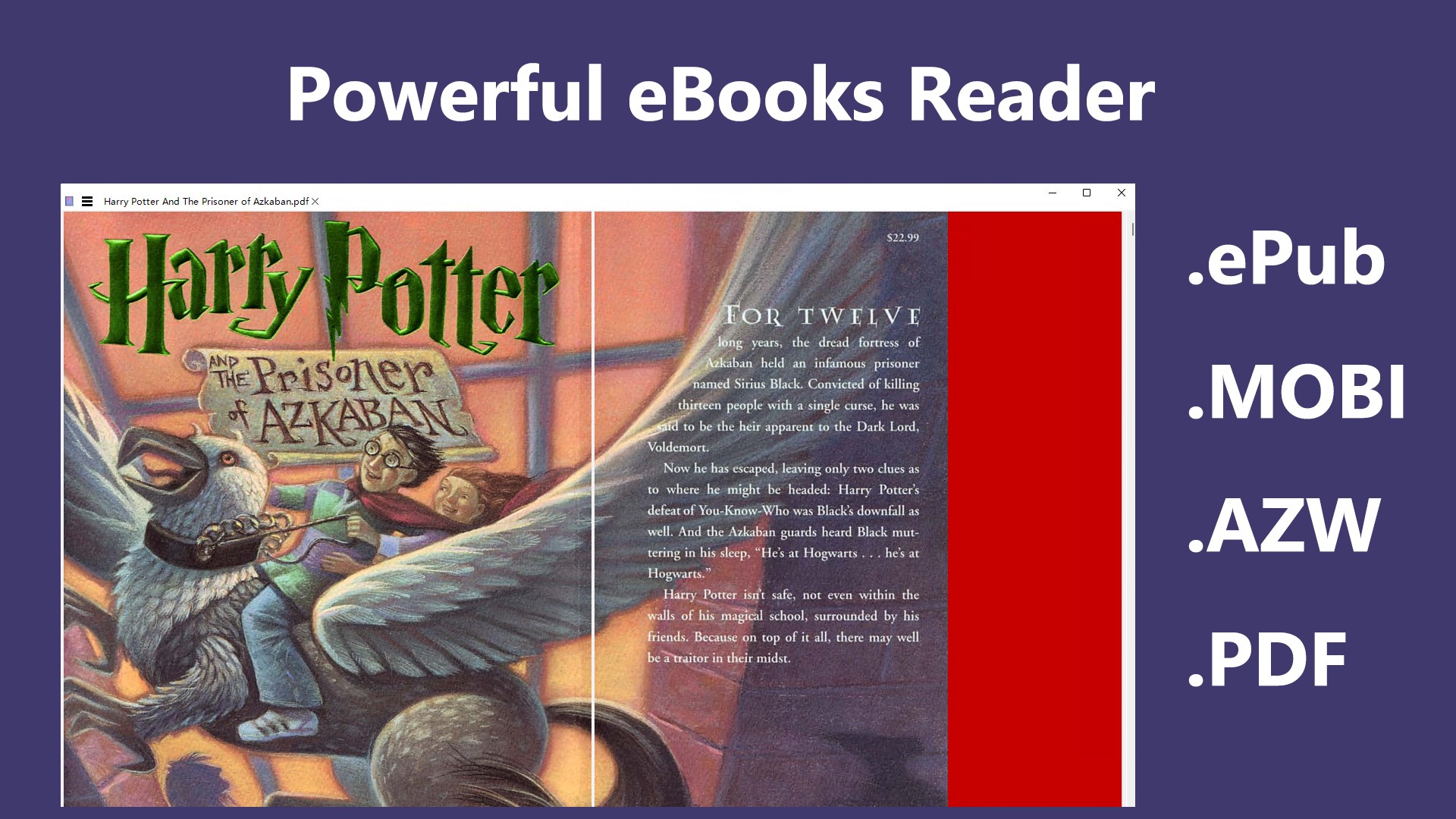
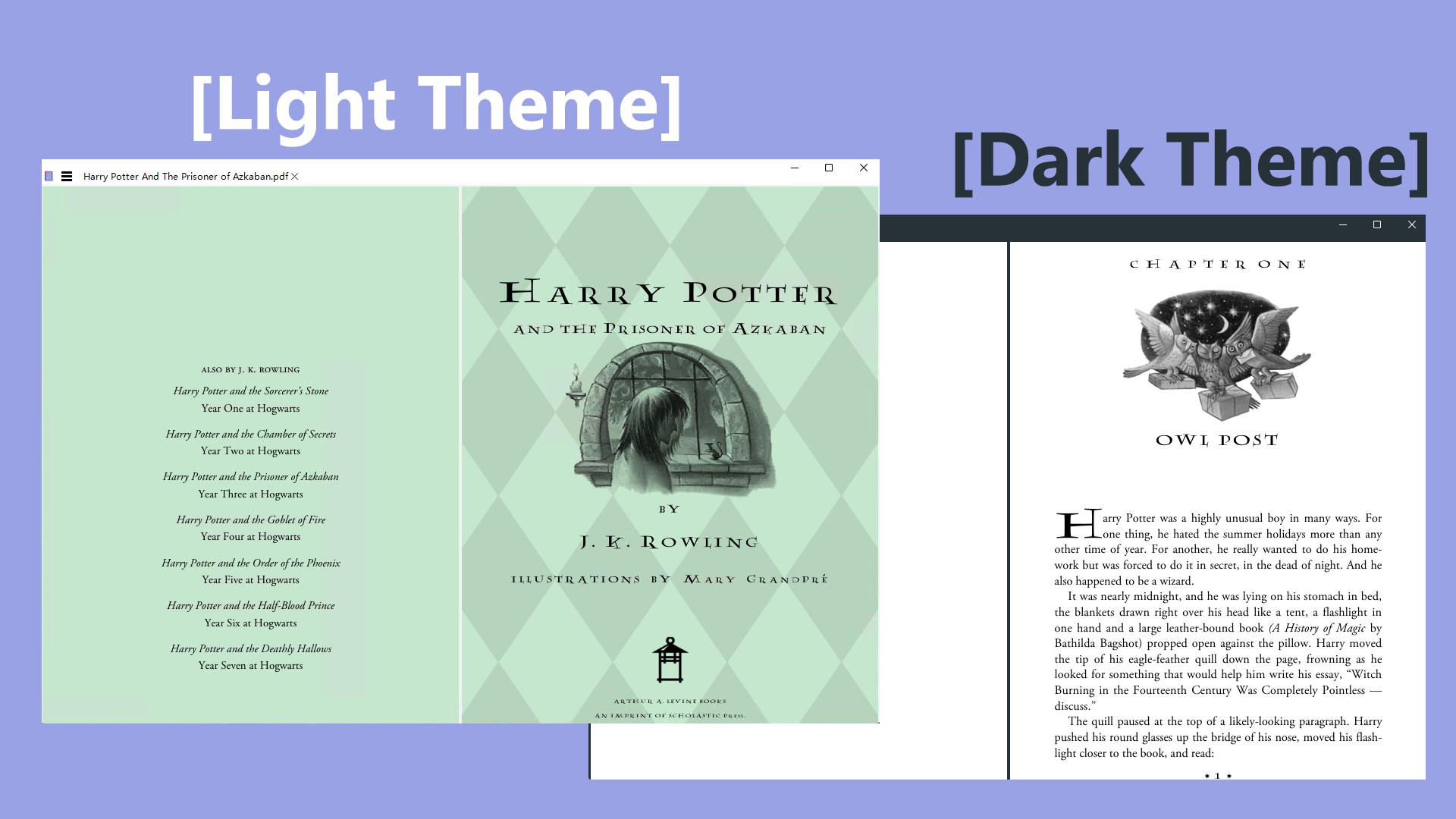
ePub Reader + is an e-book reader and Office document editor for Windows. It opens ePub files along with other common e-book formats such as MOBI, AZW, AZW3, CBZ, FB2 and PDF, offering single and multi-page display, smooth page turning, bookmarks, text search, rotation and zoom. It also opens and edits Word, Excel and PowerPoint files. E-book files can be converted to PDF, and Office files can be exported to ePub and PDF. The free version supports opening all e-book, PDF and Office files, while printing, converting files, setting background and font color for reading, and inserting pictures and tables into Office files require the premium version.
Show the developer's original descriptionHide the original description
ePub Reader + is a powerful document reader App (ePub Reader + Office Editor). It is not only an e-book reader for Windows, but also an Office document editor.
License: The free version supports opening all e-book files, PDF files and Office files. However, you need to upgrade to the premium version to print files, convert files, set the background color and font color of e-book reading, and insert pictures and tables in Office files. Thank you for your support.
As an e-book reader, it not only supports ePub format files, but also supports all other popular e-book format files, including Kindle files such as MOBI, AZW, AZW3, CBZ, FB2, and PDF files.
As an Office document editor, it can open and edit Office files such as Word (.docx, .doc, .rtf) files, Excel (.xlsx, .xls, .csv) files, and PowerPoint (.pptx, .ppt) files.
E-book reading function:
- Support single page and multiple page display, smooth page turning and sliding viewing.
- Support Bookmarks, Text Search, rotation, zoom in and out reading experience.
Conversion function:
- Quickly convert e-book format files to PDF files by saving as files.
- Convert Office files to ePub and PDF files by exporting them.
If there is a version of this app for iOS/Mac or Windows we don't know about, paste the store link here — we'll auto-detect the store.
How to find the URL:1. Open the app in its store. 2.In the App Store app: tap the Share icon → “Copy Link”. In the browser: copy the URL from the address bar — it contains apps.apple.com/…/id… or apps.microsoft.com/detail/…. 3. Paste it here.
Paste the original link from the Apple App Store or Microsoft Store. We fetch all details automatically.
How to find the URL:
1. Open the app in its store. 2.In the App Store app: tap the Share icon → “Copy Link”. In the browser: copy the URL from the address bar — it contains apps.apple.com/…/id… or apps.microsoft.com/detail/…. 3. Paste it here.
Android apps can only be listed by their developer.