
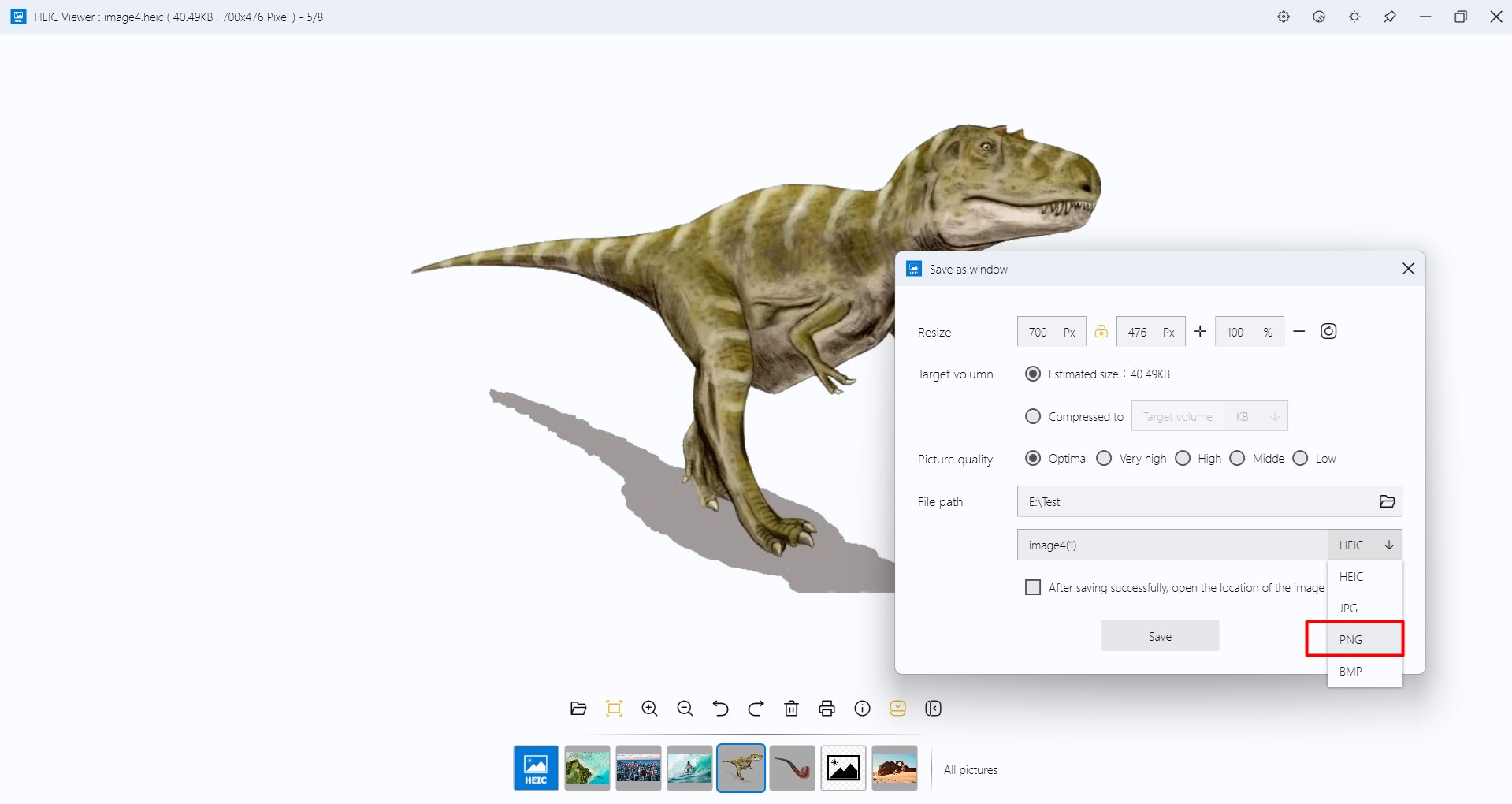



Screenshot appears after consentScreenshot appears after consentScreenshot appears after consent
Summary
HEIC Viewer for Windows is an image viewer for opening HEIC and HEIF photos, such as those taken with an iPhone, iPad, or modern cameras, without needing to convert them first. Images can be zoomed, rotated, and panned, and multiple images can be opened at once. The app is lightweight and optimized for performance on Windows devices, with a simple interface free of ads. A premium add-on, available as a paid purchase, adds the ability to convert HEIC images to other formats.
Show the developer's original descriptionHide the original description
HEIC Viewer for Windows – Effortlessly Open and View HEIC/HEIF Images!
Tired of struggling to open HEIC or HEIF photos on your Windows device? HEIC Viewer for Windows is here to help! Our lightweight, fast, and user-friendly app lets you instantly view HEIC/HEIF images without any complicated conversions. Whether you're working with photos from your iPhone, iPad, or modern cameras, this app provides smooth, high-quality viewing — just like it should be.
✅ Key features:
Open HEIC and HEIF images in one click — no conversion needed
Zoom, rotate, and pan images with ease
Support for opening multiple images
Lightweight and optimized for performance on all Windows devices
Simple, clean interface — no ads, no clutter
Premium Features:
You can also convert HEIC to other formats
Notes: the premium features require purchase add-on
If there is a version of this app for iOS/Mac or Windows we don't know about, paste the store link here — we'll auto-detect the store.
How to find the URL:1. Open the app in its store. 2.In the App Store app: tap the Share icon → “Copy Link”. In the browser: copy the URL from the address bar — it contains apps.apple.com/…/id… or apps.microsoft.com/detail/…. 3. Paste it here.
Paste the original link from the Apple App Store or Microsoft Store. We fetch all details automatically.
How to find the URL:
1. Open the app in its store. 2.In the App Store app: tap the Share icon → “Copy Link”. In the browser: copy the URL from the address bar — it contains apps.apple.com/…/id… or apps.microsoft.com/detail/…. 3. Paste it here.
Android apps can only be listed by their developer.