Screenshot appears after consentScreenshot appears after consentScreenshot appears after consentScreenshot appears after consentScreenshot appears after consentScreenshot appears after consent
Summary
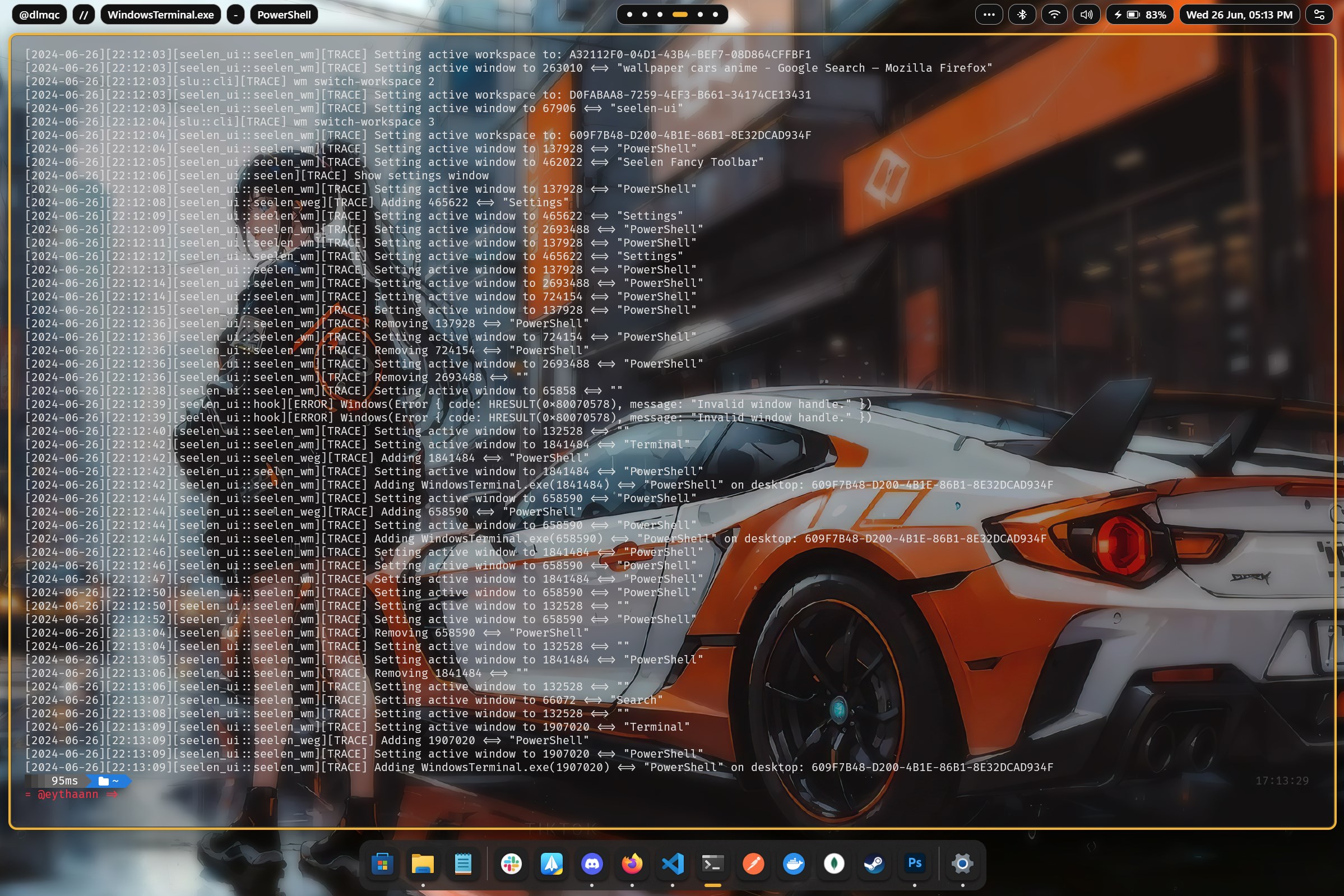
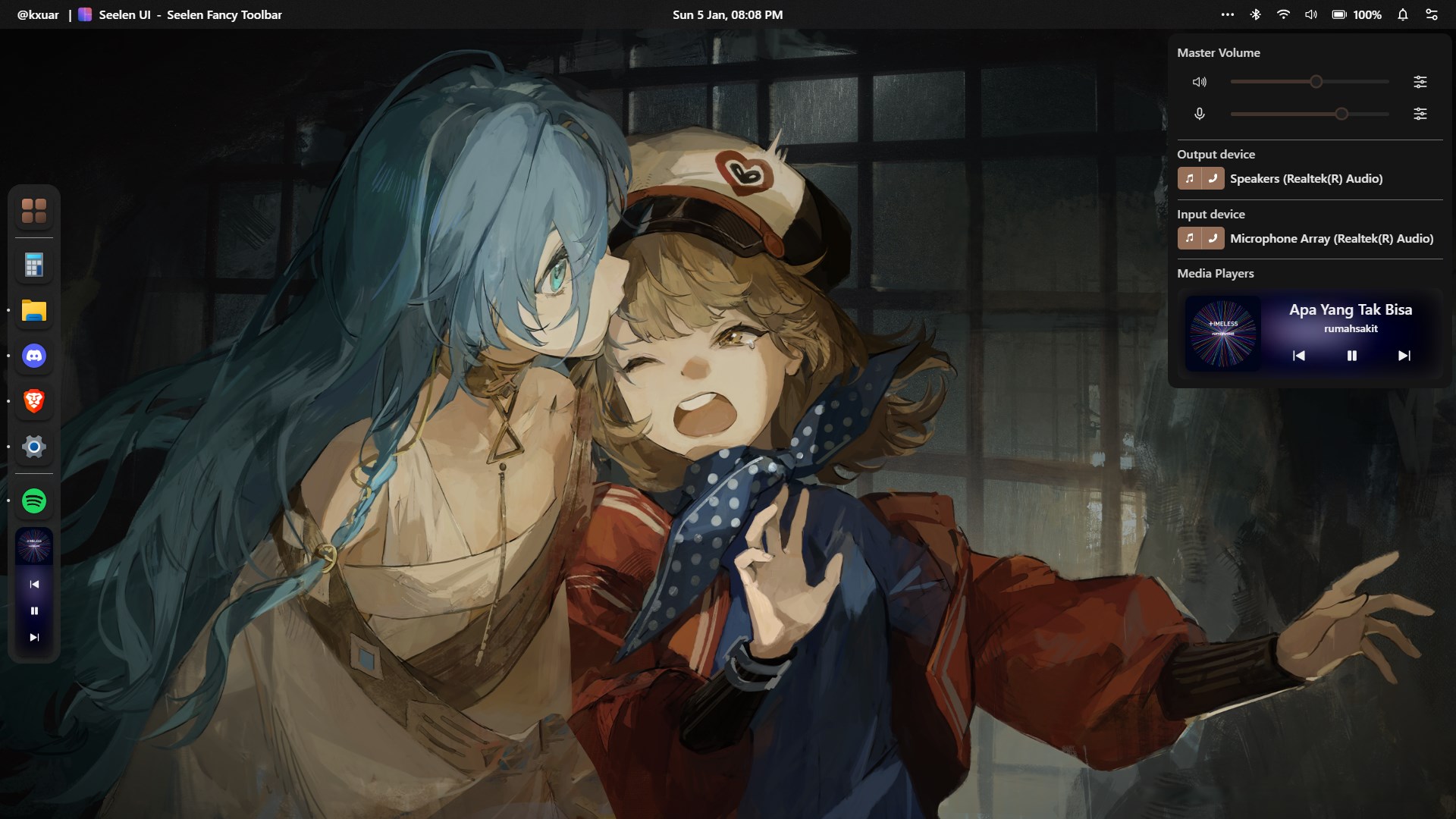
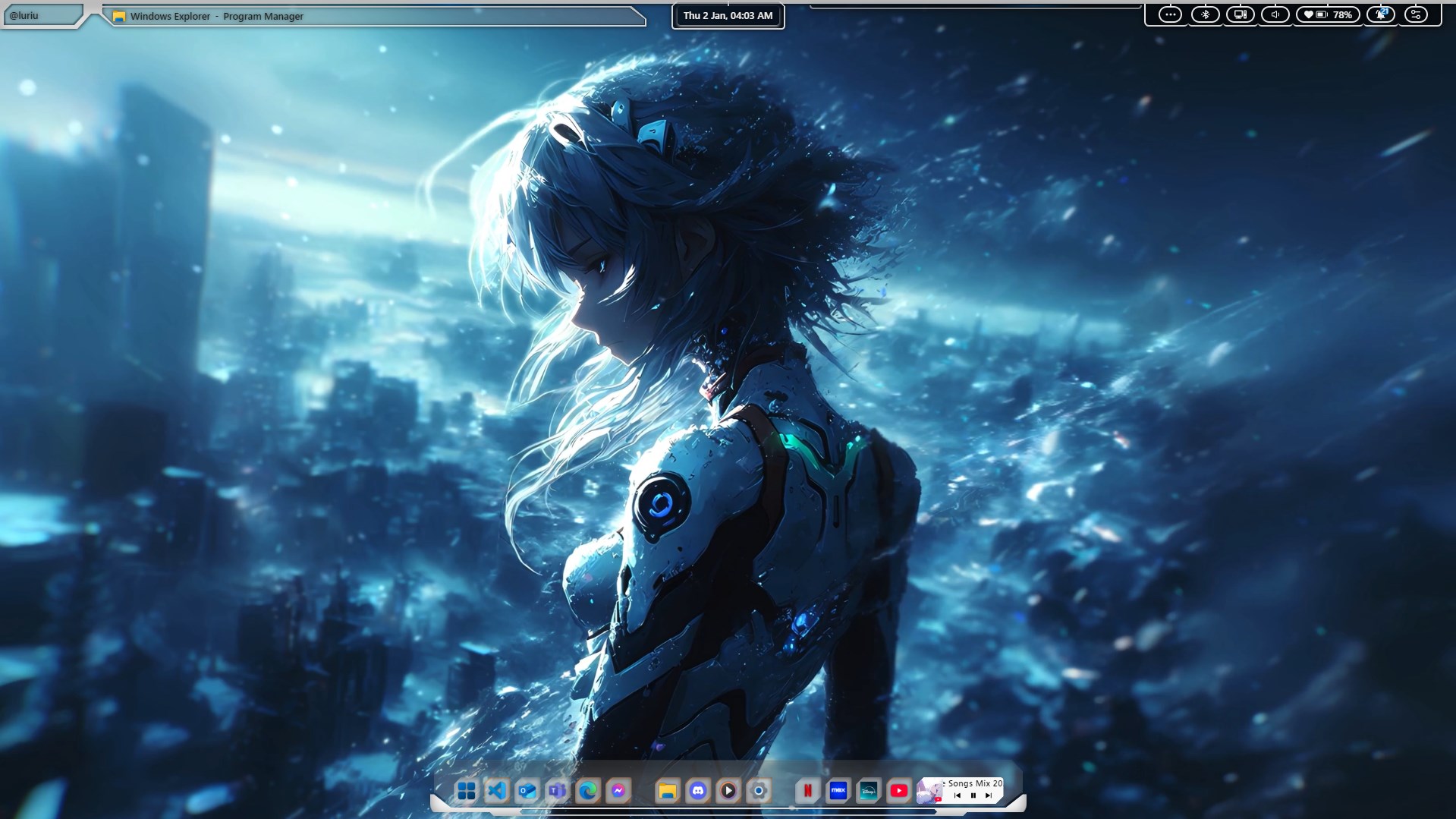
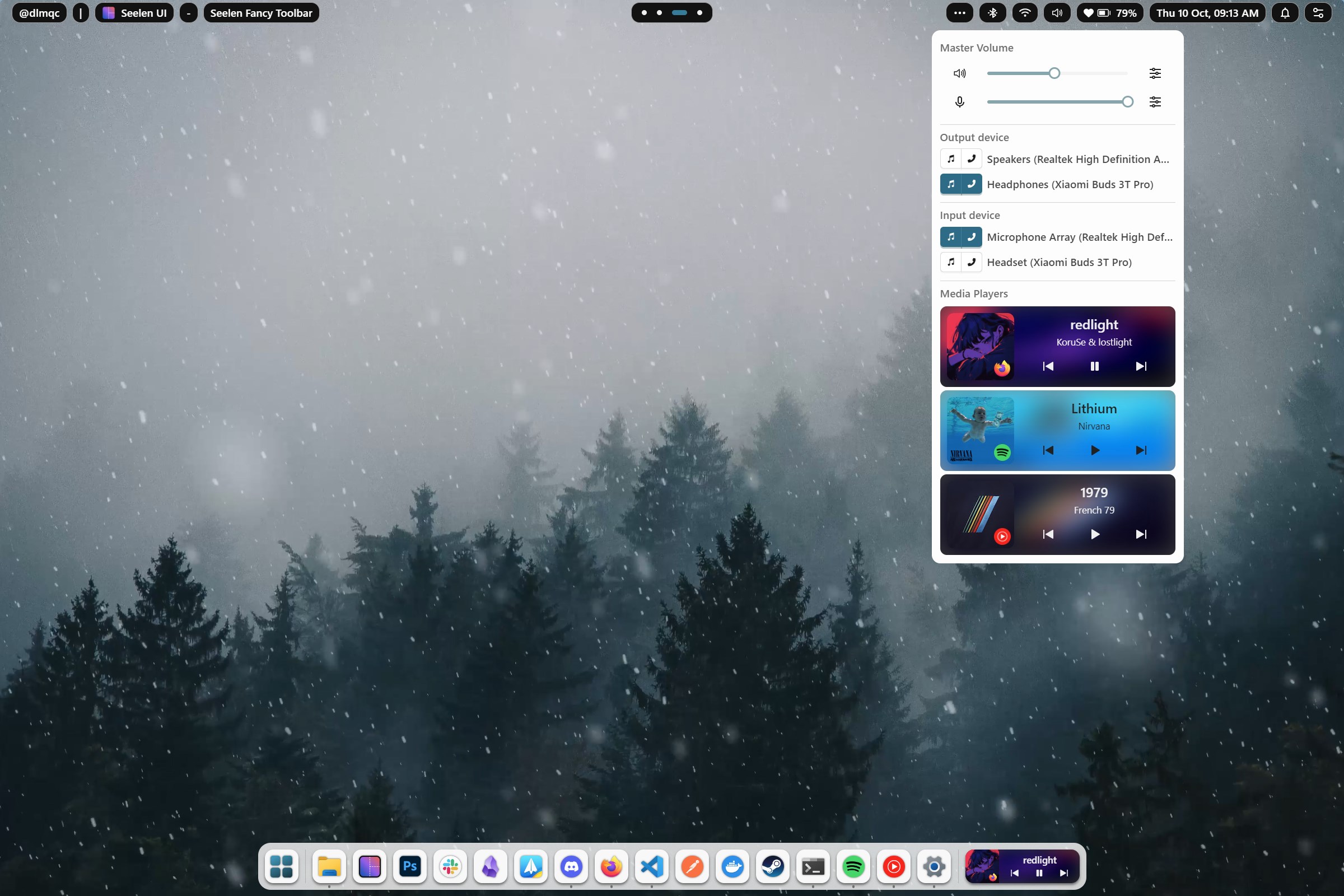
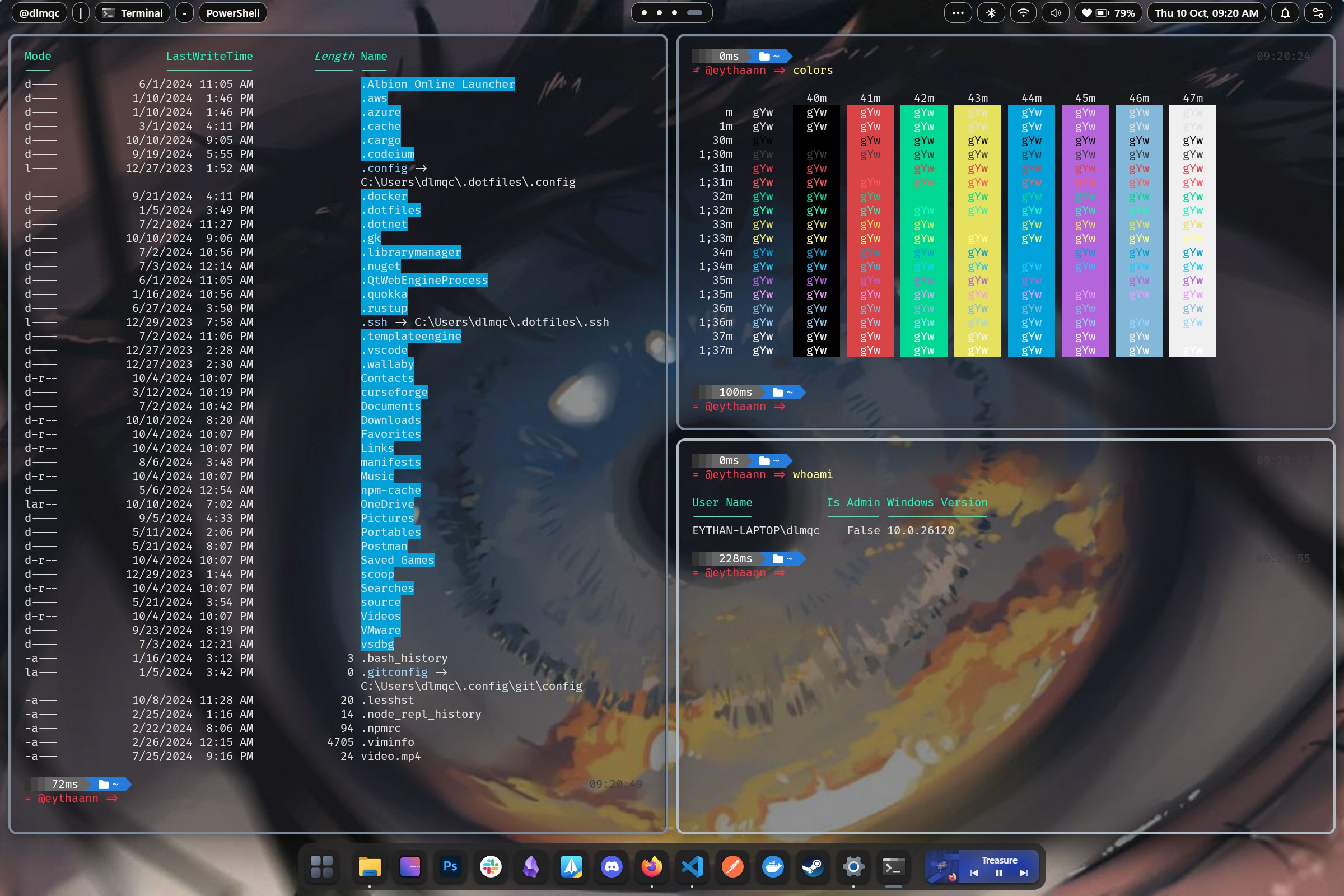
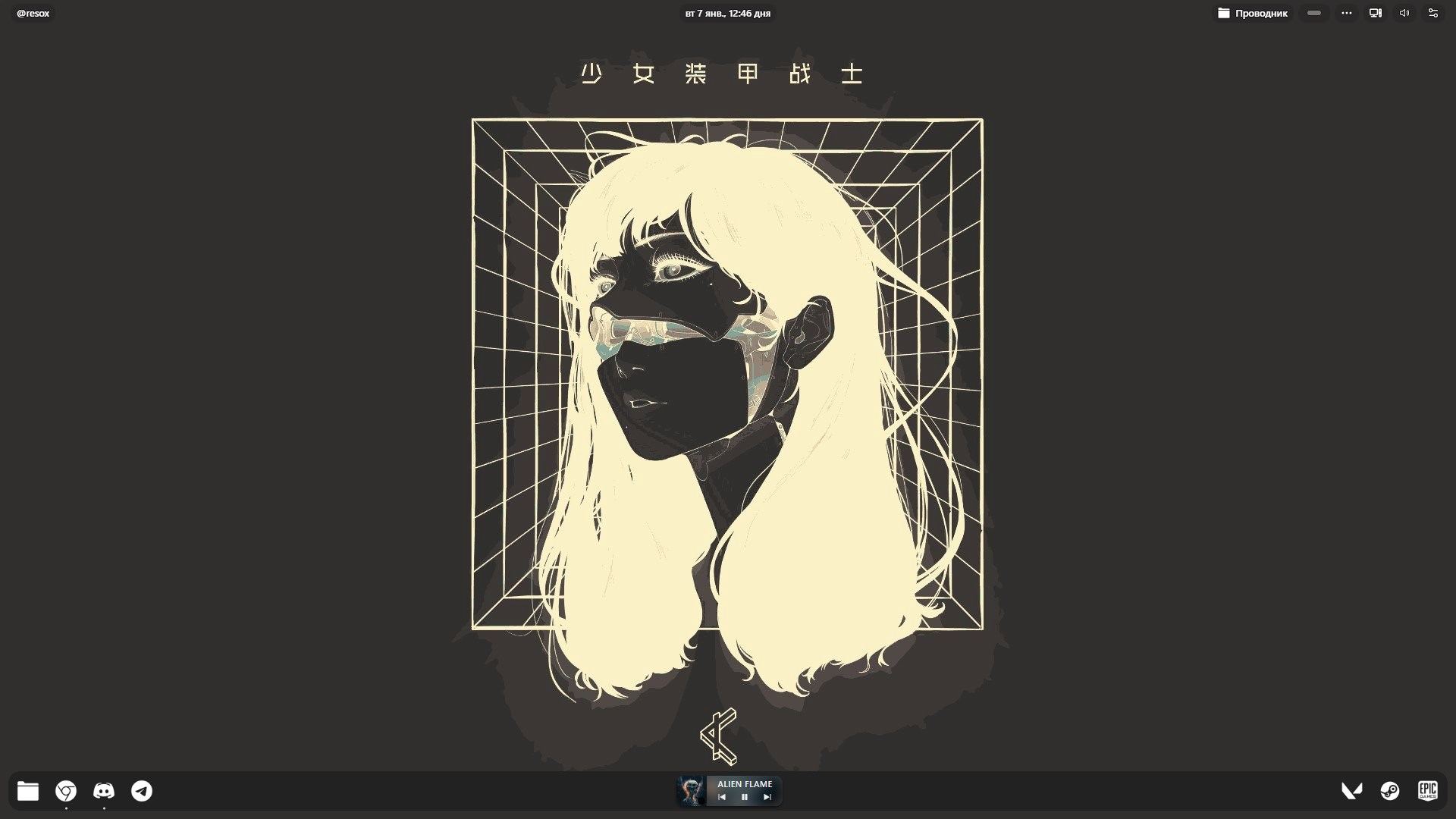
Seelen UI is a desktop customization tool for Windows 10 and 11, built on a webview rather than modifications to system files. It replaces standard interface elements such as menus, taskbars, and widgets with a modular, minimalist design that can be reshaped to fit different workflows. The app includes a theme and plugin ecosystem that allows functionality to be extended with community or third-party add-ons. It offers customizable gestures, shortcuts, and window management aimed at streamlining productivity. Because it works as an overlay rather than altering core Windows components, it keeps the system stable and secure. Seelen UI is free to try.
Show the developer's original descriptionHide the original description
Seelen UI – The First WebView-Based, Fully Customizable Desktop Environment for Windows 10/11
Tired of the same old Windows desktop? Seelen UI reimagines your workspace with a webview-powered, fully customizable overlay that blends fluidity, aesthetics, and unmatched personalization—without modifying your system files or risking instability. Unlike traditional customization tools that alter core Windows components, Seelen UI operates as a safe, non-invasive overlay, giving you complete control without compromising security or stability.
Why Choose Seelen UI?
- Zero system modifications: Works as an overlay, so your Windows stays intact and secure.
- First of its kind: The only webview-based desktop environment for Windows, offering limitless customization.
- Sleek & clutter-free: Replace outdated UI elements with a modern, minimalist design.
- Built for productivity: Streamline workflows with customizable gestures, shortcuts, and window management.
- Lightweight and safe: No risky system tweaks—just a smooth, stable experience.
Key Features:
✔ Non-destructive customization – Personalize everything without touching system files.
✔ Fully modular interface – Reshape menus, taskbars, and widgets to fit your workflow.
✔ Theme and plugin ecosystem – Extend functionality with community or third-party add-ons.
✔ Pixel-perfect aesthetics – Every element is tweakable for a cohesive look.
✔ Optimized for creators – Ideal for designers, developers, and multitaskers.
Free to try, easy to love. Download now and rediscover what your Windows desktop should feel like—safely and effortlessly!
If there is a version of this app for iOS/Mac or Windows we don't know about, paste the store link here — we'll auto-detect the store.
How to find the URL:1. Open the app in its store. 2.In the App Store app: tap the Share icon → “Copy Link”. In the browser: copy the URL from the address bar — it contains apps.apple.com/…/id… or apps.microsoft.com/detail/…. 3. Paste it here.
Paste the original link from the Apple App Store or Microsoft Store. We fetch all details automatically.
How to find the URL:
1. Open the app in its store. 2.In the App Store app: tap the Share icon → “Copy Link”. In the browser: copy the URL from the address bar — it contains apps.apple.com/…/id… or apps.microsoft.com/detail/…. 3. Paste it here.
Android apps can only be listed by their developer.


 X Browser
Fast browser with tab management and split view
 Desktop digital clock
Digital desktop clock with customizable themes and alarms
 Transparent Taskbar+
Make Windows taskbar transparent and customizable
 BeWidgets
Customize your desktop with personalized widgets
 Juicy Taskdock
Adds glass-card hover glow effects to the Windows taskbar
 Windows Community Toolkit Gallery
Collection of UI controls for Windows developers using .NET