

Screenshot appears after consentScreenshot appears after consentScreenshot appears after consentScreenshot appears after consentScreenshot appears after consentScreenshot appears after consentScreenshot appears after consentScreenshot appears after consentScreenshot appears after consentScreenshot appears after consentScreenshot appears after consentScreenshot appears after consentScreenshot appears after consentScreenshot appears after consentScreenshot appears after consentScreenshot appears after consent
Summary
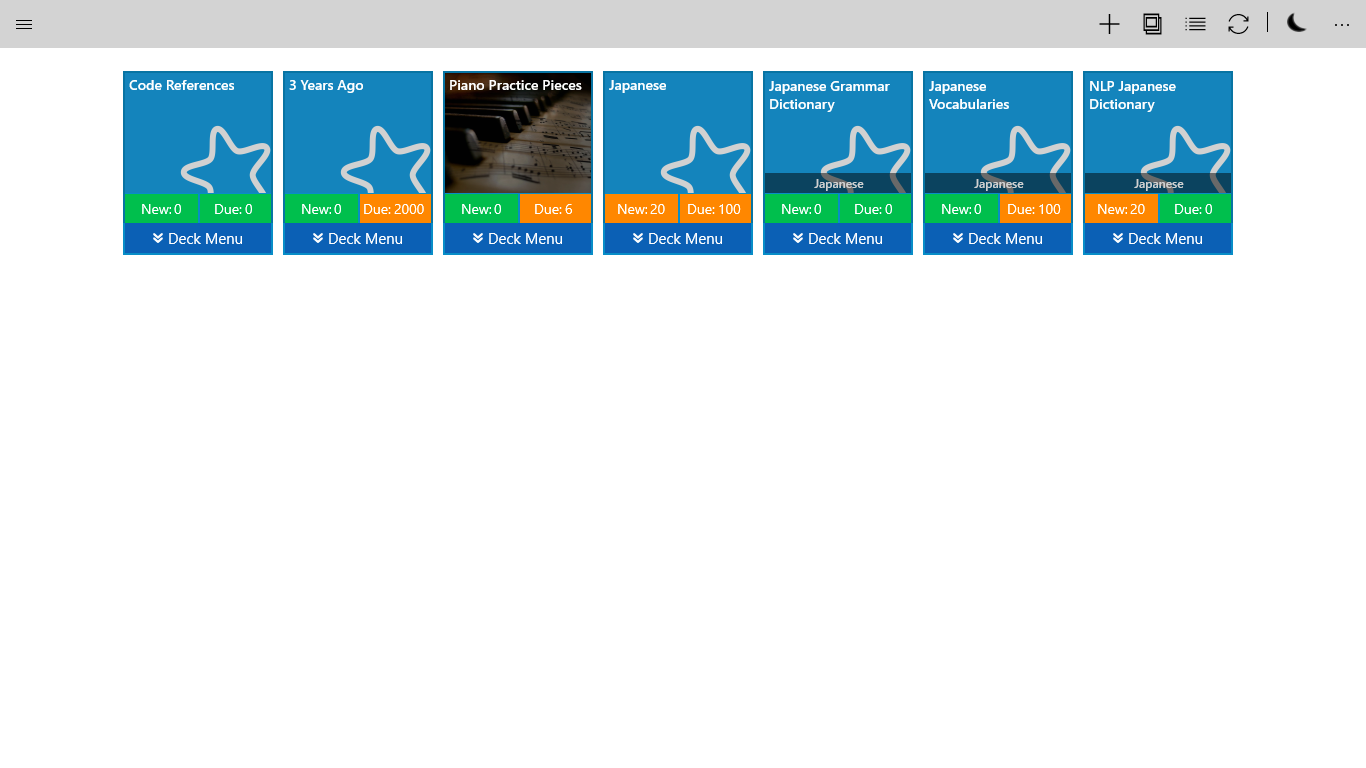
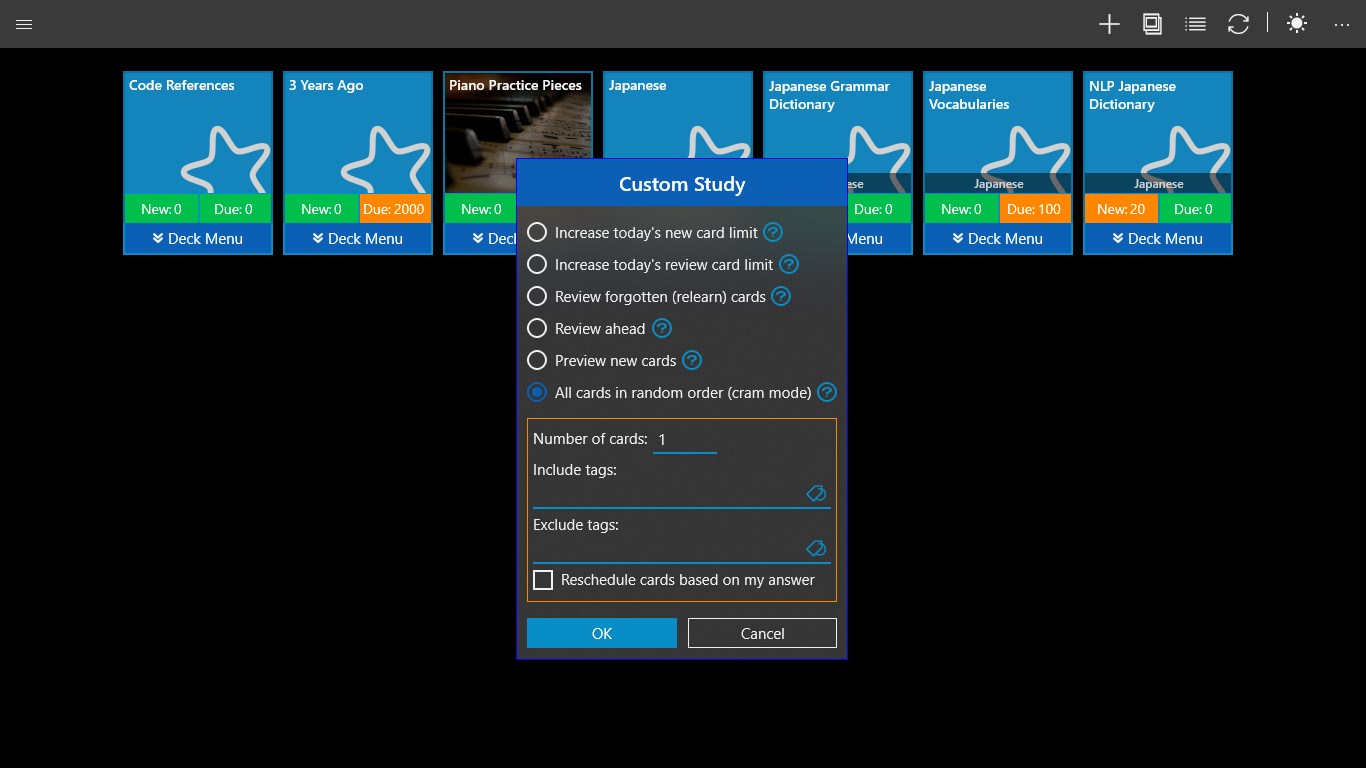
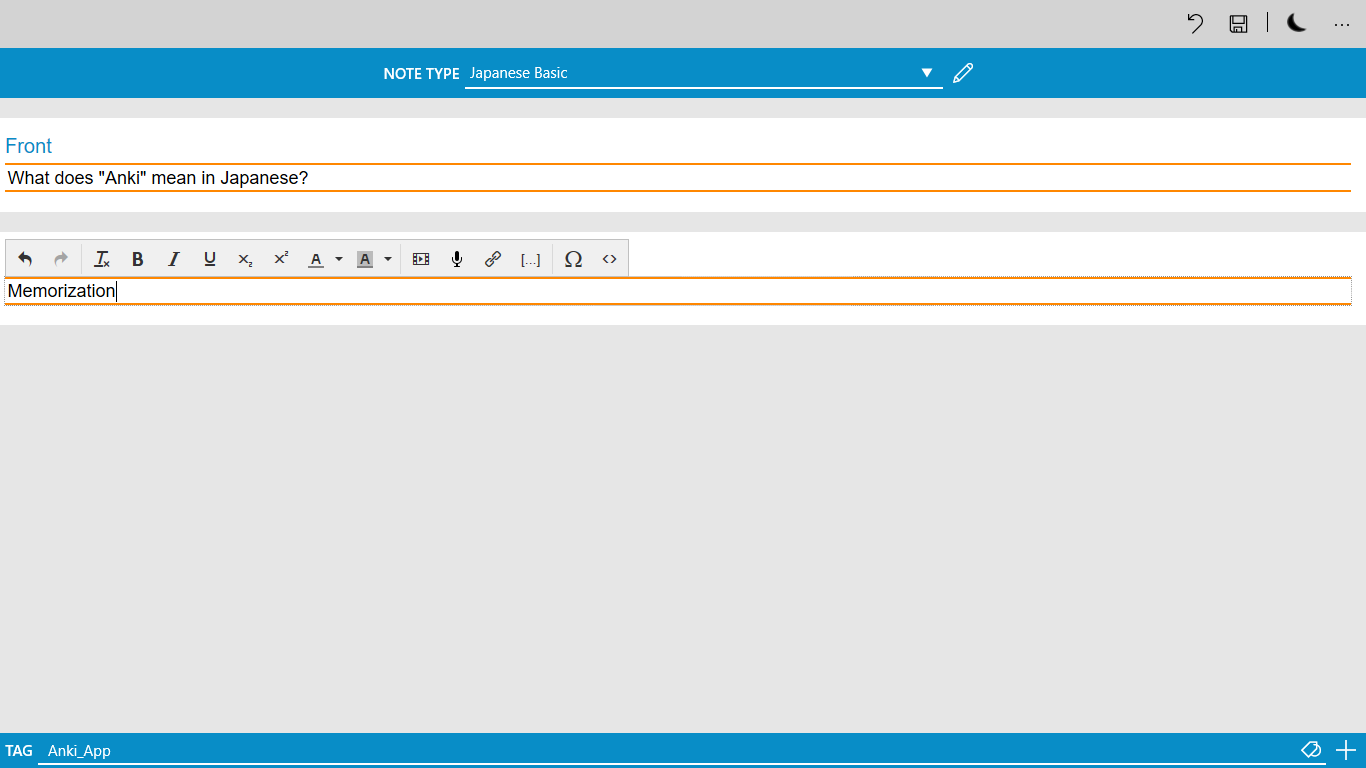
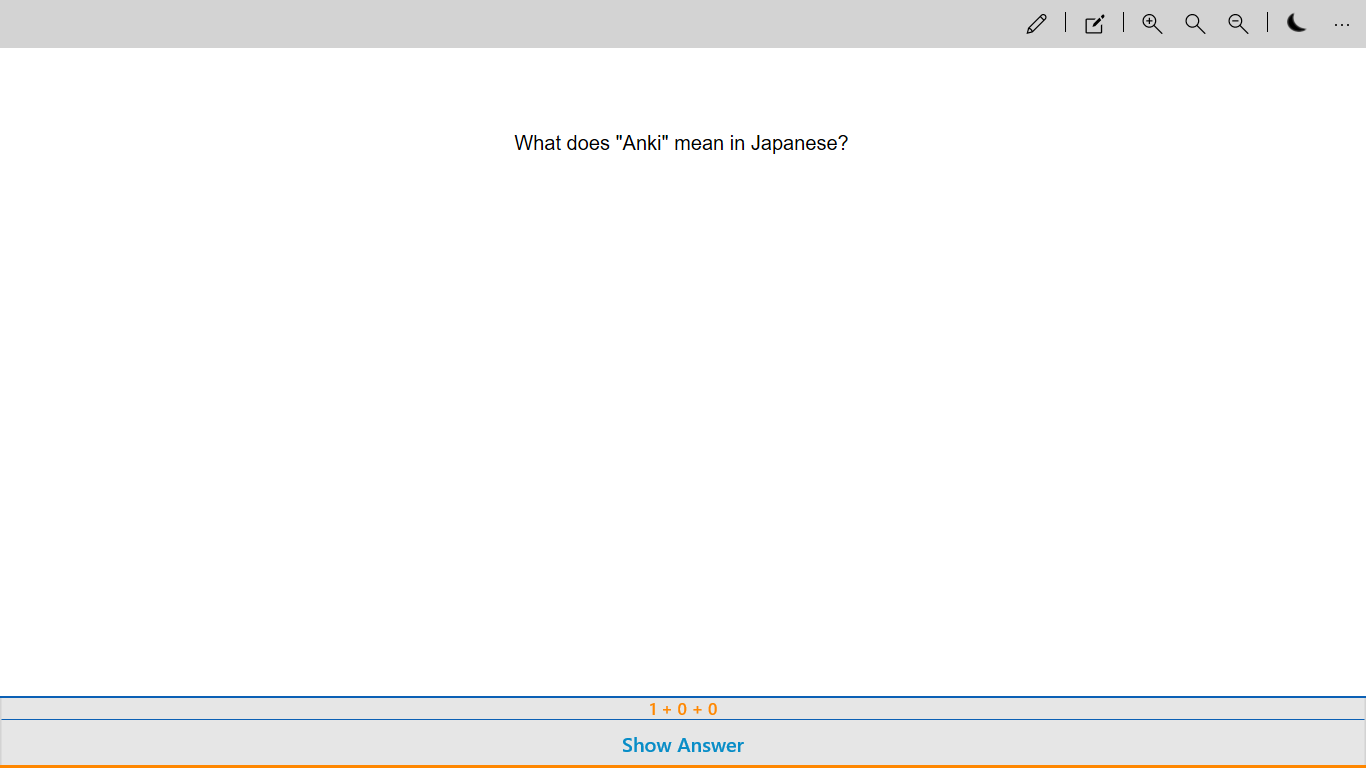
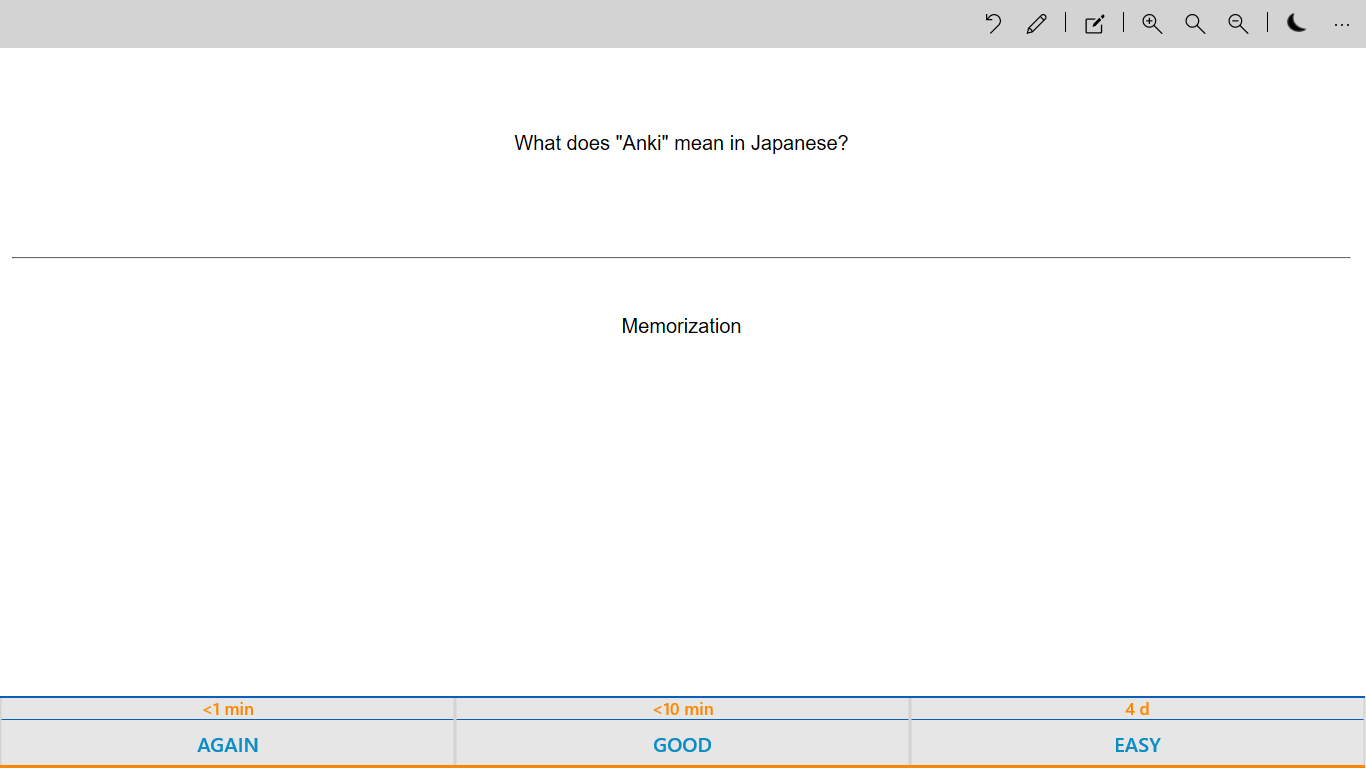
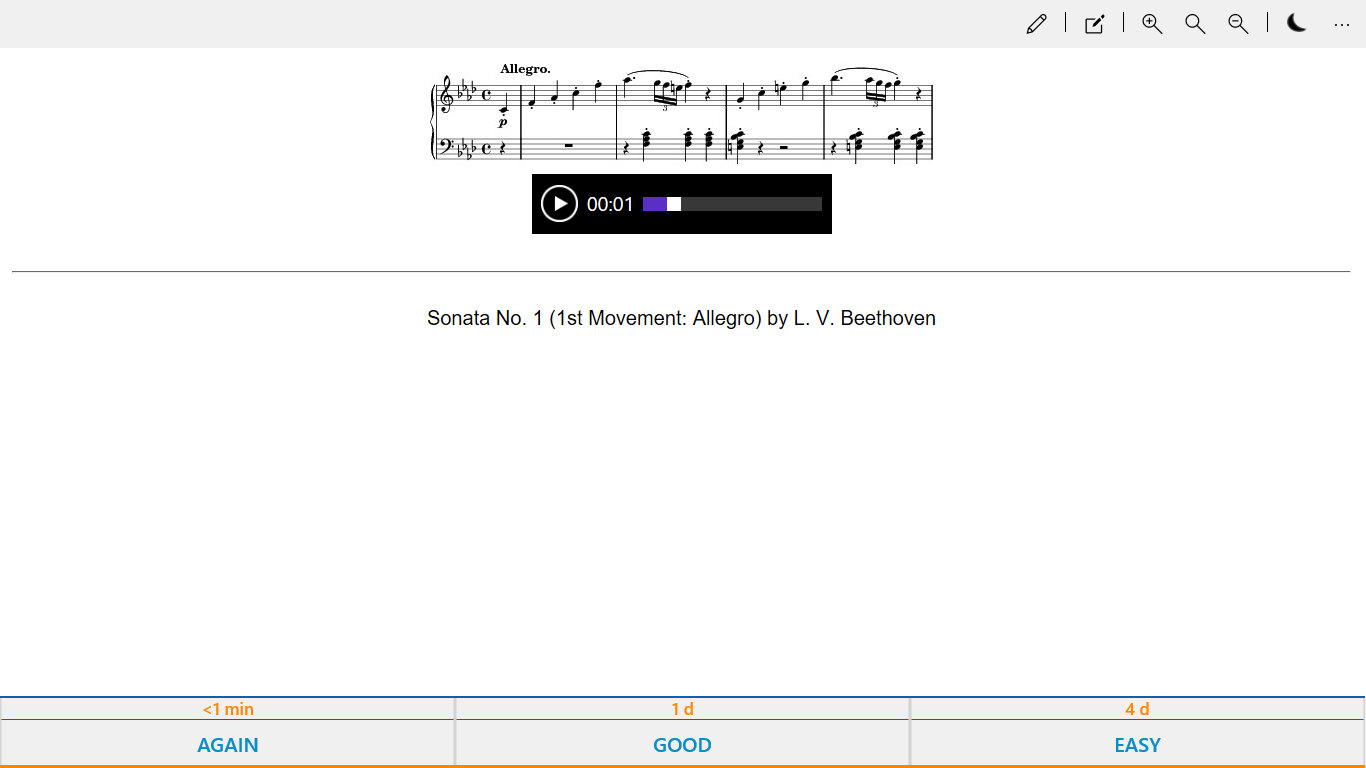
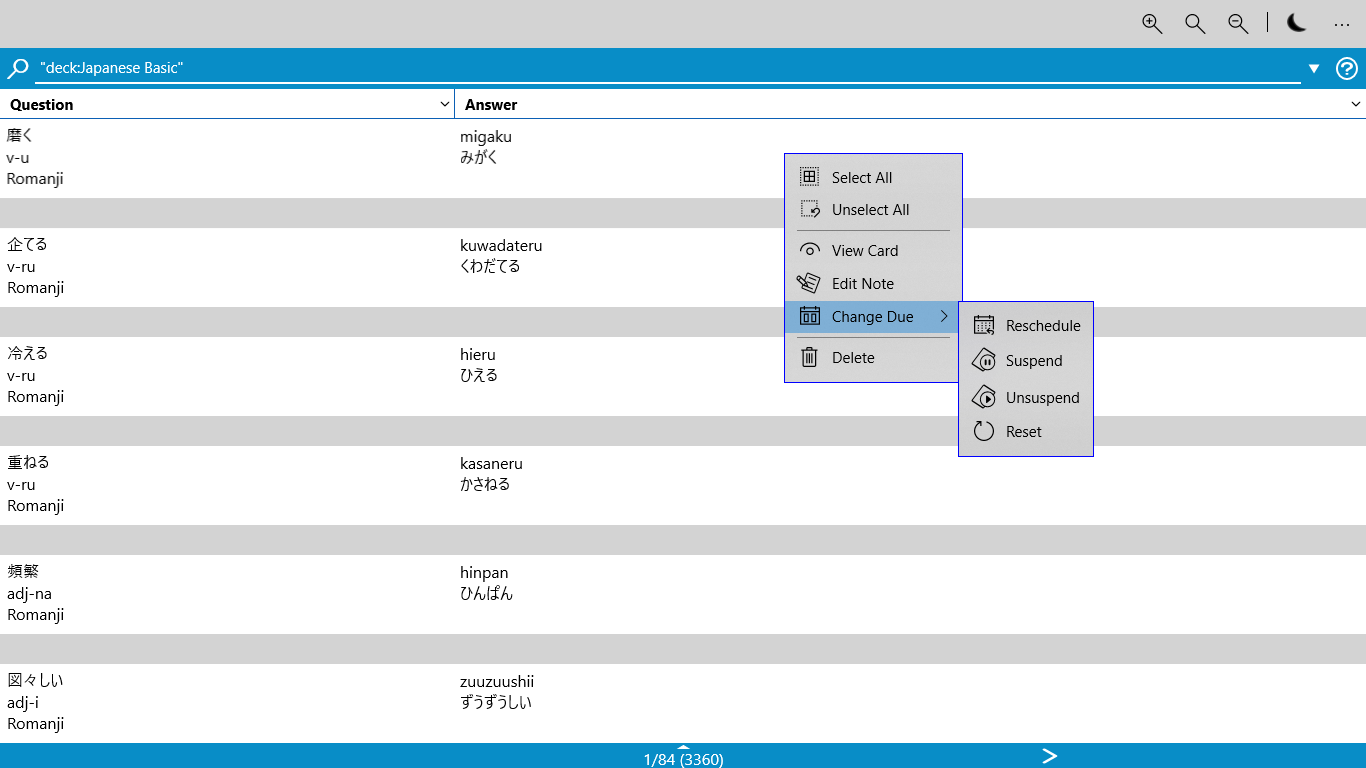
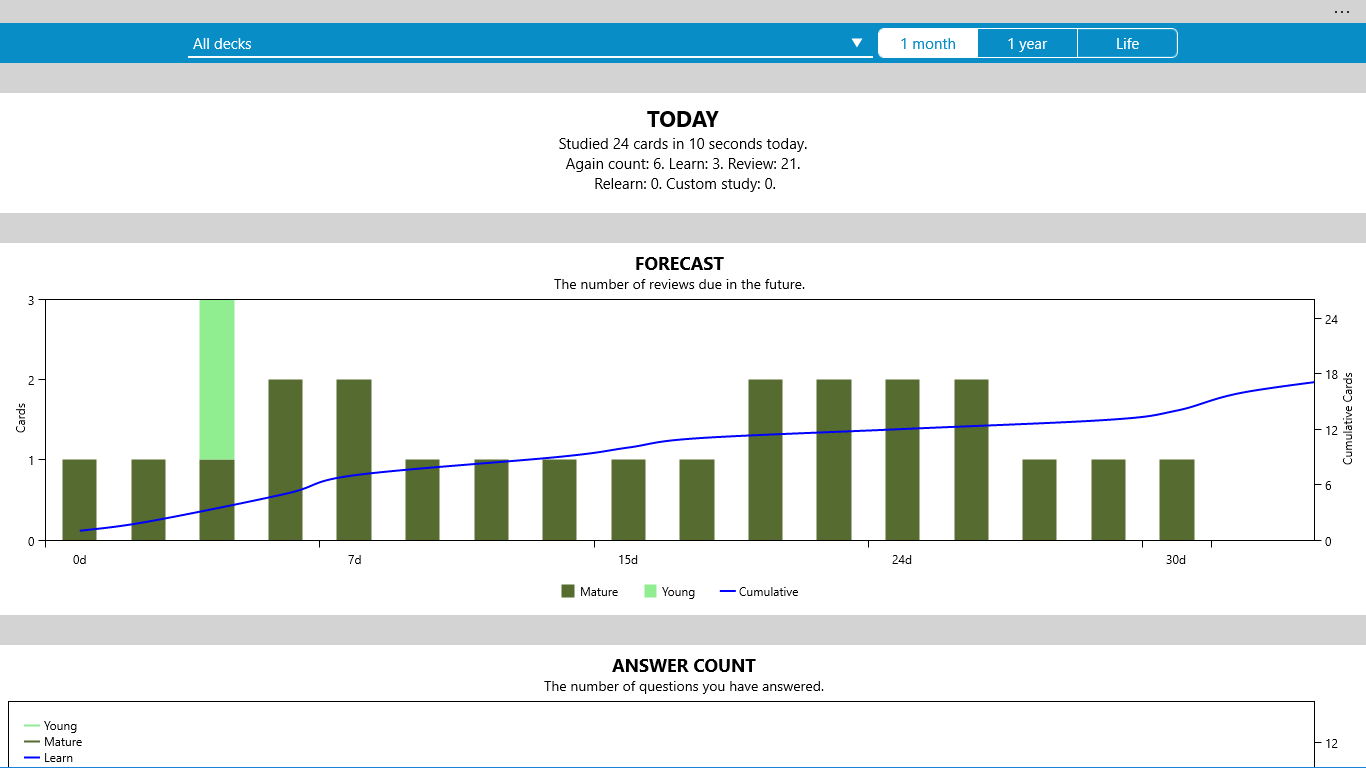
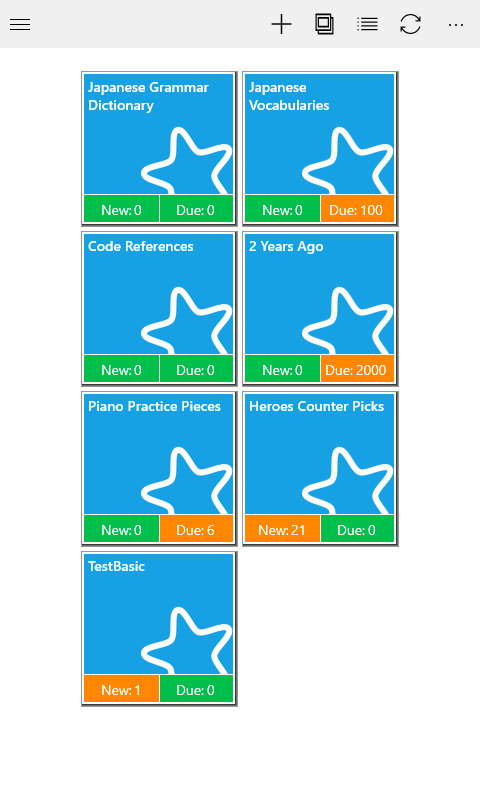
Anki Universal is a flashcard app for memorizing information. Cards can include text, images, audio, and video. Progress can be synced between Windows 10 devices through OneDrive, and starting from July 2017, syncing across iOS, Android, Mac, and Linux is possible through the free AnkiWeb sync service, though those platform versions are developed by different groups. Media file syncing with AnkiWeb is not yet supported, but files can be inserted manually. The app is completely free, with no forced ads or paid models.
Show the developer's original descriptionHide the original description
Anki Universal is a completely free flashcard app (no forced ads, paid models, etc.) that will help you memorize whatever you want with minimal efforts. You can add text, image, audio, and video to your cards and sync between your Windows 10 devices through OneDrive.
Starting from July 2017, you can sync your progress across all versions on iOS, Android, Mac, and Linux by using the free sync service of AnkiWeb. Please note that Anki apps on other platforms are developed by different groups.
* Currently, media files syncing with with AnkiWeb is not supported yet. However, you can insert them manually.
If there is a version of this app for iOS/Mac or Windows we don't know about, paste the store link here — we'll auto-detect the store.
How to find the URL:1. Open the app in its store. 2.In the App Store app: tap the Share icon → “Copy Link”. In the browser: copy the URL from the address bar — it contains apps.apple.com/…/id… or apps.microsoft.com/detail/…. 3. Paste it here.
Paste the original link from the Apple App Store or Microsoft Store. We fetch all details automatically.
How to find the URL:
1. Open the app in its store. 2.In the App Store app: tap the Share icon → “Copy Link”. In the browser: copy the URL from the address bar — it contains apps.apple.com/…/id… or apps.microsoft.com/detail/…. 3. Paste it here.
Android apps can only be listed by their developer.