Screenshot appears after consentScreenshot appears after consentScreenshot appears after consentScreenshot appears after consentScreenshot appears after consentScreenshot appears after consentScreenshot appears after consentScreenshot appears after consent
Summary
Photo Cut Paste : Background Changer is a photo editing tool that lets users cut out image parts and paste them onto another picture or background. It offers automatic and manual background removal with color detection, plus restore, undo, redo and zoom tools for precise edits. A video frame extractor captures frames from videos as custom photos, retaining original resolution. The app includes over thirty HD backgrounds and a photo enhancer for adjusting contrast, brightness and saturation, and can create movie posters, video thumbnails and photo collages, saving or sharing finished creations directly to social media.
Show the developer's original descriptionHide the original description
Create beautiful custom photos by cutting any part of the image and paste it on another image or background.
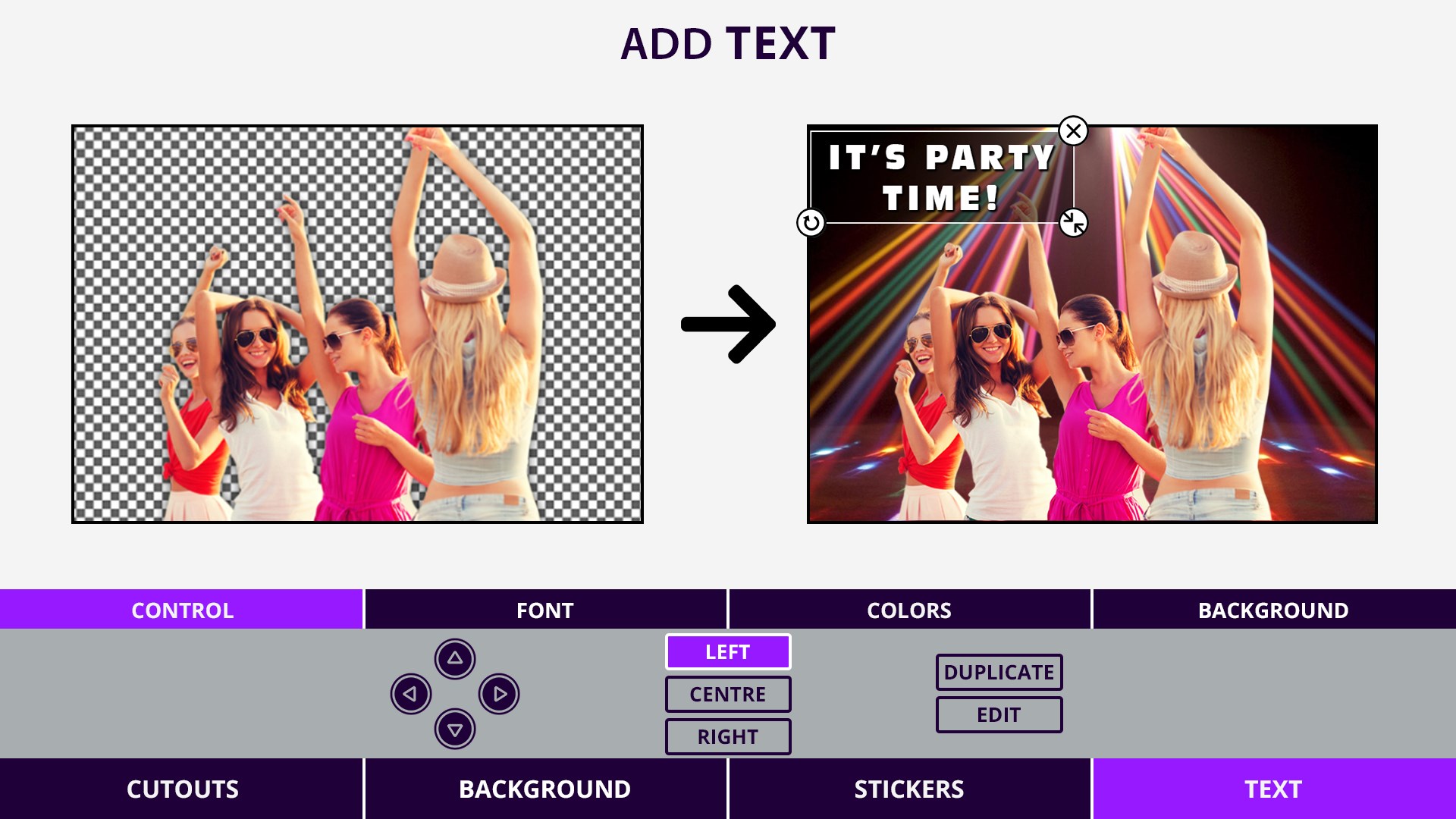
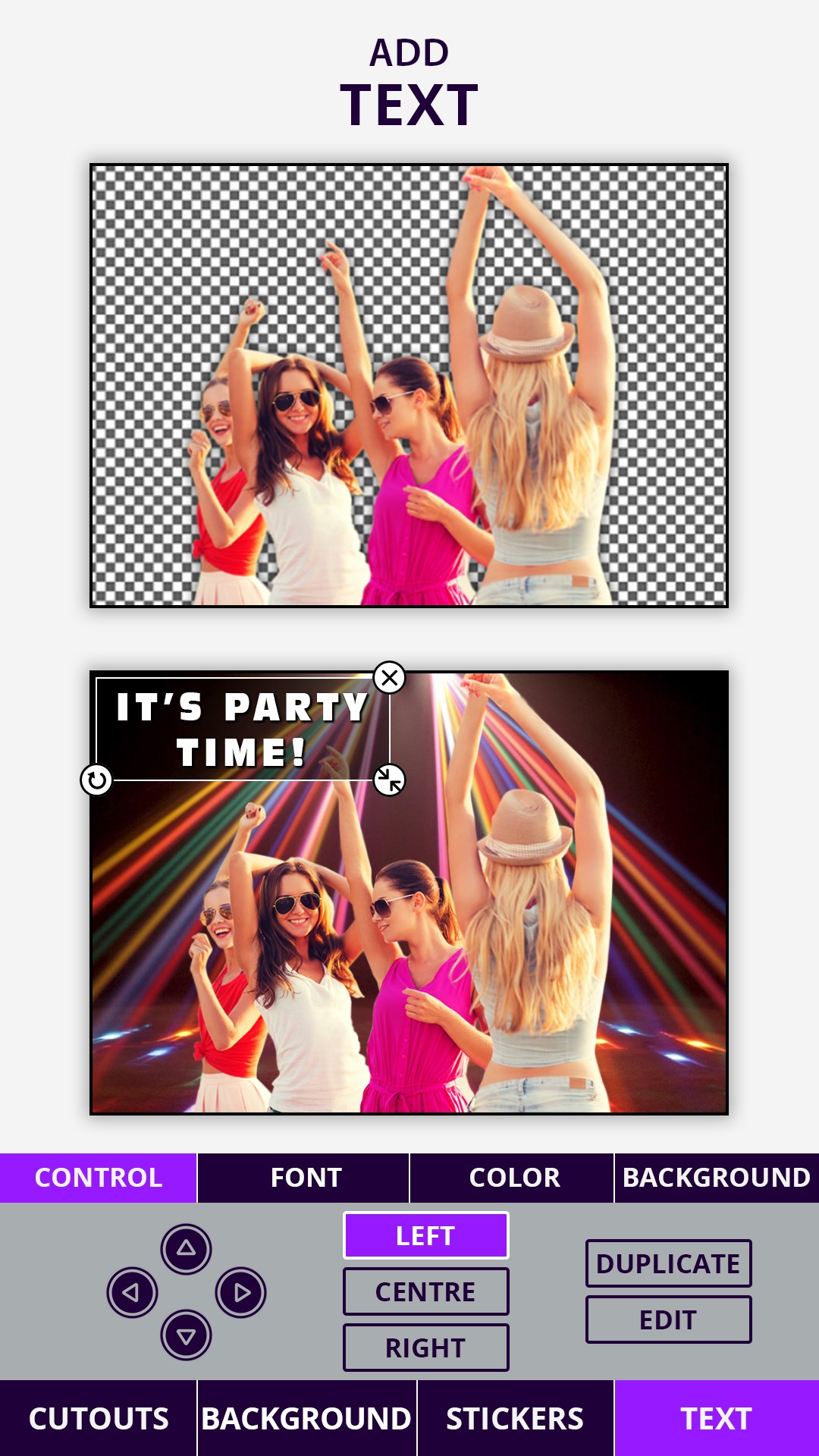
Photo Cut Paste & Video Frames provides a fast and easy way to create amazing Movie Posters, Video Thumbnails, Photo Collage, Change Photos Background and more.
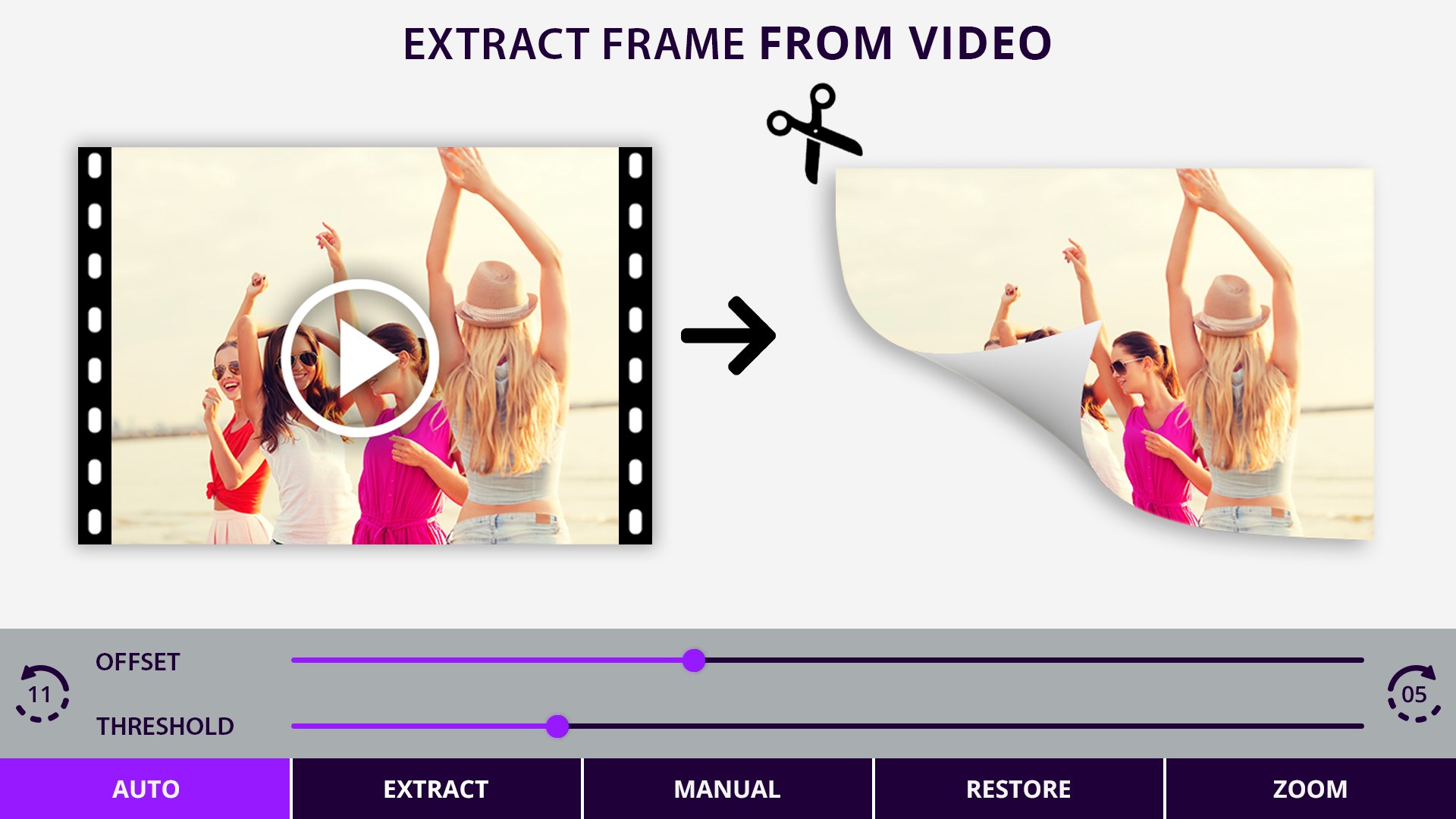
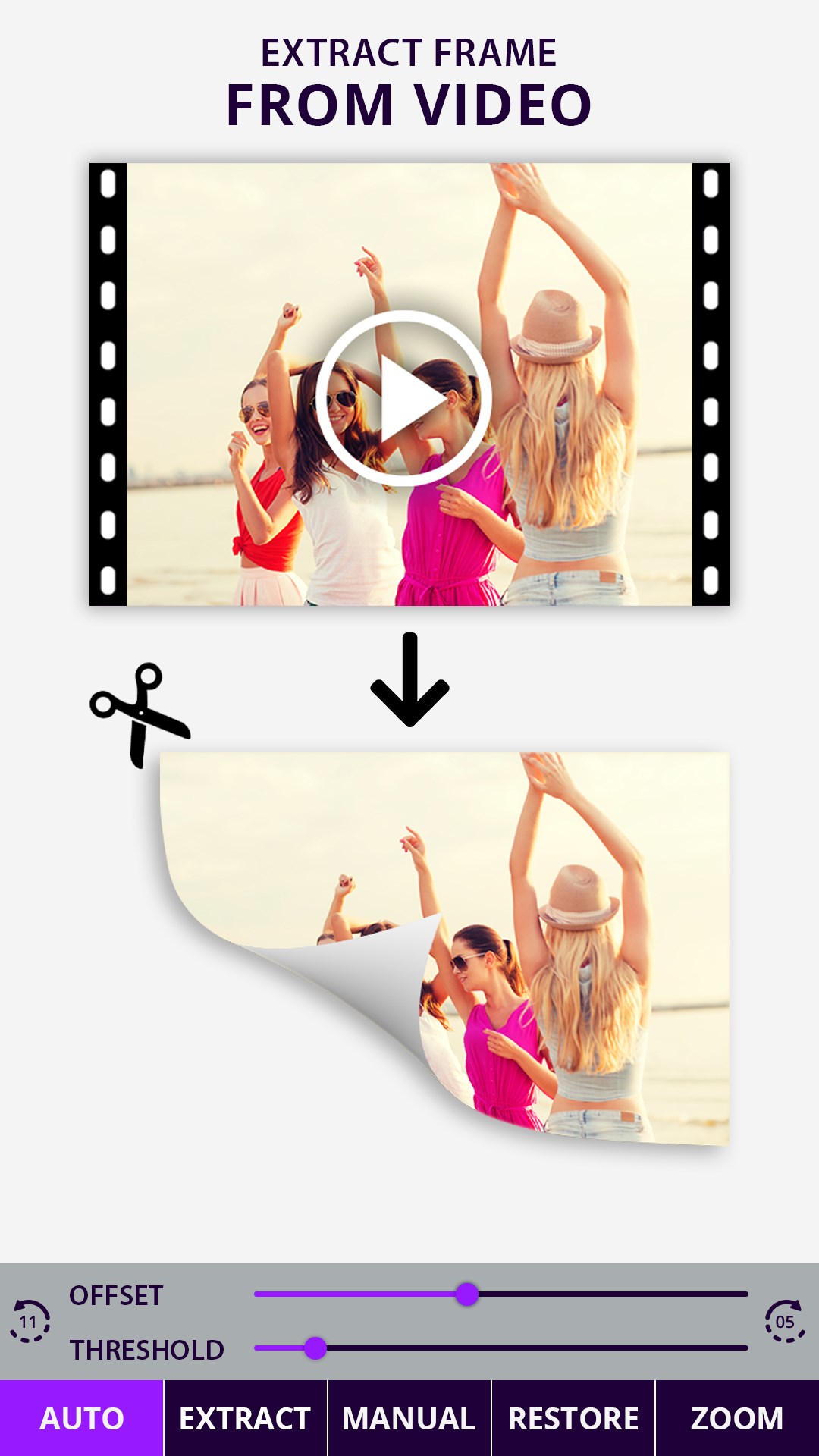
Photo Cut Paste & Video Frames come with a video frame capture tool to get any frame from your selected video to create your custom image. You can also get a picture from camera or gallery.
Cut Paste Photo has a powerful Editor to erase unwanted portions of your picture and create perfect Photos.
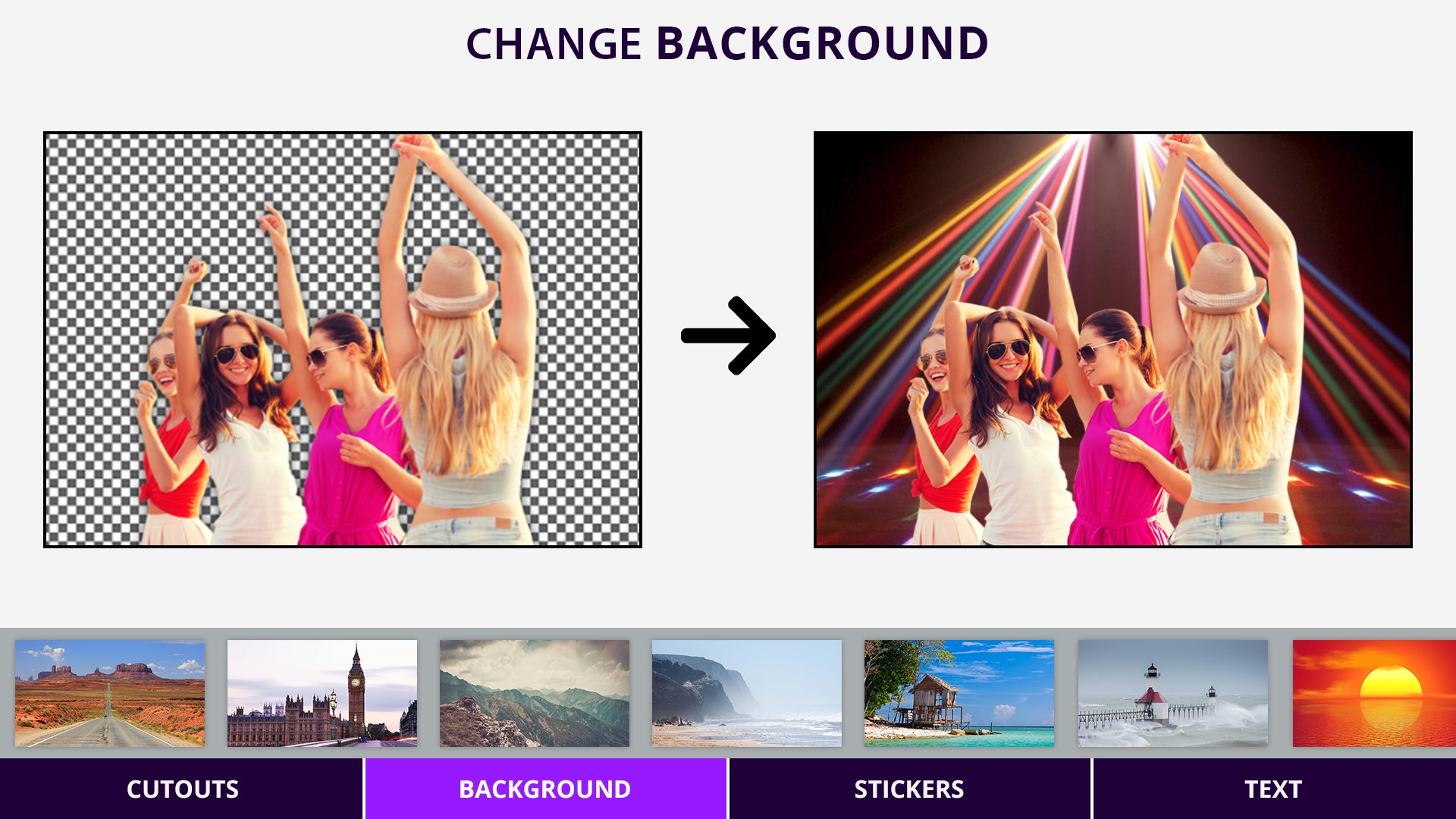
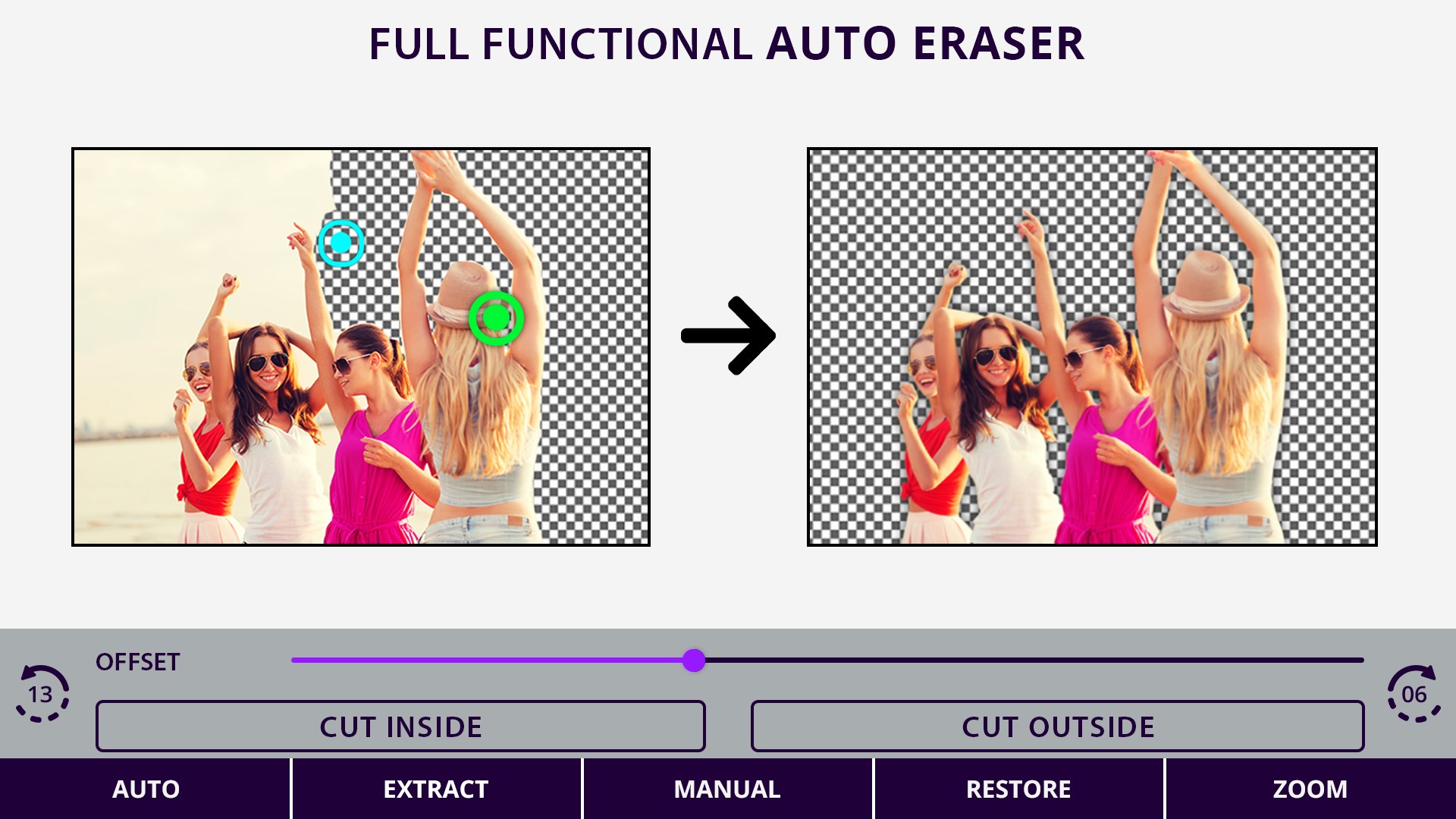
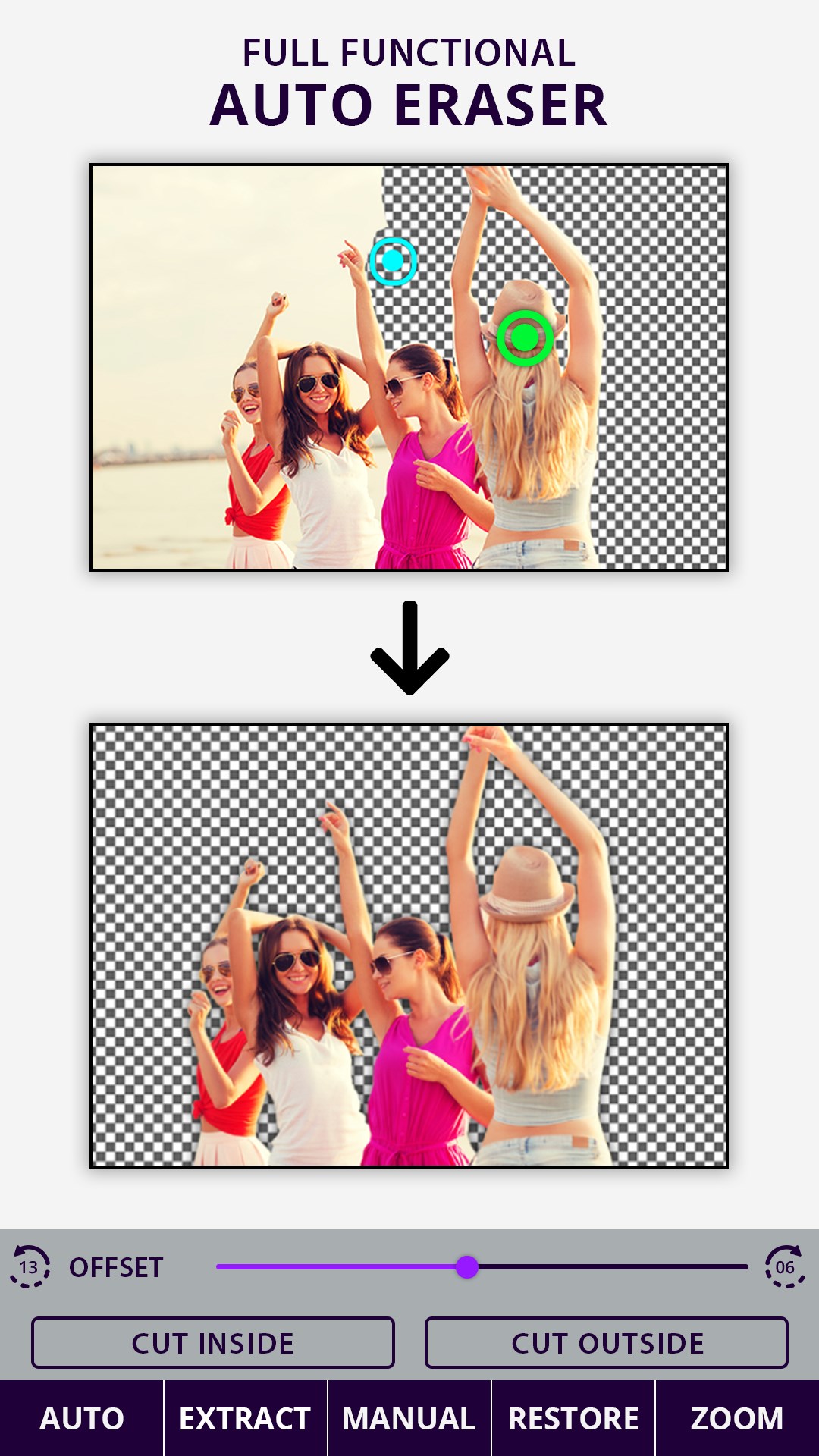
To create a custom picture, just touch the area of the picture which you want to erase and Cut Paste Frames will automatically detect the entire area using color detection AI and it will erase that area for you so that you can paste that image on any other picture or on our existing 30+ HD backgrounds.
Photo Cut Paste & Video Frames provides many professional video & photo editing tools like:
- Video Frame Extractor: to get a frame from your selected video
- Auto Erase: for one-touch background removal
- Manual Erase: for finger rub (traditional) background removal
- Extract Erase: for area selection background erase
- Restore: for finger rub background retrieval
- Undo, Redo & Zoom: for accurate result
- Photo Enhancer: to enhance the beauty of the selected picture using Contrast, Brightness, Saturation etc
Features:
~ Create Movie Posters
~ Create Video Thumbnails
~ Easily capture and extract photos from the video
~ Retain resolution: HD video will produce HD photos
~ Scroll through 10 frames from the captured moment and choose the best frame for you
~ Perform Face Swap- Cut one face and paste it on the other
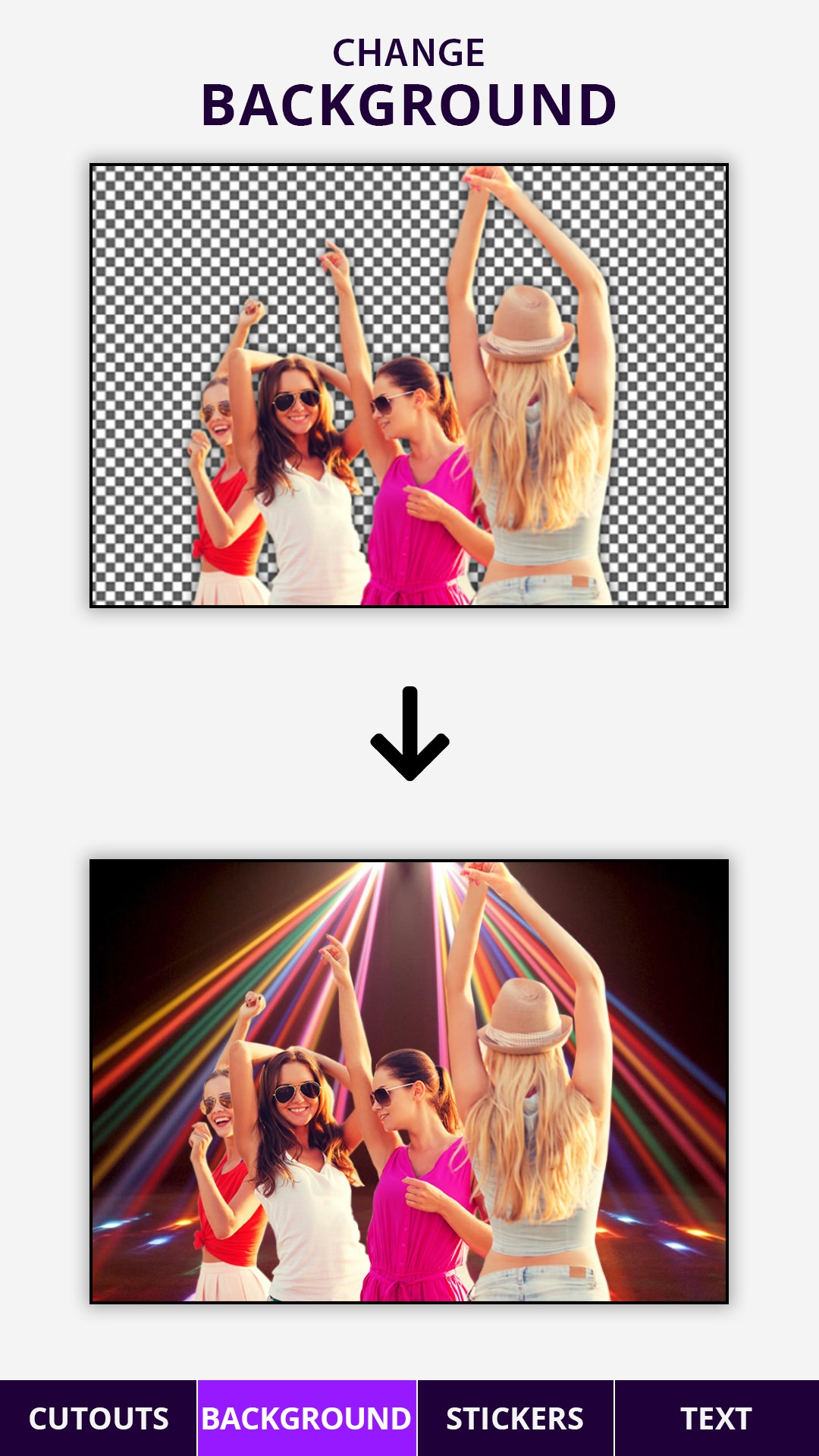
~ Remove photo background and replace with any background you wish
~ Cut the people out and put them on another background
~ Crop animal faces from one photo and places it over your friend's photo
~ Save and share your creation with friends and family on any social networking sites
Photo Cut Paste & Video Frames is a perfect combination of simplicity and functionality. and it is also fast and easy to use the app:
1. Select a video from your gallery
2. Adjust time bar to get your desired frames from the video
3. Select the best frame from 11 frames fetched according to the time selected
Or
1. Select picture from your gallery or capture new on from Camera
2. Erase background or any object in the picture using photo editing tools like
- Auto Erase
- Manual Erase
- Extract Erase
- Restore
3. Use Undo, Redo & Zoom for accurate result
4. Smooth the edges with seek bar to blend better
5. Select background for you cut image from our handpicked HD background collection or use your own from gallery or camera
6. Adjust Brightness, Contrast, Saturation of the image according to the background for seamless blending
7. Save and Share your creation on social media directly from the app.
Capture the small instants in any big moment. Try Now!!
Play Store URL for "Photo Cut Paste : Background Changer"
If there is a version of this app for iOS/Mac or Windows we don't know about, paste the store link here — we'll auto-detect the store.
How to find the URL:1. Open the app in its store. 2.In the App Store app: tap the Share icon → “Copy Link”. In the browser: copy the URL from the address bar — it contains apps.apple.com/…/id… or apps.microsoft.com/detail/…. 3. Paste it here.
Paste the original link from the Apple App Store or Microsoft Store. We fetch all details automatically.
How to find the URL:
1. Open the app in its store. 2.In the App Store app: tap the Share icon → “Copy Link”. In the browser: copy the URL from the address bar — it contains apps.apple.com/…/id… or apps.microsoft.com/detail/…. 3. Paste it here.
Android apps can only be listed by their developer.


 PhotoMontager
Photo frames and border effects for images
 Photo Blender : Photo Editor
Blend photos creatively with effects, overlays and frames
 Phototastic Collage
Create photo collages with templates, frames and stickers
 Photo Editor Pro - PIP Camera Effects
Edit photos with frames, effects and stickers
 PicCollage: Magic Photo Editor
Create collages, cards and slideshows from photos and videos
 Fresh Paint
Paint images and transform photos into artwork