Screenshot appears after consentScreenshot appears after consentScreenshot appears after consentScreenshot appears after consent
Summary
Pictureflect Photo Viewer is a folder-based photo viewer with a minimalist interface. It displays pictures in fullscreen with a manual or timed slideshow and offers a range of zoom options. It supports cropping, resizing, converting, rotating, applying filters and effects, and printing, individually or in bulk. It works with numerous image formats including JPEG, PNG, GIF, HEIC, WebP, BMP, TIFF, RAW formats and SVG, and can play and step through animated GIF and WebP files. It offers a customizable quick-access list instead of organizing photos itself, while a Pro upgrade adds thumbnail view, video playback, and additional image effects.
Show the developer's original descriptionHide the original description
Pictureflect Photo Viewer is a folder-based image viewing app with minimalist feel designed to:
- easily show your photos in fullscreen with a manual or timed slideshow
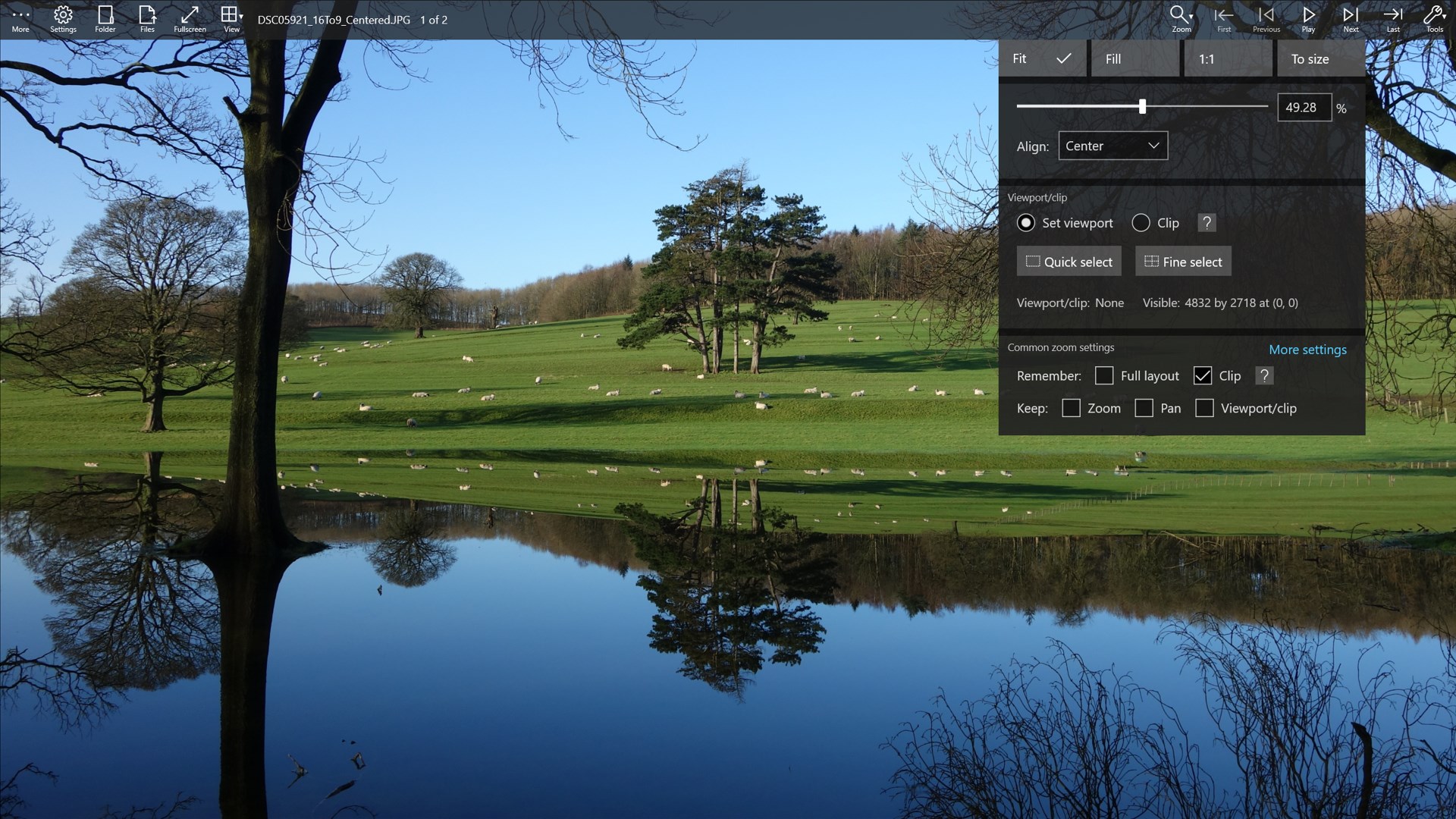
- review your photos with a clean interface, fast load, and a range of zoom options
- crop, resize and convert (individually or in bulk), rotate, apply filters/effects and print pictures
- integrate videos and transition effects into the slideshow (Pro upgrade only)
- support JPEG, PNG, GIF, HEIC*, WebP, BMP, TIFF, AVIF*, JPEG XL*, JPEG-XR, many RAW formats* like DNG, and SVG vector graphics files
- play/pause and step through animated GIF, WebP and multi-frame images (move mouse or tap near bottom edge for controls)
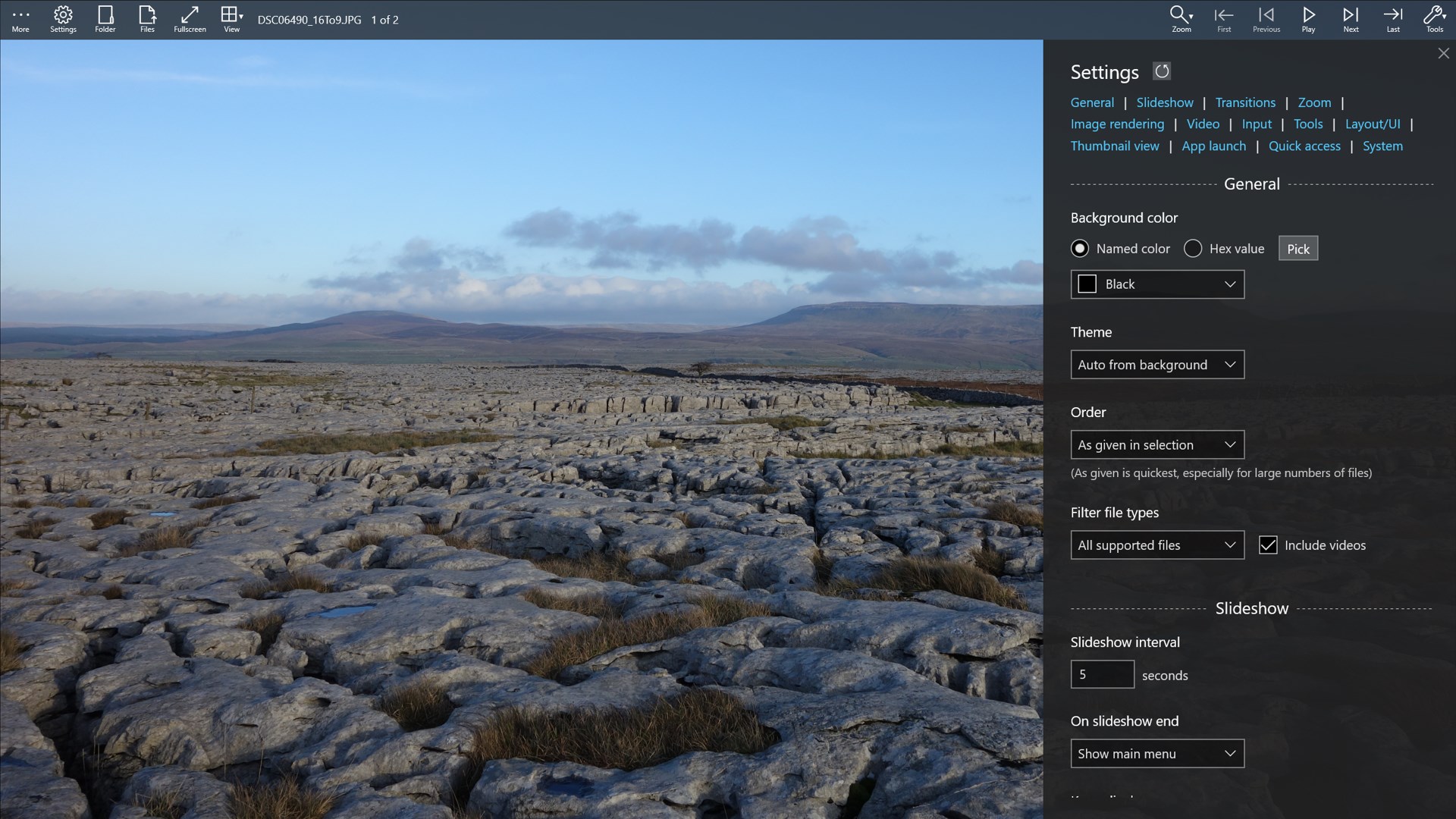
Can select full-screen mode, change the slideshow interval, order, background color, select the viewport/clip, remember or keep zoom, and customize via the settings panel. Supports image and display color profiles, and displays EXIF info. Works with the file system and does not attempt to organize your photos, but provides a customizable quick-access list, and can save the session for later (Pro version). Filters and effects include contrast and exposure (Free version) and saturation, levels, curves, blend with texture and more (Pro Version). Effects can be grouped and saved (Pro version).
Professional photographers might use the app to narrow a selection of photos before post-processing in other software, and casual users might use the built-in export features to complete their entire workflow. The app settings support a variety of uses, including in tablets as digital photo frames.
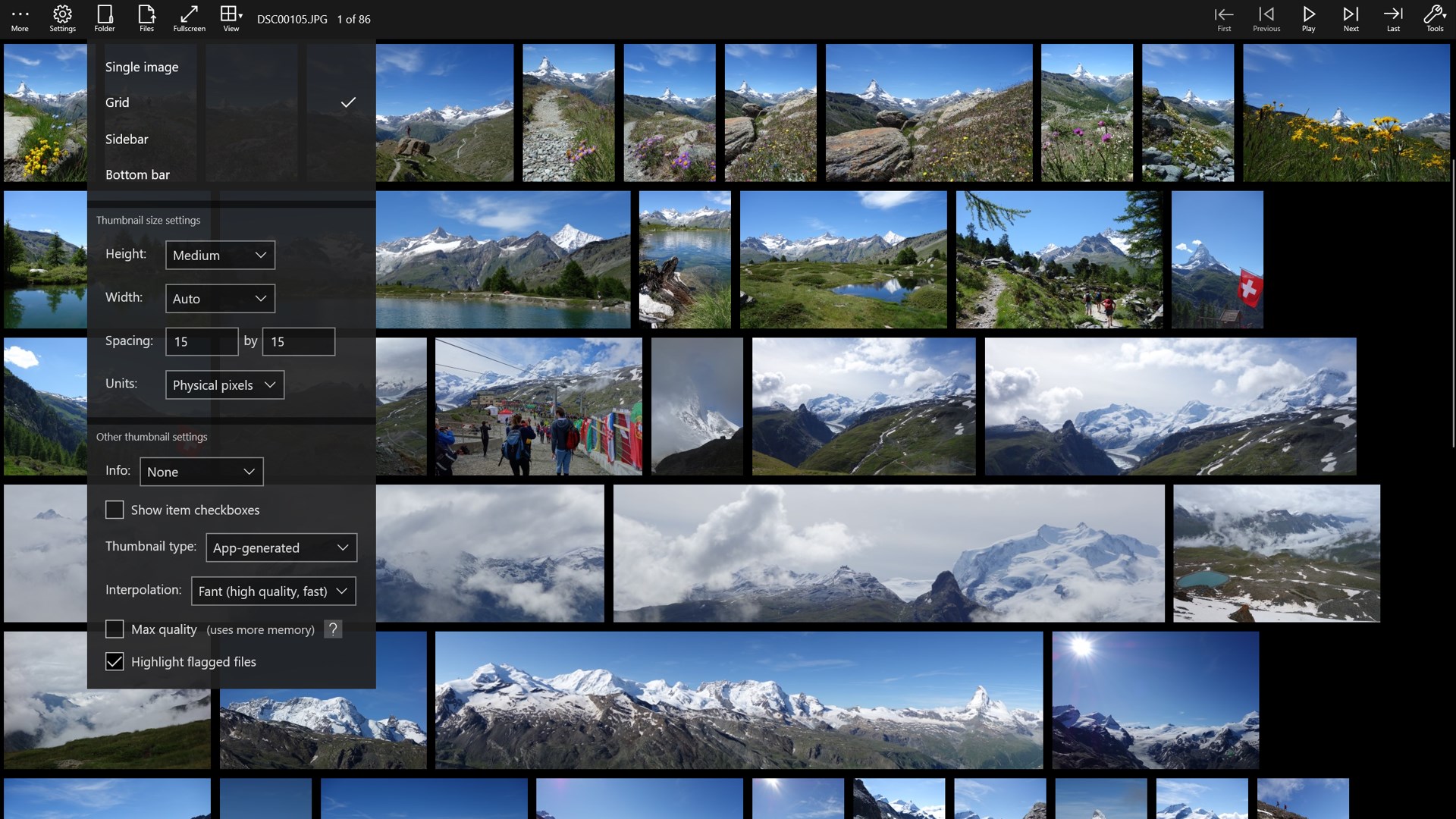
A Pro version upgrade is available as an in-app purchase - this includes a thumbnail view, transition effects, video support, additional image effects, an 'image inspector' with histogram, the ability to find files matching advanced criteria such as date and tags, the ability to save and load sessions, and support for viewing 360-degree spherical projections. The Pro upgrade is required to play videos, and supports many common video formats, including the extensions mp4, m4v, mkv, mts, m2ts, avi, mov, webm, wmv, mpg, mpeg and mpe (but support also depends on the encoding used within these files).
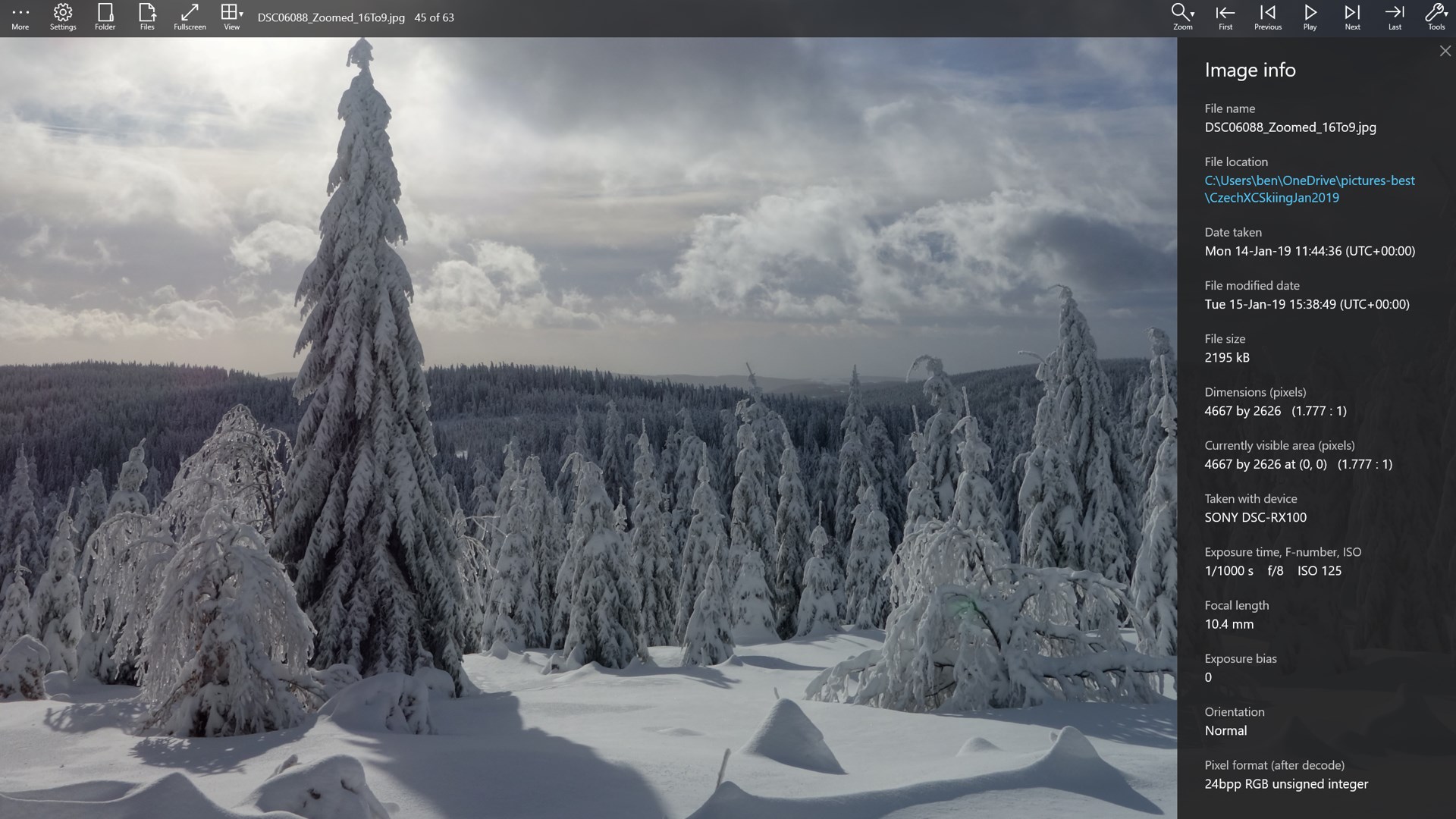
Additional features include the ability to watch for folder changes in order to create a dynamic slideshow, a detailed metadata inspector, the ability to edit some metadata, the option to show captions, and the ability to show the current date/time/calendar with an analog or digital clock.
The app is available in multiple languages, and the language can be changed using the settings panel in the app. Note that translations from English were generated using AI.
[*HEIC images may require the HEIF Image Extension and the HEVC Video Extensions from the Microsoft Store. AVIF support may require the HEIF Image Extension and the AV1 Video Extension from the Microsoft Store. JPEG XL support requires Windows 11 24H2 or later and the JPEG-XL Image Extension from the Microsoft Store. RAW format support can be improved on Windows 10 May 2019 Update (1903) or later by installing the RAW Image Extension (by Microsoft) from the Microsoft Store. For mpg and mpeg video files you may need to download the free MPEG-2 Video Extension (by Microsoft) from the Store.]
If there is a version of this app for iOS/Mac or Windows we don't know about, paste the store link here — we'll auto-detect the store.
How to find the URL:1. Open the app in its store. 2.In the App Store app: tap the Share icon → “Copy Link”. In the browser: copy the URL from the address bar — it contains apps.apple.com/…/id… or apps.microsoft.com/detail/…. 3. Paste it here.
Paste the original link from the Apple App Store or Microsoft Store. We fetch all details automatically.
How to find the URL:
1. Open the app in its store. 2.In the App Store app: tap the Share icon → “Copy Link”. In the browser: copy the URL from the address bar — it contains apps.apple.com/…/id… or apps.microsoft.com/detail/…. 3. Paste it here.
Android apps can only be listed by their developer.



 One Photo Viewer
Photo viewer with editing and slideshow
 Image Viewer Pro+
Image viewer supporting over 170 formats
 Real HEIC File Viewer
View HEIC photos and many formats, convert to JPG, PNG
 1Click Photo Viewer
View, edit and convert images and RAW file formats
 PIP Camera - Creative Photo Frames & Photo Editor
Edit photos with frames, filters and effects
 IrfanView
Fast image viewer with conversion and editing tools