Screenshot appears after consentScreenshot appears after consentScreenshot appears after consentScreenshot appears after consentScreenshot appears after consentScreenshot appears after consent
Summary
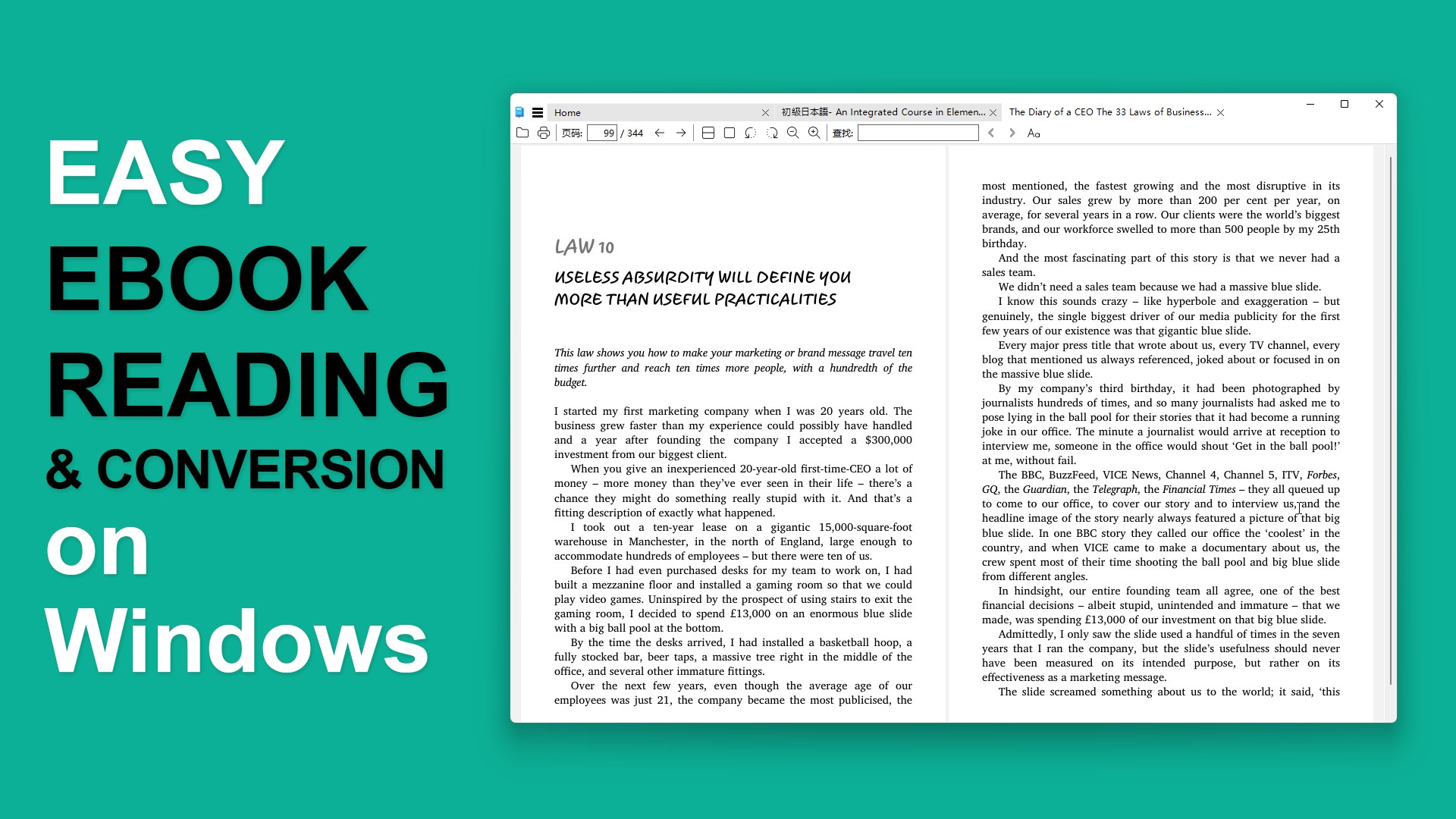
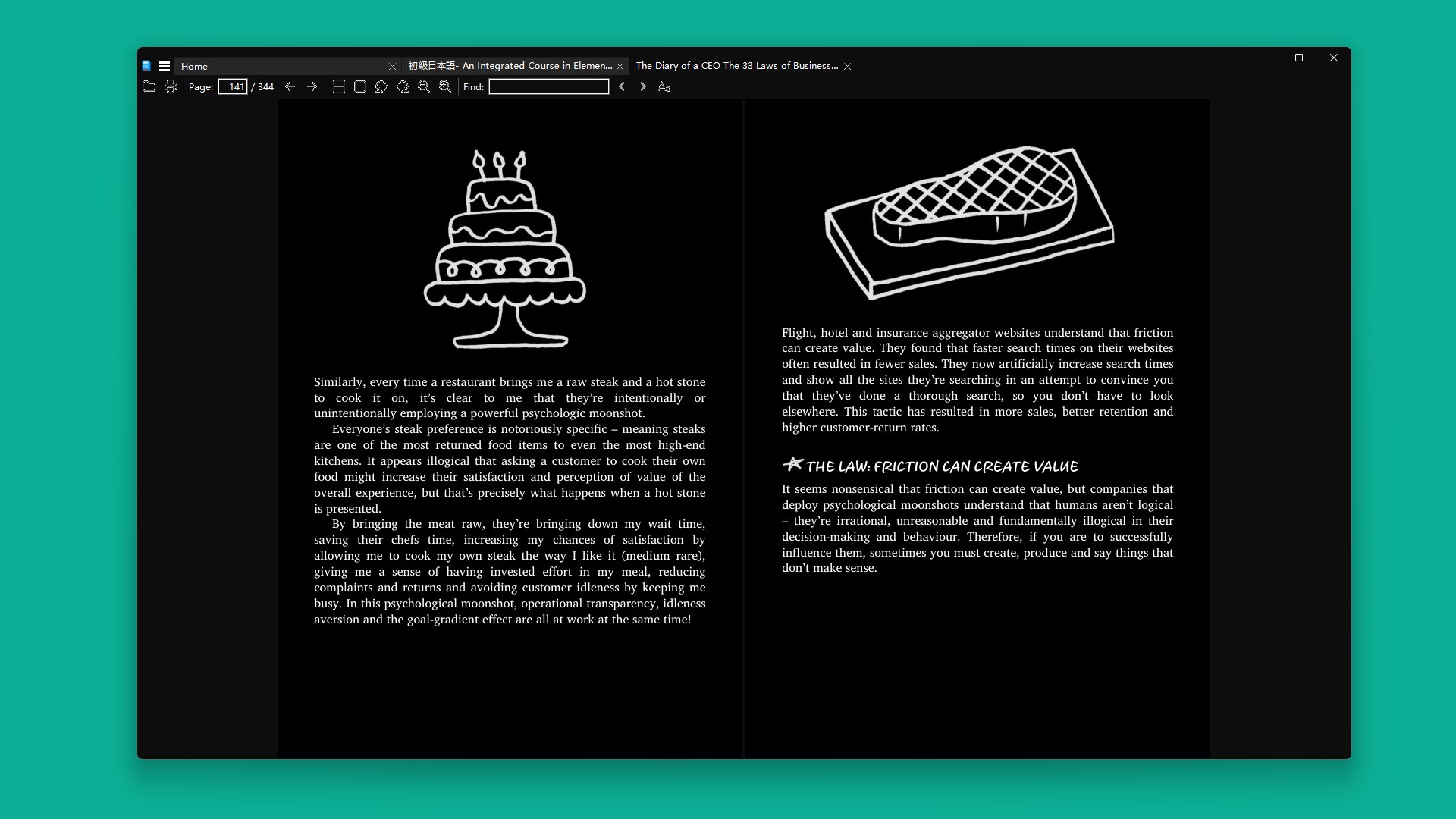
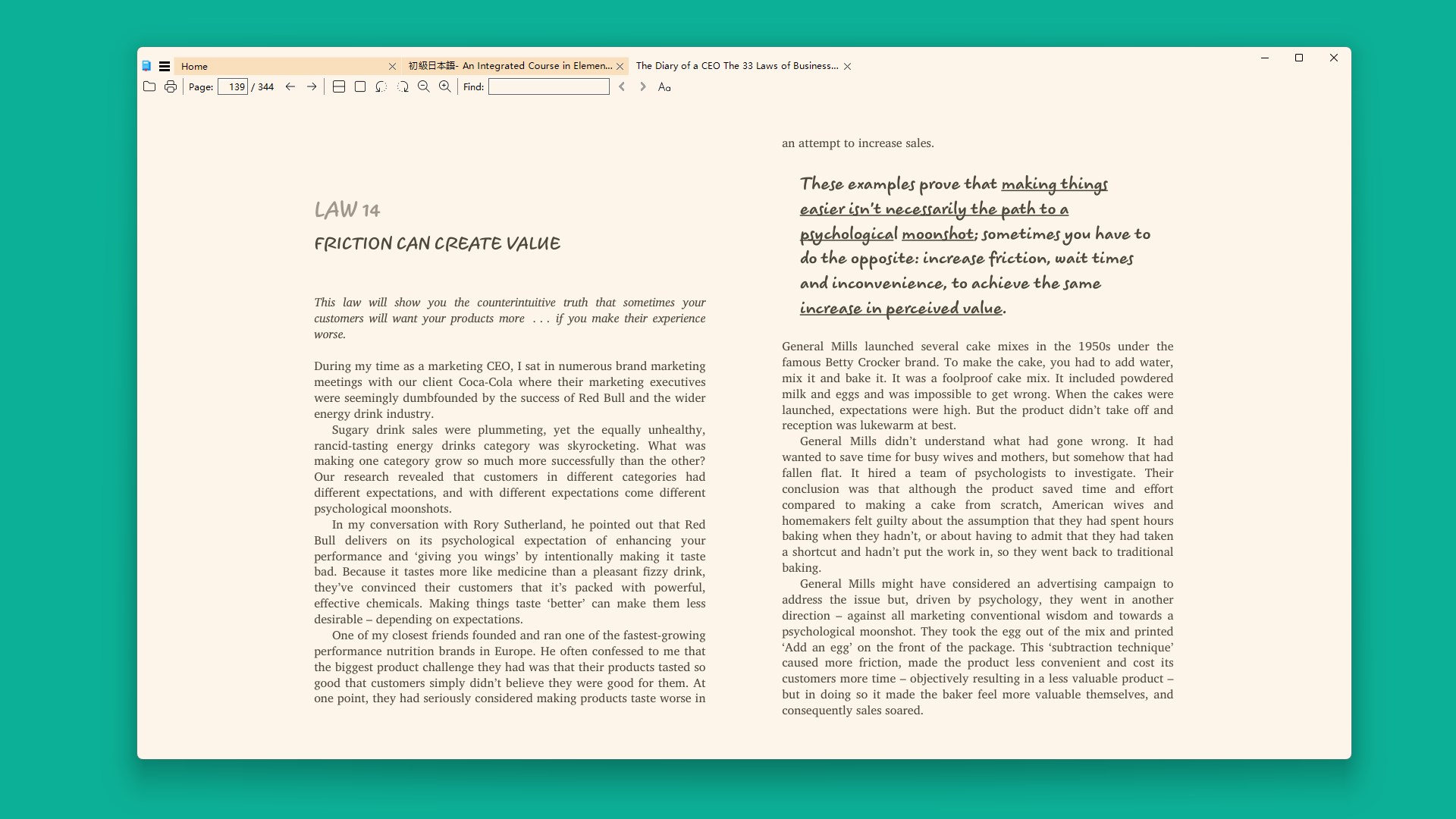
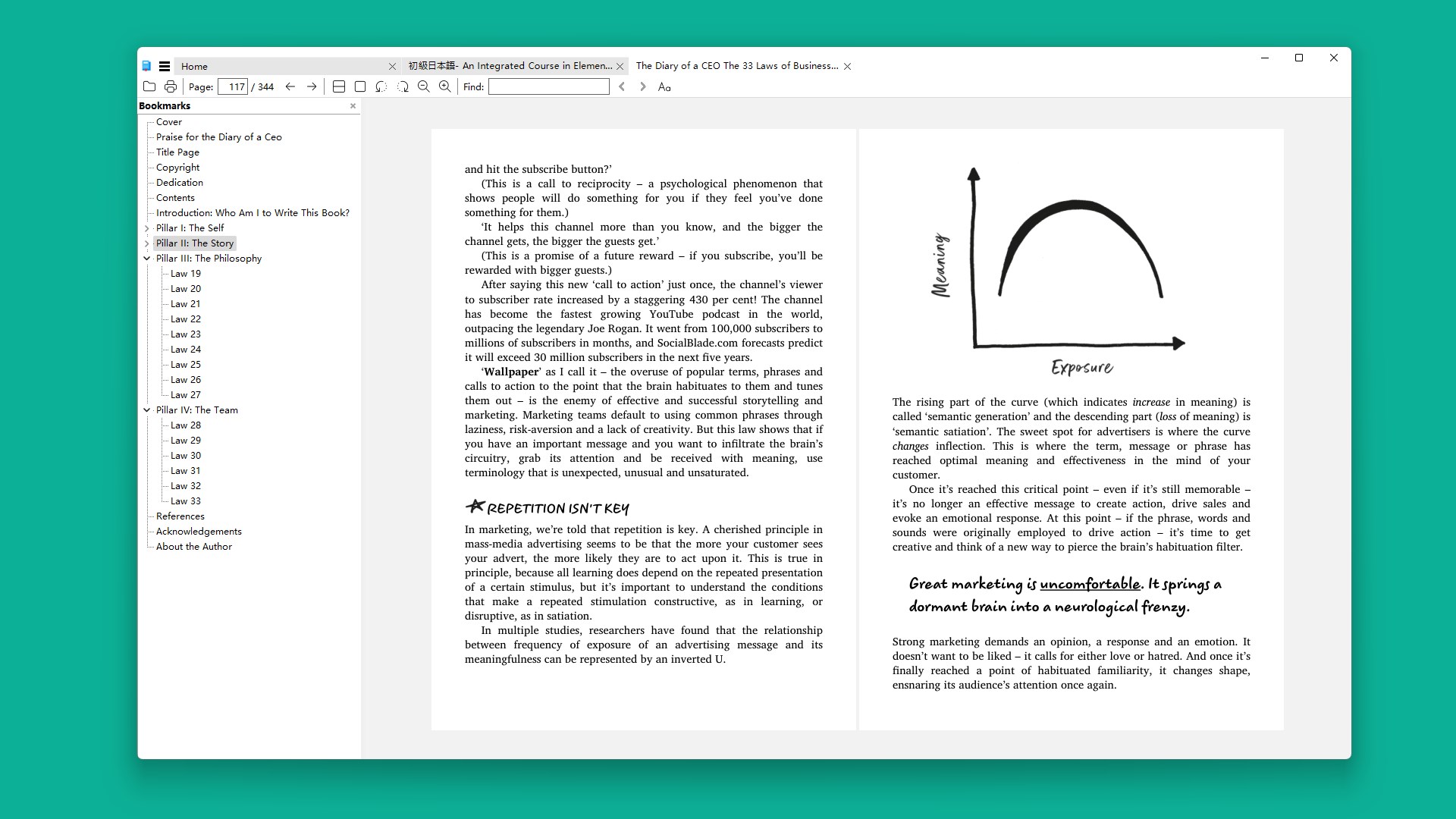
EPUB+ Reader is an eBook reader and converter for Windows supporting formats including EPUB, MOBI, PDF, AZW and AZW3. It offers adjustable layout modes such as single page, facing page and continuous scroll, along with page themes like light, sepia and dark. Navigation includes table of contents, bookmarks and a recent files list. A built-in batch conversion feature lets you convert multiple eBooks at once into formats like PDF, MOBI or AZW3, ideal for Kindle or other eReaders. Most reading features are free, while theme customization, printing and unlimited conversions require an upgrade after three free conversions.
Show the developer's original descriptionHide the original description
📘 Enjoy fast, distraction-free eBook reading, now with Read Aloud text-to-speech functionality, and batch converting on your Windows PC.ePub+ Reader delivers a clean and lightweight experience for reading and managing popular formats like EPUB, MOBI, PDF, and Kindle files (AZW, AZW3). Designed for speed and simplicity, it helps you focus on what matters most — the words on the page. With built-in batch conversion, you can easily convert multiple eBooks into your preferred format for broader compatibility and backup.
App License
Most features in ePub+ Reader are completely free to use. The eBook viewer is free except for theme color customization and printing. The built-in converter allows up to 3 eBook conversions to help you get started—upgrade to unlock unlimited conversions and reader customization.
Key Features
• Read comfortably using adjustable layout modes: Single Page, Facing, and Continuous Scroll.
• Listen to books hands-free with built-in Read Aloud text-to-speech support.
• Annotate PDFs directly with highlights, notes, and custom drawings.
• Convert one or multiple eBooks at once to formats like PDF, MOBI, or AZW3.
• Customize your view with page themes like Light, Sepia, Dark, and more.
• Quickly navigate via table of contents, bookmarks, and recent files.
• Smooth performance even with large eBooks and documents.
• Intuitive, user-friendly design for easy reading and file management.
Supported File Types
ePub+ Reader supports a wide range of reading and conversion formats, including:EPUB, MOBI, AZW, AZW3, PDF, DJVU, FB2, CBZ, CBR, XPS, CHM, and TXT.
Whether you're opening files downloaded from online stores or converting them for use on your Kindle or another eReader, ePub+ Reader helps you manage your entire digital library with ease.
If there is a version of this app for iOS/Mac or Windows we don't know about, paste the store link here — we'll auto-detect the store.
How to find the URL:1. Open the app in its store. 2.In the App Store app: tap the Share icon → “Copy Link”. In the browser: copy the URL from the address bar — it contains apps.apple.com/…/id… or apps.microsoft.com/detail/…. 3. Paste it here.
Paste the original link from the Apple App Store or Microsoft Store. We fetch all details automatically.
How to find the URL:
1. Open the app in its store. 2.In the App Store app: tap the Share icon → “Copy Link”. In the browser: copy the URL from the address bar — it contains apps.apple.com/…/id… or apps.microsoft.com/detail/…. 3. Paste it here.
Android apps can only be listed by their developer.




 EPUB eBooks Reader
Read and customize eBooks in multiple formats
 ePub Reader +
Read and edit e-books, PDFs and office documents
 Total eBook Reader
Read ebooks and documents in various formats
 Real eBooks Reader
Read eBooks and documents in many formats
 Free Ebook Reader
Opens and reads e-books in EPUB format
 PocketBook Reader
Read e-books and listen to audiobooks in many formats