

Screenshot appears after consentScreenshot appears after consentScreenshot appears after consentScreenshot appears after consentScreenshot appears after consentScreenshot appears after consent
Summary
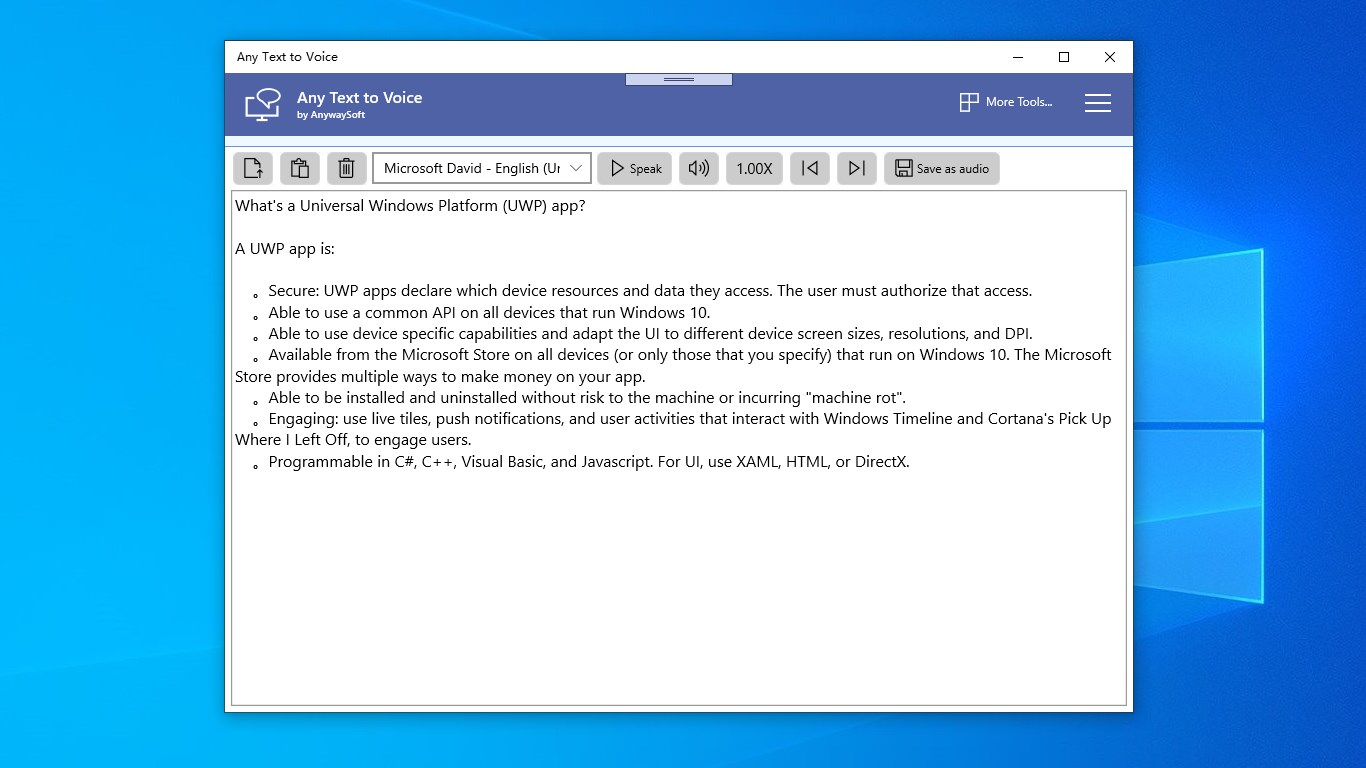
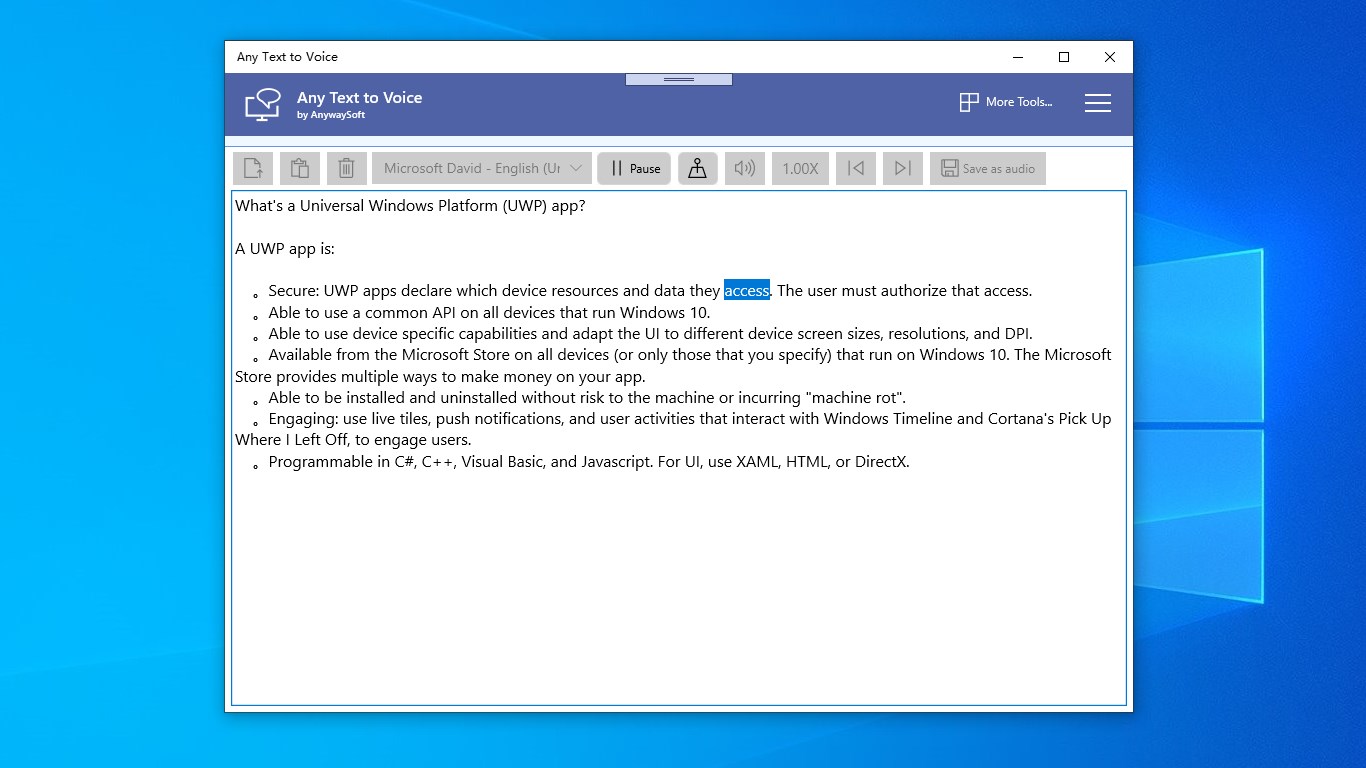
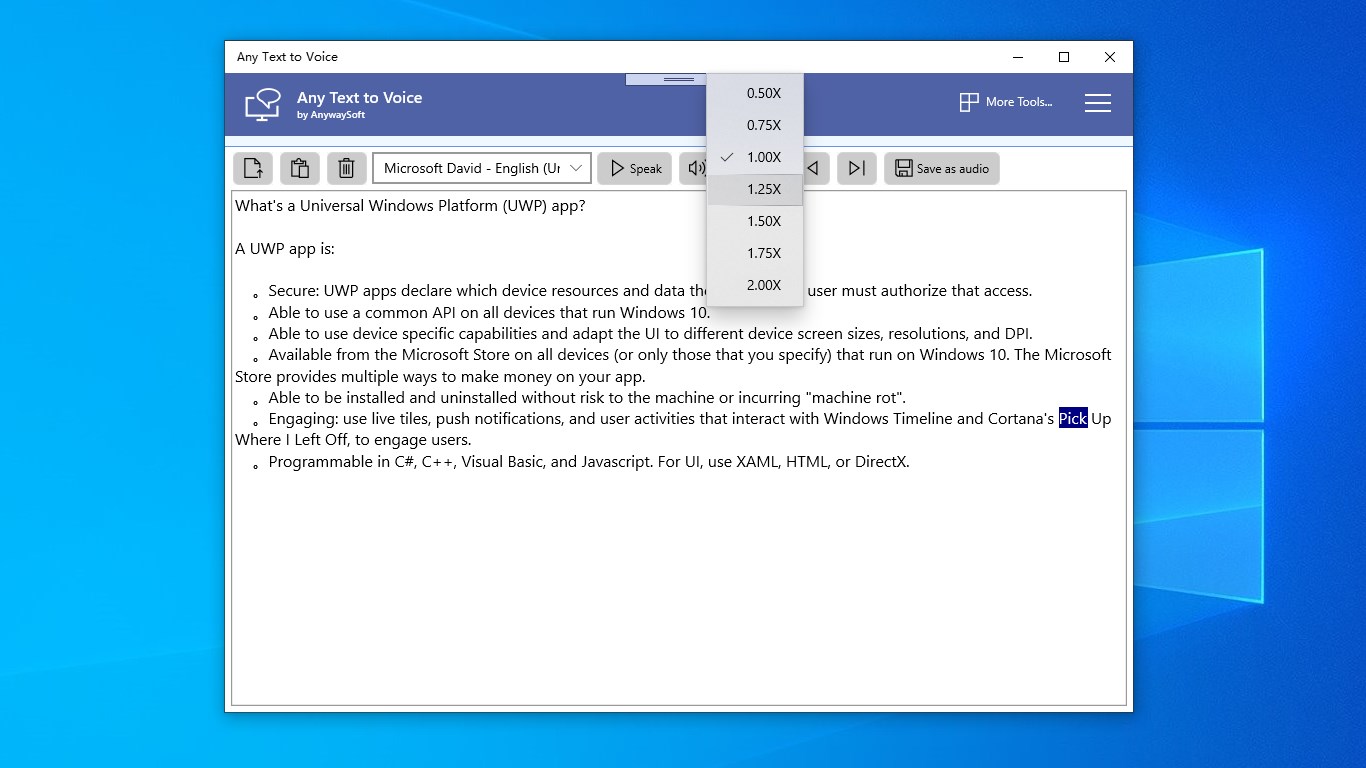
Any Text to Voice is a text-to-speech app that reads text aloud on PC or phone and saves it as audio files. It converts text into mp3, wav, m4a or wma format. Text can be loaded from files such as docx, doc, rtf, html, epub, mobi and txt, or entered by typing or pasting from the clipboard. Volume and speed of the voice can be adjusted, and additional free voices can be downloaded using the app's guides.
Show the developer's original descriptionHide the original description
Any Text to Voice is a powerful text-to-speech app to read out loud text on PC or phone, and save text to audio files.
Features:
⭐ Read out loud text on PC or phone.
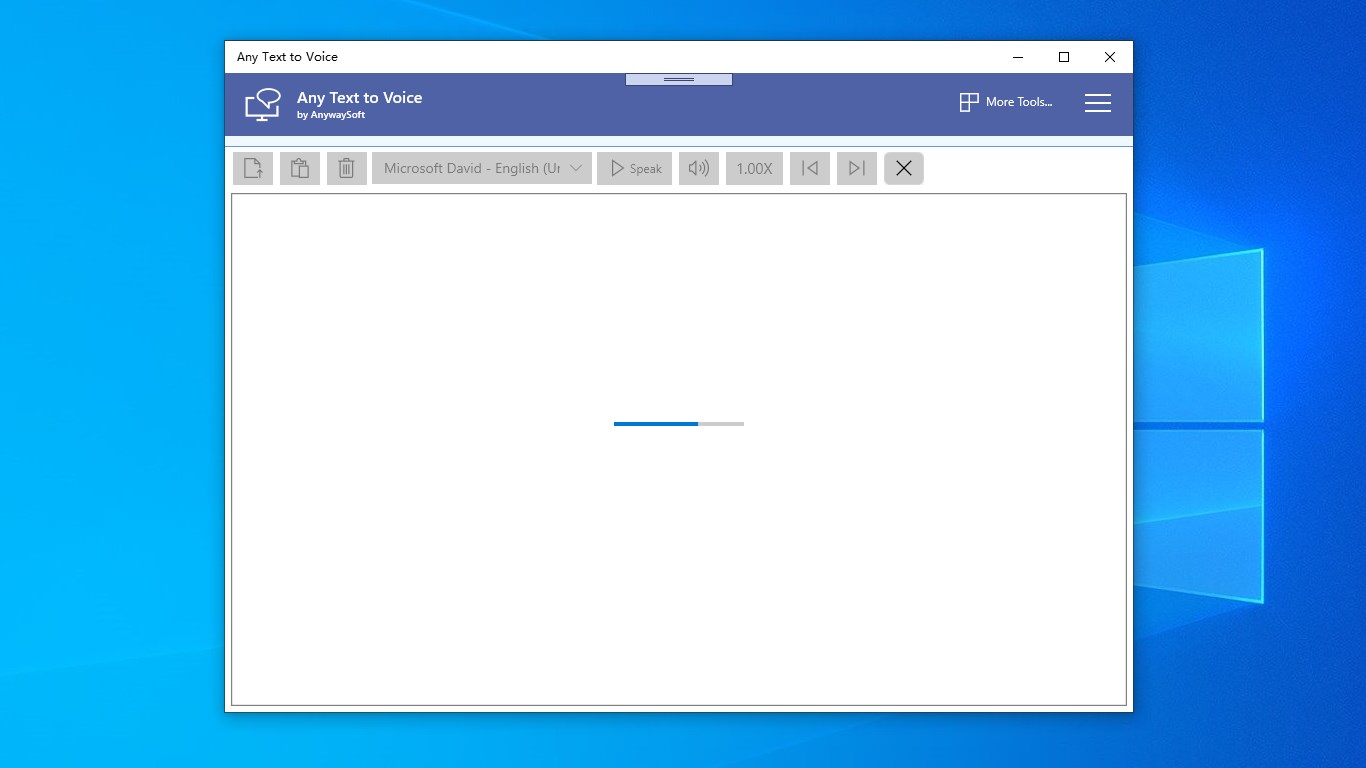
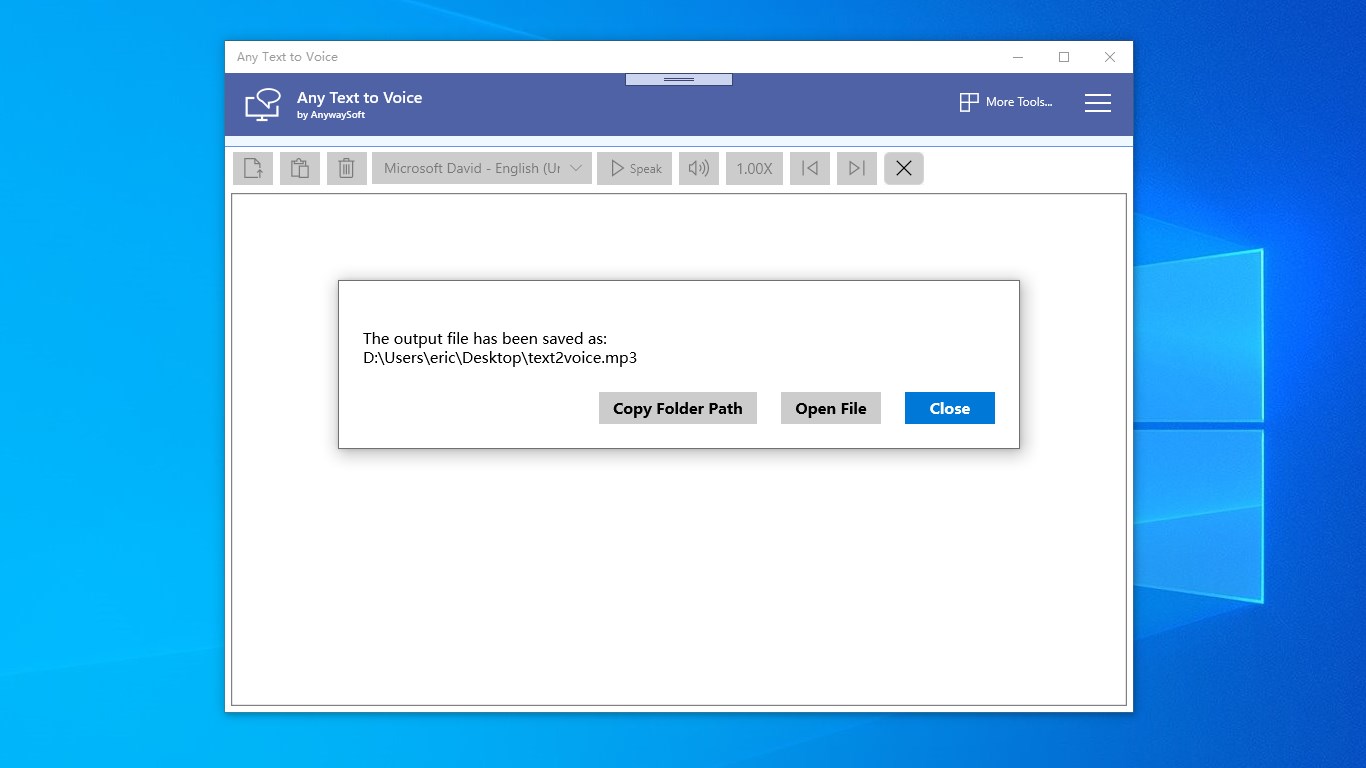
⭐ Save text to audio files in mp3, wav, m4a, wma formats.
⭐ Load text from docx, doc, rtf, html, epub, mobi and txt file.
⭐ Type or paste text from clipboard.
⭐ You can change the volume or speed of the voice.
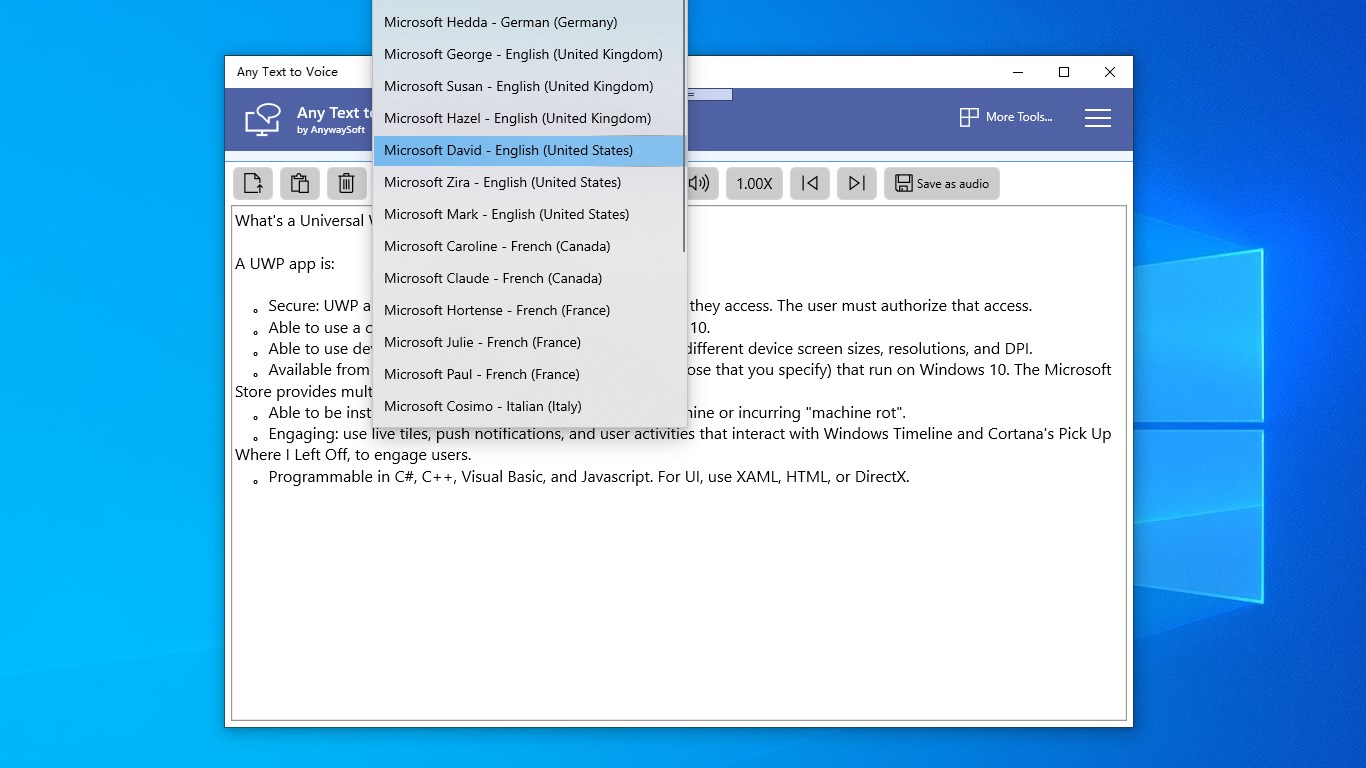
⭐ You can download more free voices with our guides.
Download it and have fun!
If there is a version of this app for iOS/Mac or Windows we don't know about, paste the store link here — we'll auto-detect the store.
How to find the URL:1. Open the app in its store. 2.In the App Store app: tap the Share icon → “Copy Link”. In the browser: copy the URL from the address bar — it contains apps.apple.com/…/id… or apps.microsoft.com/detail/…. 3. Paste it here.
Paste the original link from the Apple App Store or Microsoft Store. We fetch all details automatically.
How to find the URL:
1. Open the app in its store. 2.In the App Store app: tap the Share icon → “Copy Link”. In the browser: copy the URL from the address bar — it contains apps.apple.com/…/id… or apps.microsoft.com/detail/…. 3. Paste it here.
Android apps can only be listed by their developer.