

Screenshot appears after consentScreenshot appears after consentScreenshot appears after consentScreenshot appears after consent
Summary
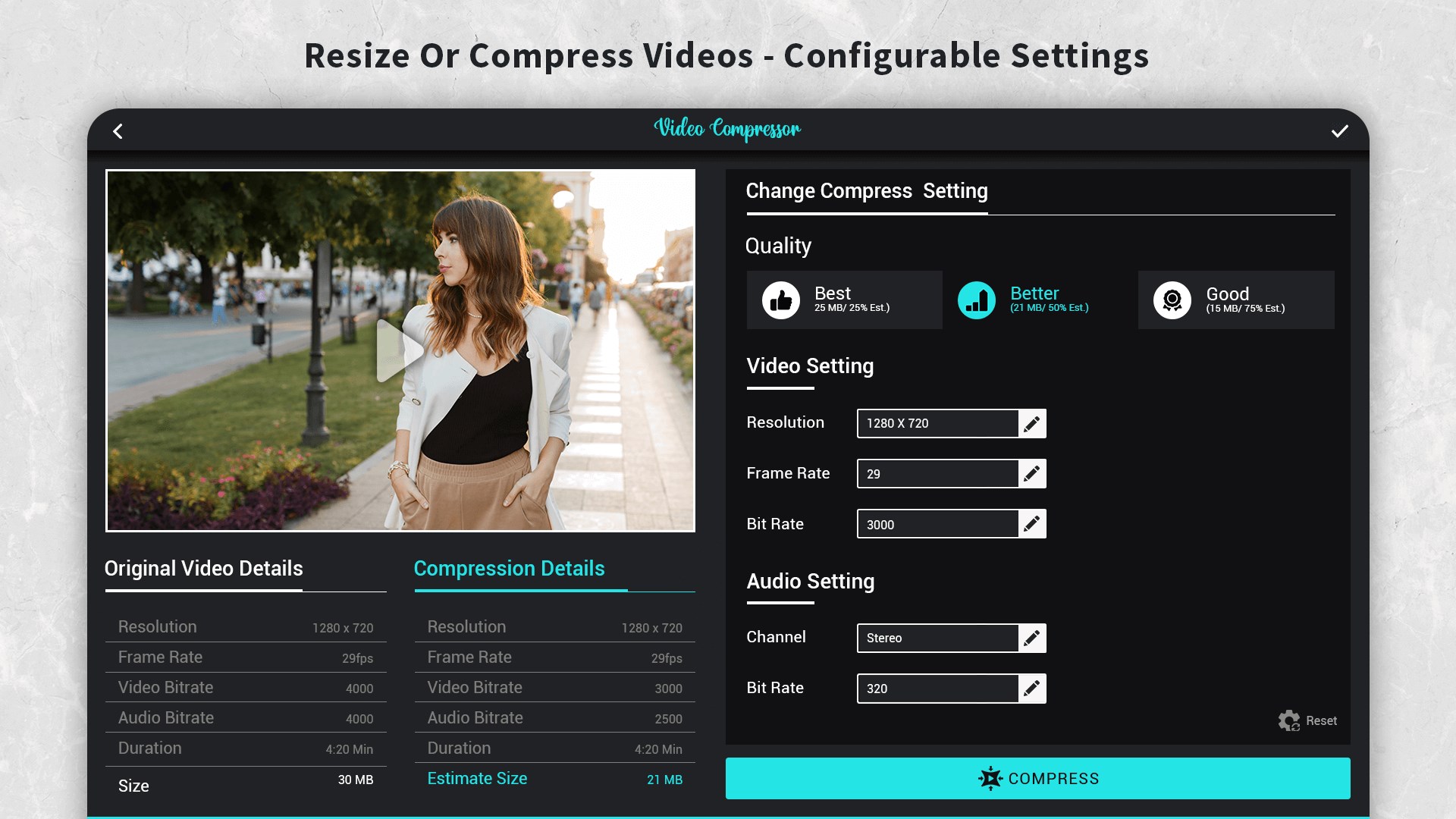
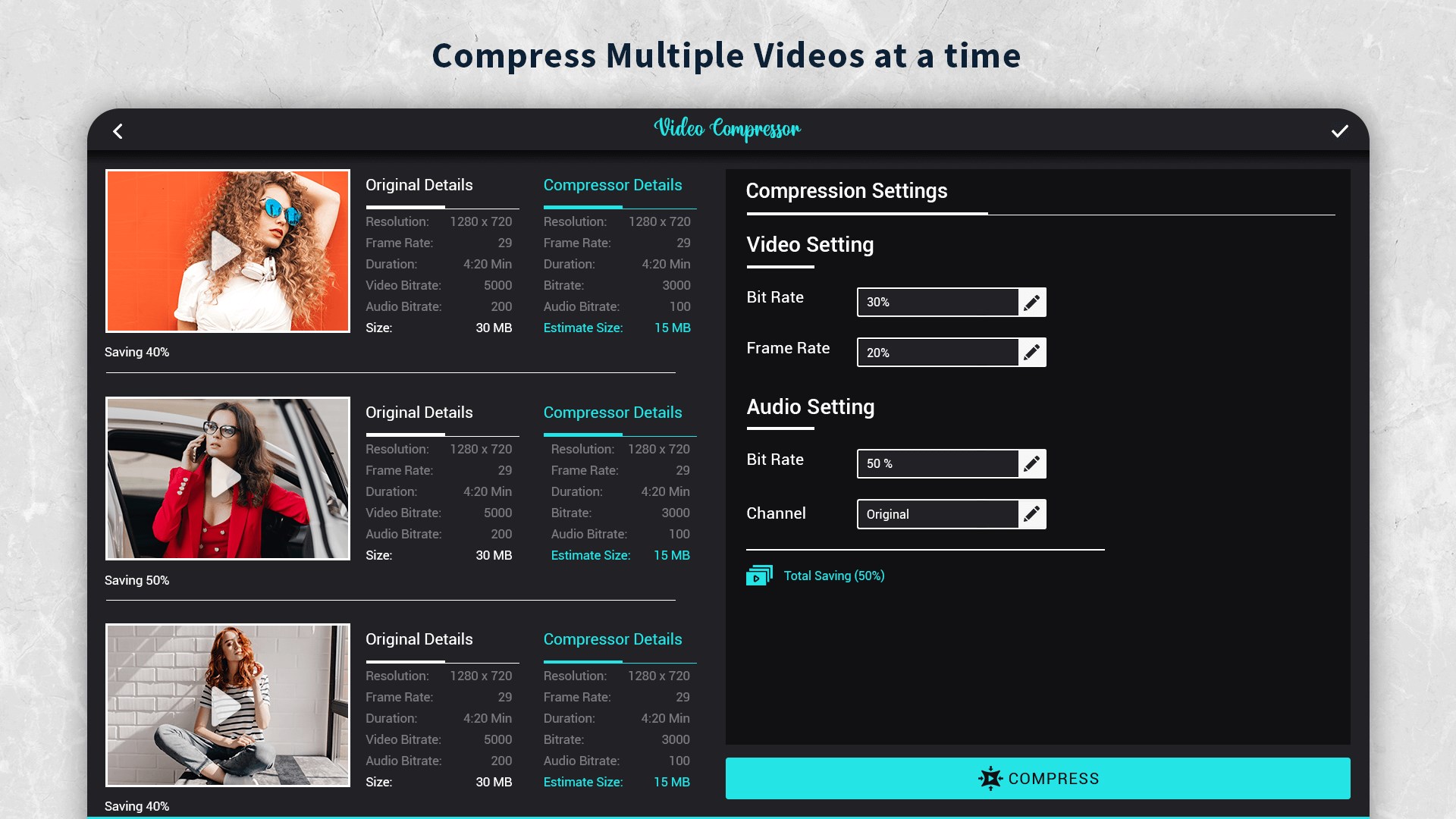
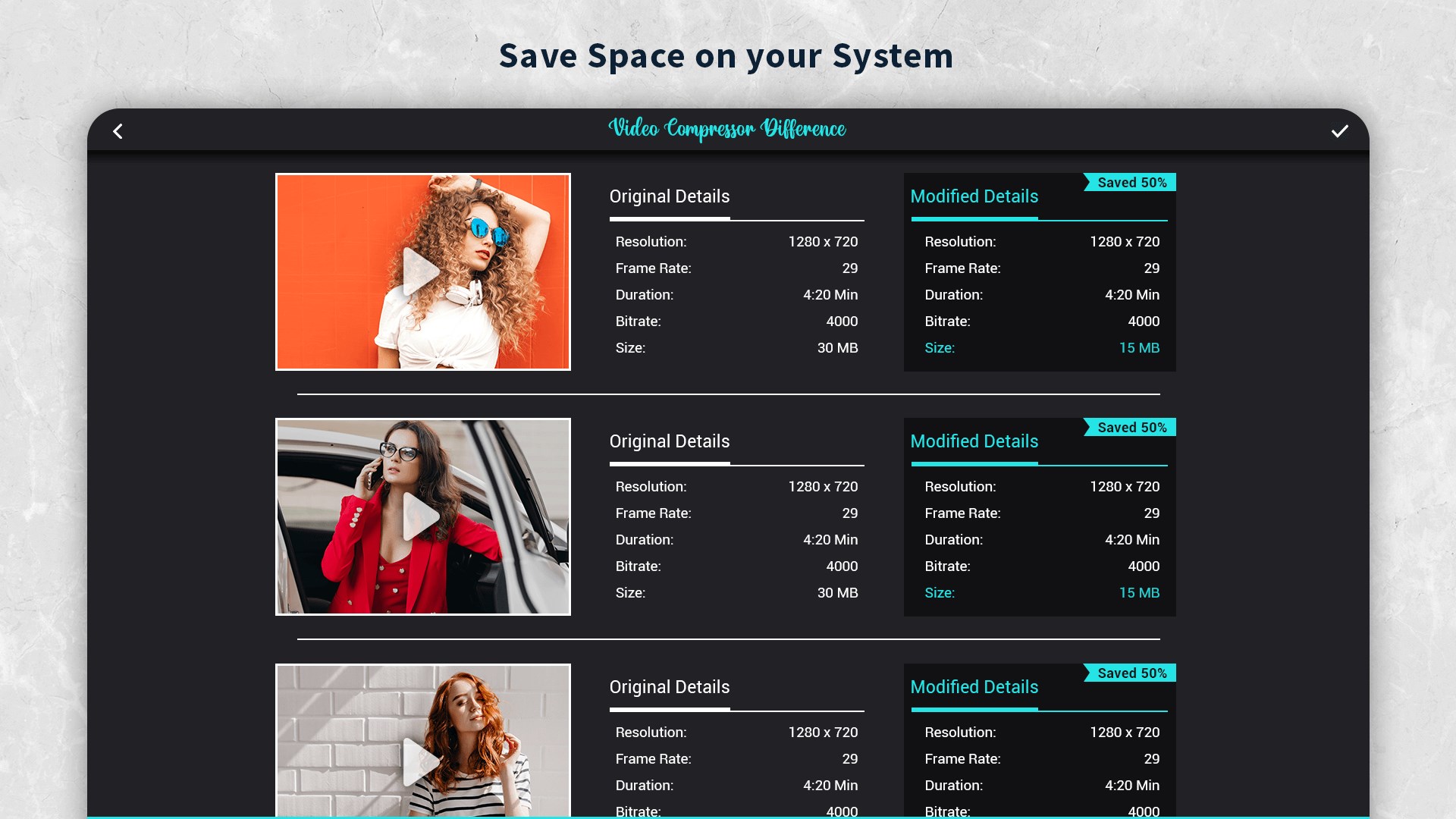
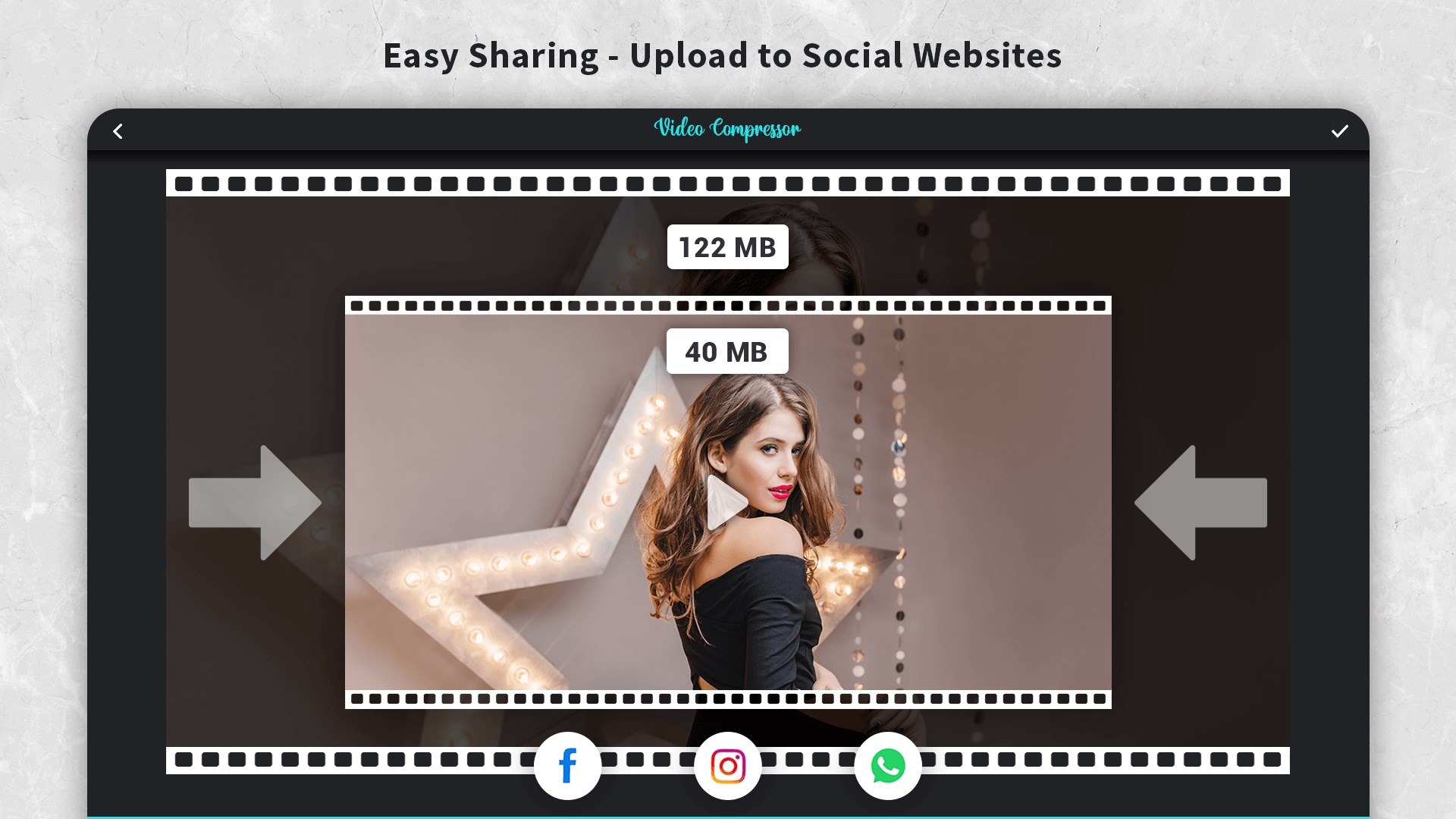
Video Compressor: Resize & Compress Video is a video compressor that reduces the file size of videos to save storage space and network bandwidth. It offers default compression and preset profiles for quick compression, while also letting users choose the desired compression quality, video resolution, video bitrate and audio bitrate. Users can enter a target file size and have the video compressed to that size. Multiple videos can be queued and compressed in batch mode. The app helps with compressing videos for email, freeing up device storage, reducing data usage and sharing videos over weak signals.
Show the developer's original descriptionHide the original description
Video compressor can compress various video files and reduce video file size and help you to save disk space and network bandwidth for easy storage, transfer and sharing.
Videos Compressor is a powerful, fast and efficient video compressor that can compress and resize large video files to save your internal or external storage and internet data while sharing.
It provides default compress/preset profiles for easy compression. Users can also choose desired compression quality, video resolution, video bitrate, Audio bitrate etc.
Video compressor lets the users input the desired compressed video size and it compresses the video to that size. Also you can compress videos in batch mode by queuing multiple videos.
Video Compressor Helps you to
- Compress video files to send via email
- Free up space on the device
- Reduce data usage
- Share videos when your signal is weak
Play Store URL for "Video Compressor: Resize & Compress Video"
If there is a version of this app for iOS/Mac or Windows we don't know about, paste the store link here — we'll auto-detect the store.
How to find the URL:1. Open the app in its store. 2.In the App Store app: tap the Share icon → “Copy Link”. In the browser: copy the URL from the address bar — it contains apps.apple.com/…/id… or apps.microsoft.com/detail/…. 3. Paste it here.
Paste the original link from the Apple App Store or Microsoft Store. We fetch all details automatically.
How to find the URL:
1. Open the app in its store. 2.In the App Store app: tap the Share icon → “Copy Link”. In the browser: copy the URL from the address bar — it contains apps.apple.com/…/id… or apps.microsoft.com/detail/…. 3. Paste it here.
Android apps can only be listed by their developer.