Screenshot appears after consentScreenshot appears after consentScreenshot appears after consentScreenshot appears after consent
Summary
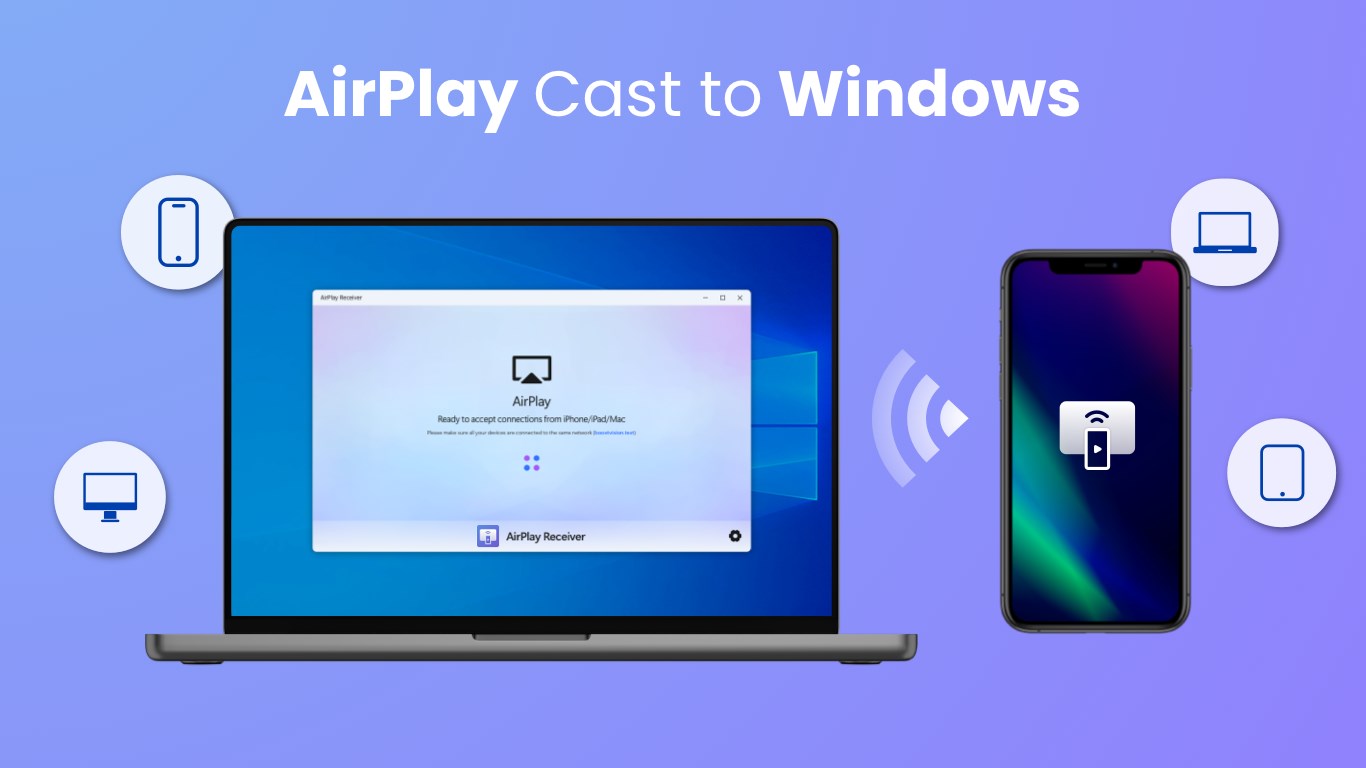
AirMirroring - Screen Mirroring & Cast is a screen mirroring app for Windows that lets an iPhone, iPad or Mac wirelessly mirror its screen to a PC over the same WiFi network. It streams local photos, videos and audio from the Apple device to the PC in good quality, supporting 4K resolution and adjustable frame rate. Music playback can be controlled directly from the PC, including pause, play, volume and track skipping. The app also allows screen recording during casting or mirroring, with connections secured by a password or PIN code, suiting classroom teaching, presentations, travel photo sharing, or playing music from an Apple device through a PC.
Show the developer's original descriptionHide the original description
AirMirroring - Screen Mirroring & Cast is a practical application specially designed for Windows users to easily screen share to PC from their iPhone, iPad or Mac wirelessly. As long as your computer and Apple device are under the same WiFi, you can not only screen mirror but also stream local photos, videos and audios to PC as fast as stable.
The screen mirroring app is perfect for:
⭐️ Screen mirror teaching content from the iOS device to students' Windows PC to conduct teaching work.
⭐️ Screen share your working document on Windows display with your workmate during business meetings.
⭐️ Cast precious travel photos & videos to PC display to share your memorable experience with friends.
⭐️ Screen cast nice music from Apple devices to PC and enjoy the beauty of music with your friends/families.
Features:
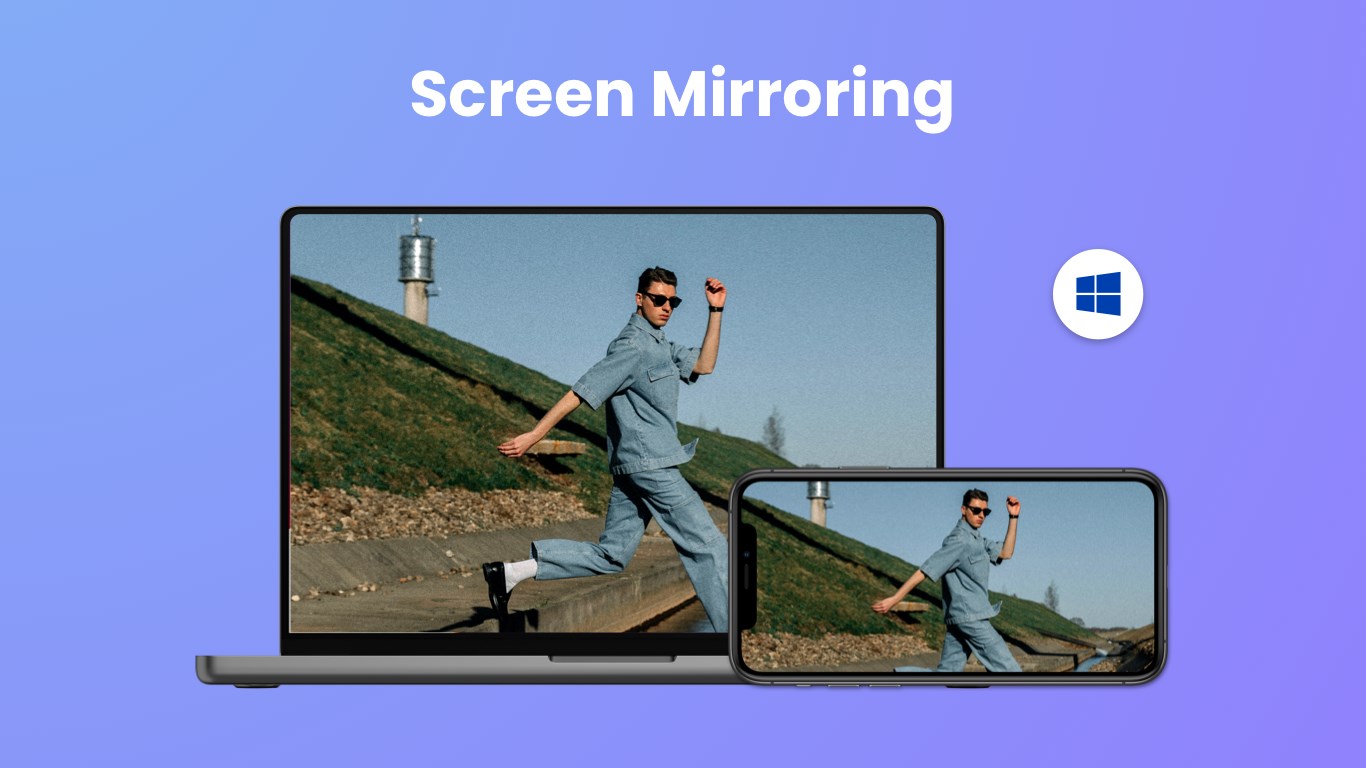
⭐️ Screen mirroring from iPhone/iPad/Mac to Windows seamlessly.
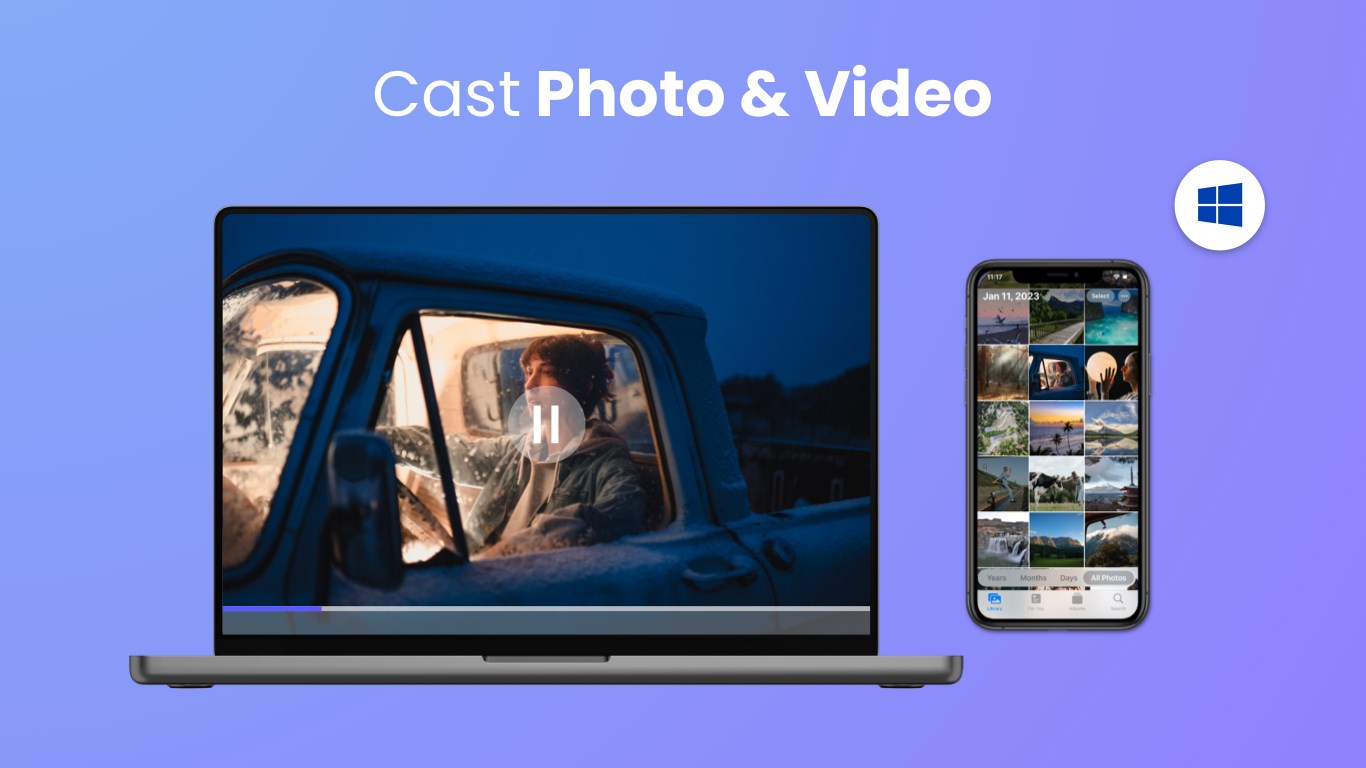
⭐️ Cast photos & videos from your local files to PC in good quality.
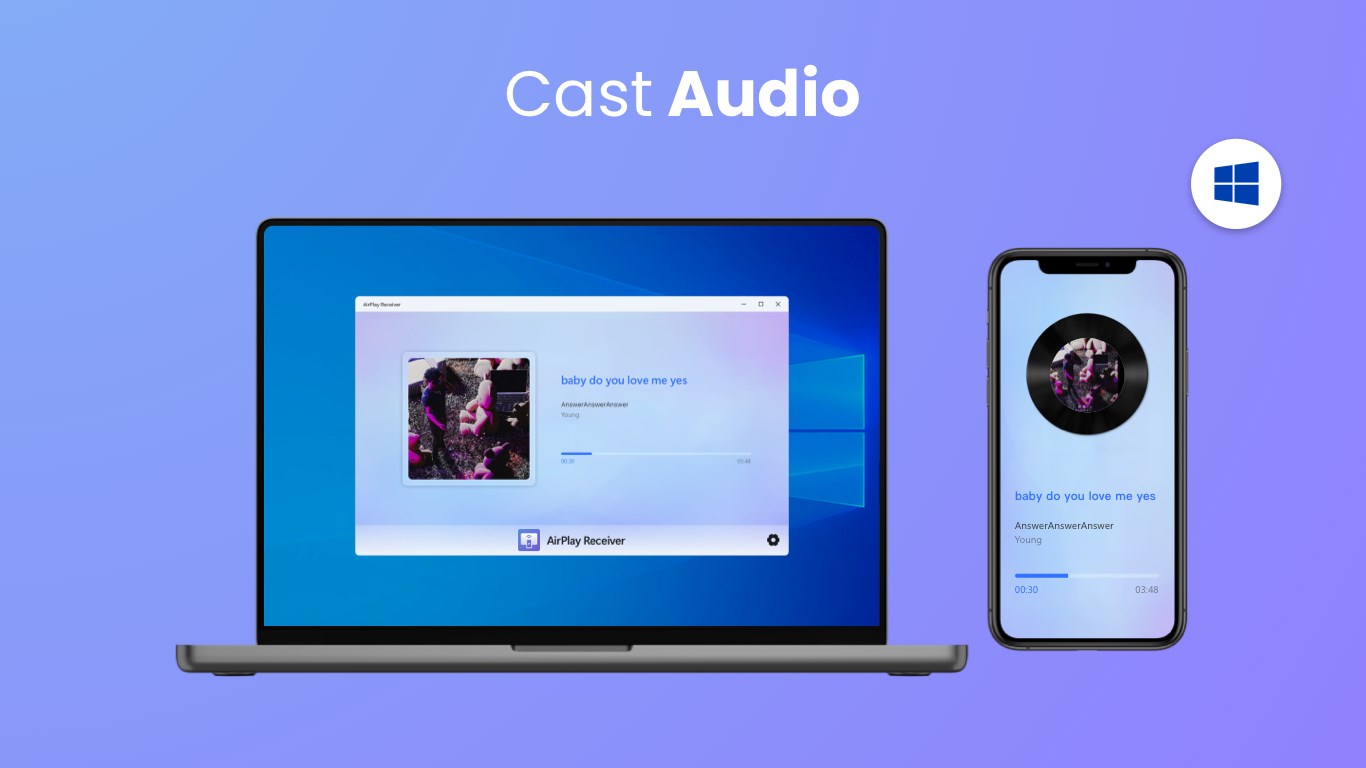
⭐️ Stream local music from Apple devices to PC with good sound quality.
⭐️ Support 4K quality and offer frame rate option.
⭐️ Control music playback (Pause, Playback, Volume Up/Down, Previous/Next song) directly on PC.
⭐️ Screen record during casting & mirroring process.
⭐️ Connect with password or a PIN code.
How to stream from Apple devices to Windows PC:
Download the screen mirroring app on PC to receive content from the iOS device.
Make sure your iOS device and PC are connected to the same WiFi.
Launch the airplay mirroring app and you will see the name of the PC.
Tap ""Screen Mirroring"" on the Apple device and choose the PC name to start streaming.
Notification:
Your Windows PC and the Apple device must be under the same WiFi network.
Most connection problems can be resolved by restarting the receiving device or Apple devices.
We don't support streaming copyright-protected material without permission of the holder.
A watermark will appear after casting for more than 5 minutes.
Terms of Use: https://www.boostvision.tv/terms-of-use
Privacy Policy: https://www.boostvision.tv/privacy-policy
Visit Our Page: https://www.boostvision.tv
Play Store URL for "AirMirroring - Screen Mirroring & Cast"
If there is a version of this app for iOS/Mac or Windows we don't know about, paste the store link here — we'll auto-detect the store.
How to find the URL:1. Open the app in its store. 2.In the App Store app: tap the Share icon → “Copy Link”. In the browser: copy the URL from the address bar — it contains apps.apple.com/…/id… or apps.microsoft.com/detail/…. 3. Paste it here.
Paste the original link from the Apple App Store or Microsoft Store. We fetch all details automatically.
How to find the URL:
1. Open the app in its store. 2.In the App Store app: tap the Share icon → “Copy Link”. In the browser: copy the URL from the address bar — it contains apps.apple.com/…/id… or apps.microsoft.com/detail/…. 3. Paste it here.
Android apps can only be listed by their developer.



 Win AirPlay : Screen Mirroring
Mirror iPhone, iPad and Mac screen to computer
 AirPlay Screen Mirrorring Receiver
Mirror iPhone or Mac screen to PC or Xbox
 AirPlayH - Screen Mirroring
Wirelessly mirror iPhone and iPad screens to desktop
 EasyCast - Screen Mirroring Receiver
Mirror smartphone screen to computer or Xbox
 ASUS GlideX
Mirror phone screen on PC and control with mouse
 Screen Mirroring Cast to TV.
Mirror screen to other devices and smart TVs