

Screenshot appears after consentScreenshot appears after consentScreenshot appears after consentScreenshot appears after consentScreenshot appears after consentScreenshot appears after consentScreenshot appears after consentScreenshot appears after consentScreenshot appears after consentScreenshot appears after consentScreenshot appears after consent
Summary
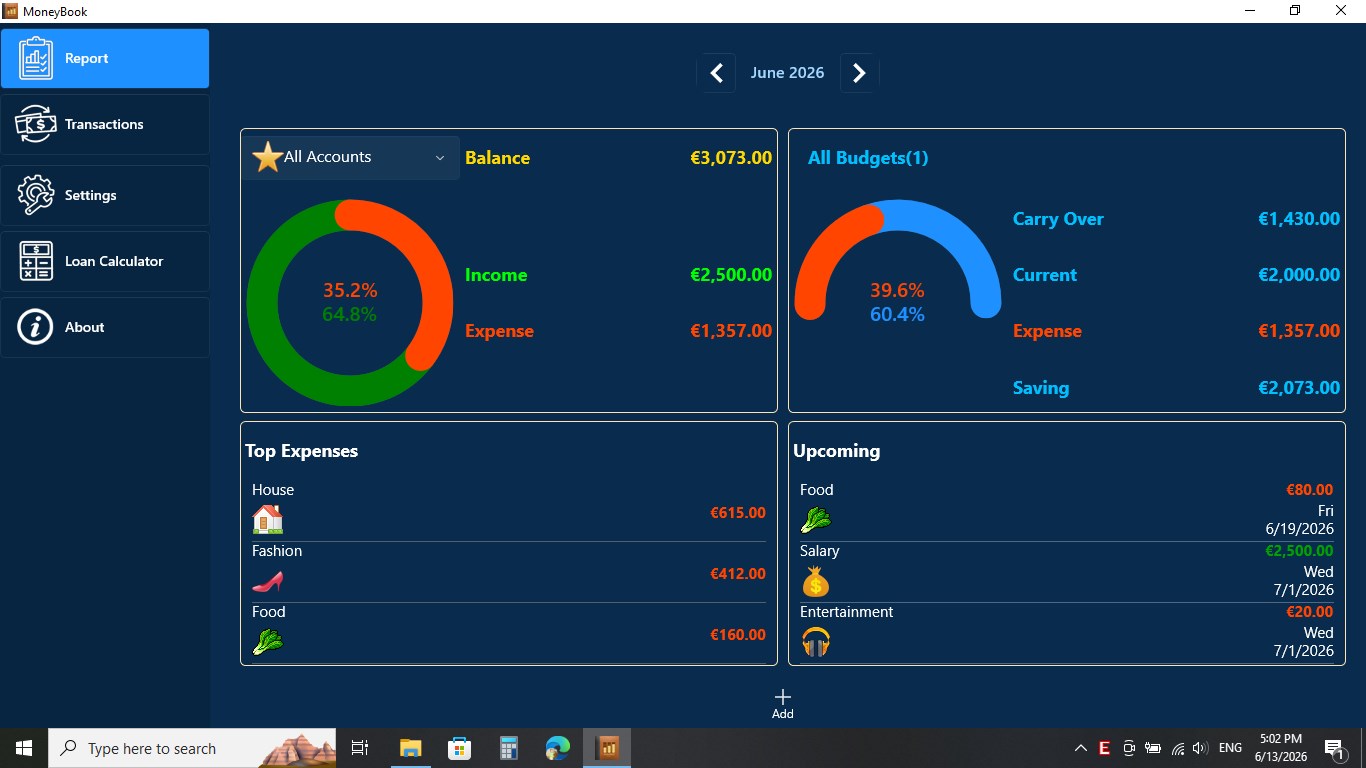
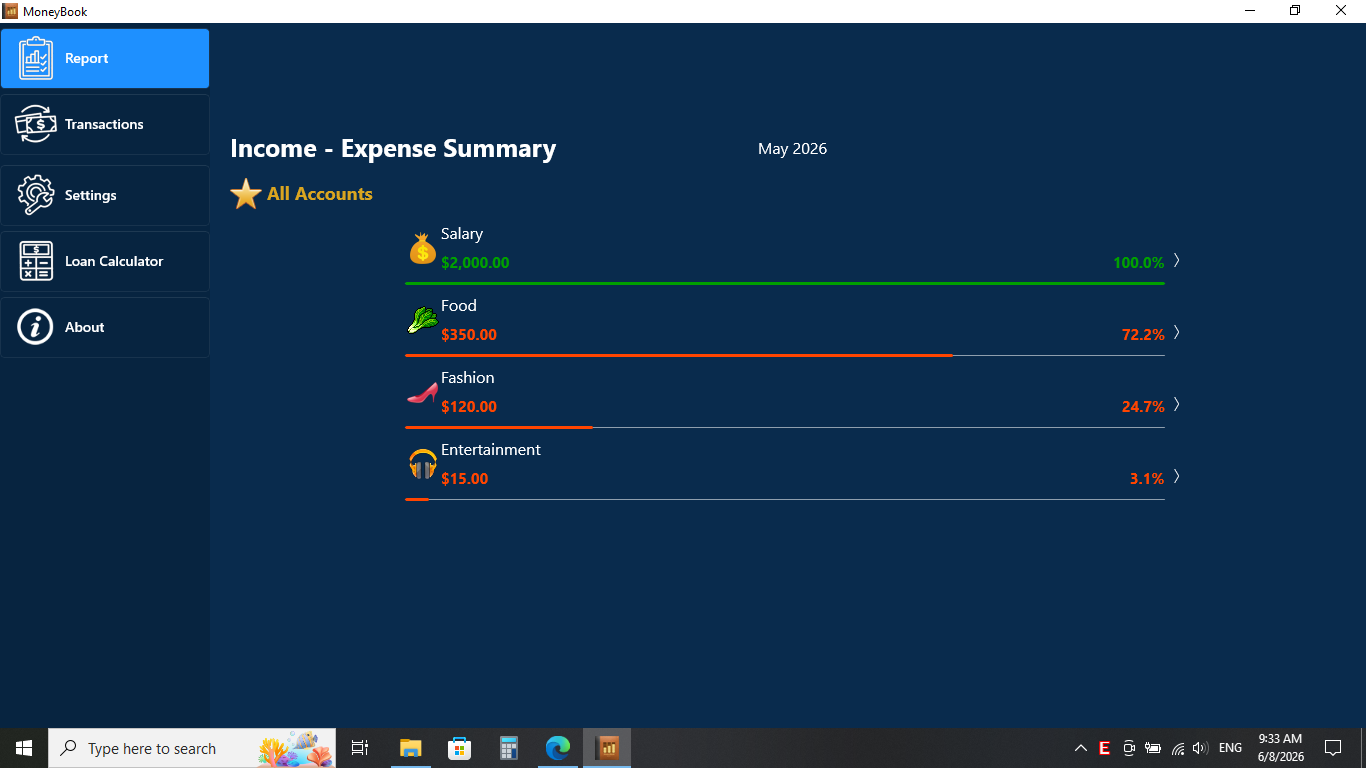
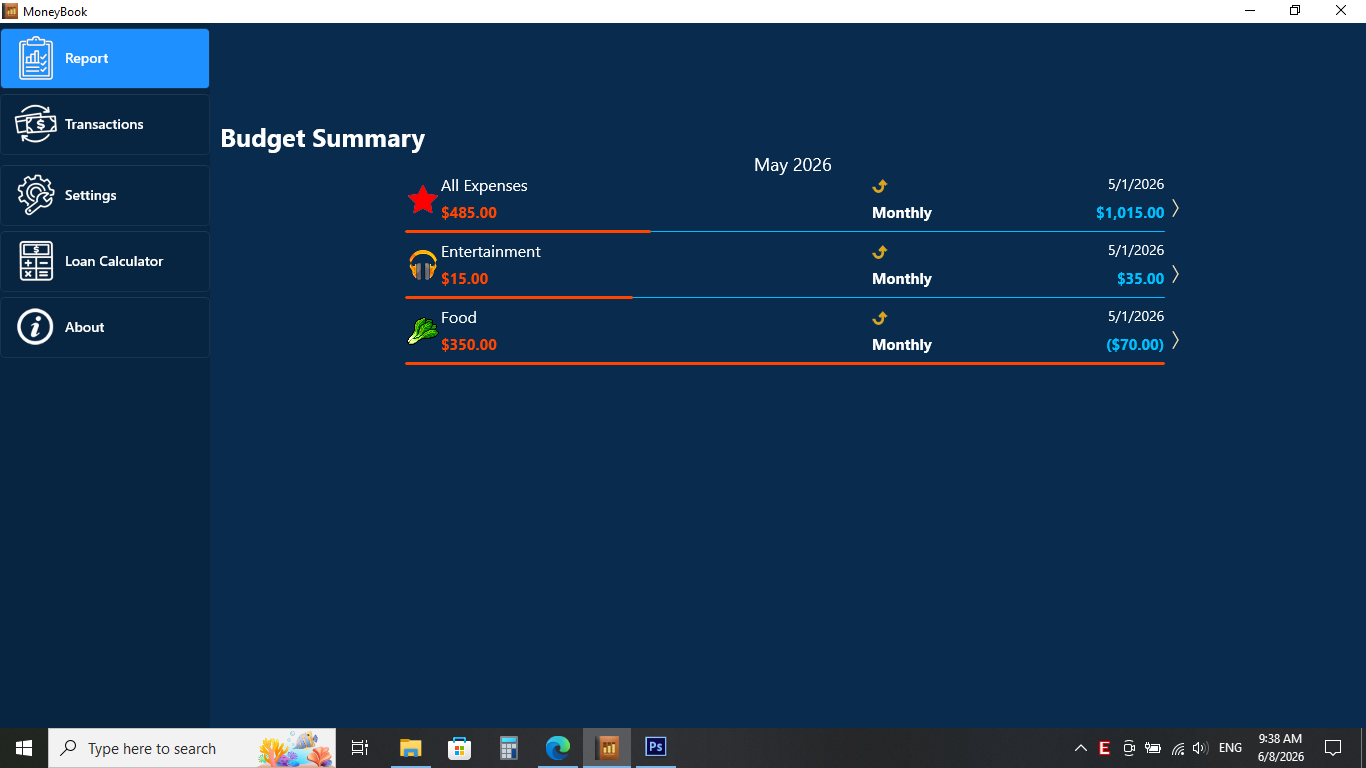
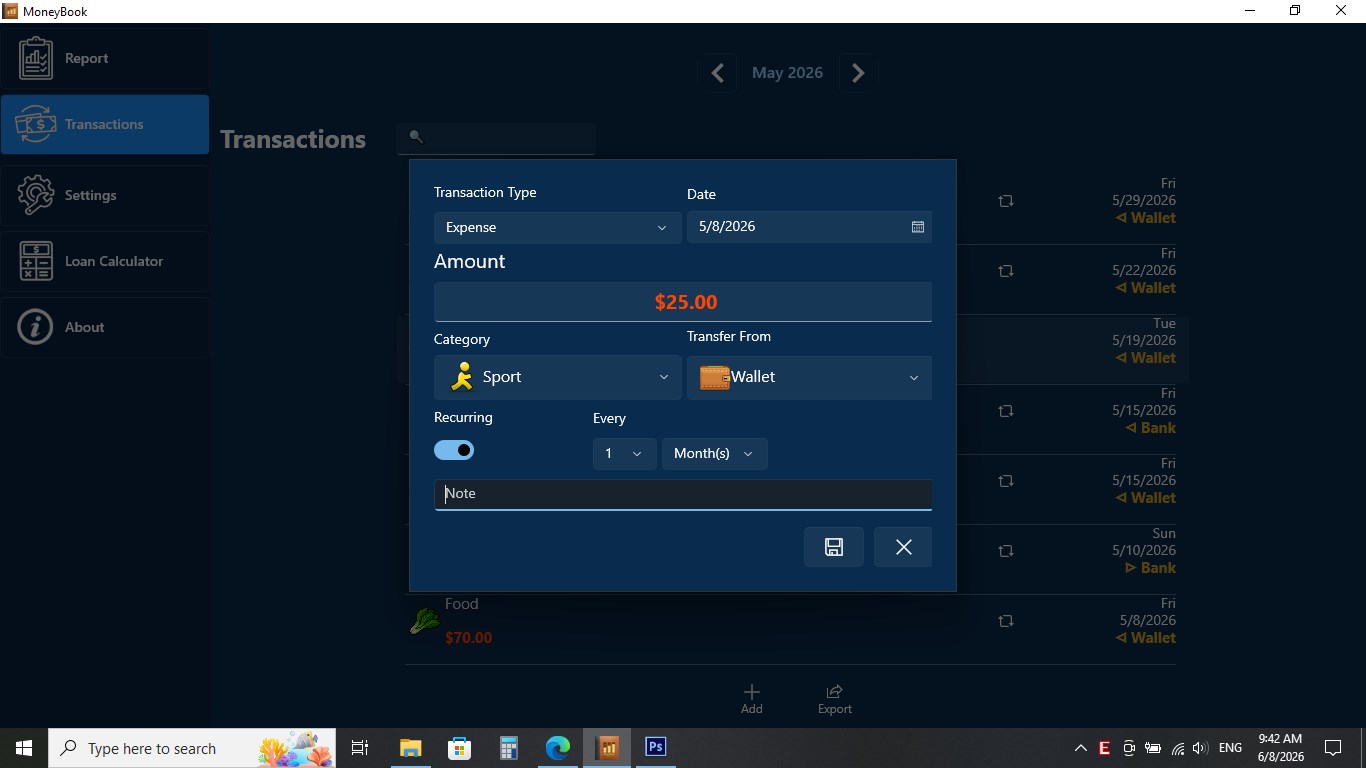
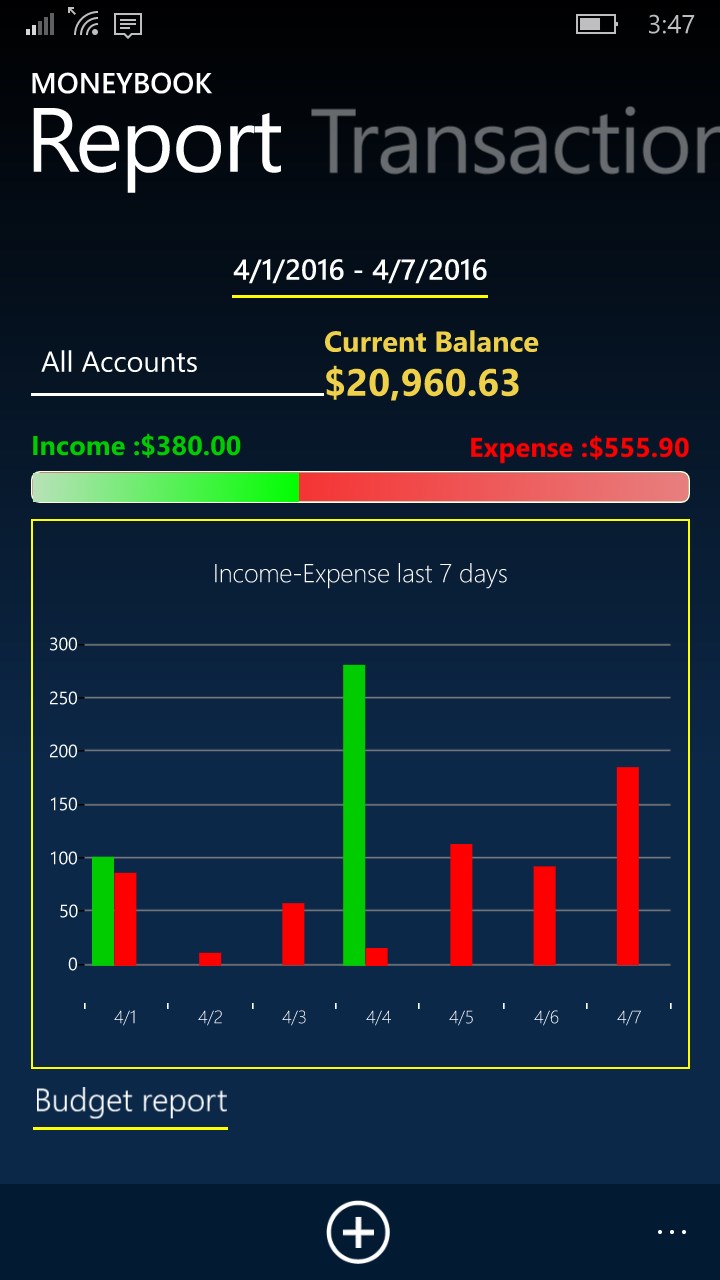
MoneyBook is a personal finance app that helps track spending and manage budgets. It records income, expenses and transfers as transactions and allows several budget types and recurring categories to be set up. Transactions can be searched by various criteria and quick, detailed reports can be generated at any time. Automatic reminders prompt data updates, and access can be protected by password. Data can be backed up and restored using OneDrive.
Show the developer's original descriptionHide the original description
MoneyBook is an application for managing personal finances. It helps you track and manage your budget and SAVE MONEY.
Features:
* Transactions: Income, Expense and Transfer
* Set multiple budget type
* Set multiple recurring categories
* Search transactions by various criteria
* Quick report, detailed in any time
* Automatic reminders to update the data
* Protected by password
* Backup and Restore Data with OneDrive
Supported Languages:
- English-United States
- Spanish-Español
- German-Deutsche
- Finnish-Suomalainen
- French-Français
- Hungarian-Magyar
- Indonesian-Bahasa Indonesia
- Italian-Italiano
- Japanese-日本語
- Polish-Polski
- Portuguese-Português
- Russian-Pусский
- Simplified Chinese-简体中文
- Thai-ไทย
- Turkish-Türk
- Ukrainian-Yкраїнська
- Vietnamese-Tiếng Việt
If there is a version of this app for iOS/Mac or Windows we don't know about, paste the store link here — we'll auto-detect the store.
How to find the URL:1. Open the app in its store. 2.In the App Store app: tap the Share icon → “Copy Link”. In the browser: copy the URL from the address bar — it contains apps.apple.com/…/id… or apps.microsoft.com/detail/…. 3. Paste it here.
Paste the original link from the Apple App Store or Microsoft Store. We fetch all details automatically.
How to find the URL:
1. Open the app in its store. 2.In the App Store app: tap the Share icon → “Copy Link”. In the browser: copy the URL from the address bar — it contains apps.apple.com/…/id… or apps.microsoft.com/detail/…. 3. Paste it here.
Android apps can only be listed by their developer.