
Screenshot appears after consentScreenshot appears after consentScreenshot appears after consentScreenshot appears after consentScreenshot appears after consentScreenshot appears after consentScreenshot appears after consentScreenshot appears after consent
Summary
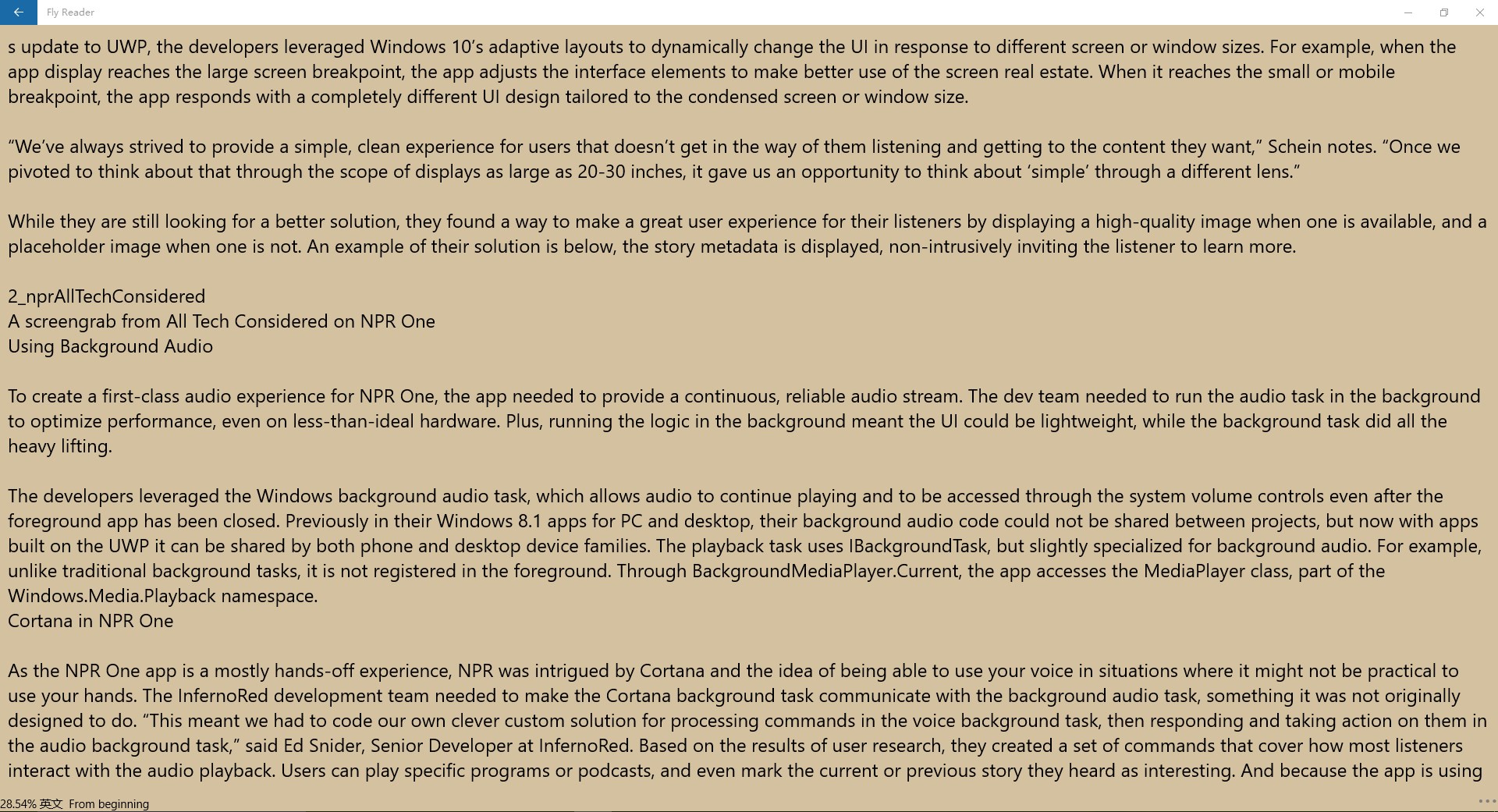
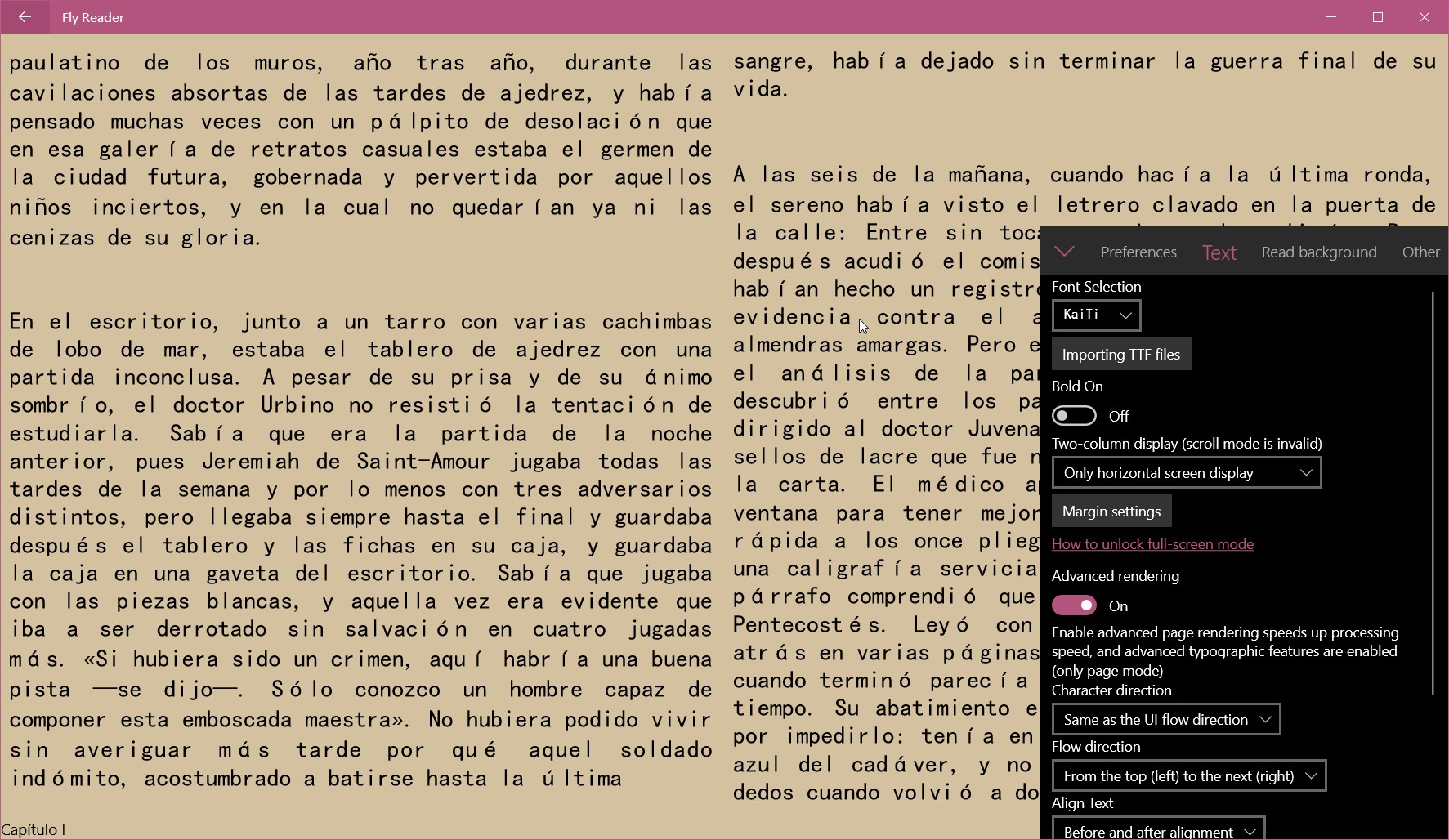
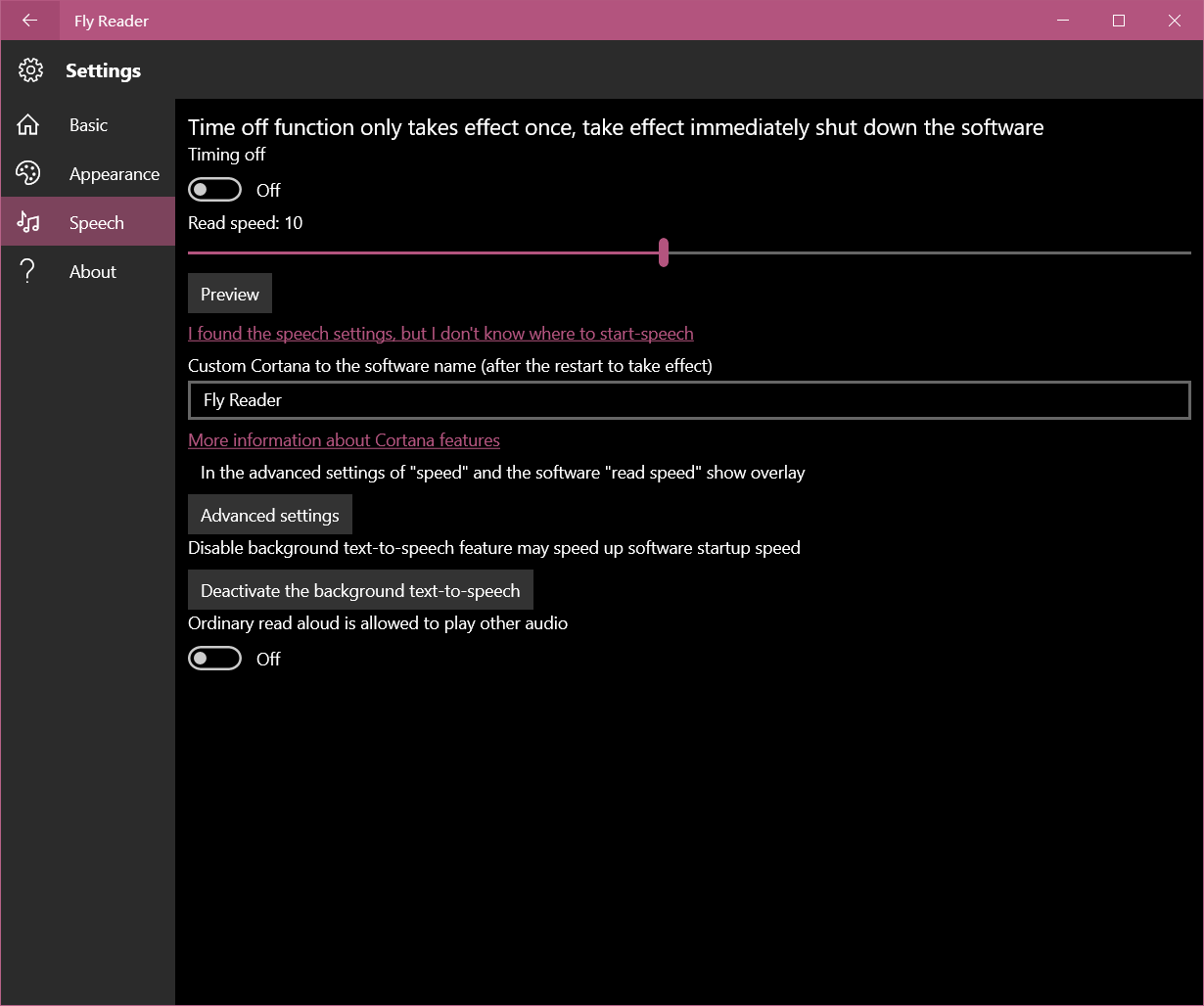
Fly Reader is an e-book reader for Windows. It imports local books in formats such as TXT, EPUB, MOBI, AZW3 and FB2. It can read text aloud with adjustable speaking speed, allowing hands-free listening. It is optimized for Windows 10 and Continuum, supporting scrolling page reading, background text-to-speech, two-column reading pages and adjustable font size. All these features are free. A Professional Edition adds the ability to place multiple bookmarks in one book.
Show the developer's original descriptionHide the original description
Fly Reader is a Windows UWP application.
Software features:
1. Local Import: support TXT, EPUB, MOBI, AZW3, FB2 books and other formats.
2. To-Speech: hands free, eye protection, let the phone turned master storyteller! And supports voice speaking rate adjustment.
3. Windows 10 Ready - Optimized for Windows 10 and Continuum!
Support scrolling page reading, background TTS, two-column reading page, adjust the font size and so on.
All of the above are free features. Professional Edition features are software password, adding multiple bookmarks to one book.
If there is a version of this app for iOS/Mac or Windows we don't know about, paste the store link here — we'll auto-detect the store.
How to find the URL:1. Open the app in its store. 2.In the App Store app: tap the Share icon → “Copy Link”. In the browser: copy the URL from the address bar — it contains apps.apple.com/…/id… or apps.microsoft.com/detail/…. 3. Paste it here.
Paste the original link from the Apple App Store or Microsoft Store. We fetch all details automatically.
How to find the URL:
1. Open the app in its store. 2.In the App Store app: tap the Share icon → “Copy Link”. In the browser: copy the URL from the address bar — it contains apps.apple.com/…/id… or apps.microsoft.com/detail/…. 3. Paste it here.
Android apps can only be listed by their developer.