
Screenshot appears after consentScreenshot appears after consentScreenshot appears after consentScreenshot appears after consentScreenshot appears after consent
Summary
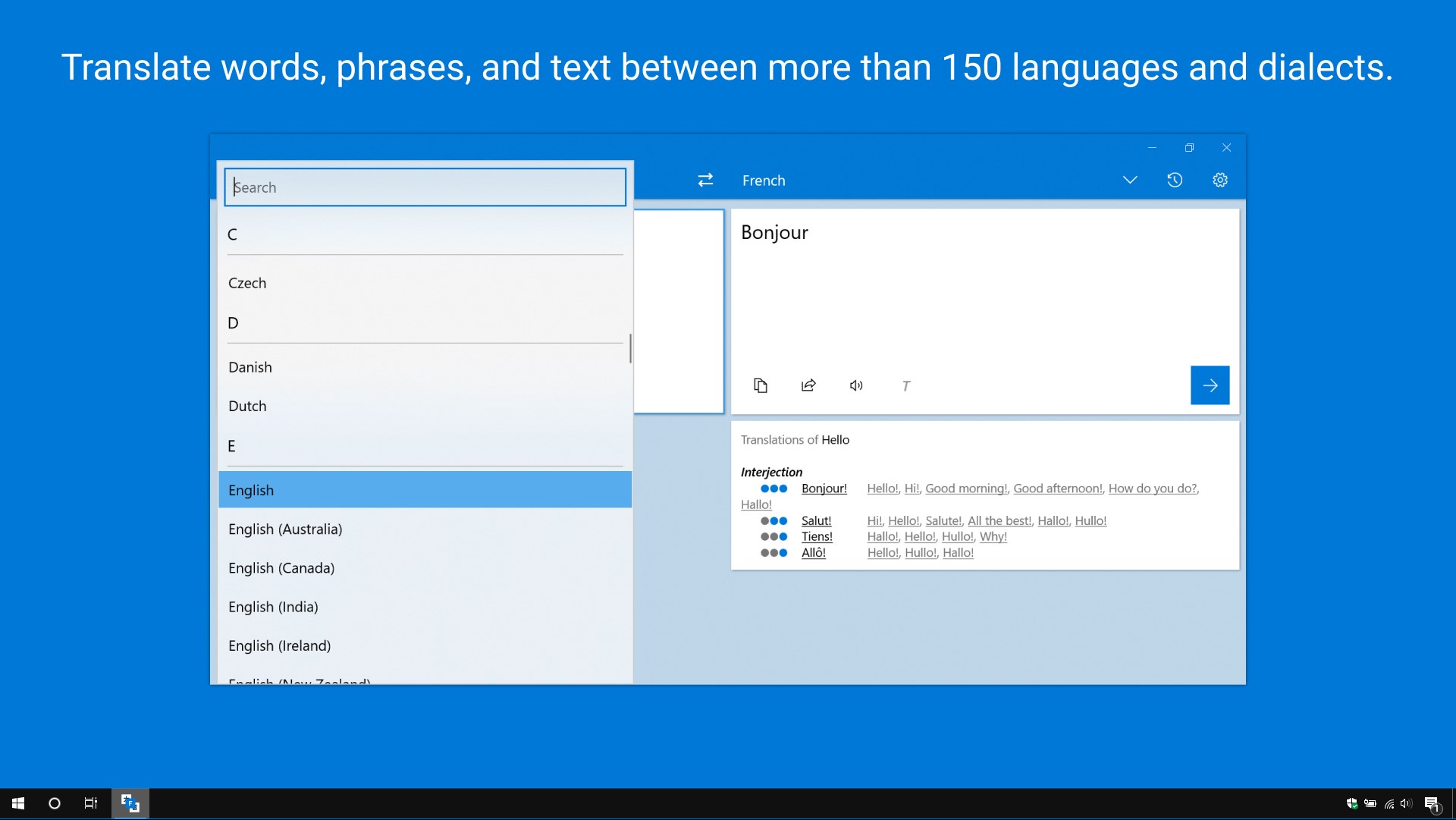
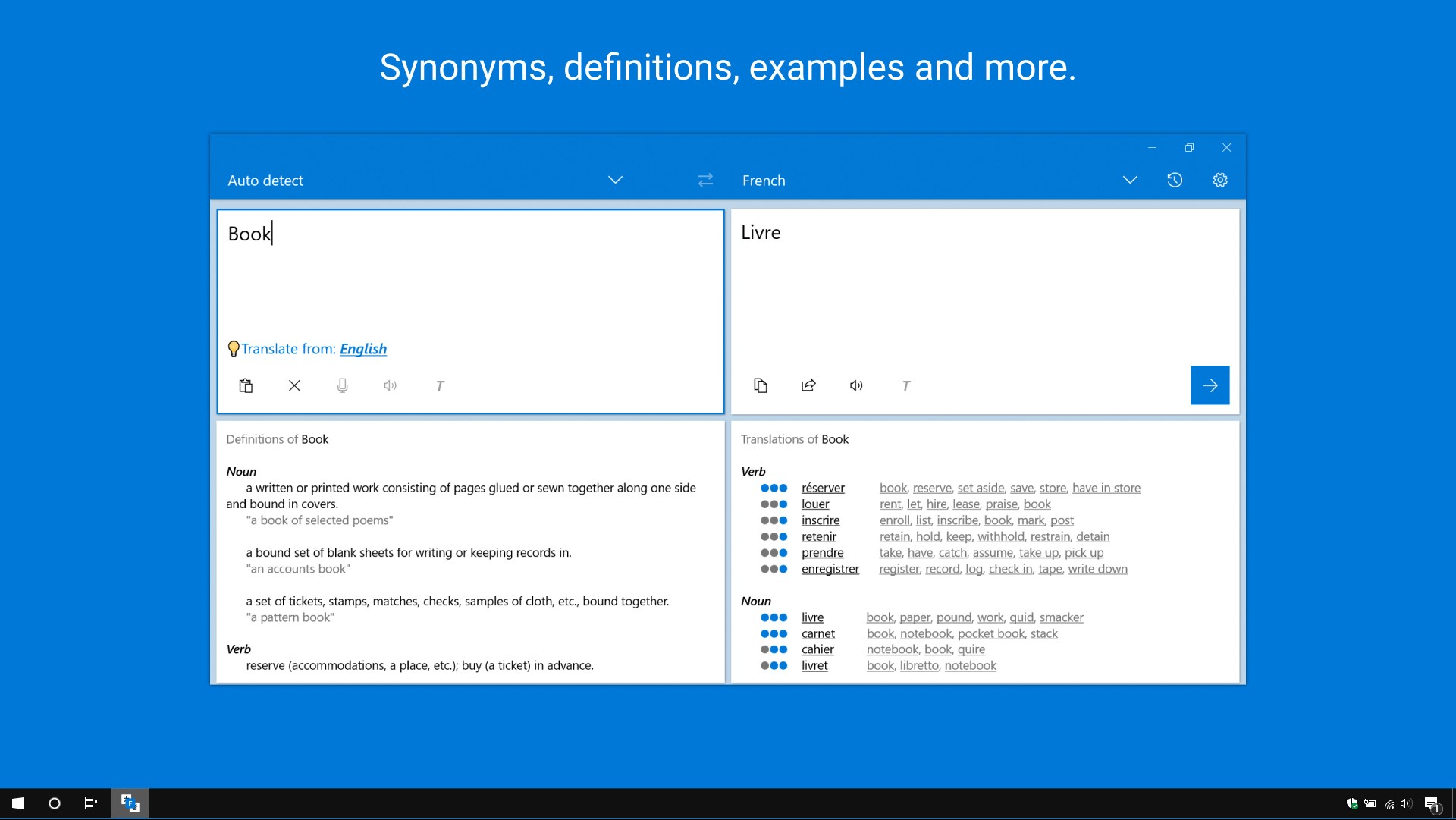
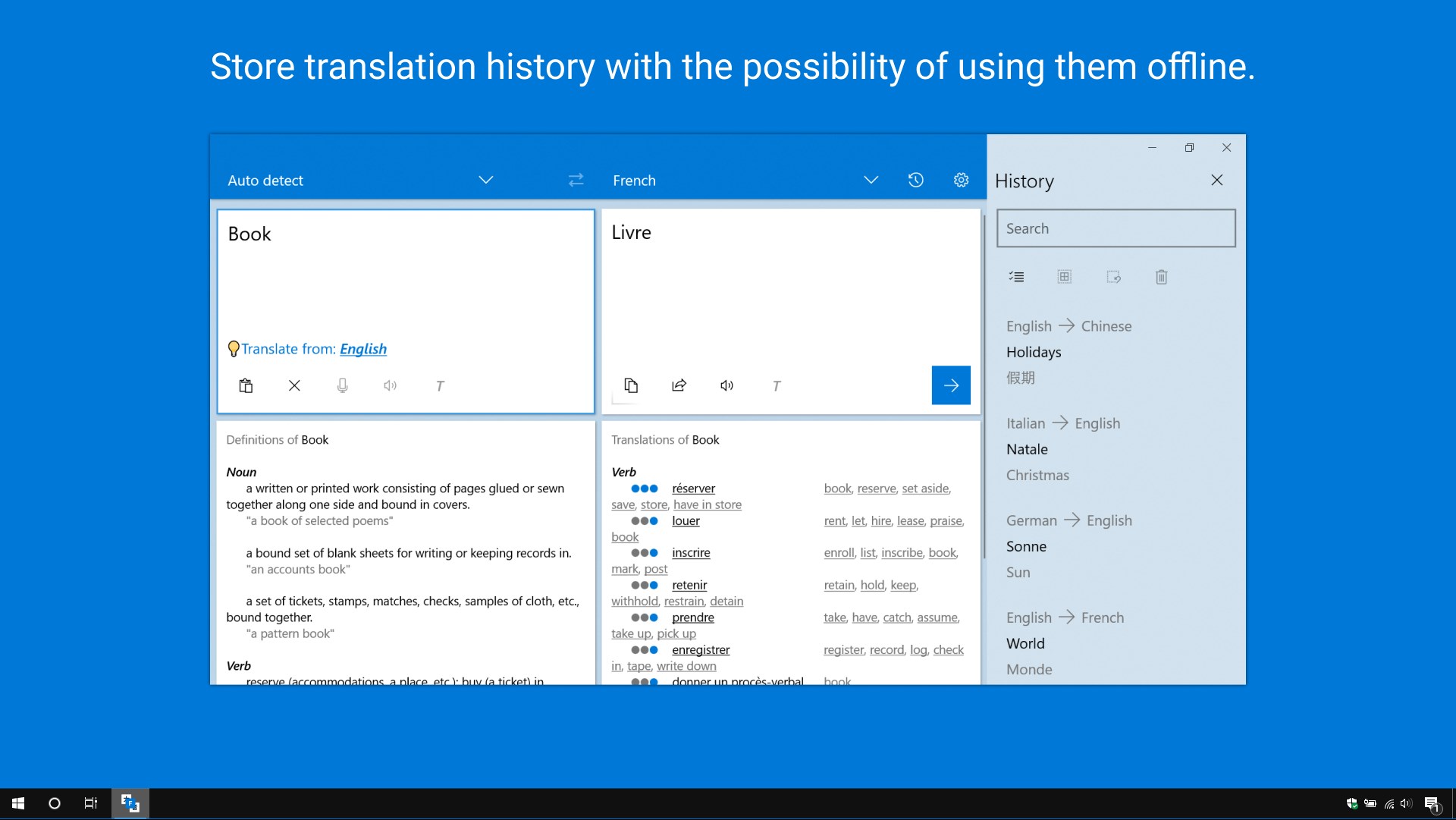
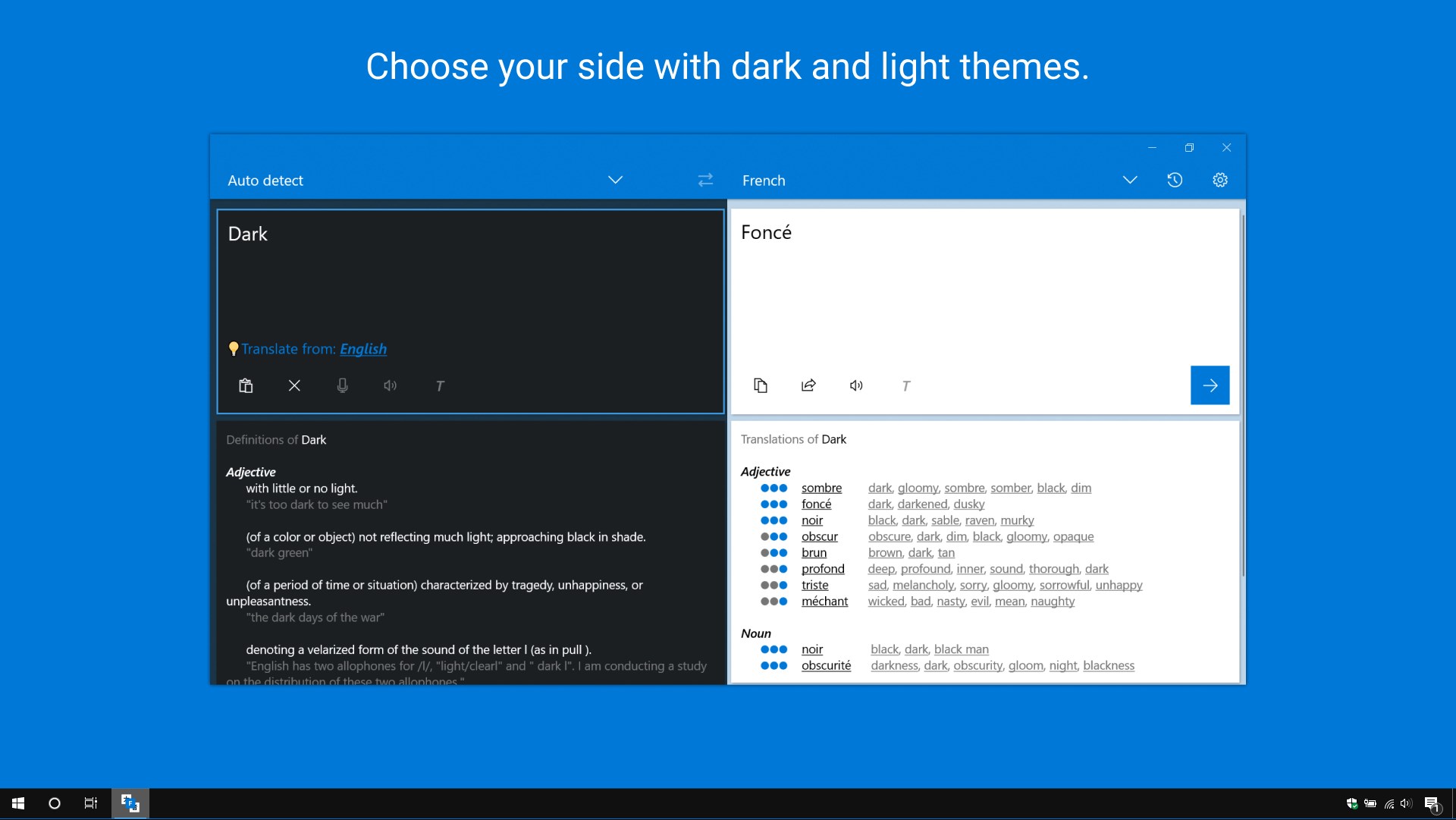
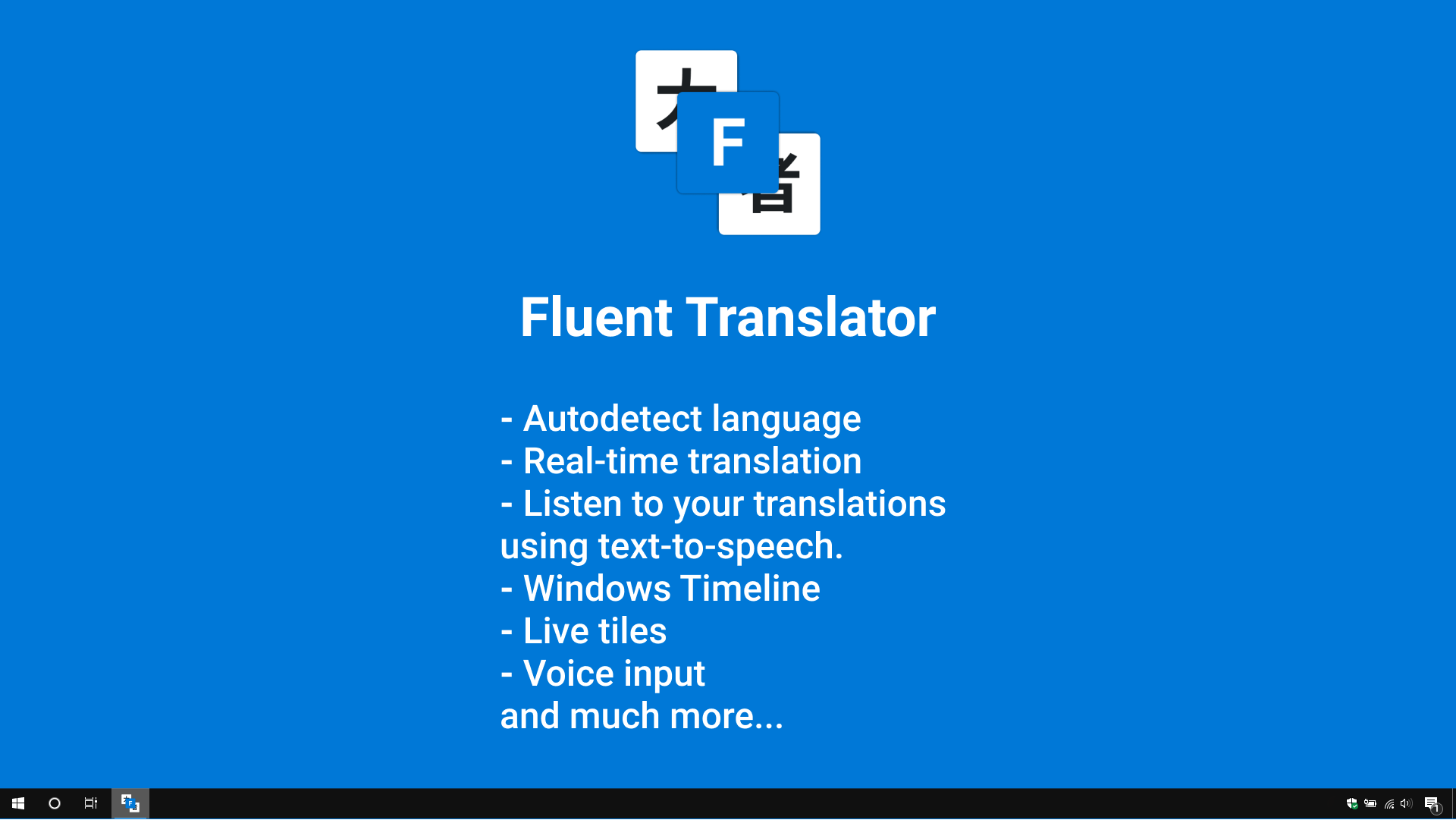
Fluent Translator is a translation app that converts words, phrases and text between more than 150 languages and dialects. It offers real-time translation with automatic language detection and voice input, and translations can be read aloud through text-to-speech. Translation history is stored and can be used offline. The app also provides synonyms, definitions and examples, supports dark and light themes, and includes Windows Timeline and Live Tiles integration.
Show the developer's original descriptionHide the original description
Fluent Translator is your assistant in the world of translations. Translate words, phrases, and text between more than 150 languages and dialects.
🌟 Features 🌟
✔ Translate words, phrases, and text between more than 150 languages and dialects.
✔ Store translation history with the possibility of using them offline.
✔ Listen to your translations using text-to-speech.
✔ Choose your side with dark and light themes.
✔ Synonyms, definitions, examples and more.
✔ Voice input.
✔ Real-time translation.
✔ Autodetect language.
✔ Windows Timeline.
✔ Live tiles.
If there is a version of this app for iOS/Mac or Windows we don't know about, paste the store link here — we'll auto-detect the store.
How to find the URL:1. Open the app in its store. 2.In the App Store app: tap the Share icon → “Copy Link”. In the browser: copy the URL from the address bar — it contains apps.apple.com/…/id… or apps.microsoft.com/detail/…. 3. Paste it here.
Paste the original link from the Apple App Store or Microsoft Store. We fetch all details automatically.
How to find the URL:
1. Open the app in its store. 2.In the App Store app: tap the Share icon → “Copy Link”. In the browser: copy the URL from the address bar — it contains apps.apple.com/…/id… or apps.microsoft.com/detail/…. 3. Paste it here.
Android apps can only be listed by their developer.