Screenshot appears after consentScreenshot appears after consentScreenshot appears after consent
Summary
Kahoot! Create is an app for building learning games, called kahoots, for any subject or age. Games can be created in minutes as a classic multiple-choice quiz or as Jumble, a format where answers must be placed in correct order, and videos, images and diagrams can be added to make them more engaging. Instead of creating a new game, an existing kahoot can be chosen from millions available, played as is, or duplicated and edited for a specific class. Kahoots are designed to be played in a group setting such as a classroom, with players answering on their own devices while the game is shown on a shared screen.
Show the developer's original descriptionHide the original description
Create and host a fun learning game for any subject, any age, for free. Kahoot! is a free game-based platform that makes learning awesome. It brings fun into the classroom where anyone can play, unleash their secret classroom superpowers and celebrate together.
(Were you looking for an app to play Kahoot! on your Windows device? Check the free Kahoot! Play app here in Microsoft Store.)
Create a kahoot in minutes
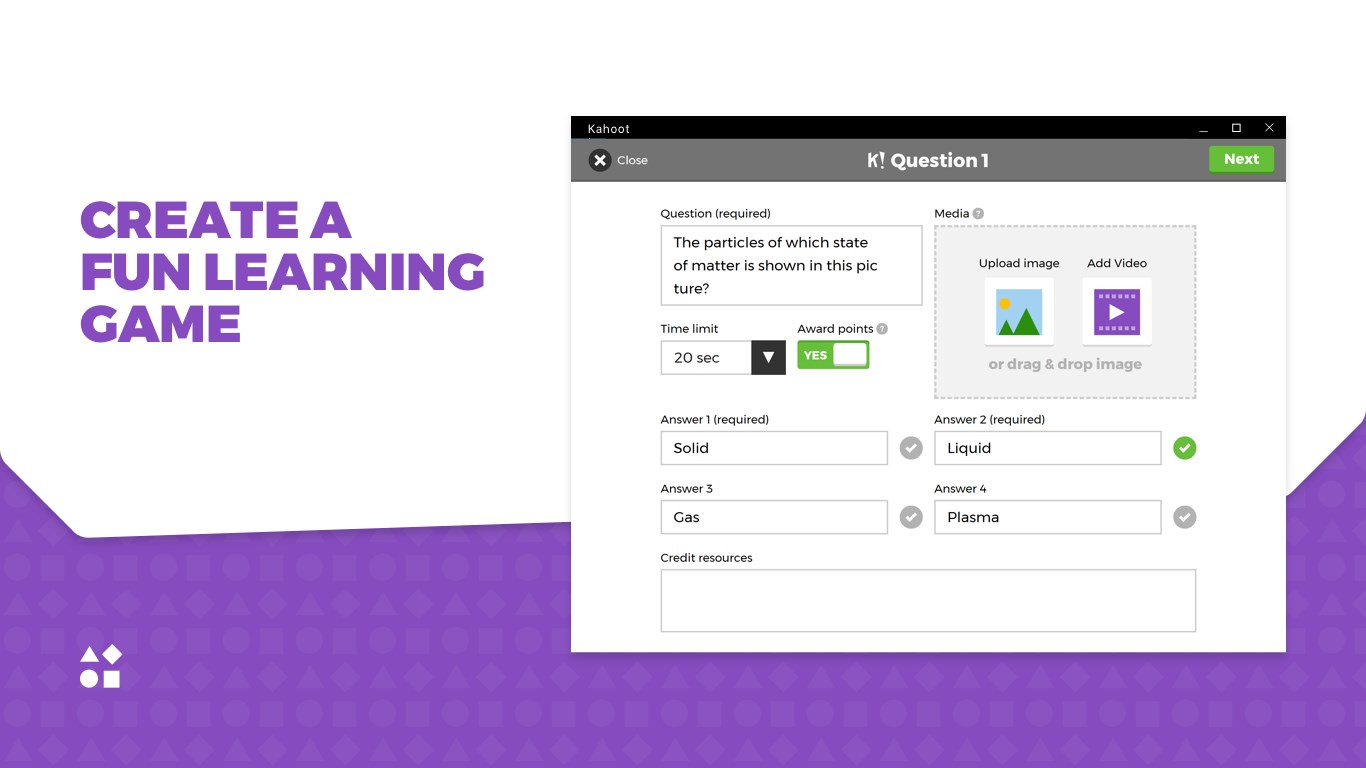
Creating a new game (we call them ‘kahoots’) is quick and easy. You can make a classic quiz with a series of multiple choice questions or try our new game format, Jumble, where answers have to be placed in the correct order. Add videos, images and diagrams to make the game even more engaging.
Choose from millions of existing kahoots
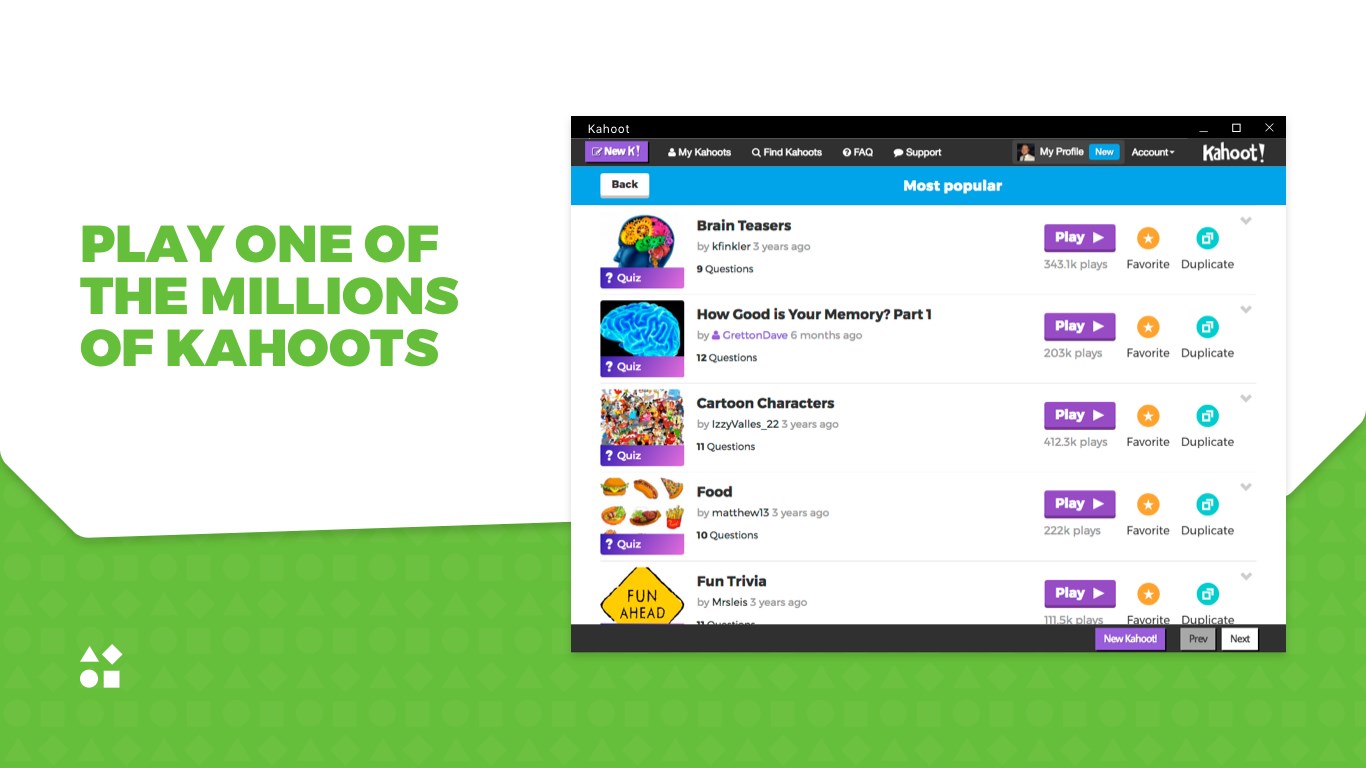
Besides creating your own kahoots, you can find an existing one around your topic. Play it as it is, or duplicate and edit it to customize the game for your class.
Bring fun into the classroom
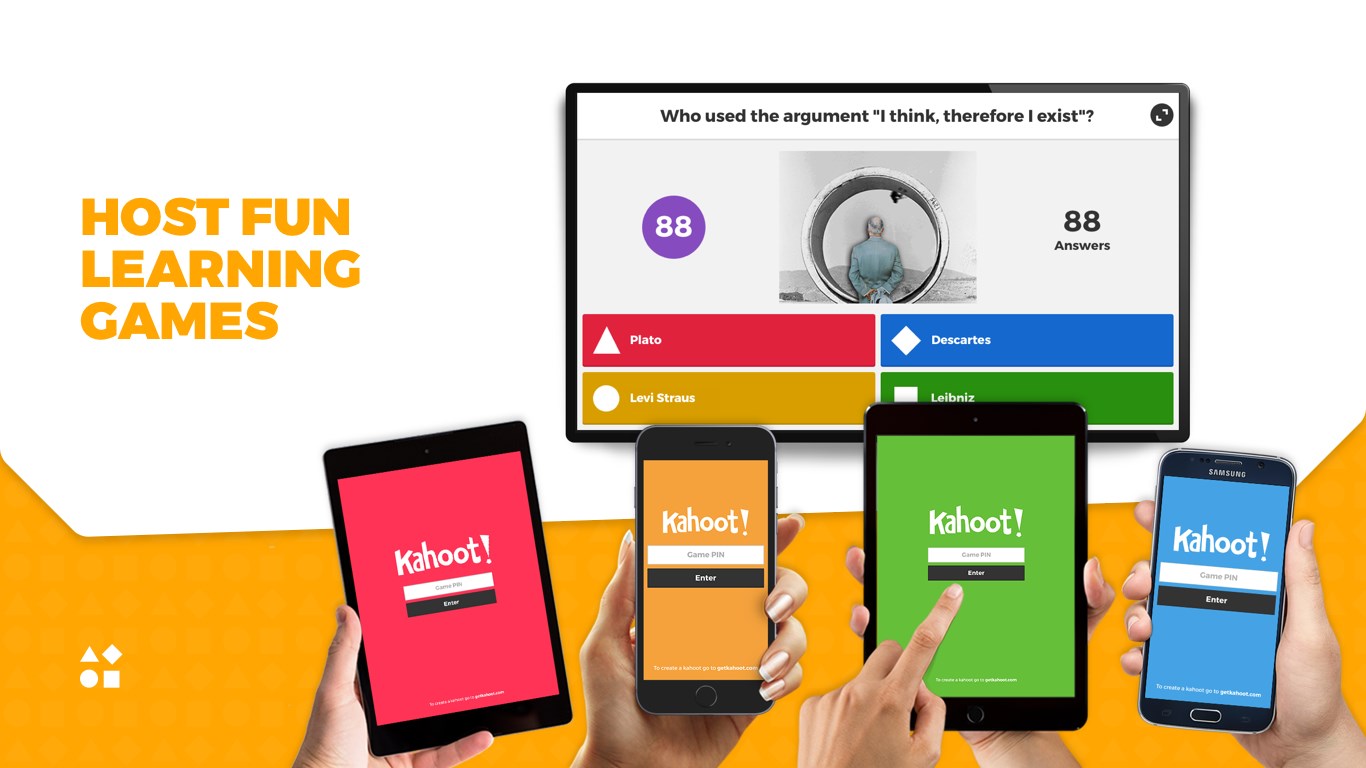
Kahoots are best played in a group setting, like a classroom. Players answer the questions on their own devices, while games are displayed on a shared screen to unite the lesson.
It creates a ‘campfire moment’ encouraging players to look up and celebrate together.
Foster social learning
Social learning promotes discussion and pedagogical impact, whether players are in the same room or on the other side of the globe. After a game, encourage players to create and share their own kahoots to deepen understanding, mastery and purpose, as well as engage in peer-led discussions. When a learner becomes a leader, that’s a true magic moment!
If there is a version of this app for iOS/Mac or Windows we don't know about, paste the store link here — we'll auto-detect the store.
How to find the URL:1. Open the app in its store. 2.In the App Store app: tap the Share icon → “Copy Link”. In the browser: copy the URL from the address bar — it contains apps.apple.com/…/id… or apps.microsoft.com/detail/…. 3. Paste it here.
Paste the original link from the Apple App Store or Microsoft Store. We fetch all details automatically.
How to find the URL:
1. Open the app in its store. 2.In the App Store app: tap the Share icon → “Copy Link”. In the browser: copy the URL from the address bar — it contains apps.apple.com/…/id… or apps.microsoft.com/detail/…. 3. Paste it here.
Android apps can only be listed by their developer.



 FlashQuiz
Create, share and study flashcards with tracking
 Duolingo - Language Lessons
Learn languages, chess and math through games
 Chess.com - Play and Learn
Play and learn chess online with millions of players
 Trivia Crack: Brain Quiz Games
AI generates quiz questions on any topic
 Vokabel
Learn vocabulary with quizzes, games and text-to-speech
 Anki Universal
Create and study flashcards with multimedia content