Screenshot appears after consentScreenshot appears after consentScreenshot appears after consentScreenshot appears after consentScreenshot appears after consentScreenshot appears after consentScreenshot appears after consentScreenshot appears after consentScreenshot appears after consentScreenshot appears after consent
Screenshot appears after consentScreenshot appears after consentScreenshot appears after consentScreenshot appears after consentScreenshot appears after consent
Screenshot appears after consentScreenshot appears after consentScreenshot appears after consentScreenshot appears after consentScreenshot appears after consent
Summary
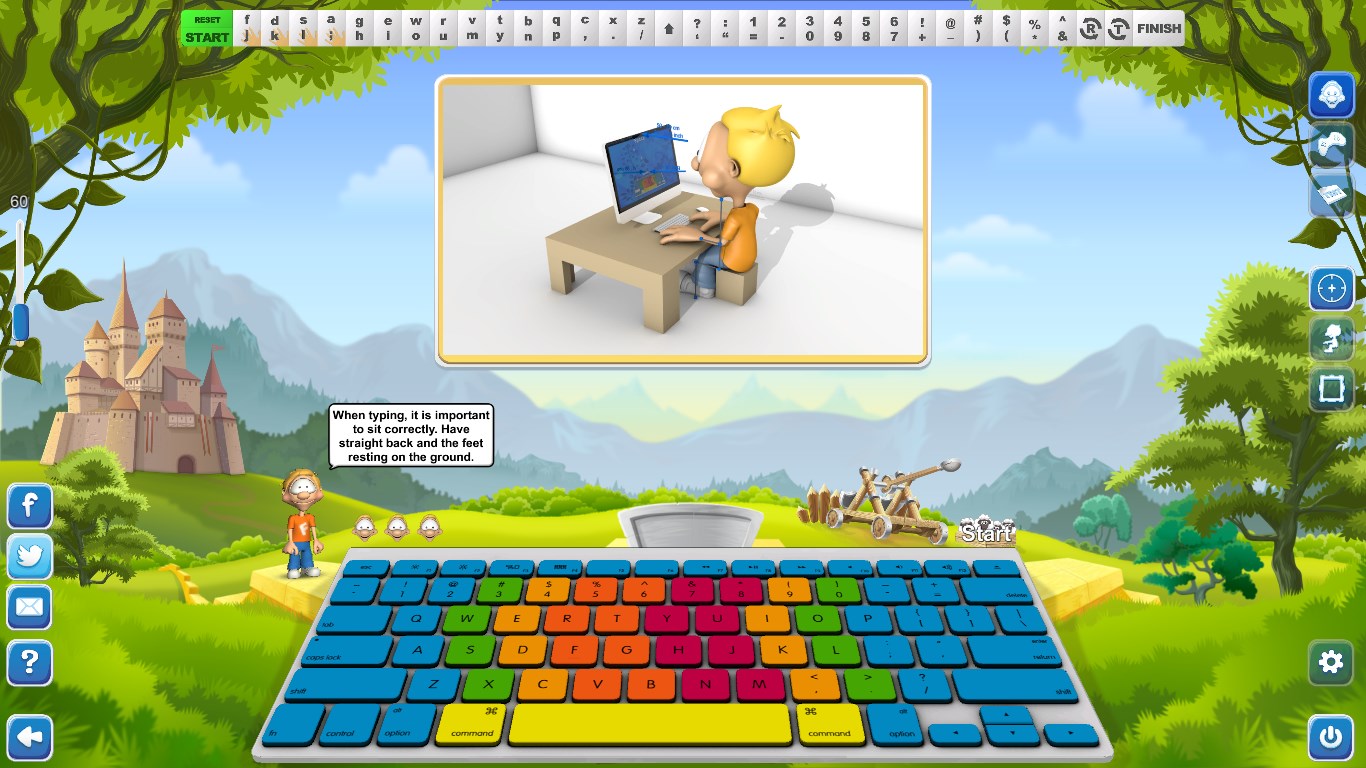
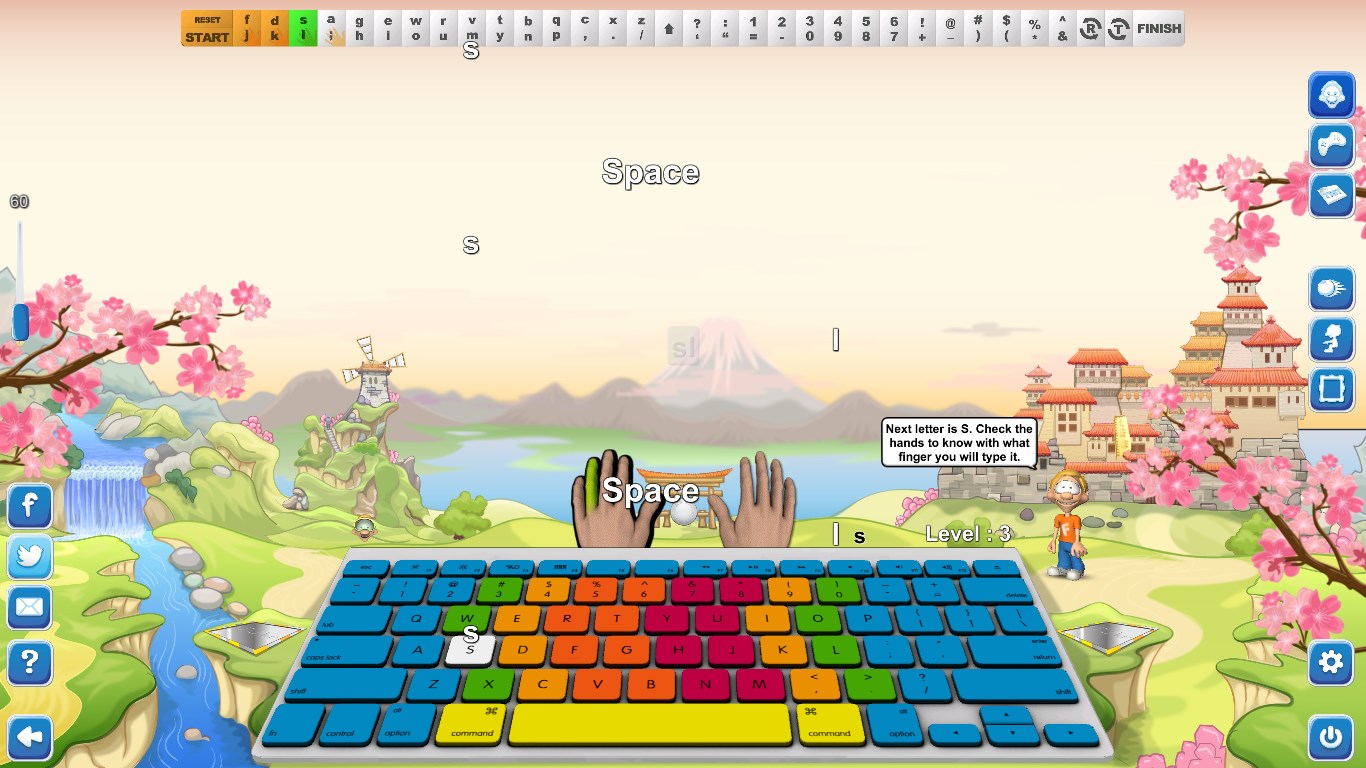
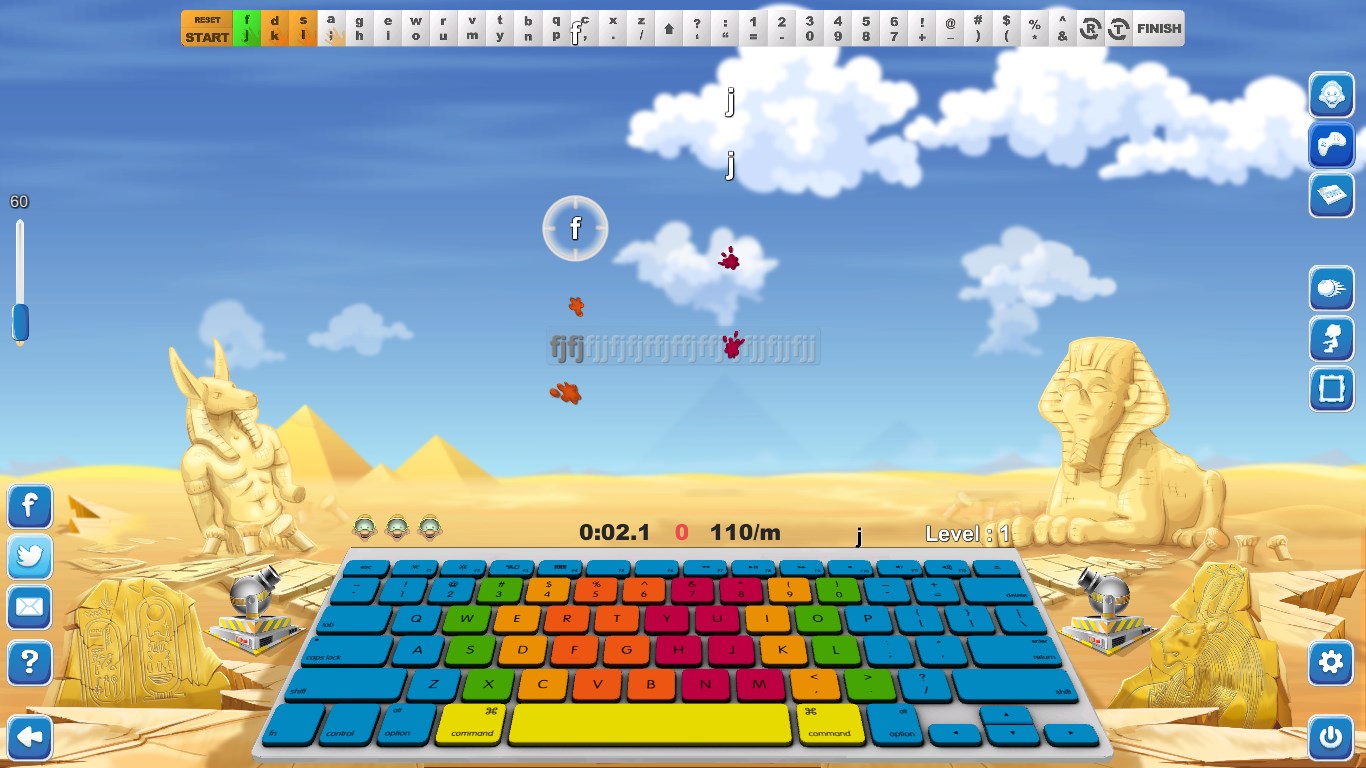
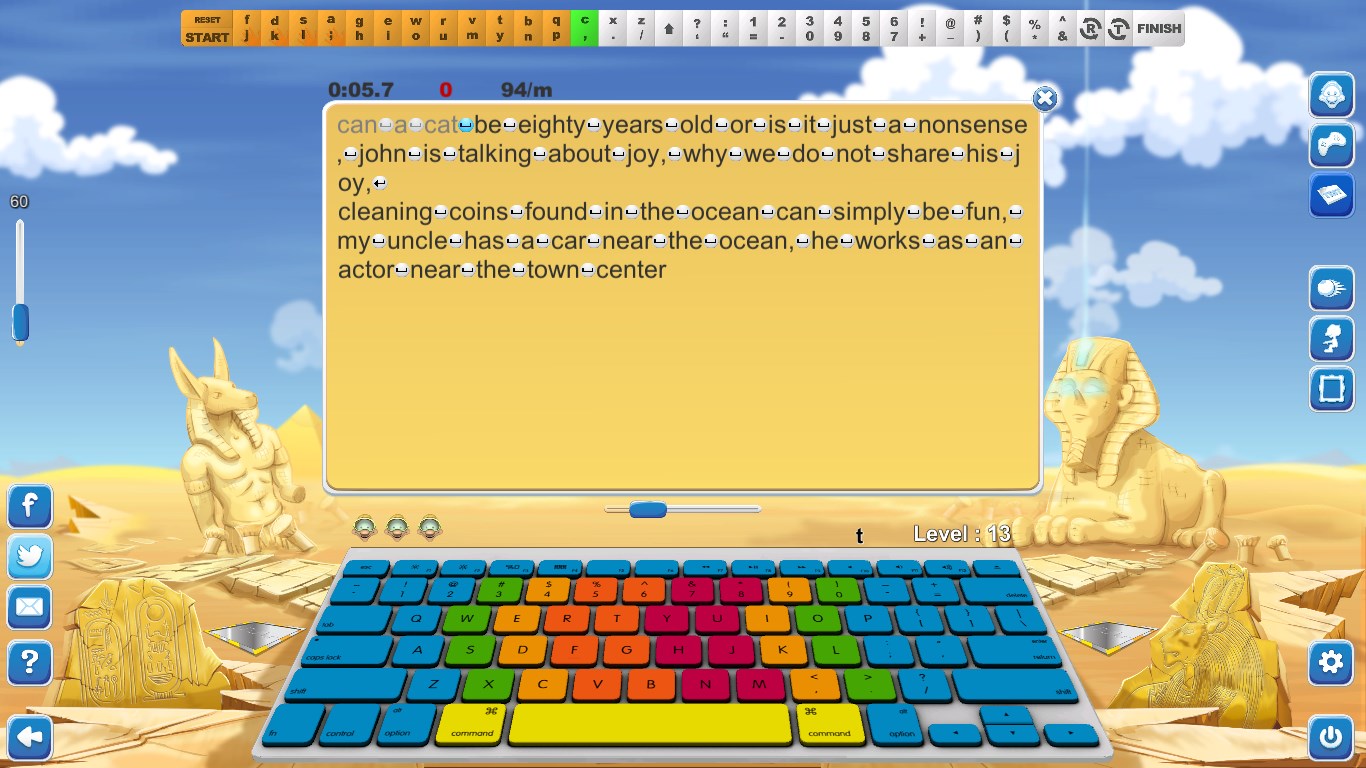
Typing Fingers is a touch-typing tutor app teaching the ten-finger system through an interactive game with a QWERTY layout and German keyboard support. Dennis, an interactive tutor, guides learners through 32 progressively built lessons, each split into a learning part for memorizing letters and symbols and a game part with limited lives to complete the level. The app uses a symmetric teaching method that maps the keyboard symmetrically, intended to activate both brain hemispheres during learning. Completing all levels earns a printable diploma with the user's name and completion date, suiting all ages, including children and homeschooling use.
Show the developer's original descriptionHide the original description
- Ready for US/EN QWERTY keyboard layout -
Great for homeschooling. Contains typing games.
Typing Fingers uses a completely new approach to teach the efficient touch-typing (ten-fingers) system. It makes typing fun, is interactive and works with modern technologies and a new teaching method. The beautiful design and peaceful music create an amazing atmosphere that allows everybody, including children, to improve their typing skills and get TYPING FINGERS DIPLOMA after successful completion of all levels.
*** SYMMETRIC SUPER LEARNING ***
Typing Fingers uses a modern teaching approach based on brain analysis. The SYMETRIC method helps to activate both brain hemispheres equally in the process of learning and playing the game. The user maps the keyboard symmetrically and symmetrical patterns are repeated again and again during the whole game.
*** GET A TYPING FINGERS DIPLOMA ***
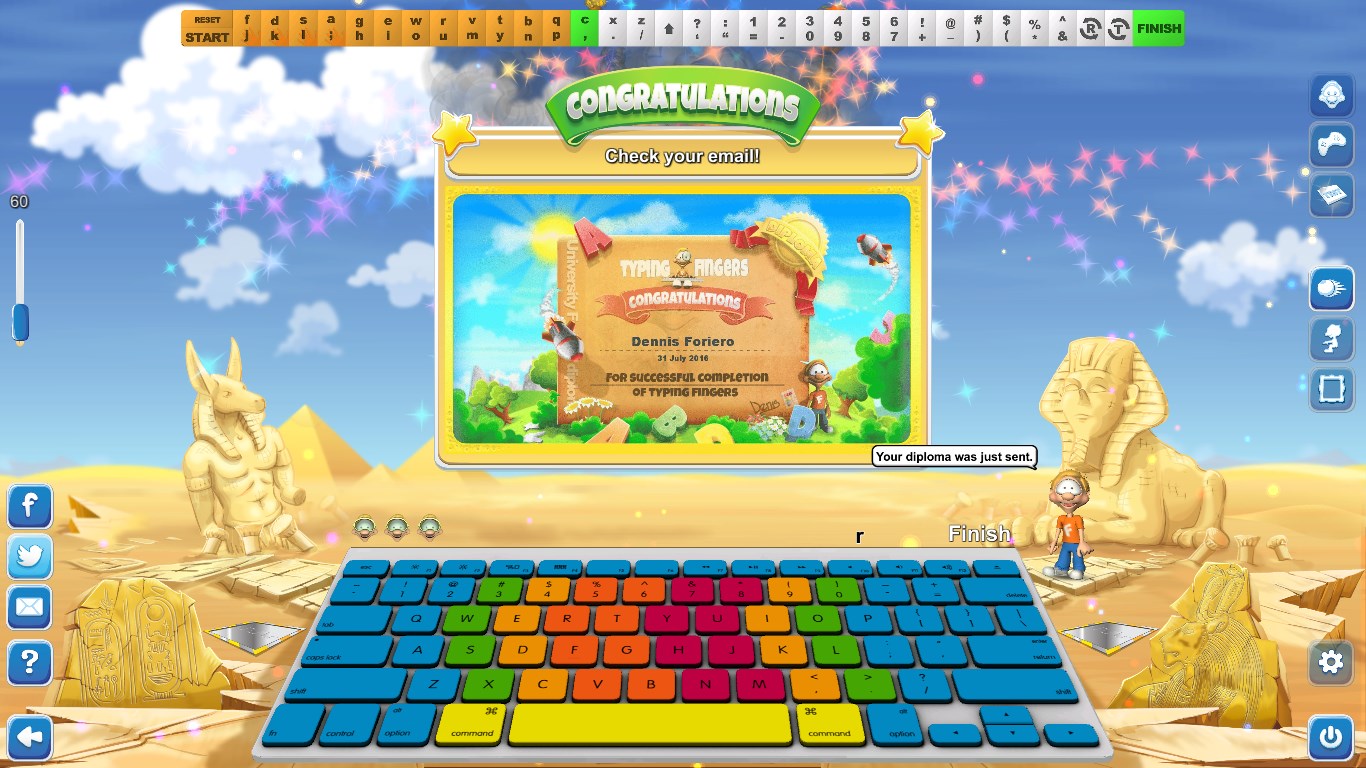
Win the game and get Foriero's Typing Fingers diploma! You can get exactly the same diploma as you see on the screen shots except with your name and date of game completion. Just print it and stick it on the wall and everybody, even you, will be proud that you have successfully completed TYPING FINGERS.
*** 32 LEVELS WITH INTERACTIVE TUTOR ***
In all the 32 lessons a "Tutor" called "Dennis" will help you to learn which fingers are for striking which keys. The levels are built up gradually, so you learn how to use your keyboard in a fun and easy way.
*** LEARNING & PLAYING MODE ***
Each lesson is divided into two parts. The first one is for learning purposes. In this part Dennis helps you to memorize letters and symbols and to practise the correct motion.
The second part is a game and you have "ONLY" three lives to beat the level. Work diligently, ardently and persistently and you´ll get it!
*** WRITE US ***
If you have any ideas or notions or just feelings on how to improve this
app you can always press the WRITE US button in the game and send us your feedback and wishes. We will be very glad to incorporate all your input into a new version.
If there is a version of this app for iOS/Mac or Windows we don't know about, paste the store link here — we'll auto-detect the store.
How to find the URL:1. Open the app in its store. 2.In the App Store app: tap the Share icon → “Copy Link”. In the browser: copy the URL from the address bar — it contains apps.apple.com/…/id… or apps.microsoft.com/detail/…. 3. Paste it here.
Paste the original link from the Apple App Store or Microsoft Store. We fetch all details automatically.
How to find the URL:
1. Open the app in its store. 2.In the App Store app: tap the Share icon → “Copy Link”. In the browser: copy the URL from the address bar — it contains apps.apple.com/…/id… or apps.microsoft.com/detail/…. 3. Paste it here.
Android apps can only be listed by their developer.






 Typing Fingers LT
Learn touch-typing with games and an interactive tutor
 Typing Land
Learn typing through 40 mini-games with lessons
 TypingMagic 12
Interactive typing training with adaptive lessons
 Duolingo - Language Lessons
Learn languages, chess and math through games
 My FlashCards
Create and study handwritten, drawn, or typed flashcards
 FlashQuiz
Create, share and study flashcards with tracking