
Screenshot appears after consentScreenshot appears after consent
Summary
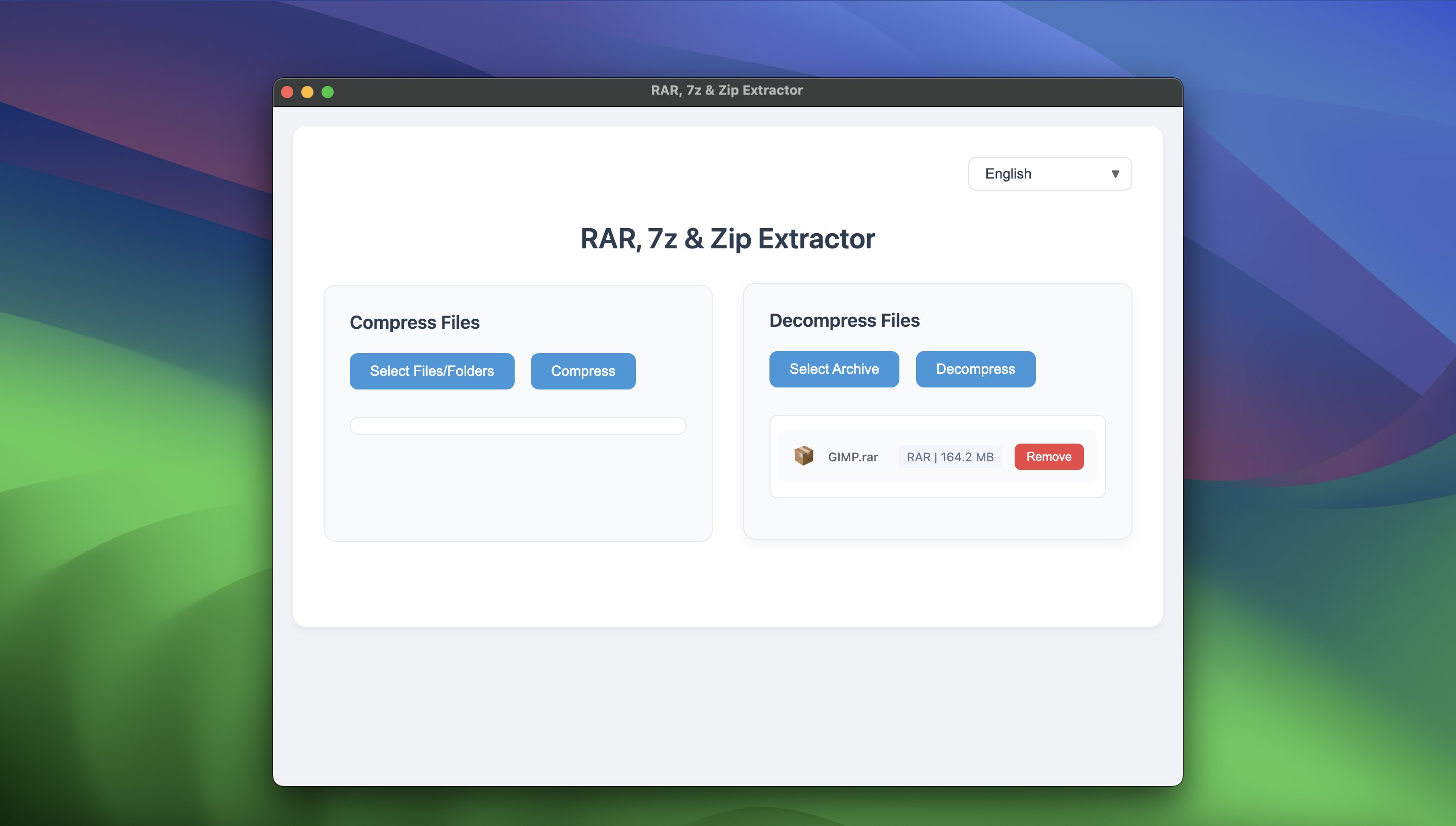
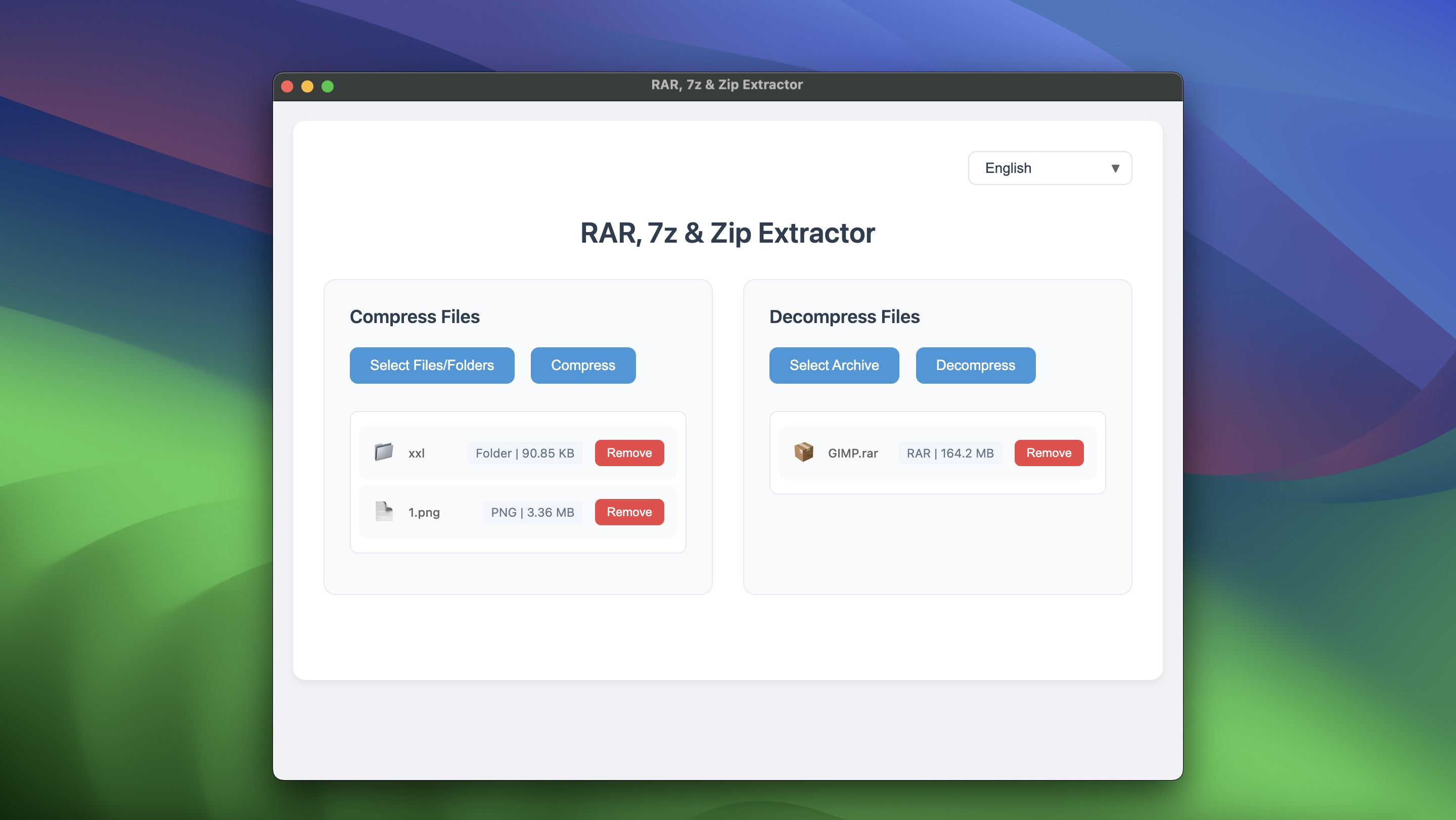
RAR, 7z & Zip Extractor is an archive extractor for Windows that opens and decompresses ZIP, RAR, 7z, TAR and other common archive formats. It extracts files quickly, including large multi-volume RAR archives. Files can be unpacked by dragging them directly into the app. According to the provider, encrypted archives are also supported for secure extraction. The interface is designed to be usable by both beginners and advanced users.
Show the developer's original descriptionHide the original description
This powerful archive extractor is designed to handle all types of archive files with ease. Whether you need to extract ZIP, RAR, 7z or other popular formats, this tool provides seamless support for a wide range of file types. With a simple, intuitive interface, users can quickly decompress and access their files without hassle.
Key Features:
•Universal Compatibility: Supports multiple formats, including ZIP, RAR, 7z, TAR and more.
•Fast Extraction: Extracts files quickly and efficiently, saving your time.
•User-Friendly Interface: Designed for both beginners and advanced users.
•Drag & Drop: Easily extract archives by dragging files into the app.
Whether you're handling small ZIP files or large, multi-volume RAR archives, this tool makes extracting and managing your files simple and efficient. Perfect for both everyday users and professionals, this is the ultimate solution for all your archiving needs on Windows!
If there is a version of this app for iOS/Mac or Windows we don't know about, paste the store link here — we'll auto-detect the store.
How to find the URL:1. Open the app in its store. 2.In the App Store app: tap the Share icon → “Copy Link”. In the browser: copy the URL from the address bar — it contains apps.apple.com/…/id… or apps.microsoft.com/detail/…. 3. Paste it here.
Paste the original link from the Apple App Store or Microsoft Store. We fetch all details automatically.
How to find the URL:
1. Open the app in its store. 2.In the App Store app: tap the Share icon → “Copy Link”. In the browser: copy the URL from the address bar — it contains apps.apple.com/…/id… or apps.microsoft.com/detail/…. 3. Paste it here.
Android apps can only be listed by their developer.