
Screenshot appears after consentScreenshot appears after consentScreenshot appears after consentScreenshot appears after consentScreenshot appears after consentScreenshot appears after consentScreenshot appears after consentScreenshot appears after consentScreenshot appears after consentScreenshot appears after consentScreenshot appears after consentScreenshot appears after consentScreenshot appears after consent
Summary
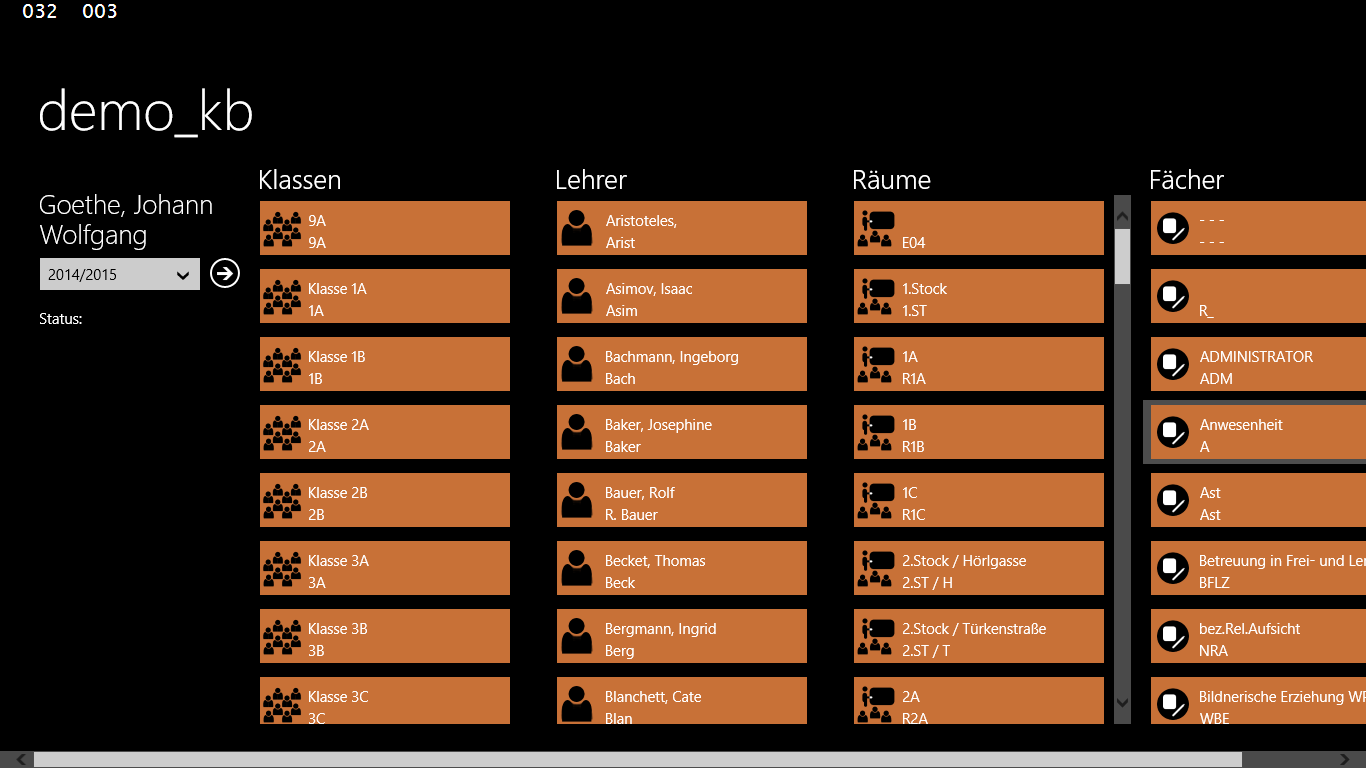
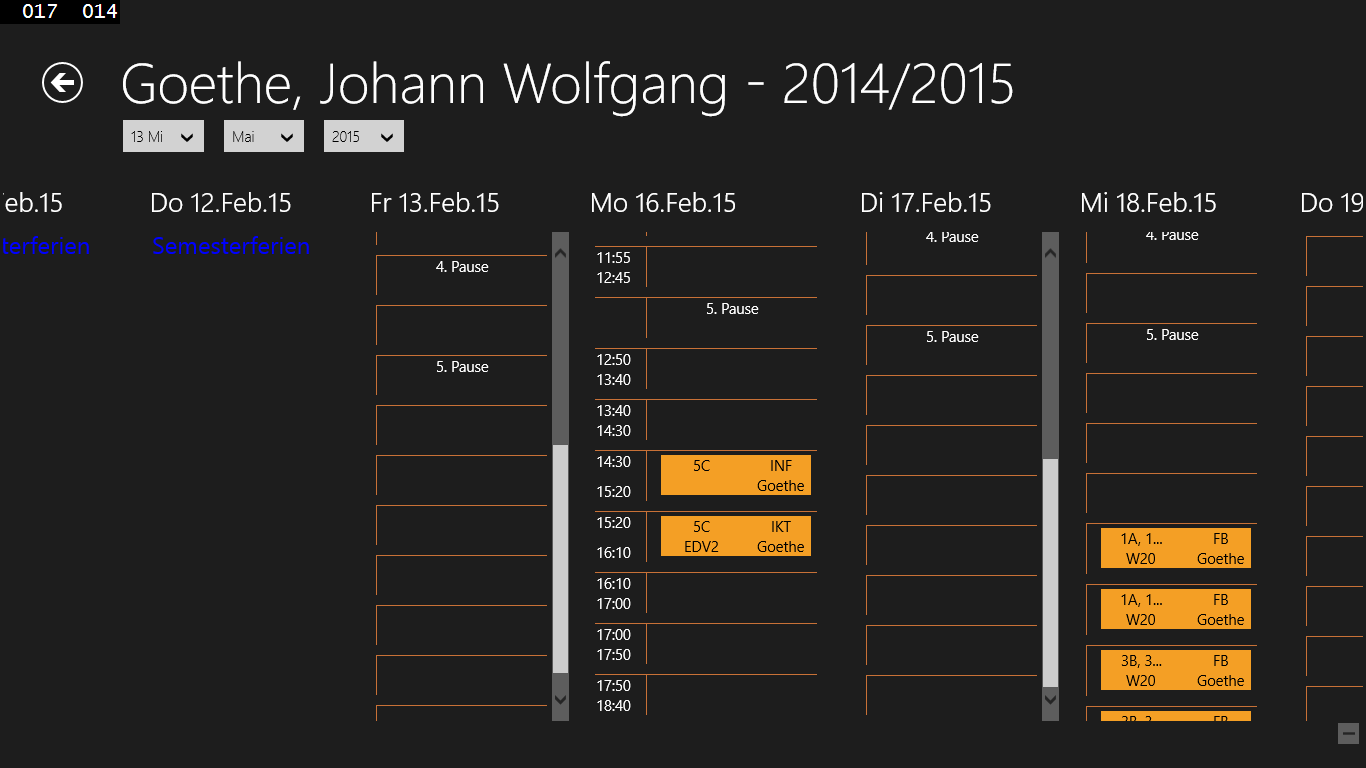
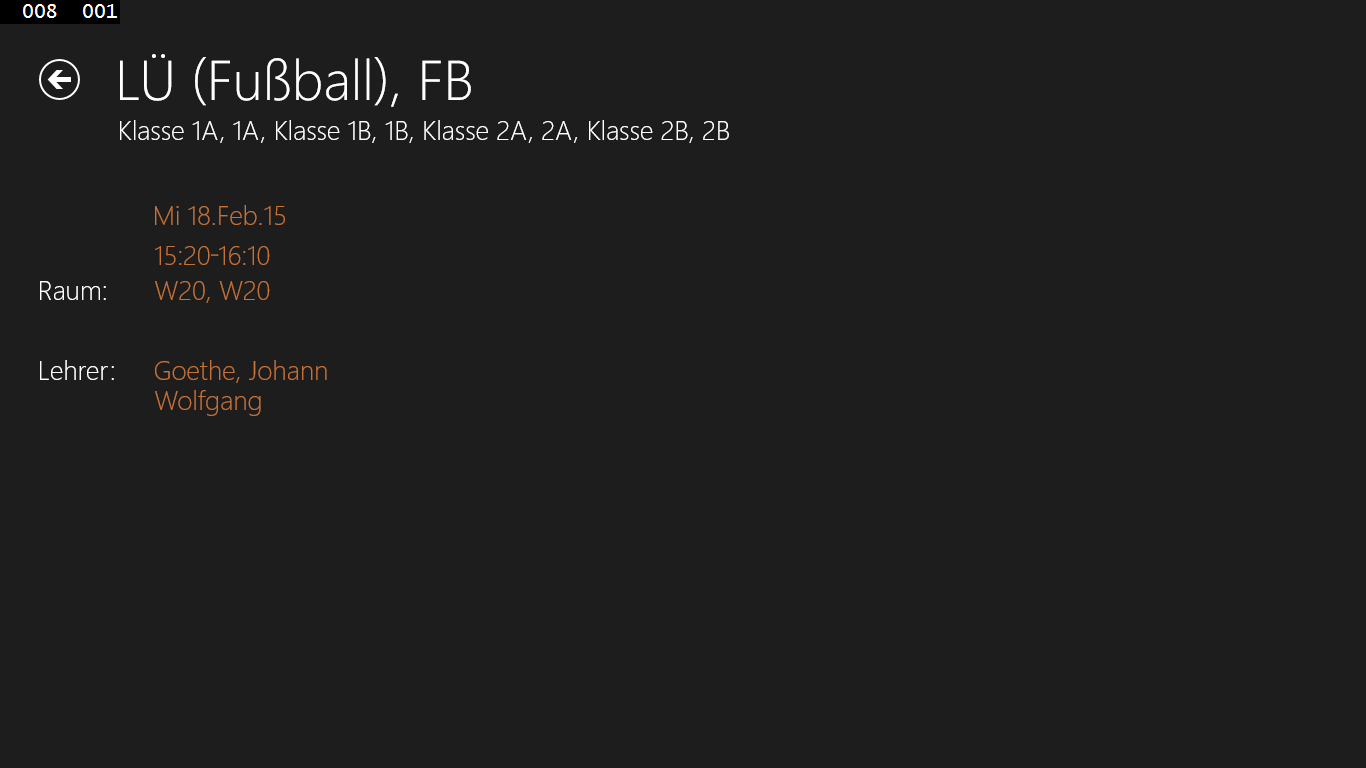
WUP is a timetable app for viewing WebUntis schedules. It shows the schedule of a signed-in user or, depending on access rights, the timetables of classes, teachers, rooms or subjects. Downloaded timetables are stored locally so they remain accessible offline. The app offers a year view that jumps automatically to the current day and lets the display be adjusted, including short or long names, which days are shown, and whether time grids and start and end times appear. It supports searching for objects by short or long name and shows lecture details, including student attendance status where available.
Show the developer's original descriptionHide the original description
This is a client to the WebUntis software from www.grupet.at.
You can see you latest time table and details for a lecture. Having access rights, you will be also able to see time tables for class, subjects, teacher or rooms.
The downloaded time table will be stored locally for offline functionallity.
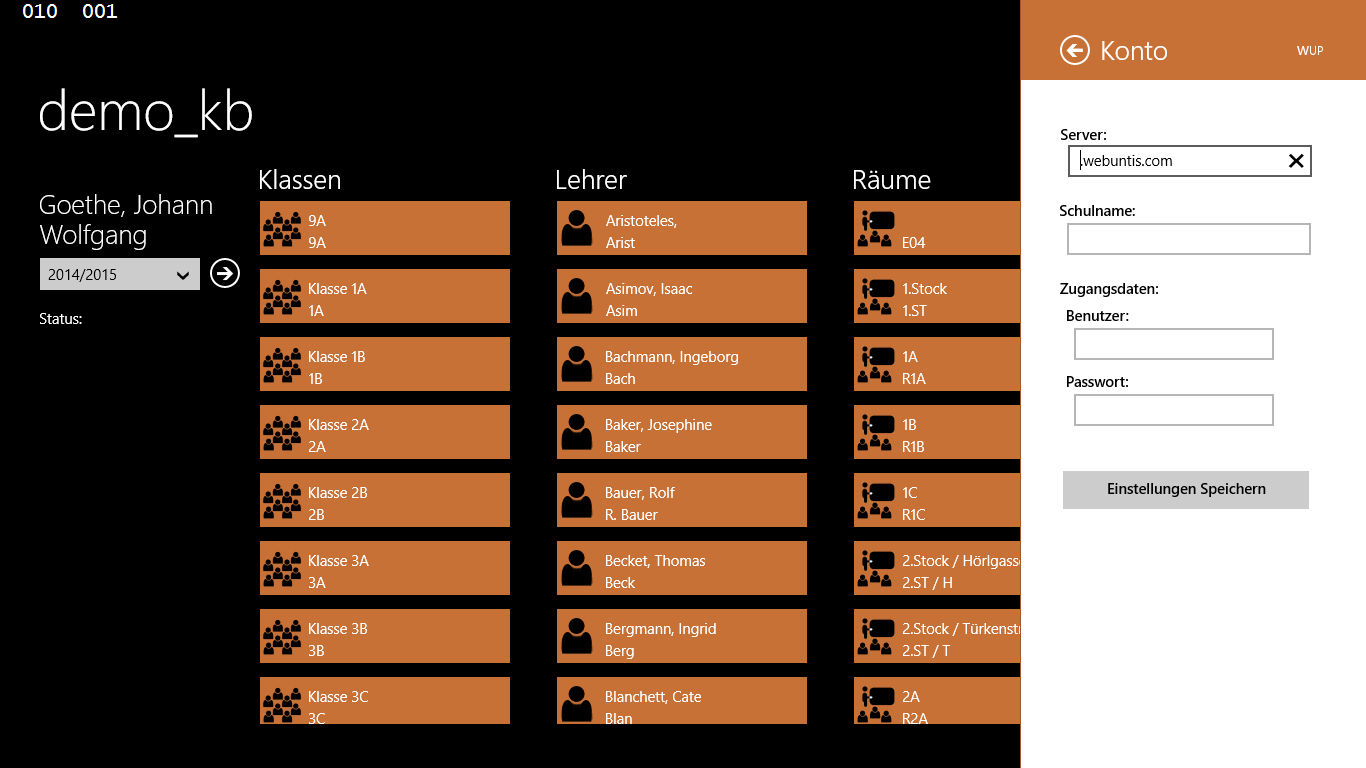
In the account settings page you can activate to sync your own timetable into the calendar app of windows phone. The sync currently will be started after the own timetable has been opened.
The features "Anonymous Login" and "Search for School" cannot be implemented as the required Interface Information are not provided by the WebUntis owner. These features are reserved to grupet.at own apps.
Following Features are implemented:
* School Year View (for signed in user and all other objects)
* Jumps directly to today or the next school day in case of a Weekend
* Selection of an event for details
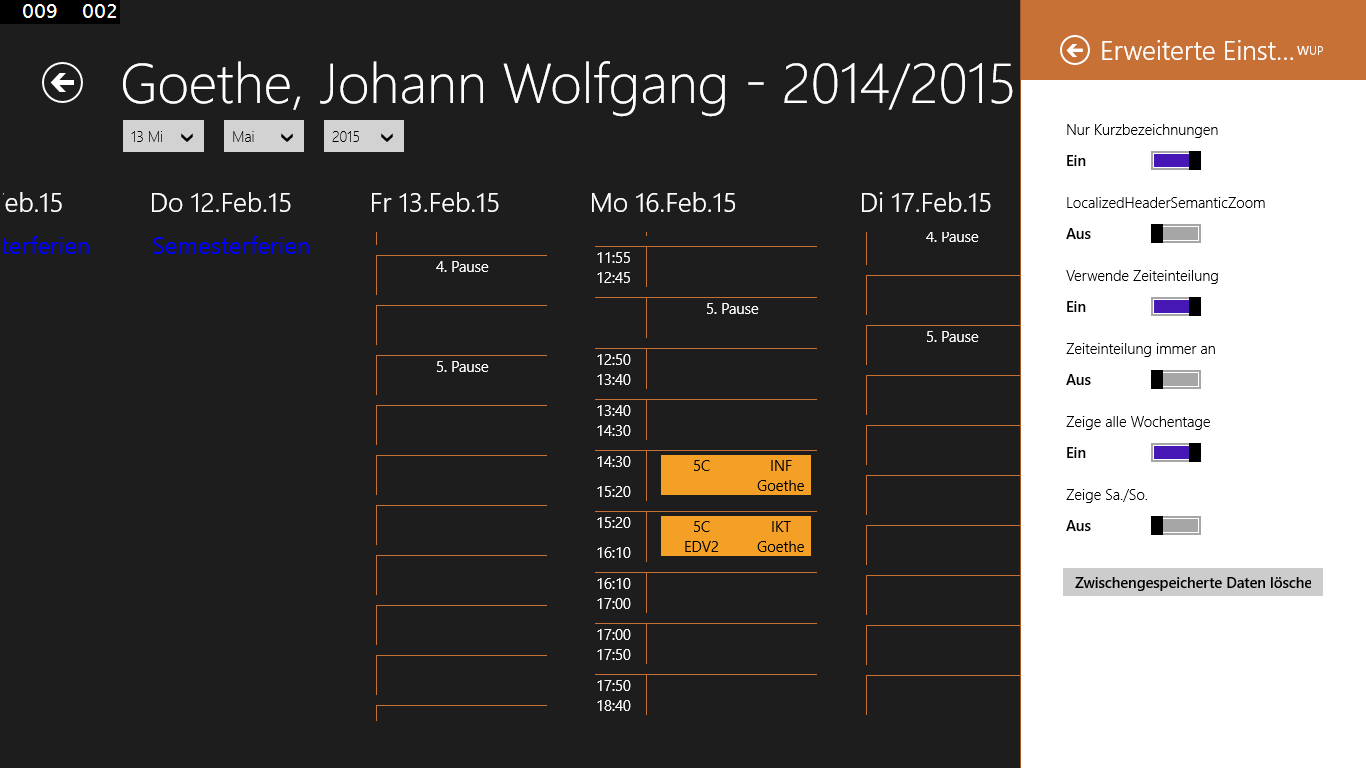
* View can be modified with respect of
- long or short names
- in case of long names, order of name and firstname
- which days shall be shown (all, no weekends, ...)
- time grid shall be used
- show start end date at each day or only first day of week for the time grid.
* Time view for following objects
* Classes, Rooms, Teacher, Subjects
* Search for an object considering long and short names
If there is a version of this app for iOS/Mac or Windows we don't know about, paste the store link here — we'll auto-detect the store.
How to find the URL:1. Open the app in its store. 2.In the App Store app: tap the Share icon → “Copy Link”. In the browser: copy the URL from the address bar — it contains apps.apple.com/…/id… or apps.microsoft.com/detail/…. 3. Paste it here.
Paste the original link from the Apple App Store or Microsoft Store. We fetch all details automatically.
How to find the URL:
1. Open the app in its store. 2.In the App Store app: tap the Share icon → “Copy Link”. In the browser: copy the URL from the address bar — it contains apps.apple.com/…/id… or apps.microsoft.com/detail/…. 3. Paste it here.
Android apps can only be listed by their developer.